Theme

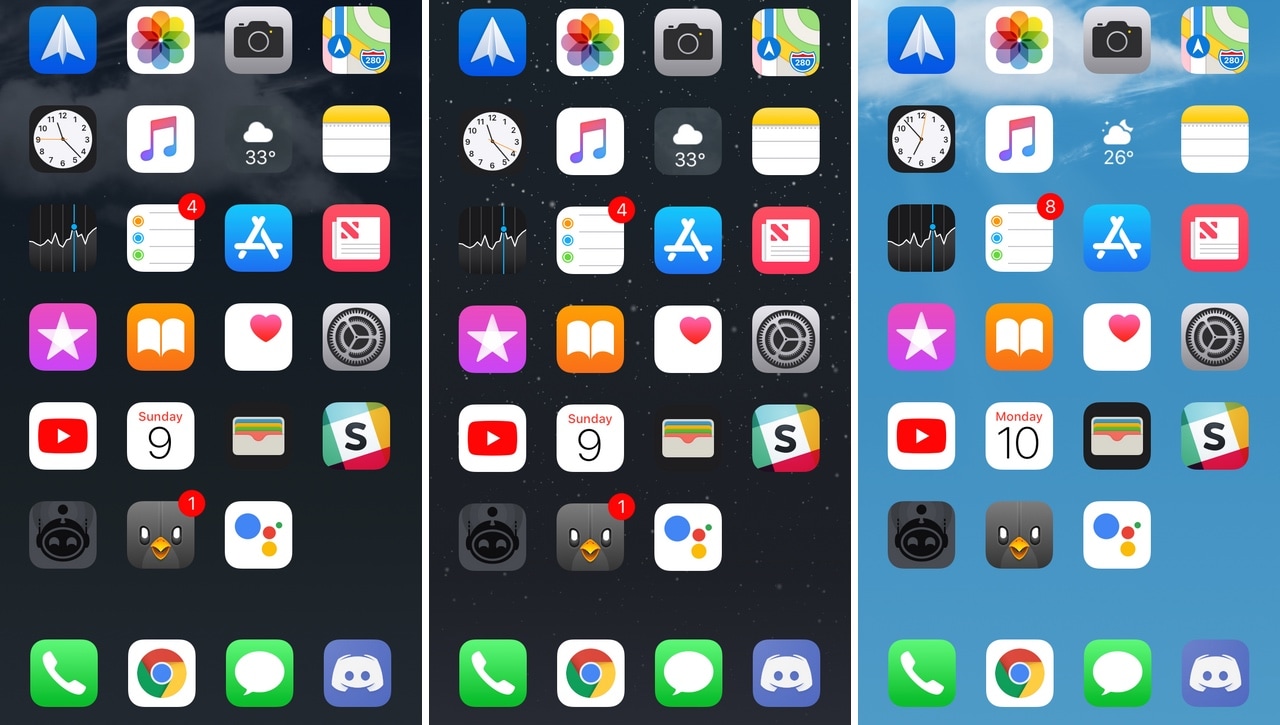
Enable animated Weather-centric wallpapers and information system-wide with Asteroid

All iOS devices come standard with a finely-polished Weather app and a Weather-centric Notification Center/Today widget, but wouldn’t it be nice if that same weather information appeared in places that actually mattered?

Asteroid is a new free jailbreak tweak developed by MidnightChips and The Casle that brings live weather information to various interfaces found throughout iOS, such as the Home screen, the Lock screen, and the Weather app icon itself.
CircleSettings replaces the Settings app’s square icons with round ones

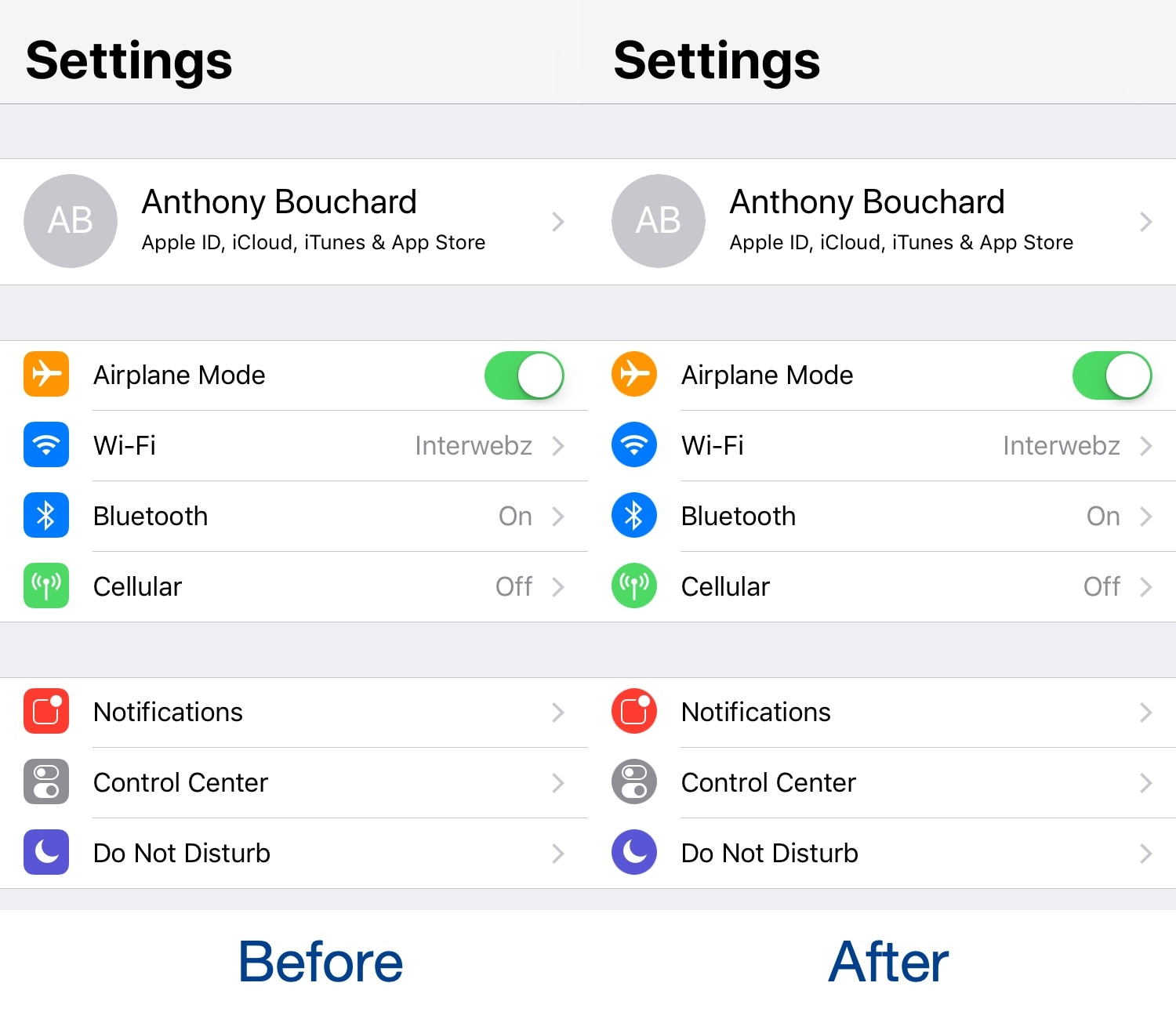
If you’re looking for a quick and easy way to modernize your iPhone or iPad’s Settings app, then you should take a moment out of your day to try a free jailbreak tweak called CircleSettings by iOS developer SparkDev.

As depicted in the screenshot examples above, CircleSettings applies a circular filter over the icons displayed on the left side of the primary page in the Settings app without the need for a theming app like WinterBoard; the result is that they look circular rather than square.

MotionPicture lets you use animated GIFs and video files as iPhone wallpapers

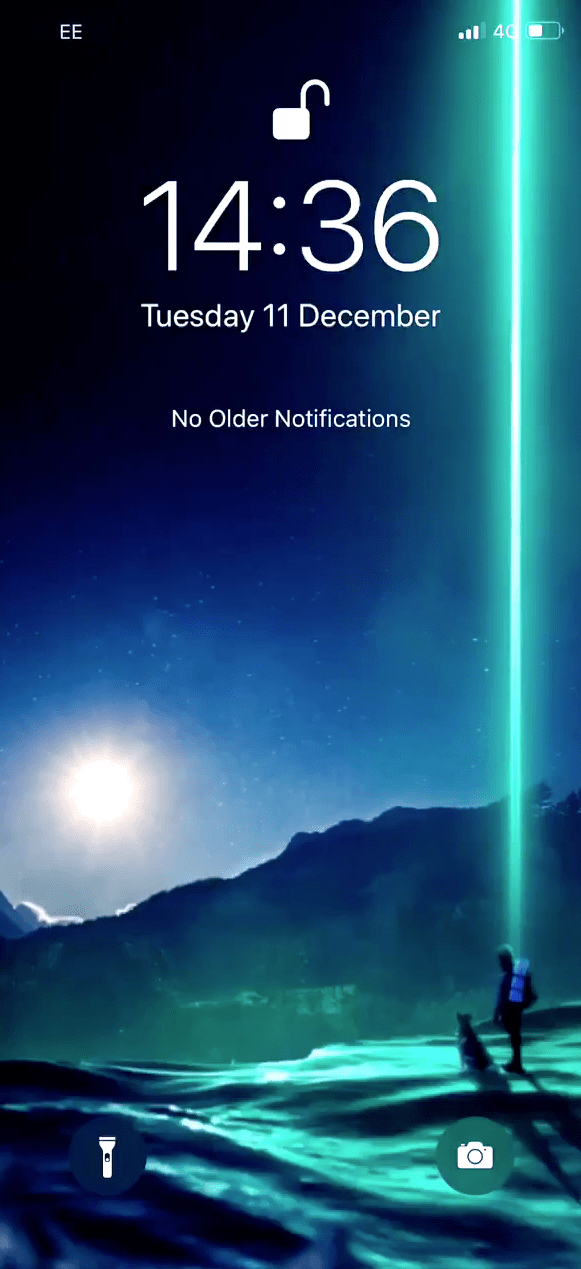
Despite Apple’s attempts to step up its iOS wallpaper experience in recent years, with dynamic wallpapers, Live Photos, and motion, it still leaves a lot to be desired. Fortunately, a new jailbreak tweak called MotionPicture by iOS developer Dev4i can help with this.

As you may have already inferred from the tweak’s name, MotionPicture lets you have moving wallpapers on your handset's Home screen and Lock screen. Furthermore, MotionPicture works with various file types, giving you the flexibility you deserve for a personalized experience.

Colorize your iPhone’s keyboard however you want with Laetus

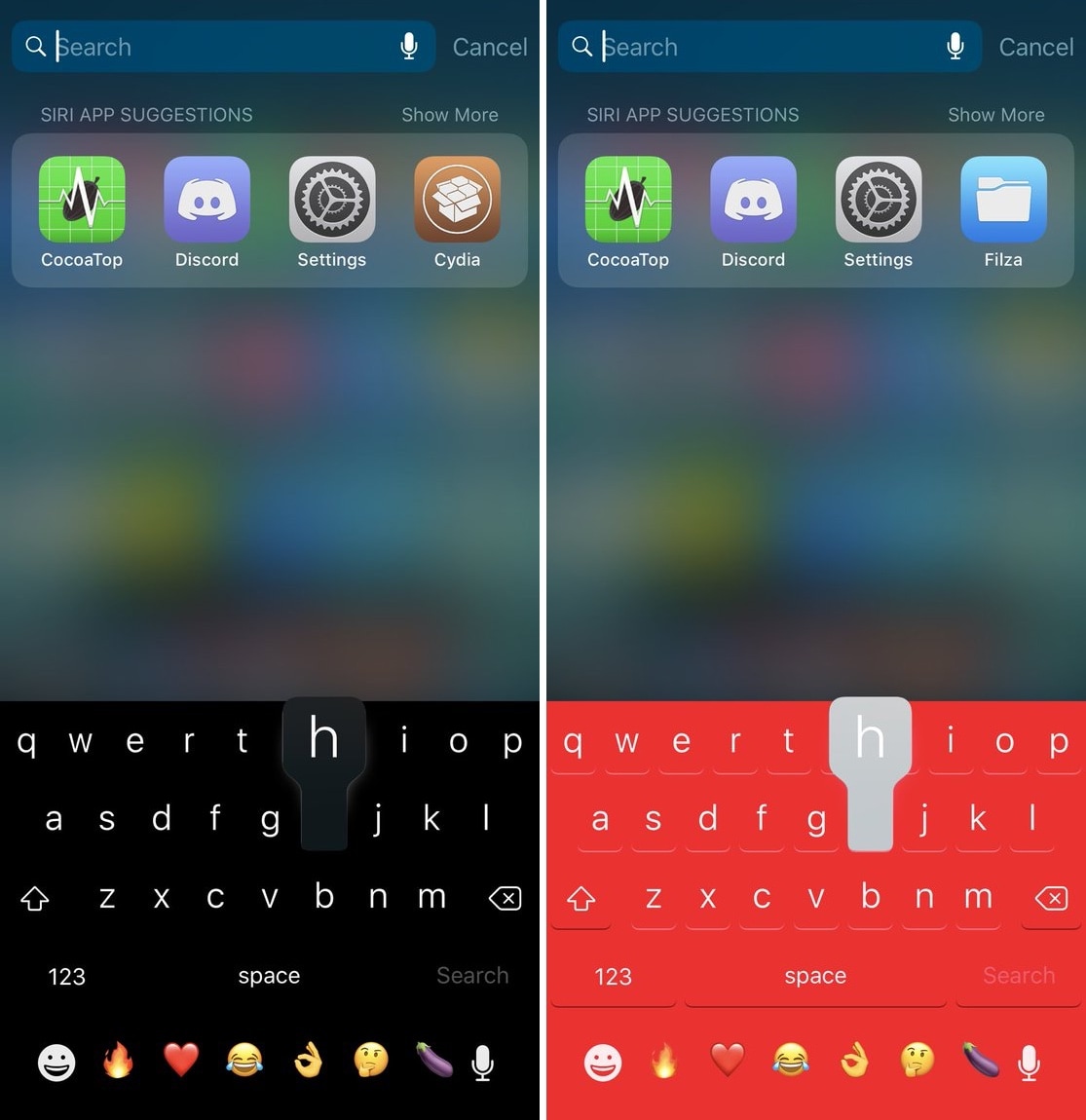
One of the most fundamental reasons for owning a jailbroken iPhone or iPad is having the ability to customize it outside of Apple’s stock parameters. If you’re one to enjoy theming or changing the default colors of iOS, then you might appreciate what a free jailbreak tweak called Laetus by iOS developer SparkDev can do for you.

As depicted in the screenshot examples above, Laetus empowers users to colorize iOS’ native keyboard interface with custom colors. With it, you can change the color of the keyboard background and its key text independently of one another.

Colorize your Home screen’s notification badges with BadgeColors

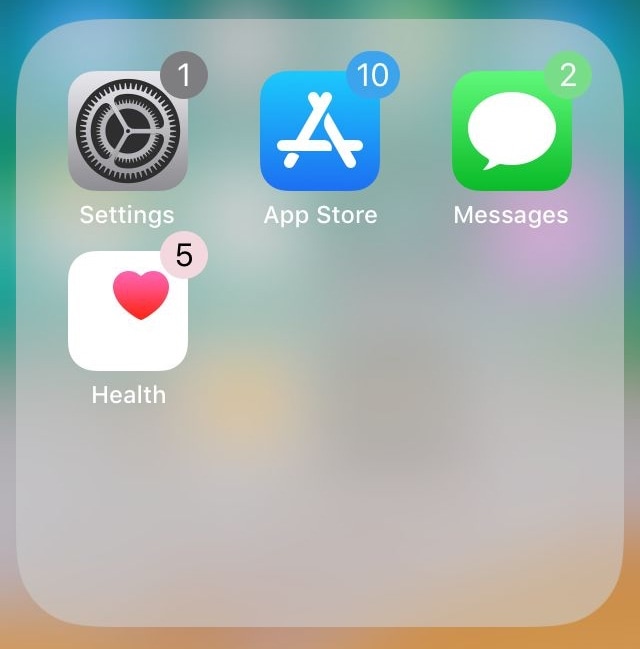
As your iPhone accumulates missed notifications, the icons on your Home screen become littered with little red dots indicating the number of missed notifications you have. Apple calls these red dots notification badges.

There’s no way to customize how notification badges look on a stock device, but if you’re jailbroken, then you can take advantage of a new jailbreak tweak called BadgeColors by iOS developer Cole Cabral.

Switches lets you theme your iPhone’s universal toggle switches

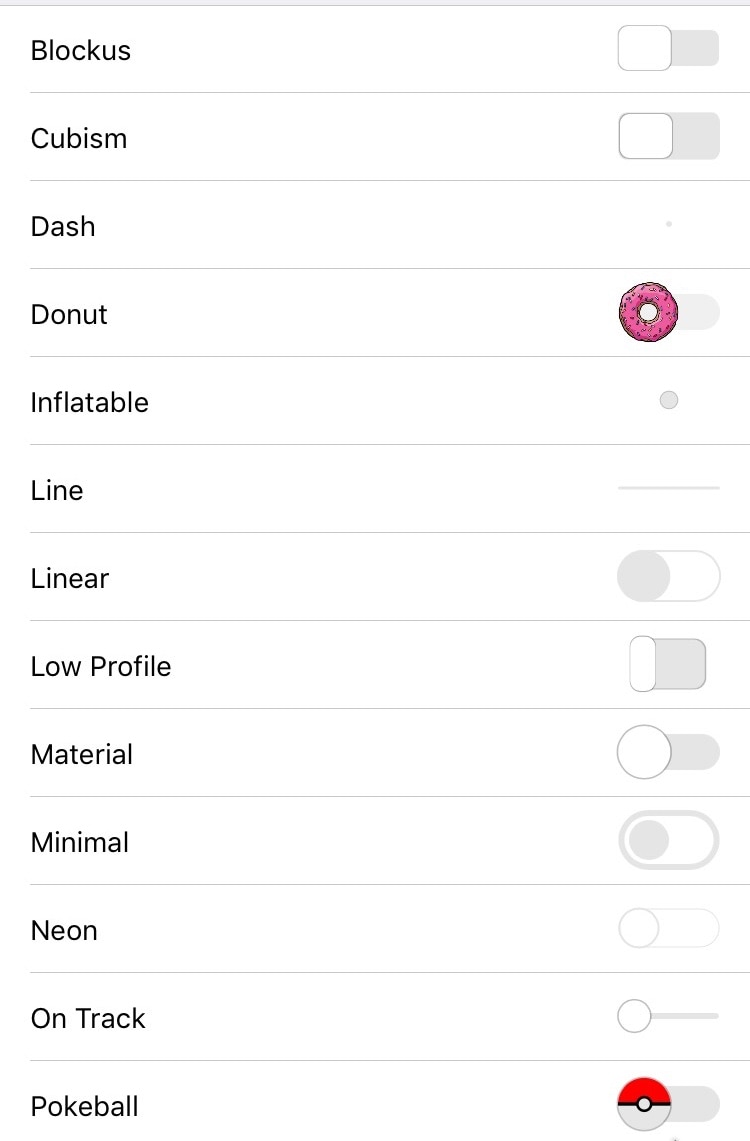
Toggle switches have been present in iOS since its conception, and apart from the significant redesign post-iOS 7, these toggle switches have kept mostly the same appearance over the years.

Enter Switches, a new jailbreak tweak by iOS developer c1der that resolves this problem by letting you put a custom spin on your jailbroken handset’s system-wide toggle switches.

Experience an uncompromising dark mode in Google Maps with Dark GMaps

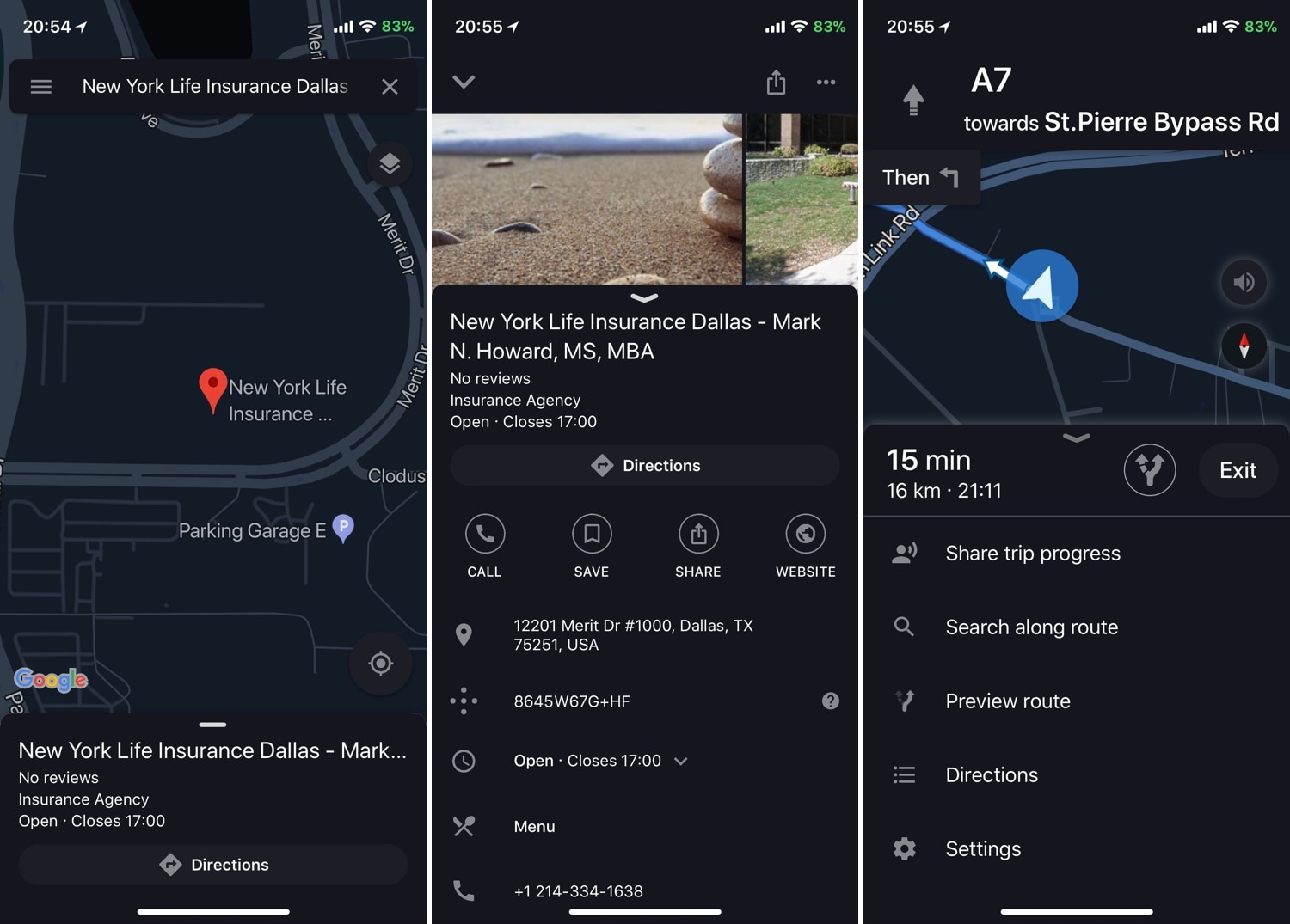
Due to the high volume of dark mode-centric jailbreak tweaks that are launched in the Cydia Store, we seldom cover them here at iDB. But because I use the Google Maps app so much on my daily driver during my commute, a new release dubbed Dark Gmaps by iOS developer FoxfortMobile seemed like a no-brainer.

If you were expecting a barebones tweak that merely colorizes the Google Maps app to look more appealing at night, then we think you’ll be pleasantly surprised by Dark GMaps. After installation, the tweak adds a preference pane to the Settings app where you can experiment with a plethora of creeper comfort features:

DarkTables augments iOS pop-up menus with dark mode features and more

While the Mac received an official dark mode option in macOS Mojave, iOS wasn’t so fortunate. You can use the Smart Invert feature on your iPhone to achieve a similar effect, but it’s not a real dark mode in the sense of what many would like to have.

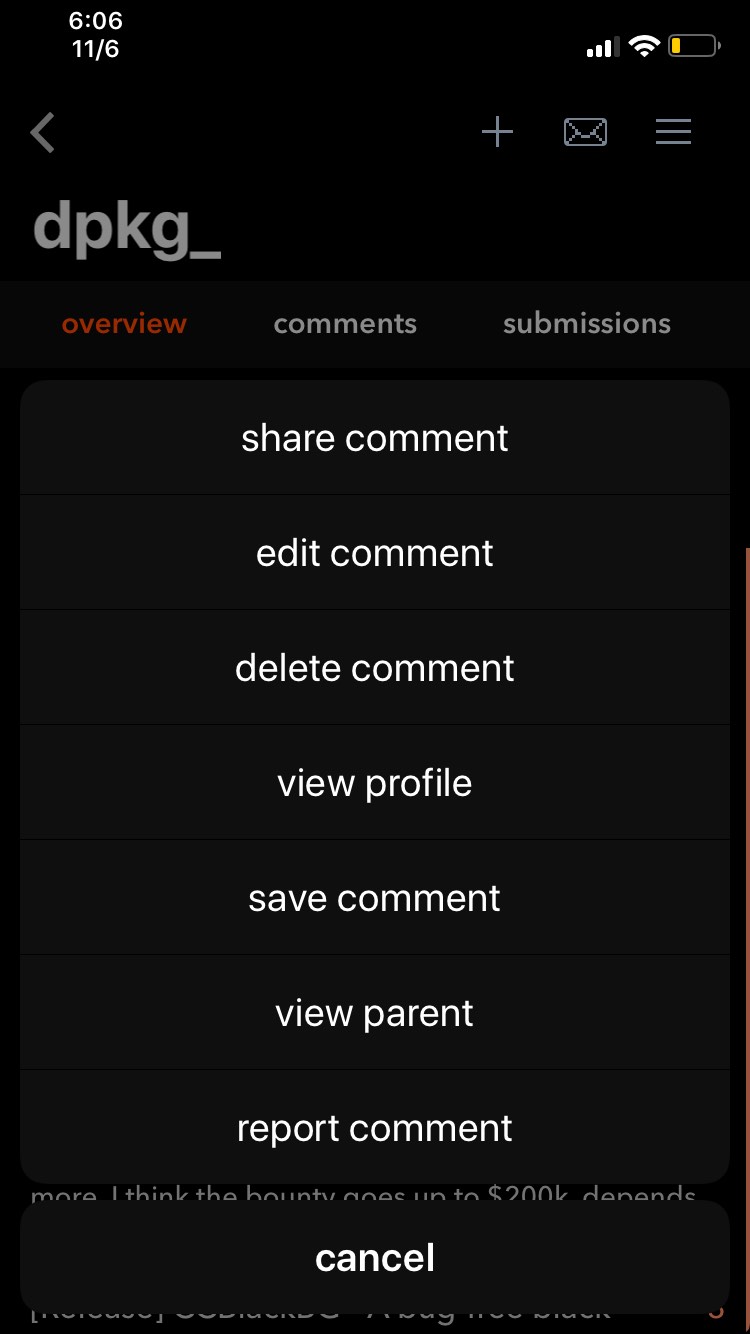
Luckily, the jailbreak community conceived a plethora of dark mode-centric jailbreak tweaks in recent memory that can help, and a new free release called DarkTables by iOS developer dpkg_ is no exception.

BatteryColor brings battery percentage-centric dynamic colorization to the Status Bar indicator

Among the plethora of icons that live in your iPhone’s Status Bar, the battery level indicator just might be one of the most critical. The battery level indicator does its job just fine on a stock installation of iOS, but if you’re jailbroken, then why stop there?

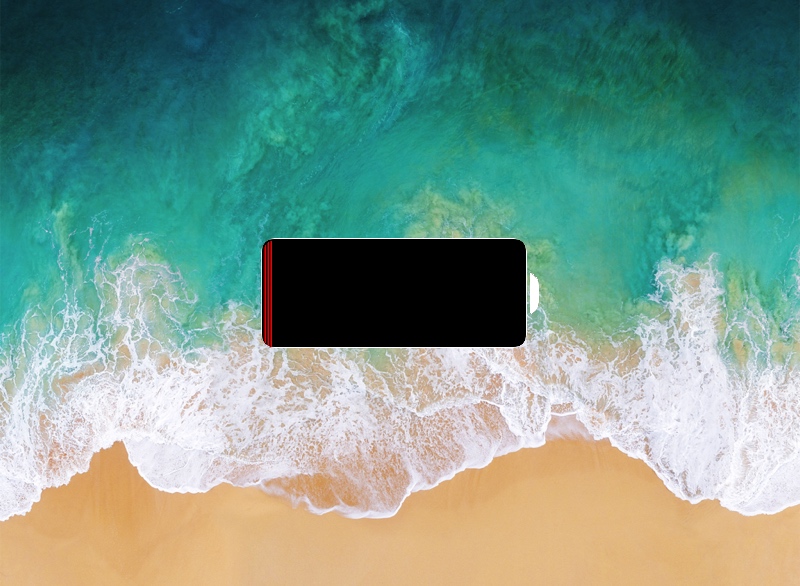
A new free jailbreak tweak dubbed BatteryColor by iOS developer Chasewhip enhances the aesthetic of your iPhone’s battery level indicator by giving it a dynamic color gradient that changes depending on your current battery percentage.

SqueakTime lets you use Apple Watch faces on your iPhone’s Lock screen

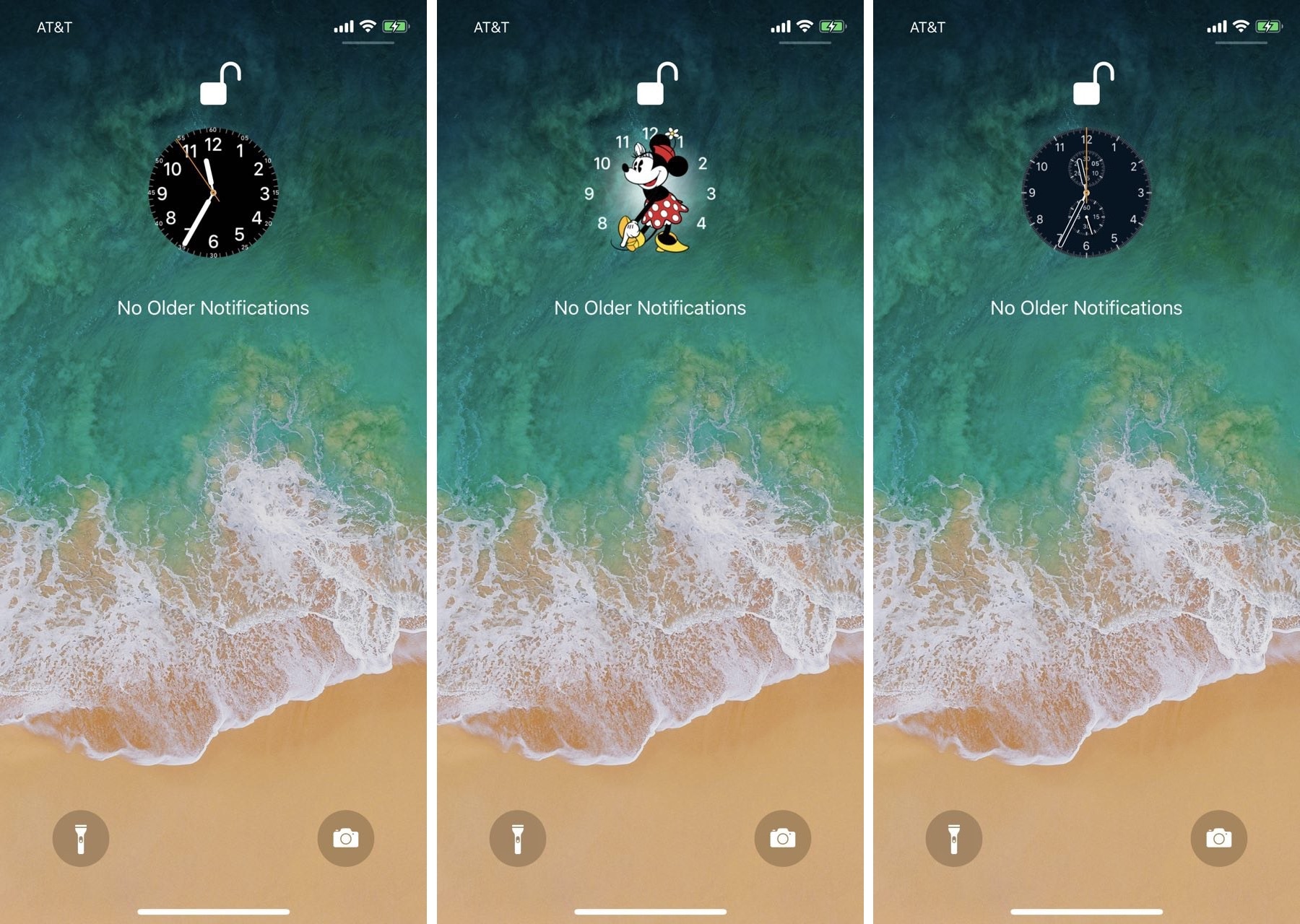
While perusing the Changes tab in the Cydia Store this week, we happened upon a brand-new jailbreak tweak dubbed SqueakTime by iOS developer Andy Wiik. With it, you can replace the Lock screen’s native time indicator with official Apple Watch faces.

After you’ve installed SqueakTime, you’ll take notice of a new “Use on Lockscreen” button that appears next to every Apple Watch face preview in the native Watch app:

Relocate the Lock screen’s date and time indicator with mcClock11

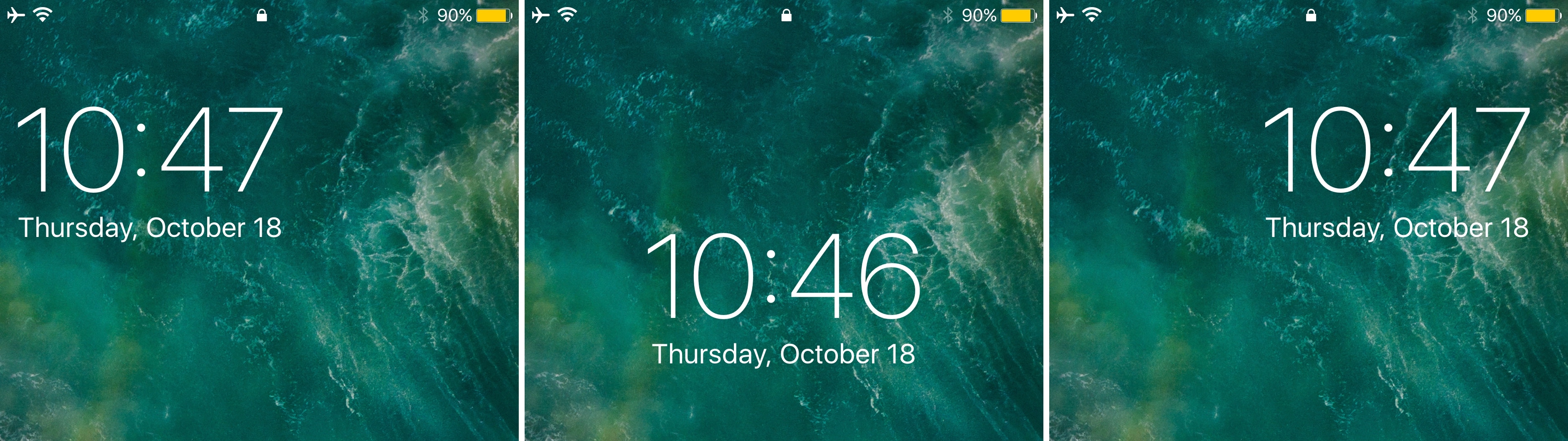
Right out of the box, your iPhone centers the date and time near the top of the Lock screen interface. But if you’ve ever wanted to move the date and time indicator around to different positions on the Lock screen, then you’re in luck.

A new free jailbreak tweak called mvClock11 by iOS developer Soh lets you relocate the Lock screen’s date and time indicator anywhere you’d like.

Give Cydia a modernized facelift with ReCydia

The main page in Cydia has looked nearly the same for as long as we can remember, and that might be considered a good thing or a bad thing, depending on your personal taste.

Those looking for something a bit more refreshing might be interested in a new free jailbreak tweak called ReCydia by iOS developer Ryu.