Software

Tip: customize the Safari toolbar on your Mac

Last week, we showed you how you could customize the toolbar on your Mac's Finder window to better suit your needs, but there are other apps throughout the macOS operating system that come with toolbar-editing capabilities as well.

In this tutorial, we'll show you how you can customize the toolbar in the Safari web browser to make your web surfing experience the best it can be for your specific needs.
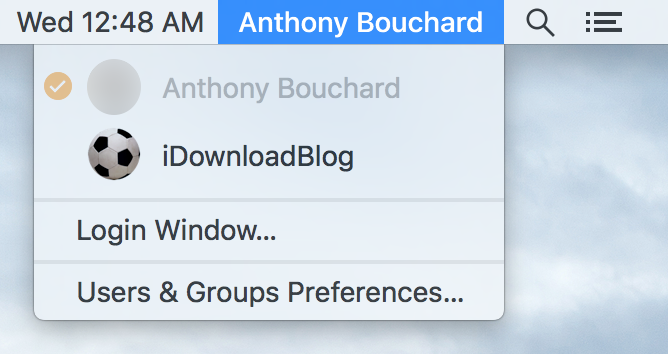
Clean up time: how to remove your account name from your Mac Menu Bar

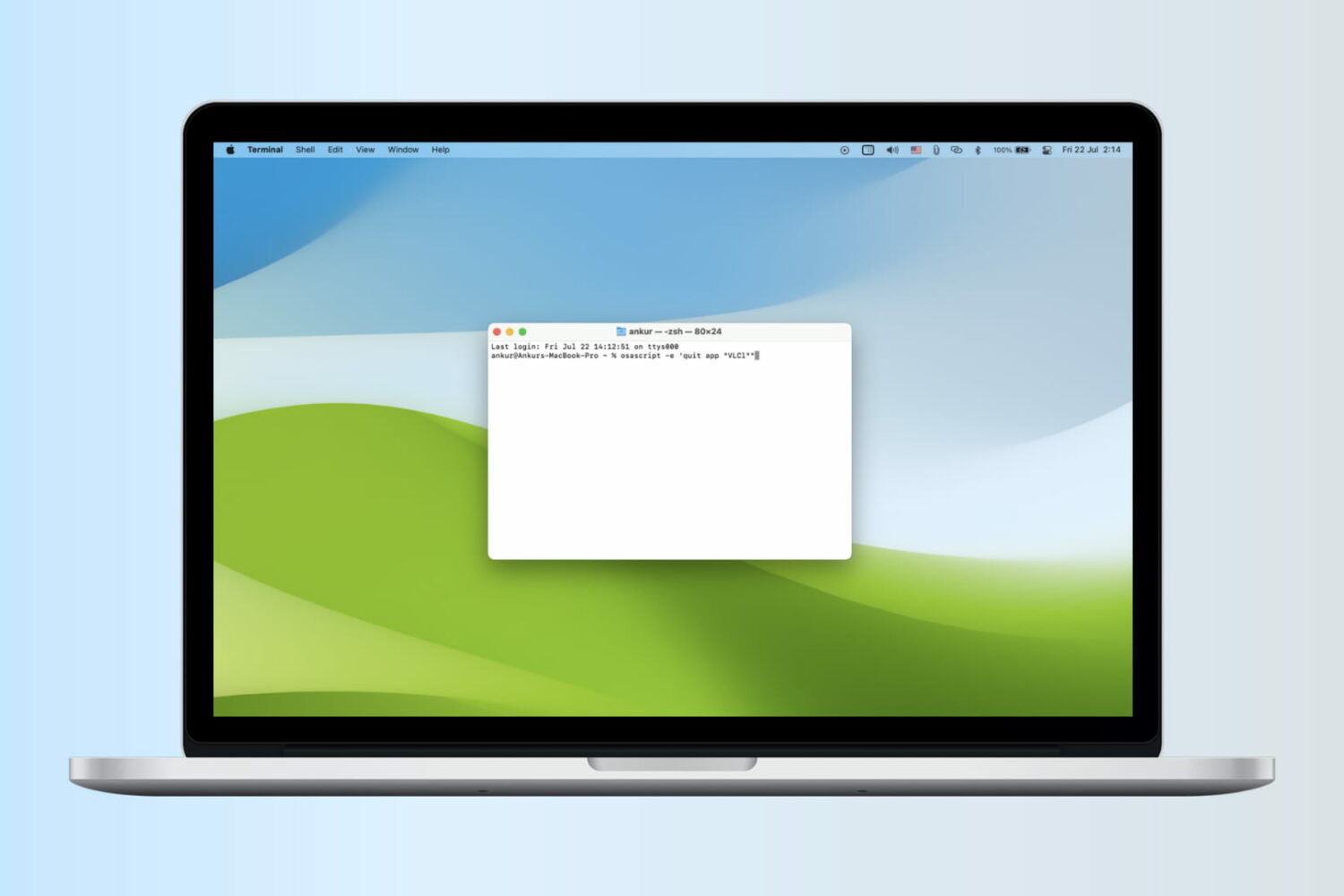
Any time you set up a new Mac, or make a new user account, macOS will automatically display your account name in the Menu Bar so you know what account you're logged into.

But for some people, you probably already know what account you're logged into because you only have one account, or perhaps that text is just cluttering up your Menu Bar and you want it gone.

No matter what the scenario may be, there's an easy way to remove your macOS account name from the Menu Bar and we'll show you how it's done in this simple tutorial.

Changing the default payment method in Apple Pay

Despite some Apple device users being skeptical of using Apple Pay for security reasons, many are embracing the power of NFC payment technology everywhere it is supported.

If you're like many Apple Pay users, then you might have more than one credit or debit card linked to your Apple Pay Wallet. If this is the case, then it would be good to know how to choose which card is set as the default card when you choose to carry out payments at the register.

In this tutorial, we'll show you how that's done.

New jailbreak tweak enables sending text messages via Pebble

Those who are using a Pebble smartwatch rather than Apple's own Apple Watch as an accessory for their iPhone are limited in features, but with a new jailbreak tweak dubbed TextSender for Pebble, there is at least some hope for extended functionality.

TextSender for Pebble will, as the name implies, allow those with a Pebble smartwatch to send text messages from their watch via their iPhone.

Customizing the toolbar in your Mac Finder window

If you own a Mac, you most likely use the Finder window on a daily basis; probably more than you even realize. But one thing you may not have known throughout the eons of using the Finder interface as Apple has created it to be used, is that you can actually customize the Finder toolbar to your liking.

By doing so, you can supercharge your Finder window's functionality with additional easy-to-reach features, and we'll show you how to customize your Mac Finder toolbar in this simple tutorial.

Tip: create empty spaces between apps on the Home screen, no jailbreak needed

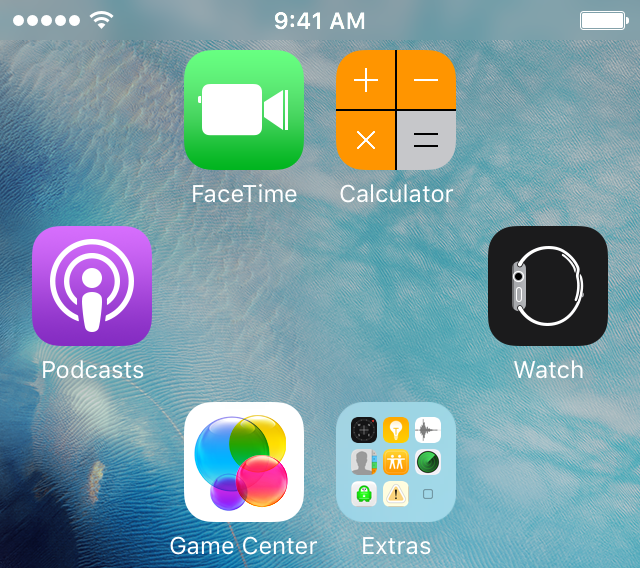
One of the top things that those without jailbreaks wish they could do is put blank spaces between app icons on the Home screen.

Whether it's to help with your creative organization technique, or to simply add a personal touch or pattern to your Home screen, you may be excited to hear that it's possible to create blank spaces between your app icons on a completely stock, non-jailbroken iOS device.

In this tutorial, we'll talk about how you can generate blank spaces between your app icons on the Home screen, as shown above, without having a jailbreak.

Can’t remove your payment info from your Apple ID? Here’s why

Not everyone wants to have their credit card or debit card linked to their Apple ID. Some people are afraid of having their financial information tied to online merchants and digital content stores because of the unfortunate reality of identity theft and unauthorized purchases.

With that in mind, what should you do if you don't want a credit card that you've already linked to your Apple ID to be there, but the 'None' payment method option isn't showing for you?

We'll talk about that in this post and explain why the option isn't available to you.

How to find the RGB or Hexadecimal value of any pixel on Mac

Digital Color Meter New Icon Mac

RGB, otherwise known as red/green/blue, is a color identification method used by digital computer monitors. Every color gets its own RGB value, and this is because a mixture of those three colors makes up the color you're looking at.

RGB values may be used for a variety of reasons, but mostly for those that do a lot of photo editing or who may be tinkering with graphics or web design.

A little-known feature of your Mac is that its operating system comes with a meter that can identify the RGB color of any single pixel on your screen, and in this tutorial, we'll show you just how that's done.

Jailbreak tweaks of the week, Kairos, ThemeStore, & more….

It's been another quiet week for the jailbreak community as the looming atmosphere of no recent jailbreak continues to surround this week's tweak releases.

Now with iOS 9.3.2 available to the public, any team that has been testing a new jailbreak would have yet another software version to try and break into.

Nevertheless, there were still some good tweak releases this week, and we'll start by showing you our favorites, followed by the rest of them in this roundup.

How to use your iPhone as a keyboard for your Mac or PC

iPhone and MacBook kept on a table

Mobile Mouse Remote is a great app that turns your iOS device into a powerful utilitarian accessory for your Mac or PC. So far, we've shown you how the app can be used as a mouse or trackpad for your computer and how you can use the app as a remote control for your computer, but it also has a lot of keyboard functionality built into it to make your device into a software-based keyboard for your computer.

In this tutorial, we'll show you how you can use Mobile Mouse Remote to type or perform keyboard commands on your Mac or PC directly from your iPhone or iPad.