Security

Changing your router’s DNS settings to increase speed and security

At times, you may experience slow hiccups while trying to use the internet from your home. Sometimes, these problems can be attributed to your router's DNS settings because your ISP may not always have the best DNS server speeds.

Your DNS server settings can also affect your security as you use the internet because some DNS servers come with built-in firewalls and security measures to prevent you from opening malicious or phishing websites, while others don't do anything at all to protect you.

In this tutorial, we'll show you how you can edit the DNS settings on your wireless router if you're experiencing slower internet speeds than you should be.

How to use your old iPhone as a home security camera

If you have an old iPhone, iPad, or iPod touch laying around that is just collecting dust, why not put it to work by turning it into an affordable home monitoring camera? We're not talking about a full-featured surveillance system here, but just a simple setup that can live stream anything happening in your house, and send motion alerts directly to you should it detect activity.

In this post we'll be showing you how to convert your spare iOS device, whether it is an iPhone, iPad, or iPod touch, into a video monitoring camera. The best part is, it's completely free and you should be up and running in just a few minutes.

Privacy-enhanced Viber for iPhone lands with end-to-end encryption, hidden chats and more

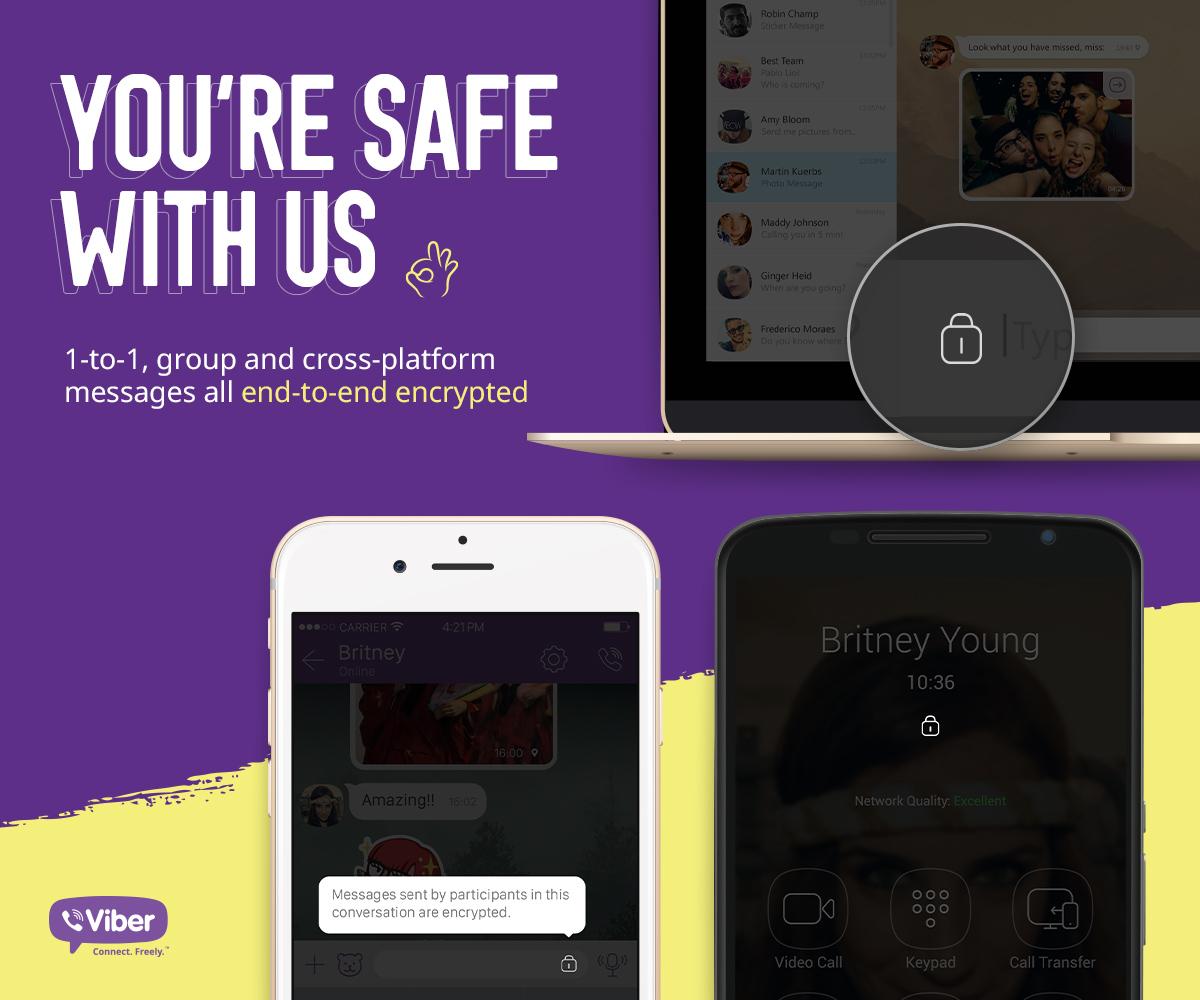
Two weeks after rival WhatsApp announced that chats on its platform are protected from eavesdropping with end-to-end encryption, the popular messaging app Viber on Tuesday released a privacy-enhanced edition of its iPhone and iPad app.

Bumped to version 6.0, messages you send and receive through Viber are now protected with end-to-end encryption, as indicated by the new padlock icon, and you can also hide away specific chats.

Apple confirms QuickTime for Windows is no more

Following the disclosure of two new flaws in QuickTime 7 for Windows last week by software security firm Trend Micro, Apple has now officially confirmed to The Wall Street Journal that it will stop releasing updates or patching security holes for QuickTime for Windows, marking the end of the road for the PC edition of the multimedia software after an eleven-year run.

The Cupertino firm added that keeping the software installed on Windows PCs may pose a security risk.

A support document on Apple's website details the steps that Windows users should follow in order to uninstall the software from their Windows PC.

Apple to end support for QuickTime for Windows

Apple reportedly has plans to deprecate support for QuickTime for Windows, according to a research note issued Thursday by software security firm Trend Micro, which found a pair of new vulnerabilities in the software. Apple will no longer be issuing security updates for QuickTime for Windows, the advisory cautions.

An Apple support document provides the steps that Windows users can follow to uninstall the software. QuickTime for Mac is unaffected.

Mobile forensics firm that unlocked terrorist’s iPhone 5c thinks it can hack iPhone 6

Mobile forensics firm Cellebrite that helped the United States Federal Bureau of Investigation bypass the passcode protection on the San Bernardino shooter's iPhone 5c is adamant that it can also work around Apple's security protections and hack into an iPhone 6, CNN reports.

Italian father Leonardo Fabbretti, who wanted to see the photos stored on his dead son Dama's iPhone but was told by Apple that it was impossible to get into the device without a passcode, has now met with Cellebrite executives who have been working on accessing the files.

FBI confirms a tool it bought to unlock terrorist’s iPhone 5c does not work on iPhone 5s and newer

FBI and Apple logos

James Comey, Director of the Federal Bureau of iPhones—that is, Investigation—confirmed in an interview with CNN yesterday that a tool that the agency had purchased from a third-party to unlock San Bernardino shooter Syed Farook's iPhone 5c cannot be used to bypass security protections on newer models, from the iPhone 5s onward.

This implies the tool relies on the fact that the iPhone 5c and earlier models lack hardware features like the Secure Enclave embedded in Apple's mobile processors (from the iPhone 5s's A7 chip and onward) which keeps encrypted sensitive information and stuff like the number of passcode attempts isolated from the rest of the system.

‘SlideMe’ gives your iPhone a rotary-style passcode unlock screen

Those interested in a different kind of passcode entry method from their Lock screens may be interested in a new jailbreak tweak called SlideMe, which just hit Cydia this week for $1.49.

Instead of the typical boring number pad, this tweak gives your Lock screen a rotary-style passcode input interface, as shown above. In this review, we'll walk you through SlideMe and show you what it's capable of.

Starting today, contents of your WhatsApp chats are now protected with full end-to-end encryption

WhatsApp today announced it is turning on end-to-end encryption to make it virtually impossible to eavesdrop on your communications.

Starting today, all text messages, photo and video attachments, documents, voice messages and VoIP calls are protected with full end-to-end encryption, developed in collaboration with Open Whisper Systems.

Similar to Apple's iMessage and some other instant messaging platforms such as Telegram, end-to-end encryption makes the contents of WhatsApp chats unreadable to third-parties. And with the encryption keys stored on a user's device, they cannot decrypt chats if served a valid government request.

MacID price drops 75% in the App Store for a limited time

MacID, the popular app for iPhone and iPad that lets you use Touch ID or your Apple Watch (and yes, even your Pebble) to unlock your Mac over a Bluetooth connection, is on sale in the App Store this week for 75% off the usual price.

The app received an important update over the weekend with support for new features found in iOS 9.3 and watchOS 2.2, giving users the ability to configure multiple Apple Watches with MacID and use them to unlock their Mac.

Marked at just $0.99 for a limited time, you can grab MacID and start using your iOS device's Touch ID sensor or Apple Watch to unlock your Mac instead of typing in a password each time it locks itself.