Review

Iconic iPod Click Wheel Comes to the iPhone with iClassic

With all of Apple's touch devices these days, do you ever miss the classic iPods? Sure they didn't have as cool of games or shoot HD video, but there was definitely something sexy about that click wheel. It was responsive and made browsing your music collection faster than ever before.

If you are looking for a way to kind of relive the good old days, check out iClassic. The Cydia application for jailbroken iDevices will allow you to bring back the click wheel, on your current touch screen device. But can an application truly capture the experience of the click wheel?

Prompt is the Best New SSH Client for iOS

Prompt is a new, stylish SSH app from Panic. The Panic team has developed several popular applications for the Mac, and now they've ventured into the App Store with a new SSH client.

If you're a network/developer geek, you're probably very familiar with SSH (Secure Shell). Prompt is an incredibly well-designed SSH client for all iDevices. If you've been looking for the perfect SSH app, Prompt may be the solution...

InvisibleShield for iPad 2 Review

Why use InvisibleShield

I'm not much of an accessories guy. I don't put my iPad into a case because I think it's too beautiful to be hidden under some rubber casing. Yet you have to protect your device. I purchased a Smart Cover with my iPad 2 but it's only good at protecting the front of my iPad. What about the back?

Yes, the back of my iPad 2 is what worries me most. I use this thing every single day, and unlike my iPhone that usually ends up in my pocket, my iPad travels around the house all the time. It goes from the couch to the coffee table, from the bathroom to the kitchen countertops, outside on our patio. How to you prevent the back of your iPad from being scratched, while not sticking it into a case?

Enters InvisibleShield by Zagg, a thin clear protective film that has been protecting iPhones and iPads for several years now. The guys over at Zagg were nice enough to send me a sample of their iPad 2 InvisibleShield to try out and review. Before going further, I want to make it clear that even though I received an Invisible Shield for free, it doesn't alter the outcome of this review in any way.

This is not my first Invisible Shield. Since 2007, I've used many of those for my iPhones and also for my previous iPad, and I've always been a big fan of the product. When Zagg said they were going to send me one of those InvisibleShields for iPad 2 to review, I didn't expect any surprise. After all, the product is the same, just the shape is different.

So no surprise on that side. The InvisibleShield came in a nice box with the front and back protective film. Also included is a little pouch with a lint free cloth, some spraying solution and a squeegee.

InvisibleShield installation

I know how to install the InvisibleShield but I still bothered reading the instructions and watched the demo video. After making sure I had everything ready, I cleaned the back of my iPad with the cleaning cloth, washed my hands, and sprayed my fingers with the application solution before handling the shield, as advised. I removed the paper backing of the shield, sprayed it with the solution and applied it to the back of my iPad.

http://www.youtube.com/watch?v=m3sO5fBD77Y

It took me a couple tries to get it perfectly aligned, then I used the squeegee to remove all excess spraying solution stuck between the film and the iPad. It took me about 2 minutes from start to finish.

Although I didn't want to use a shield for the front of the iPad, I still decided to put it on to see how easily I could apply it. Turns out that I kinda ran out of spraying solution. I guess I used way too much during the installation of the back shield. Nevertheless, I was able to properly install the InvisibleShield on the iPad screen in just a few seconds.

It is advised not to use your device after applying the InvisibleShield to give it some time to cure. Can you imagine not using your iPad for 24 hours? No, me neither, so I used it right away.

It takes about 2-3 days for the shield to completely cure and get rid of all the air bubbles that you might have accidentally left under. During that time, needless to say that your screen will not look good, but again, it's just a matter of time.

After a few days, I removed the front shield because I just don't like it on my screen. It's barely there, but it bugs me to have something on the screen.

Success!

It's been over 10 days now and the InvisibleShield on the back of my iPad 2 hasn't moved at all. It has done a great job at protecting my iPad, and I am no longer afraid to put my device on any surface because I know it is well protected.

On top of bringing great protection to your device, having an Invisible Shield on the back of the iPad makes it easier to hold the device as it doesn't slip as much while in your hand. It's a little detail that has great importance to me.

My biggest concern about having the Invisible Shield on the back of my iPad was to see how it would work with the magnets of the Smart Cover. When you snap the Smart Cover on the side of your iPad, it covers part of the Invisible Shield. After snapping and unsnapping the Smart Cover probably a couple hundred times since I got the shield, I haven't noticed any difference at all. It still snaps perfectly, and most importantly, it doesn't damage or peel off the shield.

I've heard people complain about an orange peel effect on the back of the iPad before. I personally never experienced that, and I suspect it has a lot to do with the way you install the Invisible Shield.

Conclusion

Do I recommend InvisibleShield for iPad 2? Absolutely, however, and depending on your iPad usage, it might be a better idea just to get the back coverage only. That's what I did and it works out great for me, especially because I have the Smart Cover for the front.

The InvisibleShield for iPad 2 starts at $29.99 for the front or back coverage. For $39.99, you get the full back and front coverage, so again, depending on your usage, you should make the decision that will best fit your needs.

You can get 20% off your InvisibleShield (or any Zagg accessories) by ordering from here and entering coupon code zagg20 at check out.
Fahrenheit iPhone App Gives Current Temp on Your Home Screen

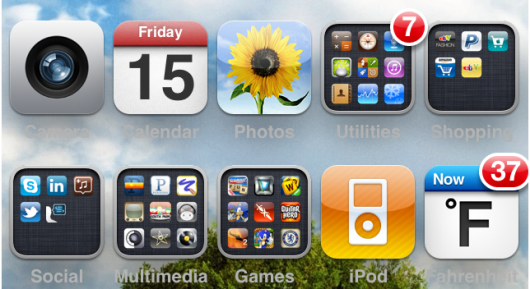
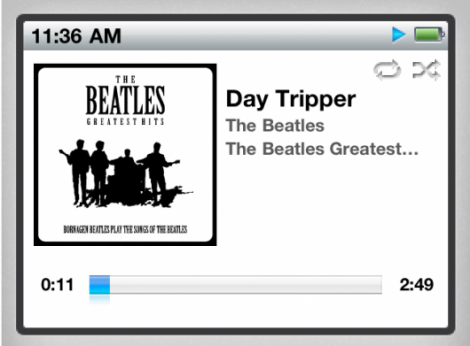
While everyone is making a wish list of iOS 5 features, please make sure to include something about an upgrade to the notifications system. Maybe while you're at it, ask for some form of a widget feature too. Not everyone needs them, but those of us who have experienced them on other smartphones would love to see them in iOS.

The biggest benefit they bring is information at a glance. I'm currently using the WeatherIcon tweak to help me cope with the lack of the feature. At least I don't have to pop into the weather app anymore. For folks operating on non-jailbroken devices, Fahrenheit basically accomplishes the same thing...

Tweetbot for iPhone Makes Twitter Fun Again

The folks at Tapbots have done it again. Tweetbot is a new Twitter client for the iPhone that's made quite a splash. Not many apps can be described as "joyful UI design" or "an excellent innovator of the Twitter platform." Some would say the app even "feels like a privilege" to use.

Tweetbot may very well be the app that gives the official Twitter client a run for its money. Let's take a look...

New AutoAnswer App Now Available in Cydia

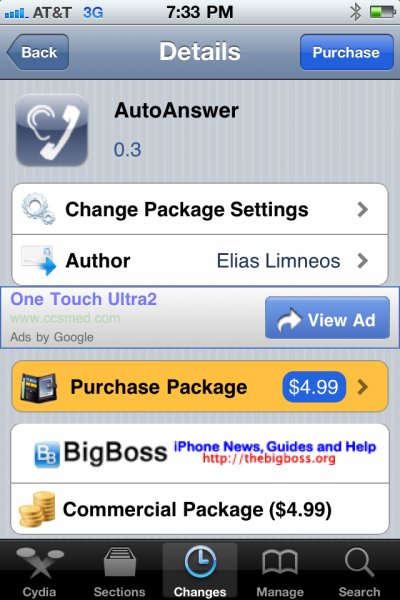
Ever wanted the ability to set your iPhone to automatically answer incoming calls? Auto answer is a feature I've seen requested several times, across multiple iPhone message boards. If your iPhone is jailbroken, you have a handful of options.

Applications like CallControl are nice, but have limited auto answering capabilities. If you have been looking for an auto answer app with more features, you need to check out AutoAnswer. The new Cydia app promises to handle all of your auto answering needs for your iPhone...

New Nimbus Web Browser is Free for a Limited Time

Let's face it, Apple's default Safari web browser on the iPhone could use an upgrade. It's not bad by any means, but it could certainly stand to add some much needed features. Maybe that's why 3rd party web browsers in the App Store are so popular.

If apps like Opera Mini and Skyfire don't quench your thirst for alternative browsing options, allow me to introduce you to something different. As of today jailbroken iPhone users can download Nimbus, a new web browsing application in Cydia...

MobType – An Interesting Take on the iPhone Keyboard

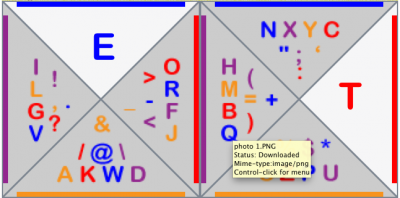
Yesterday we ran a story about the state of Apple's current text input technology in iOS. While their keyboard is extremely popular, consumers lack any alternative method of text input. Though there currently doesn't appear to be any App Store solution at the moment (pending ShapeWriter return), jailbreakers do have an alternative.

That's why we jailbreak our iDevices, right? To have other options besides what Apple deems appropriate for their hardware? Anyways if you're sporting a hacked iPhone or iPod touch and have been looking for something different than the typical boring keyboard, you might want to check out MobType...

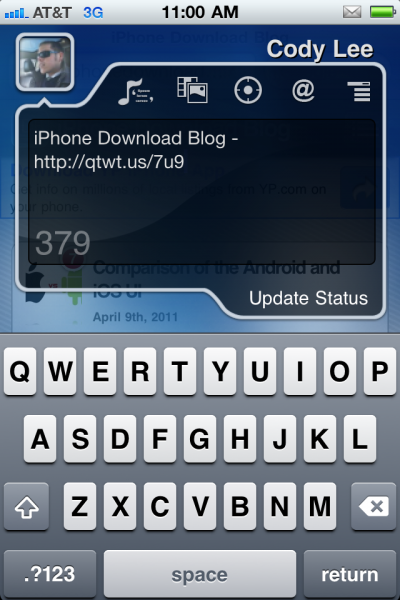
qTweeter Allows You to Update Your Twitter and Facebook Status by Sliding Your Finger

qTweeter by Efiko has been around for quite some time. Sebastien even mentioned it in his list of some of the best jailbreak apps last year. The funny thing is, I hadn't really feigned interest in trying it out until I came across it in my Cydia Changes log yesterday.

While I had heard about qTweeter before, for one reason or another I never downloaded it. I guess I never considered myself the kind of social networking power user that would need something like that. Well I'm still not a social networking king but I gotta say my curiosity got the better of me and I just had to try out this popular Twitter app...

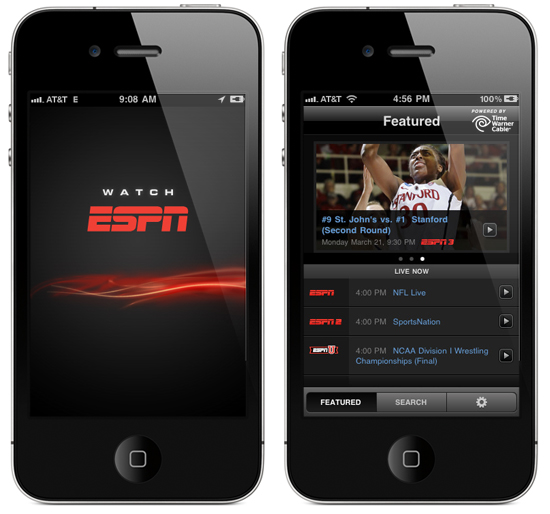
Current Cable Subscribers Can Watch ESPN for Free on Their iPhones

We told you how to watch every game of March Madness on your iPhone, but what do you do now that the tournament is over? If you are still looking for a free way to get your sports fix on your iPhone, then pay attention.

Streaming content to mobile devices is a hot topic right now. Time Warner Cable has recently gotten into hot water over their iPad app that streams TV channels to subscribers' devices. While it looks like some networks are unhappy with the way the digital revolution is going, others are embracing it.

ESPN liked the idea of streaming content to user's devices so much that they made their own iOS app for it...

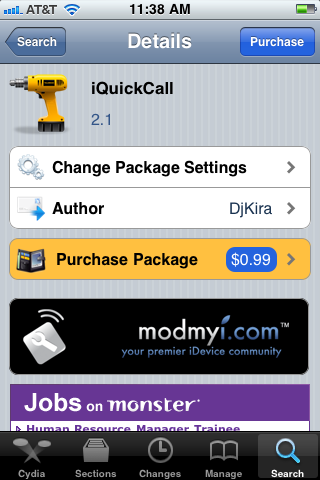
iQuickCall Allows You to Quickly Call, Text, or E-Mail with Activator

iQuickCall is a jailbreak tweak that allows you quick access to the number you call everyday. Using the gesture options built into Activator, iQuickCall gives you several methods for quickly prompting the option to call/text/e-mail someone from anywhere on your screen.

There are apps in the App Store that try to solve the issue of quick contact reference in iOS, but iQuickCall uses the system access benefits that jailbreaking provides for a more integrated approach...

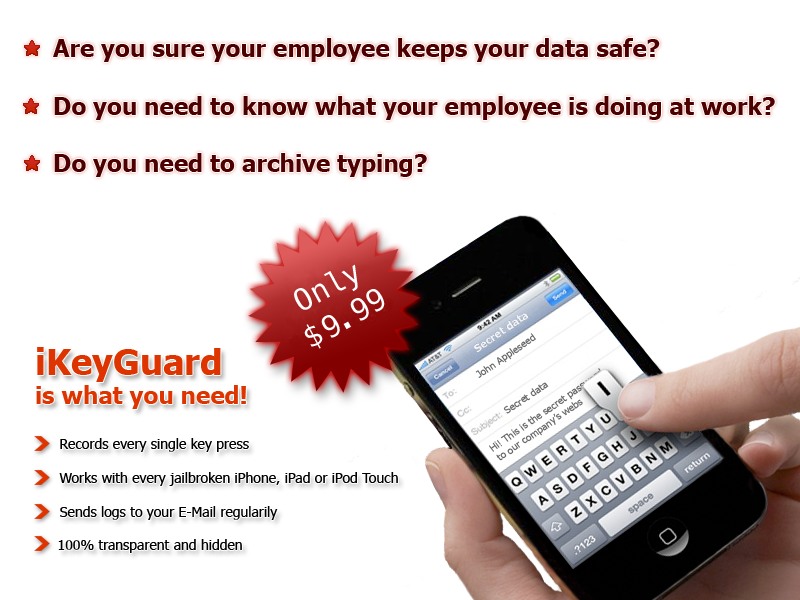
iKeyGuard – The First and Only Key Logger for Your iPhone

The purpose of key loggers has always been kind of cloudy to me. I suppose if you wanted to monitor your computer covertly while you were away, a key logger would make sense.

If you were a parent wanting to keep tabs on your kid's online activities, you could certainly use a key logger to record their ventures. I've even heard of people using key loggers on their spouses.

While, key logging on a computer still doesn't seem useful to me, key logging on a smartphone does.

You could have archives of text messages and emails you've sent from your device. If you have been looking for something similar, the application iKeyGuard makes key logging easy on your iPhone or other iDevice...