Review

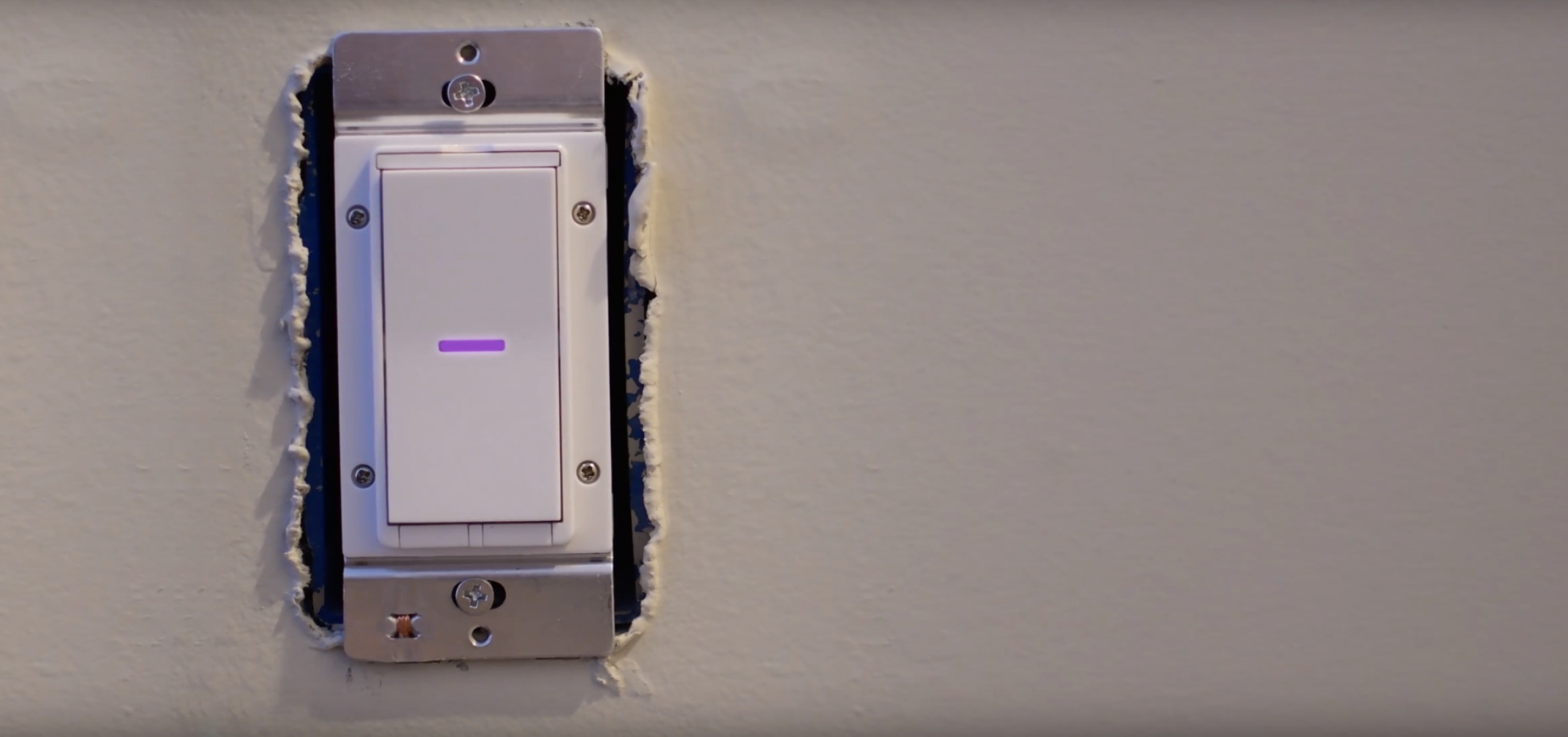
iDevices HomeKit Wall Switch review

The iDevices HomeKit Wall Switch fixes one of the crucial issue with many smart homes. Not only does it fix a glaring issue, it comes with enough bells and whistles to make it the best HomeKit wall switch on the market.

Castro, SSHIcon, and other jailbreak tweaks to check out this weekend

If you're like most jailbreakers, then you're probably foaming at the mouth for something new to install on your device right now. While the iOS 10 jailbreak has been slow lately, we've seen some fairly impressive releases this week.

In this roundup, we'll show you all the jailbreak tweaks that launched in Cydia throughout the past work week. We'll start with our favorites and move on to the rest of them afterward.

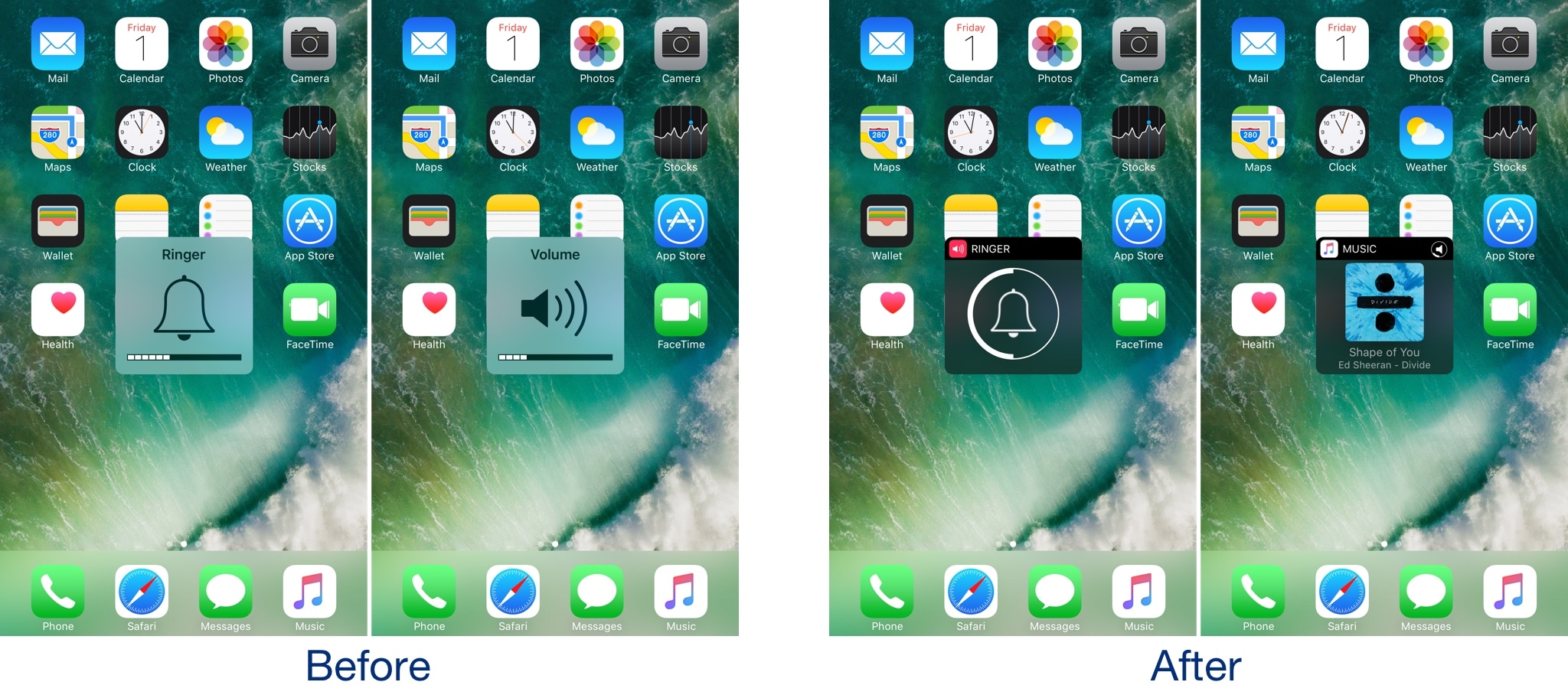
Castro gives the iOS volume HUD a much-needed facelift

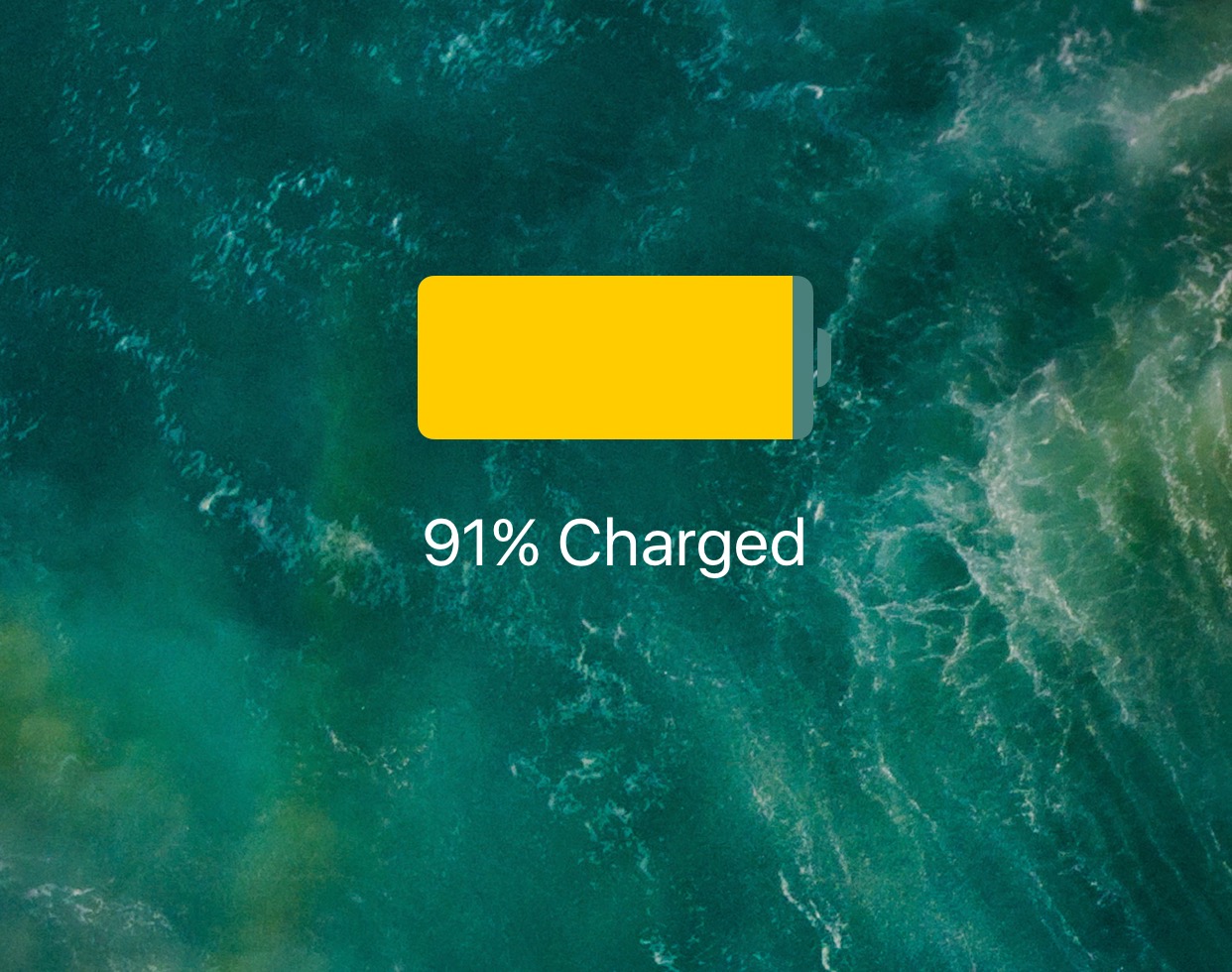
I’ve said it many times before, and I’ll say it again: the volume HUD in iOS is a ridiculous mess, and it's in need of a facelift.

A plethora of jailbreak tweaks in Cydia can help with the situation, but after trying a new release called Castro by iOS developer candoizo, I’m convinced that this just might be one of the best looking alternatives to date.

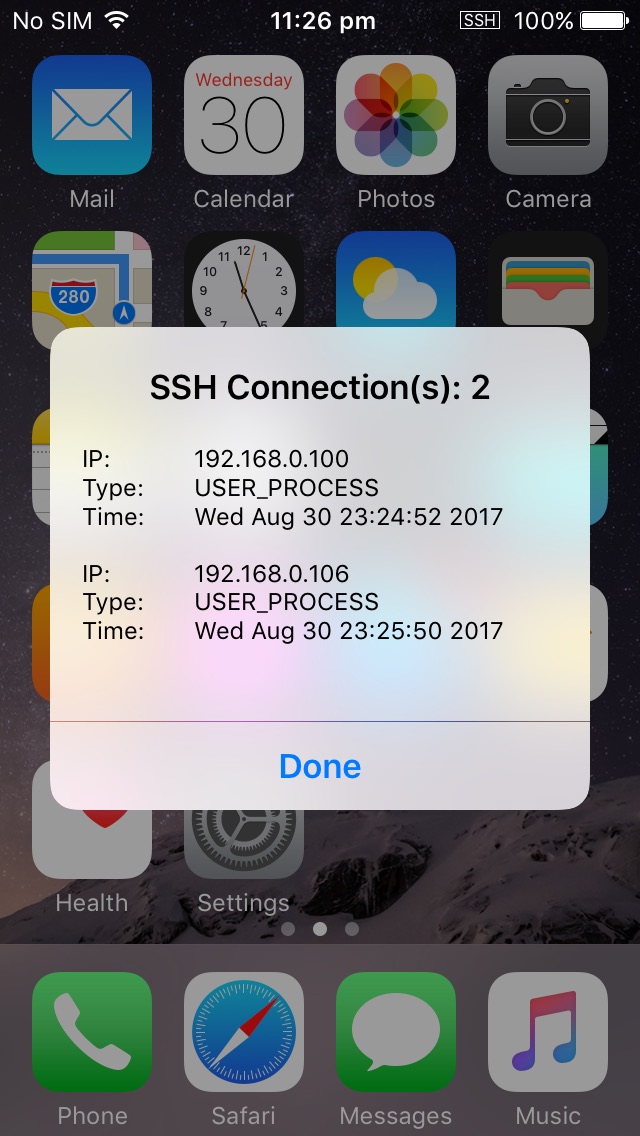
SSHIcon lets you know when there are active SSH connections to your device

SSH is a powerful tool that lets you access your jailbroken handset’s filesystem on the fly, but one of the things I don’t like about it is how there’s no indication when an SSH connection is initiated.

A new free jailbreak tweak called SSHIcon by iOS developer Sticktron solves this problem by putting an icon in your Status Bar any time you or someone else uses SSH to access your device.

HideDeleteBox is a subtle way to prevent others from deleting your iOS apps

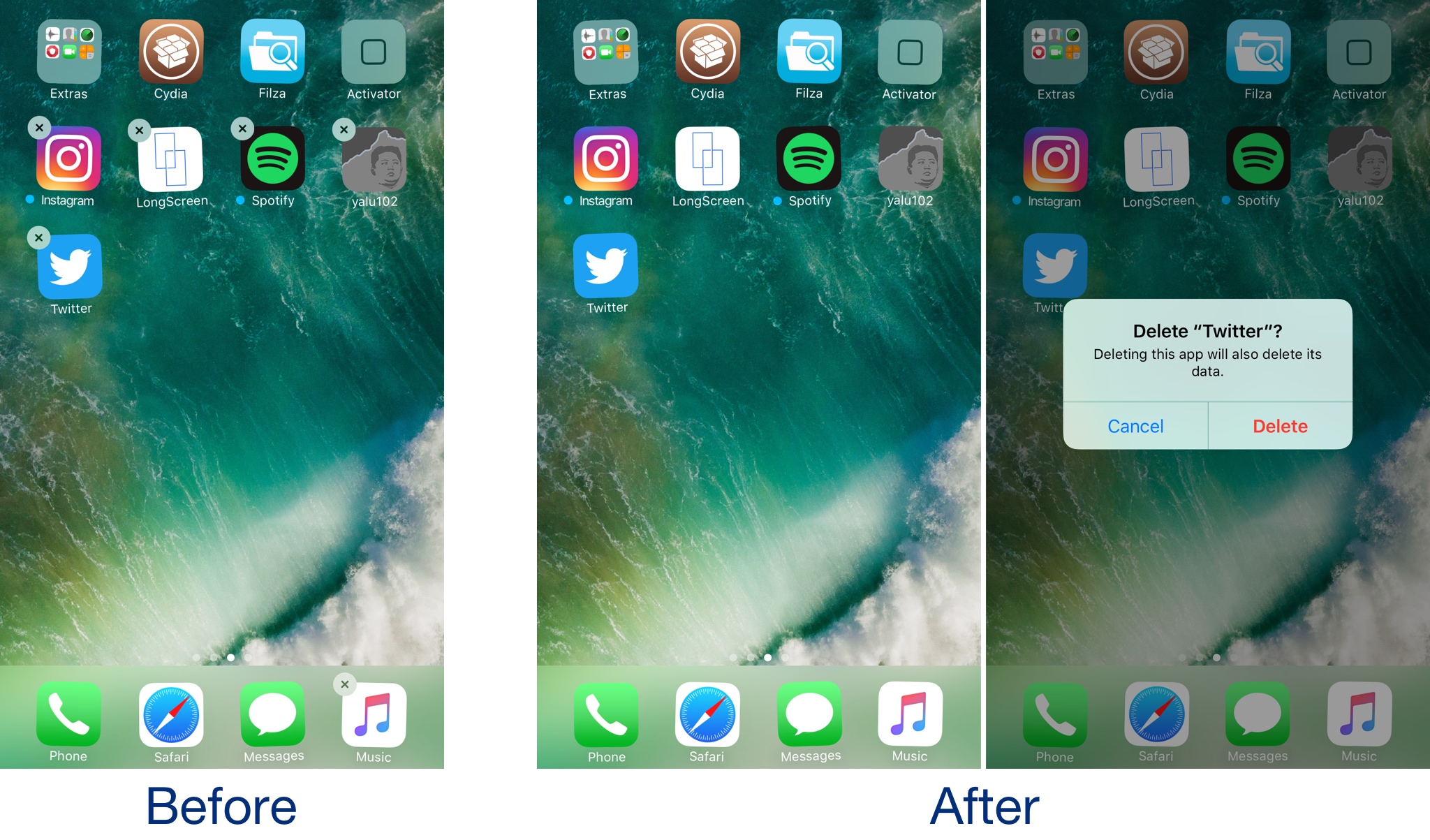
If you share your iPhone or iPad with multiple people, then new apps probably appear on the Home screen while old apps go missing all the time. iOS comes with restriction features to prevent app deletion, but enabling this solution will only get in your own way too.

A new free jailbreak tweak called HideDeleteBox by iOS developer NeinZedd9 takes a simpler approach; it makes the “x” button that typically appears after entering ‘jiggle’ mode on your iPhone or iPad invisible.

Manage your recent Snaps more efficiently with SnapchatRecents

If you’ve got a lot of friends in Snapchat and you find it challenging to keep up with everyone’s snaps, then a new free jailbreak tweak called SnapchatRecents by iOS developer NeinZedd9 could help.

This tweak helps prevent you from forgetting to respond to your friends in Snapchat by using a couple of pressuring tactics to get you to answer them more quickly.

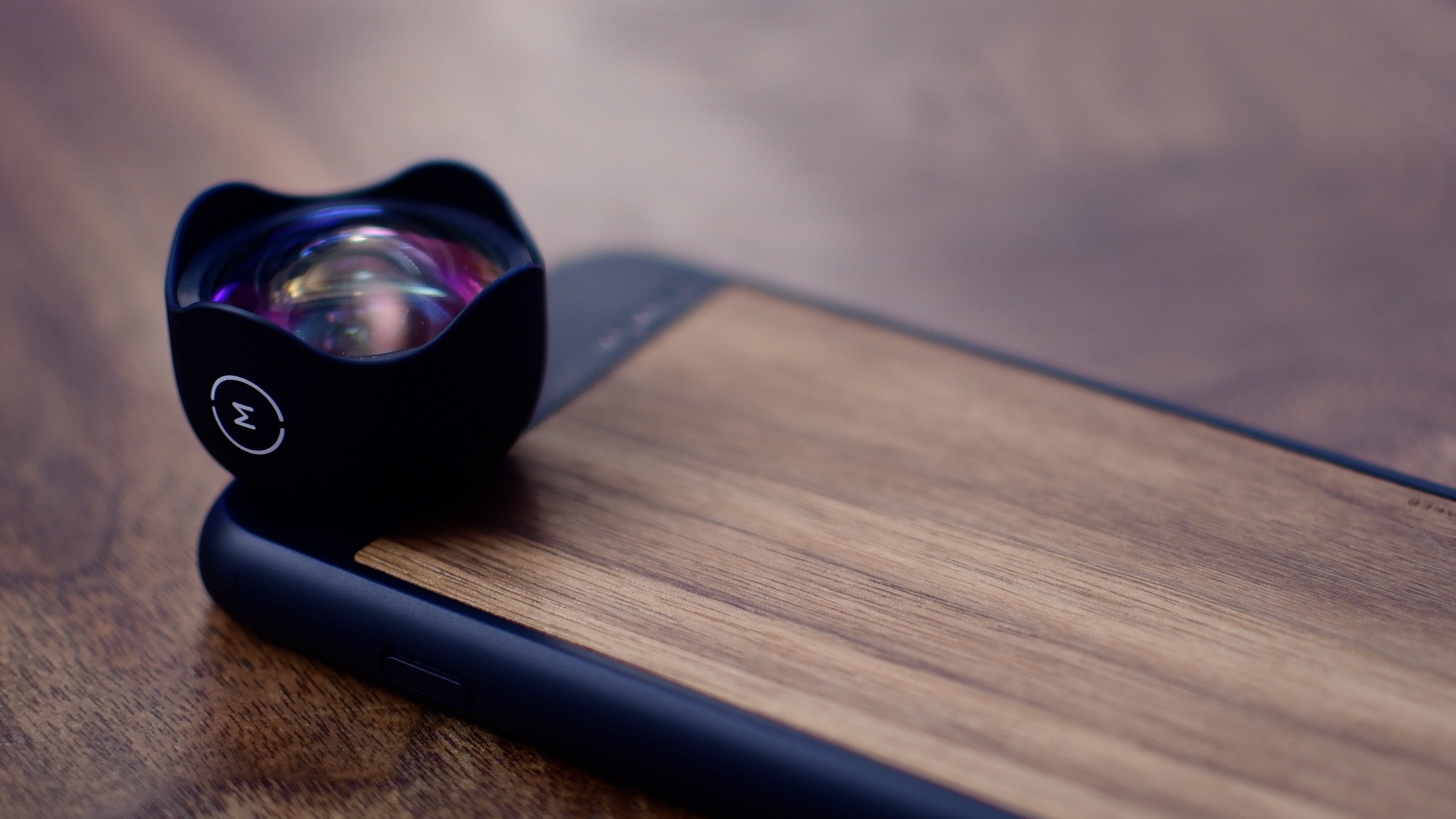
Review: Lander Carry System outdoor gear packs

The Lander Carry System is made up of two accessory bags, and two larger packs; the Traveler and the Commuter. The Commuter is a smaller backpack great for day to day use. The Traveler is a 35 liter roll top bag aimed at a 3-4 day trip. They have several unique features that set them apart from all other gear bags like waterproofing, the Crash Pad, and the Hot Route.

RedFailedMessages makes it easier to discern when a message fails to send

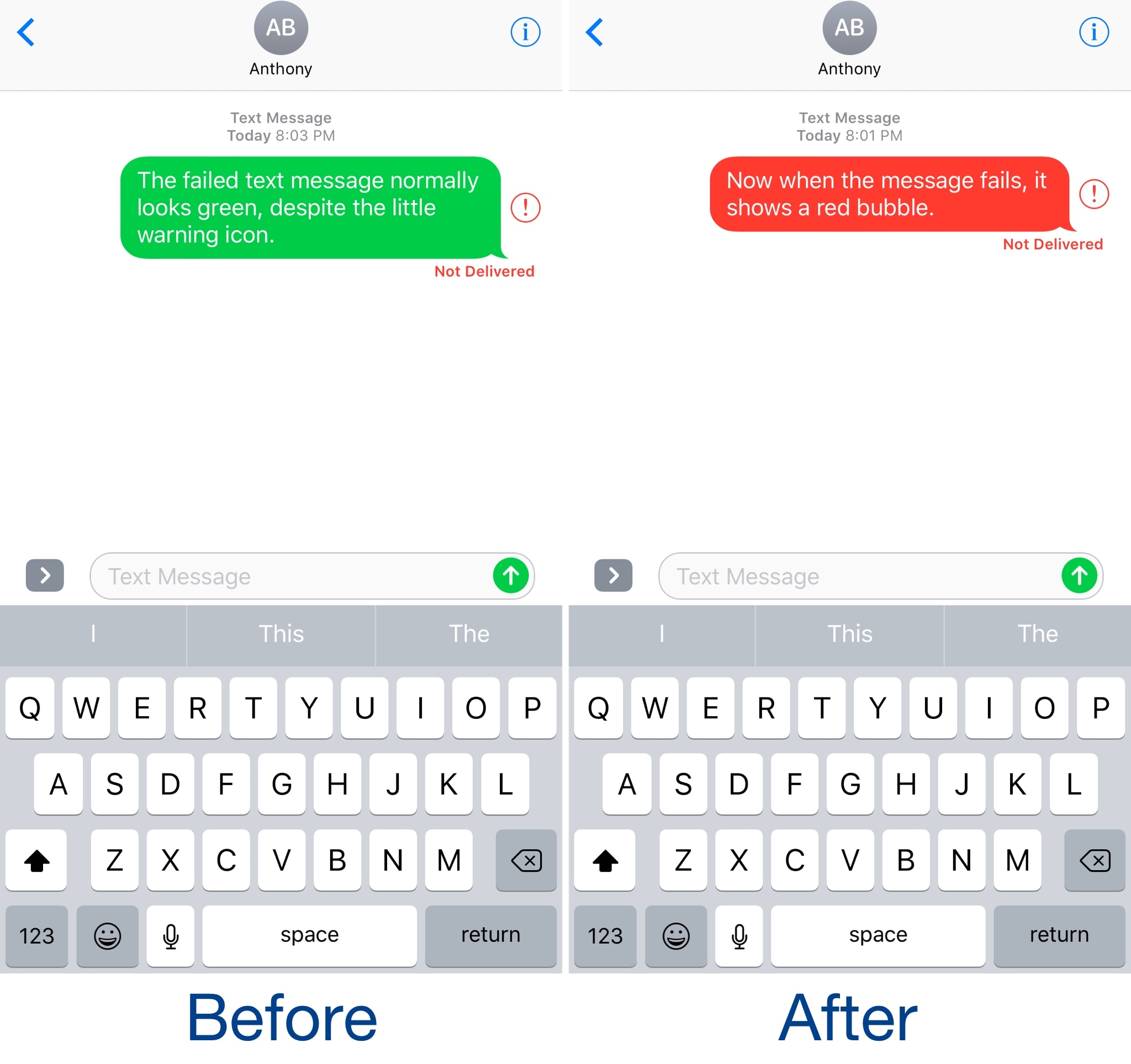
It’s never a good sight when a text fails to send in the Messages app, but sometimes the “failed message” alert isn’t as eye-catching as we want it to be, at times resulting in forgotten failed messages that leave the recipient hanging for hours.

A new free jailbreak tweak dubbed RedFailedMessages by iOS developer NeinZedd9 has the goal of making it easier to discern between successful and failed messages by turning the entire chat bubble of a failed message red.

Change the color of your Status Bar with this tweak

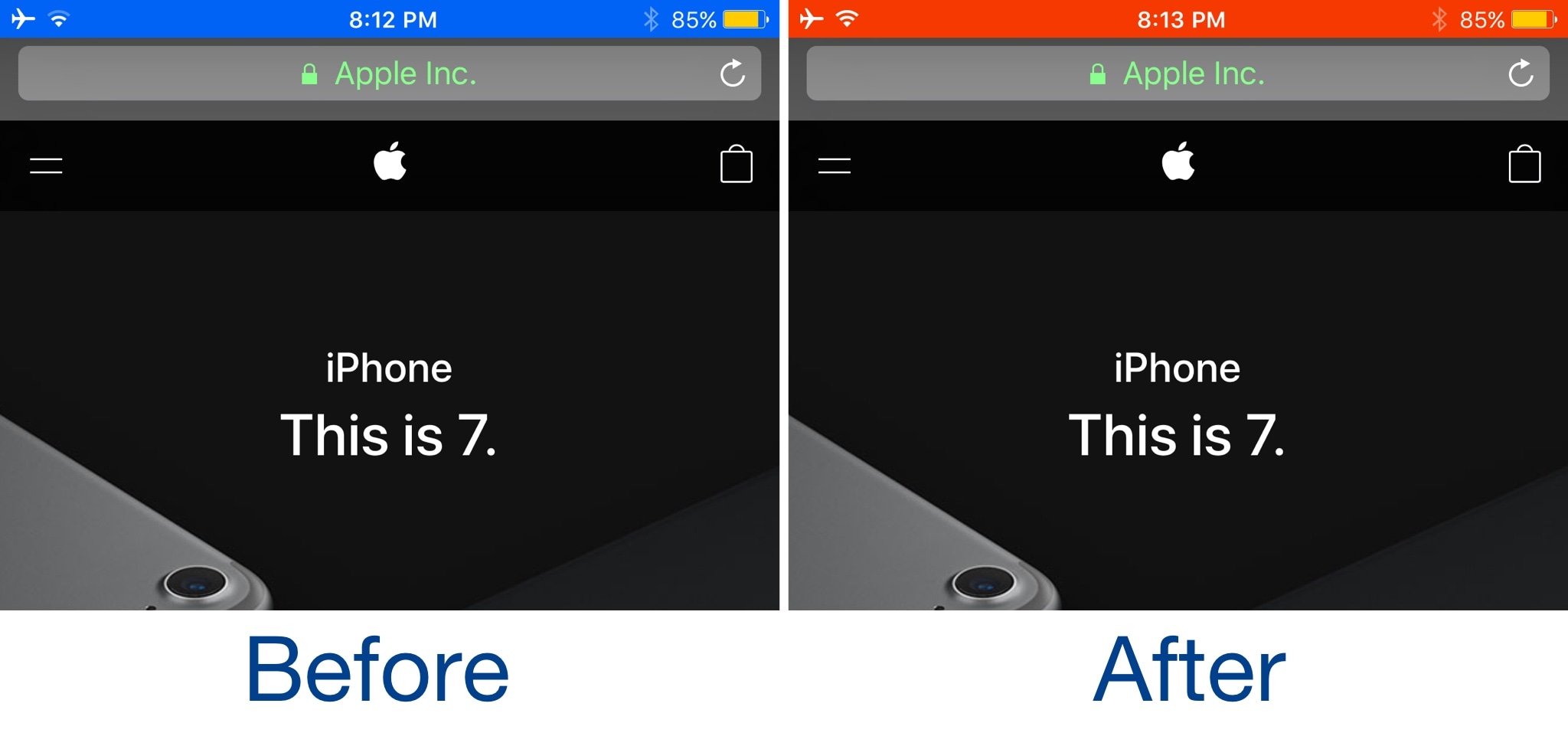
It was just over a week ago that we showed you a free jailbreak tweak called Black Status Bar (System Wide) by iOS developer Justin Petkovic. As the name implies, the tweak blackened your Status Bar, an aesthetic that some may prefer over the stock coloring method.

But for anyone who didn’t like having a black Status Bar all the time, the same developer just launched a new free jailbreak tweak dubbed Color Status Bar (System Wide), which lets you choose what color your Status Bar will be.