Review

Customize the iPhone X’s unlocking glyph with LatchKey

When you use Face ID to unlock your iPhone X, your handset presents an animated lock glyph that indicates the locked or unlocked status of your device. But until now, there haven’t been very many ways of customizing this glyph.

Enter LatchKey, a new free jailbreak tweak by iOS developer Maxwell Dausch that lets you transform the look of your iPhone X’s Face ID unlocking animation.

VolbrateXI brings haptic feedback to your volume buttons

If you enjoy experiencing haptic feedback as you perform specific actions on your iPhone, then you might appreciate a new free jailbreak tweak called VolbrateXI by iOS developer Lacertosus.

VolbrateXI provides you with a small amount of haptic feedback any time you use your handset’s volume buttons. Furthermore, it incorporates several settings so you can tailor the tweak to your personal needs.

LiveRings, Semperon, and more jailbreak tweaks to try this weekend

Jailbreak Tweaks to check out

The Electra Team has so much going on as of late that it feels like the jailbreak community is experiencing a revitalizing rebirth. And for anyone who likes installing jailbreak tweaks, that's excellent news.

In this roundup, we'll discuss all the jailbreak tweaks released in Cydia from July 16th to July 22nd. As usual, we'll discuss our favorite ones first and then outline the rest afterward.

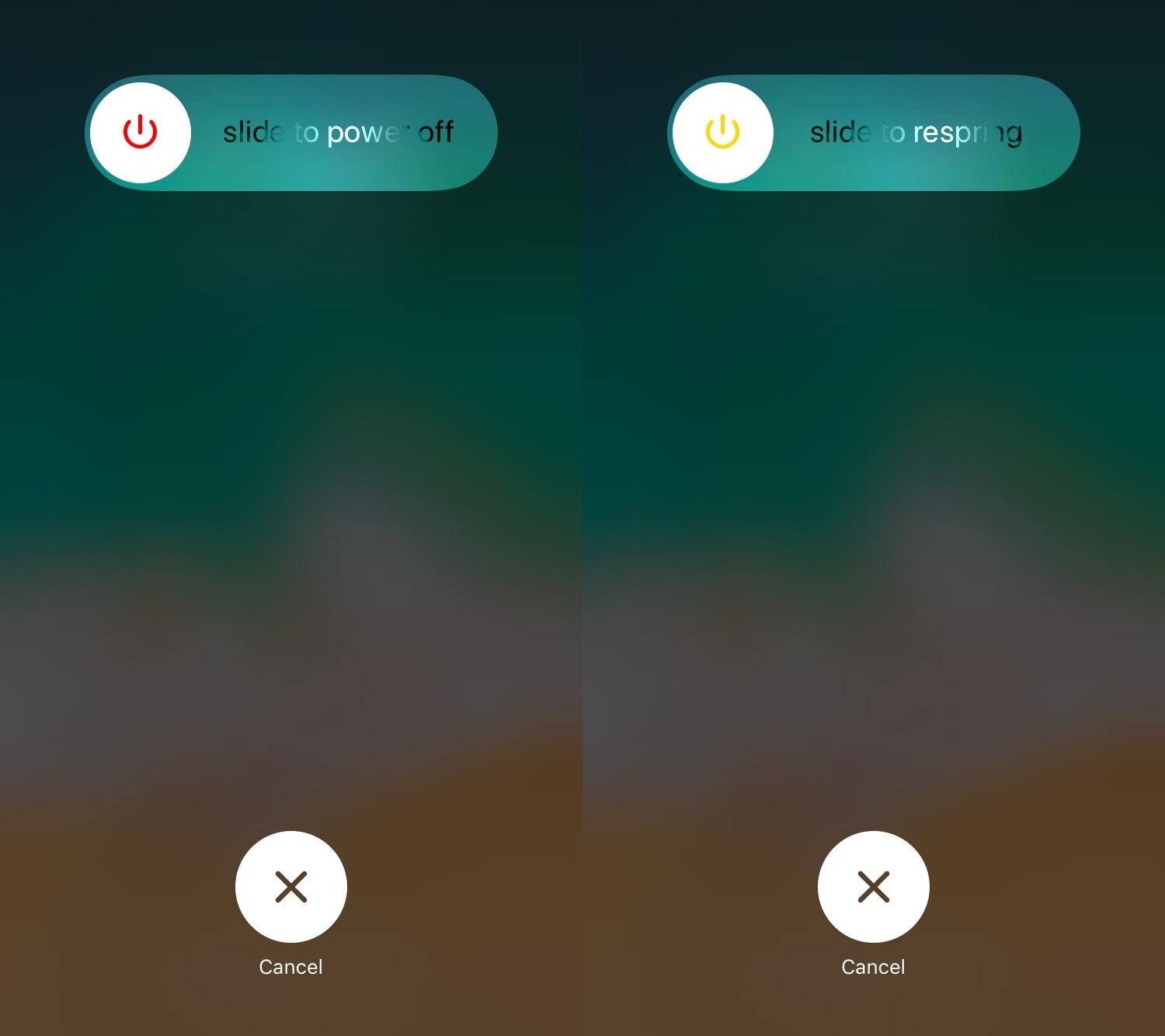
PowerdownOptions lets you respring from iOS’ power down menu

Quick access to a respring shortcut is beneficial for most jailbreakers, and there are several jailbreak tweaks to be found in Cydia’s plethora of repositories that can provide you with this kind of functionality.

But one of my favorites for iOS 11 thus far is a new free release called PowerdownOptions by iOS developer Austin West.

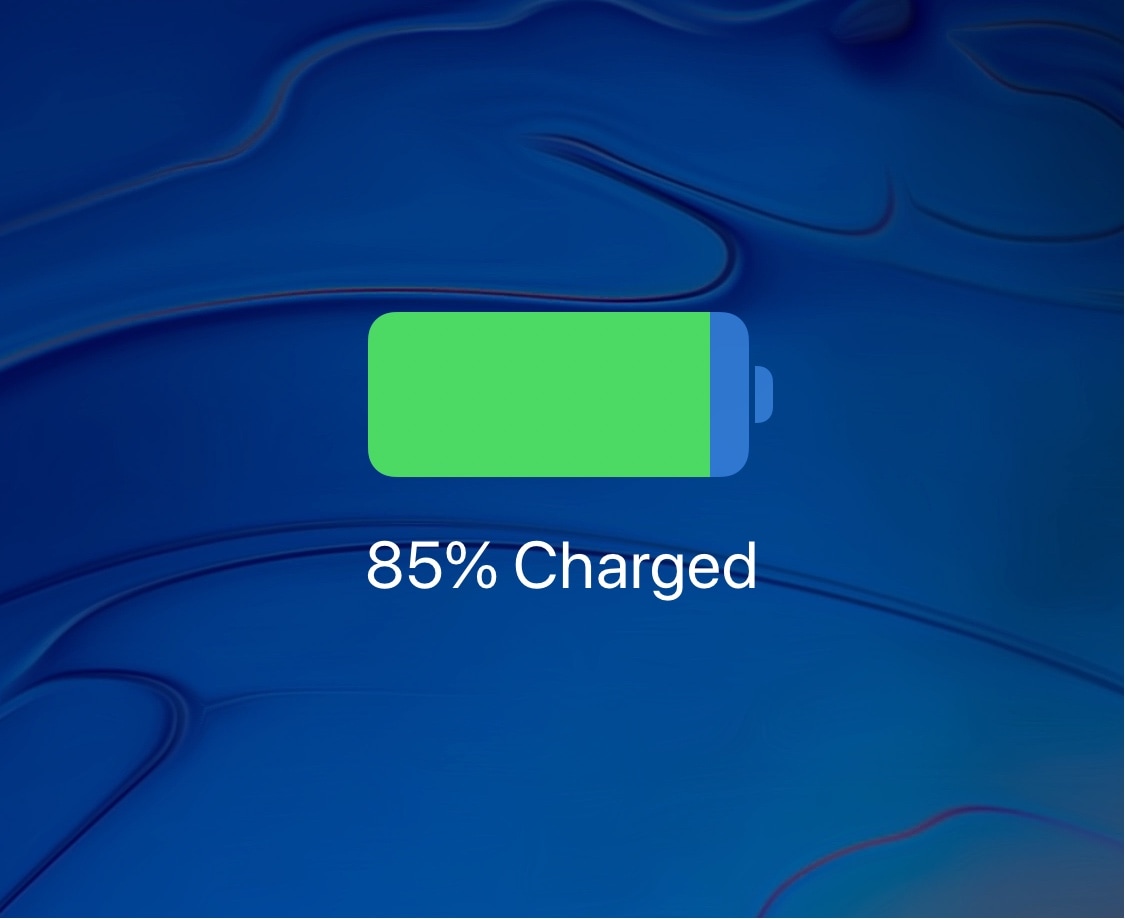
Customize your iPhone’s charging chime with Malipo

Whenever your iPhone connects to a power source to charge, whether via Lightning cable or Qi wireless charging, it plays a chime to let you know that the connection succeeded.

Love it or hate it, Apple provides no way of customizing your iPhone’s stock charging chime. But a new free jailbreak tweak called Malipo by iOS developer iKilledAppl3 does.

Semperon adds an ‘always-on-display’ to your jailbroken iPhone

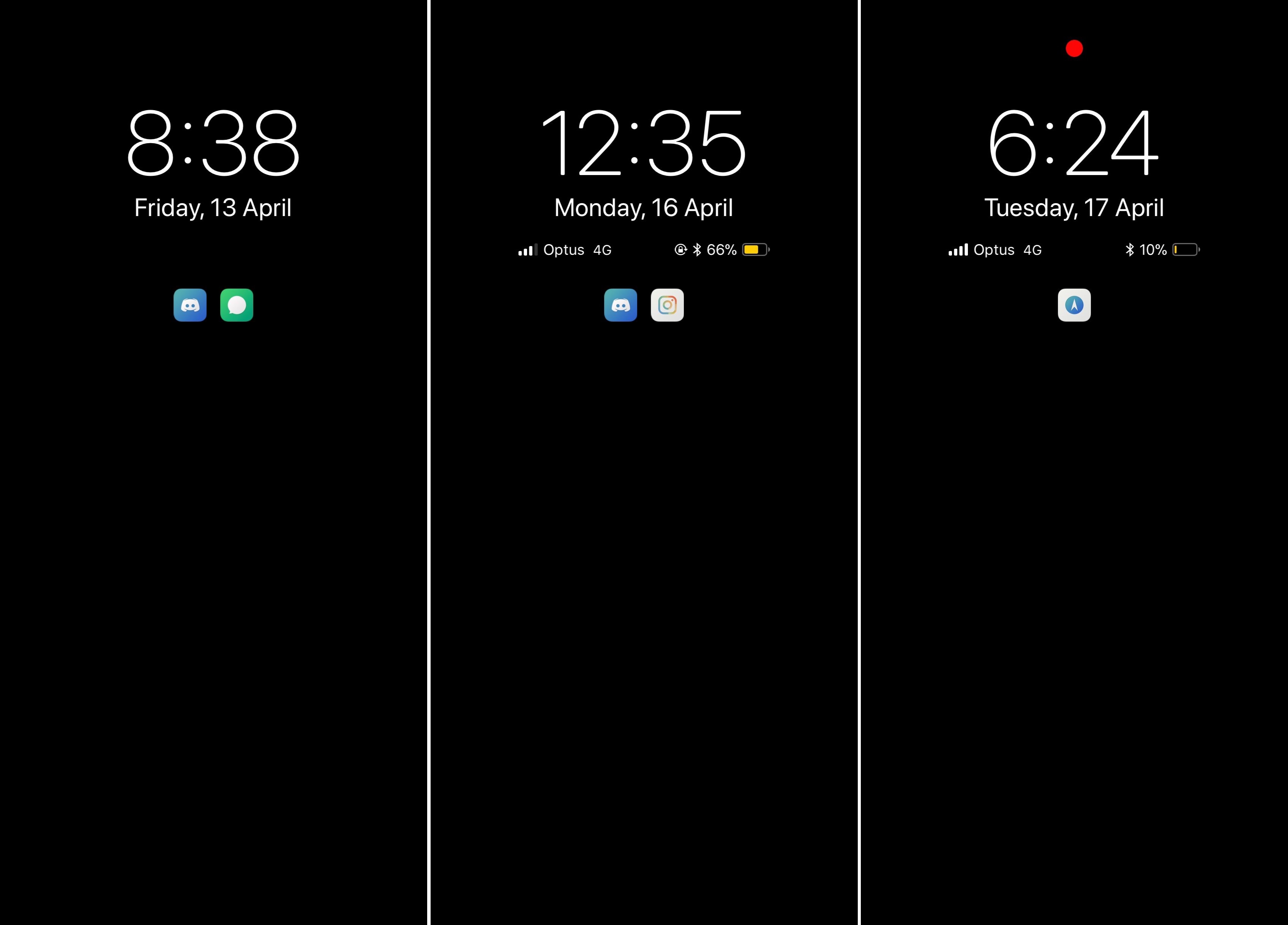
A plethora of Android smartphones on the market today support ‘always-on-display’ functionality in which the background remains dark, but the time and date appear in legible white font for your convenience.

Until now, you couldn’t experience this effect on an Apple handset, but a new jailbreak tweak dubbed Semperon by iOS developer LaughingQuoll mimics this functionality on any jailbroken iPhone or iPad running iOS 11.

LiveRings animates your Activity app icon with real-time progress

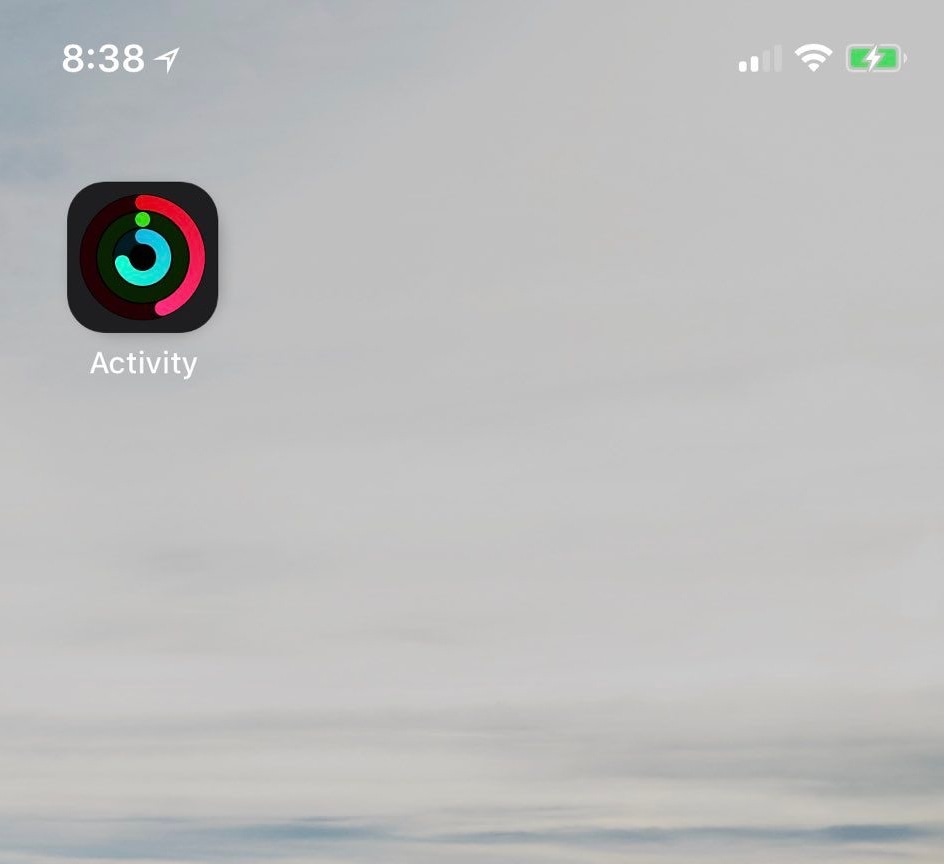
If you take advantage of the fitness features available on your iPhone and Apple Watch, then you might be excited to learn about a new free jailbreak tweak called LiveRings by iOS developer CP Digital Darkroom.

This tweak animates the Activity app icon on your Home screen so that it displays your actual ring activity in real-time, as shown above.

BioProtect X lets you secure apps and more with Face ID

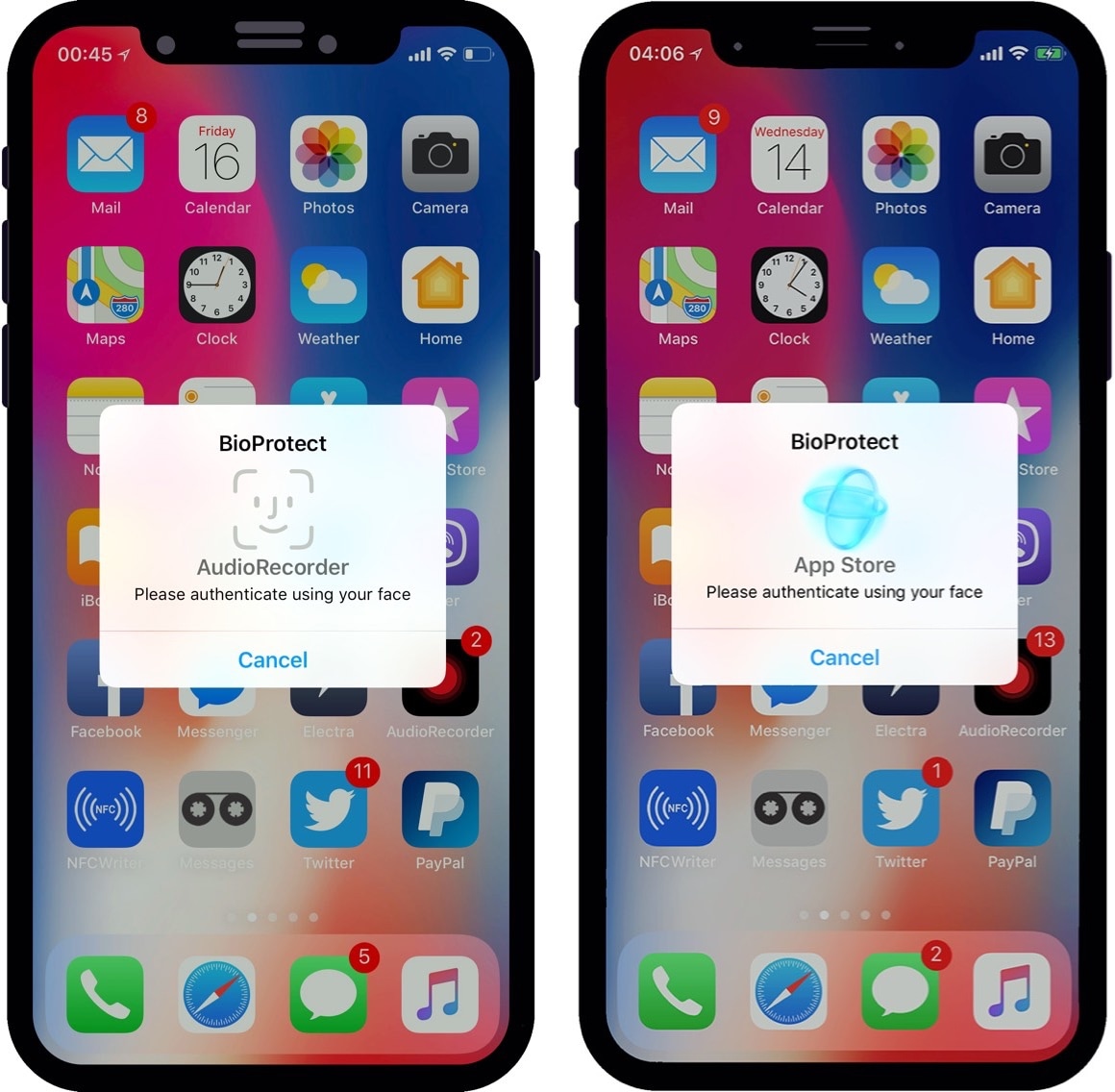
If you worry about your privacy more than most, then you might want to go beyond a simple passcode to protect your iPhone’s valuable data. Fortunately, a new jailbreak tweak called BioProtect X (iOS 11) by iOS developer Limneos can help.

As the name implies, BioProtect X can protect apps and other important things on your device. The tweak supports various security measures for doing so, including Face ID, Touch ID, or a traditional passcode.

CatchaThief, MitsuhaXI, PurpleBar and 30 other jailbreak tweaks to try this weekend

Jailbreak Tweaks to check out

It’s been an incredibly exciting week given the circumstances surrounding Electra1131. Now that we have a more current jailbreak tool at our disposal, we’re beginning to see increased activity from jailbreak tweak developers.

In this piece, we’ll go over all the jailbreak tweaks released in Cydia from July 9th to July 15th. As usual, we’ll kick things off by showcasing our favorites and then outline the rest afterward.