Review

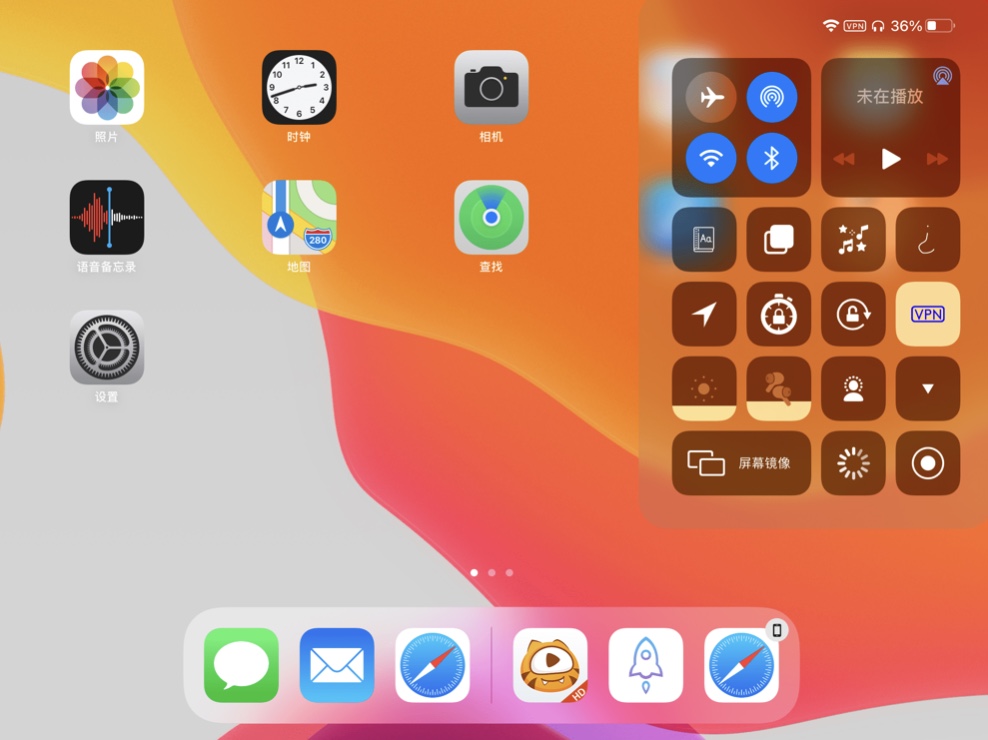
This tweak gives the iPad a proportionate Control Center background blur

It’s no secret that the iPad’s Control Center user experience leaves a lot to be desired. In fact, we recently covered the release of a free jailbreak tweak called Yuna that makes better use of all the otherwise wasted and unused space.

When you open Control Center on the iPad, the entire display becomes blurred, yet the actual Control Center interface is contained to the right-most 1/3 if the display. Seems overkill, don’t you think?

Give Sileo floating package depiction headers with uki

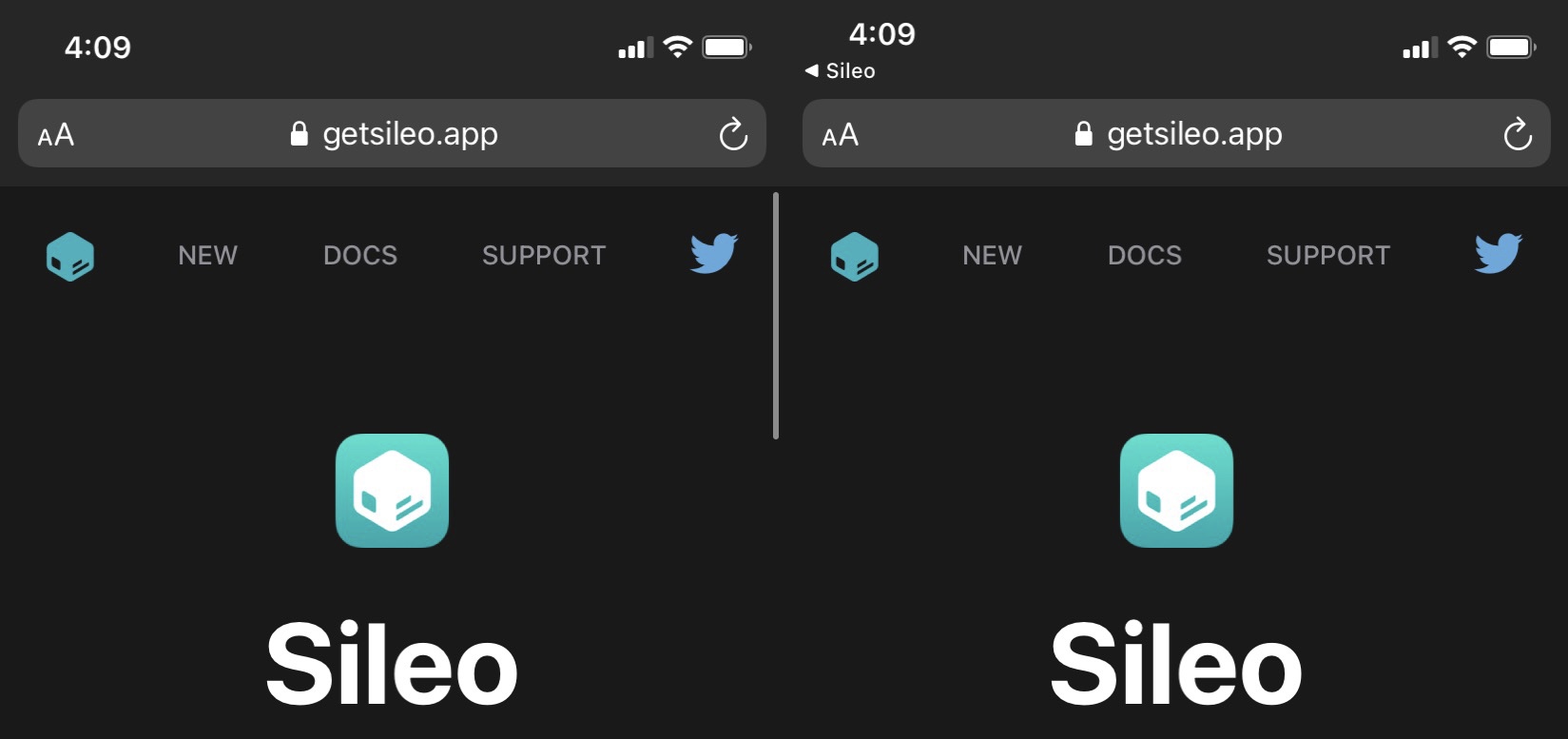
If you’re taking advantage of a jailbreak that uses the Sileo package manager by default, then you’re already enjoying pleasant aesthetics that look and feel like they belong on the latest versions of iOS and iPadOS.

But let’s say you wanted to change those aesthetics in one way or another; what would you do then? You could petition the Sileo Team to make changes, or you could install a jailbreak tweak to accomplish the same task.

This tweak makes it so jailbreakers don’t have to enter their passcode after respringing

Respring screen.

It’s important to have a passcode on your iPhone or iPad because it helps keep your information safe by ensuring that only an authenticated user is able to access your apps and personal data. But have you ever found yourself annoyed about the fact that you’re asked to authenticate yourself after respringing your jailbroken handset?

Typically when you’re respringing a device, you’re doing it because you just installed a new jailbreak tweak or because you just applied new settings to an already-installed tweak. In both cases, having to enter your passcode to get back to what you were doing is an extra step that most users would probably prefer to do without.

ByeQuickAction removes the Lock Screen’s Quick Action buttons

Quick Action buttons.

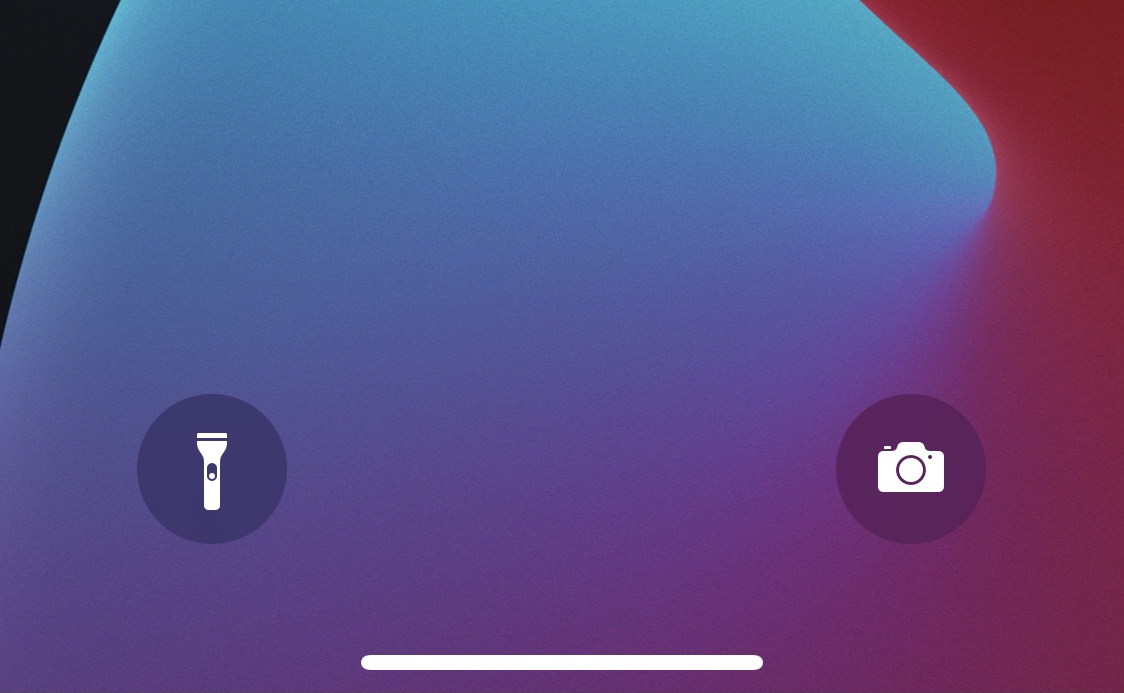
The Lock Screen is home to two familiar Quick Action buttons on notched handsets that allow users to launch their Camera or ignite their flashlight on demand. But some users either don’t like these buttons or toggle them accidentally so often that their sheer existence isn’t worth it at all.

For those who’d like to remove the Camera and Flashlight Quick Action buttons from the Lock Screen, ByeQuickAction is a new and free jailbreak tweak by iOS developer AJB that does exactly that.

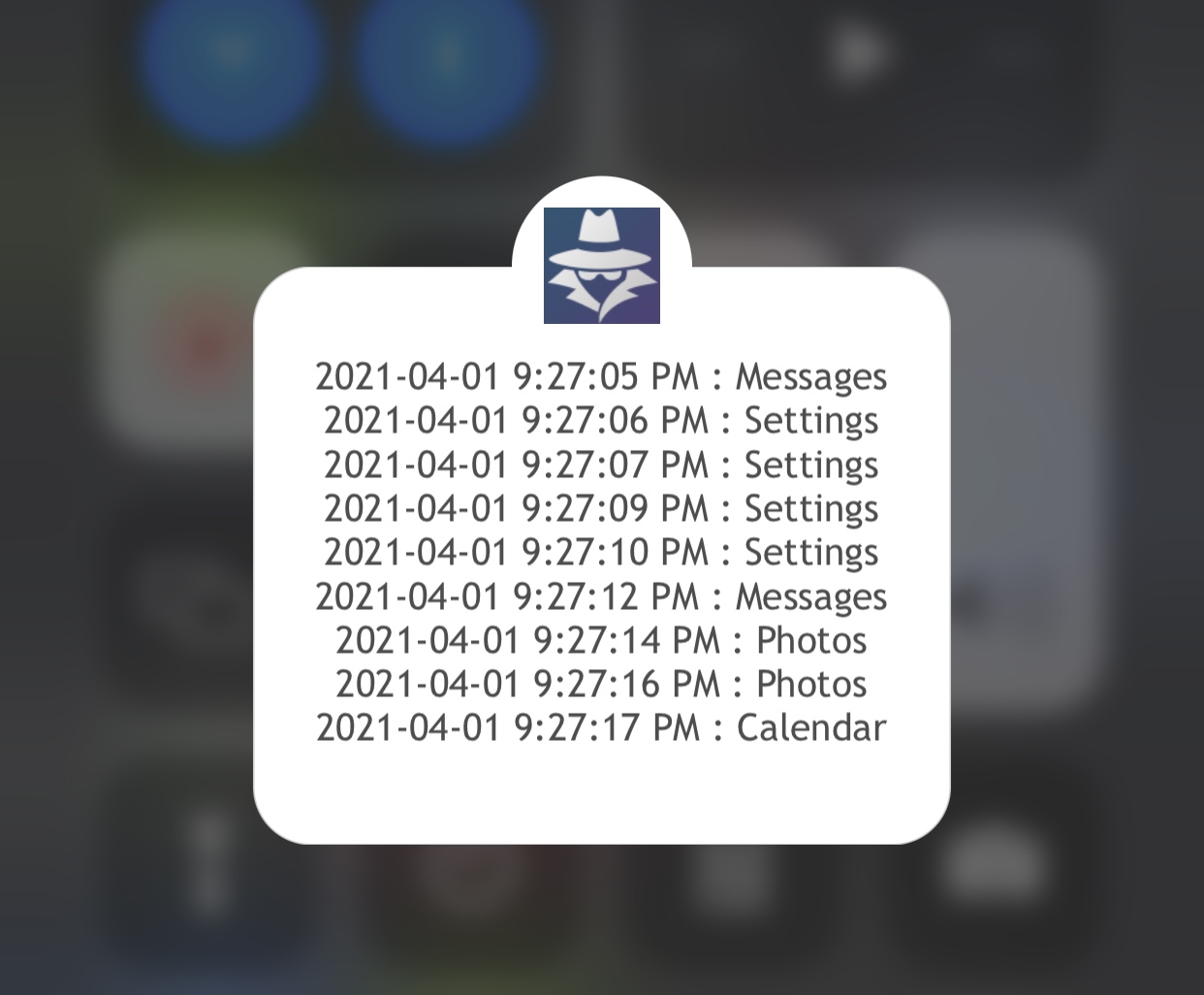
Keep tabs on your iPhone’s activity after lending it to someone with Spy 2

Individuals who are kind enough to lend their iPhone or iPad to others in their time of need are often left at the mercy of the user when it comes to what they might do on said handset.

Paranoia often sets in when you realize just how much of your personal life resides on your device. This can cause worry when lending your device even for just a few moments because you never know if that person will dig through your messages, photos, or other sensitive data.

This tweak switches the Clock app’s animated analog icon to a digital format

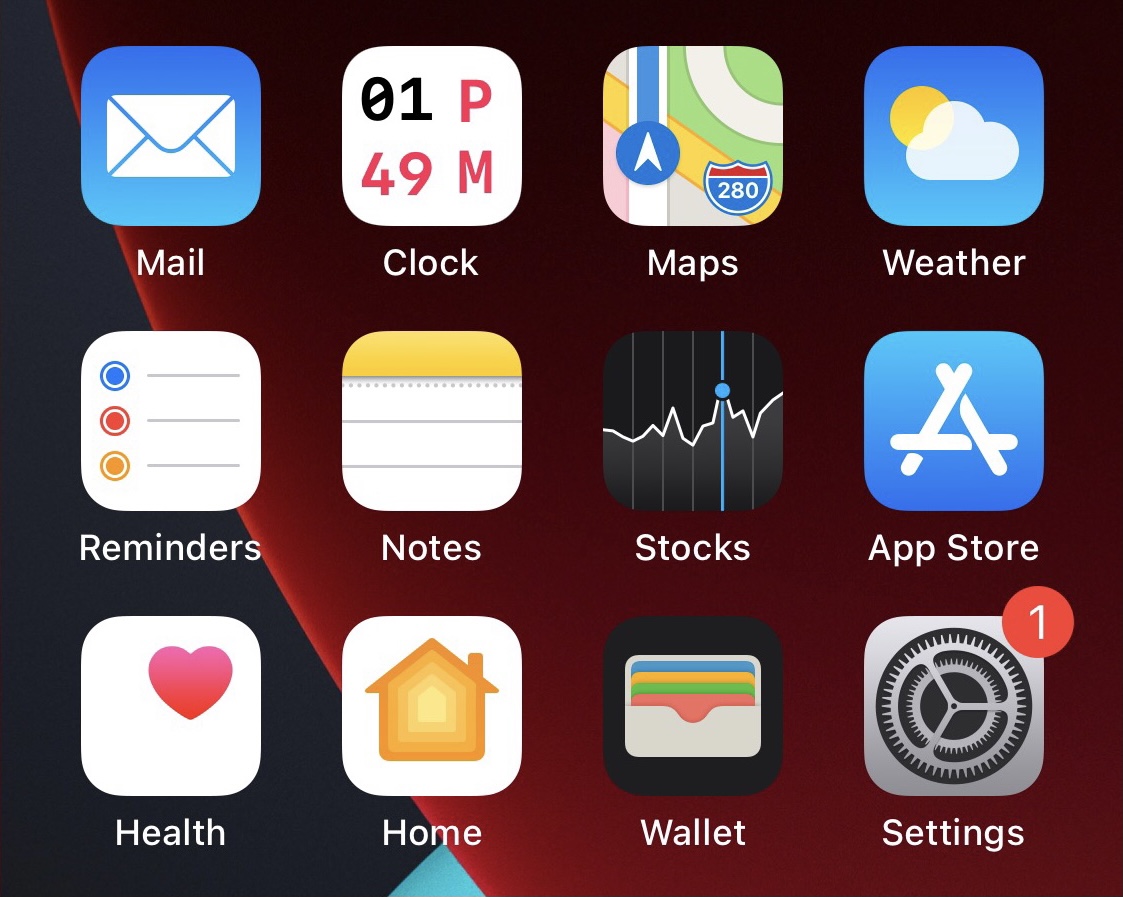
One of the small details that I appreciate about my iPhone’s Home Screen is the fact that the Clock app’s icon has been animated with moving hands (seconds, minutes, and hours) to display the correct time in real time. But it’s still strange to me that Apple only provides an analog option.

With a newly released and free jailbreak tweak called DigitalClock by iOS developer Chr1s, you can replace the Clock app’s animated analog clock Home Screen icon with a digital clock alternative. Additionally, the tweak comes with a plethora of different options for customizing the appearance.

ByeBackgroundBreadcrumbs fixes one of my biggest complaints about iOS’ Breadcrumb links

If you’ve ever noticed the name of an application on the left side of your iPhone or iPad’s Status Bar after being jolted from one app to another, then you’ve witnessed what Apple calls a Breadcrumb link. This handy link lets you get right back to the app you were just using when you’re finishing in the app you were just jolted to.

I really like the concept behind Breadcrumb links, but if there’s anything that really grinds my gears about them, it would be the fact that they can sometimes remain in the Status Bar even after you’ve forcefully closed the origin app. Tapping on the Breadcrumb link is often the only way to get rid of it, and then this would would re-launch that app whether it was needed or not.

Jailbreak tweaks of the week: Alt5tore, Arkita, JellyLock Reborn, & more…

Following this week's launch of the brand-new Taurine jailbreak for iOS & iPadOS 14.0-14.3, we have a lot of new jailbreakers joining our ranks. Fortunately for those who may not know where to start with their new jailbreak, this is a great place to start.

This roundup will encompass all the last jailbreak tweak releases and news tidbits from this past week, all in one convenient place — spanning Monday, March 29th to Sunday, April 4th.

The best jailbreak tweaks for iOS 14

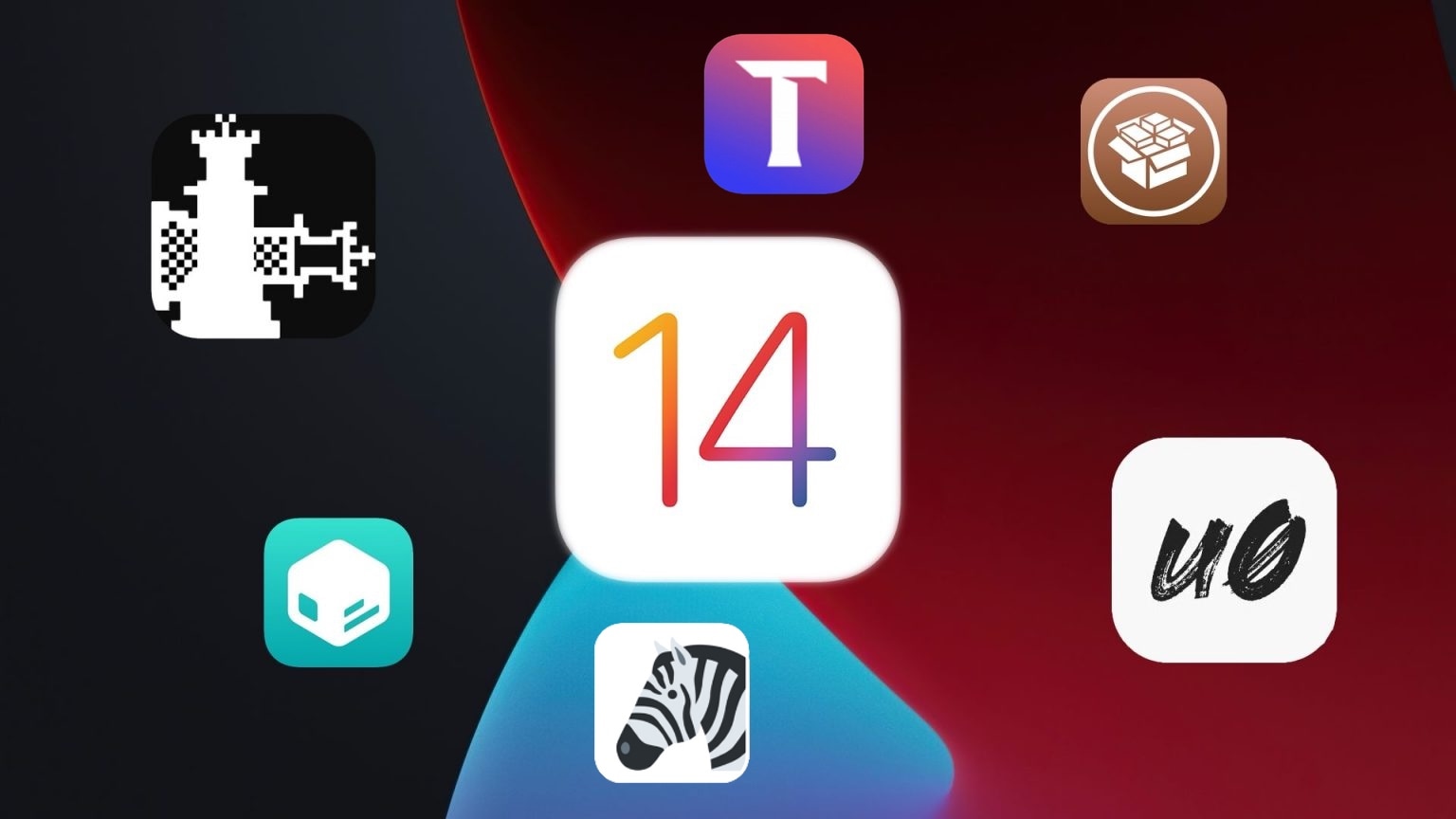
While some jailbreakers have been fortunate enough to enjoy a pwned handset since iOS & iPadOS 14 first dawned last year thanks to the bootrom exploit-based checkra1n jailbreak tool, others were a bit later to the party since the side-loadable semi-untethered unc0ver and Taurine jailbreak apps only just enabled support for iOS & iPadOS 14.0-14.3 on all devices within the past month or two.

Whether you’re entirely new to jailbreaking or you’ve been using a pwned iOS or iPadOS 14 device since the major software update first dropped, you’re probably wondering what tweaks and add-ons you can install to get the most out of your jailbreak experience. Fortunately, we’re here to help you with that.

This tweak adds a Rotation Lock button to iOS’ native video player

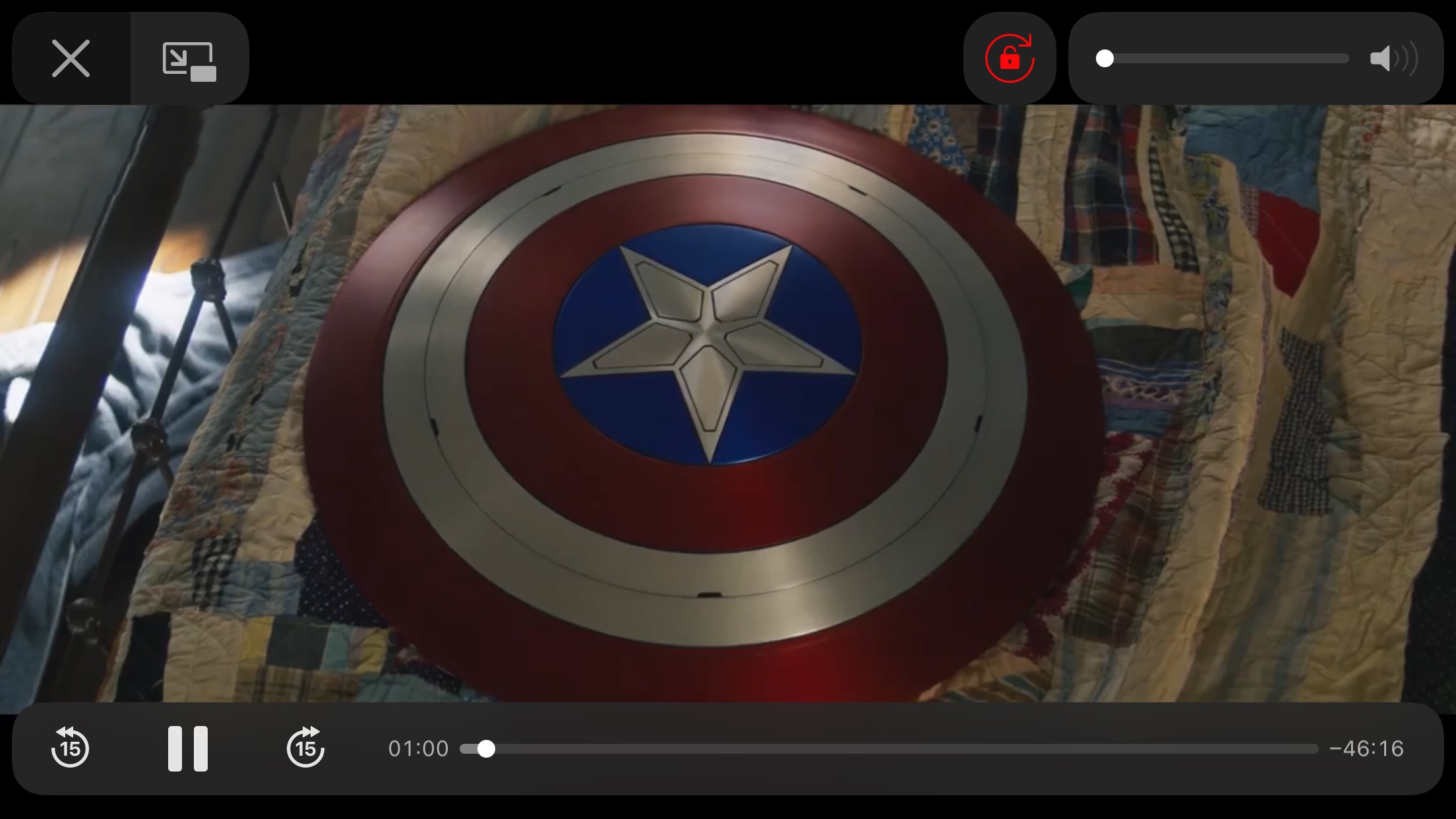
Rotation Lock is a useful feature that I use on my iPhone almost every single day. People use Rotation Lock for a bevy of different reasons, but many would coin video consumption to be a valid use since it can prevent the display from rotating to an uncomfortable orientation in those niche moments like laying in your bed.

Currently, the fastest and most convenient way to toggle Rotation Lock is via the dedicated Control Center toggle, but launching Control Center can interrupt your video playback. With that in mind, wouldn’t it have made perfect sense if Apple had simply integrated a Rotation Lock button into the video player interface to begin with?