Productivity

Google Docs, Sheets and Slides gain Touch ID support and other new features

After adding a new Incoming section to Docs, Sheets and Slides iOS apps which lets you see all of the files that have been shared with you, Google on Wednesday issued another refresh to its trio of productivity applications for the iPhone and iPad.

Google Docs, Sheets and Slides now feature Touch ID support for passcode lock to keep your documents, app settings and more safe from prying eyes.

In addition to that, each app has gained a few noteworthy enhancements such as a brand new spell-checker in Docs, mentioned after the break.
Dropbox buys Office document-editing app CloudOn, service shutting down in March

Dropbox has snapped up CloudOn, a cloud-based Microsoft Office document editing application. The company said in a blog post announcing the deal that its more than 30 employees will be joining the Dropbox team and confirmed shutting down the service on March 15, 2015.

The free CloudOn iOS app, which launched in 2012, has been updated today with a note confirming the service will be no longer accepting new users as a result of the deal.

Microsoft now gives you first month free when you sign up for an Office 365 subscription

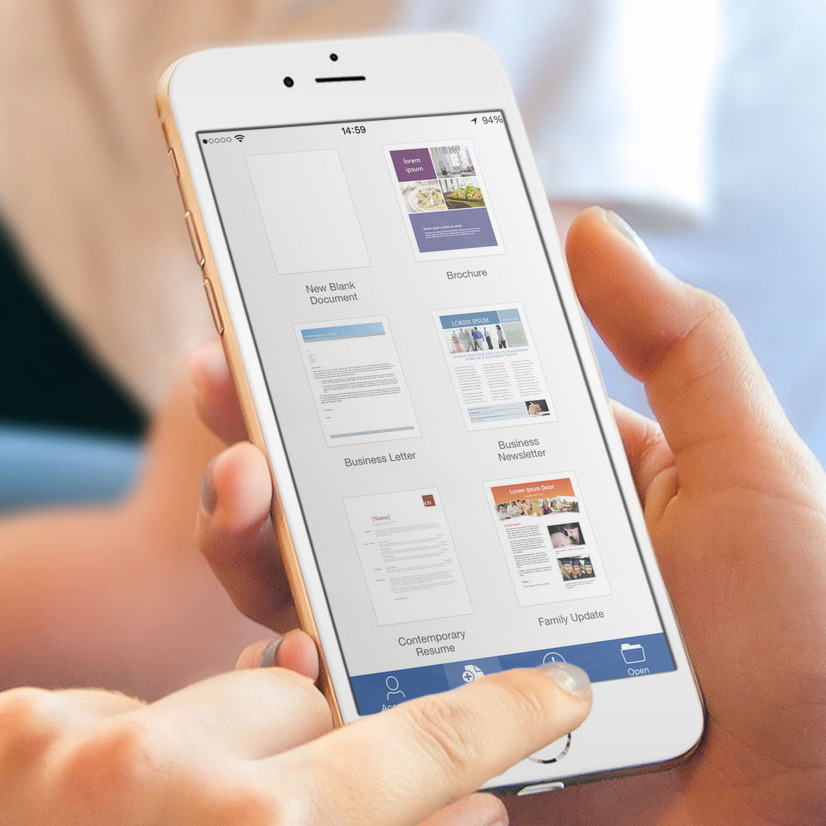
Microsoft's Word, Excel and PowerPoint apps for the iPhone and iPad allow anyone to edit, create and view Office files on the go at no cost, but advanced features such as a more powerful editing capability, Dropbox integration and more is locked behind a paid for Office 365 subscription.

In the hope of encouraging as many Office for iOS users as possible to move up to the subscription model, the software maker on Thursday said it's now treating you to the first month free if you sign up for an Office 365 subscription.

BlueSkyMe for iPad debuts: manage your time, relationships and projects

The App Store has some tremendously useful apps to get the most out of your busy schedule, but wouldn't it be nice if there was a single app to manage your contacts, mails, reminders and calendars and activities instead of a fiddling with a multitude of different applications from multiple devs?

Now there is: BlueSkyMe by Dynamic Elements. The iPad productivity app gives you a comprehensive outlook of your time, relationships and projects in one place.

10 apps to start the New Year off right

It is finally 2015 and we’ve all got big dreams and big goals for the New Year. I love setting resolutions, but hate trying to keep to them. My biggest problems are with staying fit and keeping organized. I start off with a bang, but eventually lose momentum after a few months.

Whether you are fighting to shed that “winter coat” you gained during the holidays, or are looking for a better way to get your life organized, we’ve got a list of apps to help you start the New Year off right.

The best Productivity apps of 2014

Apple’s newest desktop and mobile operating systems have supercharged productivity in a big way. We’re not just talking about complex task lists, but new ways to create, save, and share documents and files, better access to important information, and syncing across devices better than anything in the past. This year, we submitted our favorite productivity apps to launch in 2014 and voted on them. Below is a list of the winner, the runner-ups, and our all-time best productivity app.

The Hit List will help you organize your life in time for the New Year

Around this time of year, I start thinking about New Year’s resolutions. I’ll admit that I only keep about half of my resolutions, but half is better than none, right? One goal that is always on my list is to get more organized. It is also one that I fail to meet nearly every year.

The Hit List is a complex organizer for the iPhone that lets you make multiple lists, make project cards with due dates, and organize tasks by categories. Plus, sync with The Hit List for Mac to always be on top of your daily, weekly, and long-term projects.

PowerPoint for iOS now works in portrait

Software maker Microsoft this morning issued a minor update to its mobile Office apps available in the App Store. Word, Excel and PowerPoint for the iPhone and iPad have received a few bug fixes and one new feature.

Specifically, PowerPoint for iOS has finally introduced support for portrait orientation so you can now view and edit your presentation no matter which way you hold your device.

Readdle launches PDF Office, a new productivity suite with subscription model

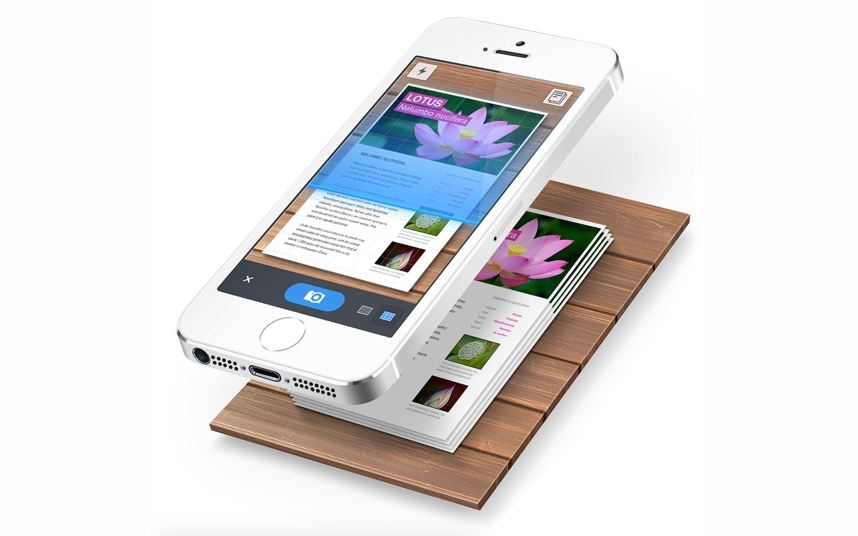
Ukrainian developer Readdle today added a new flagship application to its stable of productivity software for the iPad, PDF Office. The all-in-one mobile solution is suited for demanding users who need to produce PDF files on the go, from scratch, or edit existing documents using a bunch of powerful editing and annotation tools.

With PDF Office, you can create new PDFs, jot down notes, scan documents using your iPad's camera, create and fill out forms, convert any file, picture or even a website into a PDF document, annotate and sign PDFs, collaborate on documents and more — all in the name of going completely paperless.

Based on a subscription model, PDF Office is available free of charge with subscriptions starting at $5 per month (annual subscription will cost you $40).

One List is a simple list maker

Around this time of the year, I’m all over the place with my many lists. I’ve got parties to plan, cookies to make, presents to buy, and all of that has to revolve around my normal busy schedule.

One List is a simple to-do list maker with very little extras so you don’t get distracted by too many options. Make a list, complete a task, and mark it off. Plus, you can see your top three to-do tasks right on your Lock screen with the Notification Center extension.

Readdle’s Black Friday promo slashes up to 50% off popular productivity apps

Readdle, the Ukrainian developer behind some of the best iOS productivity apps such as Calendars, PDF Expert and Scanner Pro, doesn't do sales often.

But when they do, there must be a very good reason and I can't think of a better reason than Black Friday.

Starting on Thursday, November 27 and lasting 48 hours only, Readdle's premium productivity applications are available discounted by up to 50 percent. In addition to discounts on Calendars 5, Scanner Pro, PDF Expert 5, Printer Pro and PDF Converter, their Ultimate Productivity Bundle has been marked down, too.

Dropbox rolling out ability to edit Microsoft Office documents

Following Microsoft-issued updates to itsWord, Excel and PowerPoint mobile apps for iOS with native Dropbox integration, the popular cloud storage startup on Tuesday announced it is adding the ability to edit Microsoft Office documents to its free iOS client.

That's right, both iOS and Android users can take advantage of the newly refreshed Dropbox mobile client with Microsoft Office integration to work on the Office files stored in your Dropbox even when you’re on the go.

In addition to editing your Word, Excel and PowerPoint documents from the Dropbox app, you can also access them directly from Microsoft's mobile Office apps.