Learn how to enhance your Mac’s organization and boost productivity by creating and using Smart Folders in Finder.
How to create and use Smart Folders on Mac
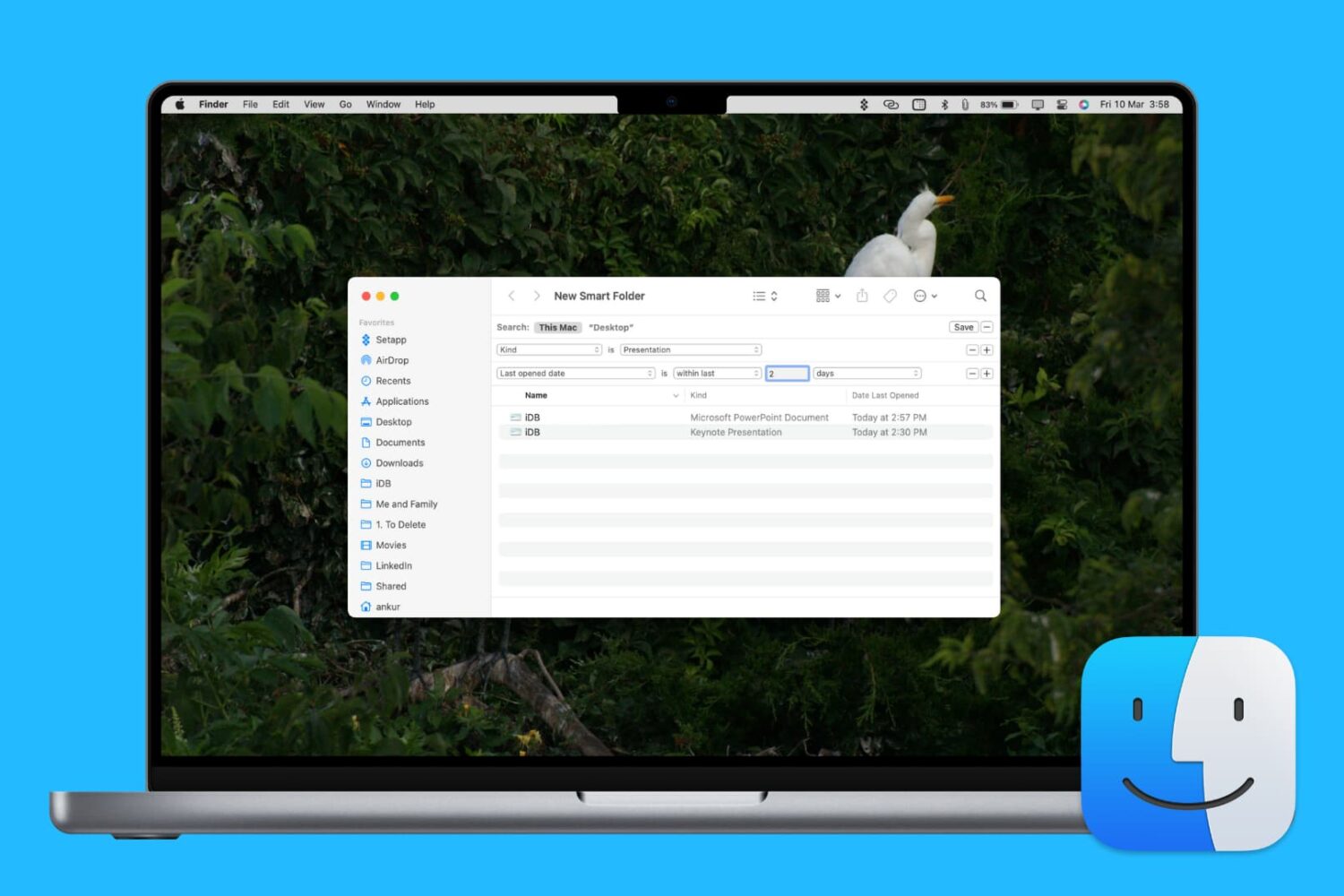
Learn how to enhance your Mac’s organization and boost productivity by creating and using Smart Folders in Finder.

Learn how to type accented letters on Mac keyboards to accurately spell out international names and write foreign words in your documents, emails, messages, and more.
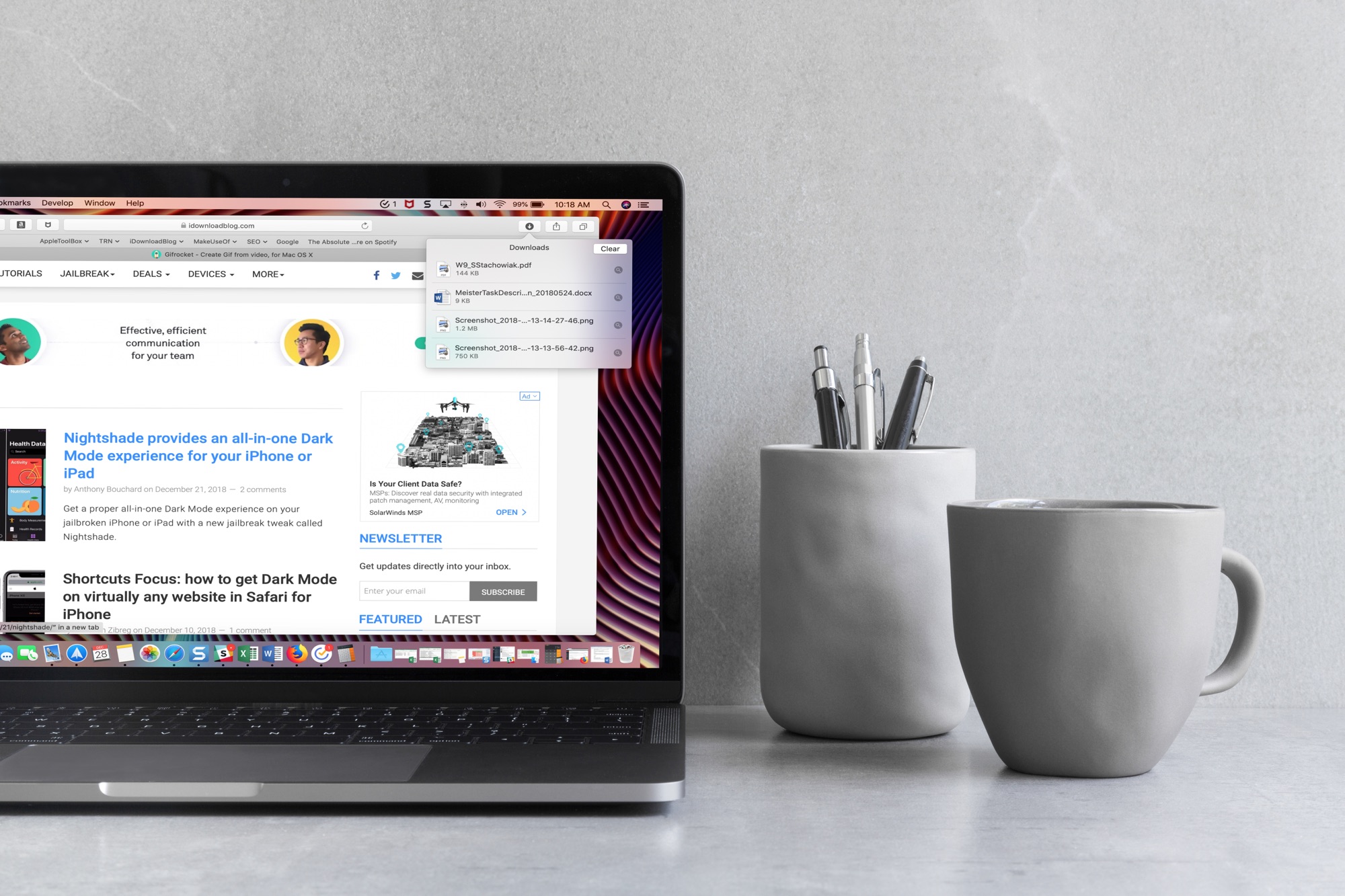
When you download items in Safari, they are all easily accessible from the toolbar. You can see them, pause and resume them, and clear them away.
Here’s how to manage and remove download items in Safari for Mac.

Learn how to set Finder on your Mac to show external hard drives, SSDs, thumb drives, and more in its sidebar for easier access.
While you may work and create your spreadsheets in Numbers, there may be a time when you need one of those documents in the Microsoft Excel file format.
You can easily export spreadsheets into different formats for viewing and editing with other applications. Here’s how to convert a Numbers file to Excel on Mac, iPhone, and iPad.
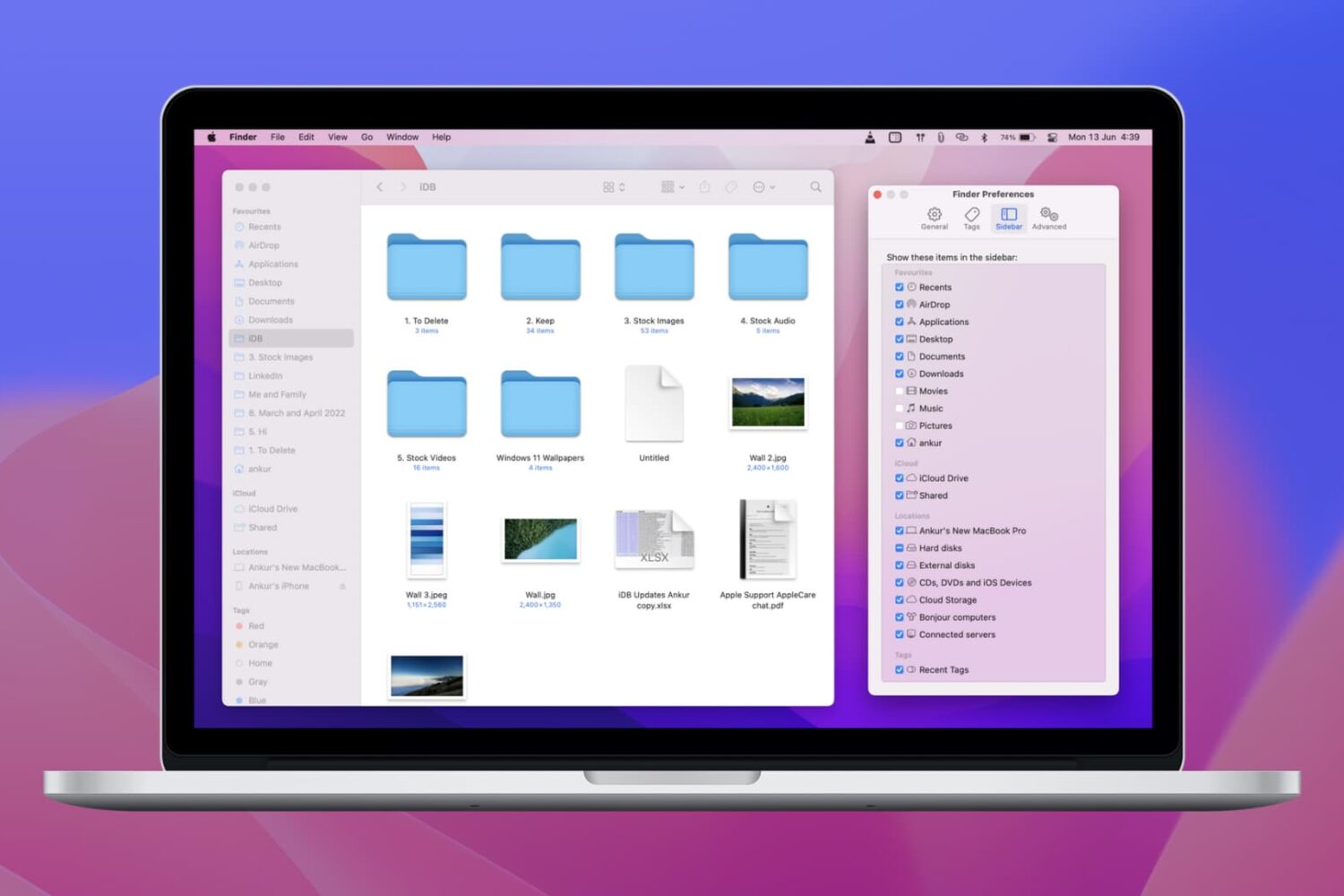
Learn how to personalize your Mac’s Finder sidebar with handy shortcuts to drives, folders, and network shares, remove stuff you never use, and reorder items to your liking.
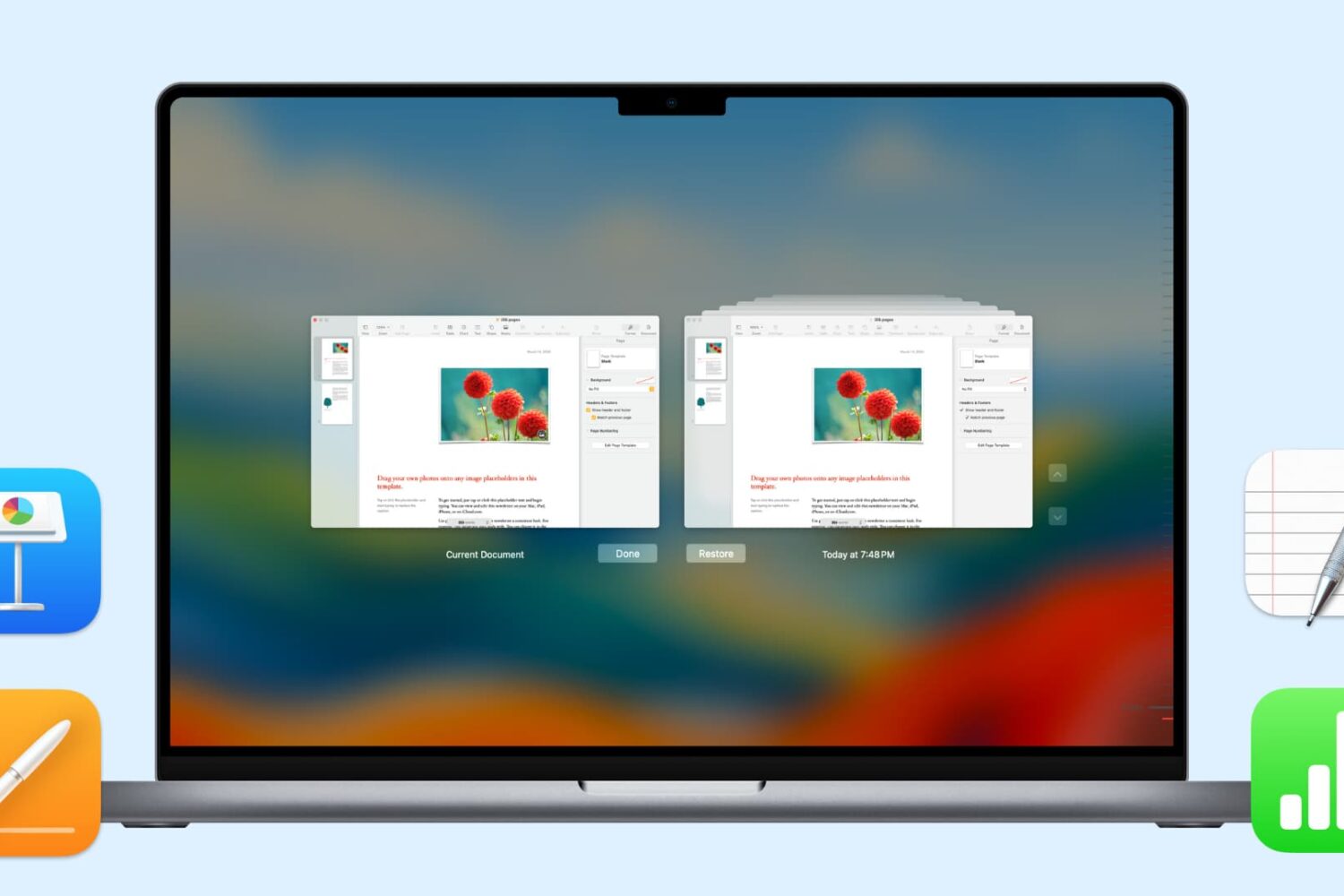
In this handy tutorial, we’ll show you how to browse and restore previous versions of documents in Pages, Numbers, Keynote, Text Edit, and Preview on your Mac.
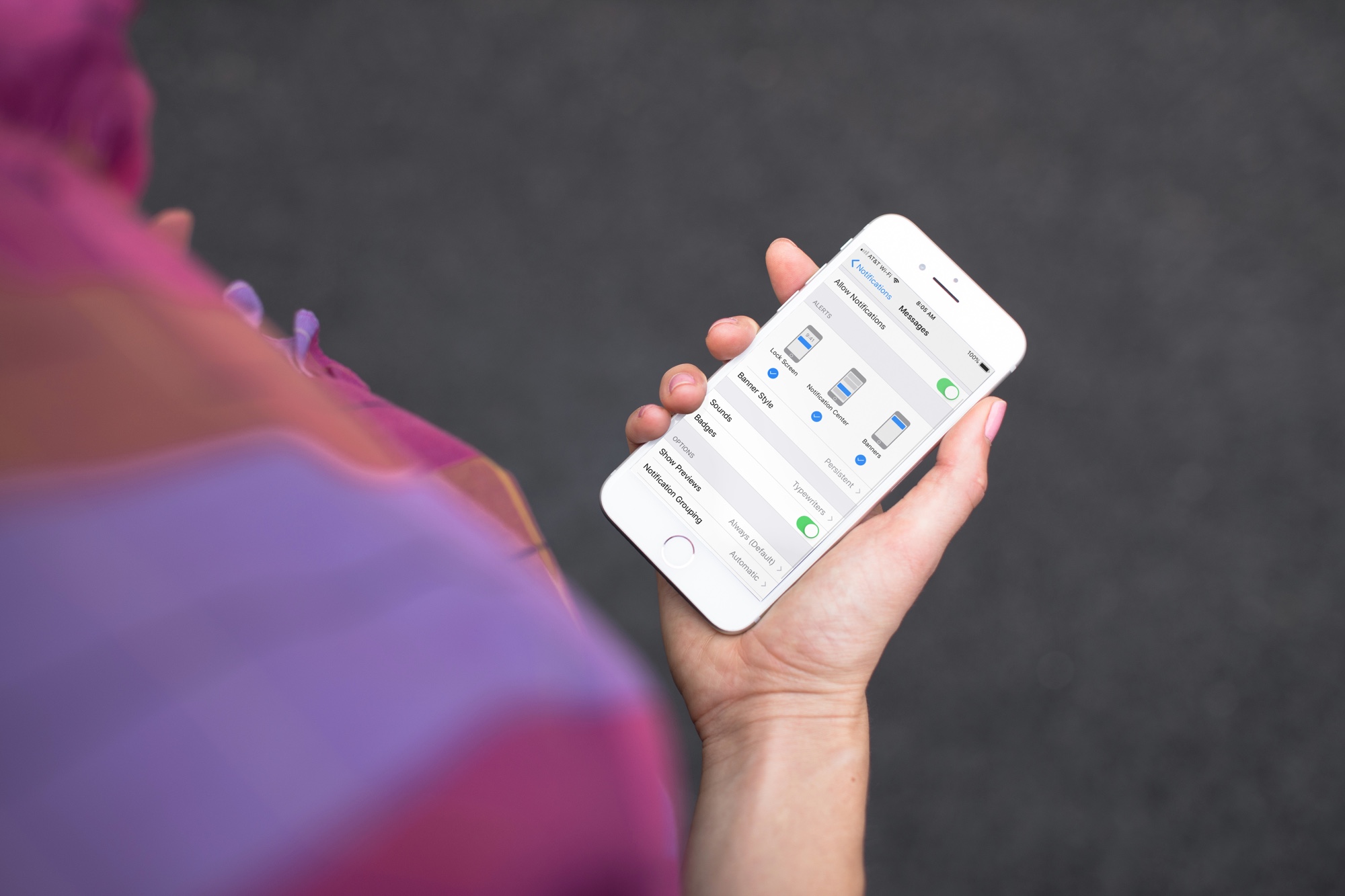
Learn how to get persistent notifications for an app on iPhone or iPad so its alerts don’t disappear automatically from the screen and stay there until you dismiss them.
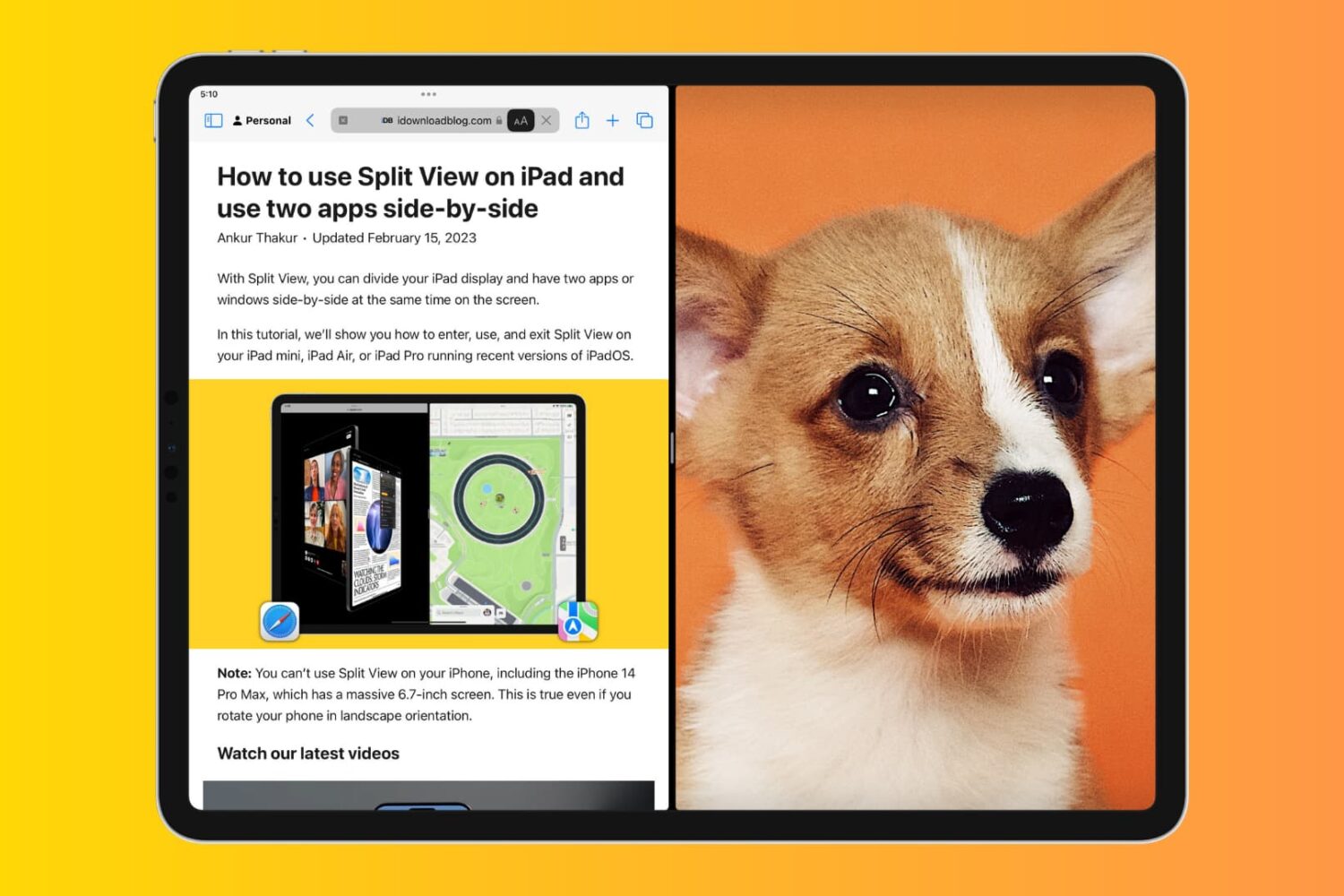
Learn how to block the Split View and Slide Over multitasking features on your iPad if you never use them, and they accidentally get in the way, causing distraction and confusion.

Learn how to add a website shortcut to your Mac Dock so you can open it with a single click anywhere in macOS.

Learn how to hide suggested and recent applications from your iPad Dock to keep it tidy and prevent the Dock from changing its size or displaying apps you don’t want there.

Learn about these cool Gmail tricks if you’d like to disguise your email address or have an easier way to triage and filter your inbox.