Learn how to configure the Calendar app on your iPhone, iPad, or Mac to start the week on a day other than Sunday, if that’s your preference.
How to set Calendar app to start on Monday or Saturday instead of Sunday
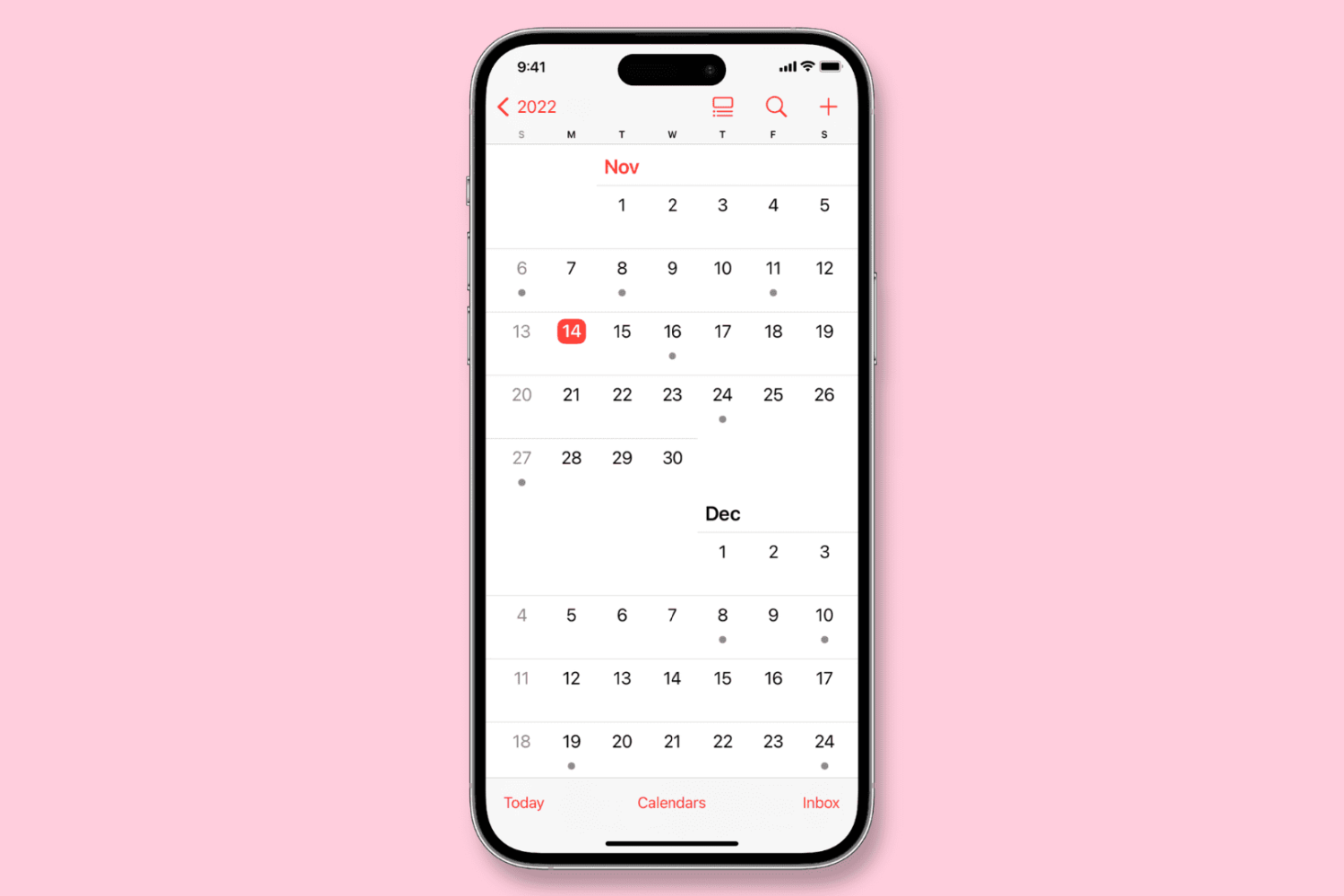
Learn how to configure the Calendar app on your iPhone, iPad, or Mac to start the week on a day other than Sunday, if that’s your preference.
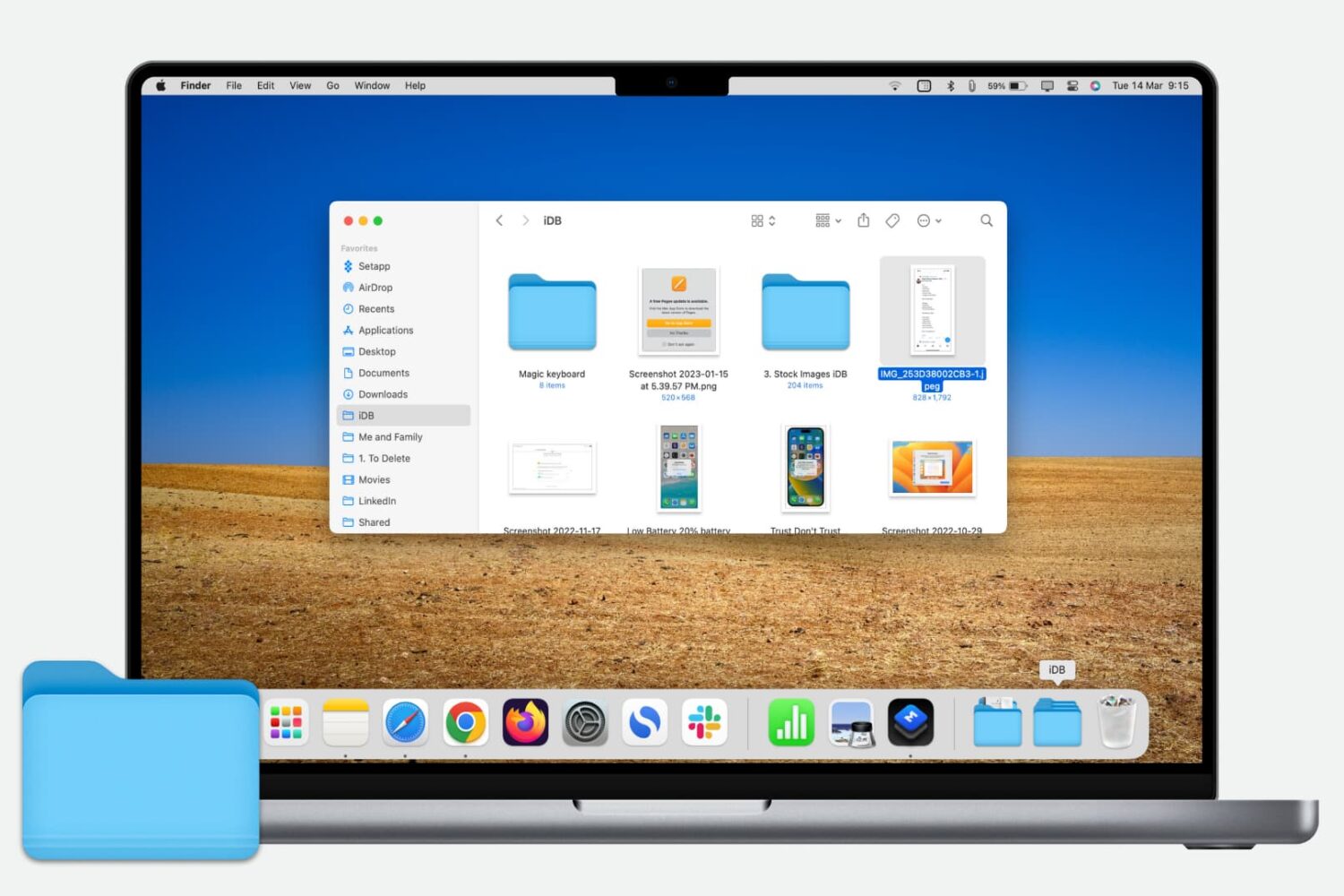
Learn how to quickly add a folder from your Finder’s Sidebar to the Dock on your Mac for even faster and easier access to those folder files.

Learn how to forward your iCloud emails to Gmail, Outlook, or any other account to keep all your messages in one inbox and improve your email management.
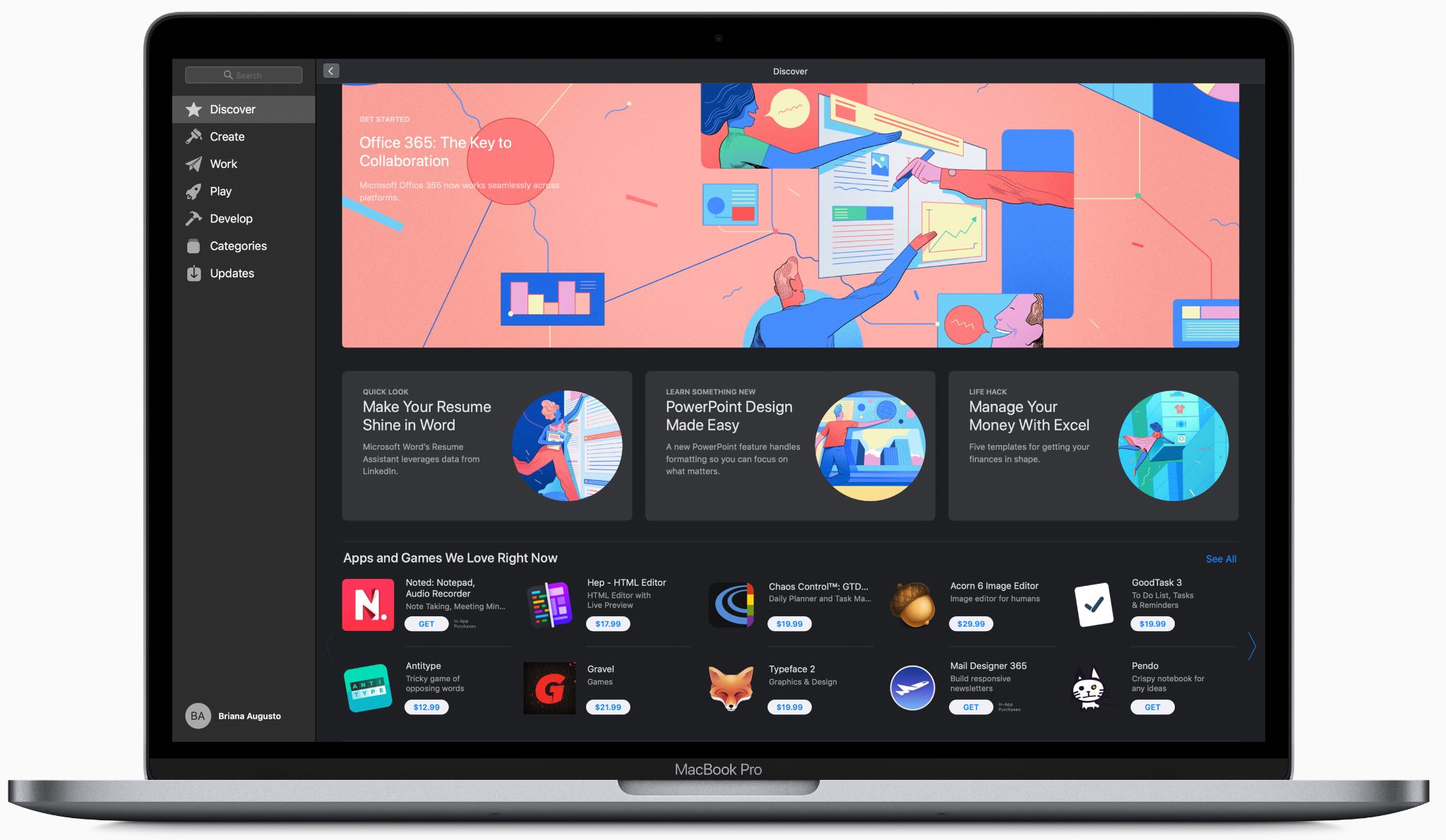
At its annual developers conference held in the summer of 2018, Apple made an unexpected announcement that Windows giant Microsoft would be launching the Office suite on the revamped Mac App Store in macOS Mojave, and now it's made good on that promise.
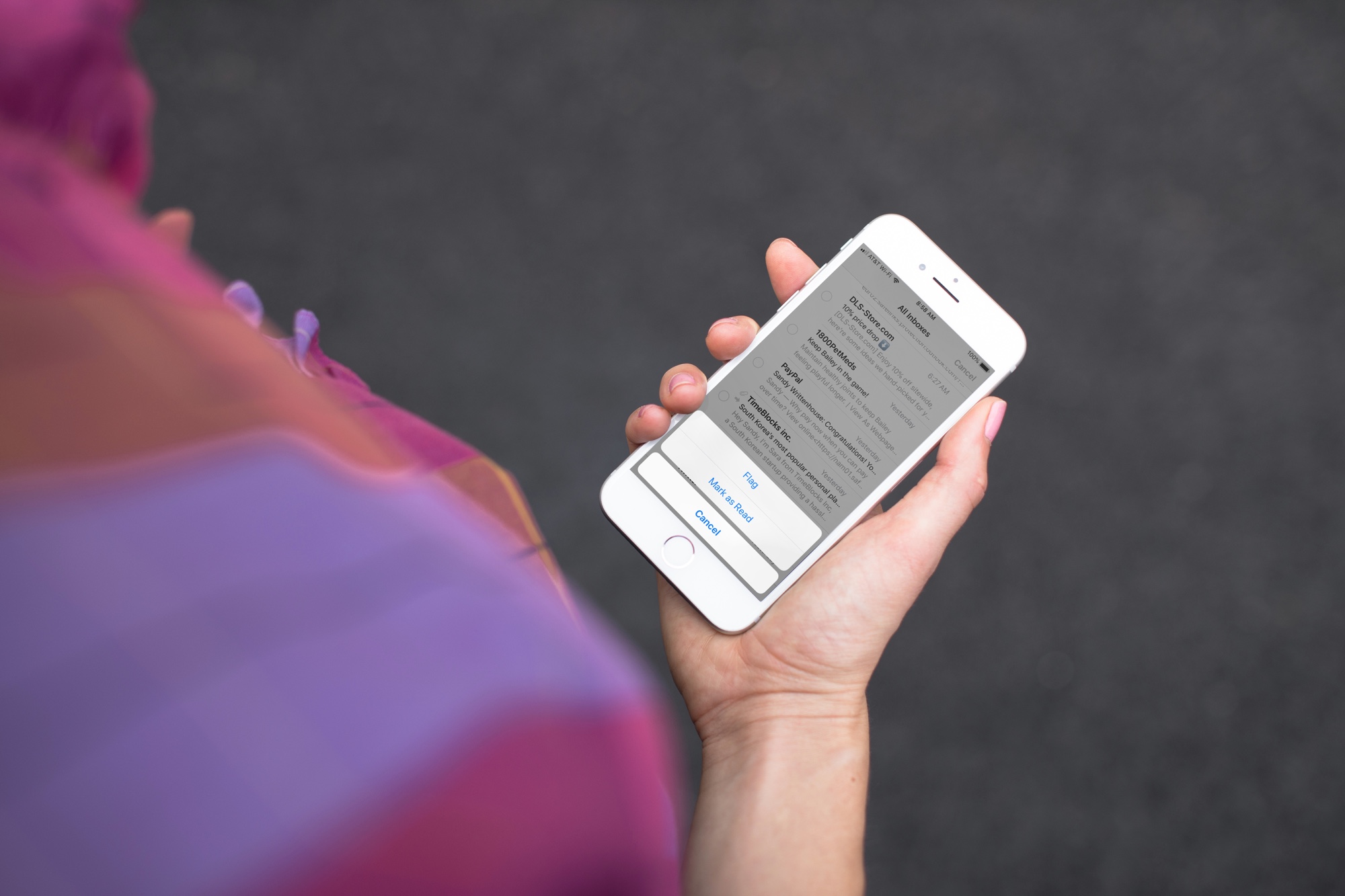
Quickly mark all unopened emails as “read” in the Apple Mail app on iPhone, iPad, and Mac to clear the unread messages in your inbox.
Learn how to protect your Apple Pages, Numbers and Keynote documents with a password on the iPhone, iPad and Mac to keep your files secure and private.
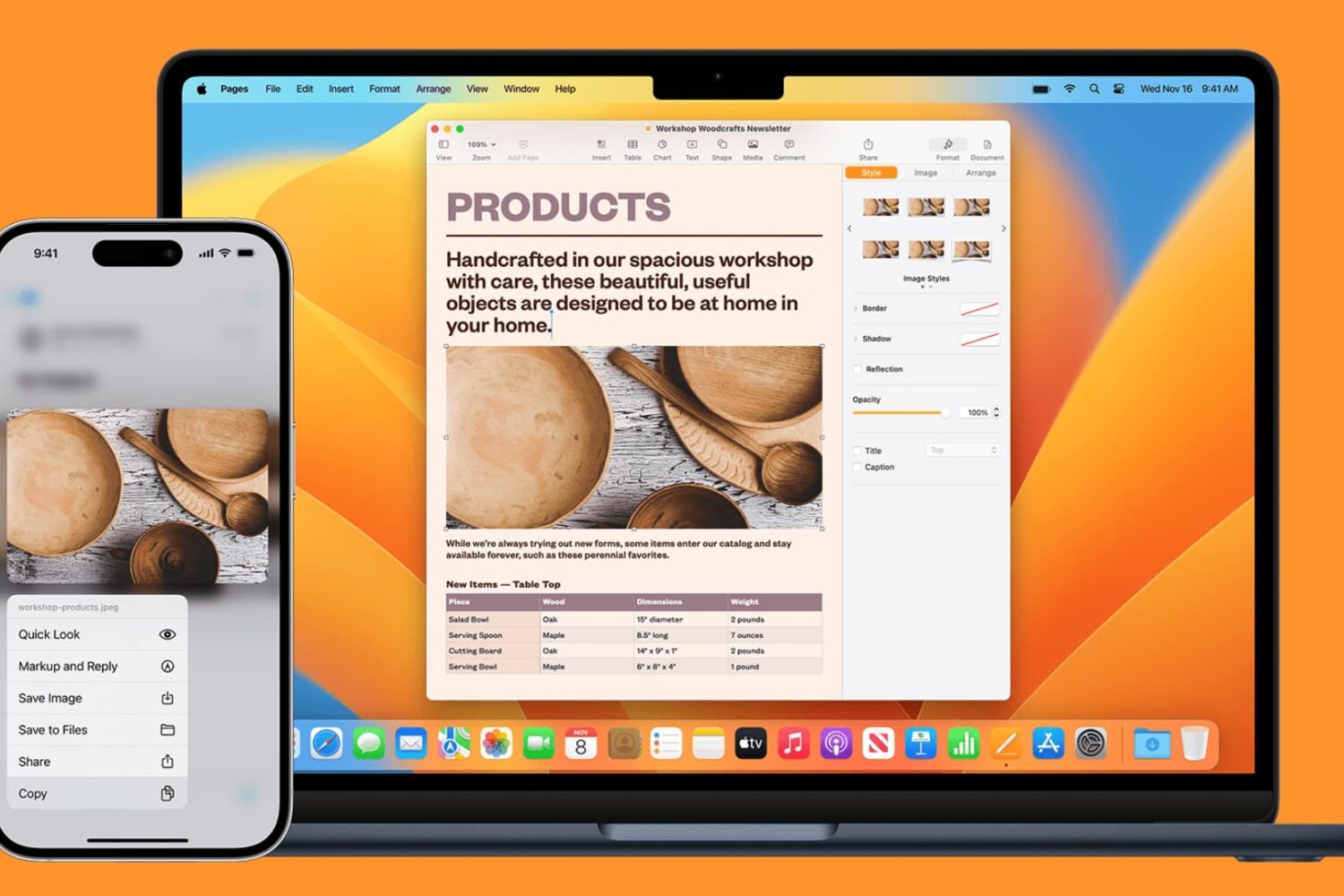
Learn how to seamlessly copy and paste text, images, links, and files across your iPhone, iPad, and Mac using Universal Clipboard.
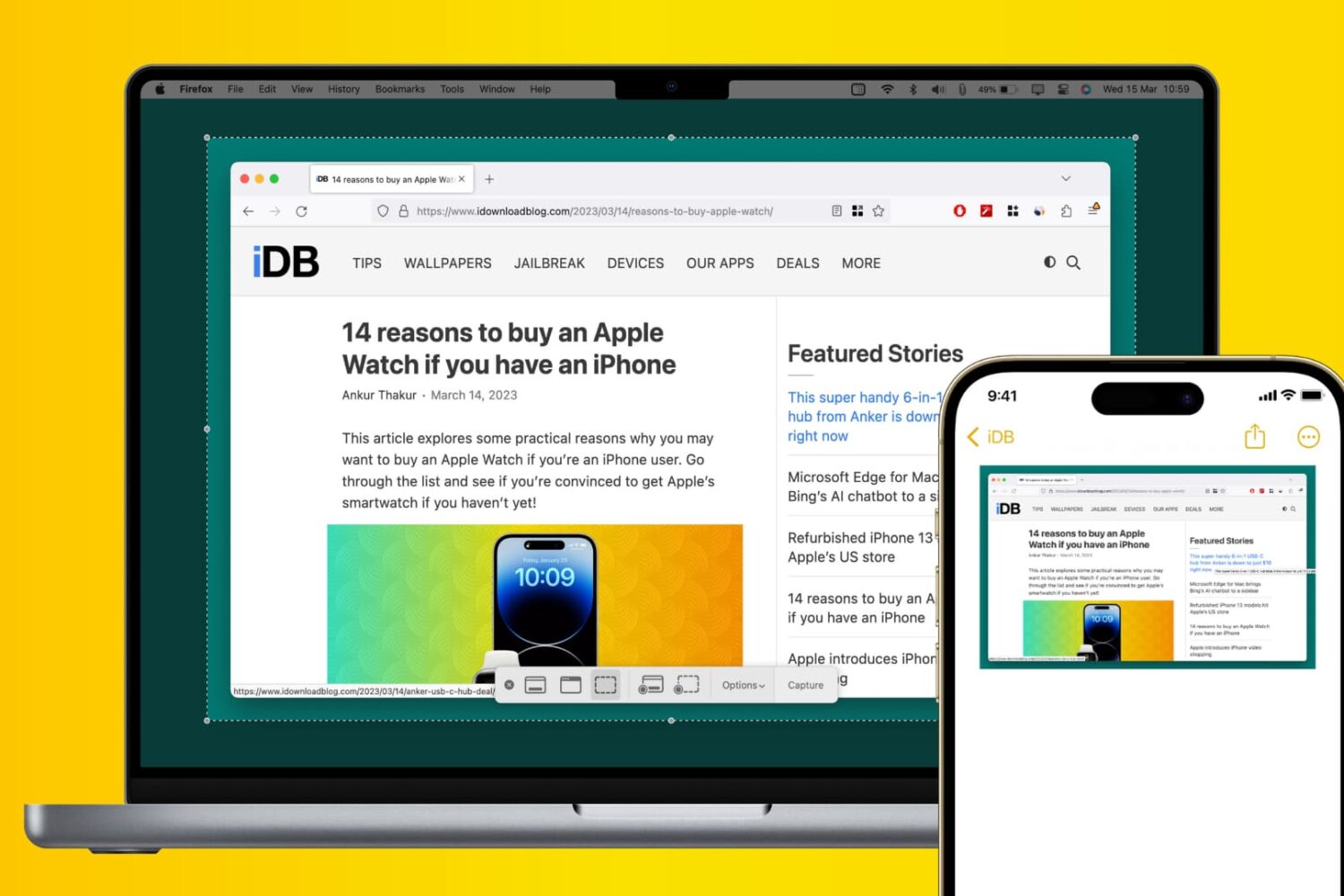
Learn how to use Apple’s Universal Clipboard to copy and paste Mac screenshots into iPhone apps like Notes, Mail, or social media, boosting your productivity.
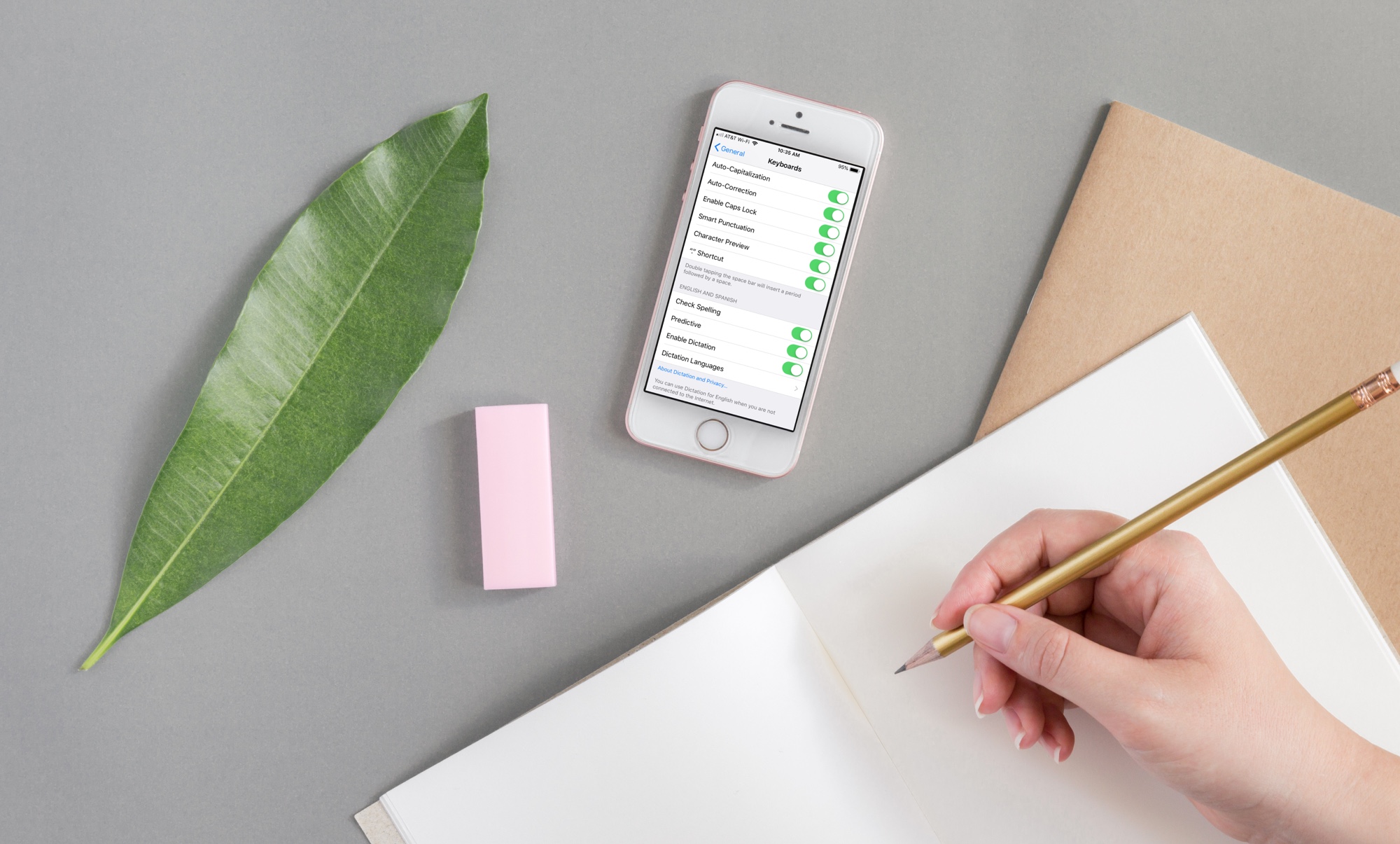
If you need to write in another language that you also speak yourself, using spell check in that other language is convenient for avoiding errors.
Here’s how to use a different spell check language on iPhone, iPad, and Mac.
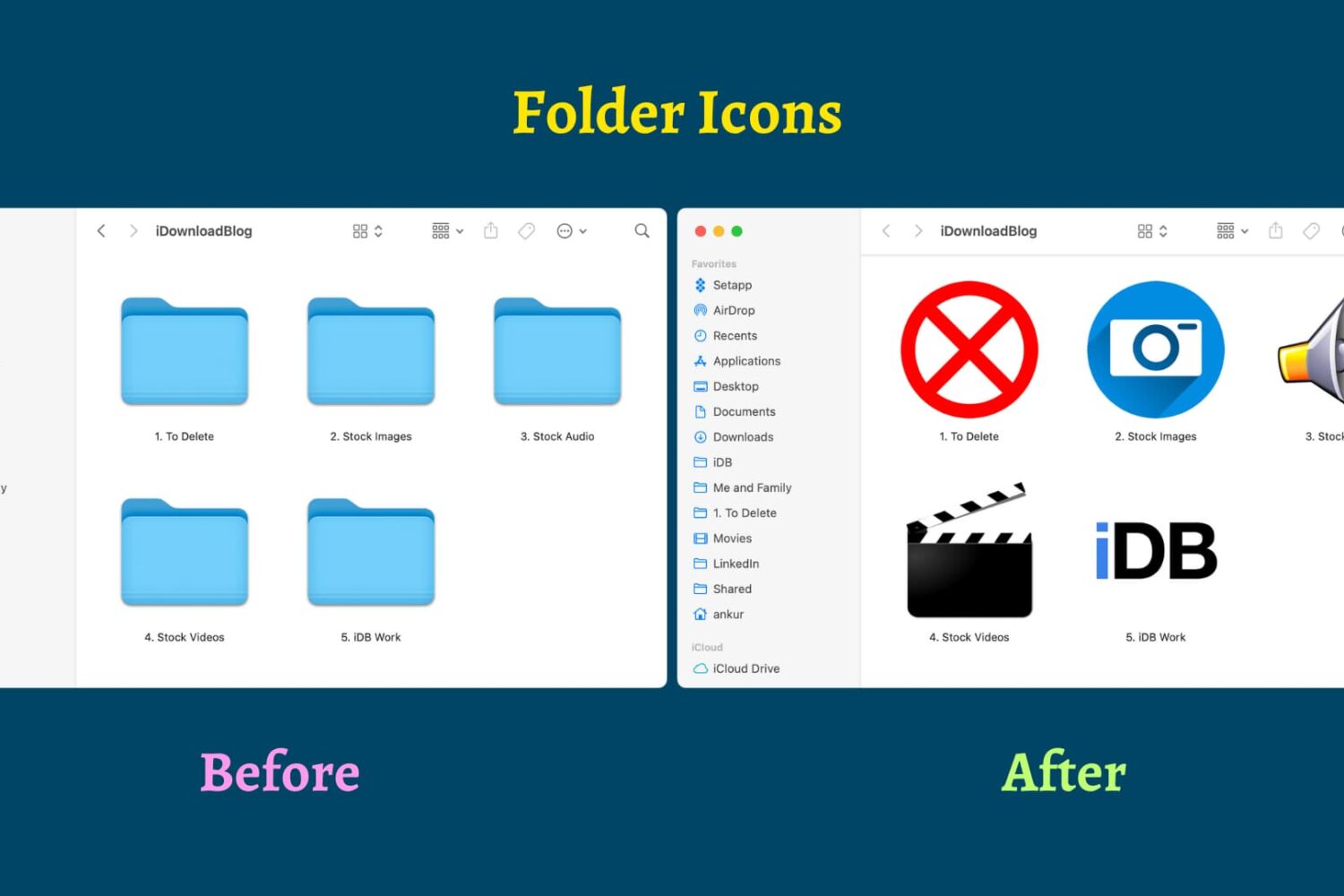
Find out how to replace the default folder icon with a custom photo or logo to personalize your Finder experience on Mac.

Learn how to switch your Mac keyboard layout from QWERTY to AZERTY or even Dvorak so you can type faster and more comfortably in a layout that you’re familiar with.
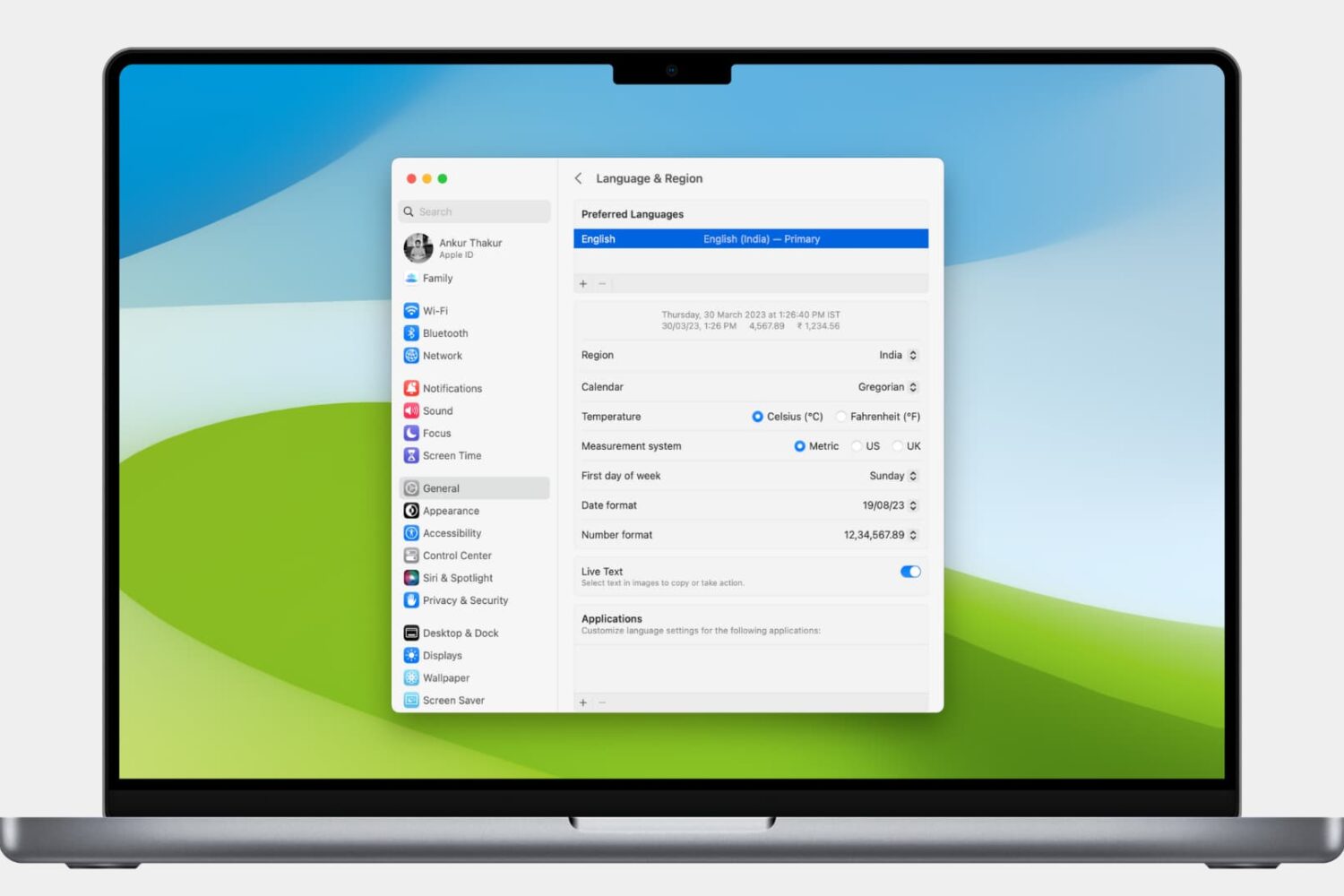
Learn how to customize the date and time formats on your Mac, and change the currency type or measurement units for a localized macOS experience.