Learn how to hide the email address using the “Bcc” feature in the Apple Mail app to copy someone on an email you’re sending, but don’t want your recipient to see it.
How to hide an email address with Bcc in Mail on iPhone, iPad, and Mac

Learn how to hide the email address using the “Bcc” feature in the Apple Mail app to copy someone on an email you’re sending, but don’t want your recipient to see it.

Learn how to highlight text in the Apple Mail app on Mac to emphasize what you’re writing and make certain words and sentences of your email stand out from the rest.

In this quick step-by-step tutorial, we show you how to add an email account to the Apple Mail app on your iPhone, iPad, or Mac.
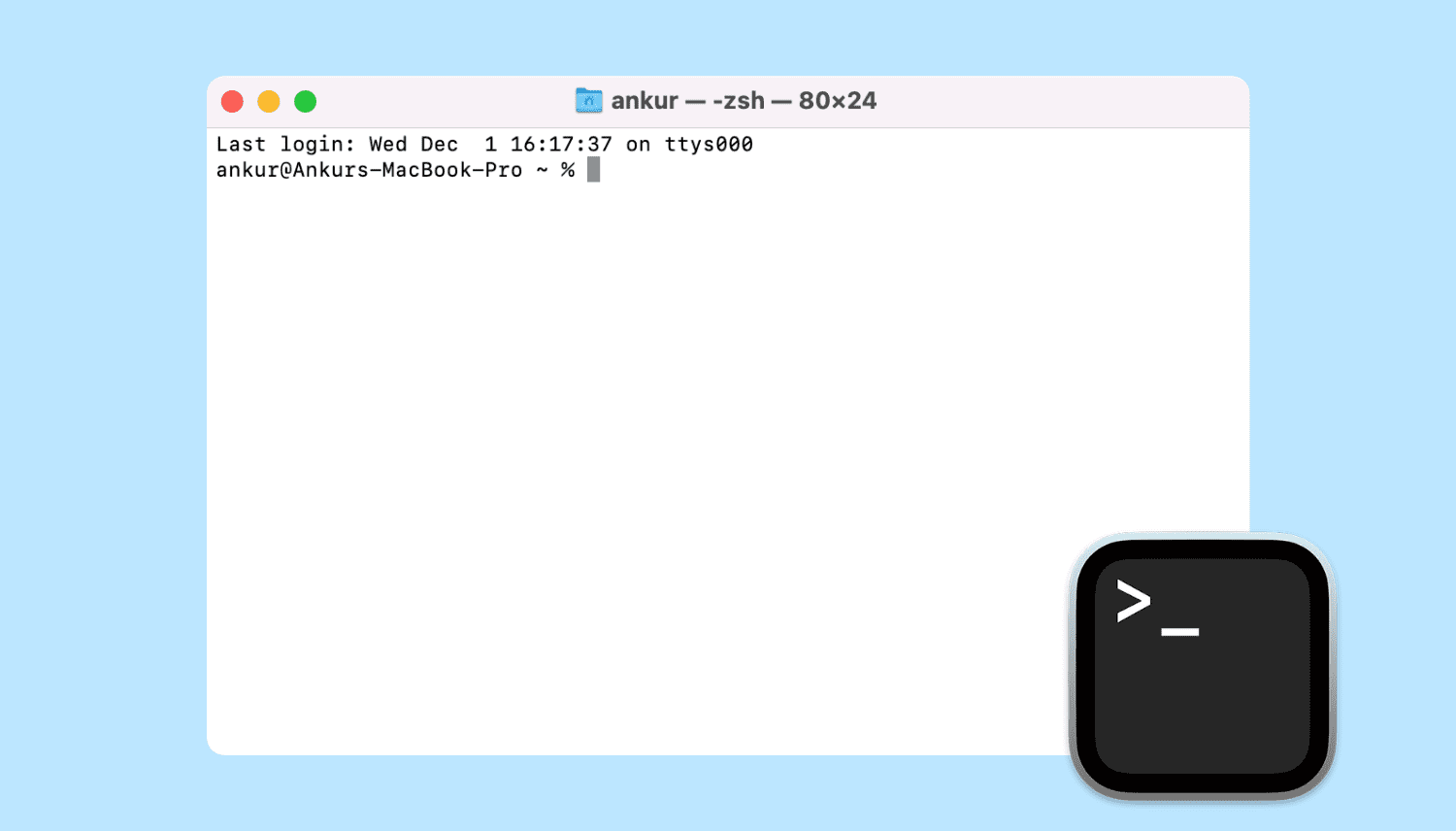
Learn all the ways to launch the macOS Terminal app if you’d like to interact with your Mac using a command-line interface.
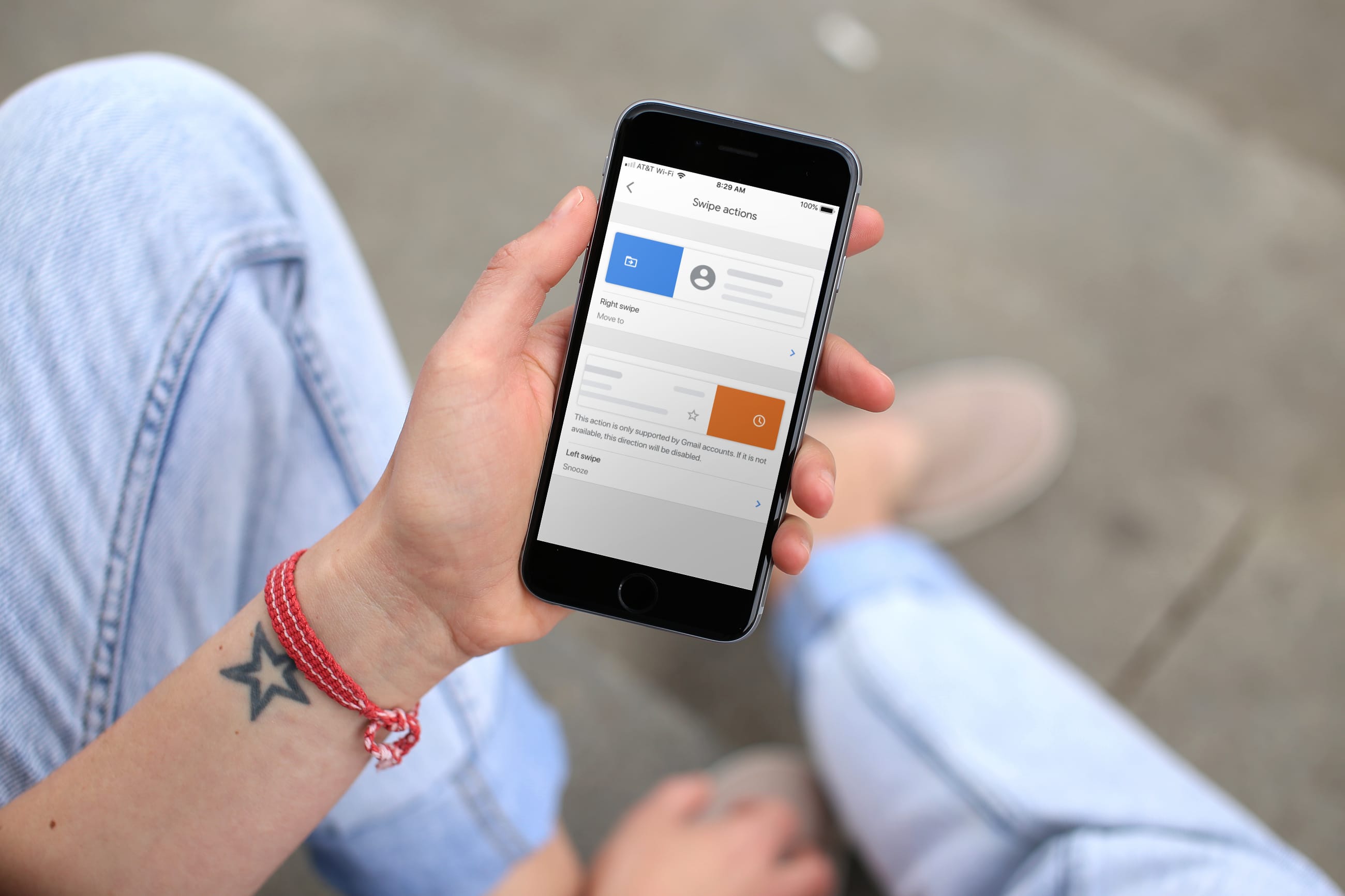
Boost your productivity and streamline your email management by customizing the Left and Right swipe actions in the official Gmail app for iPhone.
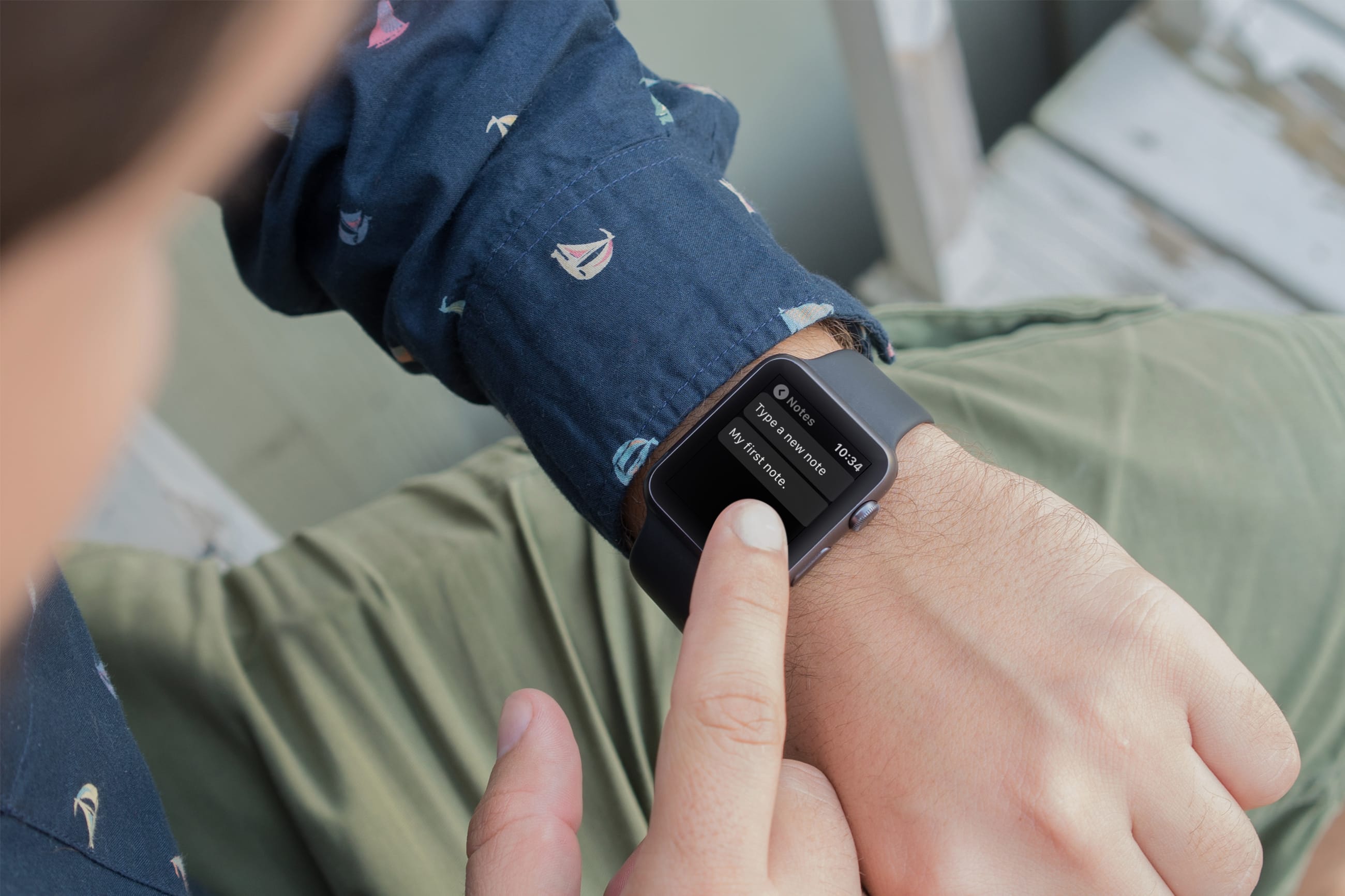
Using your Apple Watch to take notes makes perfect sense because it’s right on your wrist. You might jot down something you need when you get to the office or just want to capture an idea on the go.
For those who want to create and view notes anytime, anywhere, right from their wrist, this list is for you. Here are the six best free note-taking apps for Apple Watch.

Learn how to add, replace, and edit images in your Keynote slides on Mac to make them stand out and create engaging presentations.
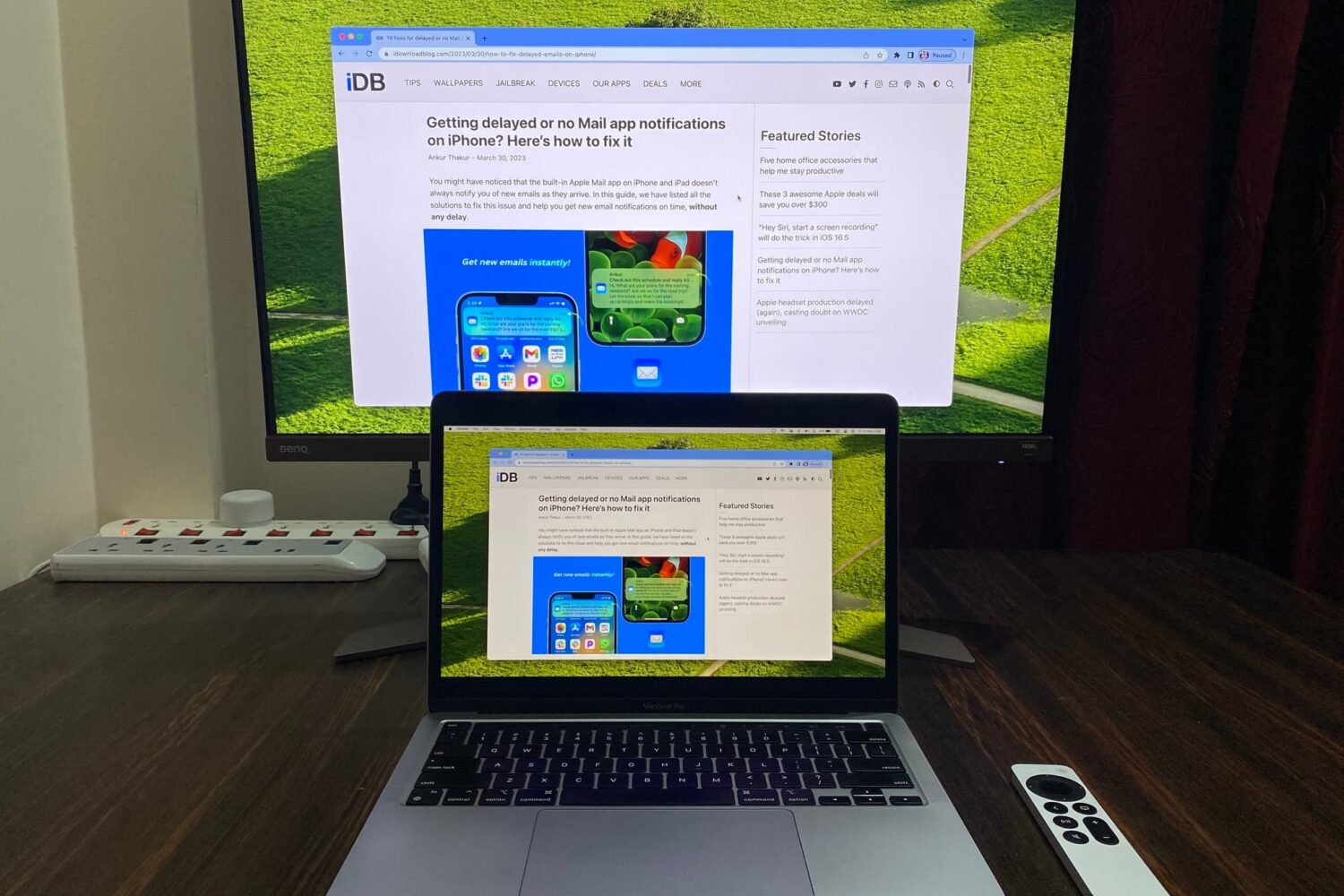
Learn how to mirror your Mac’s screen to your Apple TV to see the same things on the big screen or use the television as a separate, secondary display.

The table of contents (TOC) feature of the Apple Pages app automatically creates a table of contents in the sidebar for you to navigate your document easier. Plus, you can pop that TOC right into your document if you like.
This tutorial walks you through how to use the table of contents view in Pages.
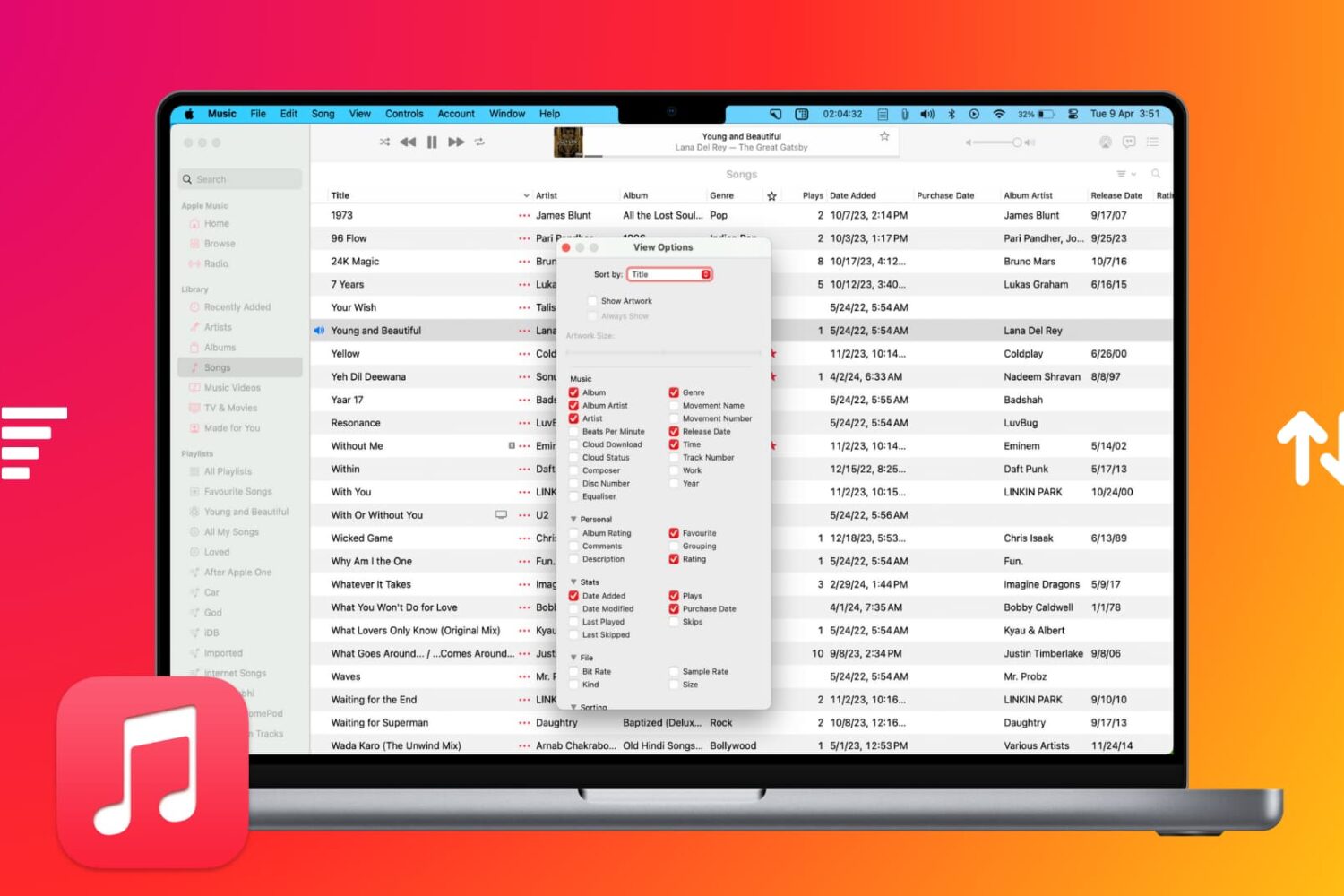
Learn how to sort your music collection to your liking, ensuring easy access to your favorite songs, albums, playlists, and more.

Learn how to extract ZIP files on Mac to see what’s inside and also compress files and folders to save storage space and share them faster.
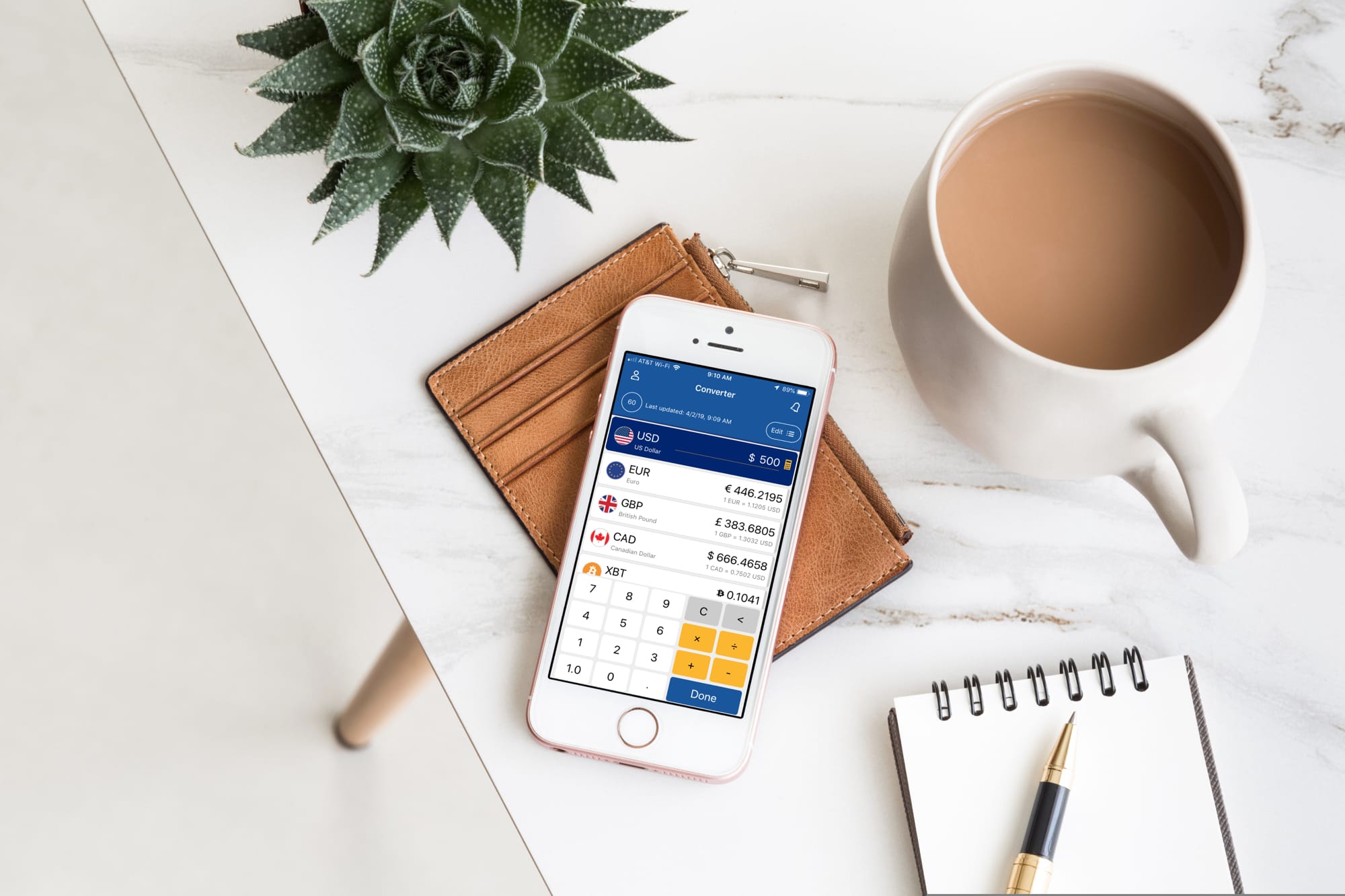
Whether you’re taking a trip abroad or need to know the exchange rate for business, a currency converter for your iOS device can come in super handy.
To help you out on your search, we’ve scoured the App Store for the best currency converter apps for iPhone and iPad that don’t cost a dime, peso, or euro.