Learn how to insert footnotes and endnotes in Apple Pages documents on your Mac, iPad, or iPhone to reference or cite sources in a professional manner.
How to add footnotes and endnotes to Apple Pages documents
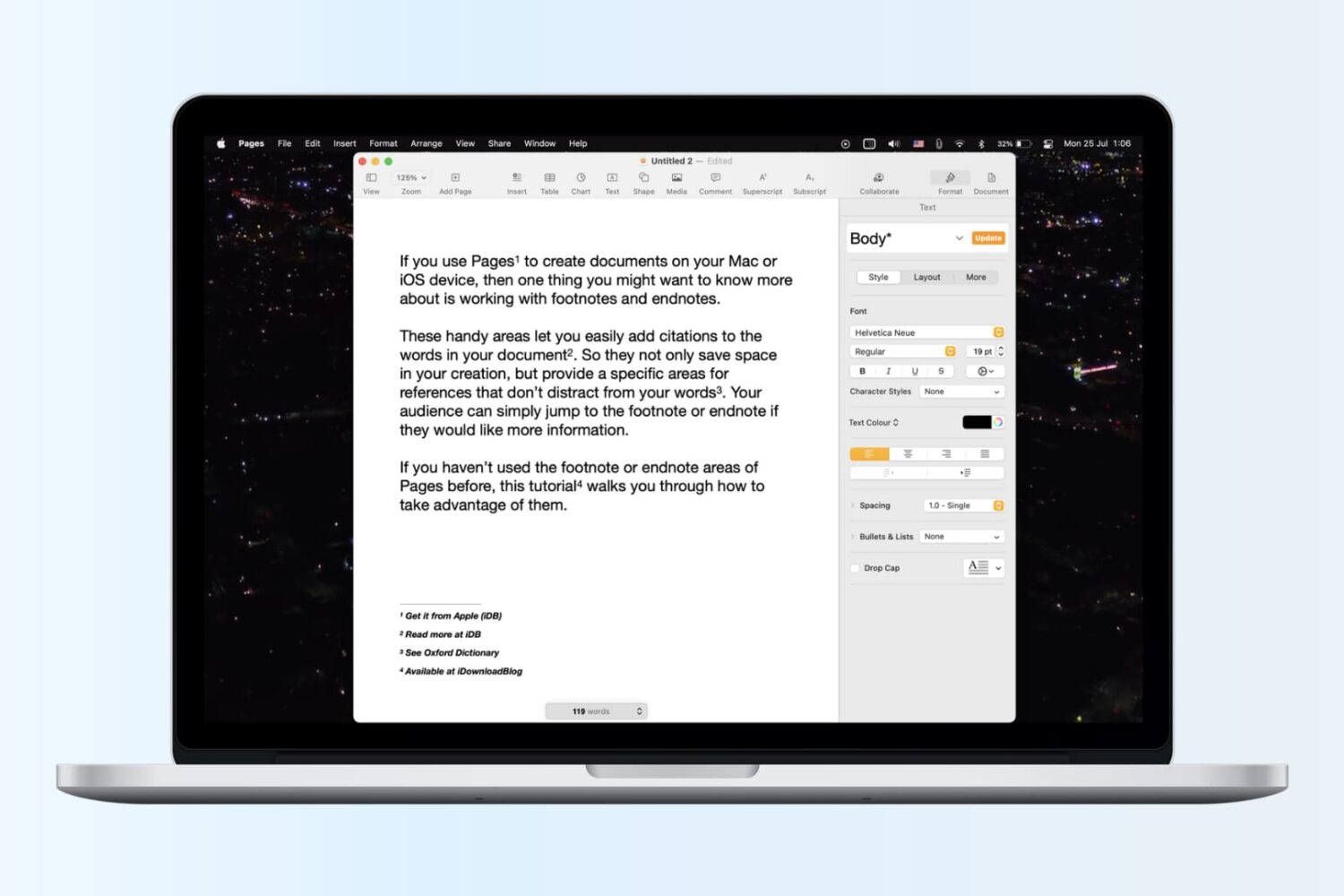
Learn how to insert footnotes and endnotes in Apple Pages documents on your Mac, iPad, or iPhone to reference or cite sources in a professional manner.

Learn how to create and use folders and subfolders in the Apple Mail app on your iPhone, iPad, and Mac to keep your emails better organized.
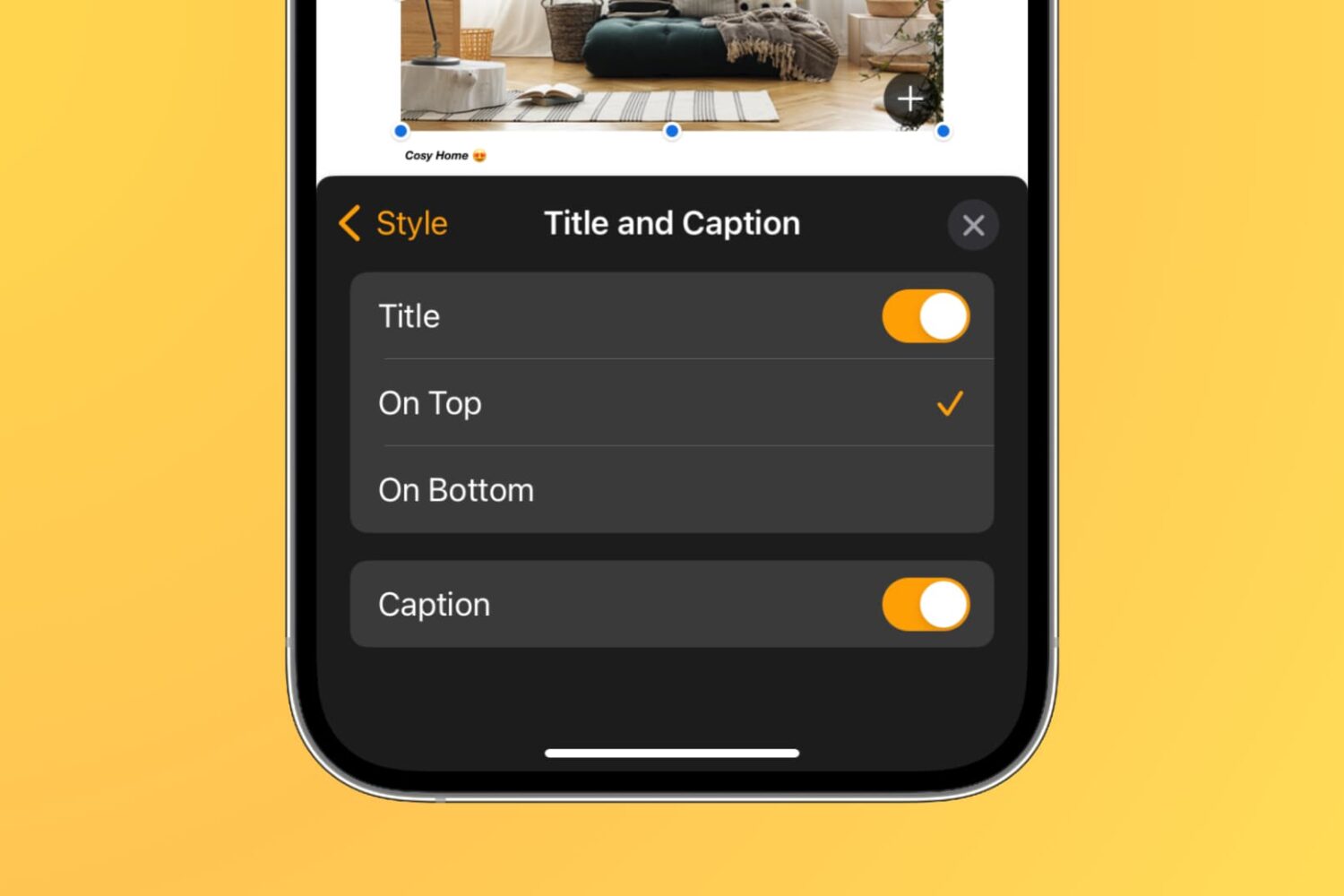
Learn how to add captions and titles to photos, videos, shapes, and other objects in your documents, spreadsheets, and presentations to provide descriptions, citations, or references.

Have you ever sent an email that you wish you hadn’t? Maybe you forgot something like an attachment or perhaps you wrote something you shouldn’t have? Apple’s Mail app on iOS and Mac doesn’t currently give you the option to unsend an email you sent. But, the Spark email app does.
If you’re new to the app or simply haven’t had the need to recall an email, this tutorial shows you how to unsend an email in Spark on iPhone, iPad, and Mac.
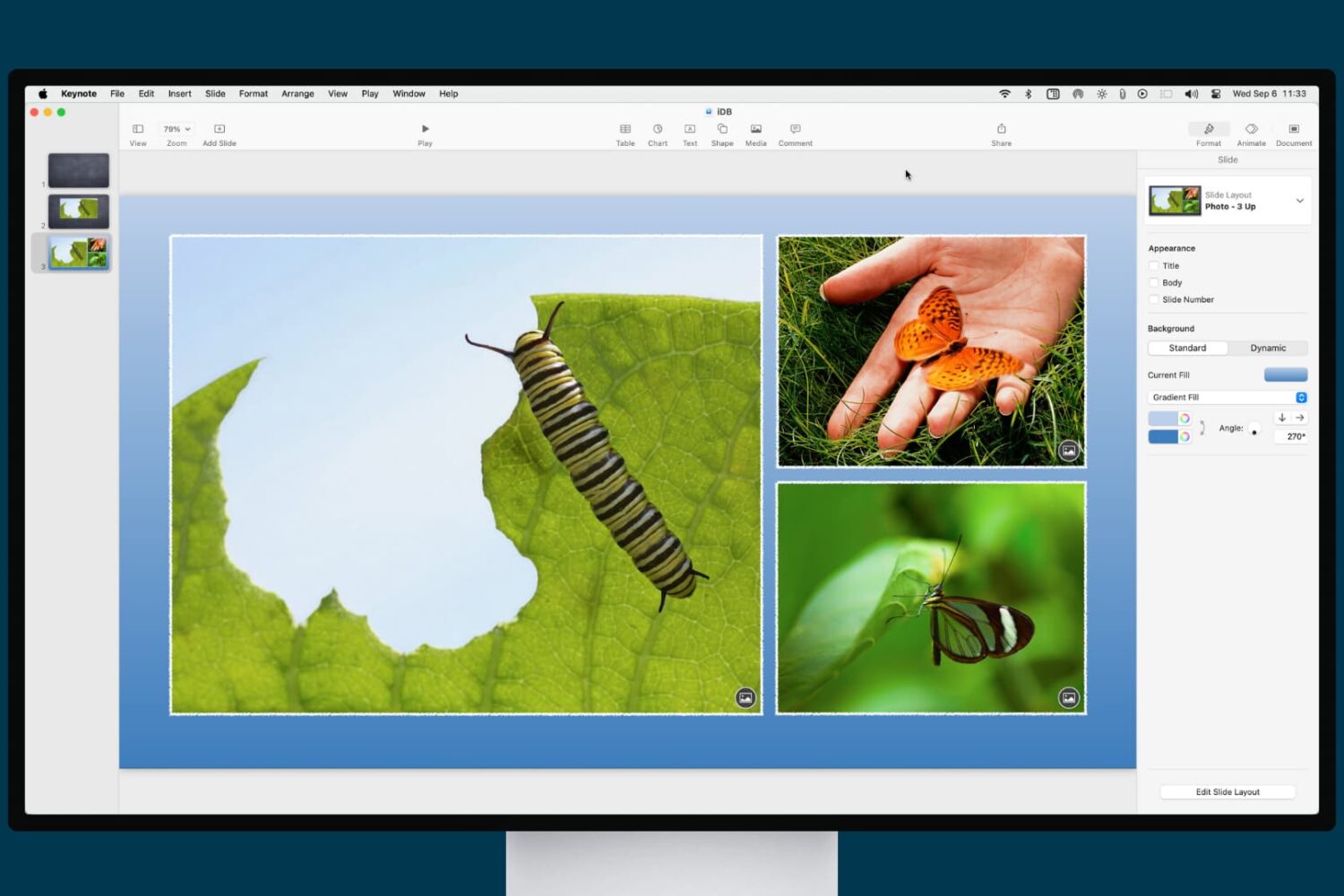
Learn how to enhance your presentation with a slide background or border in the Apple Keynote app on iPhone, iPad, and Mac.
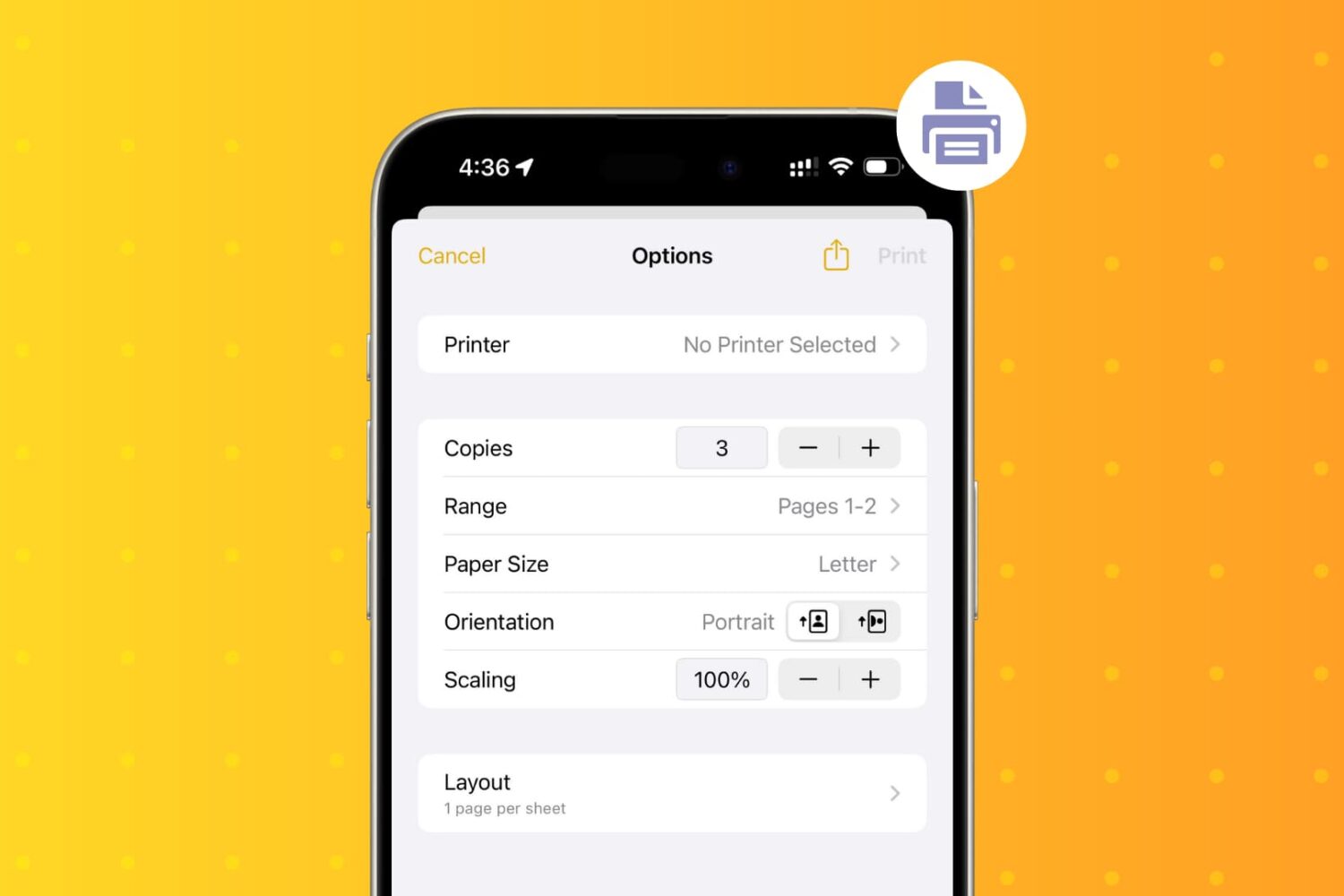
Learn how to wirelessly print PDFs, documents, or images from your iPhone and iPad using an AirPrint printer.
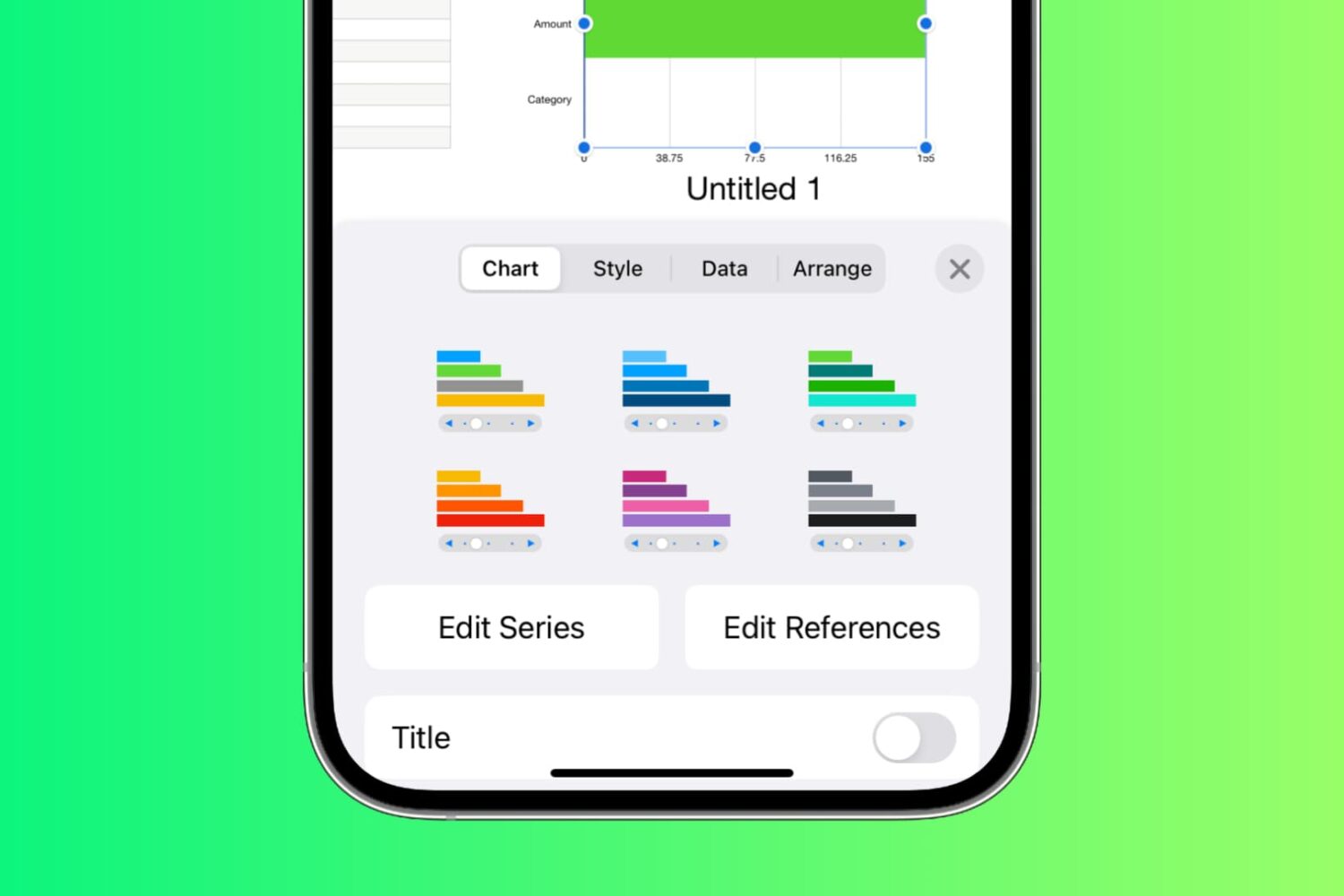
Learn how to create and work with Interactive Charts in the Numbers app on Mac, iPad, and iPhone to display your data in a chart that you can control.

Learn how to use Siri suggestions in the Mail app on your iPhone, iPad, and Mac to add events to your Calendar or people to your Contacts, streamlining your email experience and saving time.
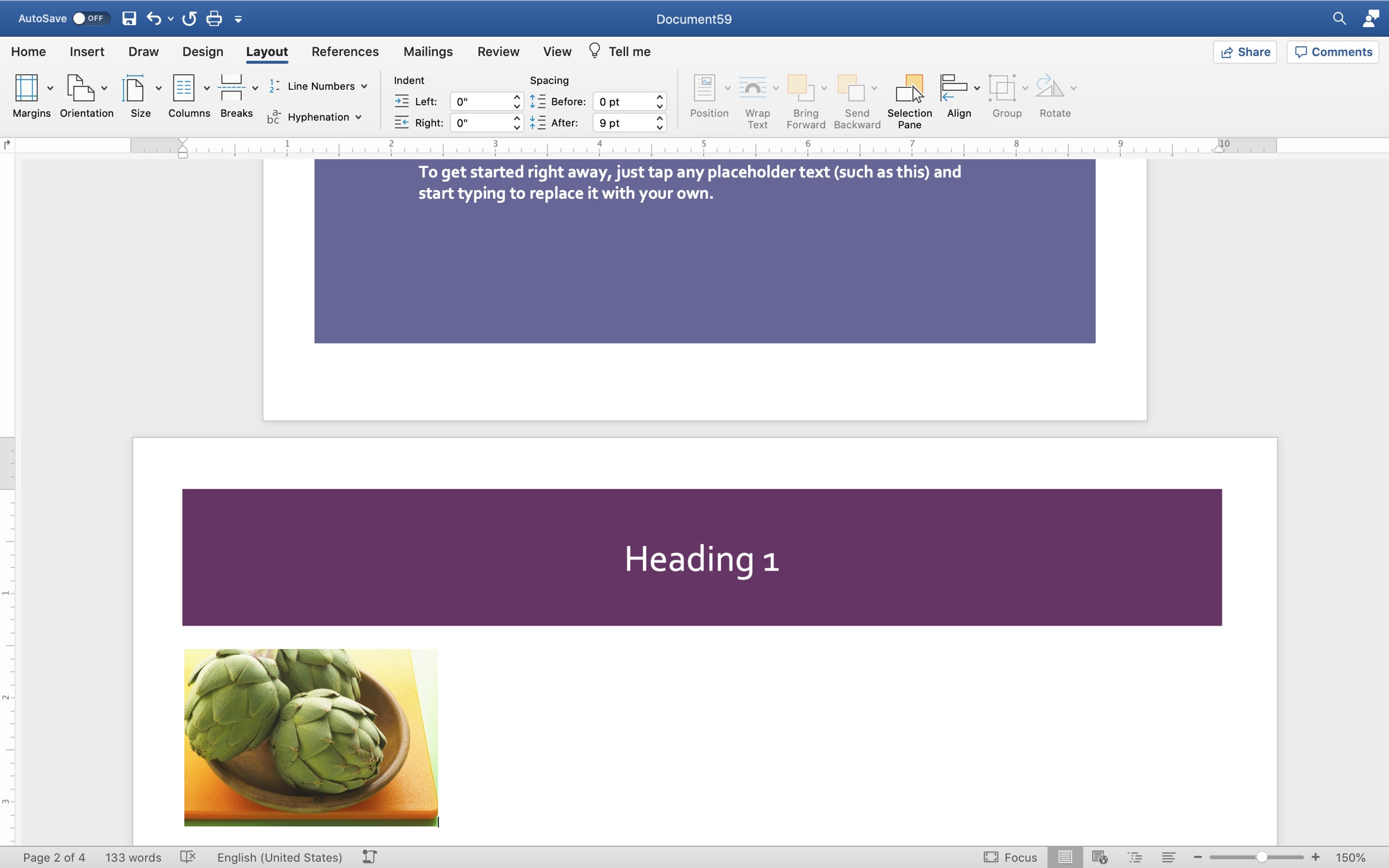
Some recently asked on Twitter how to add a landscape page to a portrait document in Pages. Unfortunately, the answer is, you can’t. Why not is a mystery. But if you have access to Microsoft Word, you can mix page orientations there.
This is convenient for many types of documents. You may want to insert a table or spreadsheet of data, include a landscape-view, full-page image, or create a brochure or pamphlet that requires both portrait and landscape pages.
If you’re willing and able to open your document in Word, here’s how to mix portrait and landscape pages in one document.

Learn how to watermark your document in the Apple Pages app on iPhone, iPad, and Mac with custom text like “confidential” or “private,” or an image like a brand logo.
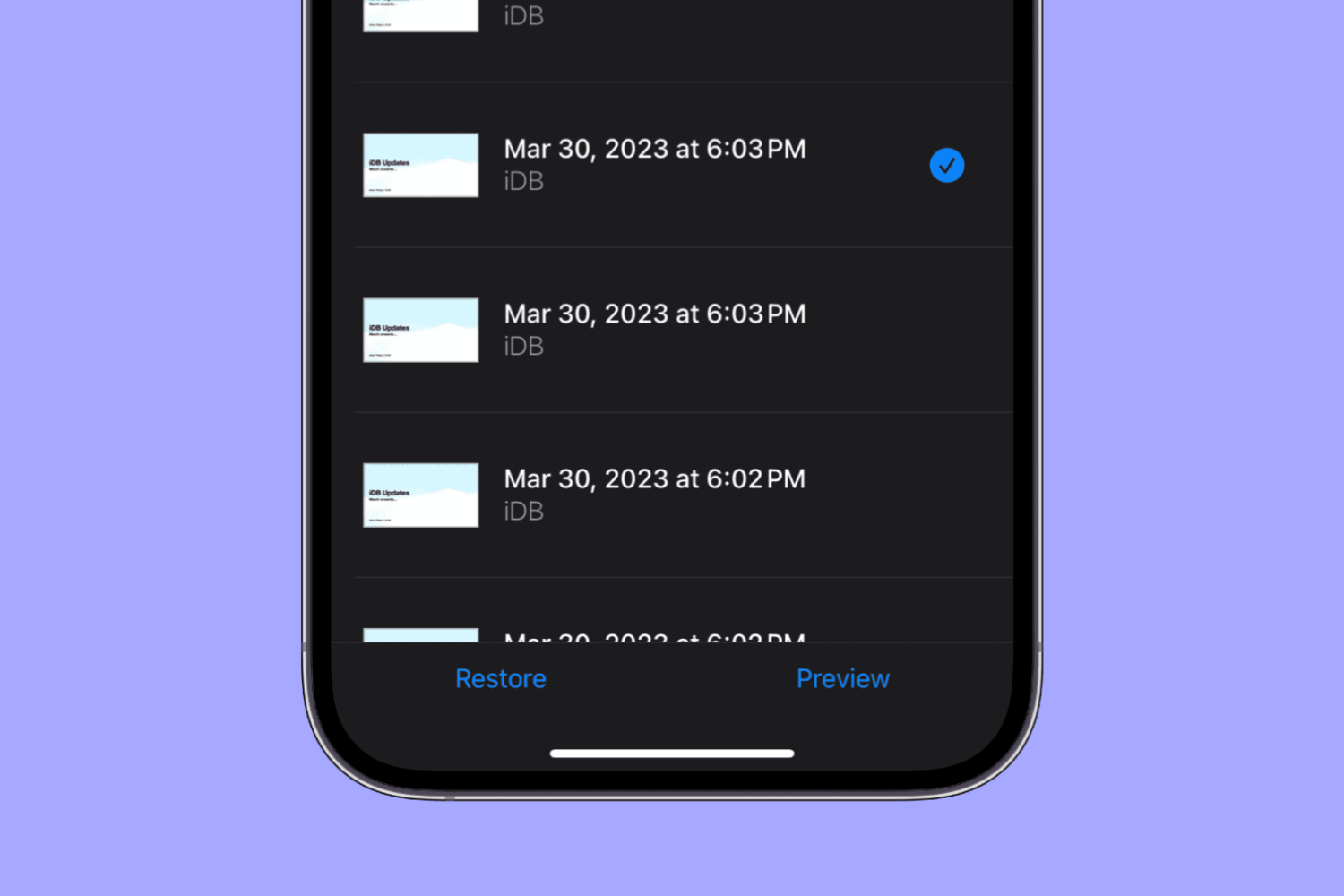
Learn how to view and restore previous versions of a document, spreadsheet, or presentation in the Pages, Numbers, and Keynote apps on your iPhone or iPad.
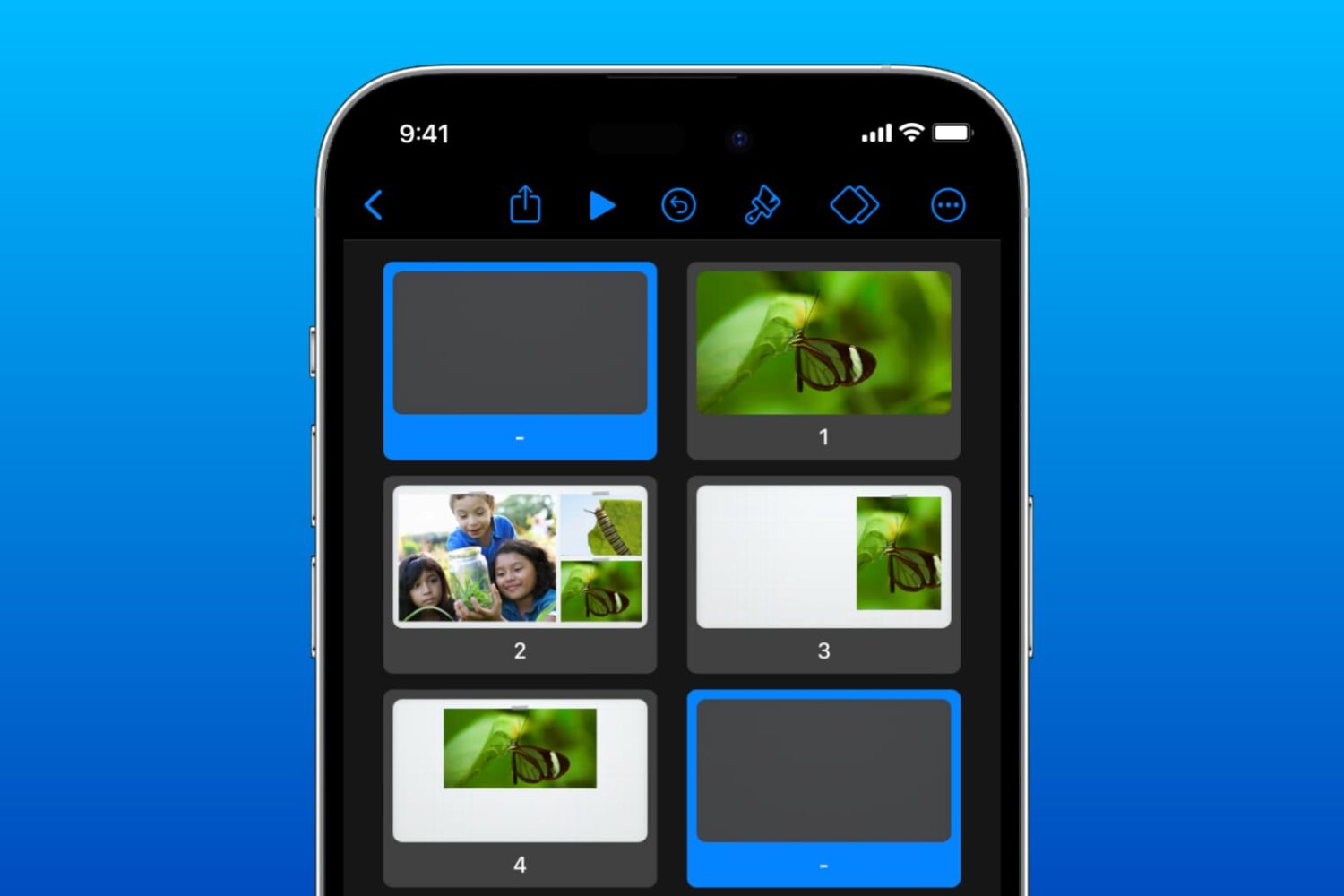
Learn how to use the Skip and Unskip Slides feature in the Keynote app on iPhone, iPad, and Mac if you have different versions of the same slide but only want to show one during your presentation.