Privacy

The best password manager apps for iPhone and iPad

In light of recent hacking antics that have come to light regarding Apple’s iCloud service, we are all much more aware of how important it is to secure our personal data. One of the best way to ensure that your iCloud account is protected is to enable two-step verification, but this alone might not always be enough to prevent hackers from gaining access to some of your data.

Of course, a strong password manager helps ensure that you aren’t using those dreaded simple passwords for dozens of different accounts, which makes it even easier for a predator to gain access to even more of your private data. Today, we’ve got a list of what we think are the best password manager apps for iPhone and iPad.

Celeb hacking tapped law enforcement tools to gain access to data inside device backups

The alleged iCloud hacking, which has resulted in a massive leak of hundreds of revealing celebrity photos, has most likely been made possible because attackers reportedly used a piece of software that law enforcement officials rely on to siphon data from iOS device backups, Wired reported last night.

Rather than obtain a user’s iCloud username and password with brute-force attacks, the article points to web forum reports describing using specialized software called Elcomsoft Phone Password Breaker (EPPB) to impersonate the user’s device in order to obtain the full device backup which holds data like photos, videos, application data, contacts, text messages and more.

Apple updates App Store guidelines with new rules for HealthKit and more

Apple posted an update this evening for its App Store review guidelines—a set of instructions for third-party developers on what iOS apps may or may not contain. Tonight's refresh adds rules for upcoming iOS 8 features such as extensions, HealthKit and HomeKit.

Most of the changes are only pertinent to developers, but there are a few things worth mentioning. Perhaps the most important item, in light of recent events, is that Apple says apps using the HealthKit framework that store user health data in iCloud will be rejected.

Apple reportedly patches Find My iPhone vulnerability to hack Apple ID accounts

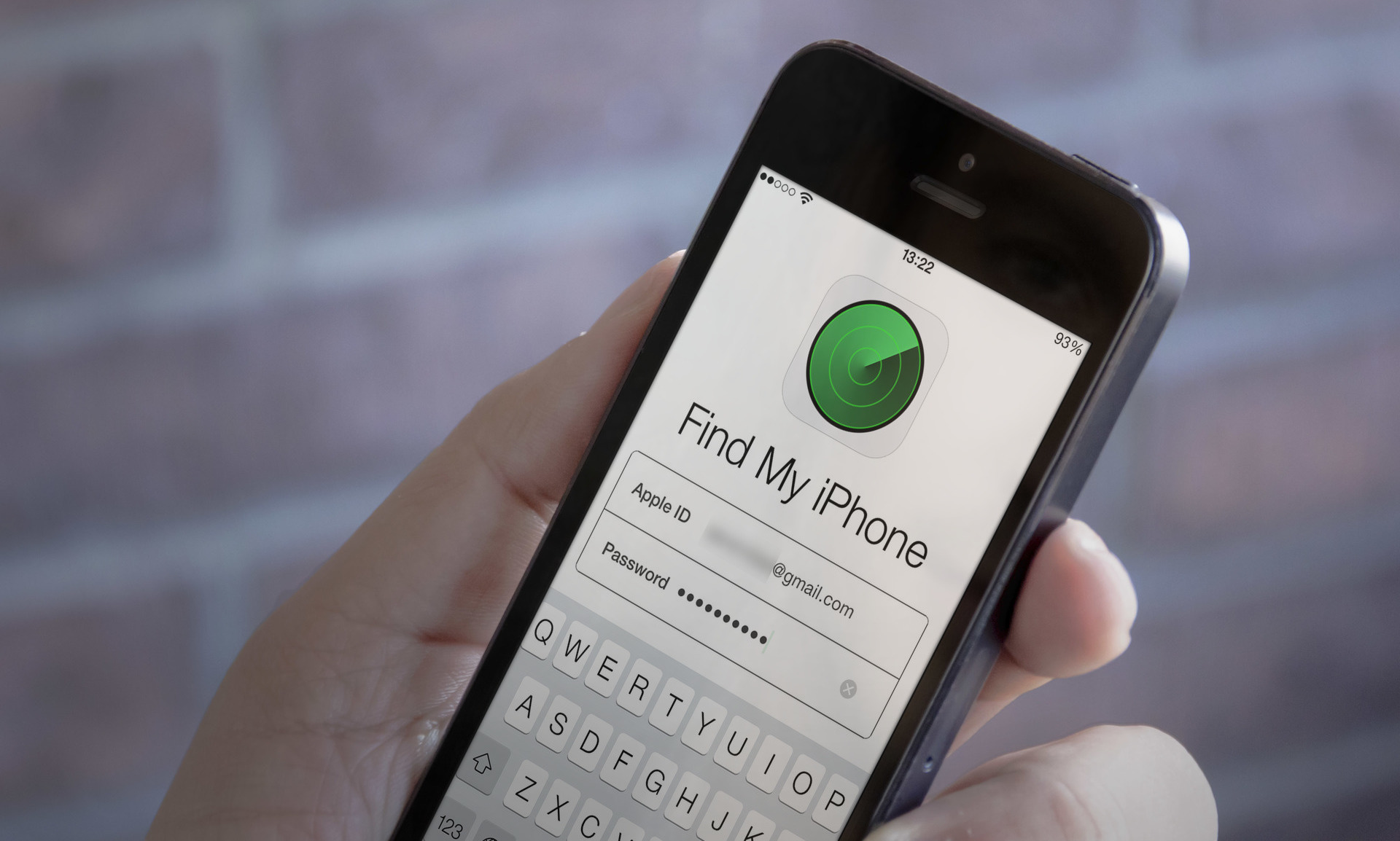
According to The Next Web this morning, Apple has allegedly patched a security hole in the Find My iPhone service which allowed nefarious users to brute-force Apple ID passwords, according to Twitter user @hackappcom who posted a proof of concept titled 'iBrute' to GitHub on Saturday.

This should be good news for celebrities who reported their iCloud accounts being hacked and saw their nude pictures posted online.

As Cody told you yesterday, Academy Award winner Jennifer Lawrence and several other celebrities found themselves in the middle of a major nude photo leak after attackers apparently exploited a vulnerability in Apple’s Find My iPhone service.

How Apple can improve permission handling in iOS

Every so often, it helps to take a step back and examine the way things are being done. This applies to our day-to-day routine, or perhaps our workout regimen. I've also found that it applies to software.

iOS is no exception to this. Here is a software product that has been through vast changes since its creation. A good majority of the changes have been for the better, and iOS 8, which is mere weeks away, promises to bring more awesome goodies to the table.

But, from time to time, it pays to look at the way things are being done. We have to ask ourselves, "Is this truly the best way?"

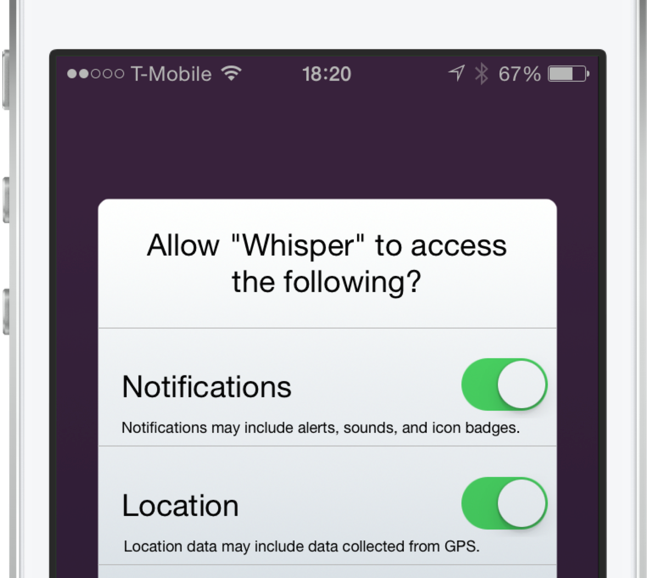
I feel that we've reached that fork in the road when it comes to the way iOS handles permission requests for apps. As more features are added to our devices, more permissions are required for apps that wish to use these features. It's gotten to the point that some apps require you to go through a whole checklist of permissions before you can even begin using the app.

The permission handling in iOS has become a frustrating affair. Not only do the numerous pop-up alerts annoy me, but it irritates me even more when I accidentally decline a permission because of speeding through the app setup process.

As discussed on today's episode of Let's Talk iOS, I'm convinced that there's a better way to handle permissions in iOS. There's a less intrusive, less frustrating way to handle requests for access to the various features on your device. Check out our video inside for an explanation of the problem, and a demonstration of the solution.

panicLockPro locks specific apps on your iPhone via an Activator gesture

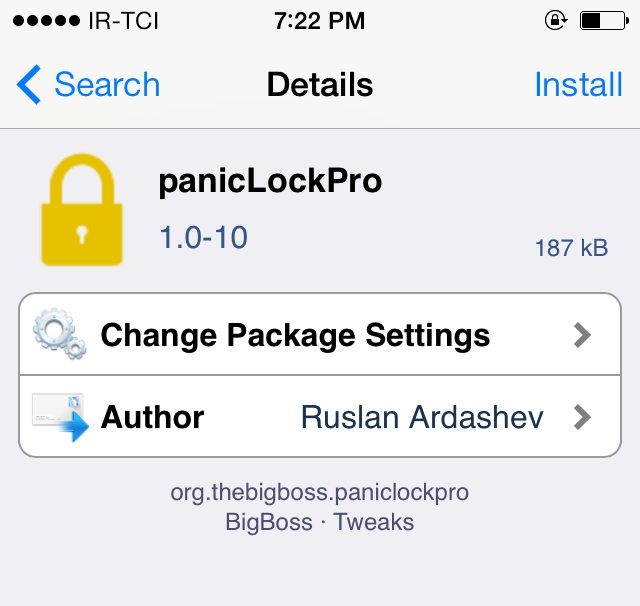
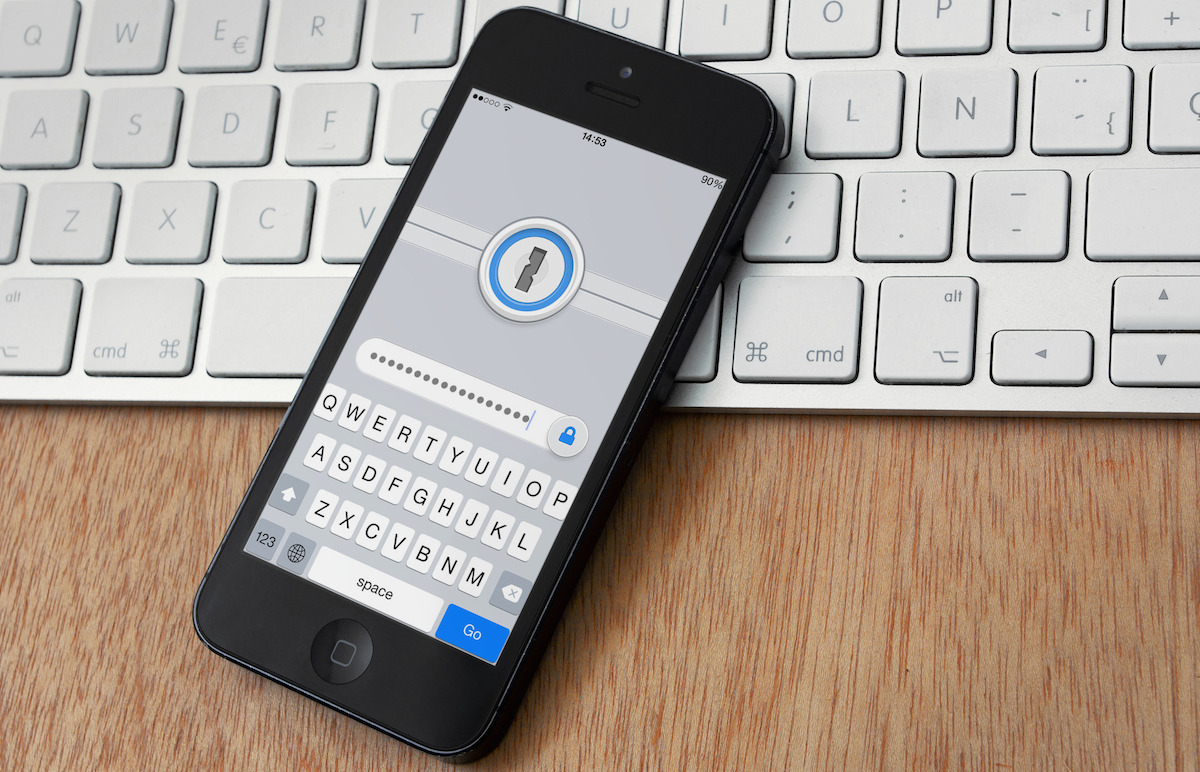
Do you have nosy friends or roommates who sneak into your Messages app from time to time? Are you concerned about your privacy when handing your device to someone else? If you answered yes to any of these questions, you should probably check out a tweak called panicLockPro that secures the private data on your iPhone or iPad.

With panicLockPro, you can quickly lock applications via an Activator gesture and secretly protect the private data on your iOS device. The tweak allows you to select individual apps that you want to lock out and prevent unauthorized access to.

How to stop iMessage spam

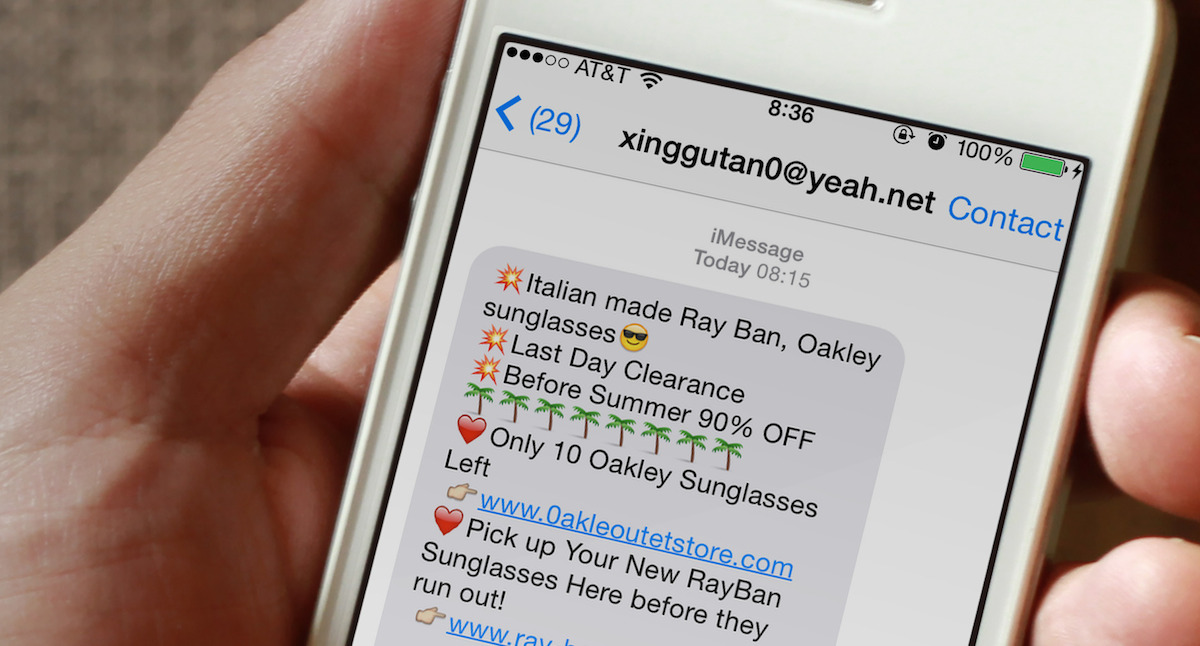
Are you getting spam iMessages from unknown people or scammers with international numbers and weird email addresses? In this post, we will go over four simple ways to protect yourself and stop iMessage spam for a hassle-free messaging experience on your iPhone.

Russia asks Apple for source code to alleviate espionage concerns

Russia's Ministry of Communications and Mass Media has suggested that Apple, along with German tech giant SAP, open the source code for its software to ensure that it's not enabling US intelligence agencies to spy on the country.

The request comes just a week after a security researcher accused Apple of building surveillance backdoors into iOS, and as the United States and Europe expand their sanctions on Moscow over Russia's involvement in Ukraine affairs...

Apple outlines diagnostic capabilities in response to iOS ‘backdoor’ concerns

Forensic expert, and former jailbreak hacker, Jonathan Zdziarski caused quite a stir earlier this week when he published a report accusing Apple of building backdoors into iOS that could be used for government surveillance.

Apple of course came out and denied the claim, saying that these so-called 'backdoor services' are actually used for troubleshooting. But this wasn't a good enough explanation for a lot of users, so tonight it delved a little deeper...

Former jailbreak hacker accuses Apple of building surveillance backdoors into iOS

Former iPhone jailbreak hacker Jonathan Zdziarski recently gave a presentation at the HOPE/X conference regarding iOS device security. He said that the platform is reasonably secure from attacks by malicious hackers, but noted there are several backdoors built-in for surveillance.

In the presentation, called 'Identifying Backdoors, Attack Points, and Surveillance Mechanisms in iOS Devices,' Zdziarski detailed a number of undocumented high-value forensic services running on iOS devices, and suspicious design omissions in the OS, that appear to be for snooping... 

Apple ID 2-step verification live in 48 new markets

It appears that Apple has rolled out its two-factor authentication feature for Apple ID accounts in an additional 48 markets, bringing the total number of countries which support this security-minded feature to a cool 59.

Two-factor authentication bolsters up your security when logging in to your Apple ID account on the web by combining something you know - your Apple ID username and password or a Recovery Key - with something you own - a four-digit authorization code sent to your iPhone, iPod touch or iPad device...

Apple responds to Chinese media warning against iPhone location tracking

Last week, China's state-run China Central Television broadcasted a report that labeled the iPhone as a "national security concern." More specifically, the CCTV criticized the “frequent locations” function in iOS 7, which records time and location for the owner’s movements.

Yesterday, Apple issued an official response to the report on its Chinese website. The statement reaffirms the company's commitment to privacy, and states that the Location Services found in the iOS firmware are only used to help users for activities that require navigation...