Apple champions privacy (something that apps in the App Store might need a reminder of), but the company is now being sued over potentially violating iTunes privacy laws for consumers in two different states.
Privacy
New report sheds light on apps sending information back to tracking services
Allowing applications on devices to collect some data is a standard expectation these days. Permissions are meant to let users know what they are collecting, why they need it, and should give the user the power to say no if they so choose. However, some apps use a built-in feature within iOS to take advantage of data collection and send that information to tracking services.
Hidden Cam snaps a selfie when someone enters your passcode incorrectly
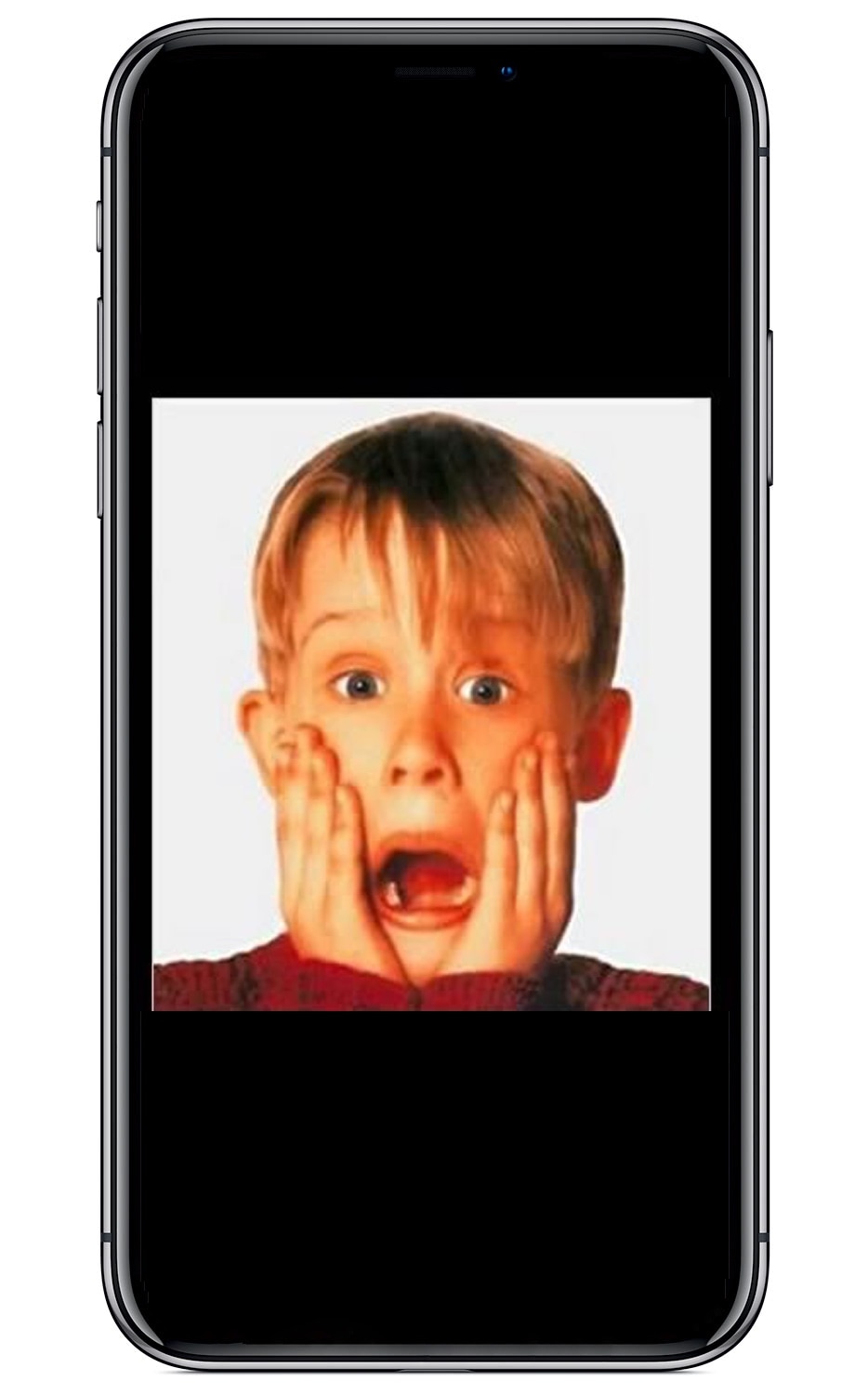
If you’re like me, then you probably don’t appreciate it when someone grabs your iPhone and tries to guess your passcode. Fortunately, a free jailbreak tweak called Hidden Cam by iOS developer Baw Apple can help you determine who’s doing this when you aren’t looking.
Hidden Cam works by snapping a selfie every time your passcode gets entered incorrectly. This method is incredibly efficient because it won’t use any system resources if your passcode or biometric authentication succeeds.
A unique look at how Apple is testing its own iPhone processors against hacking
Apple under Tim Cook's leadership has turned protecting user privacy into one of its missions. The company takes a holistic approach to security and privacy that starts at the semiconductor level. British publication Independent today published a rare insight into a secretive facility on Apple's campus in which expensive machines are abusing in-house designed chips to see whether they can withstand hacking and whatever other types of assault anyone might try on them when they make their way into new iPhones.
This tweak randomizes the position of your passcode buttons
As you interact with the Lock screen’s passcode entry interface, you’ll notice that the number keys are always in the same place. This makes entering passcodes easier, but it also makes it effortless for nosy folks to glance over your shoulder and watch the numbers you dial in to unlock your device.
Here to help with this problem is a free jailbreak tweak called CodeScramber 12 by iOS developer eskimo_dev. As you might’ve already deduced from the tweak’s name, CodeScrambler 12 randomizes the locations of the passcode’s numeric keys every time you try to unlock your handset, as shown above.
A flaw on the Instagram website leaked phone numbers and emails for months
After admitting in April that millions of Instagram and Facebook passwords were stored in plaintext, researchers have now discovered a flaw on the Instagram website that has reportedly leaked users' phone numbers and email addresses for months.
Apple previews a new Safari feature called Privacy Preserving Ad Click Attribution
Apple today previewed a new privacy-focused feature coming to the Safari browser, Privacy Preserving Ad Click Attribution, but this one's designed with advertisers in mind.
New ZombieLoad attack affects Intel chips dating back to 2011, fixed in macOS 10.14.5
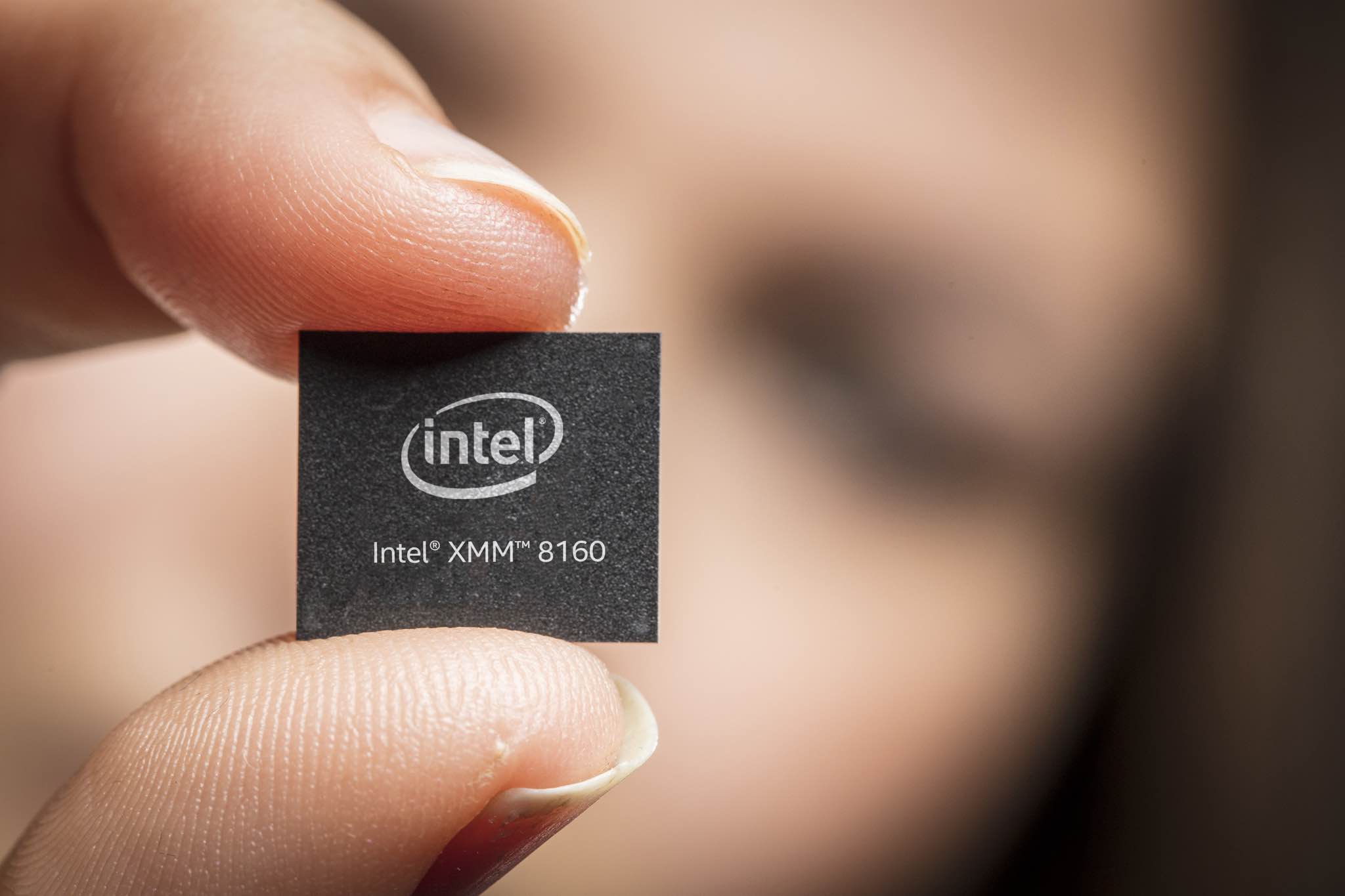
A new attack, dubbed "ZombieLoad," has been discovered and detailed by security researchers, TechCrunch reported today, and it apparently affects all Intel chips dating as far back as 2011. Most of your Mac computers have been affected by this vulnerability which the iPhone maker has already fixed in the macOS Mojave 10.14.5 software update, released yesterday.
Relocate lets you spoof your iPhone’s location with ease
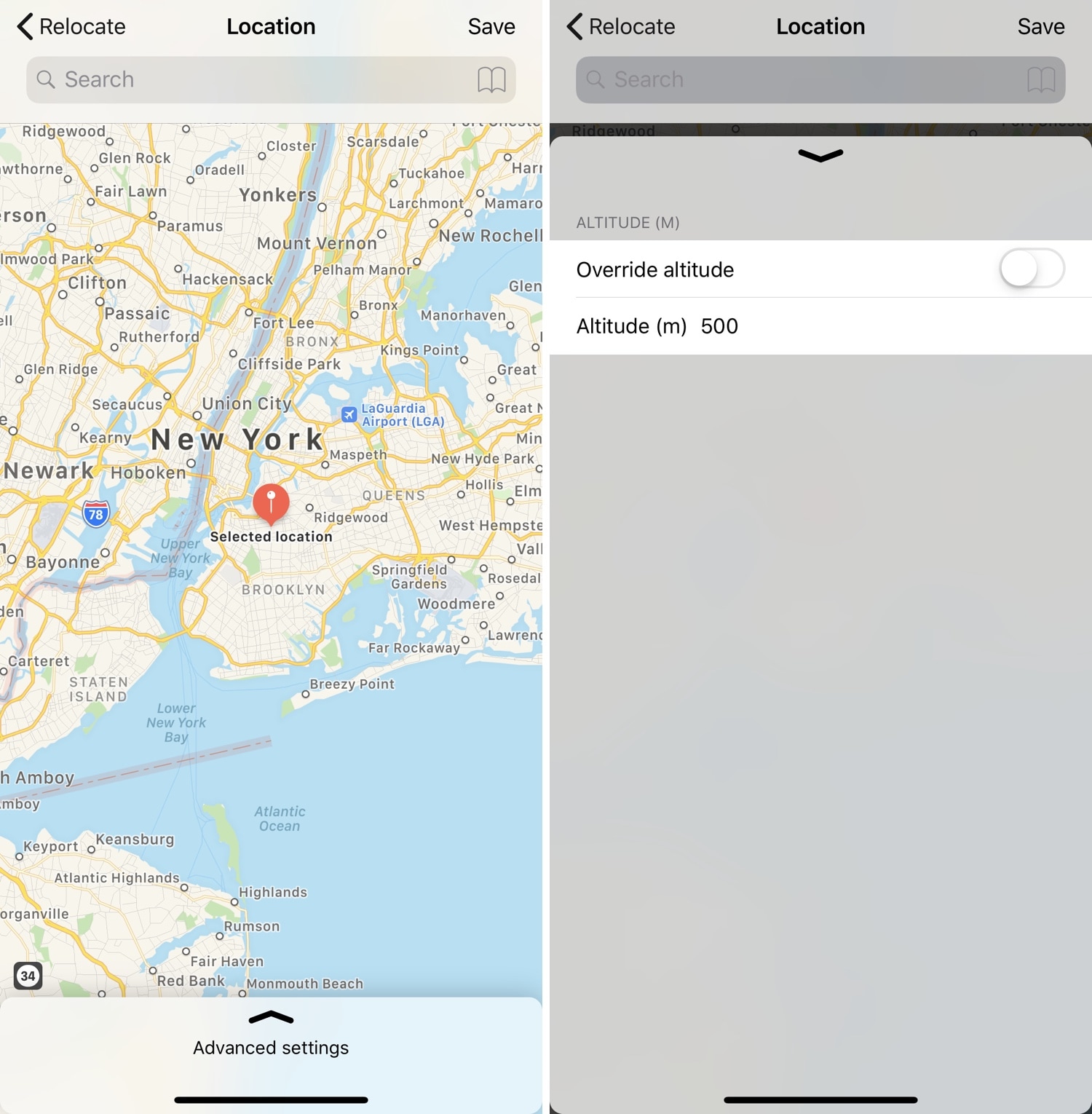
Location spoofing is perhaps one of the most highly sought-after reasons to jailbreak an iPhone, especially since it can’t be done on a non-jailbroken handset. Sadly, the list of available location-spoofing tweaks that actually work how they should appears to be particularly short.
If you’re in the market for a no-BS location spoofing solution for iOS, then you just might come to appreciate a newly-released jailbreak tweak called Relocate by iOS developer Nepeta. As you might come to expect, this tweak allows its users to say they’re somewhere that they really aren’t.
Google CEO asserts that Apple is selling privacy as a luxury good
When it comes to technology, privacy wants to be universally accessible and useful to everyone, Google's CEO Sundar Pichai has argued in an op-ed written for The New York Times, which was published yesterday following the I/O keynote.
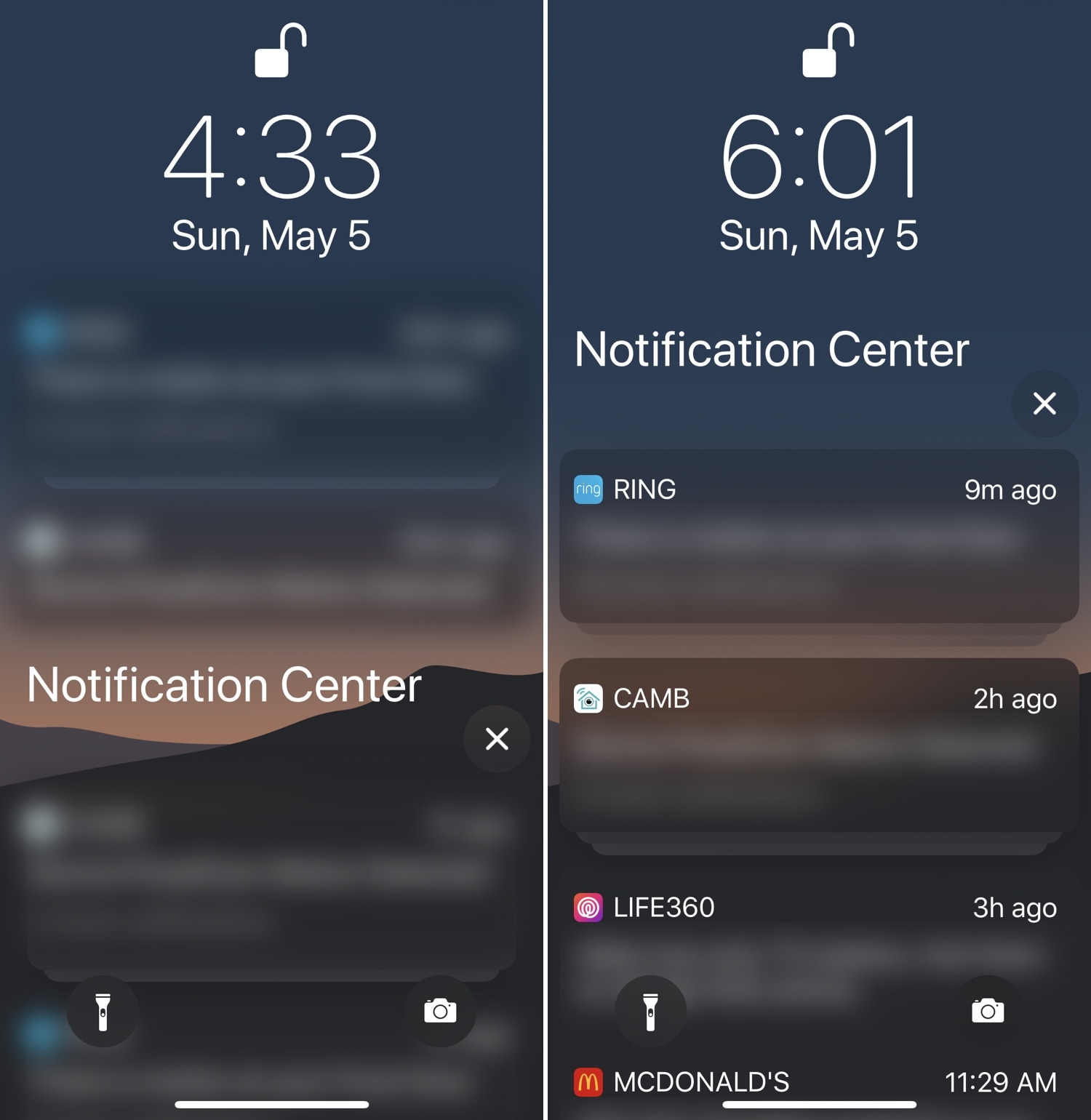
Improve your iPhone’s notification privacy with Blurification
If you’re a privacy nut, then chances are you spare no expense to protect your personal data from all the prying eyes around you. Those in the same boat will likely enjoy a newly-released jailbreak tweak dubbed Blurification by iOS developer smokin1337.
Blurification veils all your incoming notifications with a gaussian blur effect that makes their contents entirely illegible until you first authenticate yourself. This tweak is particularly useful because it extends far beyond any of the native notification privacy features that come standard with iOS.
Google can now automatically delete your Location History and Web & App Activity data
Better late than never—you now have a new option in your Google Account settings which lets you tell the servers to delete a history of your visited locations, web history and app activity.