Apple's removed mentions of the new Hide My Email in apps feature, suggesting it may not be ready for prime time when iOS 16 launches this fall.
Looks like the Hide My Email in apps feature won’t be ready in time for iOS 16 launch
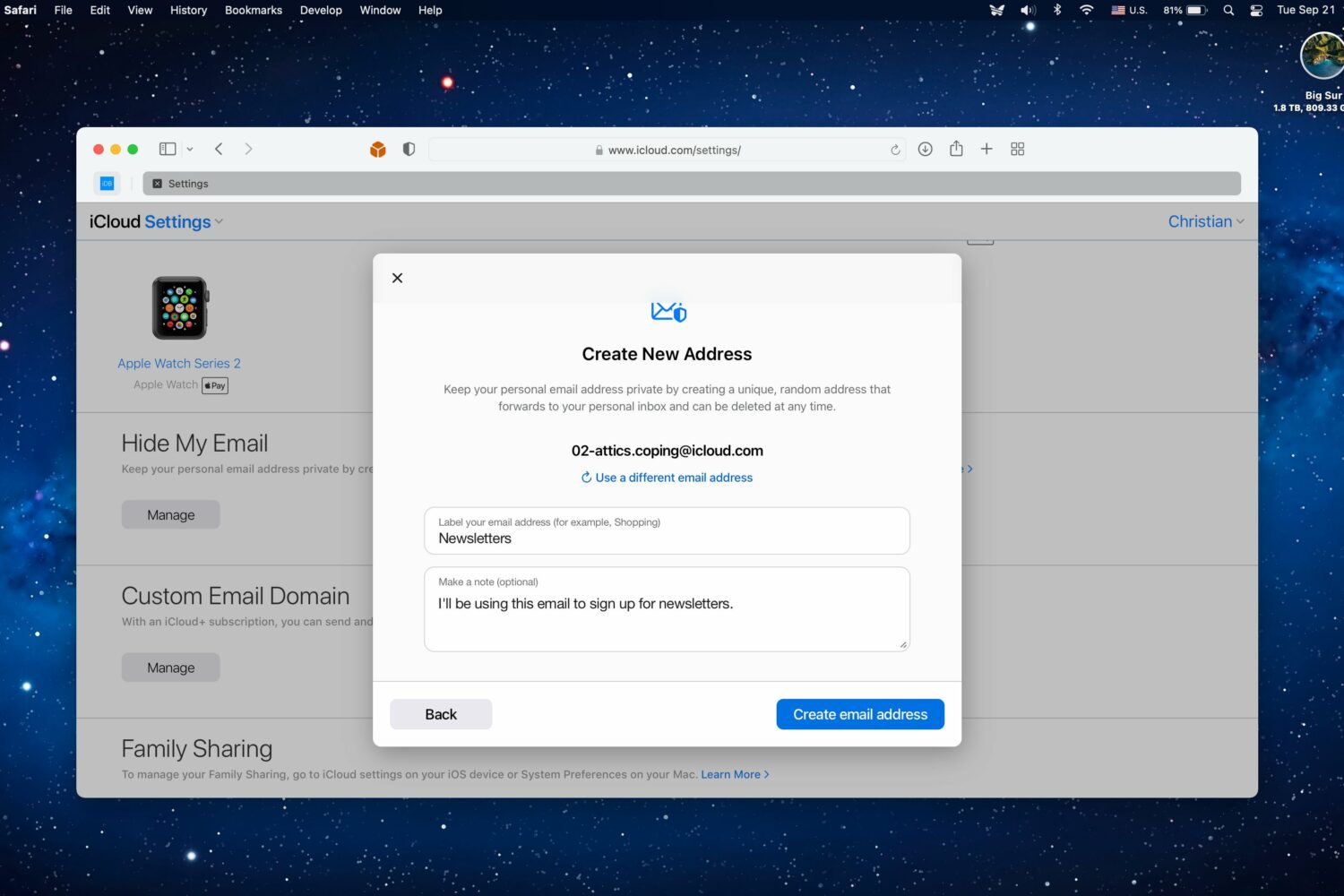
Apple's removed mentions of the new Hide My Email in apps feature, suggesting it may not be ready for prime time when iOS 16 launches this fall.

While Apple continues to make moves when it comes to general user privacy and security, especially with iOS, there are still some areas where third-party companies can take advantage of the tools Apple has in place. For instance, a built-in web browser in apps like Facebook or Instagram, for instance, is still based on Apple's WebKit. But it sounds like Meta has still found a way to track users that use that third-party web browser instead of Safari.
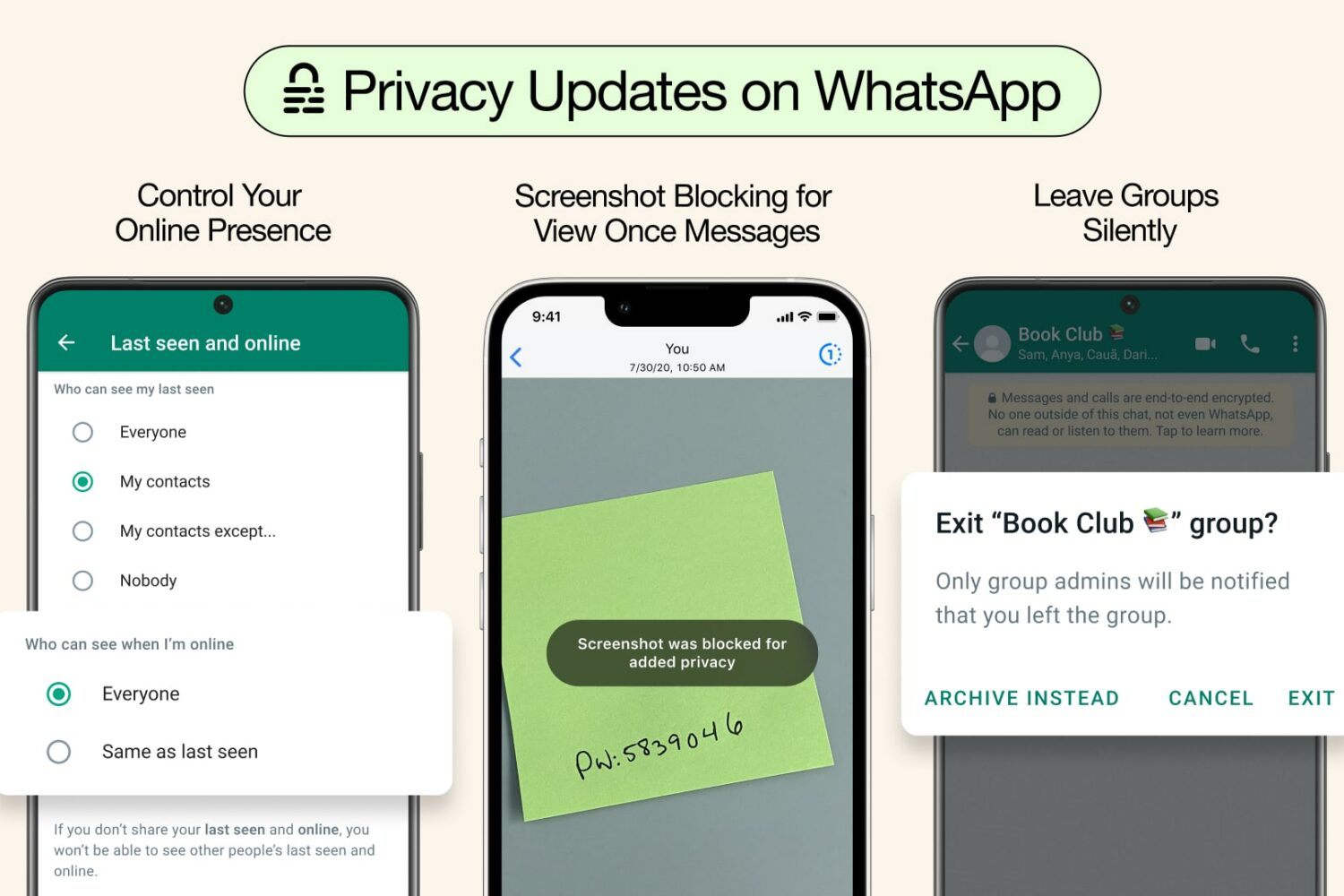
Three new WhatsApp privacy features coming to Meta's popular messaging app let you control who sees your online status, block view-once screenshots and more.
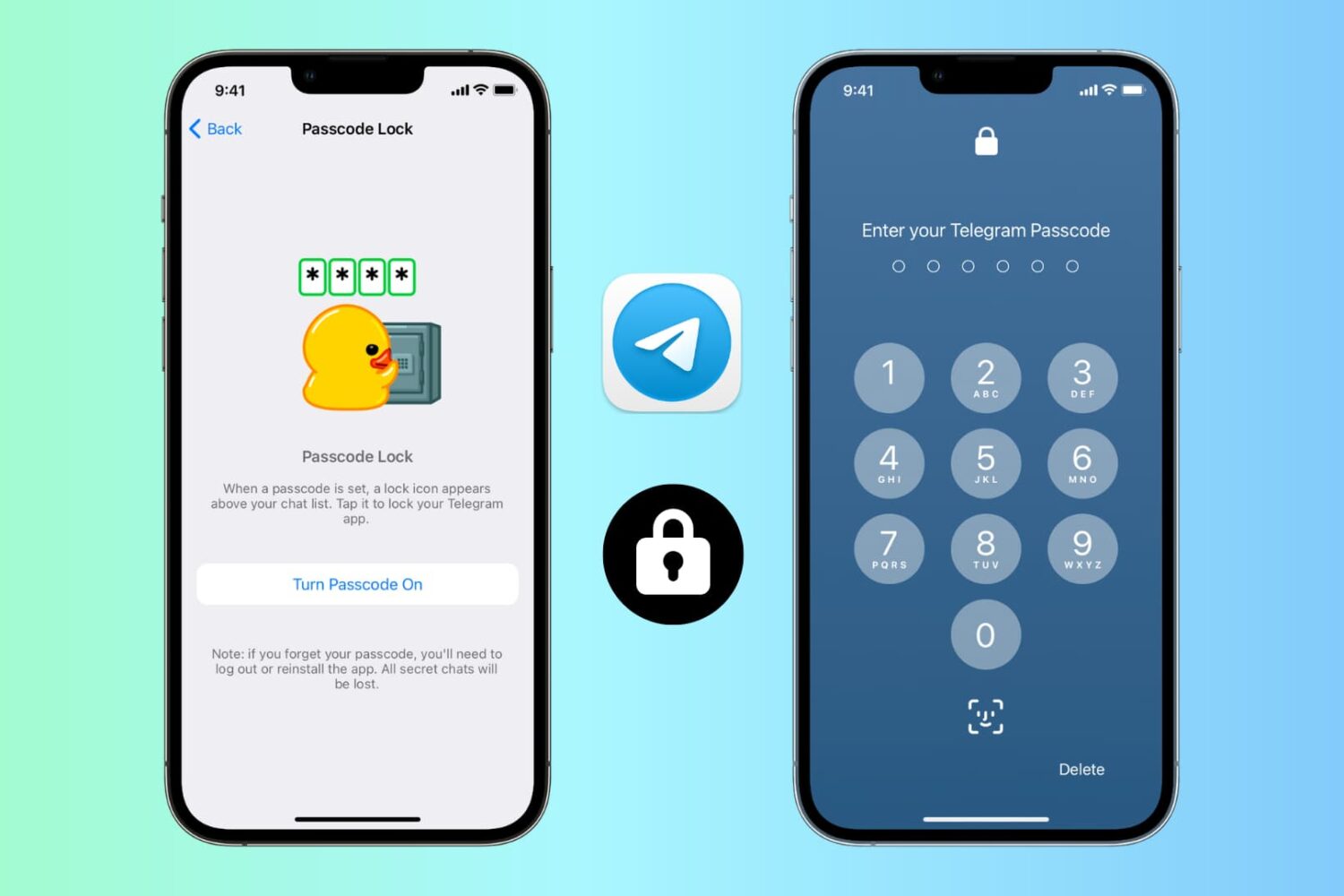
Learn how to prevent unsolicited access to Telegram chats and channels on your phone or computer by securing the app behind a lock.

Hyperixa is out with another jailbreak tweak release this weekend, the latest of which is being called Logger.
Protect your privacy by stopping email tracking inside Gmail and other email accounts in the Apple Mail app on iPhone, iPad, and Mac.
Apple's iCloud Passwords feature now supports generating two-factor authentication verification codes for online accounts on the Windows platform.
In this guide, we go over 18 expert tips to secure your iPhone or iPad and protect its data from getting misused, hacked, or exploited.
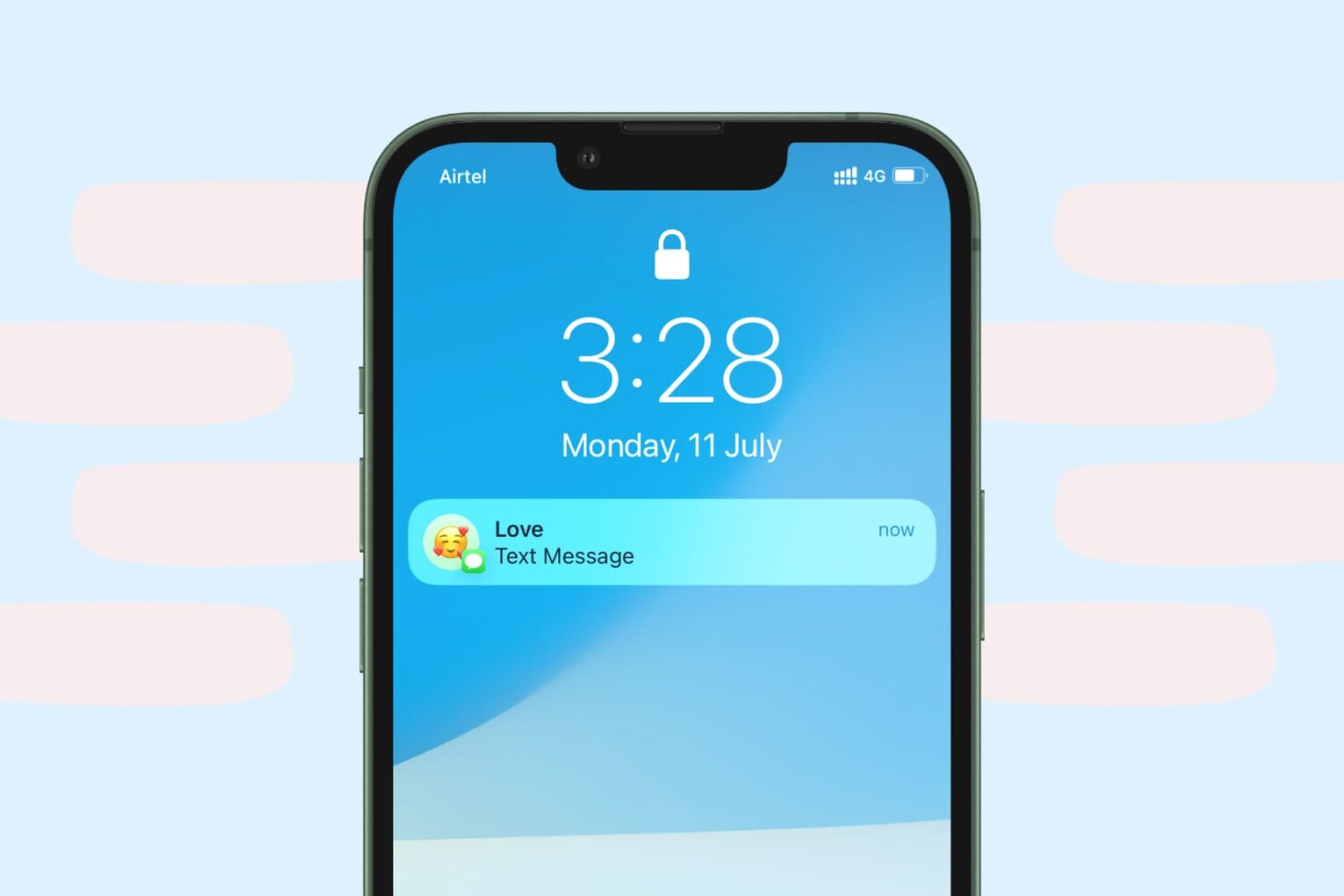
Increase the privacy of your personal conversations on iPhone by locking the Messages app or hiding texts so others with access to your phone can’t see them.
While it doesn't happen often, Apple does sometimes preview new features coming to its platforms at seemingly random times. Like, for instance, today the company is showcasing a brand new feature that's coming to iOS 16, iPadOS 16, and macOS Ventura that will help protect users from "mercenary spyware." And even Apple is calling it "extreme."
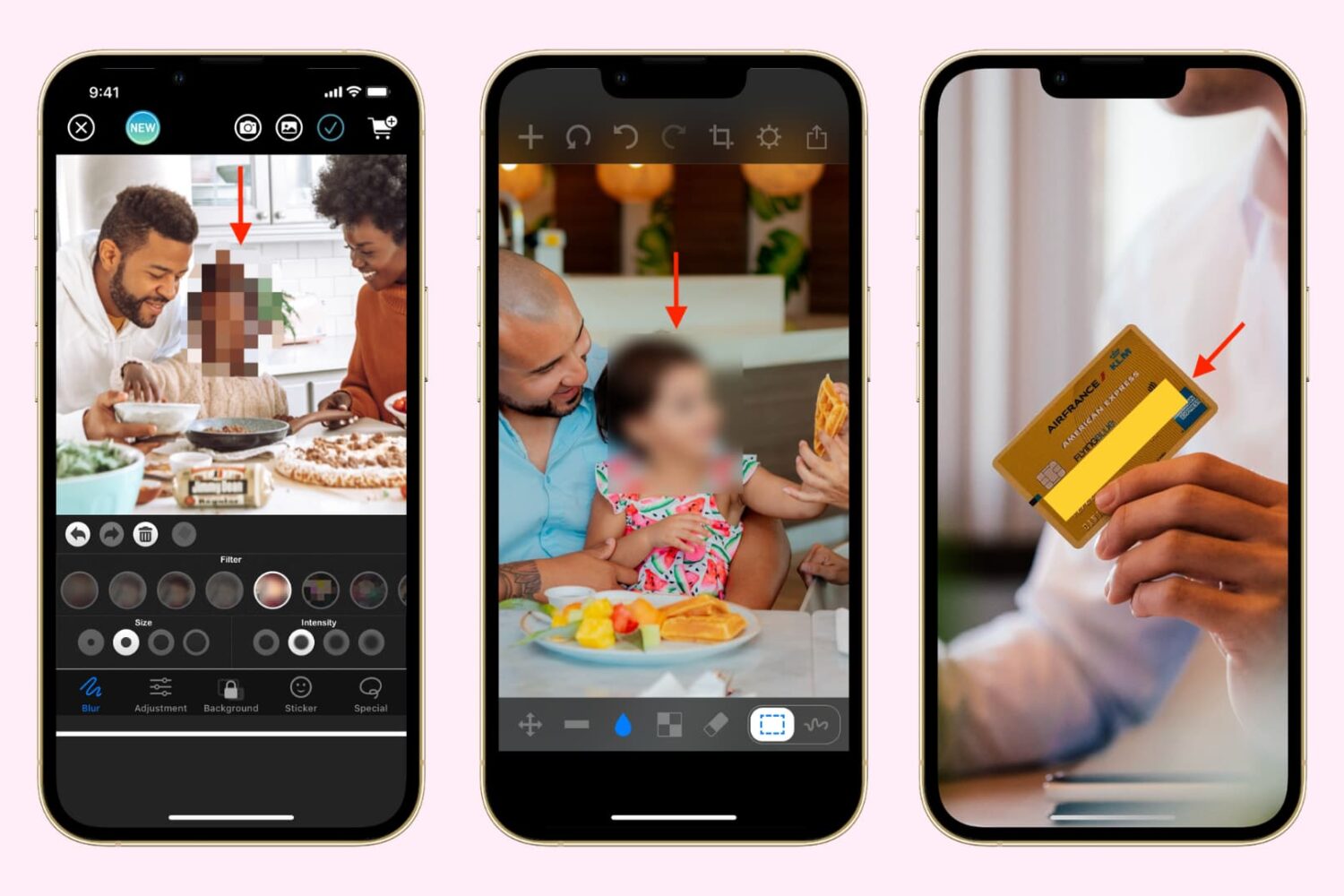
Learn how to hide, blur, or pixelate sensitive parts of a photo on your iPhone or iPad before sharing it online or with others to protect your privacy and keep confidential information secure.
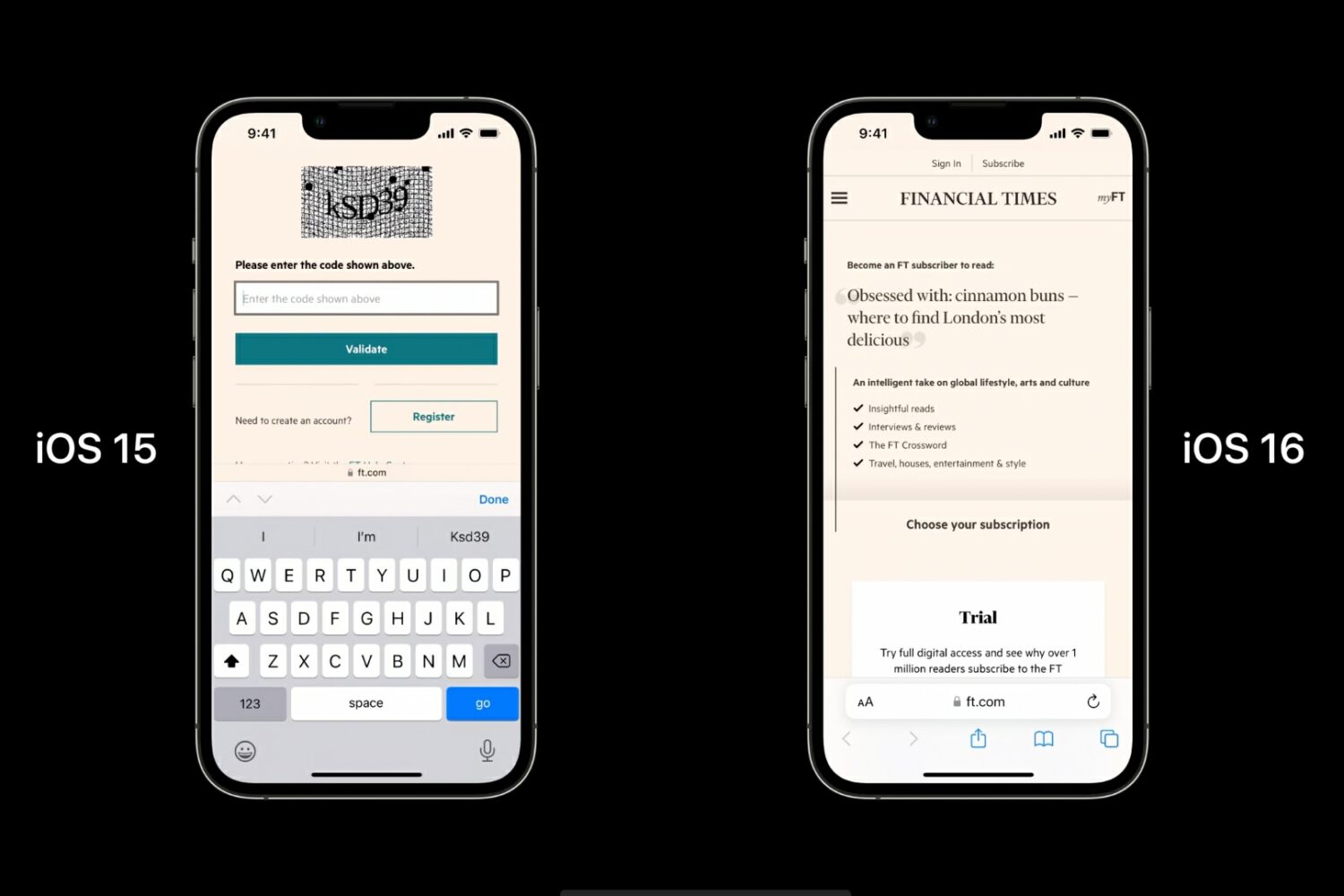
Apple's iOS 16 supports automatic verification in compatible apps and websites, allowing you to bypass CAPTCHA prompts while still proving you're human.