Like Netflix, Disney+ is now cracking down on password sharing by charging a fee to continue using the shared account.
Prepare to pay to share your Disney+ password

Like Netflix, Disney+ is now cracking down on password sharing by charging a fee to continue using the shared account.

Learn what to do if you don’t get the option to enter the SIM PIN after restarting your iPhone or turning on a SIM line in the Settings app.

Learn how to use your iPhone, iPad, or Mac to display a QR code for the current or previously connected Wi-Fi network, and have others join that network by scanning the QR code.

Learn how to move all your usernames and passwords from Google Chrome, 1Password, Dashlane, Bitwarden, Last Pass, Nord Pass, and other password managers to Apple’s new Passwords app on iOS 18, iPadOS 18, and macOS Sequoia.

Learn about the Apple Passwords app on iPhone, iPad, and Mac to conveniently see, save, autofill, and manage your various account login information.
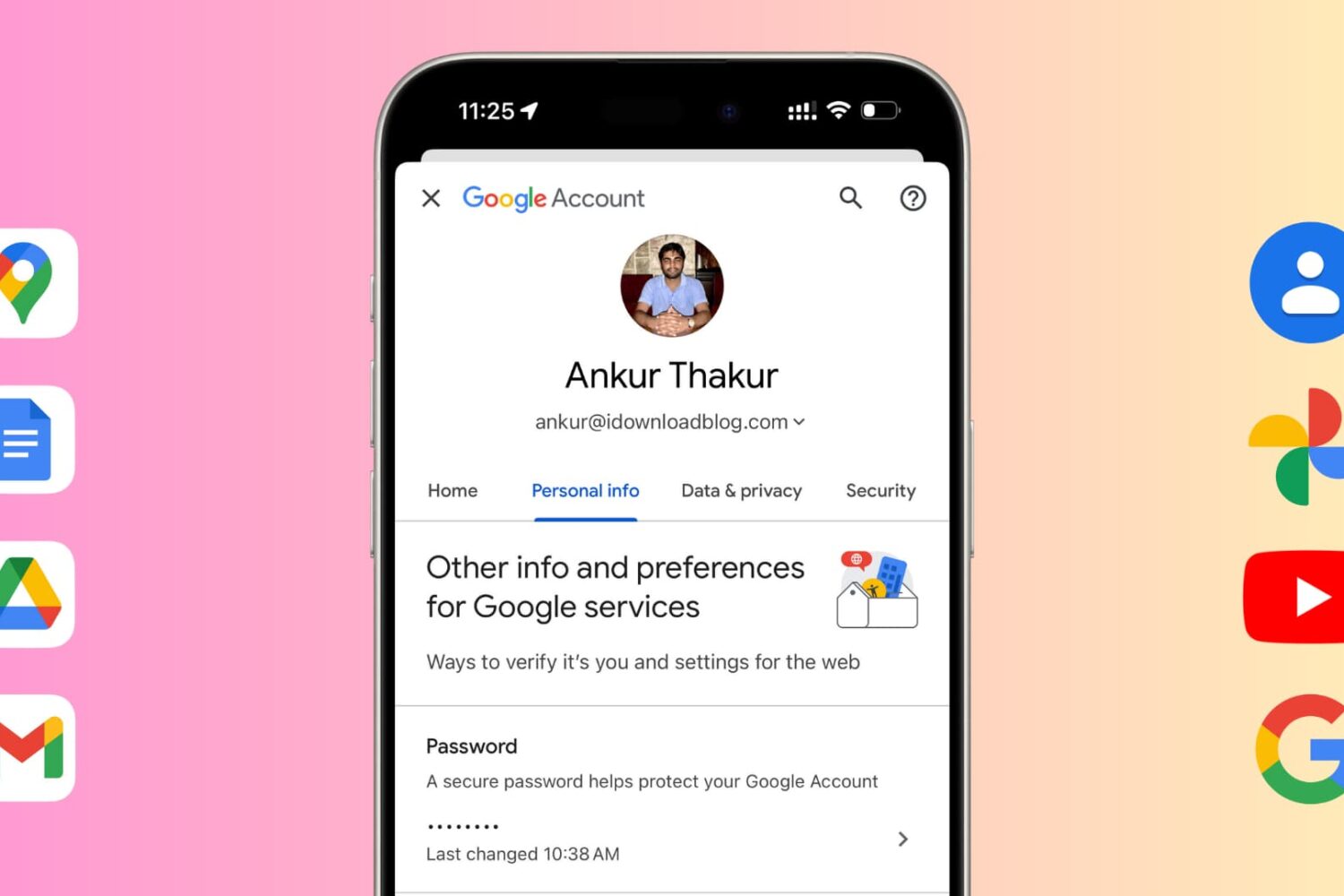
Learn how to change your Google account password for security reasons or reset it if you have forgotten it and can't log in to a new device.
Learn how to transfer your saved website login details, including email addresses, usernames, and passwords, from Google Chrome to Apple Safari on your iPhone, iPad, and Mac.
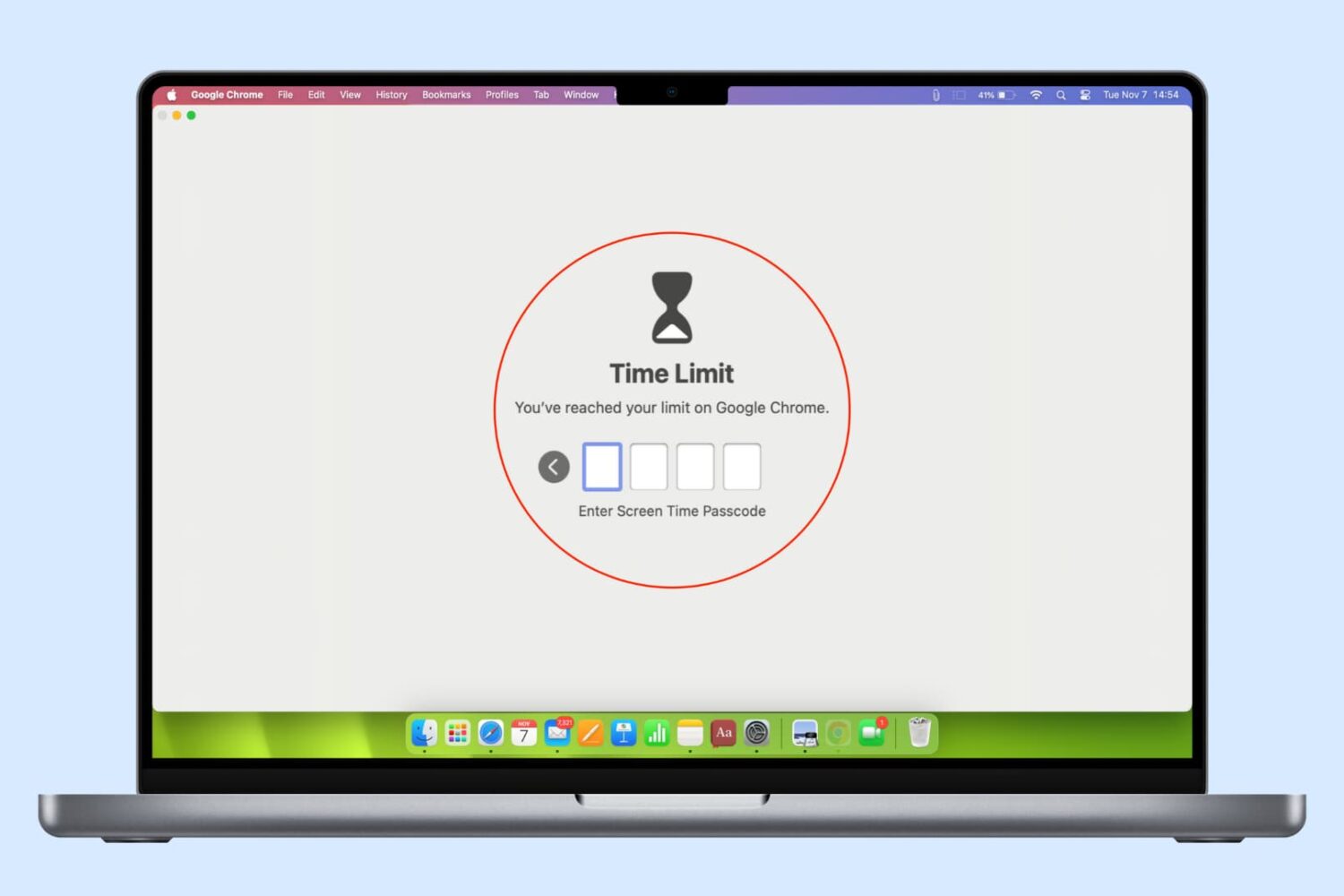
In this guide, we list several ways to keep your browser history, bookmarks, reading lists, passwords, and other sensitive data private by locking Google Chrome, Safari, or other web browsers on your computer.

Learn how to create a Shared Passwords Group on your iPhone, iPad, or Mac to make your selected iCloud Keychain login passwords securely available to family members, friends, and other trusted contacts.

Learn how to recover deleted passwords, passkeys, and two-factor verification (2FA) codes from the Apple Passwords app or iCloud Keychain on your iPhone, iPad, and Mac.
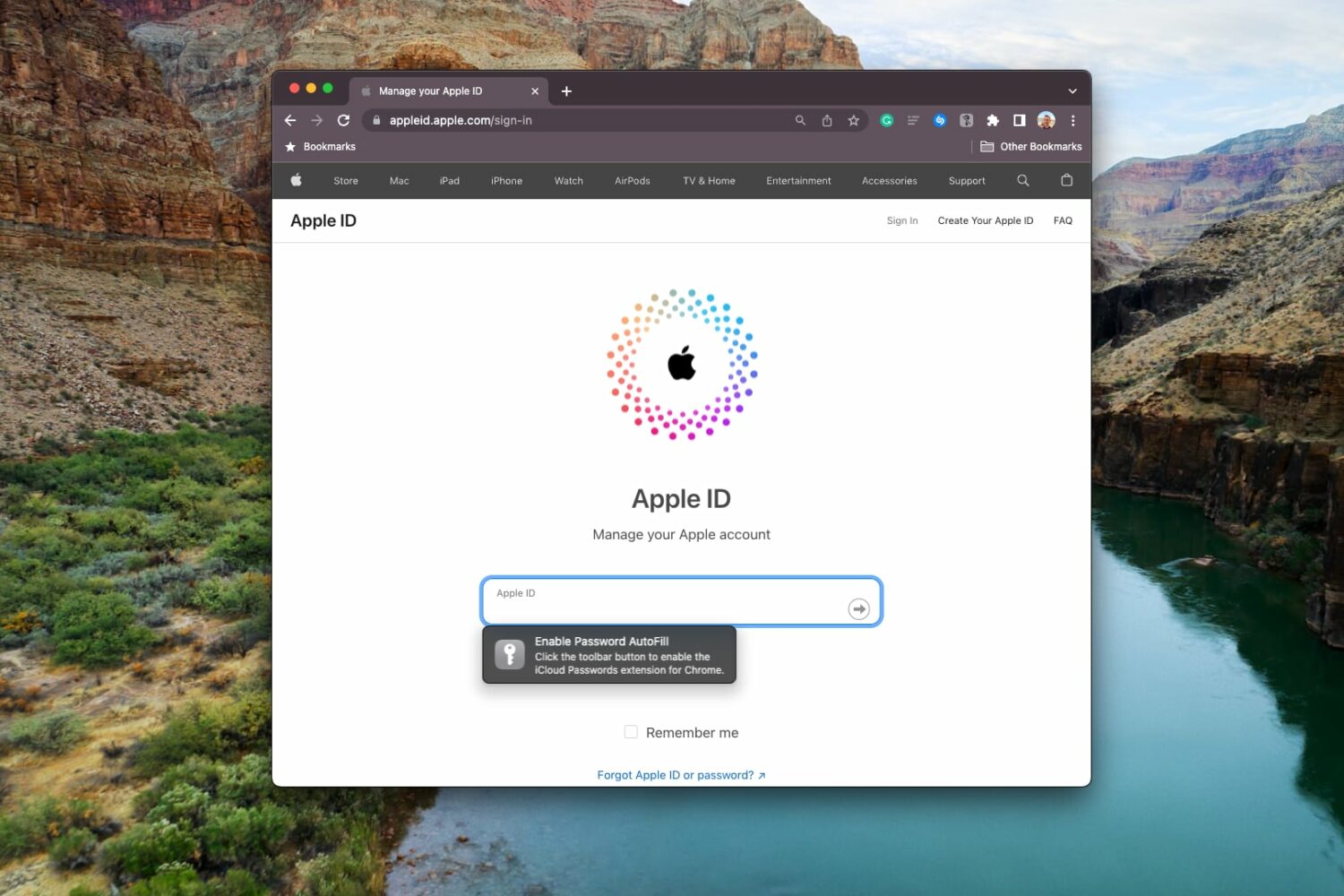
Apple's iCloud Passwords extension now lets you autofill user names, passwords and authentication codes from iCloud Keychain using Chrome on macOS Sonoma.