OS X

Yosemite 10.10.3 beta with Photos for Mac now available via OS X Public Beta program

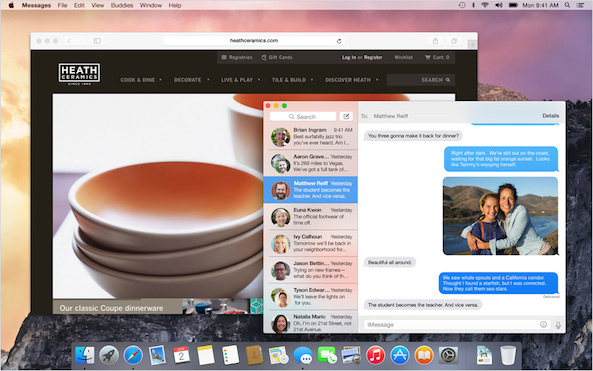
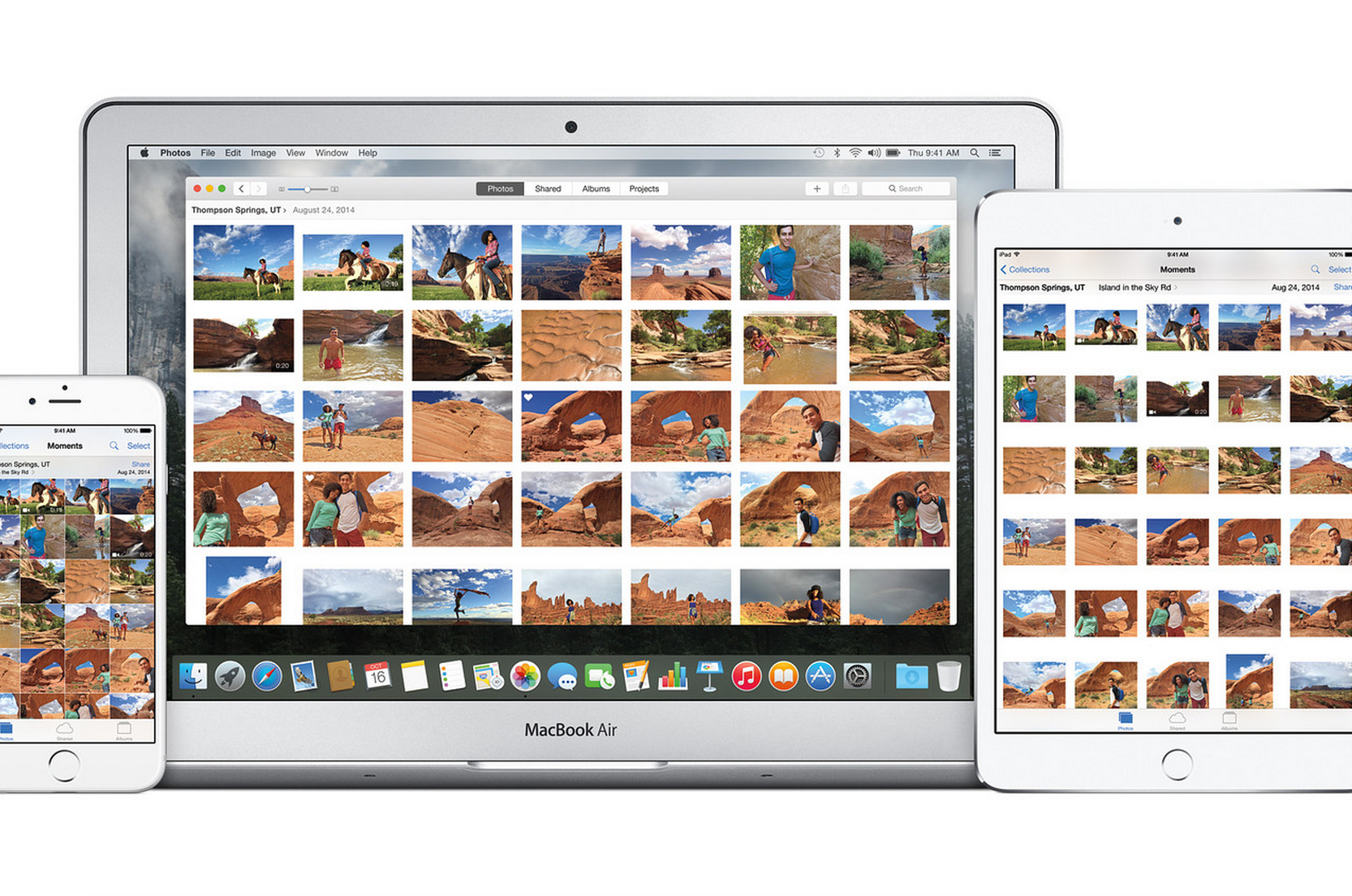
The first beta of the forthcoming OS X Yosemite 10.10.3 software update which contains the long-expected Photos for Mac application, is now available via the AppleSeed Public Beta service.

Participants in the OS X Public Beta program can download the software update right now via the Updates tab of the Mac App Store. The public beta carries a build number of 14D87, the same like the second 10.10.3 beta that the company seeded to its registered Mac developers a week ago.
How to quickly toggle dark mode using a keyboard shortcut on Mac

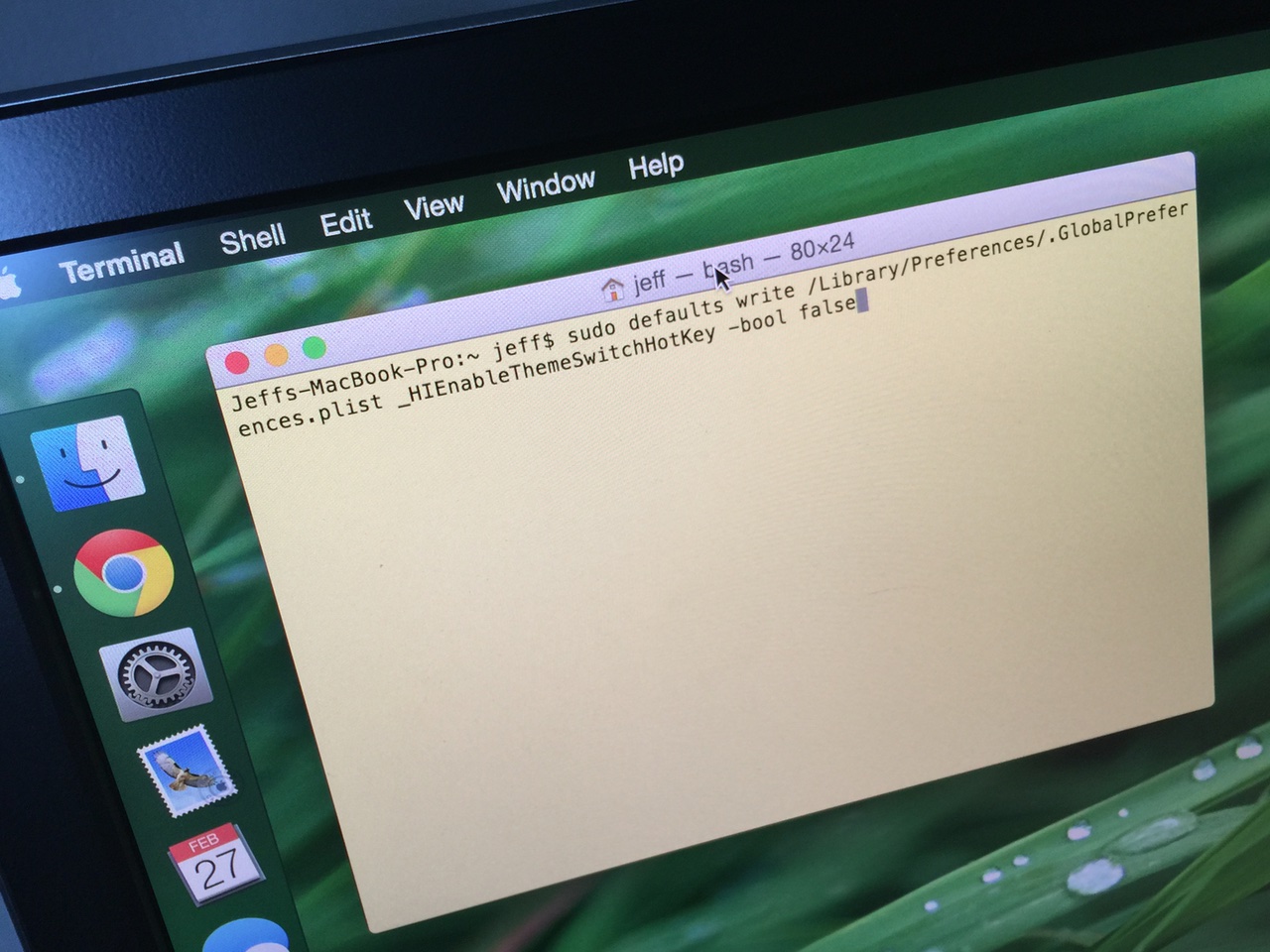
Dark mode is one of the more popular features of OS X Yosemite, because it allows you to add a dark tint to both the dock and the menu bar on Mac. The standard way to enable dark mode involves venturing to System Preferences, opening the General section, and clicking on the enable dark mode option. But wouldn't it be cool if you could toggle dark mode using a simple keyboard shortcut?

How to make third-party menu bar icons look better with dark mode on Mac

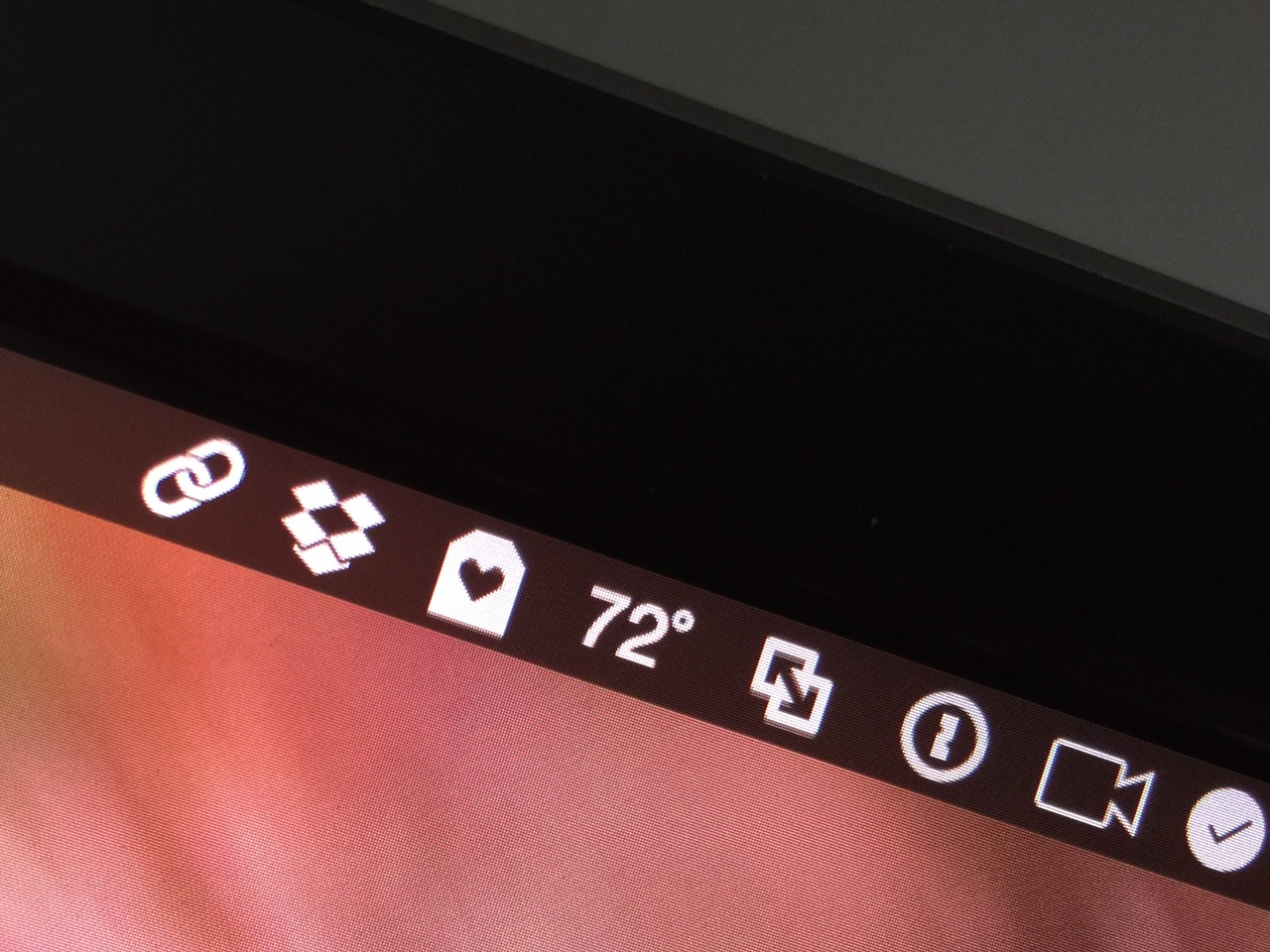
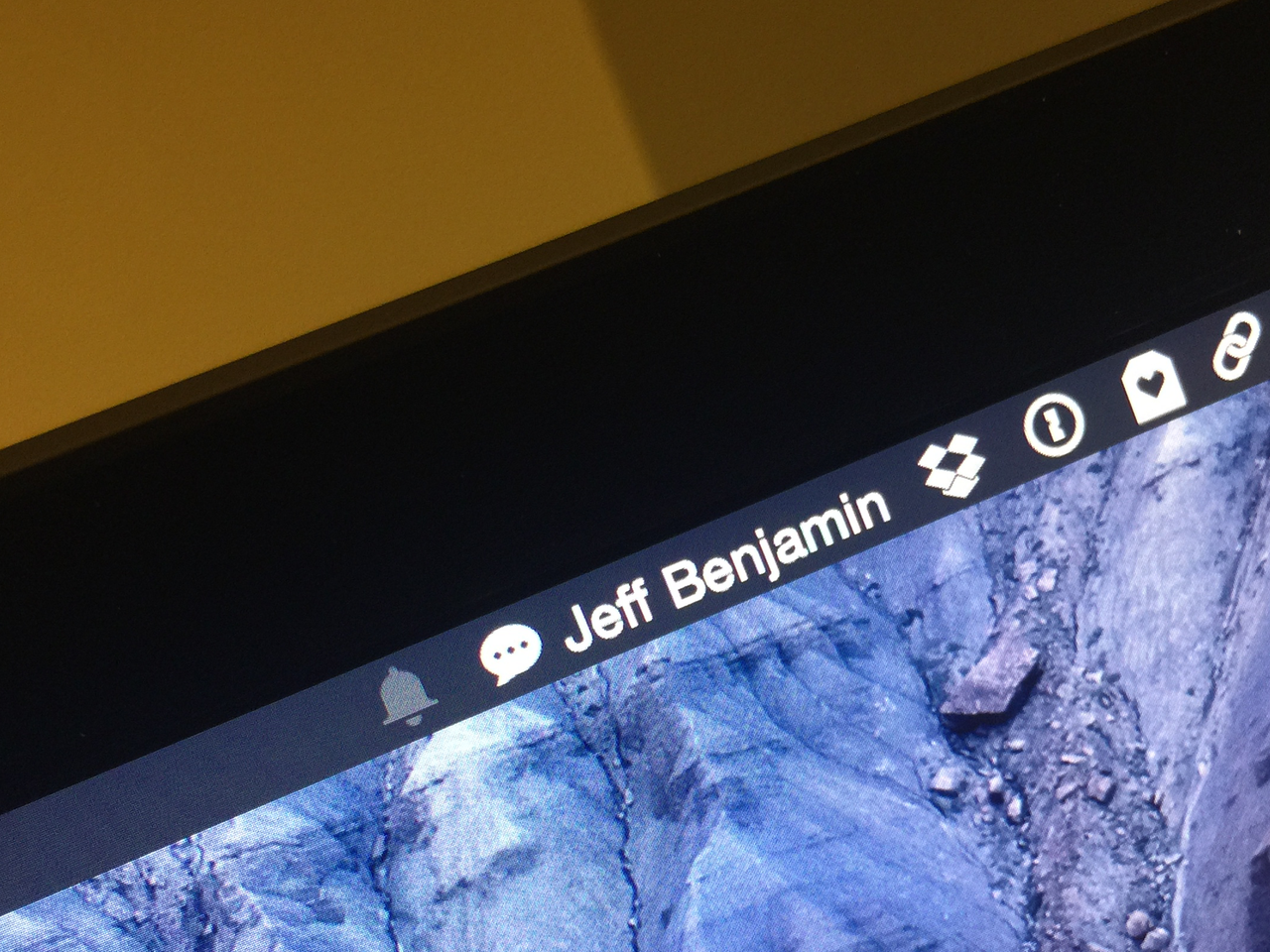
OS X Yosemite introduced a new dark mode option to change the tint color of both the menu bar and the dock in OS X. While I'm a big fan of dark mode, some of the third-party apps that I use have not been updated to play nice with dark mode. This results in menu bar icons that look weird with dark mode enabled, because they don't invert after toggling dark mode on.

If you're someone who always uses dark mode and never switches to regular mode, there is a way to force these menu bar icons to look better with dark mode enabled...

OS X 10.10.3 Yosemite beta 2 seeded to devs

Alongside the just-released iOS 8.3 Beta 2, Apple on Monday also seeded the second beta of a forthcoming OS X 10.10.3 Yosemite software update to its registered Mac developers.

Carrying a build number of 14D87h, OS X Yosemite 10.10.3 beta 2 (like the first beta) bundles a pre-release version of Apple's long-expected Photos for OS X application that will replace iPhoto and Aperture on Macs.

Registered Mac developers can apply OS X 10.10.3 Yosemite beta 2 through the Mac App Store's Software Update mechanism. In addition to Photos for Mac, Apple is asking developers to specifically focus on Wi-Fi captive network support and screen sharing.

Empty Trash versus Secure Empty Trash – what’s the difference?

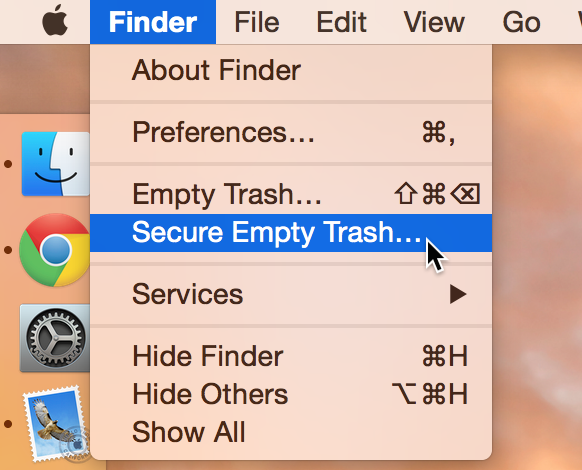
Did you know that there are actually two ways to empty the trash on your Mac? Perhaps you've seen both options before, but never gave it much thought. Just what is the deal with Empty Trash versus Secure Empty Trash? Which one should you use? By knowing what each empty trash command is capable of doing, you'll be able to make more informed future decisions with regard to handling your Mac's sanitation needs.

How to disable the camera on your Mac

Every Mac that Apple ships, sans the Mac mini, comes with an iSight camera embedded in the bezel at the top of the display. If my memory serves me correctly, Apple's computers were one of the first to really popularize the standardization of built-in cameras.

I'm probably not alone when I say that I rarely, if ever, use my MacBook Pro's iSight camera. In fact, it's become more of a worry to me when thinking about the potential hacking and privacy concerns. I'm far from a tin foil hat wearer, but I have to be honest and admit that the thought has crossed my mind before... you know, the one where hackers view my iSight camera unbeknown to me.

With all of that said, wouldn't it be nice if you could disable your Mac camera with a simple software tweak? Inside, I'll show you how to do just that.

With UXKit, Apple has devs jumping with joy

Photos for OS X, releasing this Spring, could quietly signal a much welcomed change in direction for Mac development. That is, if Apple decides to let programmers access the same private framework it tapped in constructing the clean and elegant user interface seen in a developer beta of Photos for Mac.

As SixColors pointed out, several prominent developers took to Twitter to share their excitement about the framework Photos for Mac uses, currently available only to Apple. It's called UXKit and appears to be an OS X version of the UIKit framework on iOS.

What does this have to do with you? Read on...

Apple seeds OS X 10.10.3 beta with new Photos app

The death of iPhoto is here, as Apple has begun rolling out OS X 10.10.3 to beta testers on Thursday with the all-new Photos app found within the pre-release software.

Developers can grab the OS X 10.10.3 software from the Mac App Store software update tool or through the Developer Center.