News

Auto-executing ap0110 jailbreak for 32 & 64-bit iOS 10 devices now available

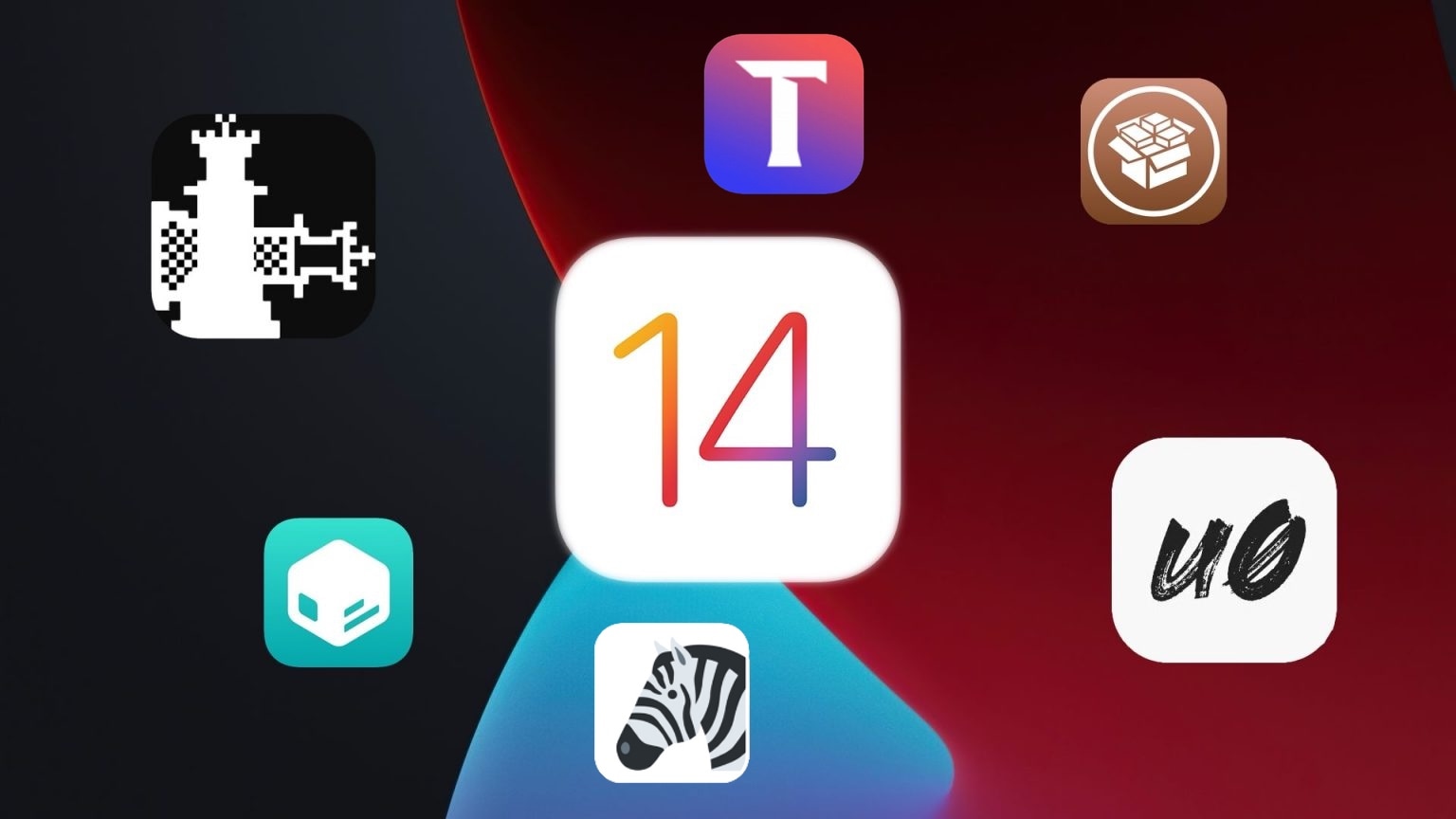
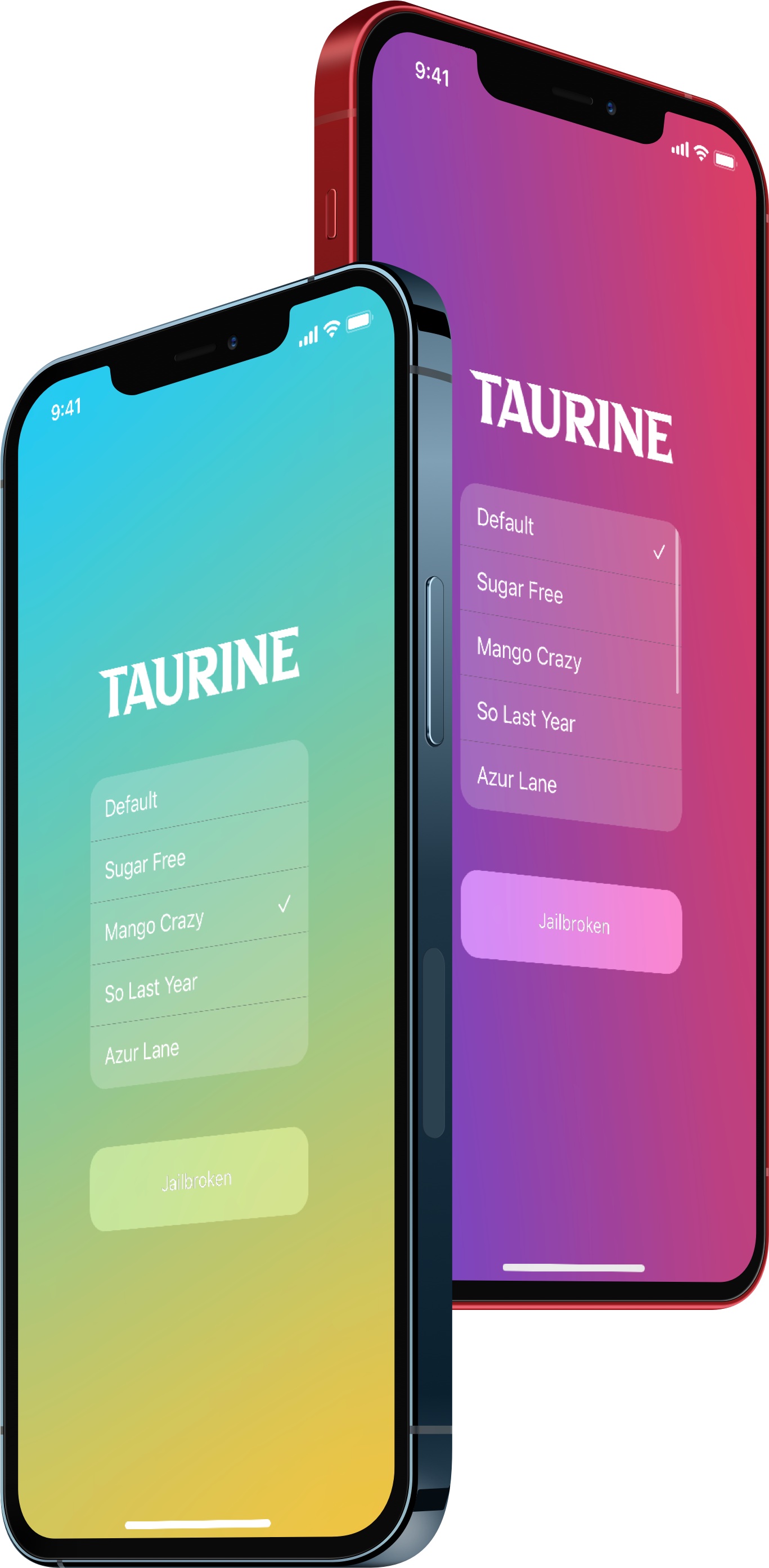
The jailbreak community has been on fire lately. Not only have all iOS & iPadOS 14.0-14.3 devices been made pwnable by both the tried and true unc0ver and brand new Taurine jailbreak tools, but the recent release of the kok3shi jailbreak made it possible for users of 64-bit iOS 9.3-9.3.5 devices to pwn their handsets as well.

Now, it seems a little more love is being provided for iOS 10 users as the Athenus Dev Team and w212 have teamed up to release ap0110, an auto-executing semi-untethered jailbreak for 32 and 64-bit iOS 10.x devices.

The best jailbreak tweaks for iOS 14

While some jailbreakers have been fortunate enough to enjoy a pwned handset since iOS & iPadOS 14 first dawned last year thanks to the bootrom exploit-based checkra1n jailbreak tool, others were a bit later to the party since the side-loadable semi-untethered unc0ver and Taurine jailbreak apps only just enabled support for iOS & iPadOS 14.0-14.3 on all devices within the past month or two.

Whether you’re entirely new to jailbreaking or you’ve been using a pwned iOS or iPadOS 14 device since the major software update first dropped, you’re probably wondering what tweaks and add-ons you can install to get the most out of your jailbreak experience. Fortunately, we’re here to help you with that.

Apple closes signing window for iOS & iPadOS 14.4.1, halting downgrades

Apple released iOS & iPadOS 14.4.2 last Friday alongside iOS 12.5.2 for older devices that don’t support iOS & iPadOS 14 in an effort to remedy a WebKit-based security vulnerability that the company had knowledge of being actively exploited in the wild to maliciously impact its user base.

Given the amount of time that has passed since the release of those updates, we’re unsurprised to learn that Apple has officially stopped signing iOS & iPadOS 14.4.1 this evening. It’s a move on the company’s part that bars the majority end users from voluntarily downgrading their handset’s firmware to the previous version.

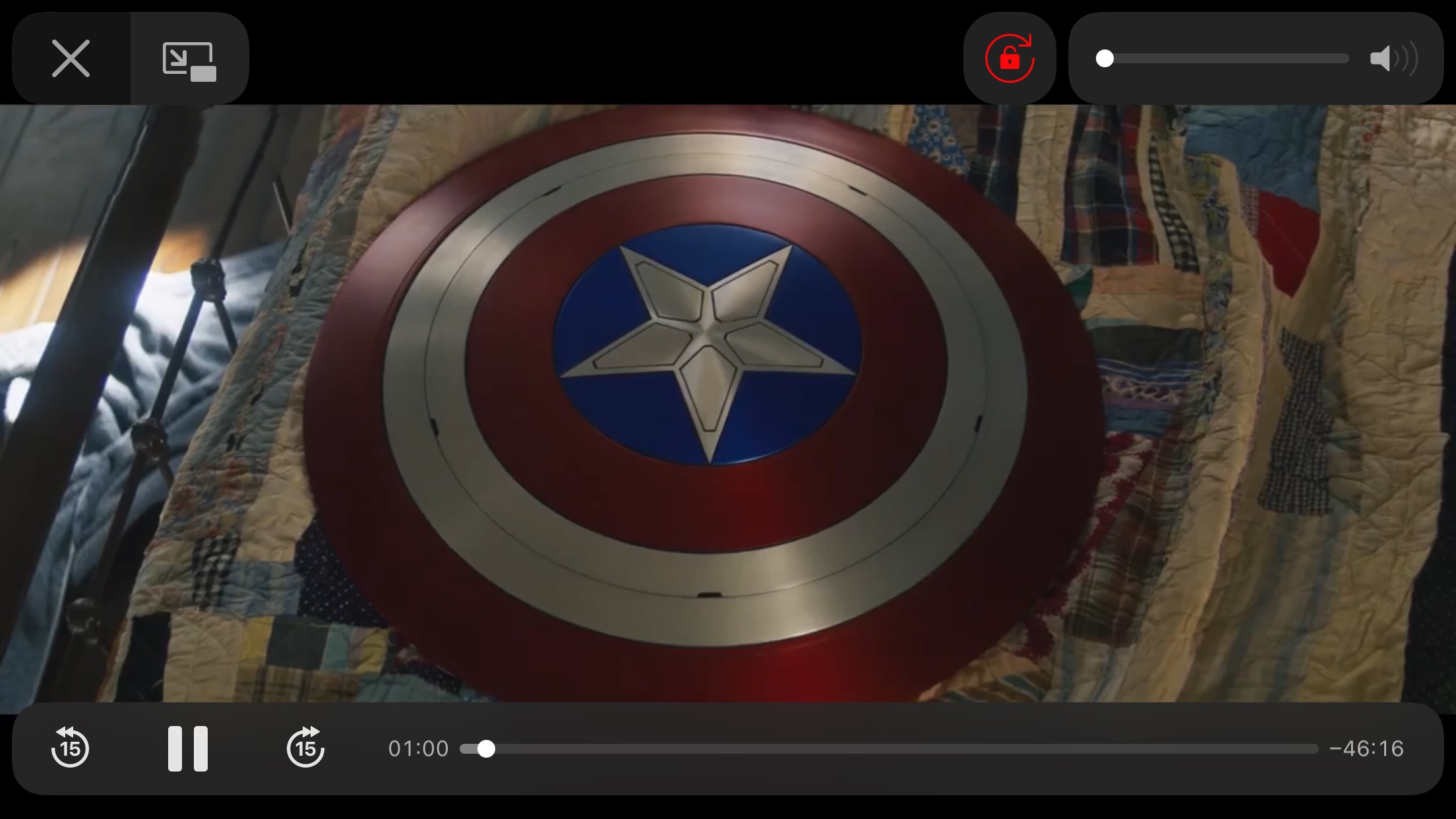
This tweak adds a Rotation Lock button to iOS’ native video player

Rotation Lock is a useful feature that I use on my iPhone almost every single day. People use Rotation Lock for a bevy of different reasons, but many would coin video consumption to be a valid use since it can prevent the display from rotating to an uncomfortable orientation in those niche moments like laying in your bed.

Currently, the fastest and most convenient way to toggle Rotation Lock is via the dedicated Control Center toggle, but launching Control Center can interrupt your video playback. With that in mind, wouldn’t it have made perfect sense if Apple had simply integrated a Rotation Lock button into the video player interface to begin with?