Find out how to quickly remove Gmail, Outlook, Yahoo, or other email accounts from the Apple Mail app on your Mac or iOS device to declutter and streamline your inbox.
How to delete an email account from the Mail app on iPhone, iPad, and Mac

Find out how to quickly remove Gmail, Outlook, Yahoo, or other email accounts from the Apple Mail app on your Mac or iOS device to declutter and streamline your inbox.

Learn how to efficiently organize your emails by automatically color-coding them using the built-in rules feature in the Apple Mail app on Mac.

Learn how to set a default email account on iPhone, iPad, and Mac, and save yourself from sending emails from the wrong account.

Learn how to hide the email address using the “Bcc” feature in the Apple Mail app to copy someone on an email you’re sending, but don’t want your recipient to see it.

Learn how to highlight text in the Apple Mail app on Mac to emphasize what you’re writing and make certain words and sentences of your email stand out from the rest.

In this quick step-by-step tutorial, we show you how to add an email account to the Apple Mail app on your iPhone, iPad, or Mac.
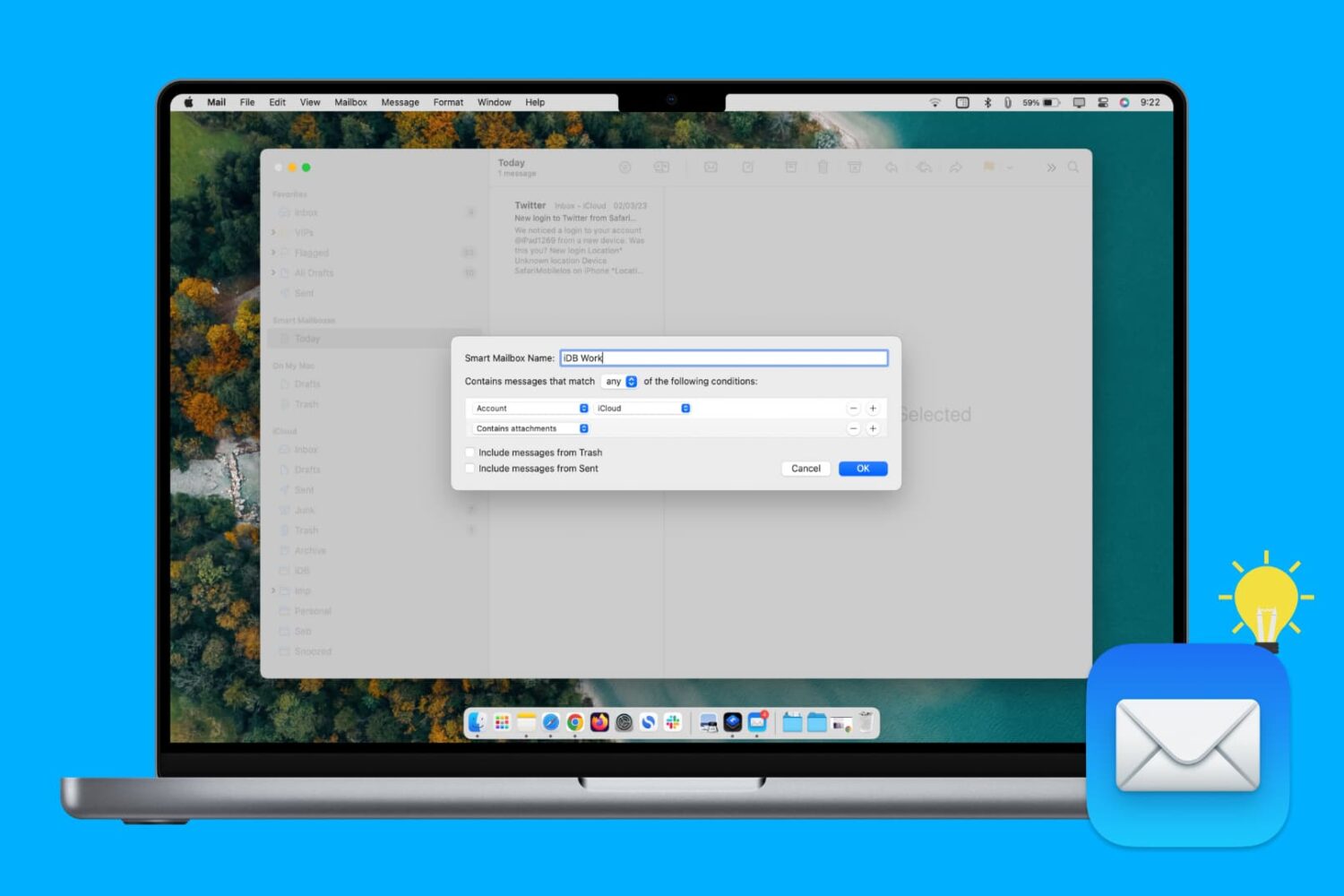
Learn how to create, edit, and delete Smart Mailbox and Smart Mailbox folders in the Apple Mail app on Mac to collect and better organize your emails.
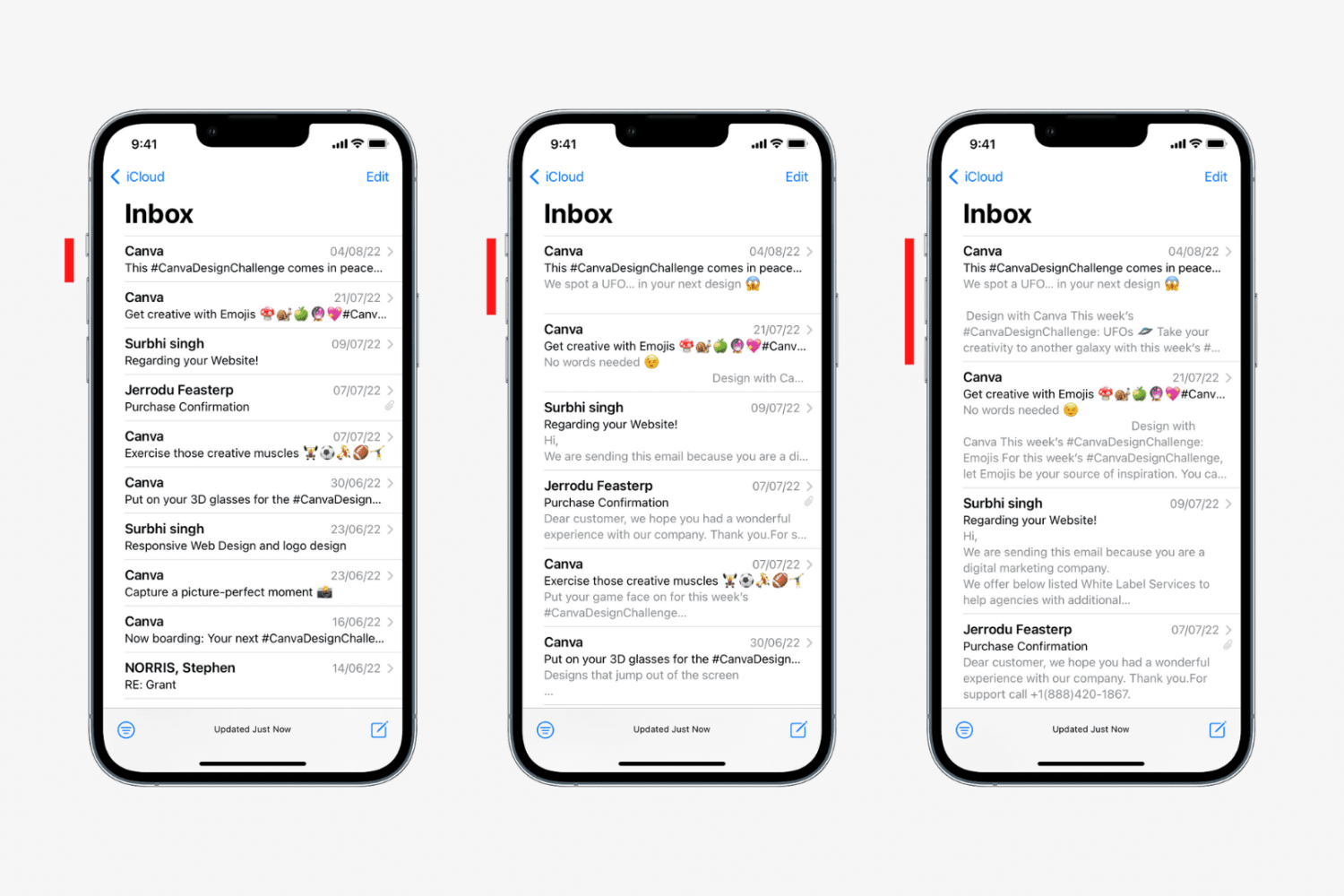
Learn how to change the number of lines for email previews in your Mail inbox on iPhone, iPad, and Mac to display more or less information.
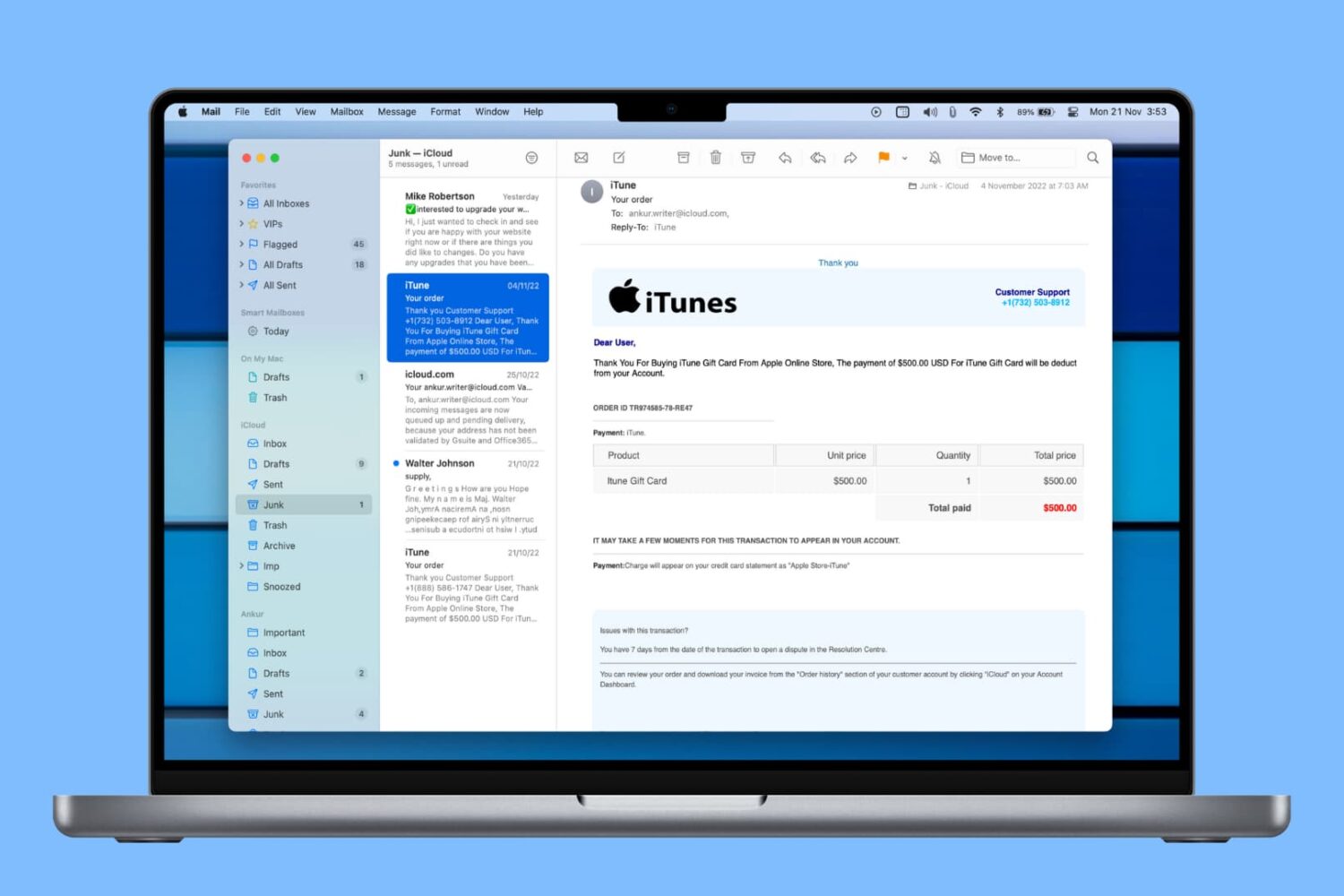
Learn how to automatically delete junk messages and empty the Trash in the Mail app on Mac to save time and keep your mailboxes free of unwanted emails.
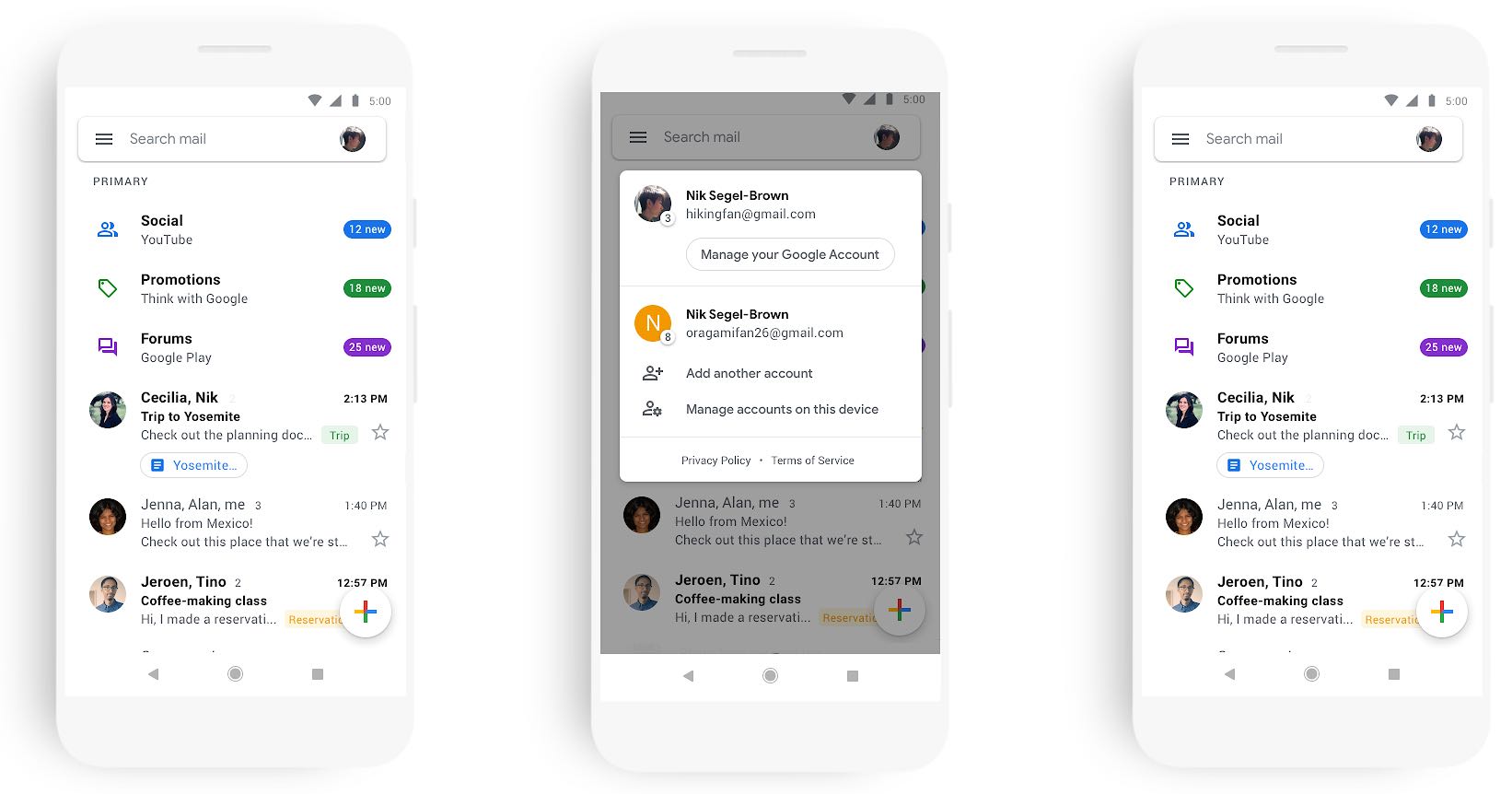
The Internet giant Google on Tuesday released a major refresh of its mobile Gmail app, which has now adopted the company's Material Design guidelines as part of a larger effort to make G Suite look and act like a family of tightly integrated products.

Quickly mark all unopened emails as “read” in the Apple Mail app on iPhone, iPad, and Mac to clear the unread messages in your inbox.
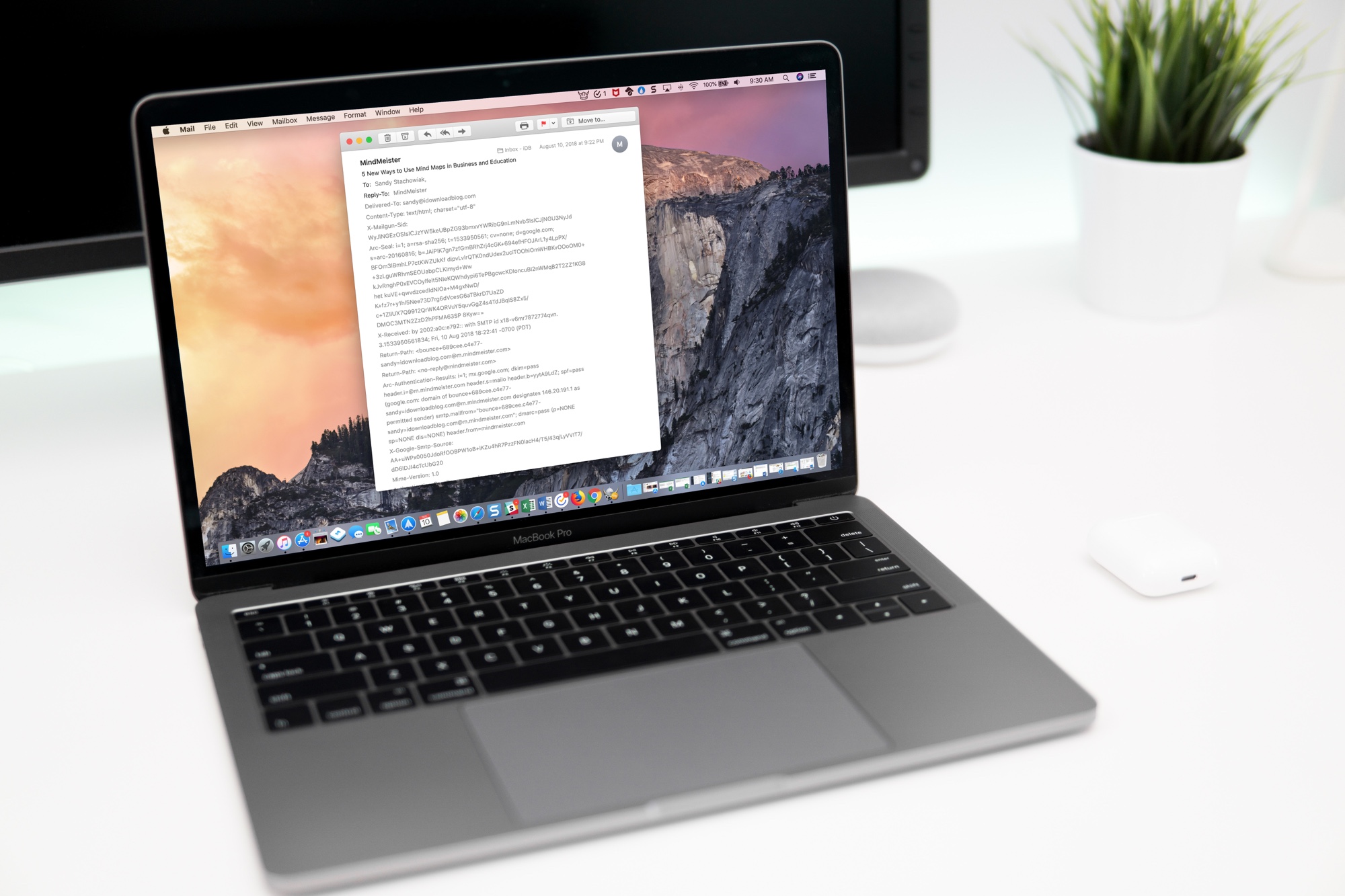
Learn how to view full email headers in Apple Mail for Mac to verify the sender's authenticity, identify spam or phishing attempts, and troubleshoot issues.