macOS

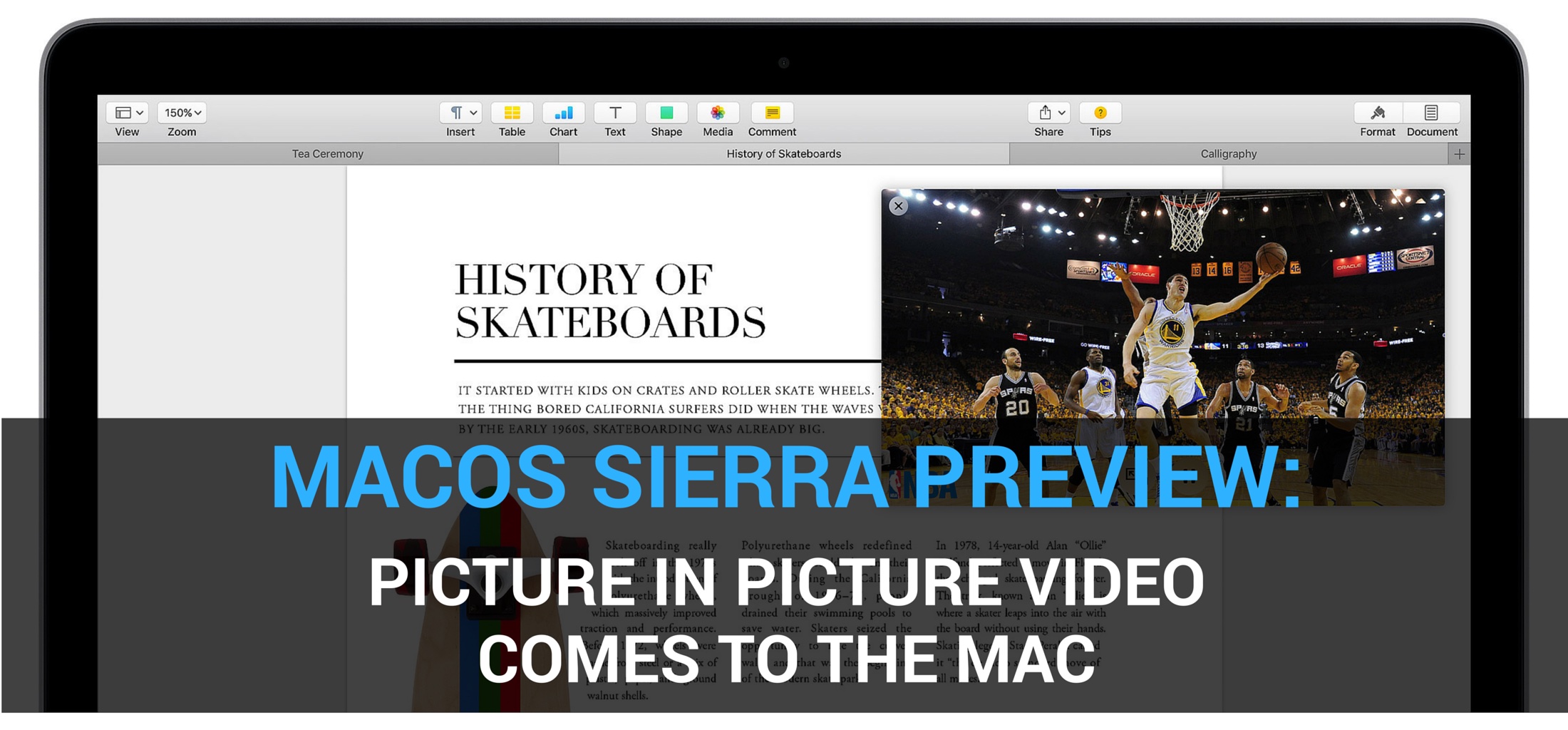
macOS Sierra Preview: Picture in Picture video multitasking comes to the Mac

Picture in Picture, a self-explanatory feature which debuted on compatible iPads with last September's release of iOS 9, is coming to the desktop near you. That's right, now desktop users can watch video while they're multitasking on their Mac, thanks to Picture in Picture support on macOS Sierra.

With a click, you can float a clip from Safari or iTunes in a window over your desktop, and continue watching it as you're multitasking. The video can be resized, dragged and pinned to any corner of the screen and it even stays put when you switch Spaces.

Latest Apple updates have fixed major Stagefright-like security hole in TIFF image handling

Apple's OSes suffer from a previously unknown exploit which could allow an attacker to compromise the security of a device by having the user open an unsuspecting TIFF image file. Thankfully, the vulnerability has been patched in the most recent releases of iOS, macOS, watchOS and tvOS.

Resembling the dangerous Stagefright exploit that plagued Google's Android platform for the better part of last year, the security hole could allow a nefarious user to gather sensitive data from your device as soon as you access a simple text message containing a malicious TIFF image file, Fortune said yesterday.

Video walkthrough: changes & fixes in macOS Sierra beta 3

Monday, Apple seeded a third developer-only beta of macOS Sierra (build number “16A254g”) to members of the Apple Developer Program, followed by a version suited for public beta testers 24 hours later.

After spending some quality time with Sierra's third beta, our own Andrew O'Hara summed up for you guys all the changes and fixes he's discovered in Sierra's beta 3 in a hands-on video.

How to split PDF files with the Preview app on Mac

PDF files are among one of the most widely-used forms of sharing documents with others across the internet; especially considering that the idea behind this file type is to have something that is universally readable on any platform.

If you do a lot of PDF handling on your Mac, then it might not be a bad idea to become familiar with how to split a PDF file, so we'll show you how you can do that in this tutorial.

macOS Sierra Public Beta 2 released to testers

In addition to releasing a second public beta of iOS 10, macOS Sierra Public Beta 2 is now also available to those signed on the Apple Beta Software Program.

The third beta of Sierra was seeded to Apple's registered developers two days ago, and now public beta testers can take it for a spin (public beta 2 and developer beta 3 offer the same features).

The update should appear as an over-the-air download via the Software Update mechanism through the Mac App Store's Updates tab on Macs that run the first public beta and are enrolled in Apple's program.

OS X El Capitan 10.11.6 hits Mac App Store with bug fixes and security enhancements

A sixth major software update to OS X El Capitan 10.11 since its September 2015 debut is now available for public consumption as a free-of-charge release on the Mac App Store. To apply the update, launch the Mac App Store on your computer and click the Purchased tab: OS X El Capitan 10.11.6 should be sitting there, waiting for you to download it. If not, give it a few minutes or hours as new software takes some time to propagate across the Internet.

Facebook SDK for Swift beta now available to iOS, macOS, watchOS and tvOS developers

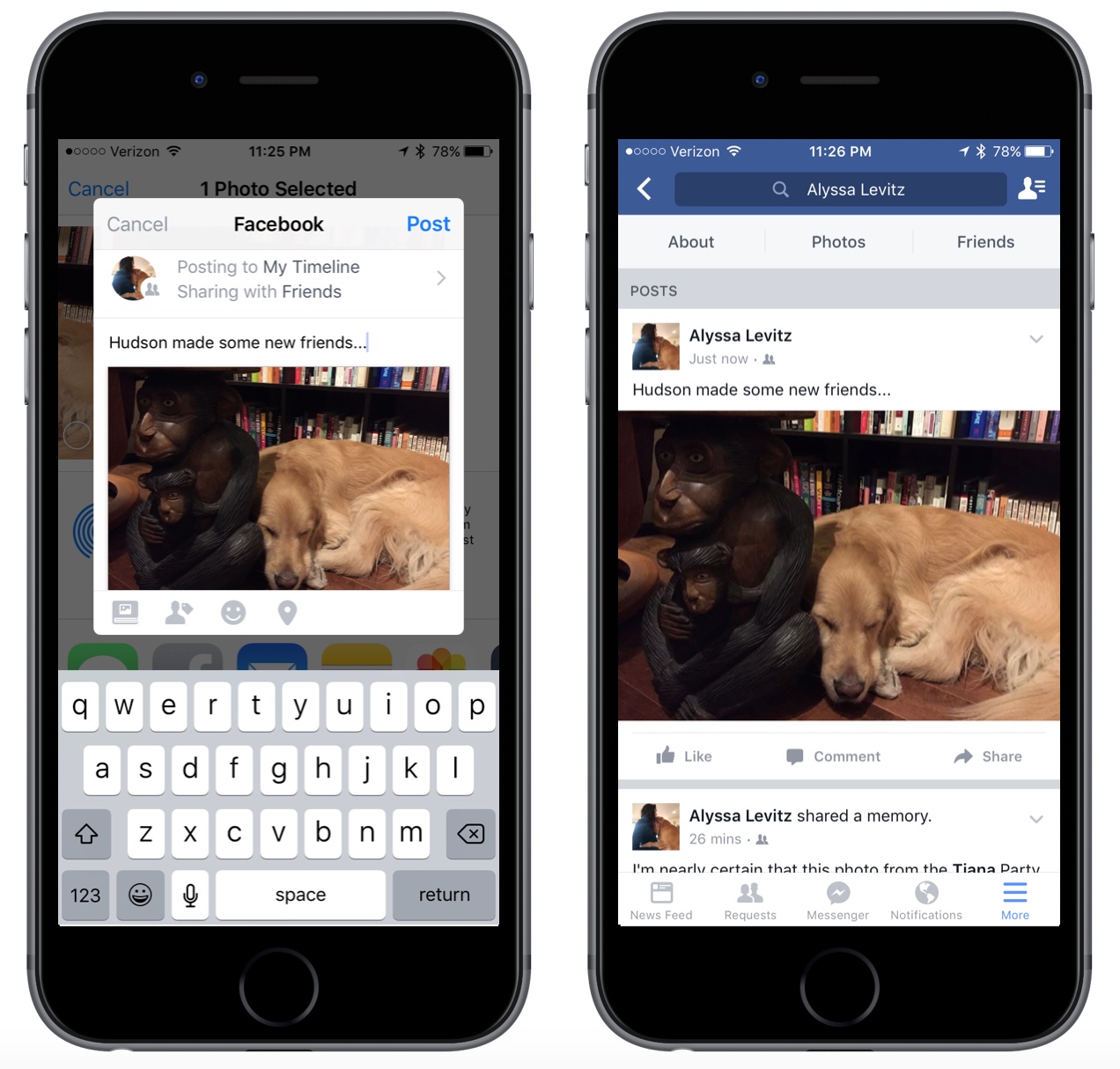
This past weekend, the social networking giant Facebook announced that a beta version of its brand new software development kit (SDK) for Apple's Swift programming language is available for download. The new SDK integrates Facebook buttons into iOS, watchOS, macOS and tvOS apps written in Swift, and integrates such features like Facebook Login, Analytics for Apps, Graph API and Share to Facebook sheets. The Facebook SDK source code is available via GitHub on an open-source basis.

Easily delete photos from your iPhone or iPad with Image Capture on Mac

If you have a Mac, then you also have a really useful image importing app called Image Capture lurking in your Applications folder.

To be completely honest, I still use the Image Capture app despite the fact Apple released their new Photos app for OS X last year, and that's because it's a dead simple utility that isn't bloated with extra features I really don't feel like using.

In this tutorial, we'll show you how to use the Image Capture app on your Mac to remove photos or videos from your iPhone or iPad.

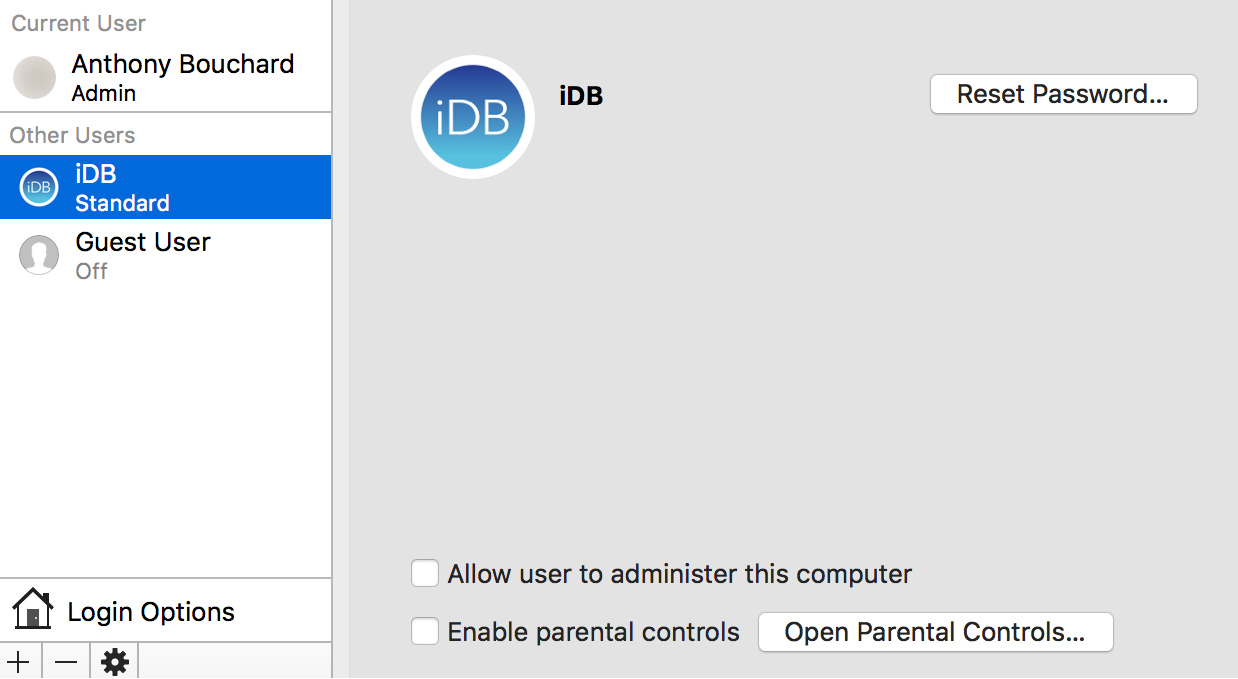
Changing the name of a user account on your Mac

Every Mac has at least one user account on it, whether it's your own or you've made another account for someone else to use.

At some point, you may feel the urge to change the name of one of your user accounts. It doesn't matter if the account is an administrator or a regular user; we'll show you the steps in this tutorial to change an account's user name on your Mac.

How to simulate tetherless ‘Hey Siri’ functionality on macOS Sierra like a pro

Apple advertises Siri as one of the headlining new features in the forthcoming macOS Sierra software update. Siri on the Mac performs in much the same way as it always has on an iPhone, iPad and iPod touch, except on the Mac tetherless 'Hey Siri' functionality is currently unsupported.

On iOS, tetherless 'Hey Siri' requires Apple's embedded M9 motion coprocessor to monitor microphone input without taxing the battery. Since the battery isn't a major concern with Macs, the decision not to implement 'Hey Siri' on Sierra is eyebrow-raising. As it turns out, you can easily simulate 'Hey Siri' on Sierra without resorting to dark magic, using a simple trickery.

Disable Mac App Store password prompts for 15 minutes after a purchase

Have you ever went on an app downloading spree in the Mac App Store only to find that it was going to ask for your password every time you wanted to download a paid app on your Mac?

If you're the only user on your Mac, then you probably don't want to or need to be bothered with having to enter your password each and every time.

Instead, macOS includes a feature that lets you disable password prompts for additional purchases for up to 15 minutes following your first Mac App Store purchase in a succession. We'll show you how to configure this feature in this tutorial.