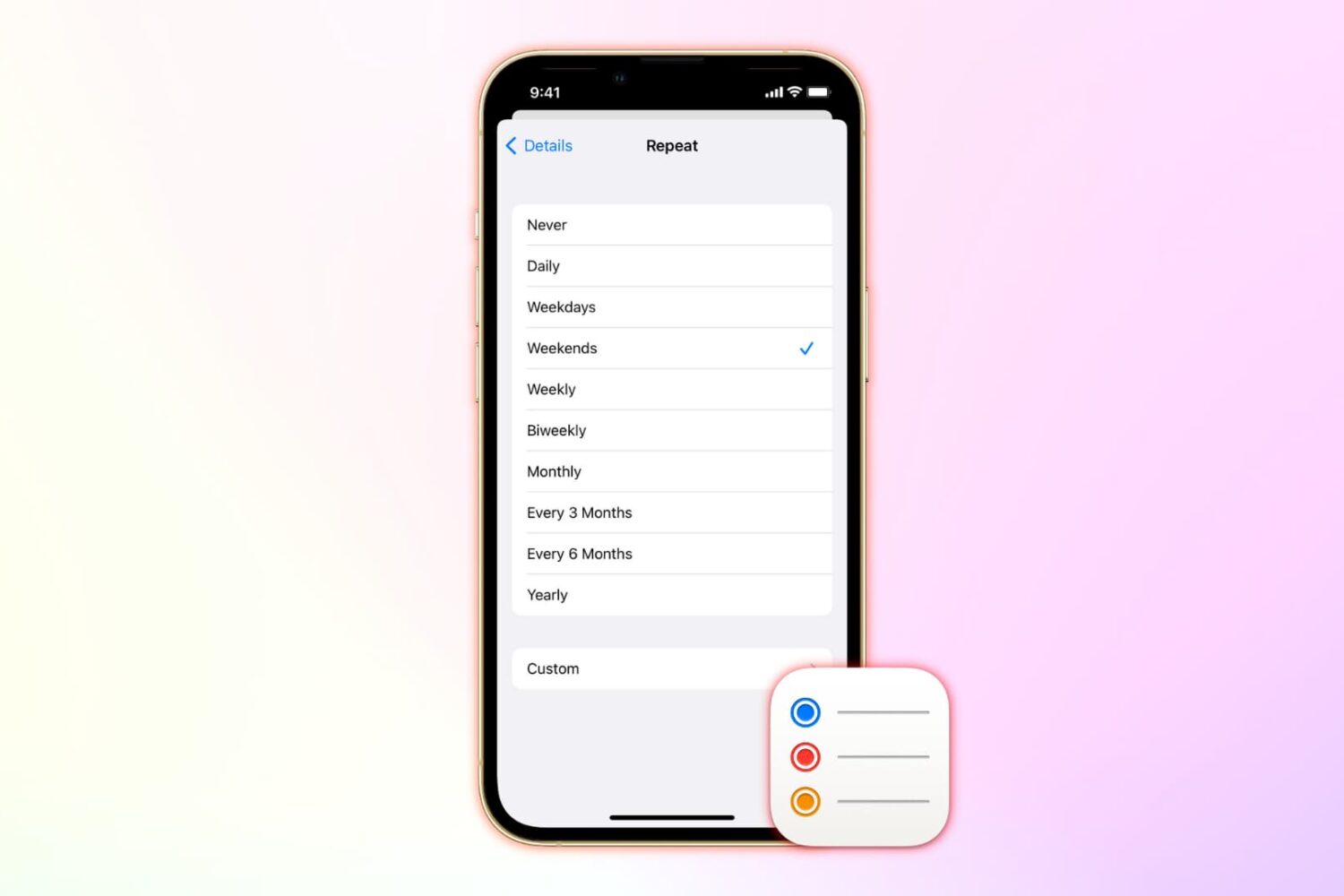
Learn how to add repeating reminders on iOS and macOS to get reminded of tasks you do over and over.
How to set up repeating reminders on iPhone, iPad, Mac
Learn how to add repeating reminders on iOS and macOS to get reminded of tasks you do over and over.
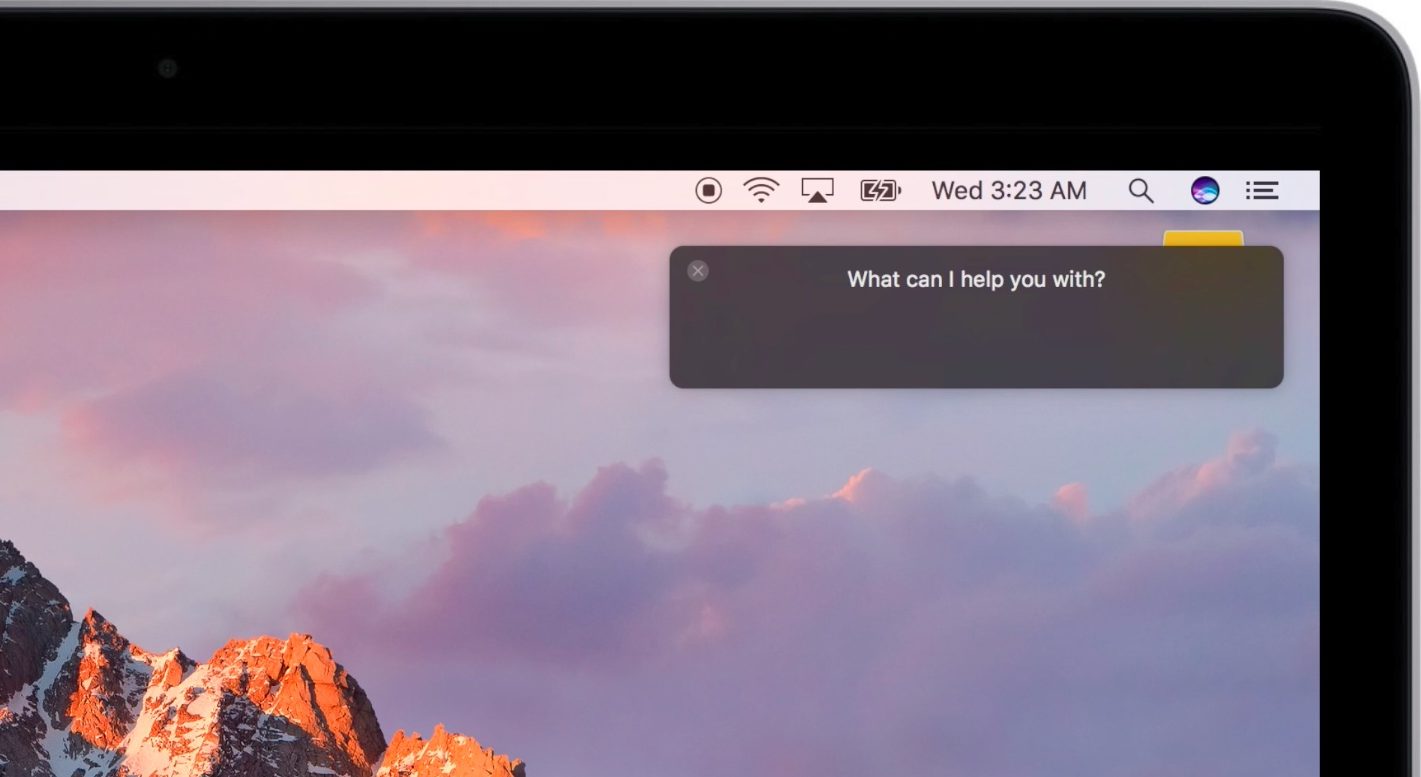
A second beta of macOS Sierra was released to Apple's registered developers and public beta testers last week. In addition to turning on an anticipated new feature called Auto Unlock, the second beta of Sierra (build number “16A239j”) packs in iTunes 12.5, Dark Mode assets for some stock apps, a change of the Siri keyboard shortcut—which was clunky to begin with—and more.
Here's our video overview of everything that has changed in macOS Sierra beta 2 since its inaugural developer-only release at WWDC 2106.
Check out 2 free ways to merge multiple PDF files into a single document on your Mac using the built-in Apple Preview app or the popular iLovePDF website.
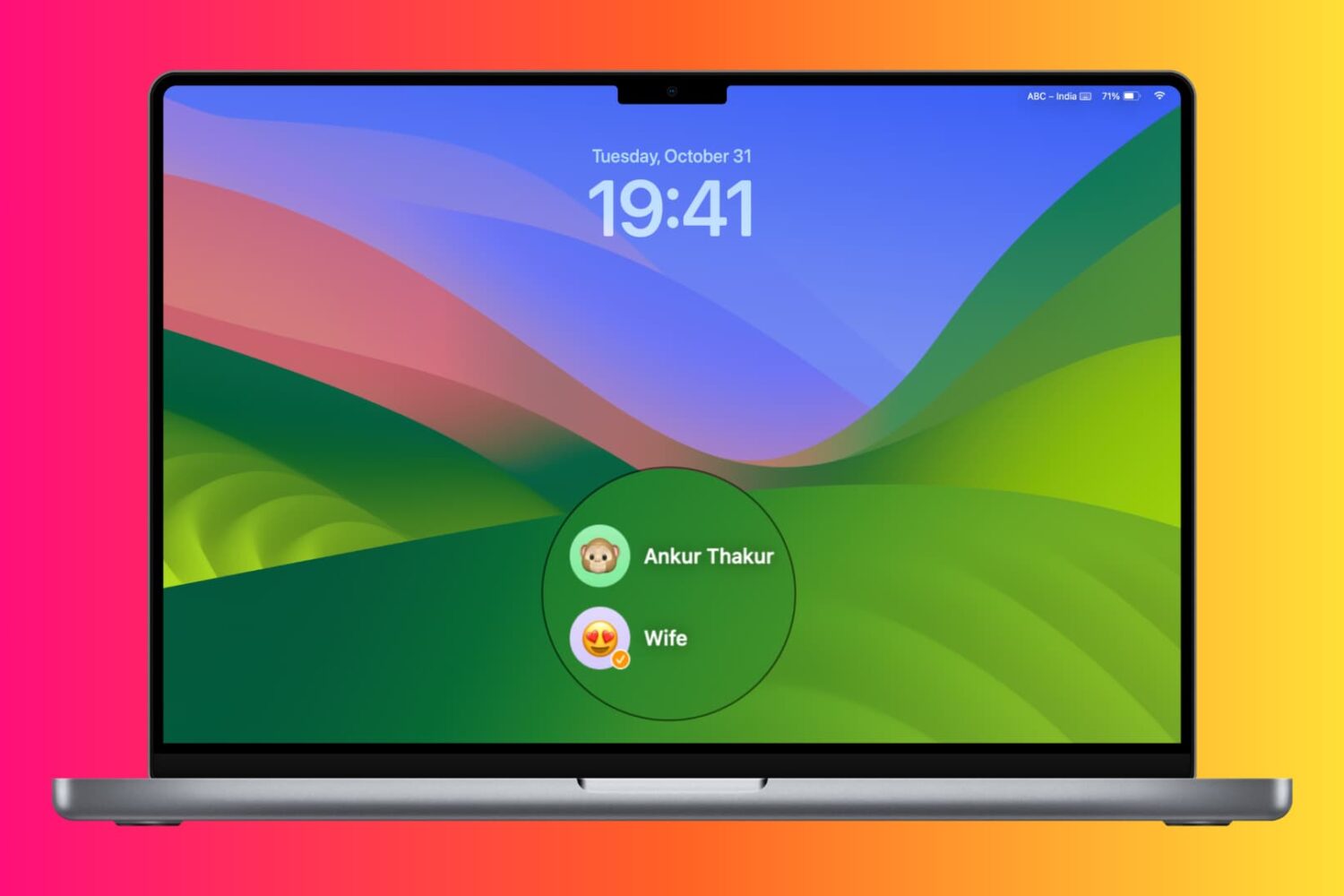
Learn how to change the password of a macOS user account on your Mac in case you have forgotten it or want to update it for security or administrative reasons.
Love it or hate it, Apple's Safari is a zippy web browser that performs well on the Mac, and it continues to get more and more competitive with other web browser platforms.
Since Apple wants you to use Safari on your Mac, it's a no-brainer they're going to make it easier to migrate your web data from one web browser to another.
In this tutorial, we're going to show you how to import bookmarks to Safari, along with your other web data, from a different web browser.
Some features of Apple's operating systems are hardware-dependent, for one reason or another. iOS 10 and macOS Sierra are no exceptions. For example, Raise to Wake on iOS 10 requires devices with Apple's embedded M9 motion coprocessor, currently found in the iPhone 6s/Plus and iPhone SE.
Following our preview of Auto Unlock, we noticed that commenters are wondering if this feature requires any special hardware so here are Apple's official system requirements for Auto Unlock.
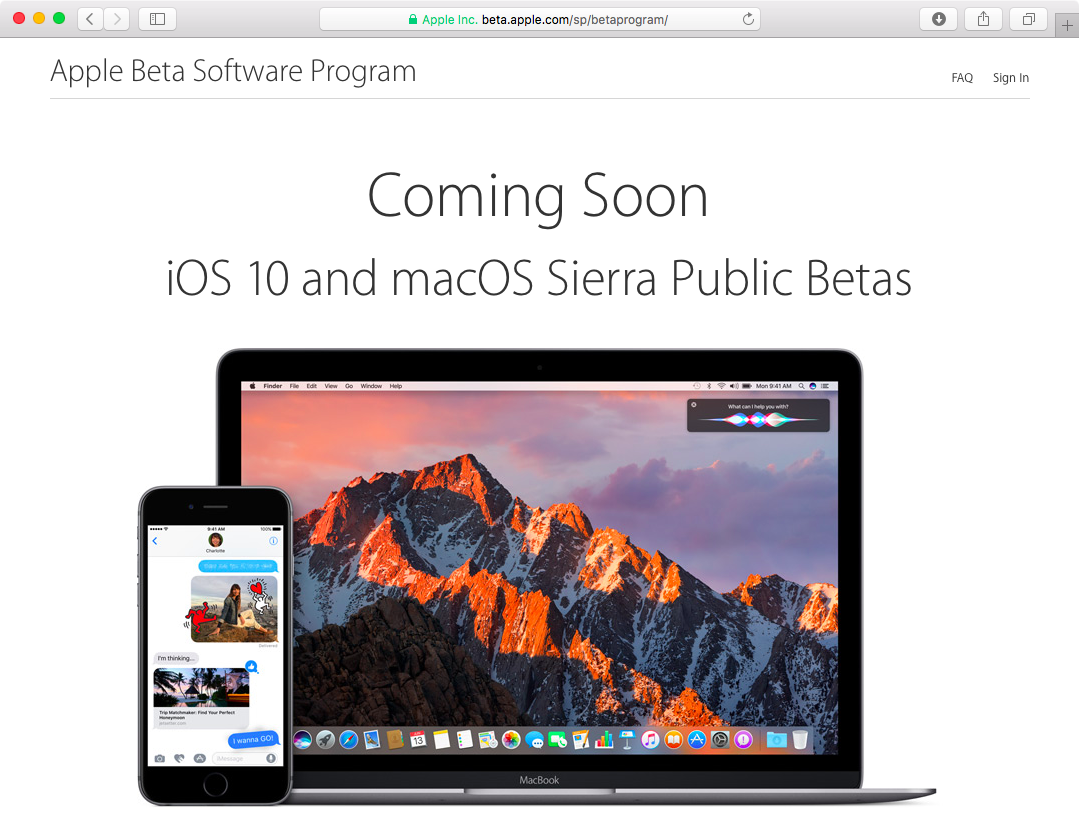
Apple will be releasing iOS 10 and macOS Sierra betas to public beta testers who enrolled in the Apple Beta Software Program, The Verge reports. iOS 10 is turning out to be much more than another release, with dozens of refinements and little things on top of headlining new features, some of which allow developers to build apps for the stock Messages, Maps and Phone apps, as well as integrate with Siri.
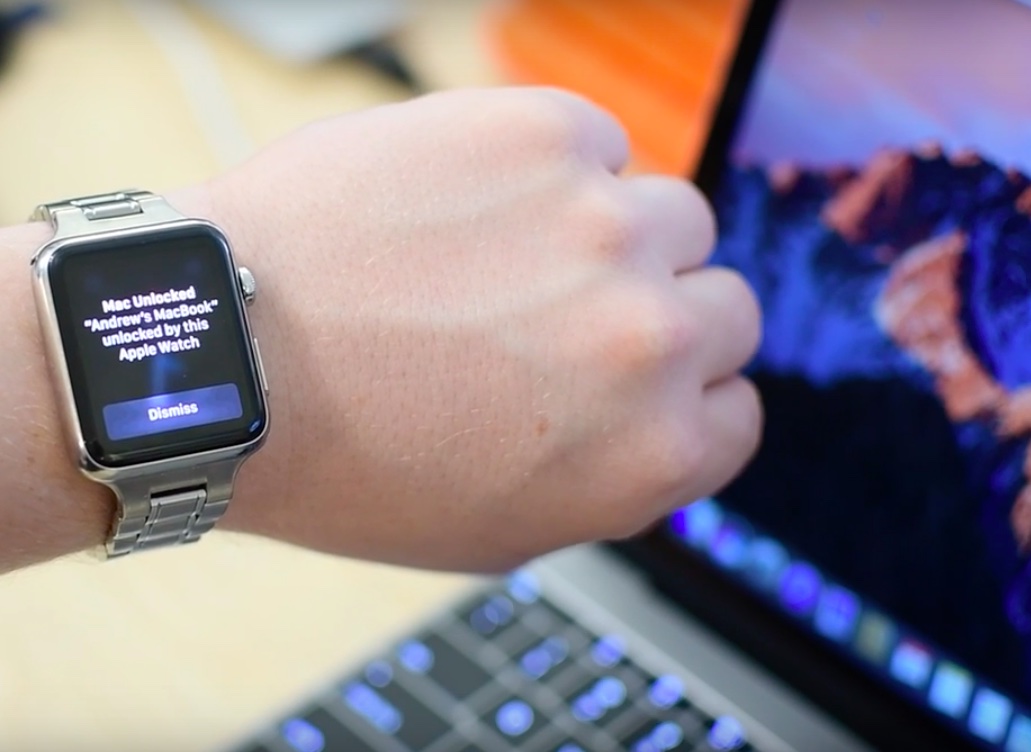
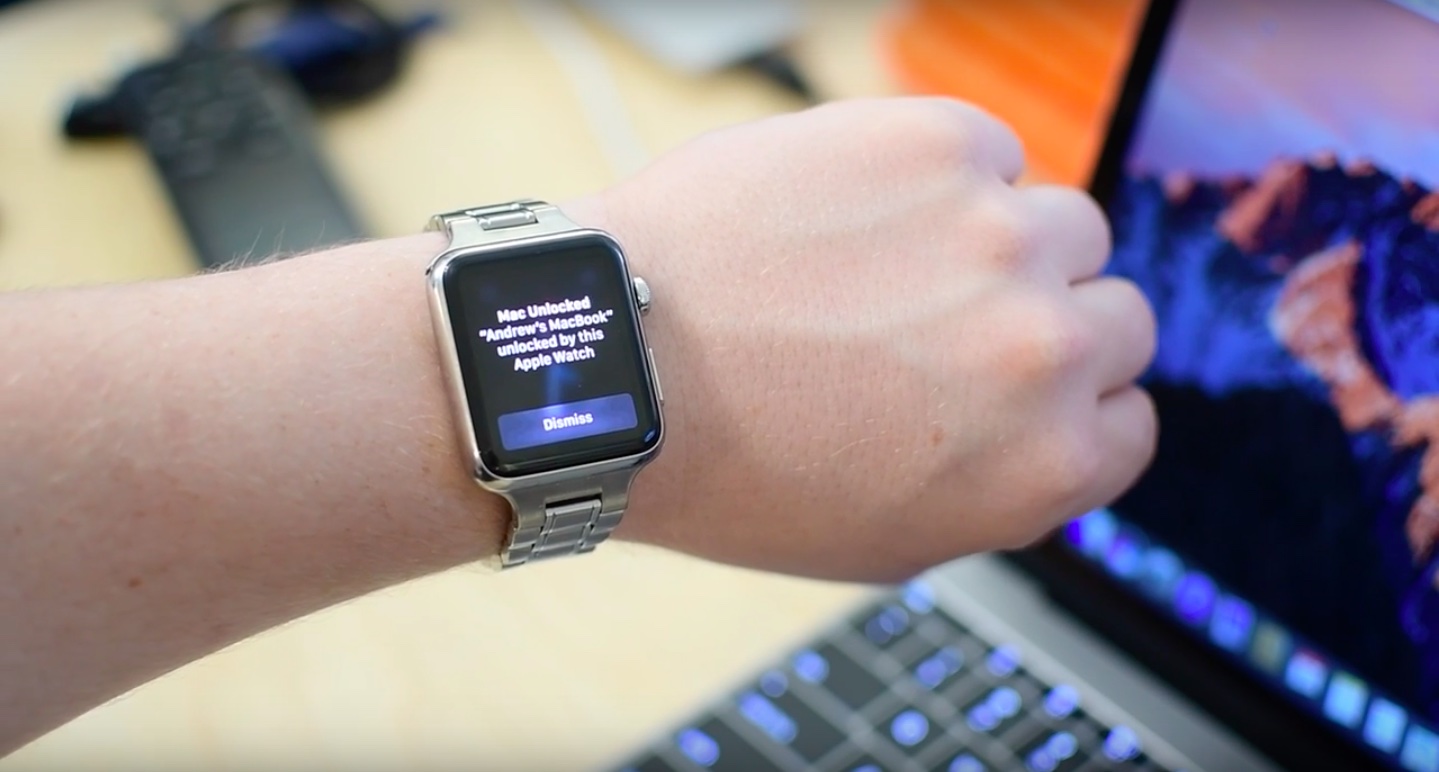
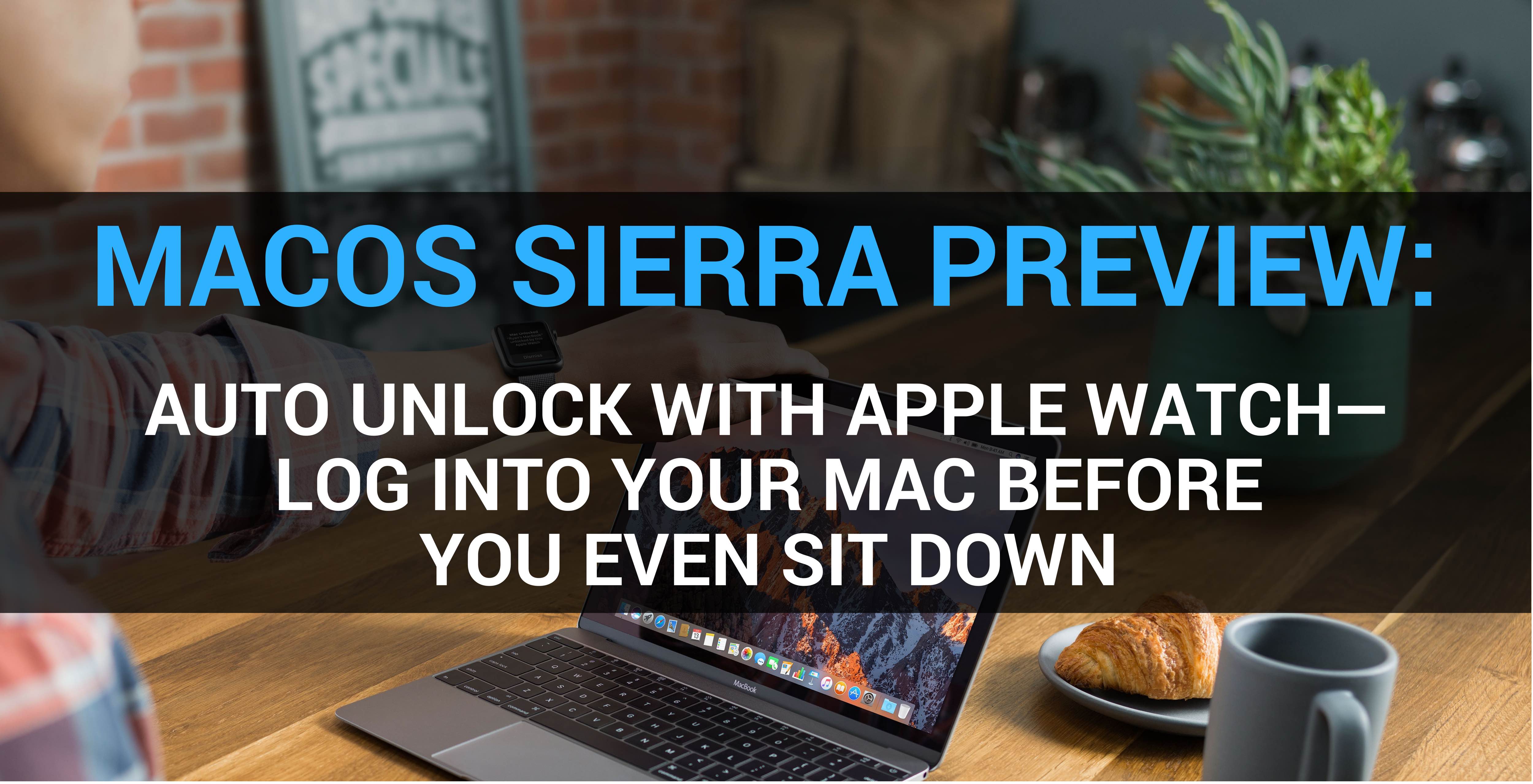
Auto Unlock, a new feature in macOS Sierra, gives you instant access to your Mac when you’re wearing an Apple Watch. As its marketing name suggest, Auto Unlock is seamless. You simply wake your Mac from sleep while wearing your watch, and boom—just like that, you’re logged in and ready to go, no password typing required. Here's our entertaining video walkthrough of Auto Unlock and a detailed overview of the feature for those interested in its inner workings and intricacies.
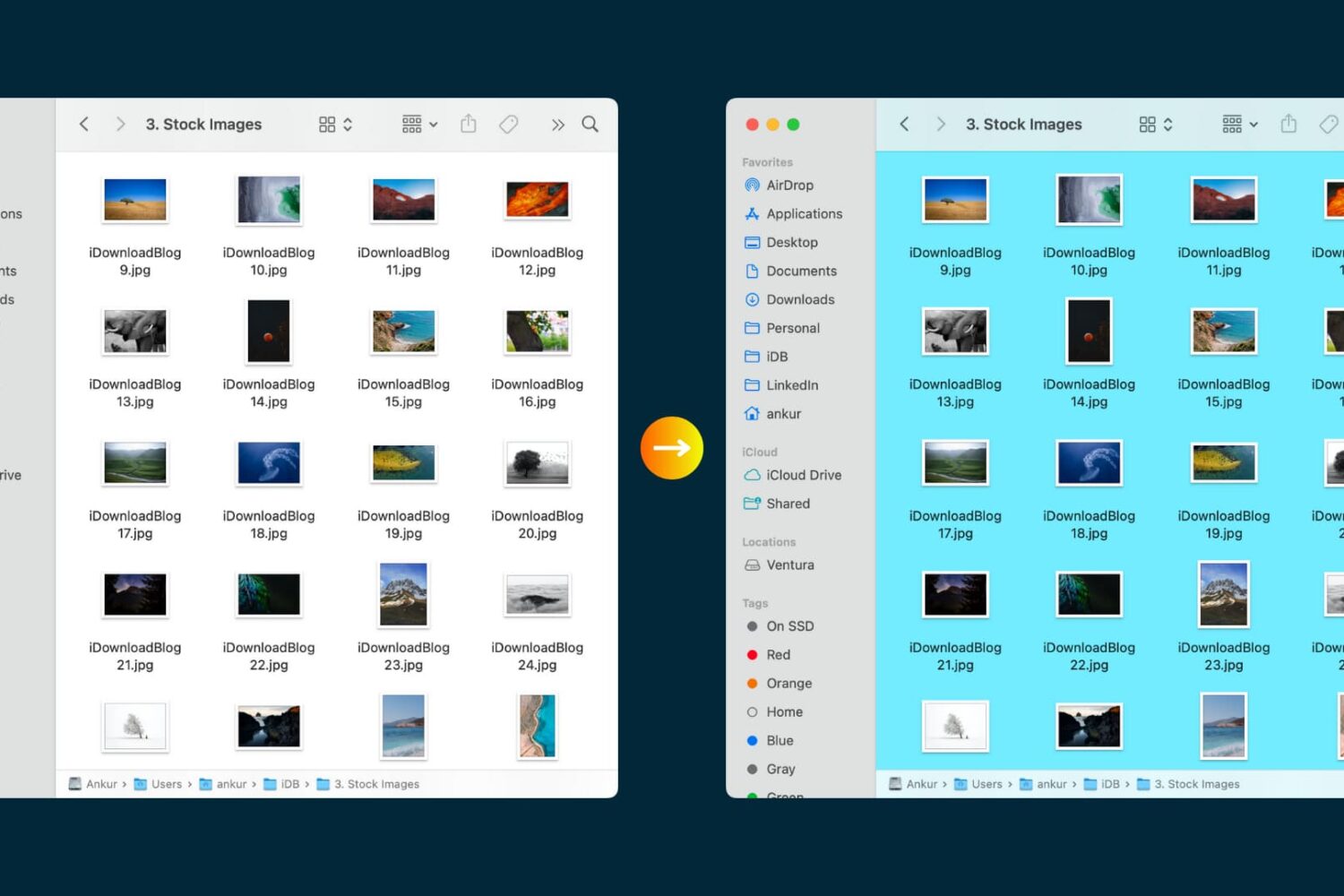
Transform the look of your Mac Finder folders by adding custom background images or vibrant colors.
In this tutorial, we’ll show you how you can upgrade a Mac user account’s privileges to administrator level, and we’ll also go through the steps to strip an account of its admin rights.
Apple today pushed a second beta of macOS Sierra following the original developer-only preview of the desktop operating system that was made available following the June 13 WWDC keynote. Members of the Apple Developer Program can install macOS Sierra beta 2 (build number “16A239j”) on their computers running a prior beta through the Software Update mechanism.
Every Mac has the Preview app installed on it from the factory, and it's the default app for opening many kinds of image file types, including PDF files.
Of course, the app has much more to offer than meets the eyes, and today we'll talk about how you can customize the app's toolbar to give yourself a little more functionality at a glance.