macOS

How to move emails from one inbox to another in your Mac’s Mail app

The Mail app in macOS is a multi-email handler and supports a wide variety of email platforms. That said, it you wanted to move some of your emails from one of your email account inboxes to another, you could.

This is a handy feature to know if you sent or received an email via the wrong account and wanted to keep your emails organized under the correct email inbox, so we’ll show you how it can be done in this tutorial.

How to check if your Mac supports Auto Unlock

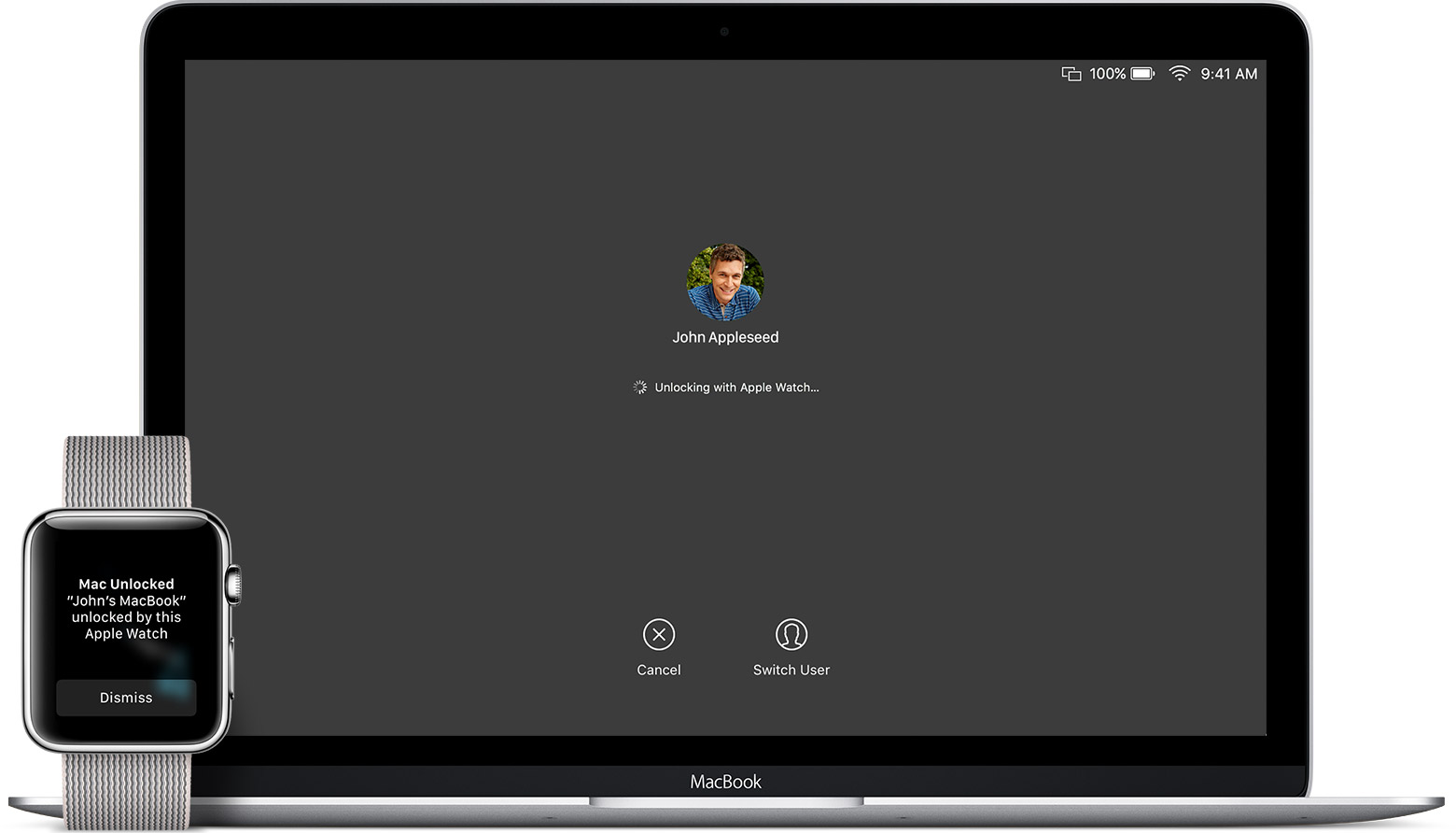
macOS Sierra debuted a new feature called Auto Unlock that lets you get into your Mac without typing your account password simply by wearing a passcode-protected Apple Watch. With Auto Unlock, you just wake up your Mac and if it senses you're nearby and wearing your watch, it'll log you in automatically. Yes, it just works!

Auto Unlock imposes certain hardware pre-requisites in terms of modern Bluetooth and Wi-Fi chipsets. Here's how you can quickly check if your Mac supports Auto Unlock.

Apple launches beta 2 of iOS 10.2.1 and macOS Sierra 10.12.3

Apple on Tuesday seeded to members of the Apple Developer Program a second beta of iOS 10.2 and a second beta of what would become the third major update to macOS Sierra. iOS 10.2.1 beta 2 (build 14D15) and macOS Sierra 10.12.3 beta 2 (build 16D17a) are now available to install over-the-air via Settings → General → Software Update on iOS devices and under the Mac App Store's Updates tab on the Mac.

Deliveries for Mac gains full Sierra compatibility, Touch Bar shortcuts & other new features

After refreshing Deliveries for iOS with full iOS 10 and watchOS 3 support and other nice-to-haves four days ago, Deliveries for Mac was updated on the Mac App Store with full support for macOS Sierra, Touch Bar shortcuts on the new MacBook Pro and more.

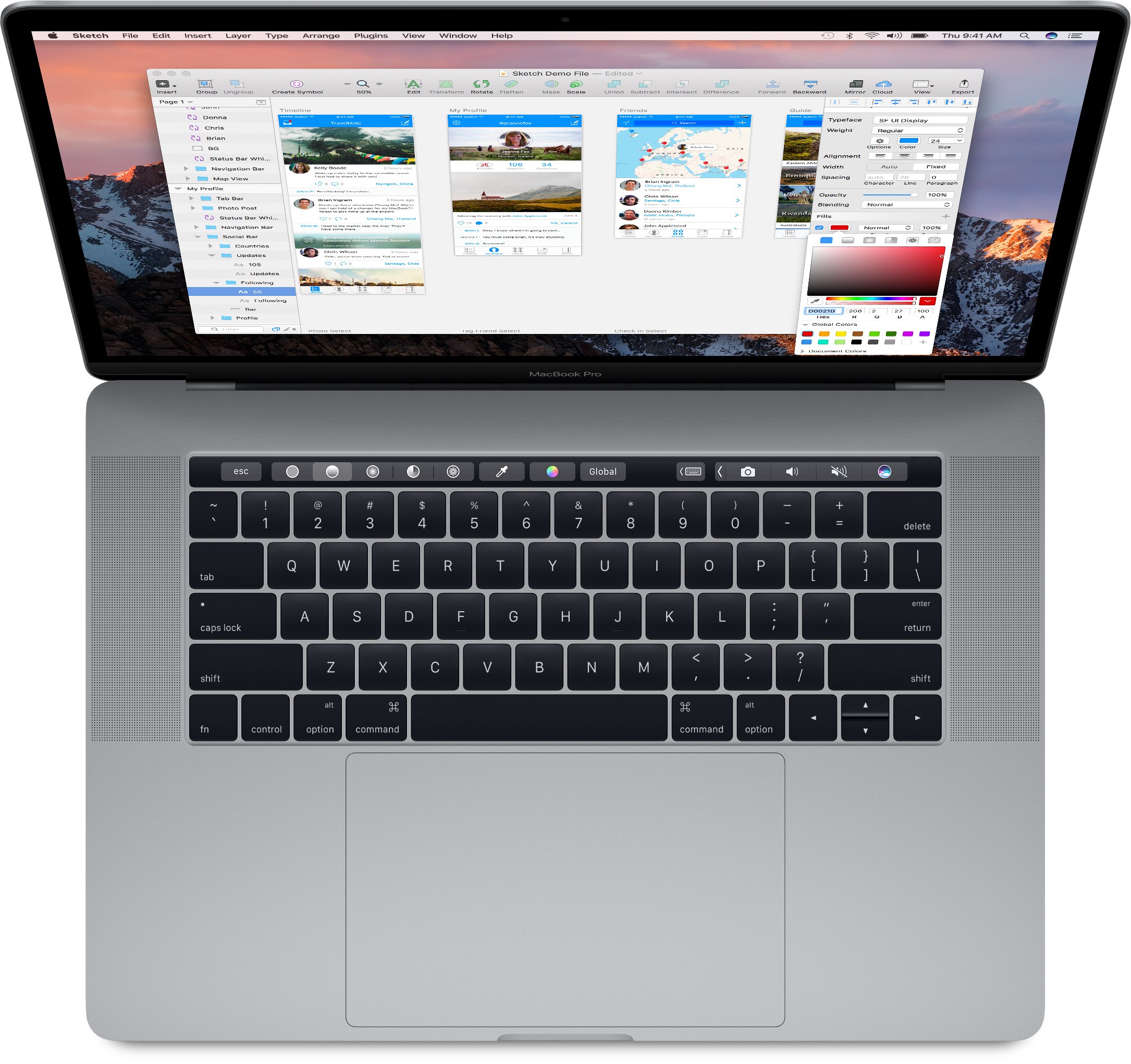
Touch Bar shortcuts can be customized for features like shipping company suggestions when you add a delivery, auto-complete for email addresses, a 1Password button when it's appropriate and more.

macOS Sierra 10.12.2 fixed vulnerability that let attackers obtain disk encryption password

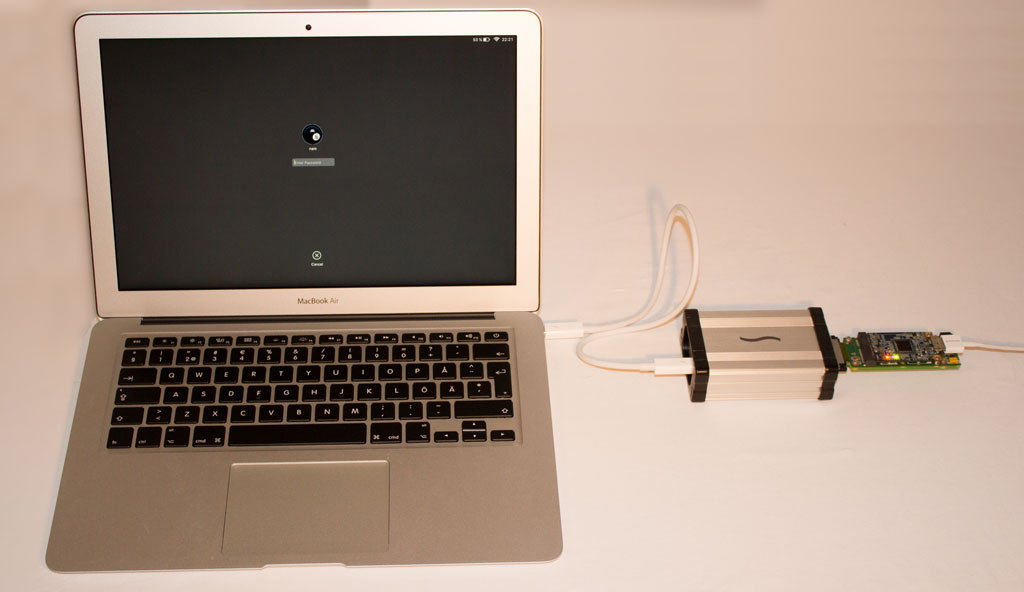
Last week's macOS Sierra 10.12.2 software update squashed a number of bugs and patched a few newly discovered  vulnerabilities, among them one that allowed an attacker to obtain your FileVault disk encryption password by plugging in a $300 Thunderbolt device into a locked or sleeping Mac.

As detailed by security researcher Ulf Frisk, attackers must have physical access to your Mac in order to exploit the vulnerability. The obtained password may be used to unlock your Mac's disk and access everything on it.

How to stop your Mac from inserting a period when you double-press the Space bar

Mac tips

Just like you can easily insert a period when you double-press the Space bar on your iPhone or iPad, this feature is also available on Mac running macOS Sierra and later. It seems to be disabled by default if you're upgrading a Mac to macOS Sierra, but it was definitely enabled by default on my brand new MacBook Pro.

While I find the feature helpful on iOS, it actually gets in the way of my typing habits on my Mac. For that reason, I have chosen to stop my Mac from adding a period at the press of a double space.

Apple took no specific steps to improve MacBook Pro battery life with macOS Sierra 10.12.2

The macOS Sierra 10.12.2 software update, released three days ago, removes your Mac battery's time remaining indicator but owners of the new MacBook Pro won't see any improvements to their notebook's battery life as a result of the update.

As ArsTechnica noted, the company “told us repeatedly and emphatically that it had taken no specific steps to improve MacBook Pro battery life” with macOS Sierra 10.12.2.

Now, some people have reported seeing improved battery performance after installing the update on their MacBook Pro, but there's a reasonable explanation for that.

iOS 10.2.1 and macOS Sierra 10.12.3 now available to public beta testers

After seeding iOS 10.2.1 beta 1 and macOS Sierra 10.12.3 beta 1 to members of the Apple Developer Program yesterday, Apple today released versions of these software updates for public beta-testing. If you sign up at the Apple Beta Software Program website to become a beta tester and install an appropriate configuration profile on your device, you too will be able to install the first beta of macOS Sierra 10.12.3 on your Mac and take iOS 10.2.1 for a spin on your iPhone, iPad and iPod touch.

Apple seeds first beta of iOS 10.2.1, macOS Sierra 10.12.3 and tvOS 10.1.1 to developers

Following yesterday's public releases of iOS 10.2, macOS Sierra 10.12.2, watchOS 3.1.1 and tvOS 10.1, Apple on Thursday seeded to its registered developers first betas of what would become minor software updates in the form of iOS 10.2.1 beta 1 (build 14D10), macOS Sierra 10.12.3 beta 1 (build 16D12b) and tvOS 10.1.1 beta 1 (build 14U707). These betas are available via Apple's portal for developers and can be installed over the air on devices with an appropriate configuration profile installed.

Here’s why macOS Sierra 10.12.2 removes your battery’s estimated time remaining

Aside from a number of fixes, GPU improvements and a few new features in macOS Sierra 10.12.2, the update's introduced a significant change related to the Mac's Battery menu. Long story short, Macs with macOS Sierra 10.12.2 or later no longer display the battery's estimated time remaining in the Mac's menu bar.

Here's what prompted Apple to make this change, according to The Loop.