macOS

How to move your Mac user folder to a separate drive from the boot drive

If you only have a small SSD in your Mac or Hackintosh, then storage space can be at a premium. For most users, by far the largest thing saved on their boot drive is the User folder, which contains their user account. If your user folder is filling up your SSD and you want to keep that high-speed storage for the operating system and applications, then this guide is for you.

It is possible to move your entire user account onto another drive, completely separate from your macOS boot drive. This will free up space on the boot drive and allow large media folders like Music, Movies, and Downloads to reside on a larger capacity drive.

Apple releases iOS 10.2.1, watchOS 3.1.3, tvOS 10.1.1, and macOS Sierra 10.12.3 with bug fixes and improvements

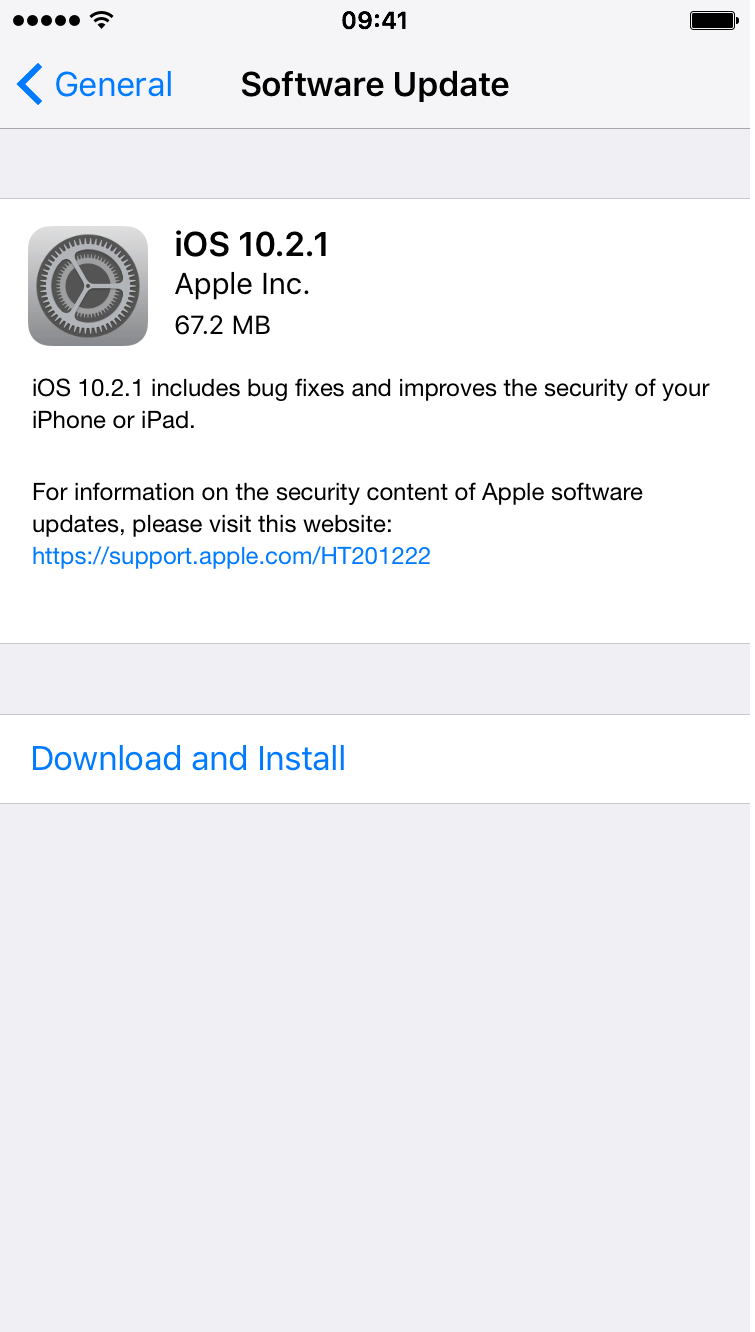
Apple on Monday released several updates for its various platforms. iOS 10.2.1 is out for iPhones and iPads, tvOS 10.1.1 for fourth-gen Apple TVs, watchOS 3.1.3 for Apple Watches, and macOS Sierra 10.12.3 for Macs. All of the updates can be installed via their respective OTA mechanisms, or you can grab the standalone packages from our Downloads page.

Malwarebytes reports first case of Mac malware for 2017, points out antiquated tactics

Security software development firm Malwarebytes has just exposed what could be the first known case of Mac malware for the year of 2017.

It appears to be a highly antiquated piece of malware. In other words, it’s not super advanced and it’s using methods to infect machines that are so well-known that only a small number of unsuspecting users would even fall victim to it.

How to customize the “About This Mac” section of a Mac

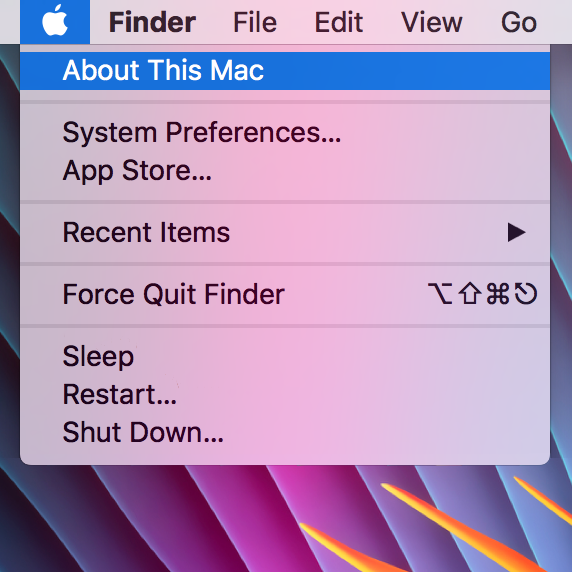
The "About This Mac" window contains information relating to your computer specifications and OS version, and is useful for quickly checking any of those details. However, it's a little impersonal, and often (on a Hackintosh), incorrect. If, like me, you enjoy customising your machine to your own personal taste then this guide should help somewhat, by jazzing up the "About This Mac" section.

Apple seeds macOS Sierra 10.12.3 beta 4 to developers

Apple on Thursday seeded a fourth beta of what would become the third major software update to macOS Sierra since its public launch last fall. macOS Sierra 10.12.3 beta 4 (build 16D30a) is now available on Mac computers that have a prior Sierra beta installed via the Software Update mechanism in the Mac App Store's Updates tab.
How to convert music tracks to Audiobook in iTunes

Venturing into the depths of iTunes is no longer an activity for the faint-hearted, as Apple’s gold mine is famously becoming more convoluted with every update. It is by no means impossible to keep up with the changes, but staying on top of every small cosmetic shift does pose a decent challenge today.

As somebody very fond of the spoken word on iTunes, I can attest that this general rule holds true for audiobooks as well. So as I was fiddling around with some old school CDs the other day and trying to move audio files within my iTunes library to the Audiobooks tab, I noticed my old methods were already outdated again. If you’re not up to speed on iTunes, here’s a refresher on how to get your talking book to properly identify as Audiobooks inside the application, followed by an encore for CD enthusiasts with regard to joining tracks during import.