Those who aren't registered developers can test-drive iOS 18 and the new Apple Intelligence features when a public iPhone beta drops in July.
iOS 18 developer beta available today, with public betas arriving in July

Those who aren't registered developers can test-drive iOS 18 and the new Apple Intelligence features when a public iPhone beta drops in July.
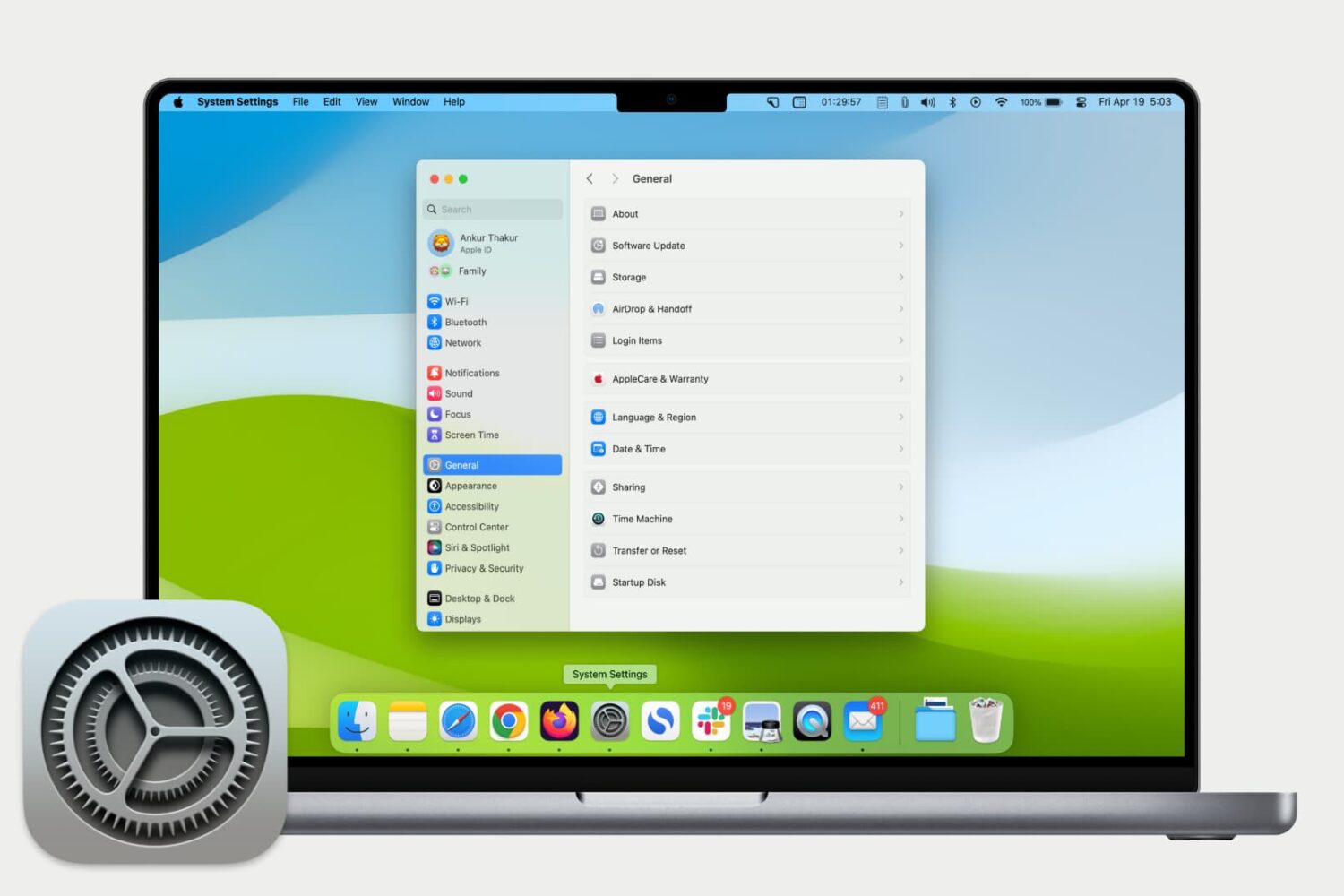
Some sections in System Settings on the Mac will be relocated or merged with others to make it easier for users to find specific preferences.
Apple will bring new AI-powered accessibility features to iPhone, iPad, Mac, CarPlay and Vision Pro with iOS 18 and other updates that will drop this fall.
iOS 18 should integrate reminders within the Calendar app, allowing you to schedule and organize reminders and events in one place instead of switching apps.
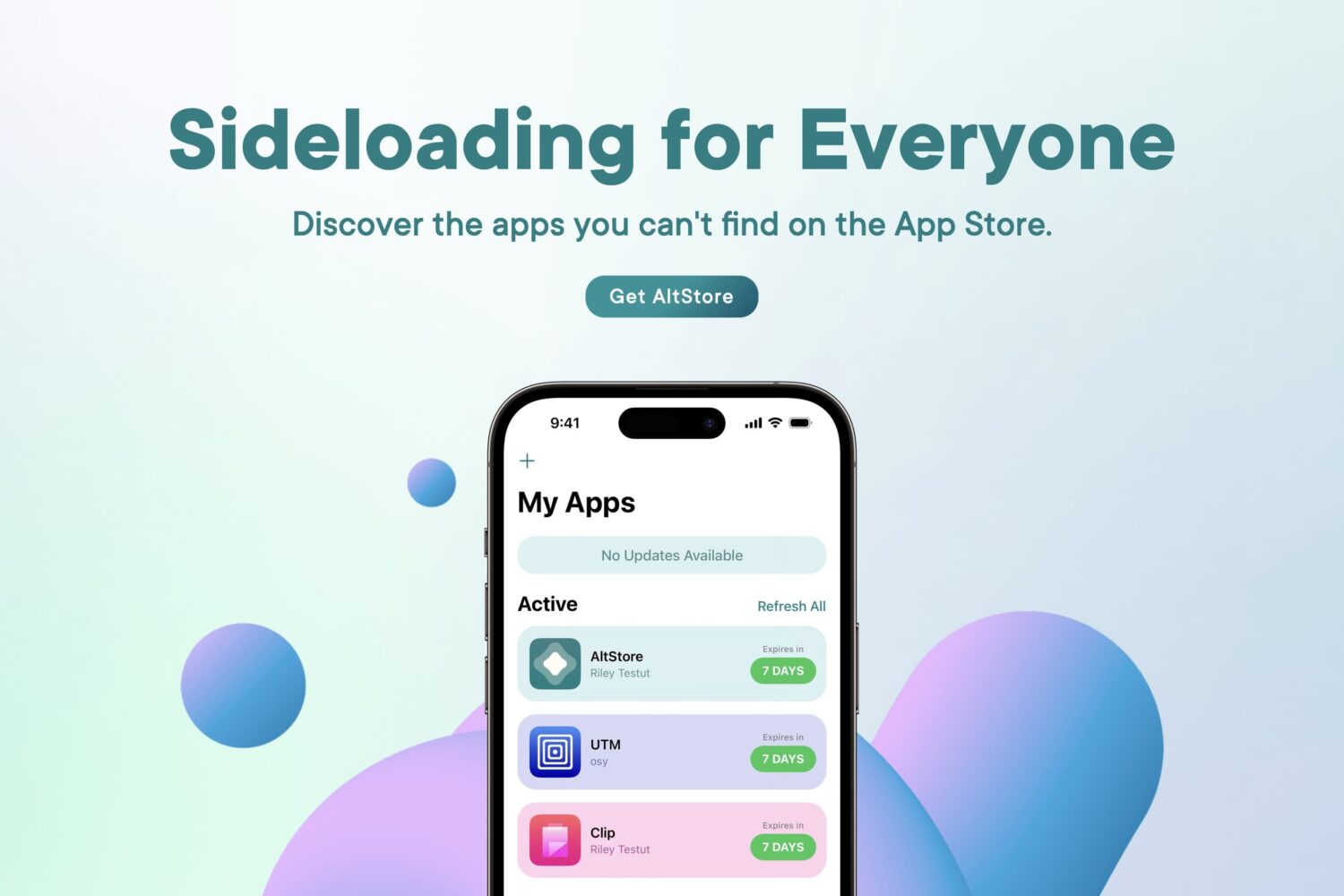
So you’ve decided that you want to learn more about AltStore, a sideloading application for iPhones and iPads that lets you install .ipa files (raw iPhone application files) on your device with your own Apple ID. Well, you’ve come to the right place.
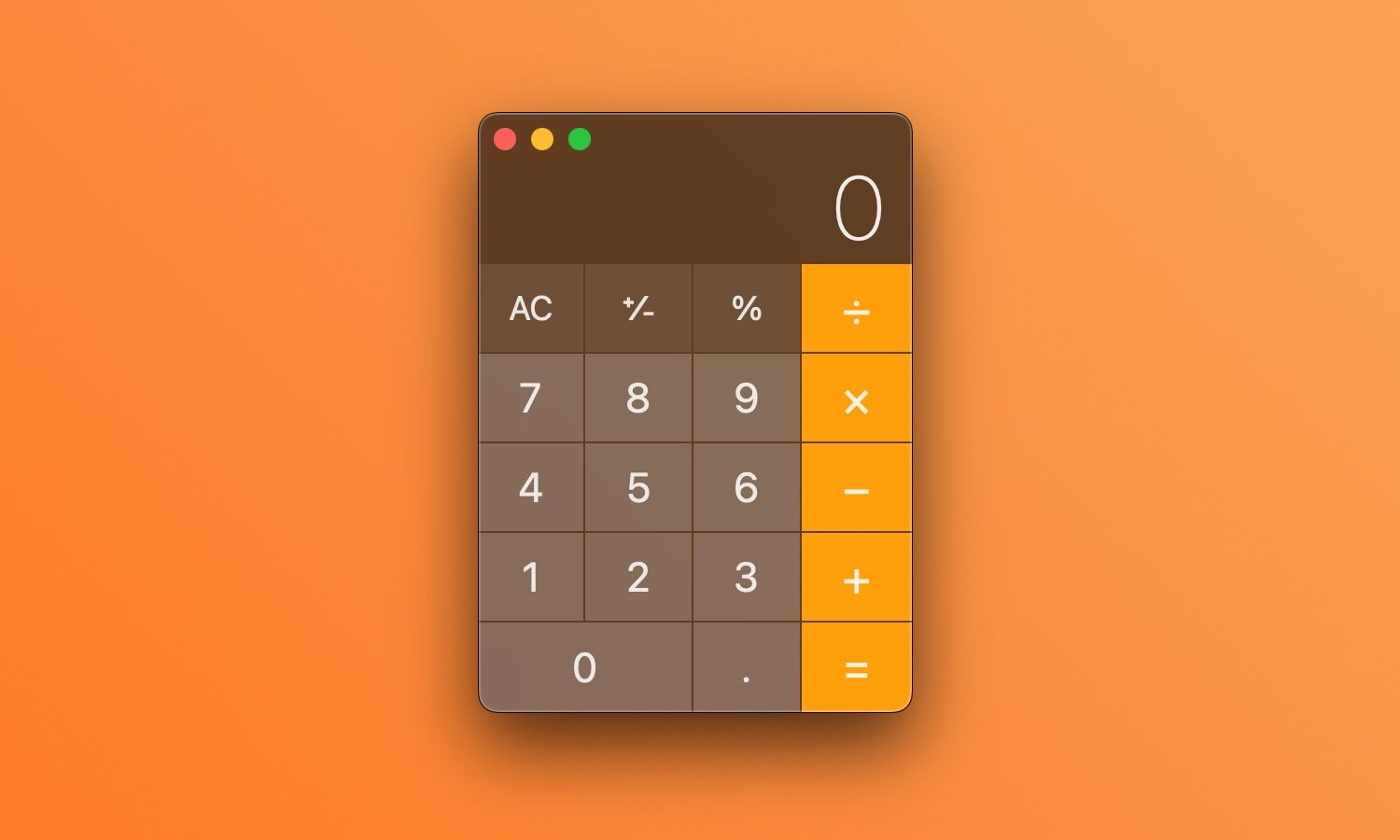
A new report claims Apple will revamp the Mac's Calculator app to resemble the iPhone version, adding new features whilst improving unit conversion.

Wondering if your Mac needs more RAM? In this tutorial, we will show you how to check for this, and find out whether your computer allows RAM upgrades or not.
Apple's Notes app on iOS 18, iPadOS 18 and macOS 15 allegedly lets you record audio and capture voice notes on the go, much like the built-in Voice Memos app.
Topaz Photo AI, an ace in the hole for many photographers that uses artificial intelligence to clean up blurry or noisy images, picked up an important update this past week to version 3.0.0 with some major improvements.
If you've encountered issues using USB hubs, Java software or professional audio plug-ins on your Mac, installing macOS Sonoma 14.41 should fix them.
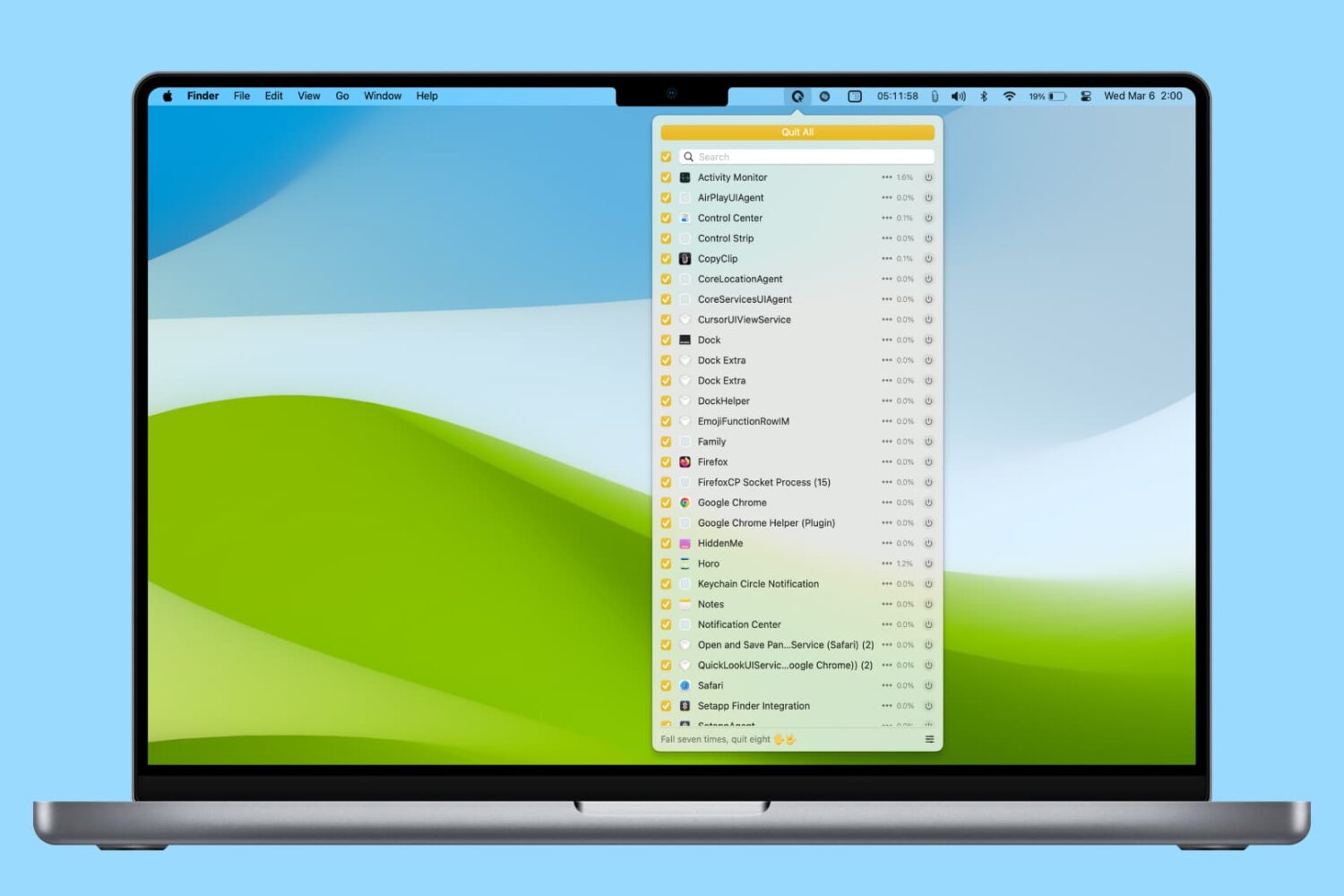
In this tutorial, we’ll share various easy ways to find and kill apps and hidden system processes that are running in the background on your Mac.
Aside from half a dozen new emoji characters, macOS Sonoma 14.4 lets you view transcripts of your favorite shows in Apple's Podcasts app.