Learn how to preview several selected photos or files at once in Mac’s Quick Look so you can see them all at the same time and supercharge your workflow.
How to preview multiple photos at once in Quick Look on Mac
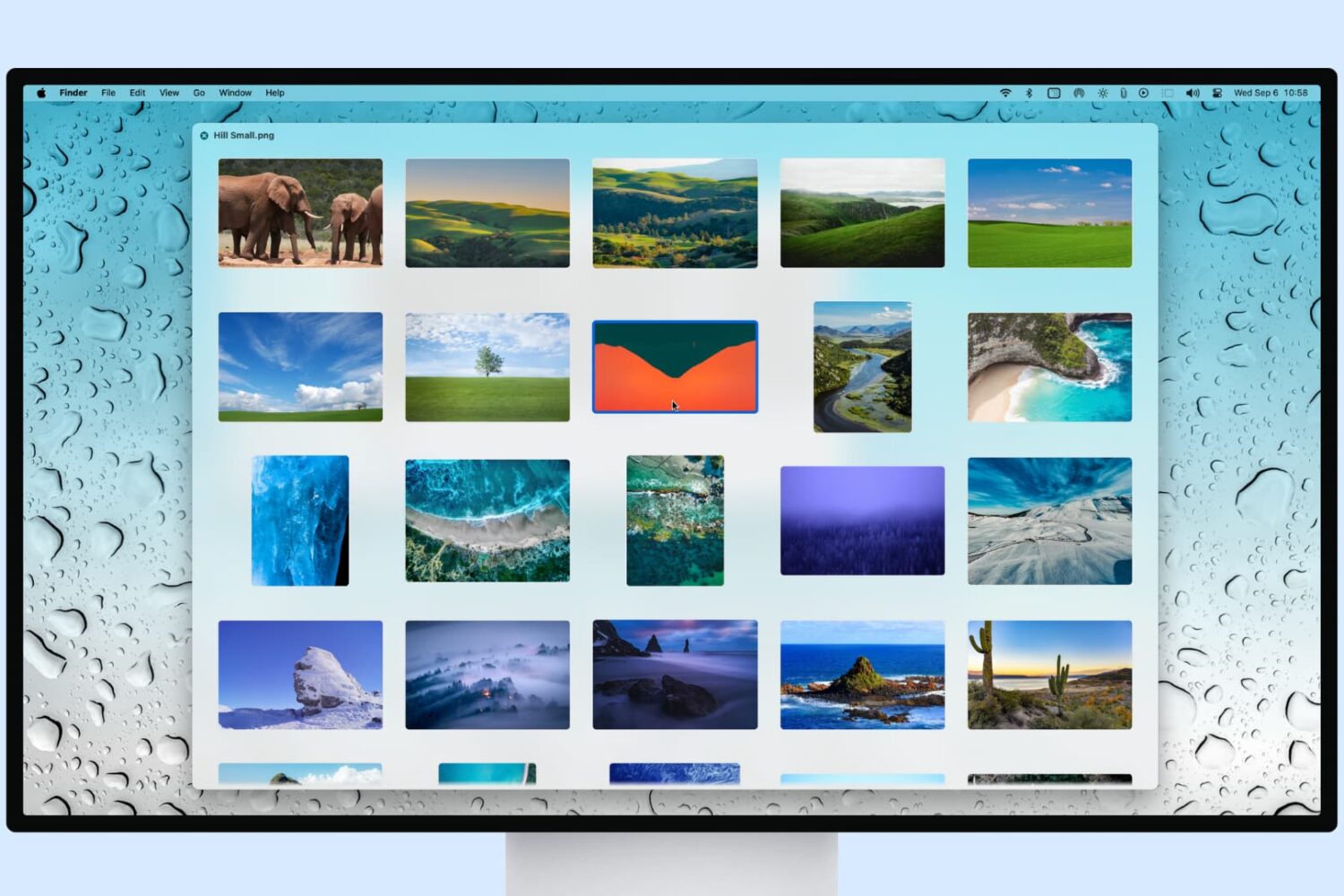
Learn how to preview several selected photos or files at once in Mac’s Quick Look so you can see them all at the same time and supercharge your workflow.
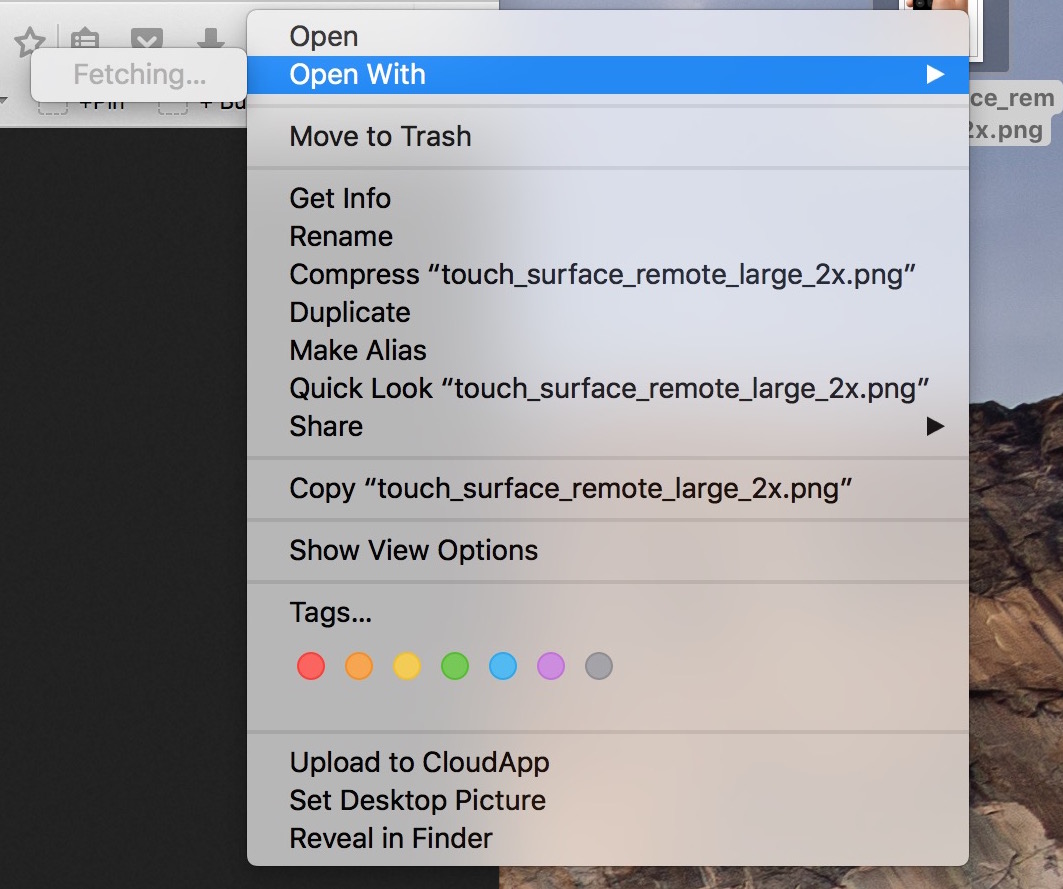
In my mind, computers are always supposed to work the way they should. And because they are computers, I shouldn't have to wait for them to process basic tasks. That's all in my mind of course, because in reality, things don't always go the way they should.
A perfect example of that is the Open With menu you get when right clicking on a file. Sometimes, for no apparent reason, my iMac will spend several seconds "fetching" the applications that can be used to open that specific file type.
Like with most things computer-related, the fix is pretty simple.

If you've ever accidentally closed a Safari window loaded with dozens of tabs, you know how daunting a task recreating them from your browsing history can be. Like many people, I used to be a huge fan of Google's Chrome before I eventually made a switch to Safari.
One of Chrome's simple yet tremendously useful features that I've always valued is a switch in settings telling the app to open with all the windows from your last browsing session.
Apple's desktop Safari, too, has had that feature for a while now but did you know of a hidden option for reopening all windows from the last session?

Have you ever woken your Mac up from sleep, and couldn't find the mouse pointer among the mess of windows and desktop icons. We've all been there before.
Starting with El Capitan, macOS is hoping to help out with that, courtesy of a brand new addition to the operating system. It's certainly not a headline feature, but macOS can help you quickly locate your mouse or trackpad pointer by simply shaking your mouse or swiping your finger back and forth on the trackpad in quick succession.
Watch our video inside to see how it works. We'll also show you where to go to disable the feature in System Preferences.

Finder in macOS won’t always remember window sizes and positions. Thankfully, it’s possible to override a window’s default opening behavior on macOS and set it to open to the same size as the last one you created. We’ll show you the right steps for that.

Find out how to use your Mac’s trackpad to quickly preview a website link in a small pop-up Safari window.
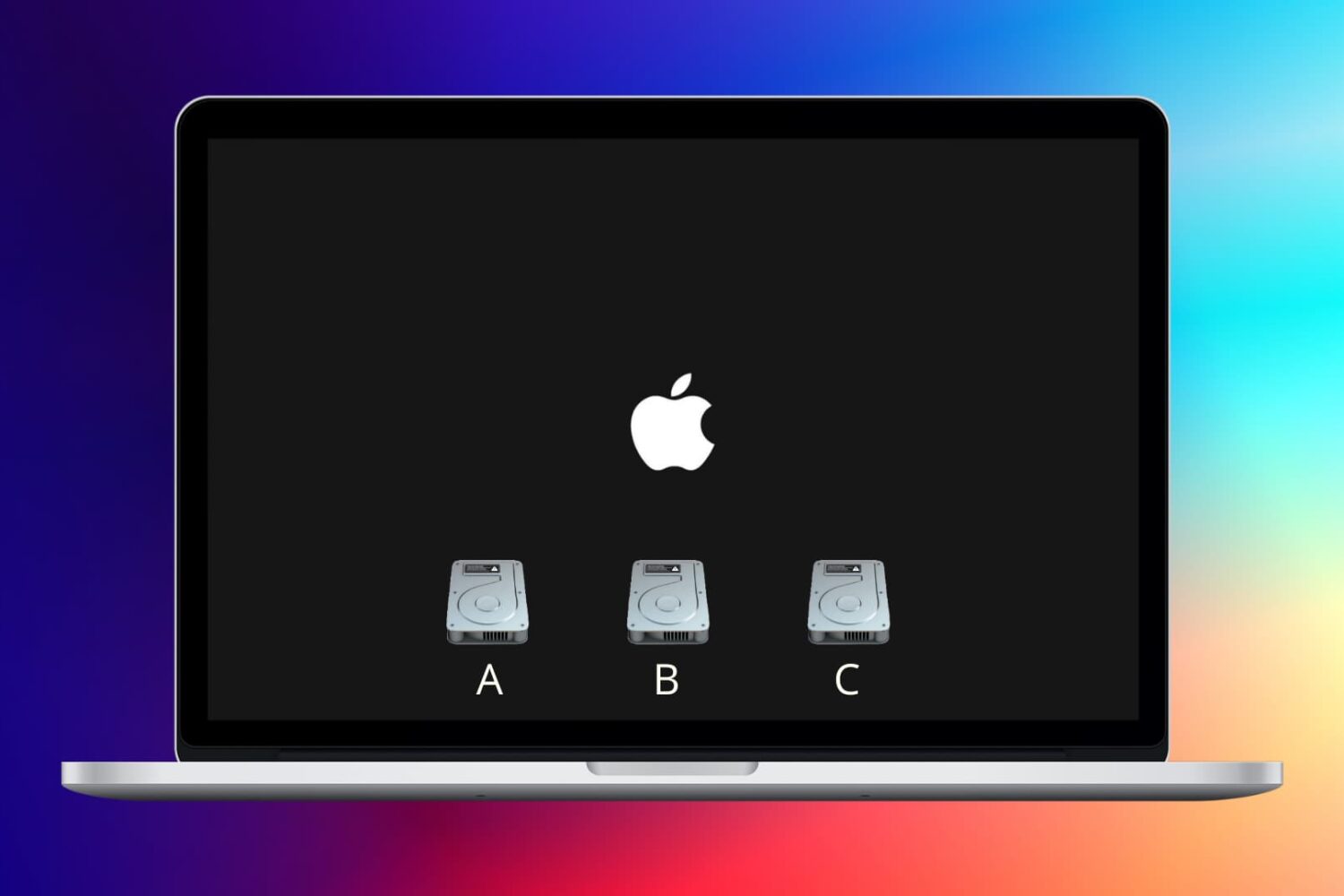
Learn how to change the startup disk on your Mac if you’d like to boot from other storage devices like an external drive.

We previously discussed how booting your Mac into macOS' Safe Mode can help troubleshoot various issues with your computer. In more obscure situations and borderline cases, however, Safe Mode may not be enough to understand why your Mac freezes or crashes during the system boot process.
Enter macOS Verbose Mode.
Not only does Verbose Mode makes it easy to access detailed status messages as your Mac is starting up, but also lets you see what's really going on behind the scenes and watch as macOS loads kernel extensions and other startup items.
In this tutorial, we're going to cover booting your Mac in macOS' Verbose Mode, explain in which situations it might come in handy and give you some handy tips related to using Verbose Mode.
Learn how to start your Apple silicon or Intel Mac in safe mode to check if startup software is causing the issue.

In this tutorial, we go over four ways to force-quit apps on Mac so you can close an app that is misbehaving, frozen, unresponsive, or monopolizing system resources and slowing down your computer.
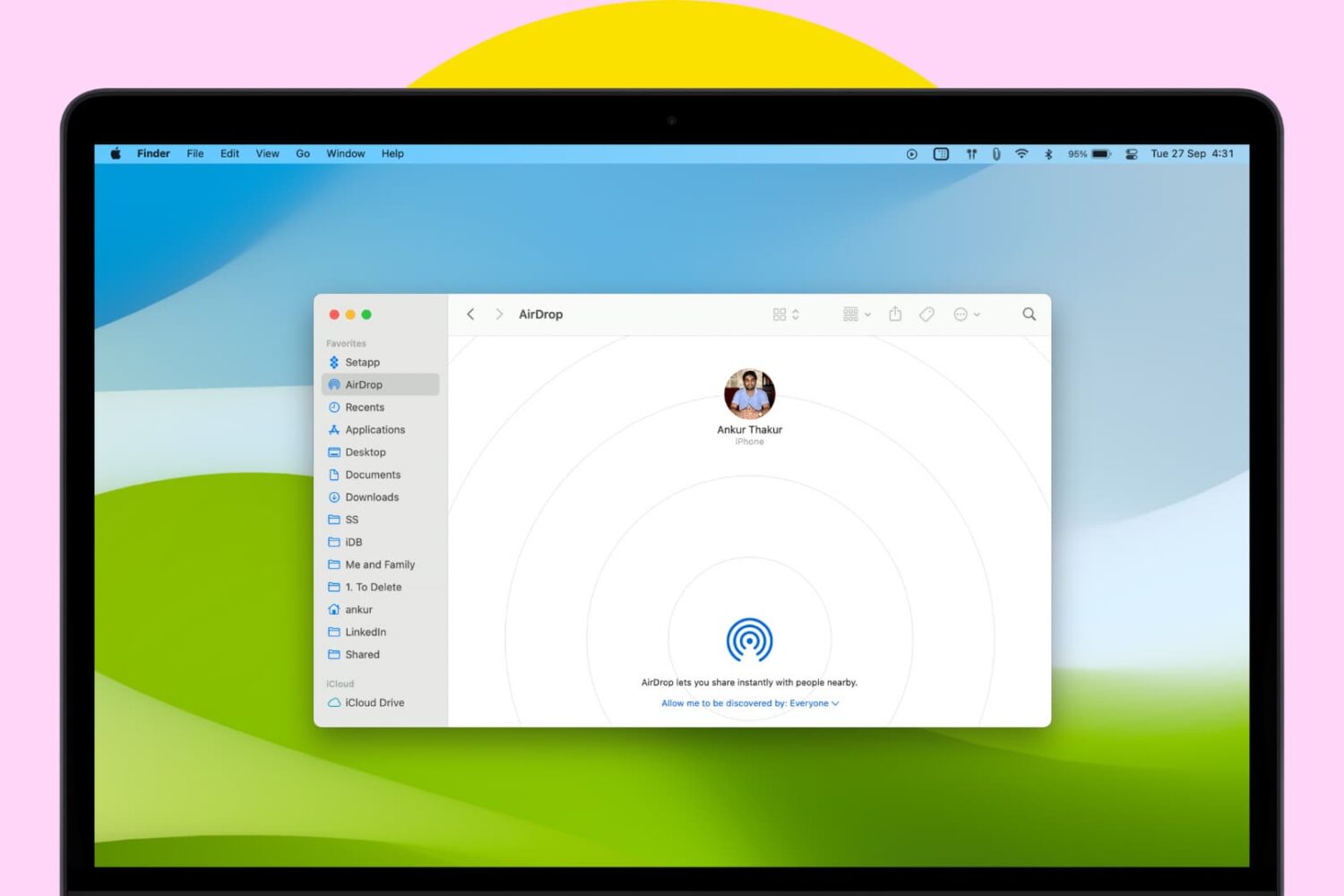
AirDrop simplifies wireless file sharing between Macs and iOS devices without having to connect to an existing network or going through the hassle of typing a password.
Every Mac bought in almost the last decade supports AirDrop. But if you have an old Mac and are wondering if it supports AirDrop or not, this tutorial will help.

Like pinned tabs, tab muting isn't a new idea, as it's been implemented in other web browsers in the past. But starting with OS X 10.11, Apple has brought native tab muting to the Safari browser.
The ability to mute tabs at will brings more control to the user. It's especially beneficial when encountering those annoying auto-playing advertisements.
In this video walkthrough, I'll show you how to use Safari tab muting, and explain its ins and outs.