Learn how to add, change, or delete your Apple account/iCloud profile picture using your iPhone, iPad, Mac, or web browser.
How to change your iCloud and Apple Account profile picture
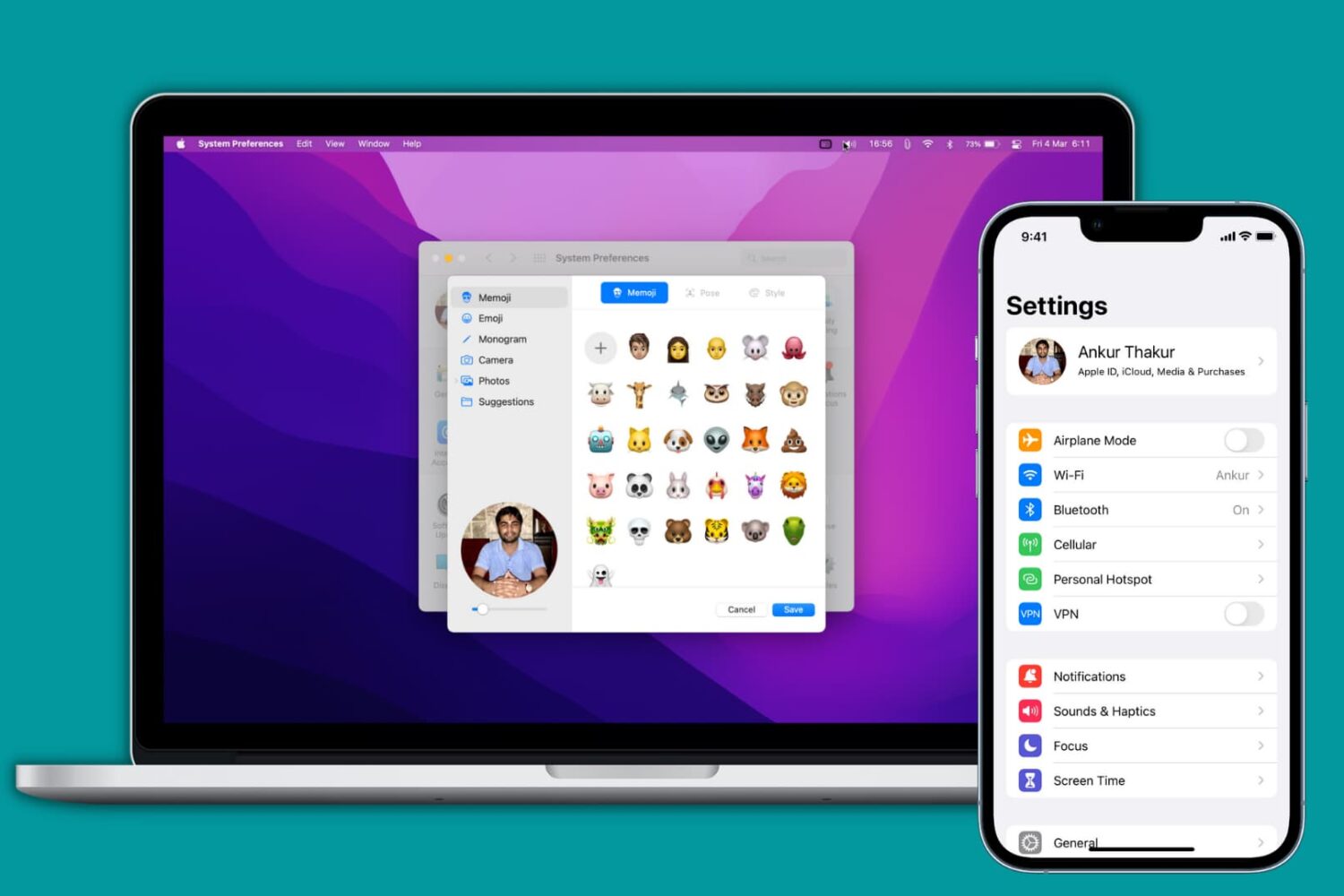
Learn how to add, change, or delete your Apple account/iCloud profile picture using your iPhone, iPad, Mac, or web browser.

Emails are a popular way to keep in touch with people, be it friends, family, or co-workers, but often companies that you deal business with will send you the occasional promotional email if you signed up for subscriptions.
Sometimes, you get an email that you think is legit, and it turns out it's just a fake email pretending to be something it's not and it tries to get you to click on stuff or give up your personal information. These emails are malicious and they're known as phishing emails.
In this piece, we'll go over some of the things you can look for to tell if the emails you're getting are legitimate, or if they're a con artist trying to scam you of your personal information.
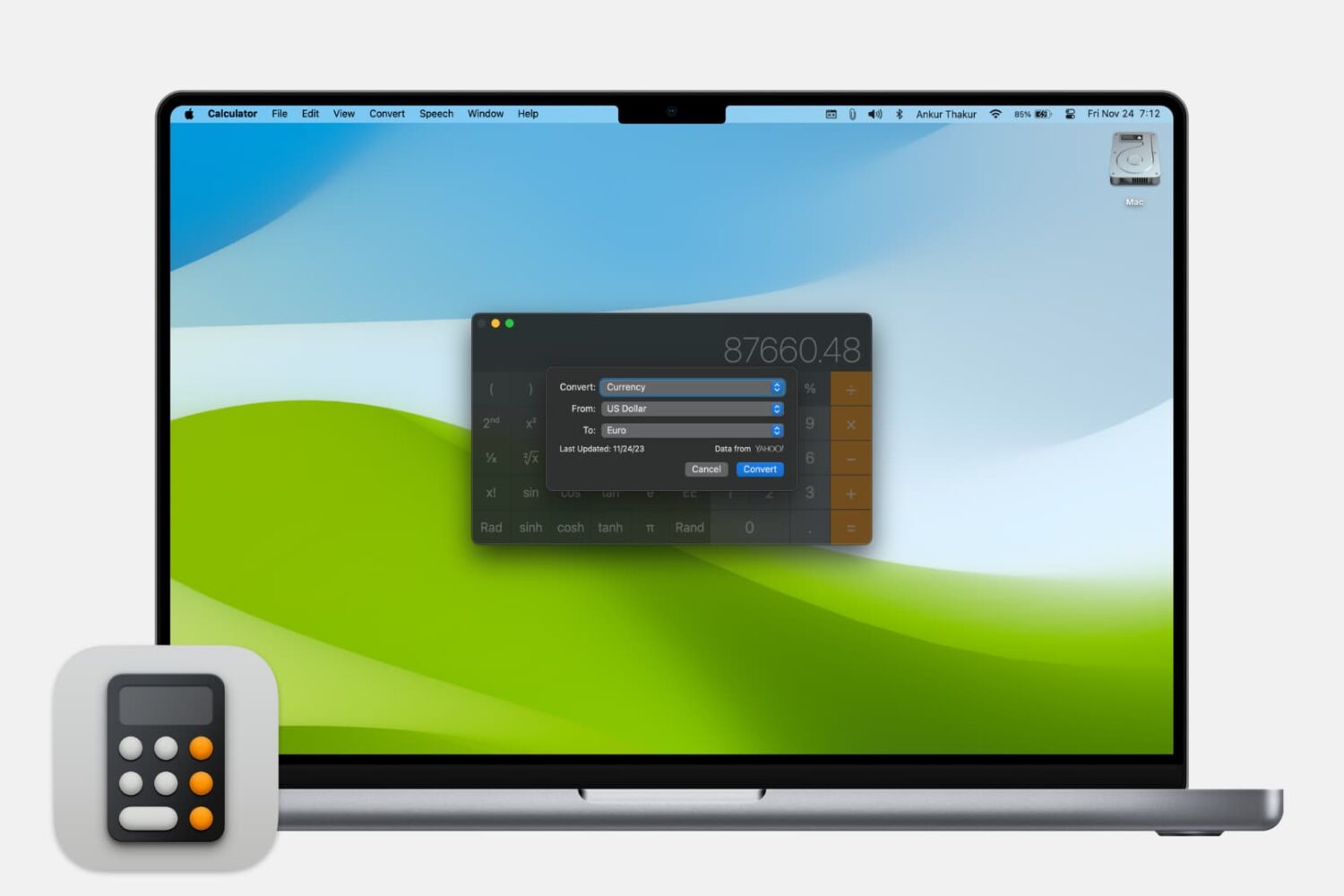
Learn how to use the Calculator app on your Mac to quickly convert a unit of measurement to another.

When you visit a website on your computer, such as iDownloadBlog or Google, you're using domain name system (DNS) protocol to exchange information between your computer and the server providing you with that website.
Depending on the DNS server you're using on your Mac or iOS device; you might not be experiencing the best speeds and web securities that you could be.
In this piece, we'll tell you why you may want to consider switching to a new DNS and show you how to use a custom DNS on your Mac, iPhone, or iPad.

Learn about a small, easy-to-remember tip that lets you increase or decrease the screen brightness and volume in even smaller, fine-tuned increments than normal.

This tutorial shows you how to set a firmware password on your Intel Mac to further increase the security of your computer.

In this piece, we'll share with you 10 useful Finder keyboard shortcuts that you can use to quickly navigate around the filesystem on macOS.

Check out these must-know keyboard shortcuts for the Apple Mail app on Mac so you can streamline your workflow and speed things up.

In this piece, I will share my top five macOS apps that I have configured to start up automatically when I power on my Mac.
Get your Mac to speak selected text back to you, turning your computer into a personal reader that can help you absorb information more effectively, and even assist if you have visual impairments.

In this piece, we’ll explain what a sysdiagnose is, what it contains, and how to create one so you can file a proper bug report to Apple when you have issues with your Mac.

From accessing online resources to resolving network issues, this guide will show you how to use Safari when you enter macOS Recovery or Internet Recovery Mode on your Mac.