Learn how to use the AI-powered Smart Deband feature in Pixelmator Pro and Photomator for Mac to smooth out color banding artifacts in low-quality photos.
How to fix color banding artifacts with Smart Deband in the Pixelmator apps

Stay up-to-date on the latest Mac news, and tutorials. Get expert tips and tricks to optimize your Mac’s performance and learn about the latest Apple products and software updates. Discover the best Mac apps and accessories to enhance your user experience.
Learn how to use the AI-powered Smart Deband feature in Pixelmator Pro and Photomator for Mac to smooth out color banding artifacts in low-quality photos.

Learn how to add 3D augmented reality effects like thumbs up, hearts, fireworks, confetti, rain, and more to your FaceTime video calls on iPhone, iPad, and Mac.

One of my favorite pieces of software for editing photographs, Topaz Photo AI, was recently updated to version 1.5.0 with yet another long list of enhancements. The update comes only about a month after the software’s other most recent major iteration update, version 1.4.0.

Download and install macOS Ventura 13.5.1 to fix a location permissions bug that prevented you from granting apps on your Mac access to your location.
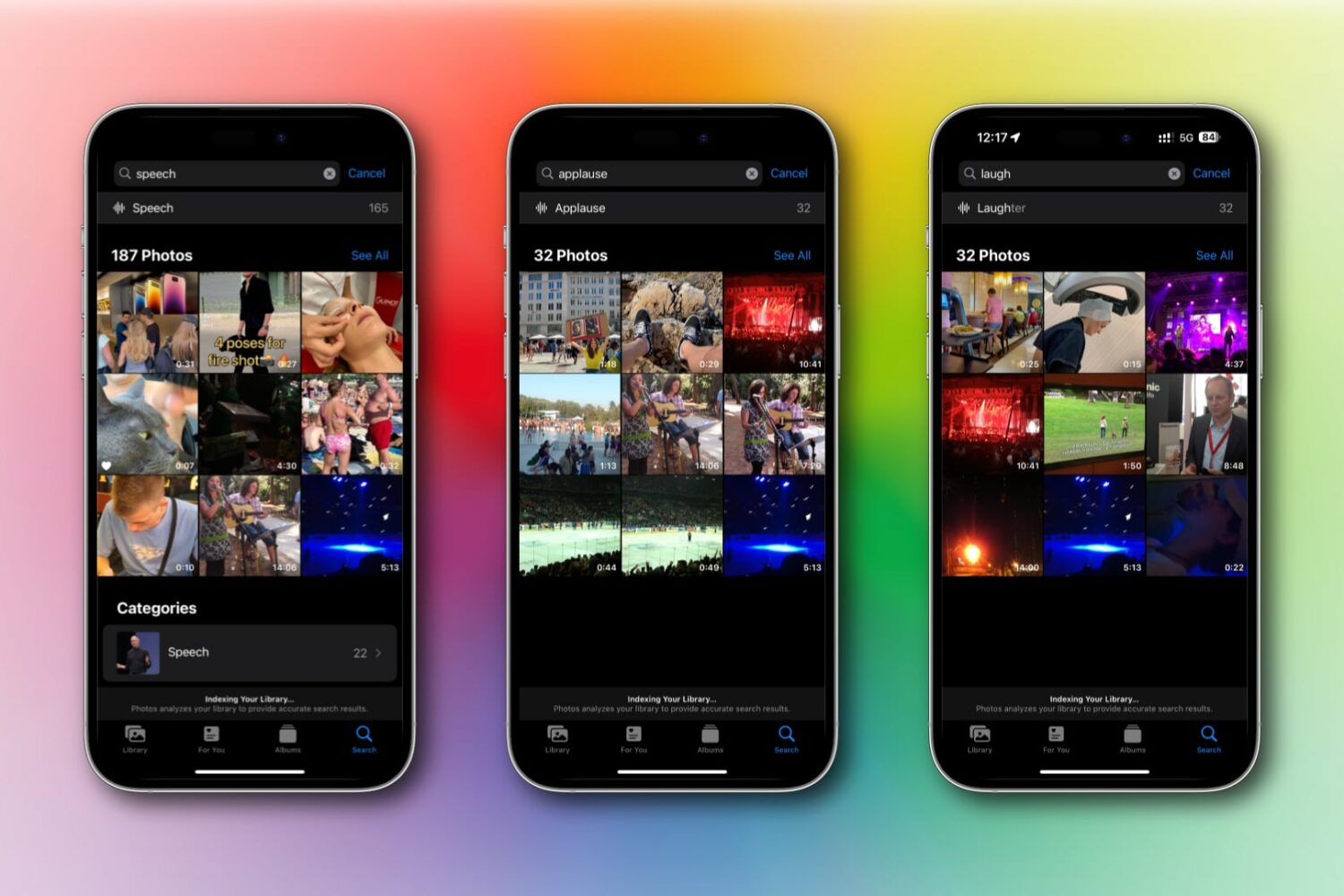
Learn how to use keyword search in Apple's Photos app to find videos and live photos with specific sounds like laughter, crying, and applause on an iPhone, iPad, and Mac.
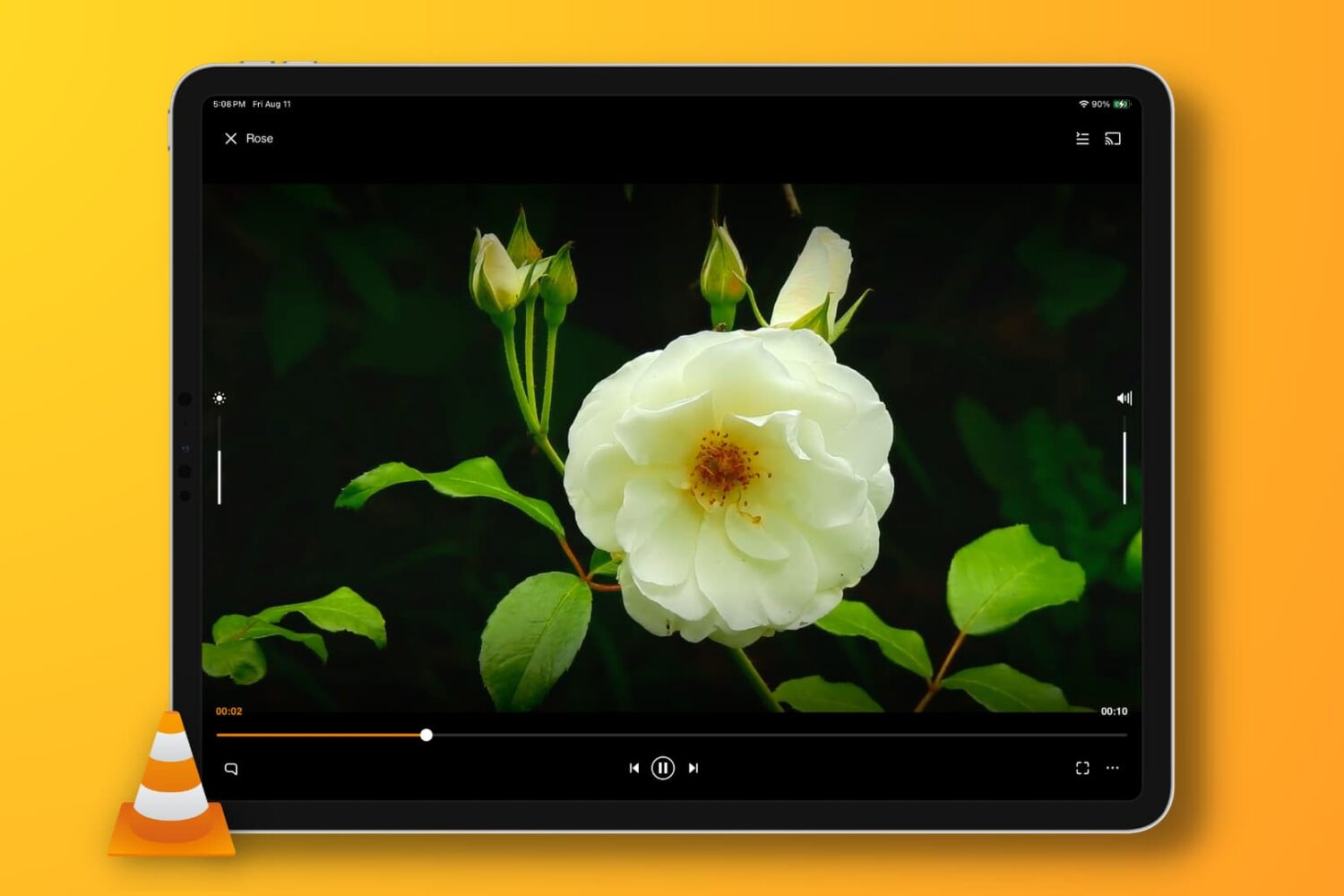
In this troubleshooting guide, we provide solutions to fix the no-audio issue when playing a video clip or movie in the VLC media player app on your iPhone, iPad, or Mac.
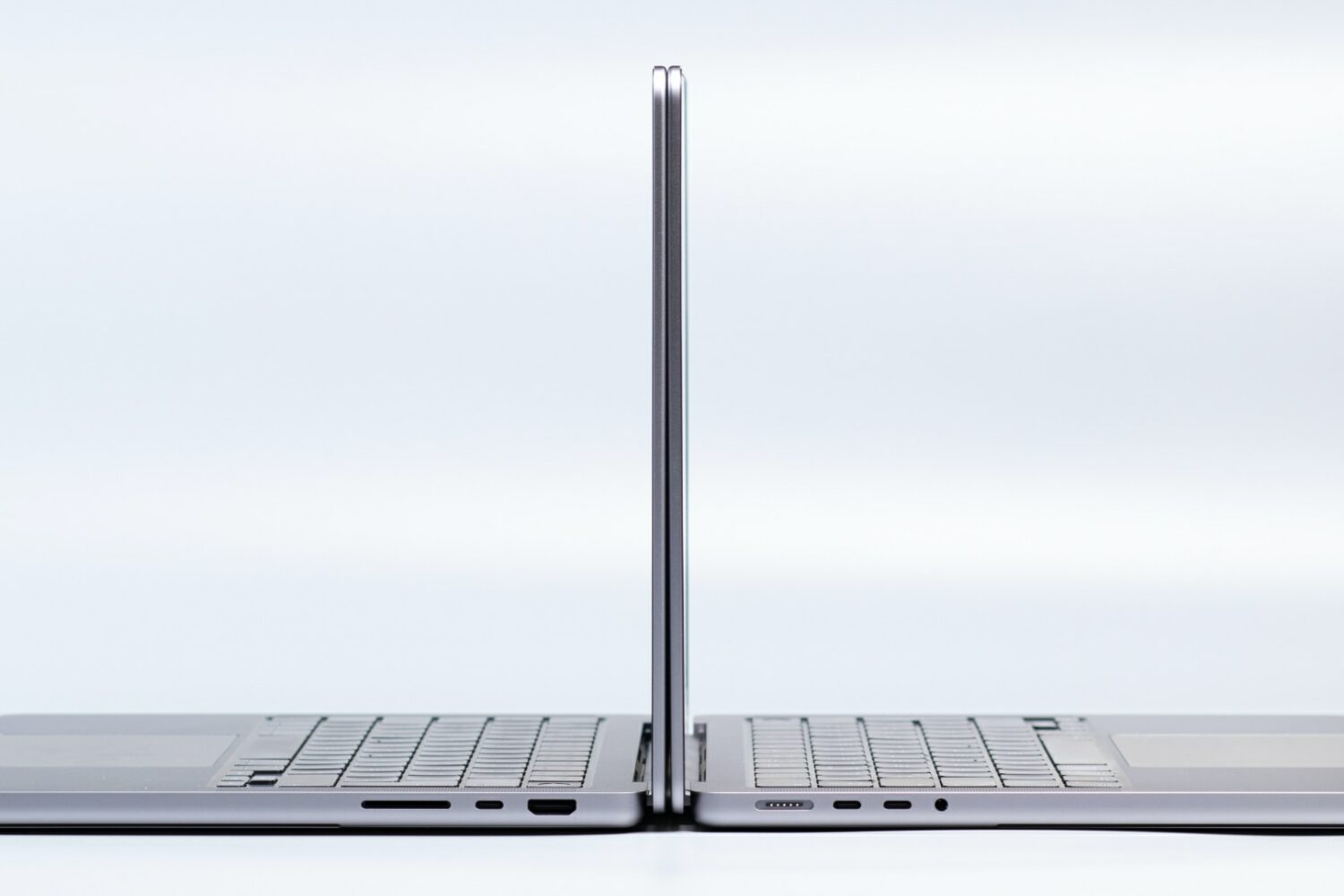
Reviving or restoring a Mac in DFU mode no longer requires the Apple Configurator app, as the feature is now built into macOS Sonoma's Finder.

The top M3 Max Studio model could have 32 processing cores and a whopping 80-core GPU, but the machine isn't expected to arrive this year.

Learn how to disable smooth scrolling in the Safari browser to scroll web pages line by line when pressing the arrow keys on your Mac's keyboard.

Movie trailers hosted in Apple's dedicated iTunes Movie Trailers app are now available in a new section within the company's TV app.
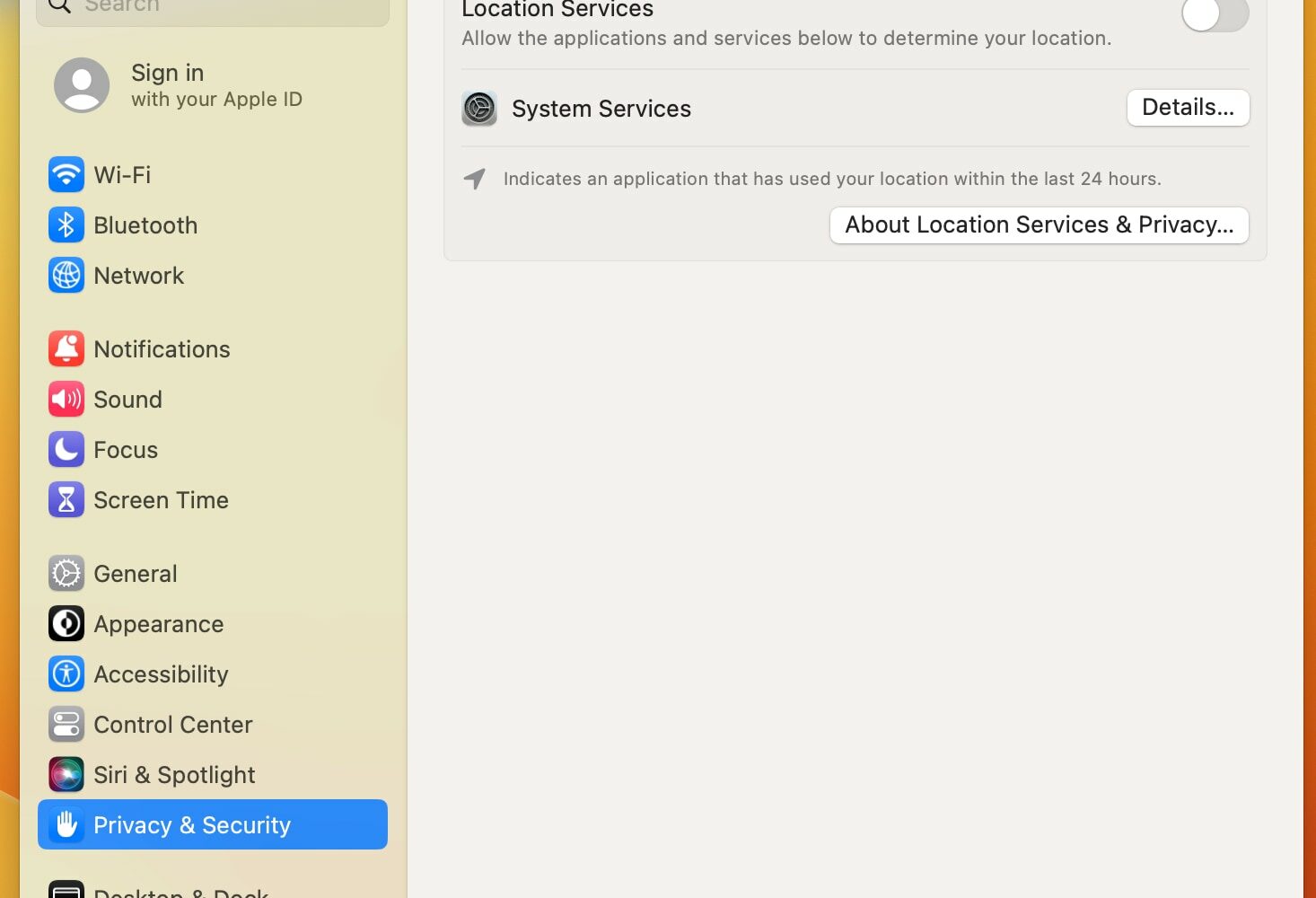
macOS Ventura has a bug preventing you from managing location permissions, without any apps showing up in the macOS location services settings.
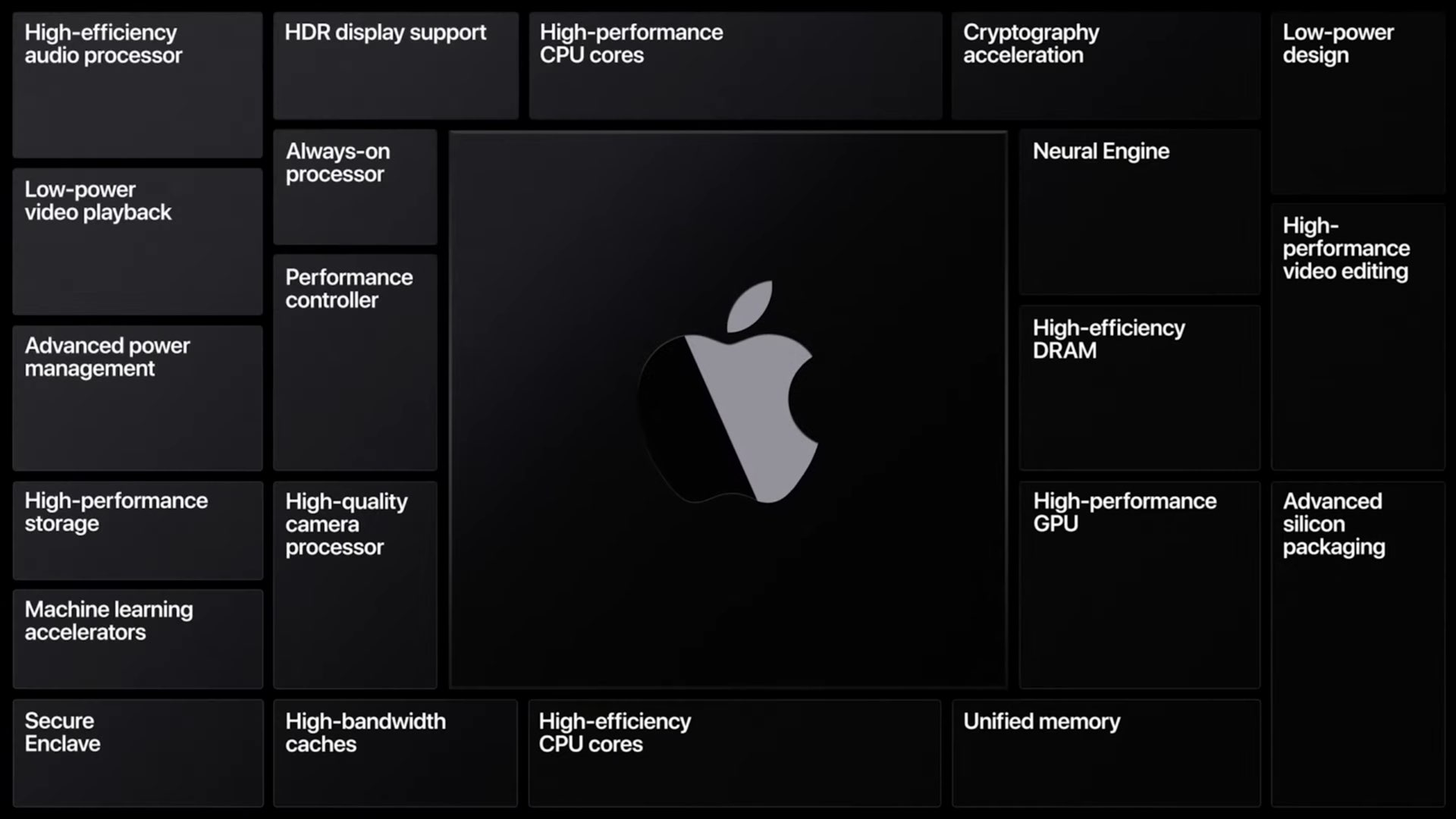
Apple is apparently developing six different computers that'll run its upcoming M3 chip, including new M3 MacBook Pro and MacBook Air laptops.