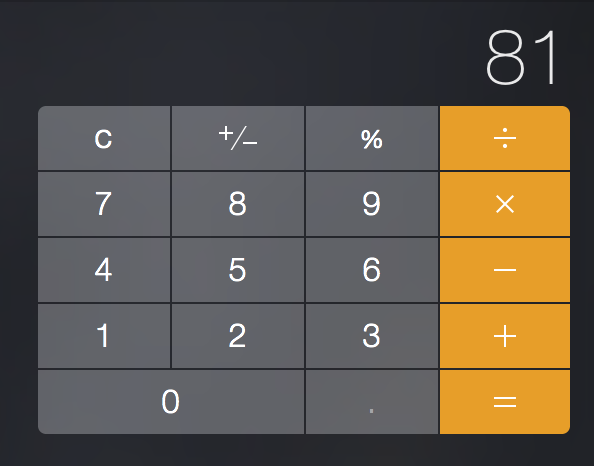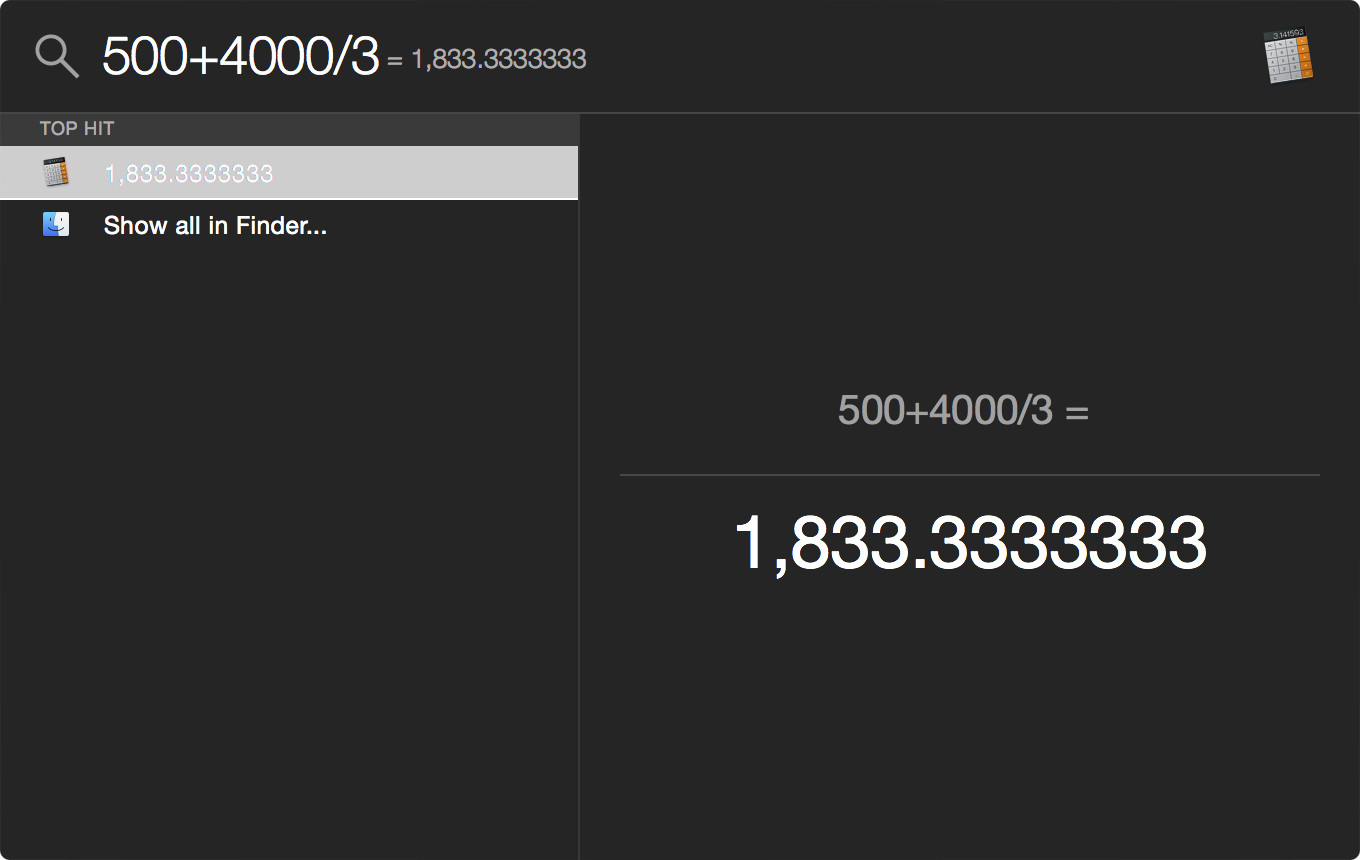
Developer Tapbots has made a name for itself with an excellent Twitter client for the Mac and iOS, Tweetbot. They have other apps in their portfolio, too, and on Thursday released a nicely done Mac edition of Calcbot, an intelligent calculator and unit converter that made its iOS debut in July of 2010.
Despite a somewhat steep asking price, keep in mind that Calcbot combines a compelling calculator and a powerful unit converter into a single, beautifully designed experience.
Calcbot is a $4.99 download from the Mac App Store.