Find out how to add, rearrange, duplicate, or delete pages for documents in the Apple Pages app on Mac with this simple step-by-step guide.
How to add, rearrange, duplicate, delete pages in Apple Pages app

Stay up-to-date on the latest Mac news, and tutorials. Get expert tips and tricks to optimize your Mac’s performance and learn about the latest Apple products and software updates. Discover the best Mac apps and accessories to enhance your user experience.
Find out how to add, rearrange, duplicate, or delete pages for documents in the Apple Pages app on Mac with this simple step-by-step guide.
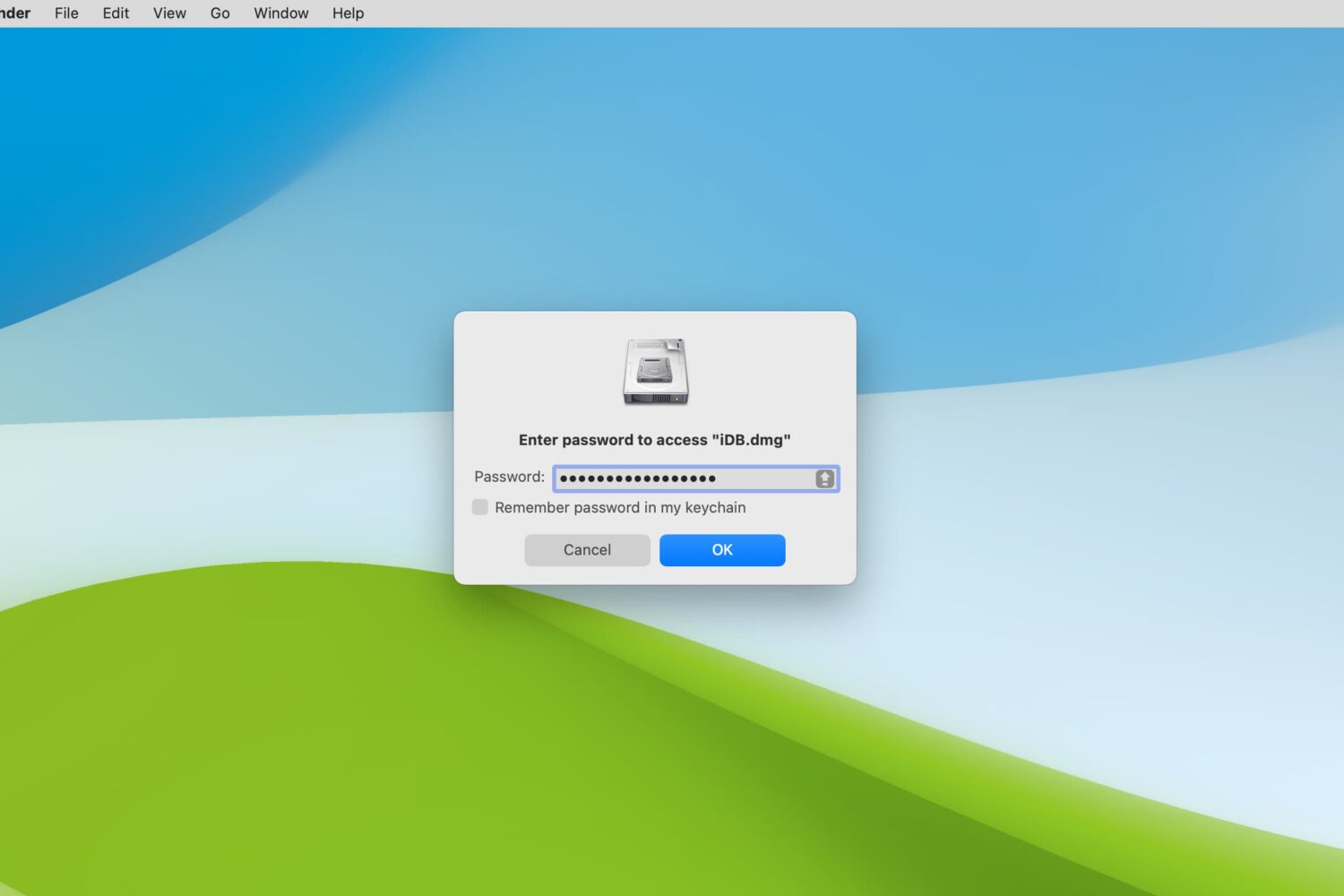
Learn how to encrypt folders on your Mac or lock them with the password to secure sensitive files and keep your data safe using built-in and third-party tools.

Learn how to change the document background color in Apple Pages to customize designs of your flyers, posters, brochures, newsletters and more on an iPhone, iPad, or Mac.

Learn how to remove unnecessary apps from your Mac to free up space and keep your system organized.
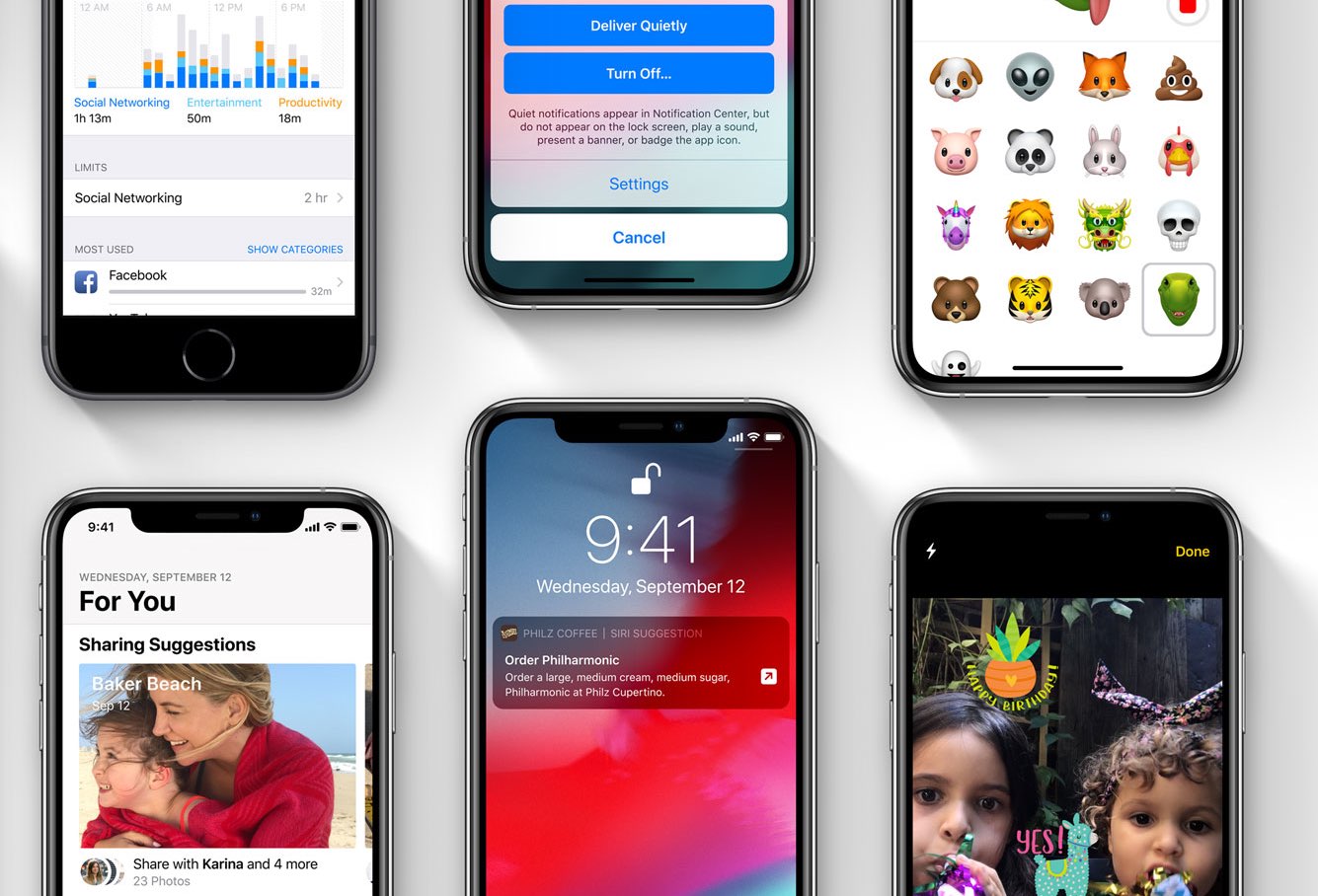
Apple today released fourth developer betas for the upcoming iOS 12.2, watchOS 5.2, macOS Mojave 10.14.4 and tvOS 12.2 updates (public betas should be arriving shortly).

Learn how to delete albums you no longer need in Apple Photos on an iPhone, iPad, or Mac to clean up and organize your image library.

Learn how to redownload previously purchased free or paid apps on iPhone, iPad, and Mac without having to pay again.
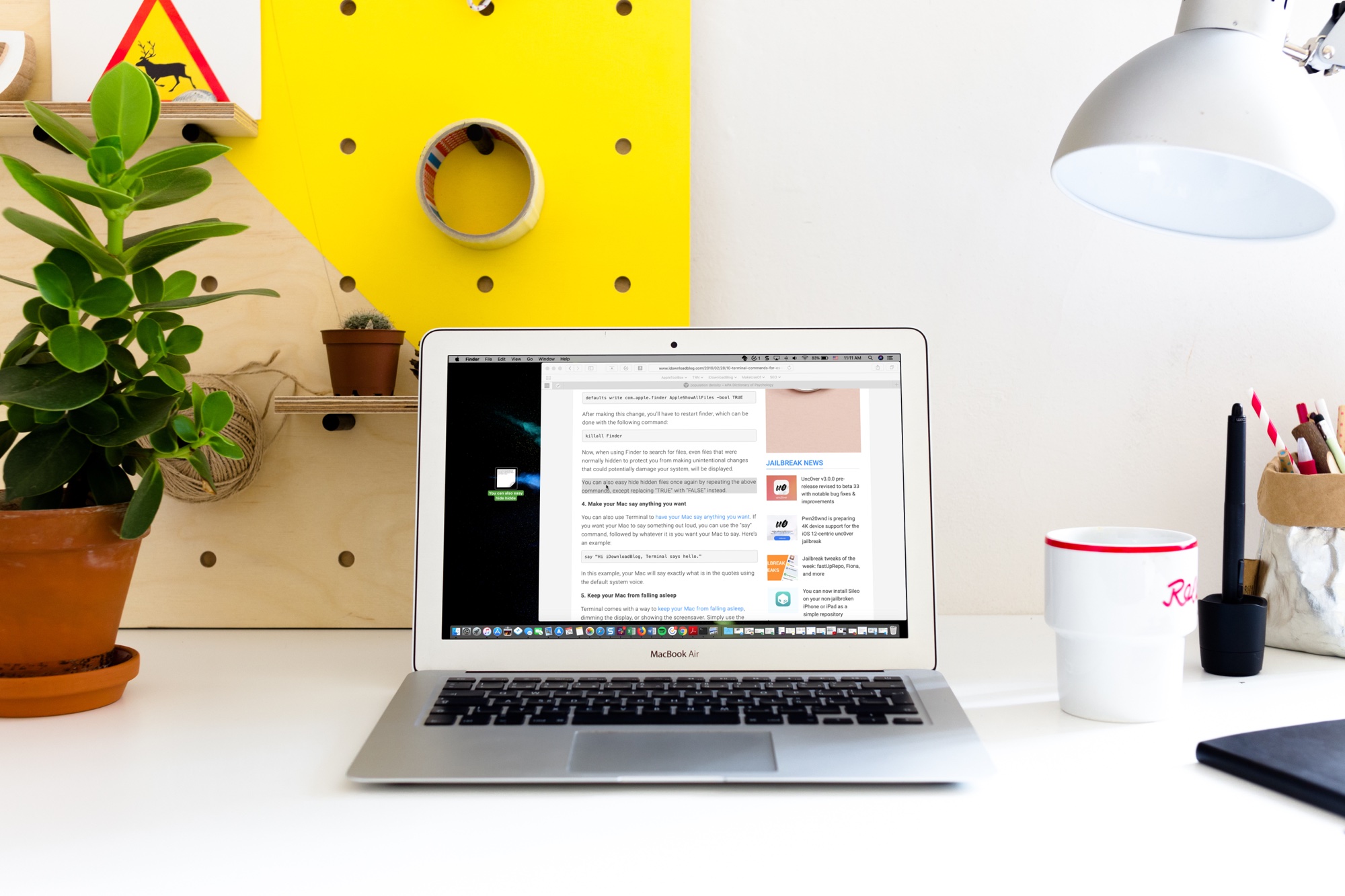
Learn how to use the handy Text Clippings feature on Mac to save a snippet of text from a website, document, Terminal, email, message, or elsewhere.
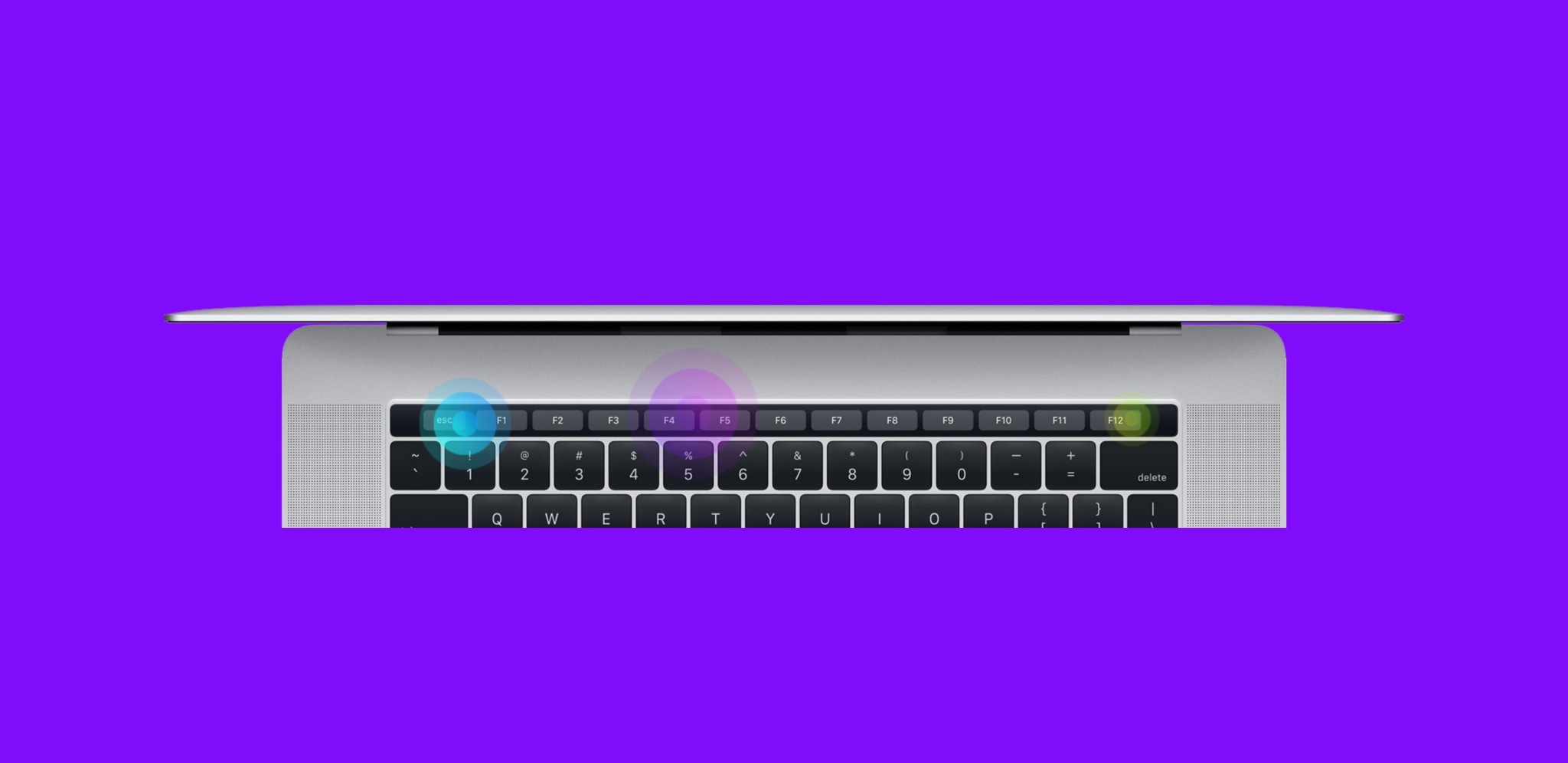
By default, the Touch Bar at the top of your MacBook Pro's keyboard displays app-specific controls that appear when you need them and vanish when you don't.
In this step-by-step tutorial, we will lay out the steps for customizing the Touch Bar so that it either continuously displays the function keys or a complete suite of media controls all the time.

Following Bloomberg's reporting on Apple's plan to let developers bring universal apps that can run across iPhones, iPads and Macs by 2021, Axios is now reporting that the Mac platform should transition to bespoke in-house designed ARM-based chips beginning in 2020.
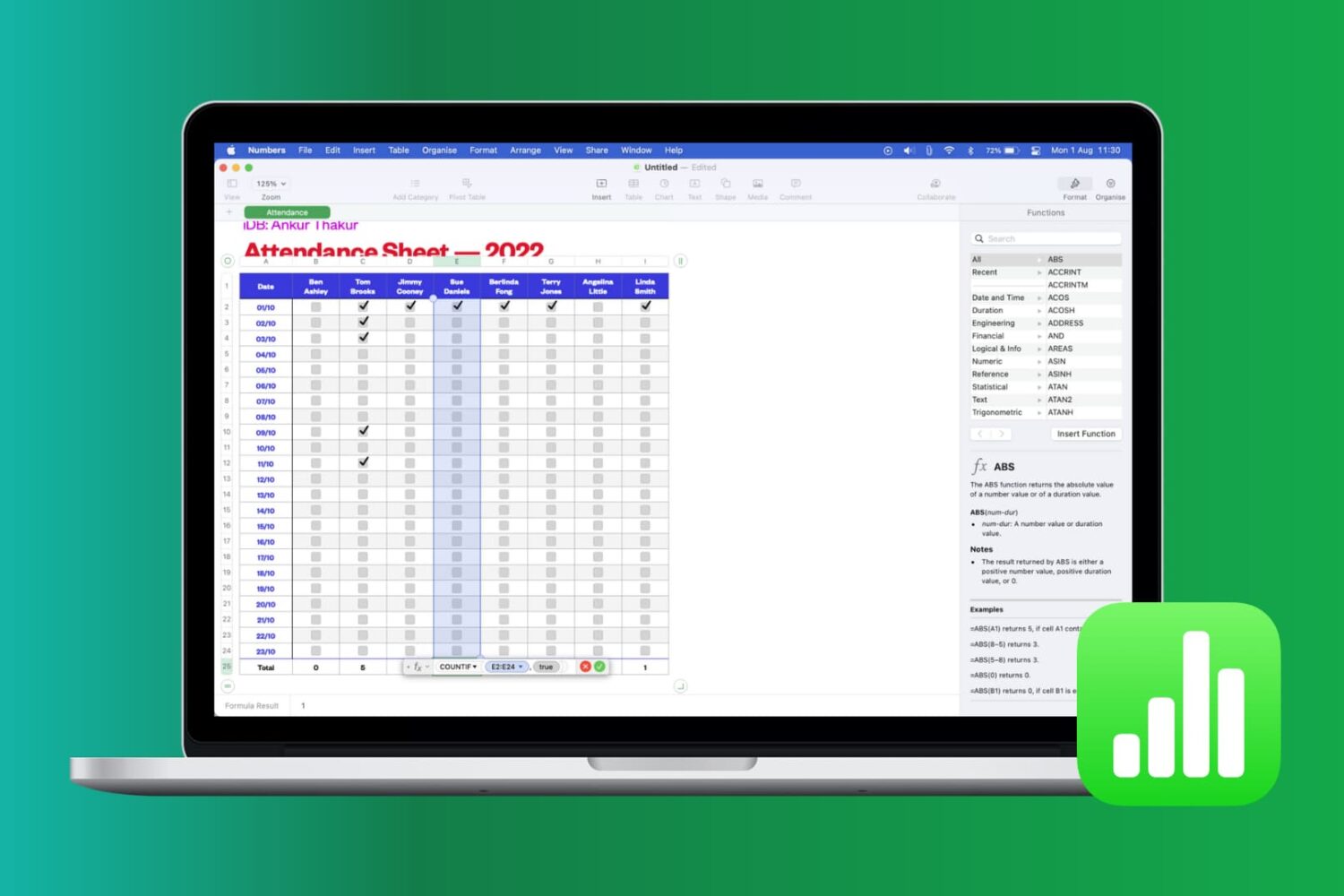
Learn how to work with common functions and formulas in Apple Numbers spreadsheets on your iPhone, iPad, and Mac, saving time and reducing errors.

Learn how to use headers and footers when working with a document in the Apple Pages app to add page numbers, date, your name, and other helpful information on all pages.