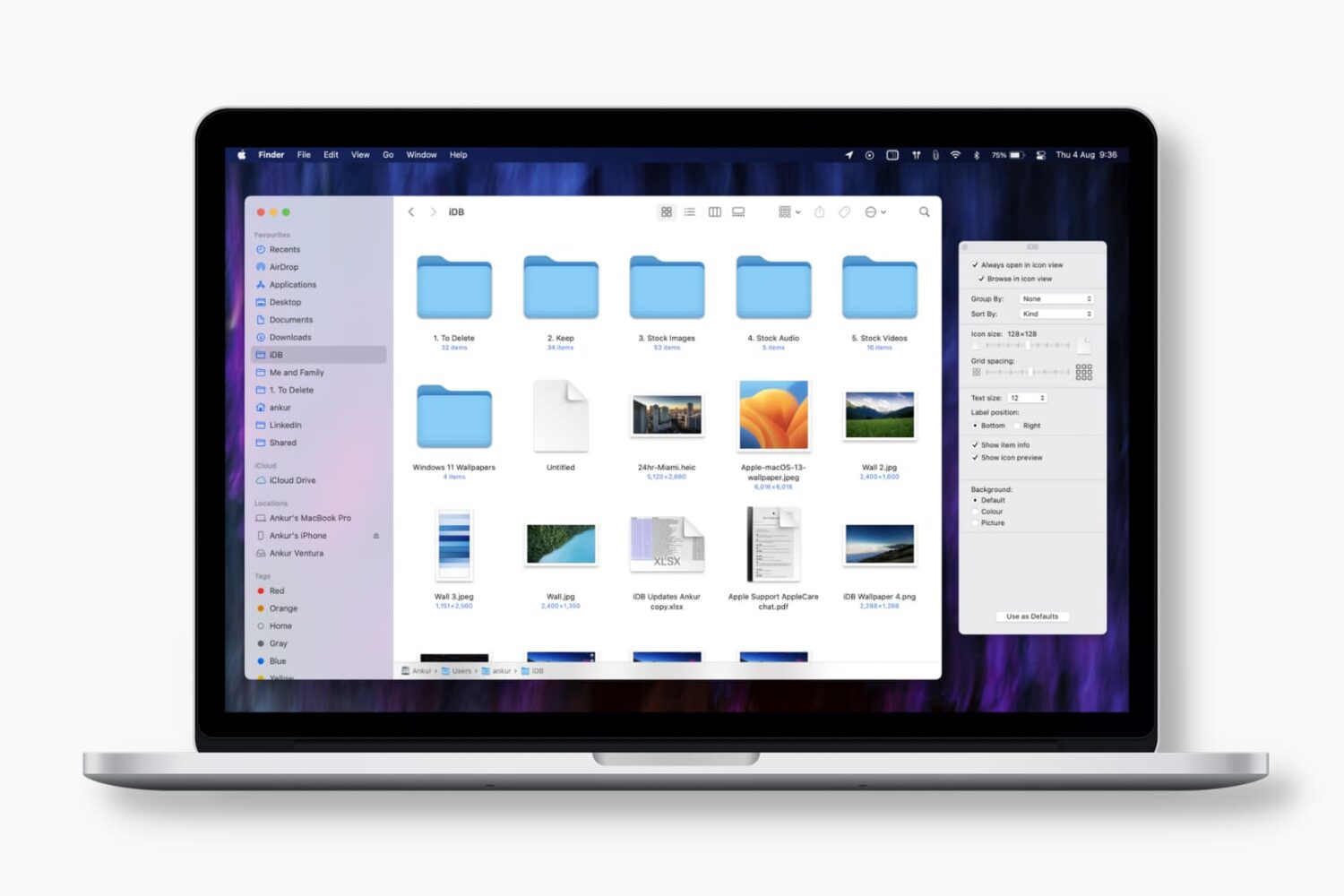
Find out how to replace the default folder icon with a custom photo or logo to personalize your Finder experience on Mac.
Mac
Stay up-to-date on the latest Mac news, and tutorials. Get expert tips and tricks to optimize your Mac’s performance and learn about the latest Apple products and software updates. Discover the best Mac apps and accessories to enhance your user experience.
Building a Mac style menu for iOS
iPhone and iPad are held back in the productivity department in part due to Apple's decision not to adopt a more comprehensive menu system beyond iOS's weird popovers.
How to see the exact dates when apps and macOS were last updated on your Mac
Learn how to pinpoint exact dates and times when you updated Mac apps or installed macOS updates, to know when an issue first started occurring.
How to change the keyboard layout on your Mac
Learn how to switch your Mac keyboard layout from QWERTY to AZERTY or even Dvorak so you can type faster and more comfortably in a layout that you’re familiar with.
How to change formats for dates, times, numbers and currencies on Mac
Learn how to customize the date and time formats on your Mac, and change the currency type or measurement units for a localized macOS experience.
Yubico launches first Apple approved physical security key that works with USB-C & Lightning
Yubico, a company that produces NFC-based physical security keys for passwordless login and two-factor authentication, announced at the CES 2019 show today that it is developing a hardware key that works with both iOS devices and Macs that have USB-C.
How to clear the DNS cache on your iPhone, iPad, Mac, and web browser
Find out how to clear the DNS cache on your iPhone, iPad, Mac, Google Chrome, Firefox, and Opera to speed up your web browsing experience and troubleshoot related issues.
OneDrive’s Files On-Demand feature is now rolling out on macOS
Microsoft's Files On-Demand feature today started rolling out to OneDrive for Business customers on macOS. Files On-Demand lets you access all your files in OneDrive without having to download all of them. Your stuff is instead downloaded as needed, which saves precious storage space on your device.
How to create and use Smart Folders on Mac
Learn how to enhance your Mac's organization and boost productivity by creating and using Smart Folders in Finder.
App Store made $322 million on New Year’s Day
The bad news keeps piling up for Apple, but that's not discouraging the Cupertino technology company from sharing some positive developments today, revealing that its App Store has managed to rake in nearly one-third of a billion dollars—on New Year's Day alone.
How to type accent letters on your Mac (like café or über)
Learn how to type accented letters on Mac keyboards to accurately spell out international names and write foreign words in your documents, emails, messages, and more.