Mac

Stay up-to-date on the latest Mac news, and tutorials. Get expert tips and tricks to optimize your Mac’s performance and learn about the latest Apple products and software updates. Discover the best Mac apps and accessories to enhance your user experience.

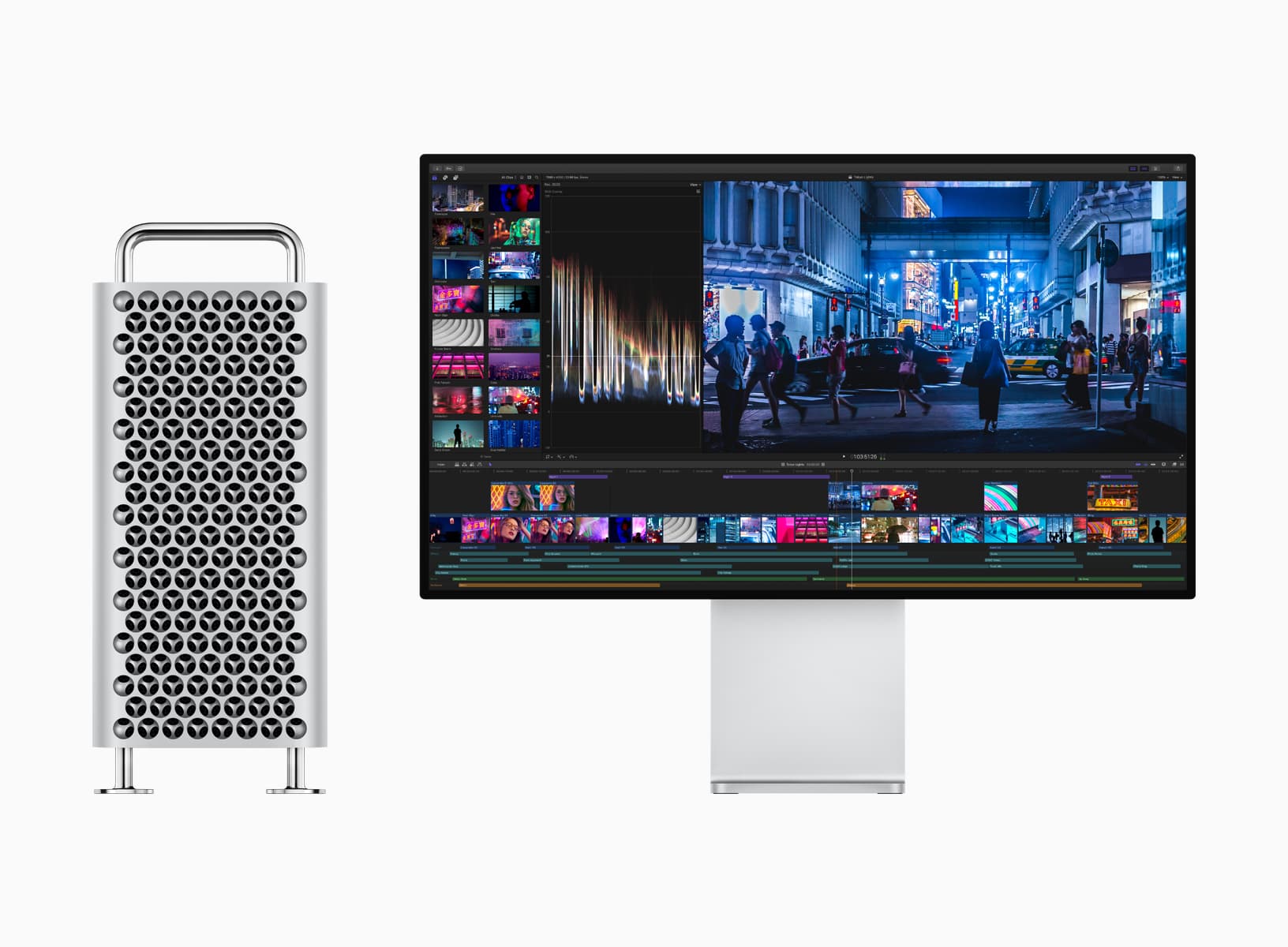
The new Mac Pro and the Pro Display XDR monitor go on sale

Mac Pro and Pro Display XDR

Apple today began accepting orders for its modular Mac Pro along with the new Pro Display XDR. The Mac Pro is priced starting $5,999 or $6,499 in rack mount form. The 32-inch Pro Display XDR, aimed at studios that would otherwise use high-end reference monitors, is priced at $4,999, with another $999 for an adjustable aluminum base. Configure to order options can send the Mac Pro into the stratosphere, priced at more than $52,000. Availability depends on configuration, but Apple's early projections showed that while some Mac Pros will ship in time for Christmas, some buyers will probably be waiting until the end of December or early January before their custom configurations arrive.

15 tips and tricks for Mac beginners

iMac, MacBook Pro, MacBook Air, and Mac Studio kept together

When you first get your Mac, there's a learning curve as you navigate through its features, set up apps like Messages and Mail, and customize your desktop. After some time, you'll be ready to level up your efficiency by learning useful shortcuts. That's why we've put together a handy list of tips and tricks specifically tailored for macOS beginners, helping you accomplish tasks faster and enhance your overall Mac experience.

New to Mac? How to set up and use the Messages app

How to use Messages on Mac

There are some things to get used to if you’re a new Mac user, especially if you’re switching from Windows. From the different labels and locations for items to how to use the Dock to your advantage, we try to cover it all for those new to macOS on iDB.

As another how-to in our series, we’re going to walk through how to set up and use the built-in Messages app on Mac.