Learn how to set your Mac to calculate folder sizes and show how much storage space each folder takes up when navigating files in Finder as a list.
How to set your Mac’s Finder to always show folder sizes
Learn how to set your Mac to calculate folder sizes and show how much storage space each folder takes up when navigating files in Finder as a list.

Learn how to split tabs in the Finder on your Mac into separate windows, as well as merge multiple windows into a single window with multiple tabs.
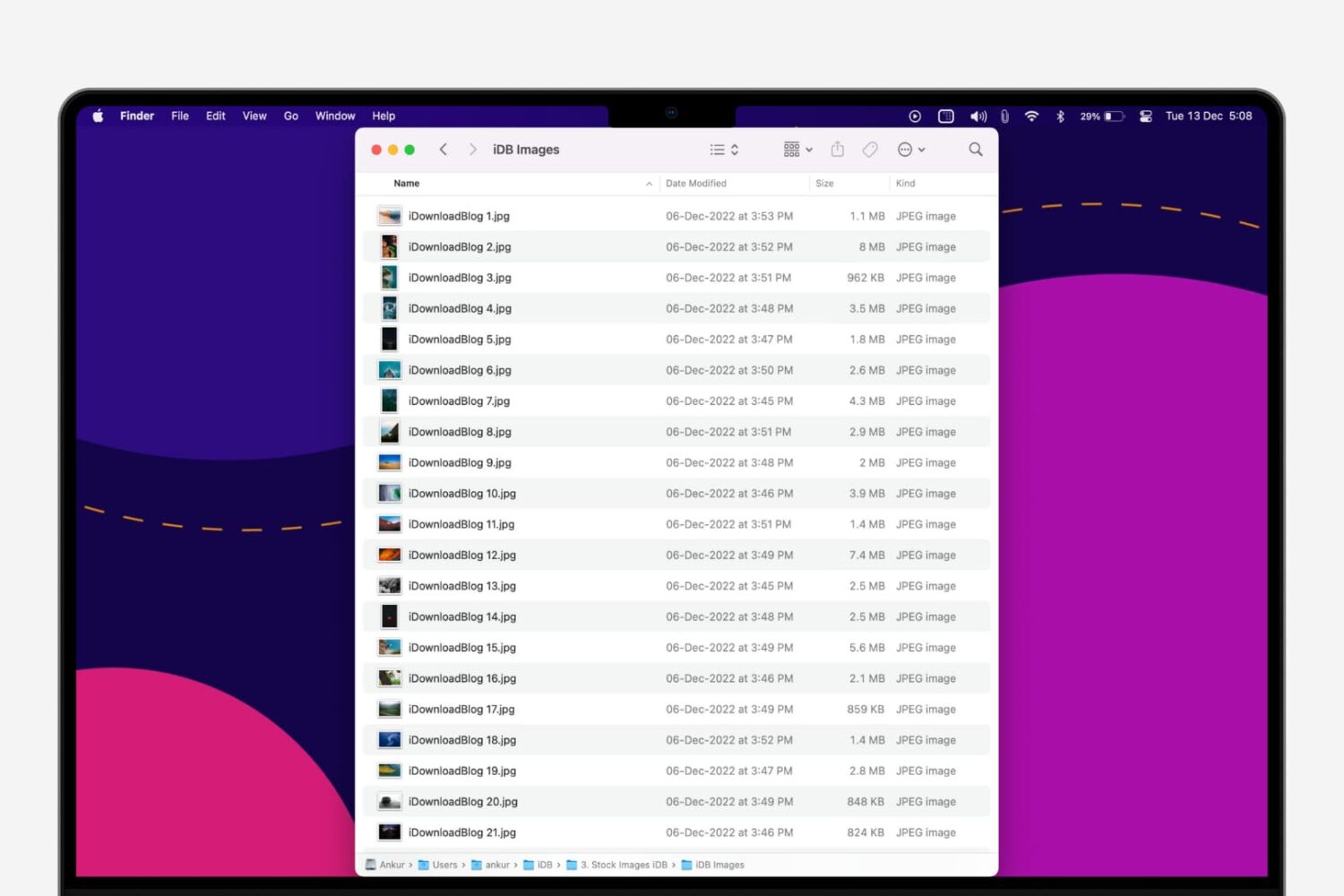
In this step-by-step tutorial, we’ll show you how to quickly rename multiple files at once on a Mac without having to download a third-party app.
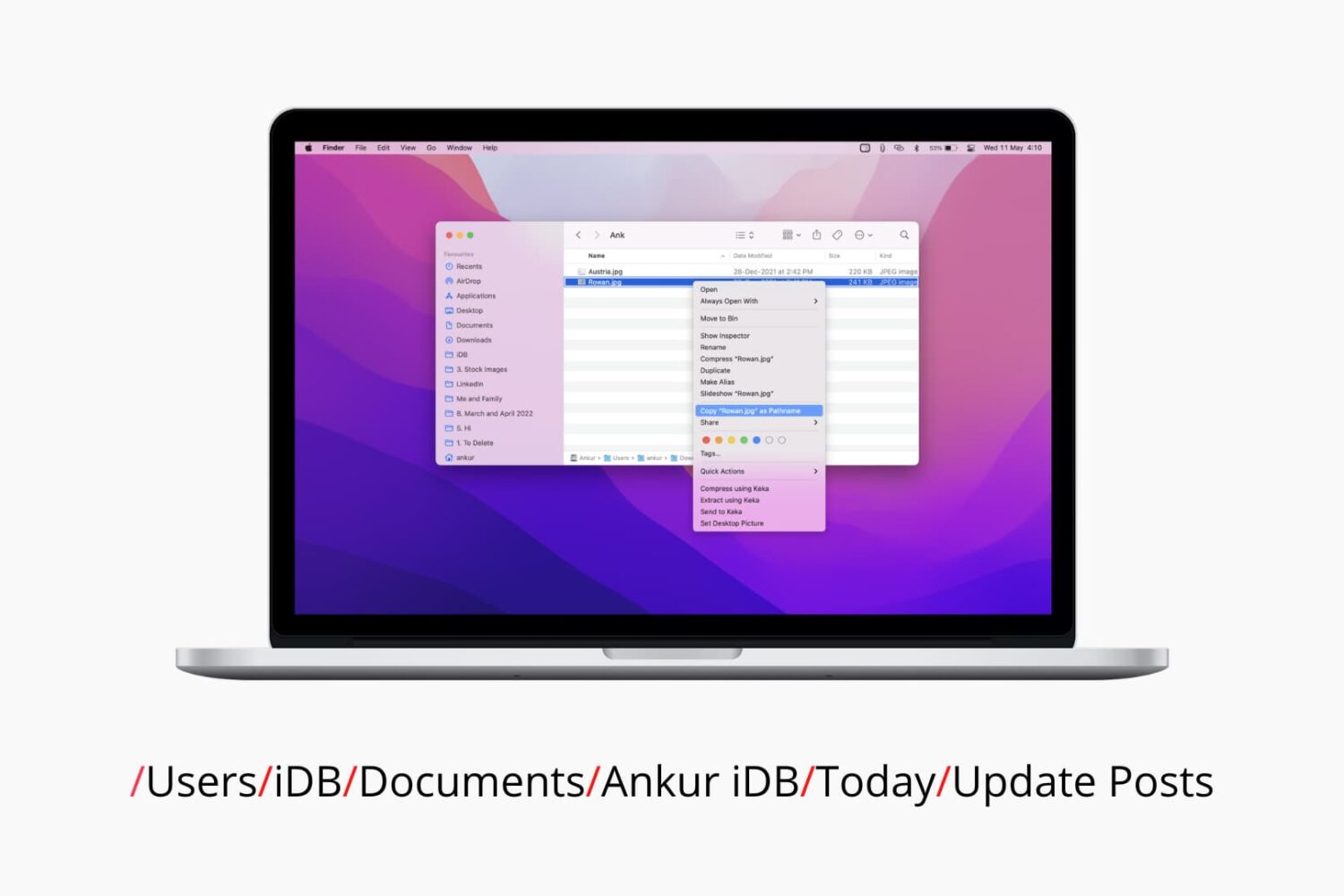
Check out six different ways to find the path or address of a file or folder on your Mac using Finder, Terminal, and more.
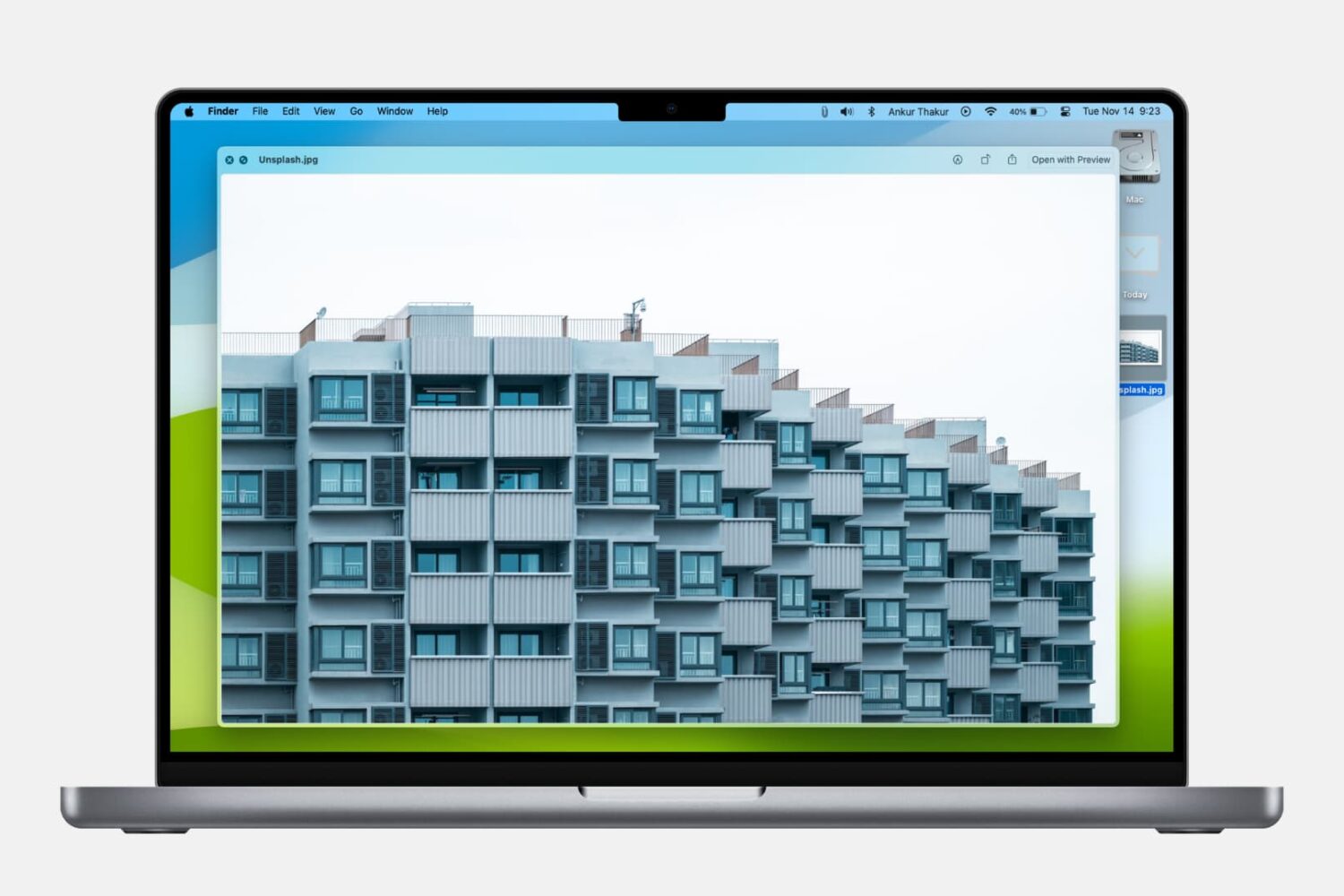
Learn how to use the built-in Quick Look feature in macOS to instantly preview one or more selected files, rotate an image, or trim a video file on your Mac.
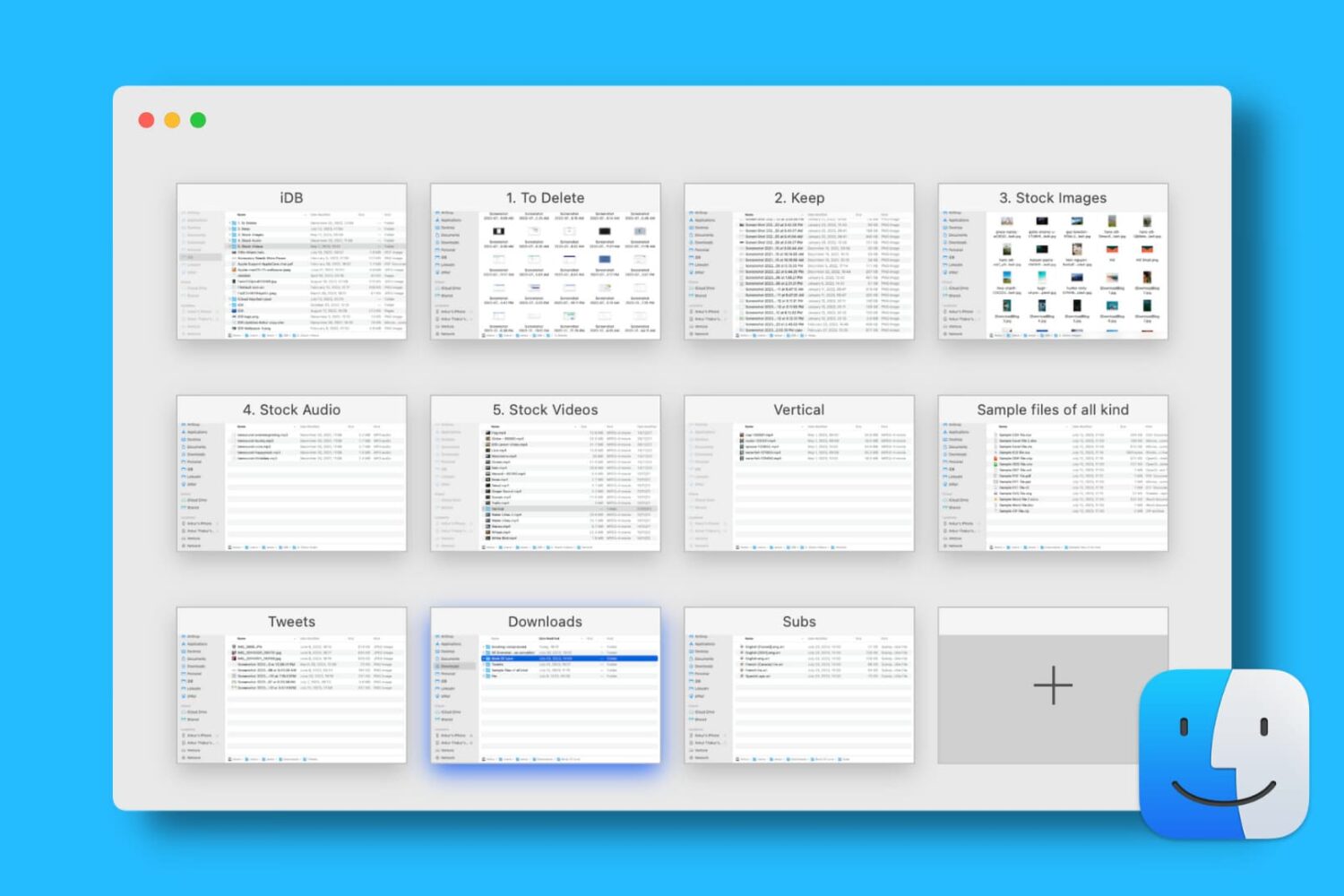
Find out how to open, use, navigate, rearrange, and close tabs in Finder on your Mac so you can work with multiple folders in just one window and keep your desktop uncluttered.
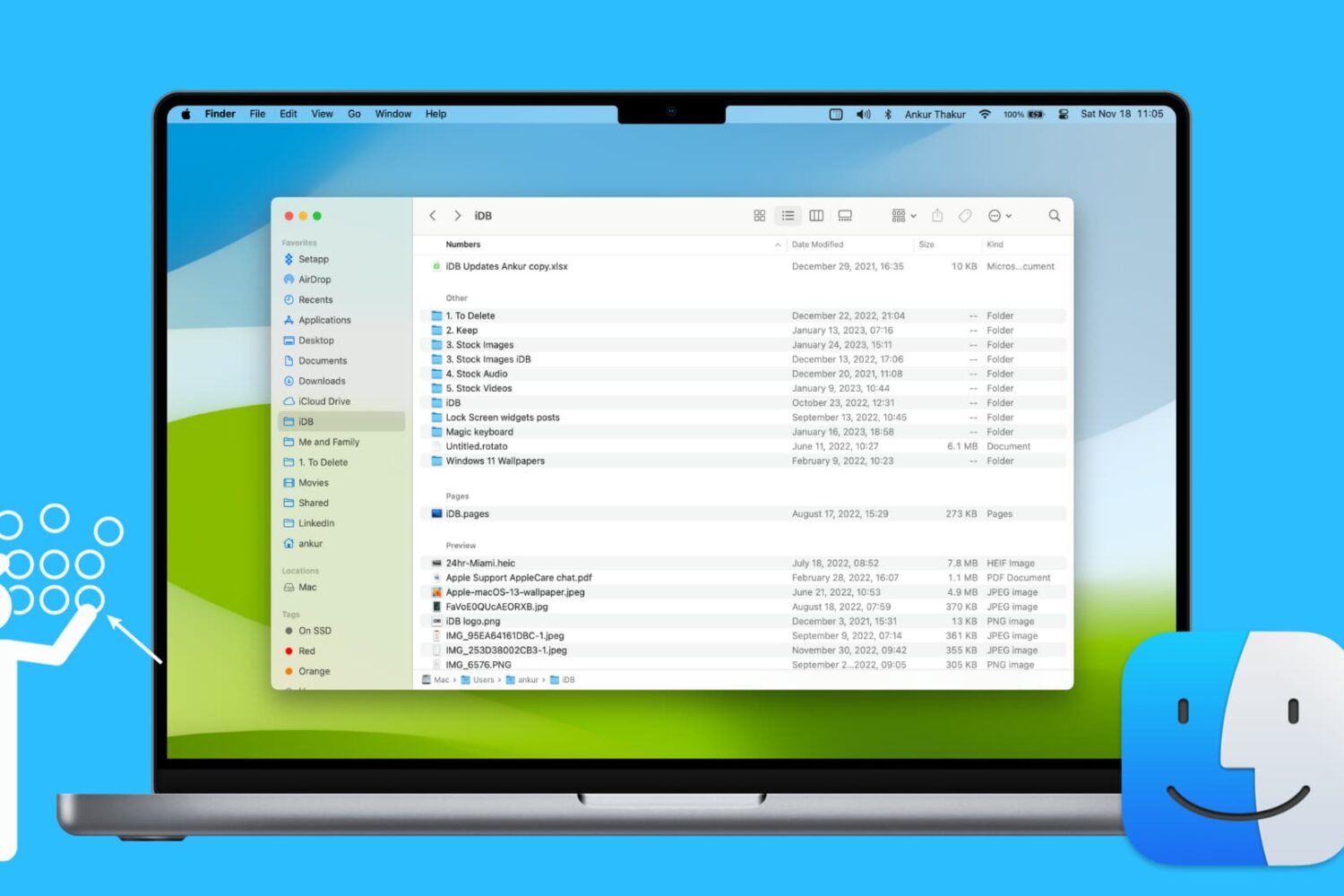
Learn how to use groups in Finder on your Mac to easily sort and manage files for a more streamlined and efficient experience.
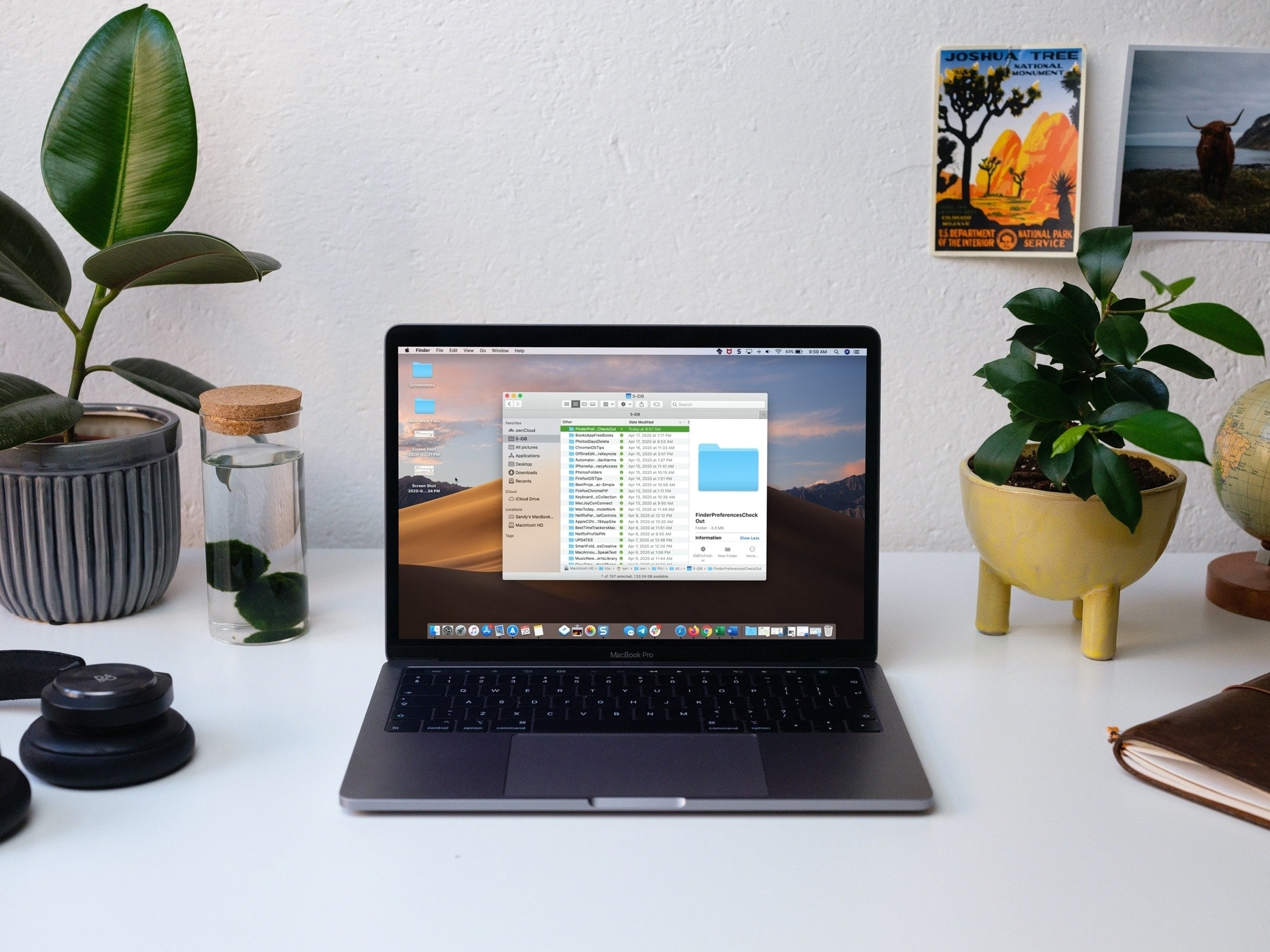
Save time and be more productive by taking a moment to customize these useful Mac Finder preferences and settings.

Learn how to use the Finder’s file inspector to get a summary of multiple Mac items in a single floating window on macOS that dynamically refreshes as your selection changes.
From customizing views to organizing files, we’ll cover everything you need to know about using Finder on your Mac to streamline your workflow and get the most out of this essential tool.

Check out these handy tips for using the Search feature in Finder like a pro so you can save time and prevent frustration when looking for the right photos, videos, PDFs, and files on your Mac.
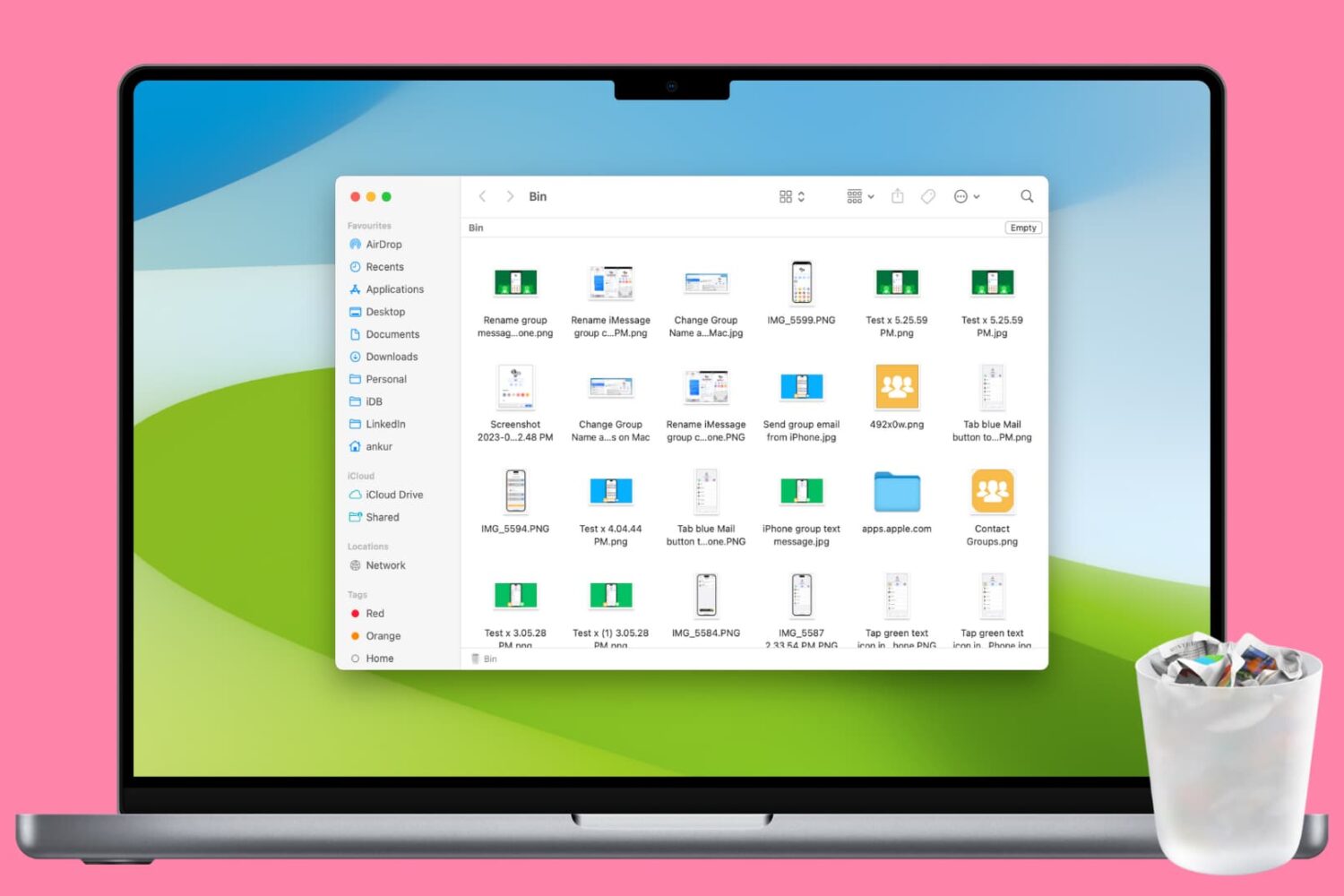
Clean up your Mac and regain valuable storage space by mastering these 10 ways to delete all or selected items from the Trash folder.