Mac Apps

Chrome 56 adds support for FLAC codec, “Not Secure” HTTP warning, web Bluetooth & more

Chrome 56 for Mac and other platforms has entered Google's beta channel. When released to the general public, the browser will bring native support for the FLAC audio codec within the browser and other perks. This should come in handy because macOS does not support the FLAC file format out of the box so users often must use a third-party converter or video player to play these files. With Chrome 56, Mac users will be able to play FLAC-encoded audio files embedded in web pages or local files drag and dropped onto the browser window.

Video converter Handbrake exits beta after 13 years

In a better-late-than-never move, the free cross-platform video converter Handbrake has finally hit version 1.0. The app had been languishing in beta for more than thirteen years. Handbrake 1.0, a free download for Mac, Windows, Ubuntu and other platforms, lets you convert videos easily from nearly any format to a selection of modern, widely supported codecs. With subtitle support, capable transcoding engine and built-in presets for devices like Apple TV, iPhone and iPad, Handbrake makes it easy to optimize videos for your specific hardware.

Spotify for Mac gains Touch Bar shortcuts

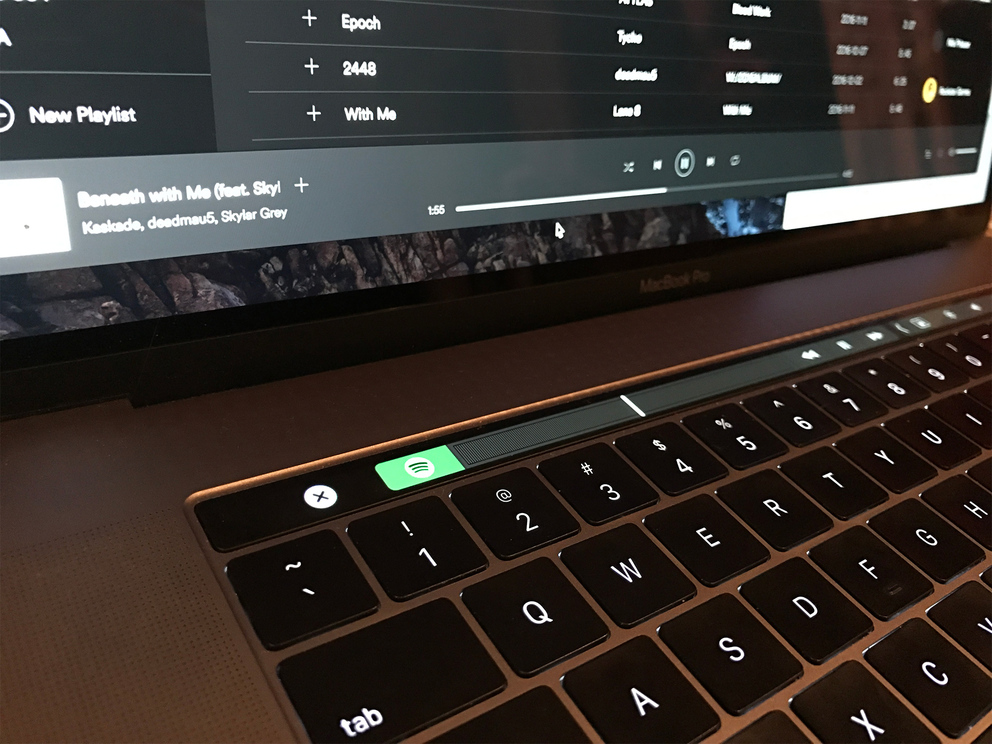
Spotify for Mac was updated this morning with support for Touch Bar shortcuts on the new MacBook Pro models, German outlet Giga.de reported. A few handy music-playback controls are now available in Spotify's Mac app directly from the Touch Bar, including common controls such as transport and search, as well as persistent Now Playing buttons like play, pause, shuffle, repeat and the volume slider.

Email client Spark for Mac adds a bunch of new productivity features in latest update

Less than a month ago, Ukrainian developer Readdle launched Spark for Mac with Touch Bar support and many advanced features to help you achieve Inbox Zero Nirvana. Last evening, the app received a bunch of new features in the new 1.1 update. You can now assign a different color to each email account so it's easier to distinguish in the account list. Multiple messages can now be marked as spam at once, IMAP folders can be created directly from the sidebar, contacts now sync with your address book and more.

Deliveries for Mac gains full Sierra compatibility, Touch Bar shortcuts & other new features

After refreshing Deliveries for iOS with full iOS 10 and watchOS 3 support and other nice-to-haves four days ago, Deliveries for Mac was updated on the Mac App Store with full support for macOS Sierra, Touch Bar shortcuts on the new MacBook Pro and more.

Touch Bar shortcuts can be customized for features like shipping company suggestions when you add a delivery, auto-complete for email addresses, a 1Password button when it's appropriate and more.

Convert and push media into any Apple device with WALTR 2, no jailbreak or iTunes needed

Softorino, a purely European crew packed with talented developers, recently released WALTR 2 as a successor to the original app that's captured more than 500,000 downloads worldwide in just under 20 months since its debut.

A well-deserved success, if you ask me, because WALTR made it super easy to convert audio and video files encoded in “foreign” formats, such as DivX/MKV movies with subtitles and FLAC audio files, without requiring a jailbreak.

I raved about WALTR in my review, underscoring how its drag-and-drop simplicity allows just about anyone to bypass the mess that is iTunes. And boy, does it fly: in my tests, WALTR transcoded a 2.64-gigabyte MKV file on my 1.3 GHz Intel Core i5 mid-2013 MacBook Air into an iOS-friendly format and sent it over USB to my iPhone 6 in under two minutes.

Building on this remarkable engine, WALTR 2 is now available with new features like support for more than two-dozen legacy iPod models and other devices starting from iOS 5. It uses automatic metadata recognition that works perfectly, gives you the ability to transfer media to your device wirelessly, supports PDF and ePUB file formats and much, much more.

MacPaw unveils Setapp, the Netflix of high-quality Mac apps

The way you get apps is about to change: Setapp from MacPaw is one of the best things to happen to third-party Mac development in years. Think of Setapp as the Netflix of quality software or an “unstore” alternative to Apple’s store. But unlike the Mac App Store which continues to disappoint with sandboxing requirements, lack of paid upgrades and other missing features, Setapp unlocks dozens of high-quality, cherry-picked Mac apps in exchange for a flat-fee monthly subscription of $9.99.

You won't find subpar software in Setapp and all of the apps are fully functional and available without trials or In-App Purchases, including ones like Screens, Ulysses, RapidWeaver 7, Reveal and Eltima Player.

After testing Setapp for approximately two weeks, I've come to the conclusion that it is the best source of premium Mac apps that you can get for a fraction of their combined price, all at once.

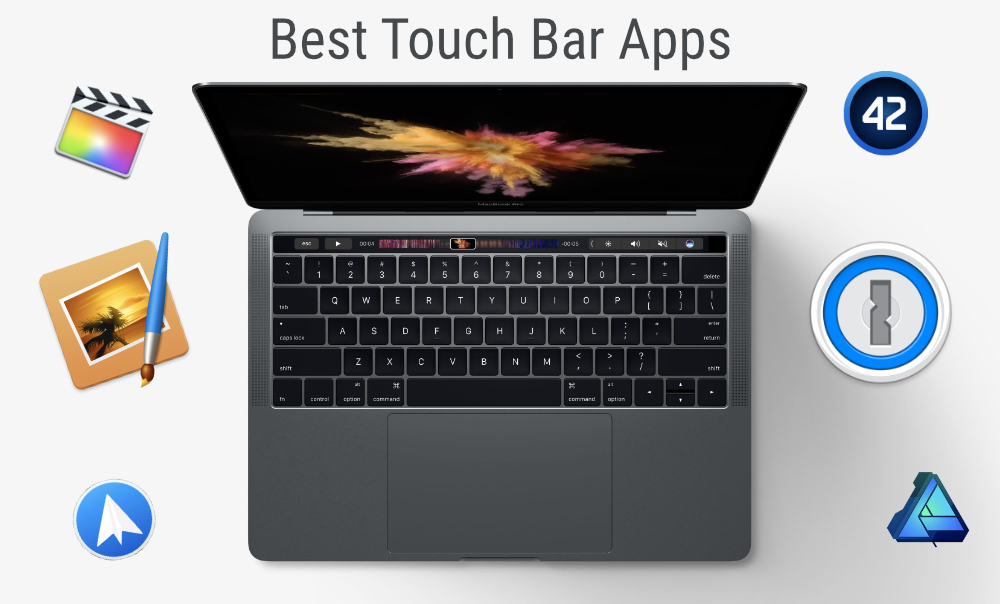
The best apps for the Touch Bar on the new MacBook Pro

If you just picked up a new 2016 MacBook Pro, you may be wondering: aside from the stock apps, what are other great apps that take advantage of that shiny new Touch Bar? While apps are constantly being updated, we've gone ahead and picked out some of our favorites that are currently available.

Spark email app launches on Mac with Touch Bar support, snoozes, swipes, smart inbox & more

After more than a year of hard work, Spark for Mac is finally available on the Mac App Store. Like its iOS counterpart, the Mac app is available at no charge. Ukrainian developer Readdle has ported all the marquee features you like about Spark for iPhone and iPad over to the Mac edition, allowing you to triage your inbox, quickly see what’s important and easily clean up the rest.

The fast, well designed native app includes Touch Bar shortcuts on the new MacBook Pro, swipes on the trackpad, snoozing, quick replies, natural language search, unified inbox, full macOS Sierra compatibility, seamless settings sync across devices and other productivity-focused perks.

“It is created for people who live by their inbox and who want to have an amazing experience with email,” Readdle told me via email.

Google just released a stellar screensaver for your Mac

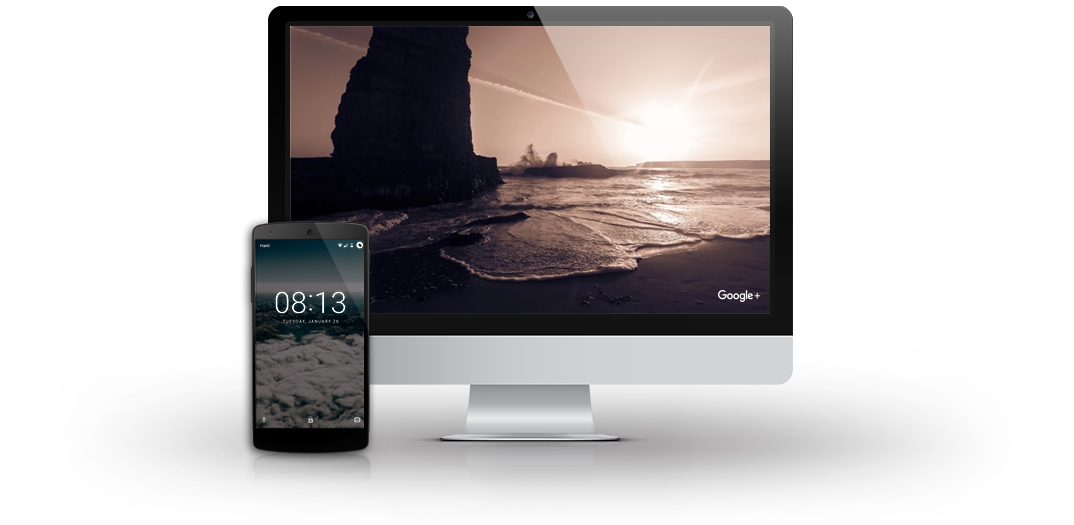
Got tired of the new Apple TV's gorgeous Aerial screen saver on your Mac? How about Google's own screen saver that ships on Chromecast, Fiber and Pixel devices? Your wish is Google's command: yesterday, the search giant released the stunning Featured Photos screen saver for macOS.

As its name suggests, the app adorns your Mac's built-in display and any external screens with a striking plethora of highest-rated photographs that users publicly posted on Google+. Download the app straight from Google at no charge and let us know what you think in the comments.

Pixelmator for Mac gains Touch Bar and P3 color support, tabs, full Sierra compatibility & more

Popular Photoshop alternative Pixelmator for Mac was updated in the Mac App Store today with a bunch of new features, including support for tabbed image editing on Sierra and custom shortcuts on the new MacBook Pro's Touch Bar, universal clipboard for effortless pasting of content between devices and other Sierra-specific features. Plus, you get more than a dozen improvements like the new content-aware Smart Refine and Refine Selection tools, support for wide color images and displays and more.