Mac Apps

This app adds haptic feedback to your MacBook Pro Touch Bar keys

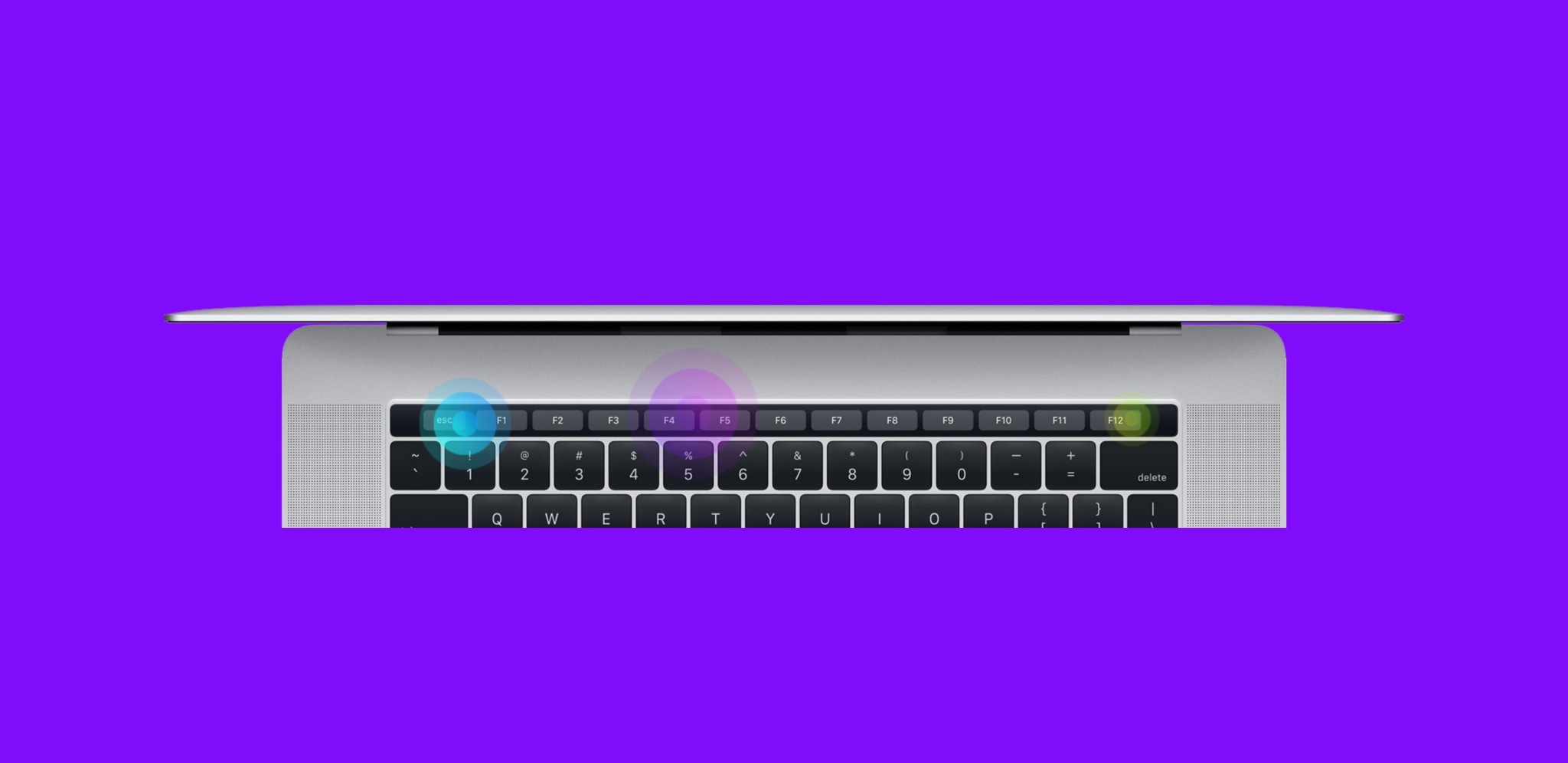
Haptic Feedback on MacBook Pro Touch Bar

Apple’s latest line of MacBook Pros sports an OLED Touch Bar just above the physical keyboard. The point of the Touch Bar is to offer a dynamic, programmable strip that acts as both an extension of your keyboard and an auxiliary input device for select apps on your Mac.

As incredible as the Touch Bar is, one feature that Apple seemed to skim across when designing it was haptic feedback.

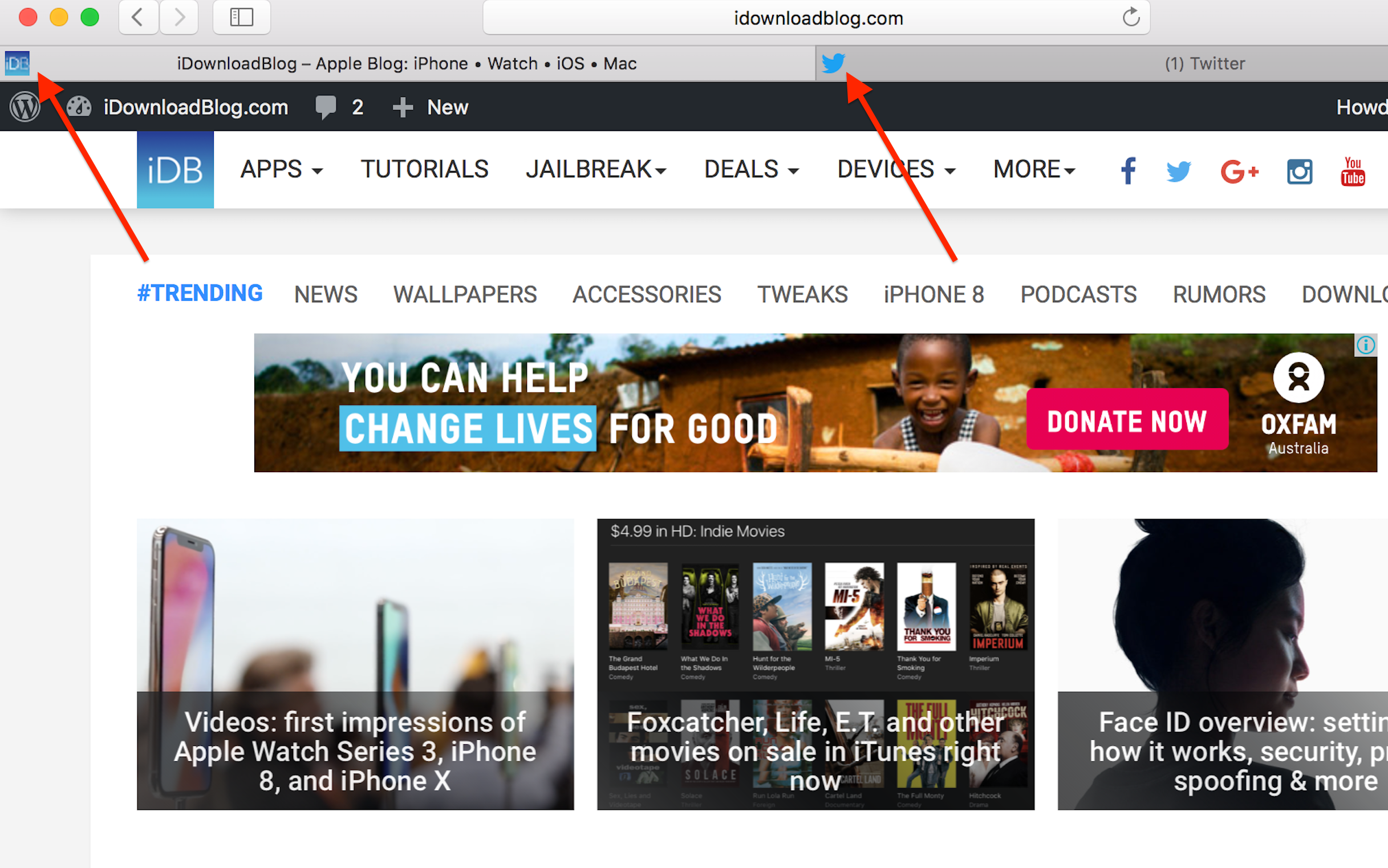
Faviconographer adorns your Safari tabs with site icons

Internet browsers long have featured favicons, small-sized site icons adjacent to the tab description. In fact, some still do. They are certainly great as visual cues and aids to speed up navigation. Nevertheless every so often, what's handy can be at odds with what looks aesthetically pleasing, which is why Apple - on their perpetual crusade against clutter - have no such default setting for Safari.

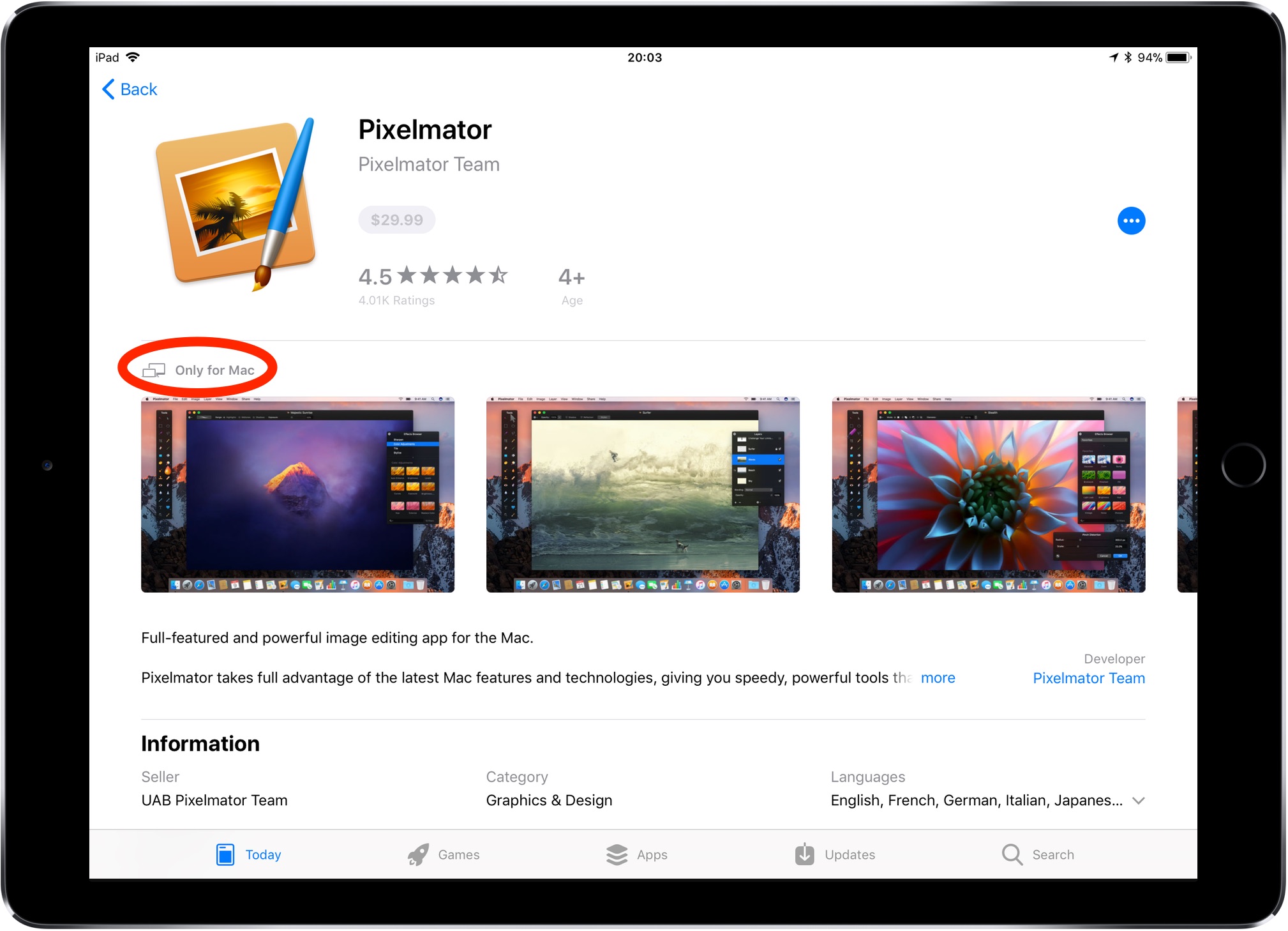
How to preview Mac apps in App Store on iPhone and iPad

Before iOS 11, following a Mac app link in Safari on your iPhone or iPad yielded a warning message saying you could only download macOS apps using Mac App Store on your computer.

Thankfully, iOS 11's much-improved App Store changes that behavior.

At long last, now it's at the very least possible to bring up Mac app previews on your iOS devices. Yes, no longer do you have to switch to your Mac just to glance at basic information for a Mac app that interests you, such as its price, description, screenshots and so forth.