In this tutorial, we’ll show you how to change your FaceTime ringtone on your Mac so that it sounds the same as your iPhone or iPad.
How to use the same FaceTime ringtone on Mac and iPhone
Stay up-to-date on the latest Mac news, and tutorials. Get expert tips and tricks to optimize your Mac’s performance and learn about the latest Apple products and software updates. Discover the best Mac apps and accessories to enhance your user experience.
In this tutorial, we’ll show you how to change your FaceTime ringtone on your Mac so that it sounds the same as your iPhone or iPad.

In this tutorial, we’ll show you how to zoom your Mac screen, regardless of the app you are in, so you can see the content more easily.
In this tutorial, we will share how to set up and configure parental controls on your child's Mac so you can keep them protected from inappropriate content and fine-tune what your kid is allowed to access.
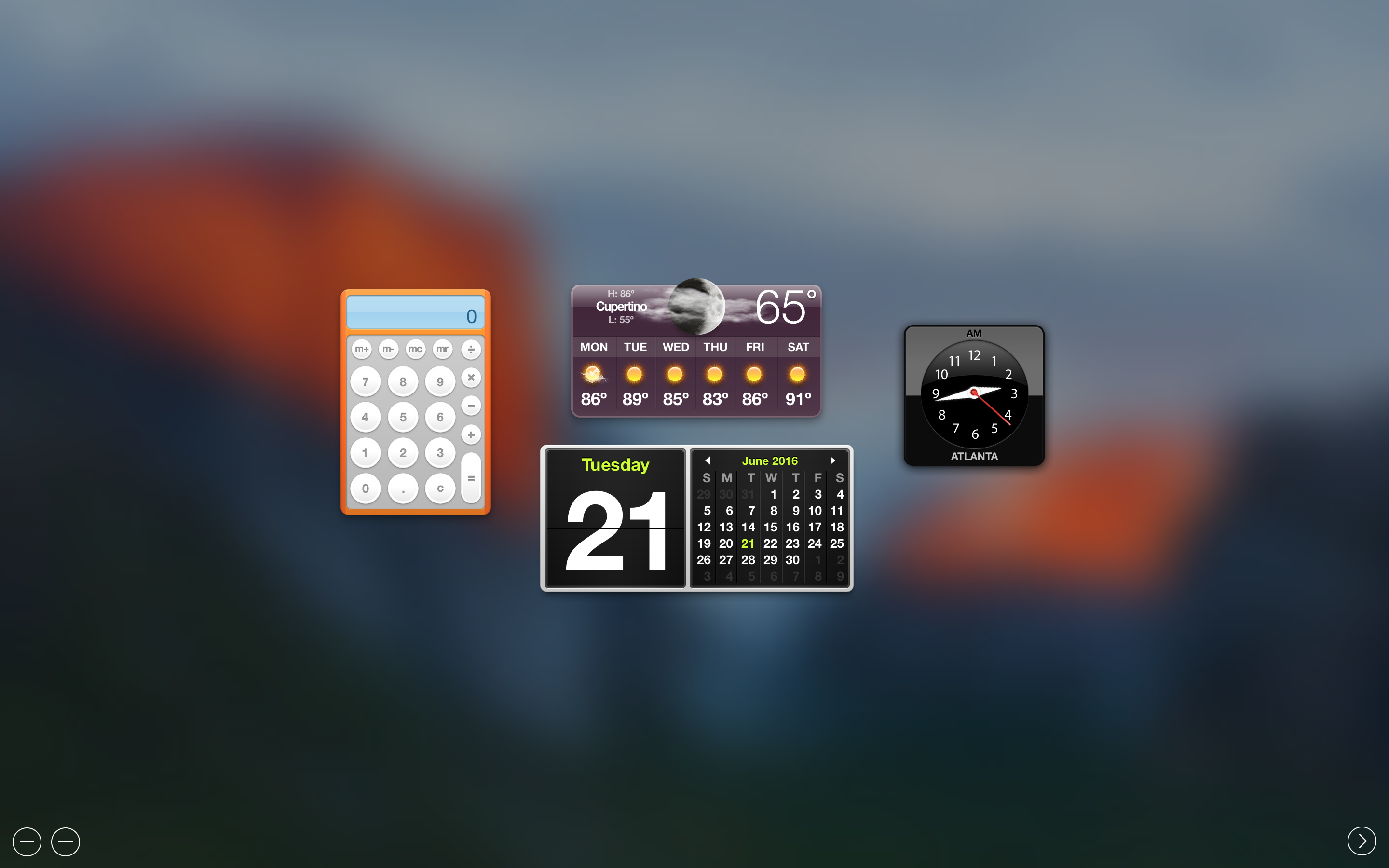
In this tutorial, we'll walk you through the process of disabling Dashboard on Mac using Mission Control and applying it system-wide.

Those of you with Macs know that you can't just click on the Close button to exit out of most apps. Instead, you have to physically quit those apps after you're done using them.
On the other hand, if you just can't be asked to take the time to do that, we're going to show you a really easy way to make an applet that can be used to quit all of your Mac's running apps at once.
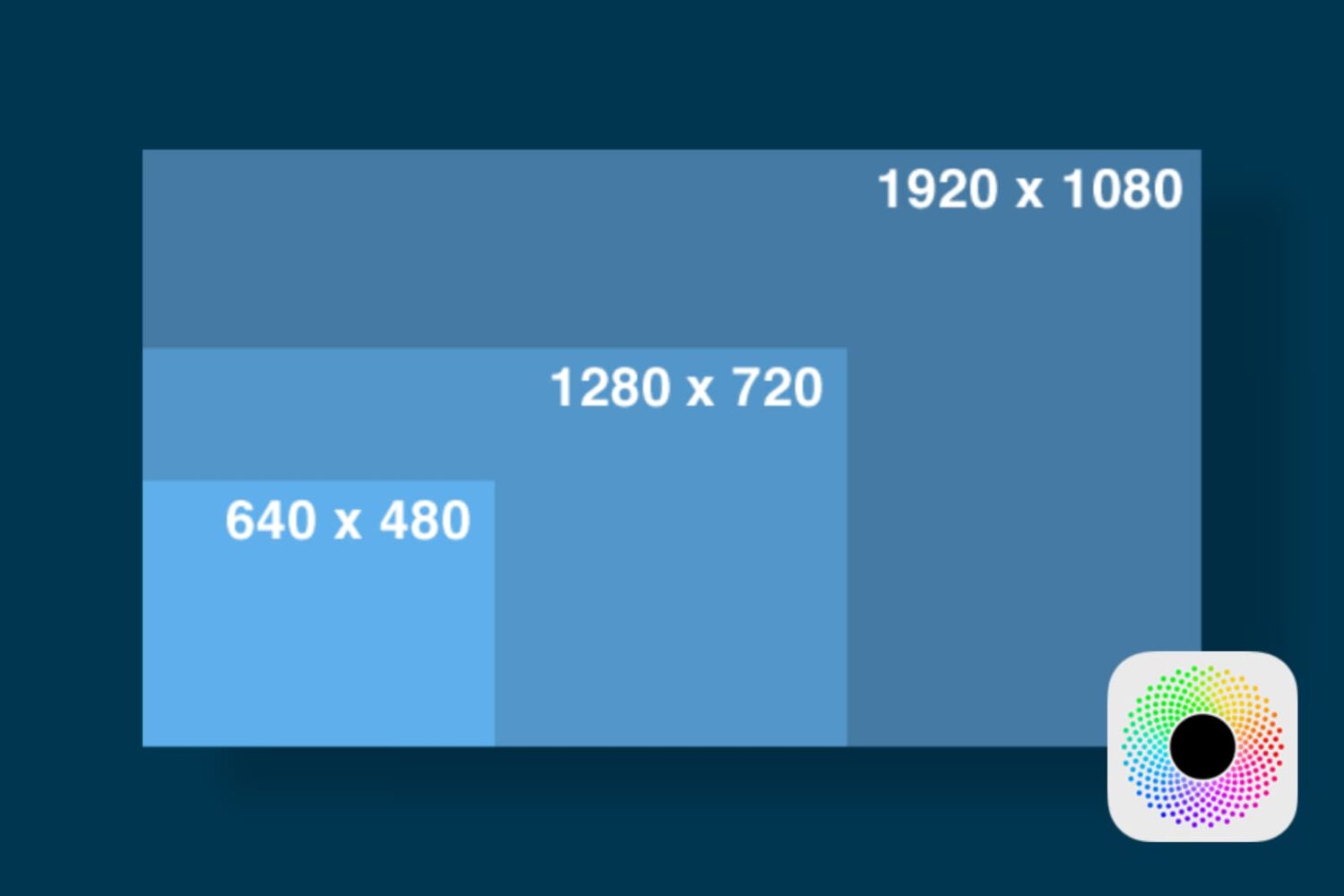
In this tutorial, we'll show you how you can launch apps on your Retina display Mac in normal resolution rather than in its higher Retina display resolution form.

Your Mac's Mail app is a powerful email client, and for many, the default app configuration in plenty for getting day-to-day email tasks done.
But for those who demand more power and functionality, it's a great idea to customize the toolbar at the top of the Mail app so you have quick and easy access to the functions you use the most.
In this tutorial, we'll show you how to customize the toolbar at the top of your Mac's Mail app so you can get more out of it.
Want to forward delete on Mac rather than delete the text backward? In this tutorial, we’ll show you how to delete text from left to right (instead of the usual right to left) with a couple of simple keyboard shortcuts.
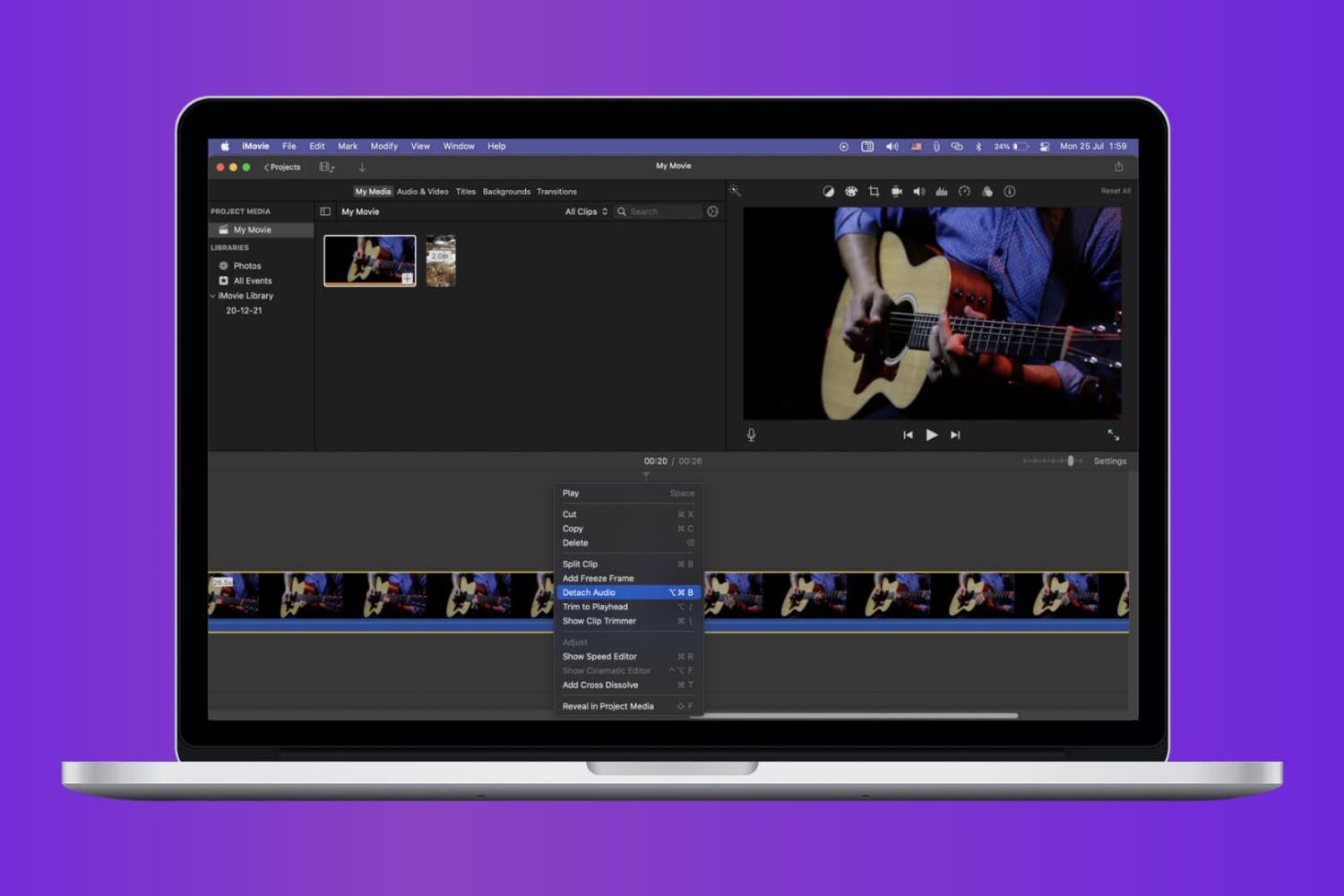
Check out the quick steps to remove audio from a video using iMovie and save that soundless clip locally to your Mac.

When it comes to using your Mac for day-to-day activities, you may want to set up a printer with it so you can print documents, shipping labels, photos, and other important pieces of information.
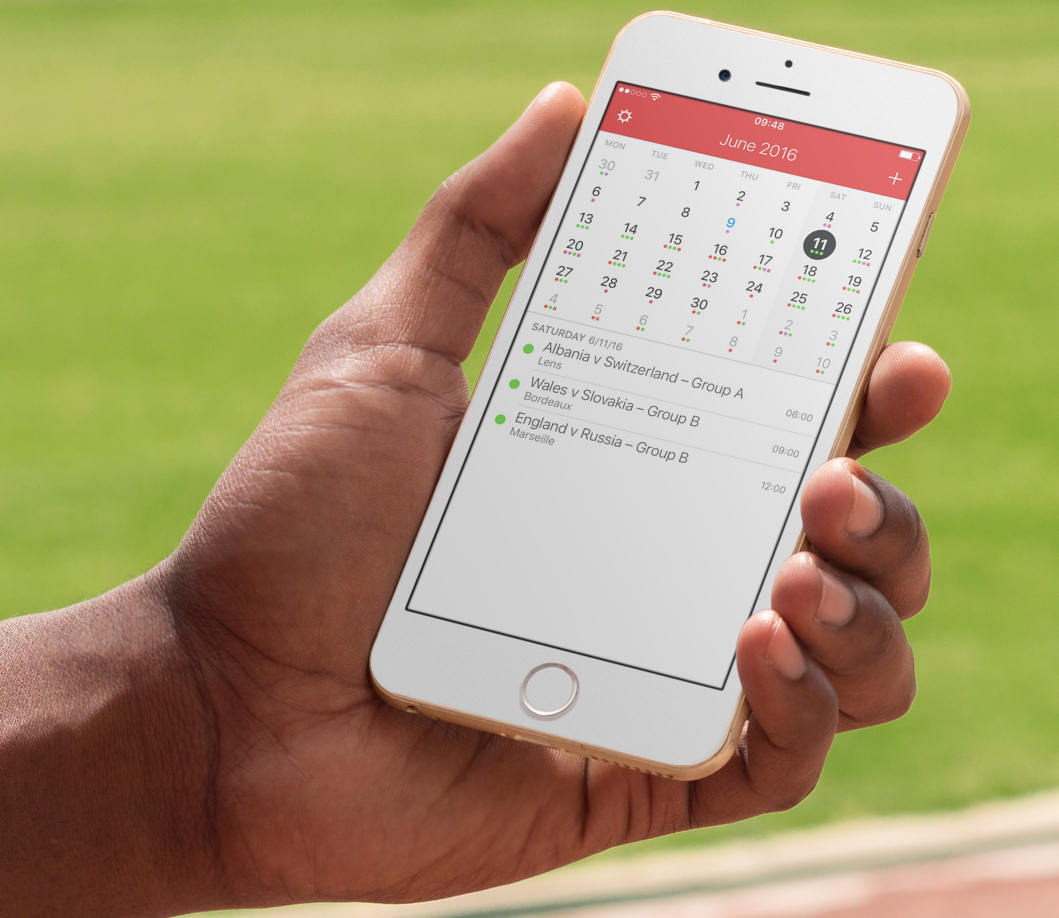
I recently wrote a post describing how to add the schedule of the Euro 2016 to your iPhone, Mac, or iPad calendar app in order to keep up with the competition. As described in my post, subscribing to this calendar (or any other calendar) directly from your iPhone or iPad, will only add the calendar locally on the device, but it won't sync across all your other devices like an iCloud calendar would.
iDB reader Kyler emailed us earlier today asking how he can subscribe to a calendar while adding it to his iCloud account to make sure the calendar events sync to his iPhone, iPad, and Mac, without having to manually subscribe to the calendar on each device. This is what we're going to do look at in this post.
Lots of times you may want to print something, only to find that you have no printer ink or that you aren't near a printer. Your Mac comes with a useful function in the macOS printing menu that lets you save anything you want to print as a PDF file to print or share later. We'll show you how you can make a PDF out of anything you intend to print in this tutorial.