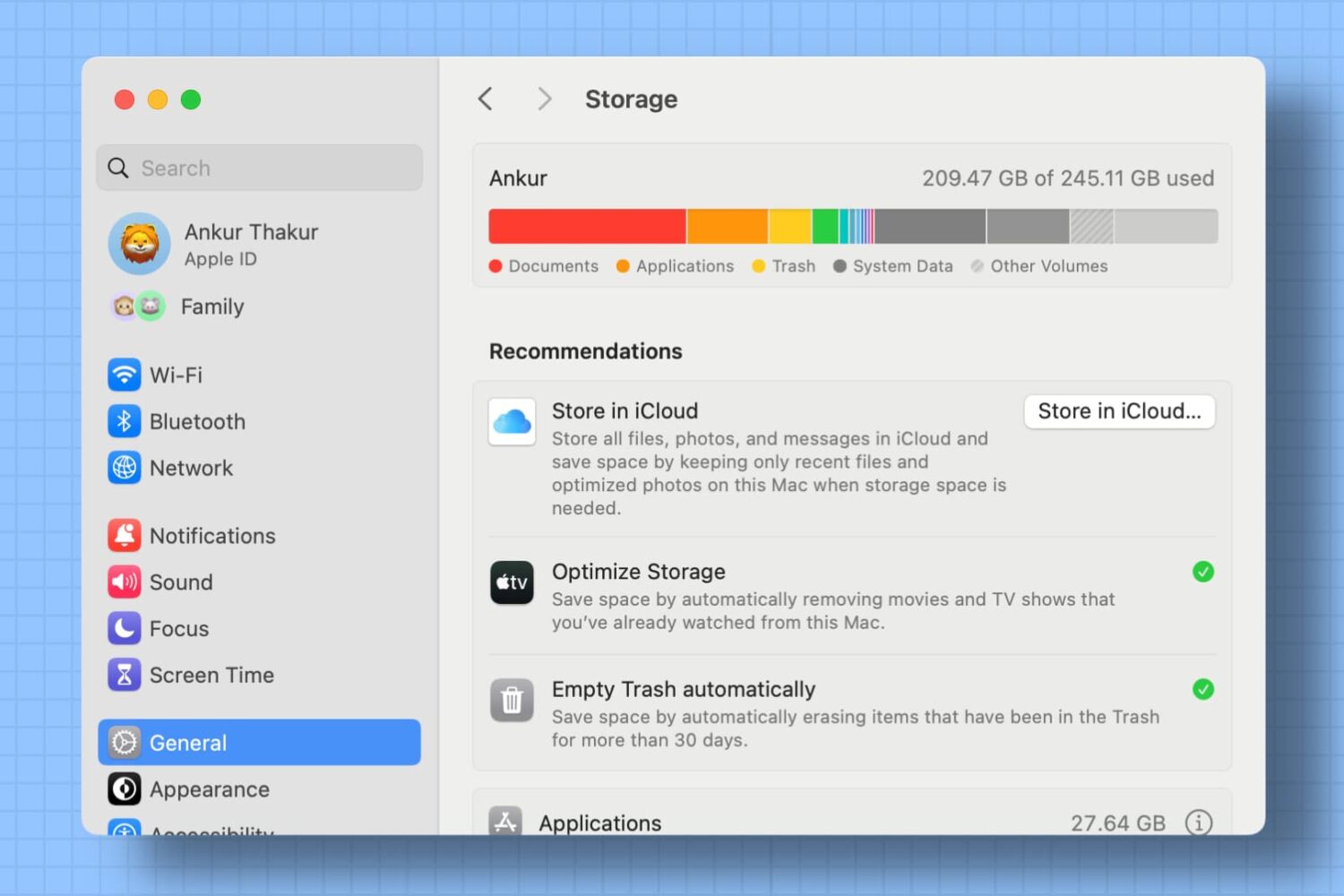
Use the Optimized Storage recommendations on your Mac to free up local space by removing unwanted files or moving infrequently used files to iCloud.
How to use the Optimized Storage features on Mac
Stay up-to-date on the latest Mac news, and tutorials. Get expert tips and tricks to optimize your Mac’s performance and learn about the latest Apple products and software updates. Discover the best Mac apps and accessories to enhance your user experience.
Use the Optimized Storage recommendations on your Mac to free up local space by removing unwanted files or moving infrequently used files to iCloud.

Your favorite assistant finally made its way to the Mac, starting with the macOS Sierra software update.
If you have used Siri on your iPhone or iPad before, then you'll probably feel right at home with the assistant on your Mac since it works in a similar way. However, unlike your iPhone, you don't have the ability to invoke Siri on your Mac by saying "Hey, Siri." Instead, you will have to click on the Siri icon in the Menu Bar, or in the Dock.
Another way to invoke Siri is by using a keyboard shortcut. Admittedly, this is my preferred way of activating the assistant as it feels faster and more efficient than reaching for the mouse or trackpad and clicking on the Siri icon.

Whenever you turn on your Mac, you typically hear a startup tone just before your computer boots up. The tone is there to let you know your computer has passed a pre-boot test and its hardware is working properly.
Some people, however, prefer to boot up their computers in silence. If you're one of those people, we'll show you in this tutorial how you can disable the start-up tone on your Mac.

Learn why your MacBook is reporting the wrong battery percentage and how to fix this problem and have macOS display the correct readings again.
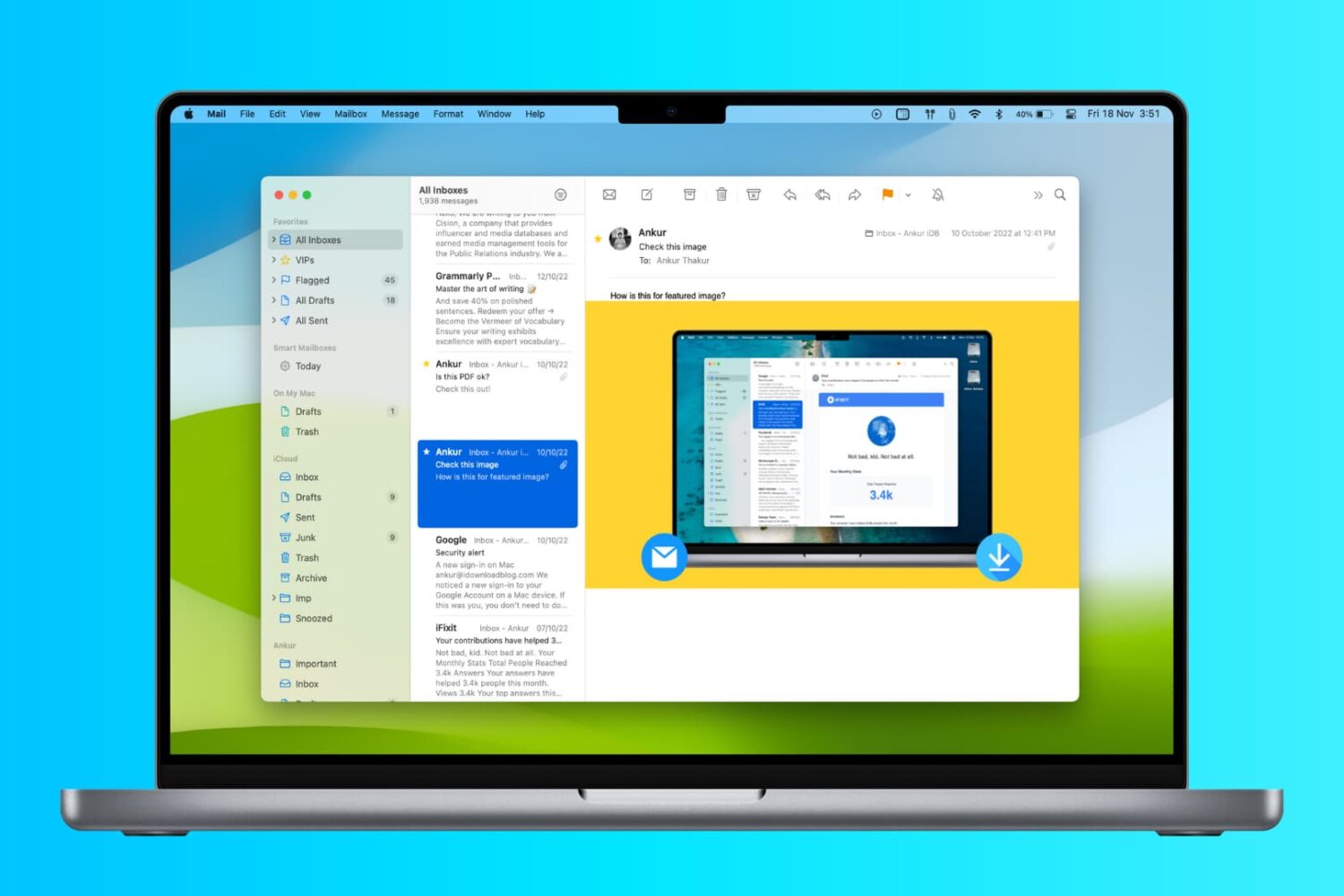
In this tutorial, we’ll show you two ways to display attachments in the Mail app on your Mac as icons to improve readability.

Adding watermarks to photos is an invaluable tool for photographers who want to put a company logo or information on a photograph to share the proper credits that made the photo possible.
It can be done manually in a variety of different kinds of photo-editing software, such as Adobe Photoshop or Pixelmator, but in this tutorial, we'll show you how you can create an applet that automatically watermarks photographs for you.

Slow motion videos are one of the fun aspects of using your iPhone for videogprahy. You can record videos in 120 or 240 frames per second and then watch it play back in a much slower manner than it typically would.
On the other hand, if you don't use your iPhone to capture video, getting the video files from your other devices to transform into slow motion is a little trickier. Fortunately, iMovie for Mac can convert your videos into slow motion, and in this tutorial, we'll show you how.

In macOS versions up until Lion, hovering over an item in Spotlight's search results on your Mac would reveal its full file system path. As of macOS Lion, that's no longer the default behavior—the Spotlight overlay gives you some information about the selected file, but not its location. But don't you worry, Apple hasn't ditched this feature entirely as you can reveal a file's path in your Spotlight search results at any time via this practical keyboard shortcut.

If you have one Mac, and multiple users, then you might use the built-in Parental Controls to manage what those users can and cannot do. Doing so can help the security of your system in many ways.
In this tutorial, we'll show you how to you can essentially copy the Parental Control settings from one of your Mac's users over to another user so they're managed in the same way.

PDF files are among one of the most widely-used forms of sharing documents with others across the internet; especially considering that the idea behind this file type is to have something that is universally readable on any platform.
If you do a lot of PDF handling on your Mac, then it might not be a bad idea to become familiar with how to split a PDF file, so we'll show you how you can do that in this tutorial.

If you have a Mac, then you also have a really useful image importing app called Image Capture lurking in your Applications folder.
To be completely honest, I still use the Image Capture app despite the fact Apple released their new Photos app for OS X last year, and that's because it's a dead simple utility that isn't bloated with extra features I really don't feel like using.
In this tutorial, we'll show you how to use the Image Capture app on your Mac to remove photos or videos from your iPhone or iPad.

Do you have any Mac App Store apps stuck in cyberspace that you don't even know about?
That's a trick question... how are you going to know if you don't check?
In this tutorial, we'll show you how you can check to see if there are any downloads waiting to be completed in the Mac App Store on your Mac.