This tutorial shares some quick and practical ways to improve the quality of video calls on your Mac. The tips here apply to all video conferencing services like FaceTime, Zoom, Skype, Google Meet, Slack, Microsoft Teams, WebEx, Discord, Facebook Messenger, LINE, and more.
Mac
Stay up-to-date on the latest Mac news, and tutorials. Get expert tips and tricks to optimize your Mac’s performance and learn about the latest Apple products and software updates. Discover the best Mac apps and accessories to enhance your user experience.
How to add or remove your credit card details from Safari
Learn how to securely add, update, and remove saved credit and debit cards for Safari Autofill on your iPhone, iPad, or Mac.
How to upgrade your smart home to Apple’s new architecture
Upgrade to the new smart architecture in Apple's Home app to make your HomeKit appliances perform faster and more reliably than before.
How to turn a PDF into an audiobook or have your computer read it out
Check out six free ways to convert a PDF into an MP3 audio file or have your computer read the PDF aloud to you.
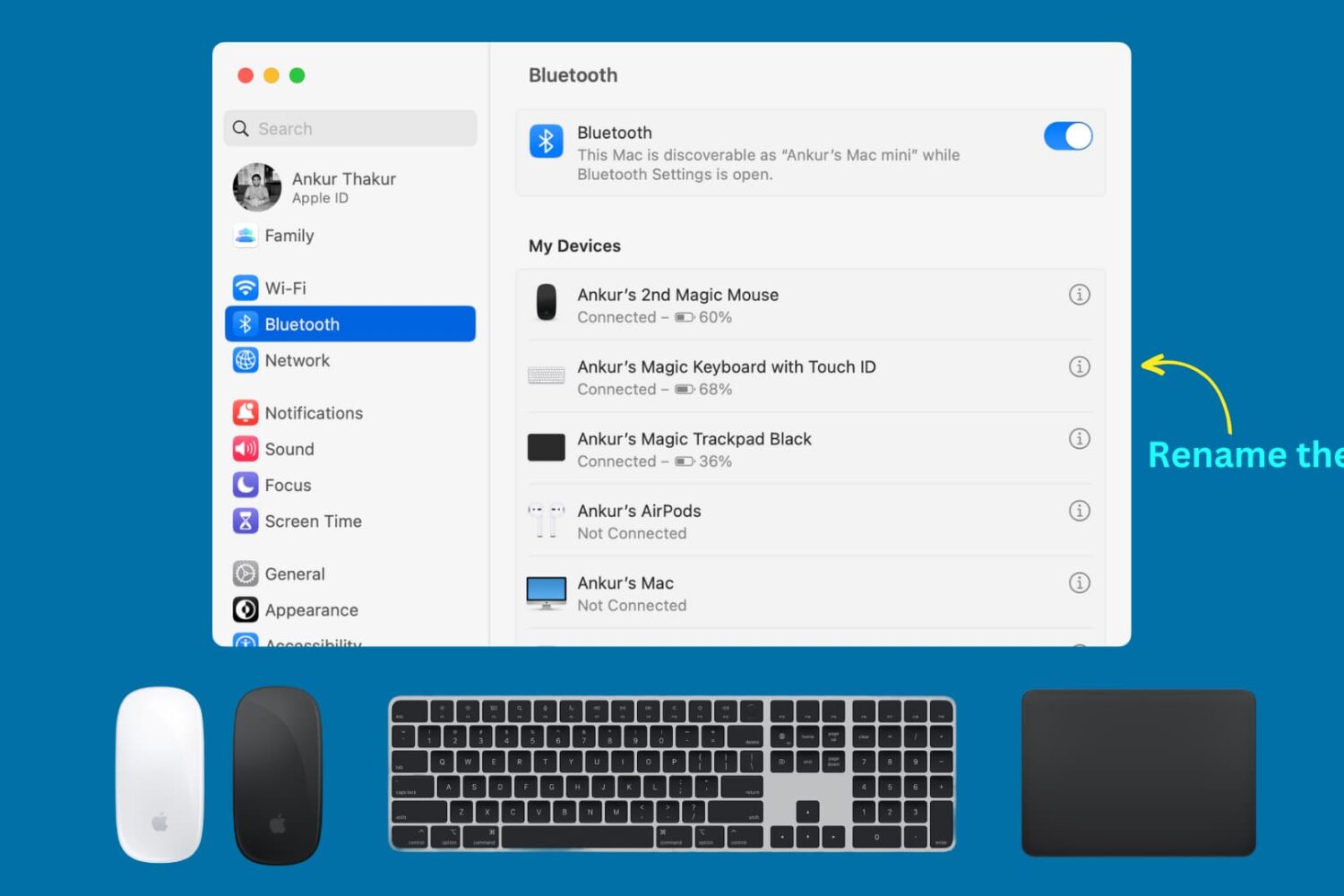
How to rename Magic Mouse, Keyboard, or Trackpad on Mac (and what to do if you can’t)
Learn how to rename your Apple Magic Keyboard, Magic Mouse, or Magic Trackpad so that macOS displays these Mac accessories with custom names instead of default ones.
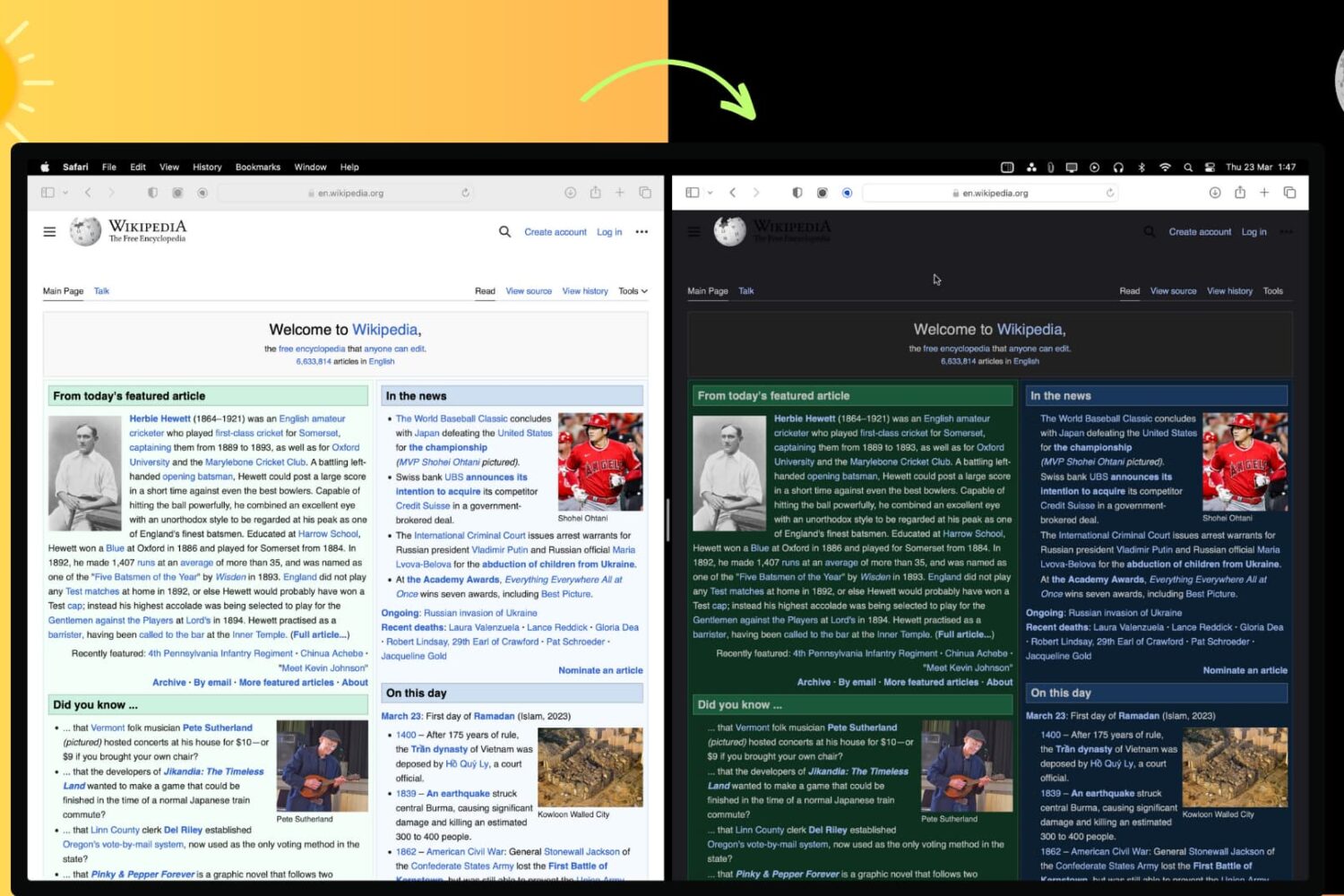
How to force Dark Mode for any website on Mac or PC
In this article, we'll show you how to use the right browser extensions to enable Dark Mode on every website in Safari, Google Chrome, Edge, Brave, Opera, and Firefox on your Mac or Windows PC.
Fix Google Chrome feeling slow or freezing on Mac
In this comprehensive troubleshooting guide, we provide all the solutions to fix slow or unresponsive Google Chrome on your Mac and restore optimal performance.
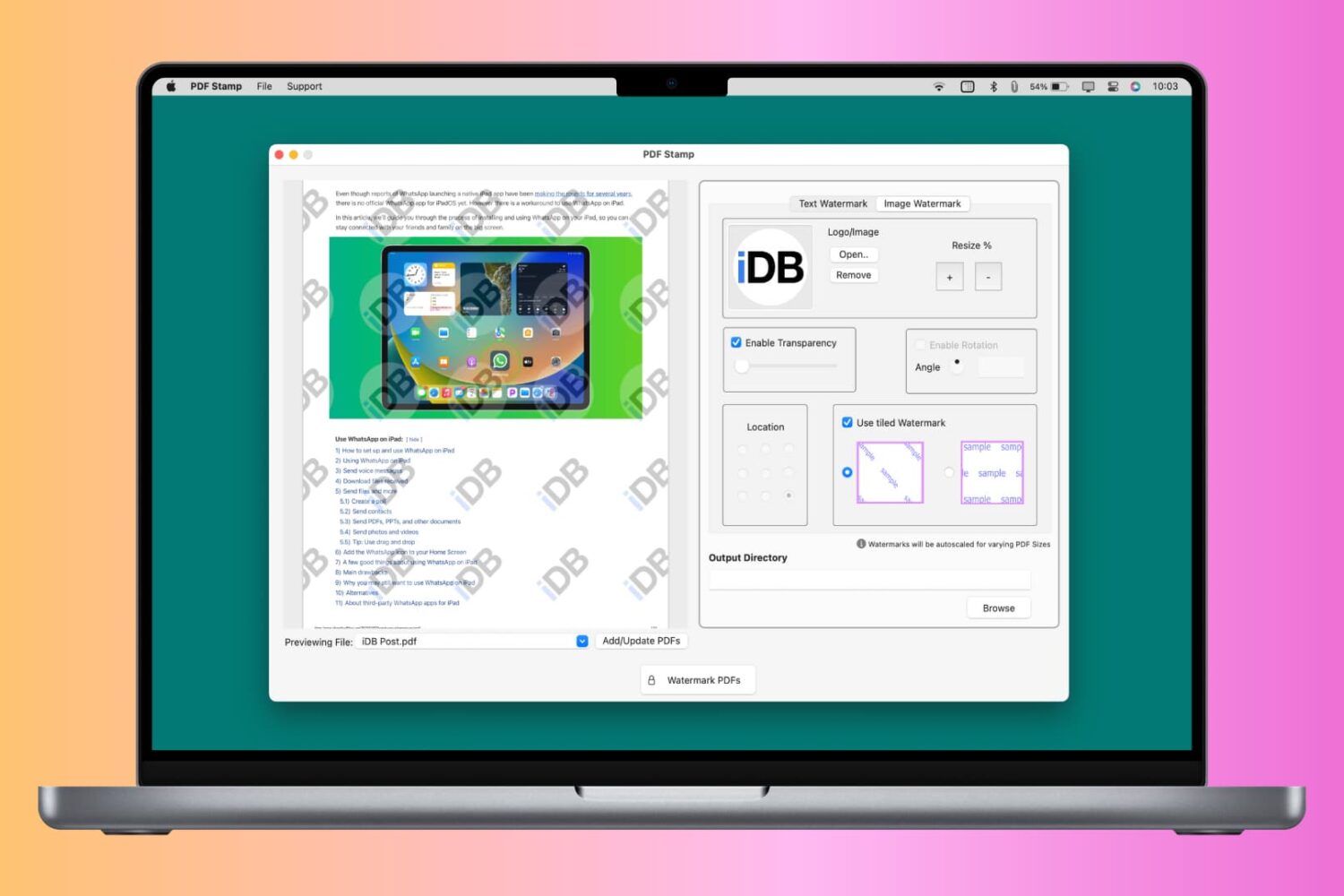
How to add a text or image watermark to your PDF for free on iPhone, iPad, and Mac
You can watermark your PDF with text, logo, or image to let people know that the PDF is private, confidential, or created by you or your organization. Though a watermark can’t prevent content theft, it certainly can prevent misuse and help convey that you’re the creator or owner of that PDF.
So, whether it is for school, work, or personal use, this tutorial will show you how to watermark PDFs for free on your iPhone, iPad, and Mac.
Customize the automatic sleep time of your Mac’s display
Learn how to change your Mac’s sleep time settings to adjust when the screen turns off automatically and explore related options.
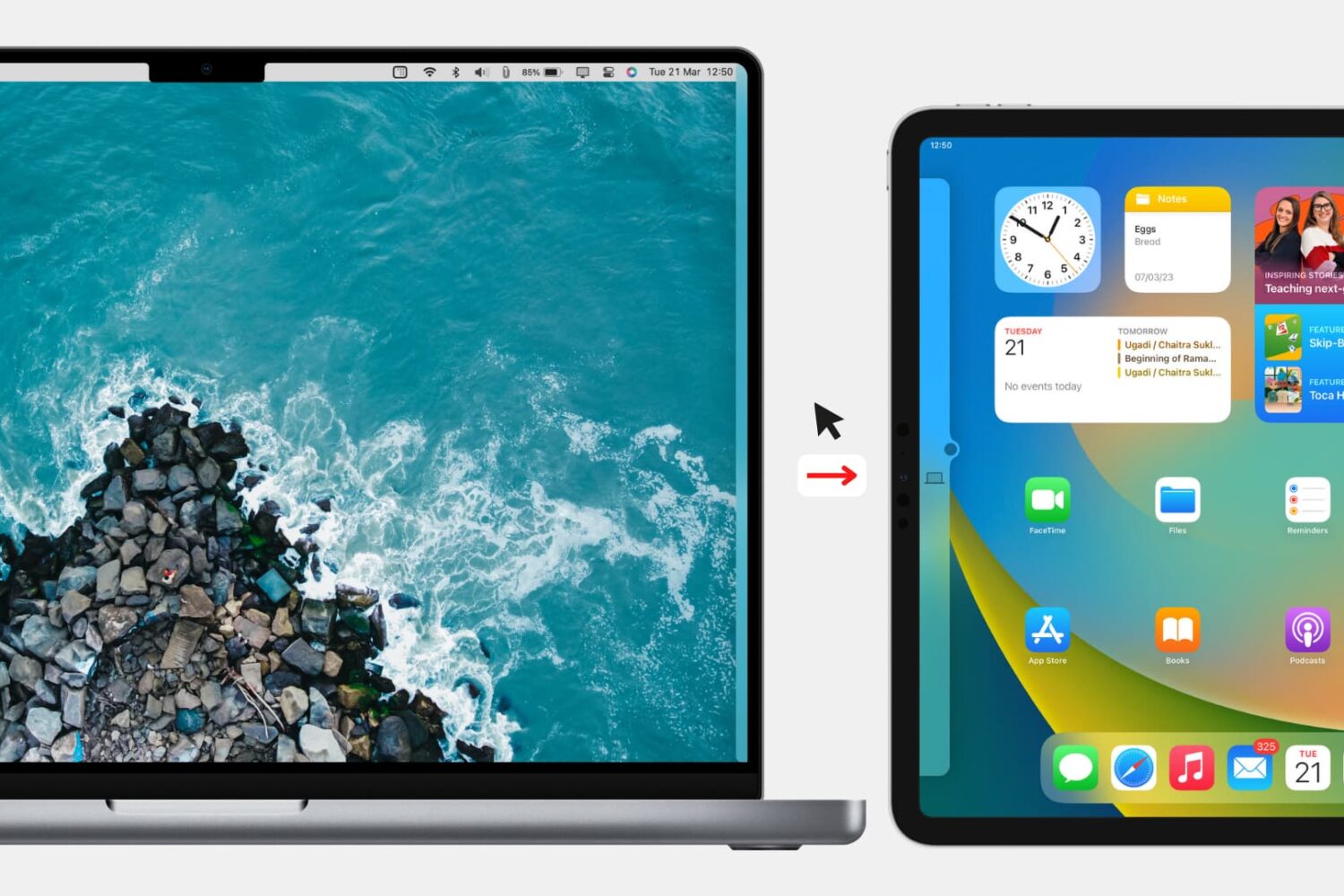
How to block Mac from extending its mouse & keyboard to iPad or other Mac
Check out the quick steps to block your Mac’s keyboard, mouse, and trackpad from being used on a nearby iPad or other Mac.
How to access Google’s Bard AI chatbot, its conversational rival to ChatGPT
Follow these steps to access the Bard AI chatbot, Google’s ChatGPT rival, using a browser on your iPhone, iPad, Mac or other compatible devices.
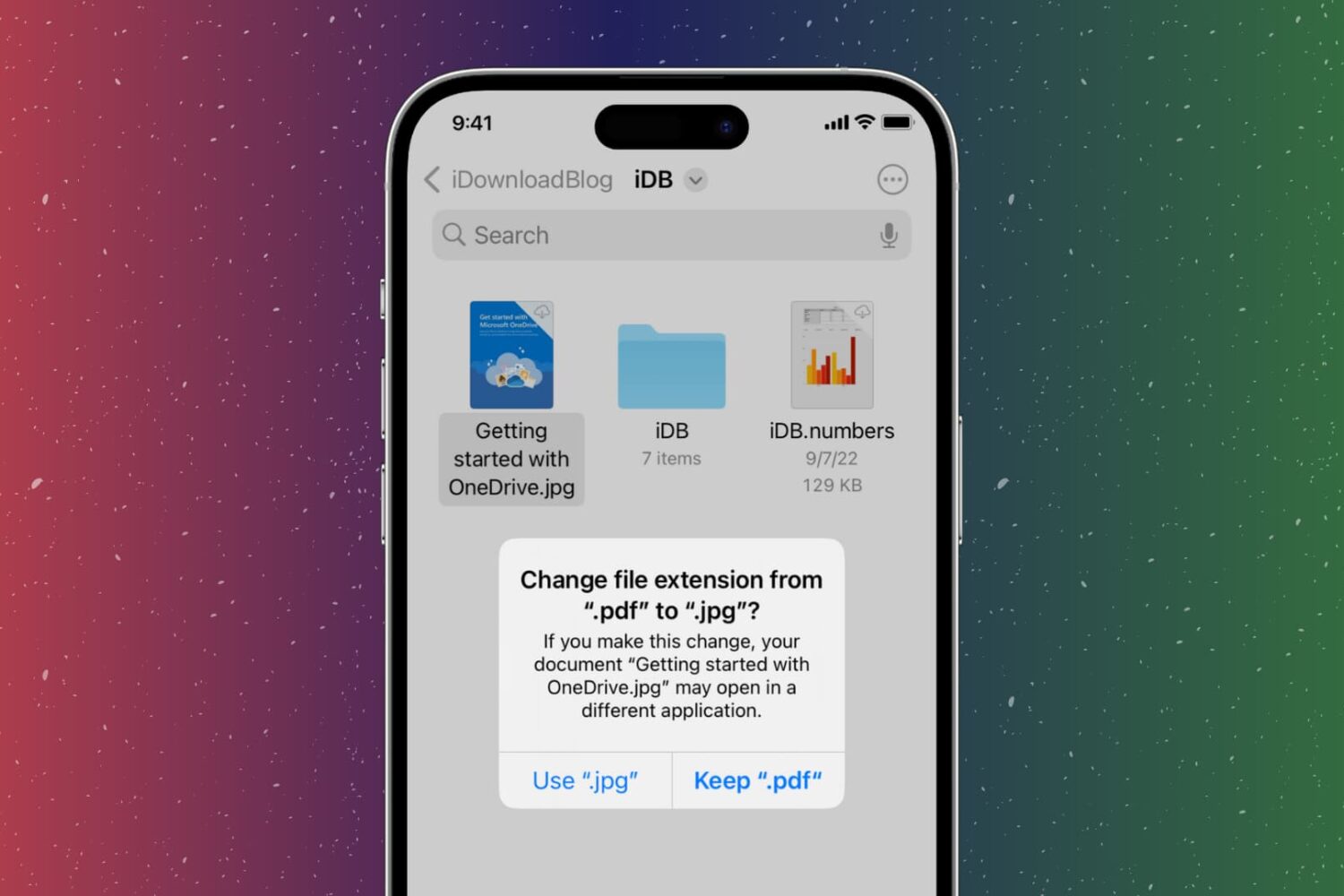
How to change the file extension on iPhone, iPad, Mac
In this step-by-step tutorial, we show you how to change the extension of an image, video, audio, document, or other file on your iPhone, iPad, or Mac, why you might want to do that, and potential issues to avoid.