Lockscreen

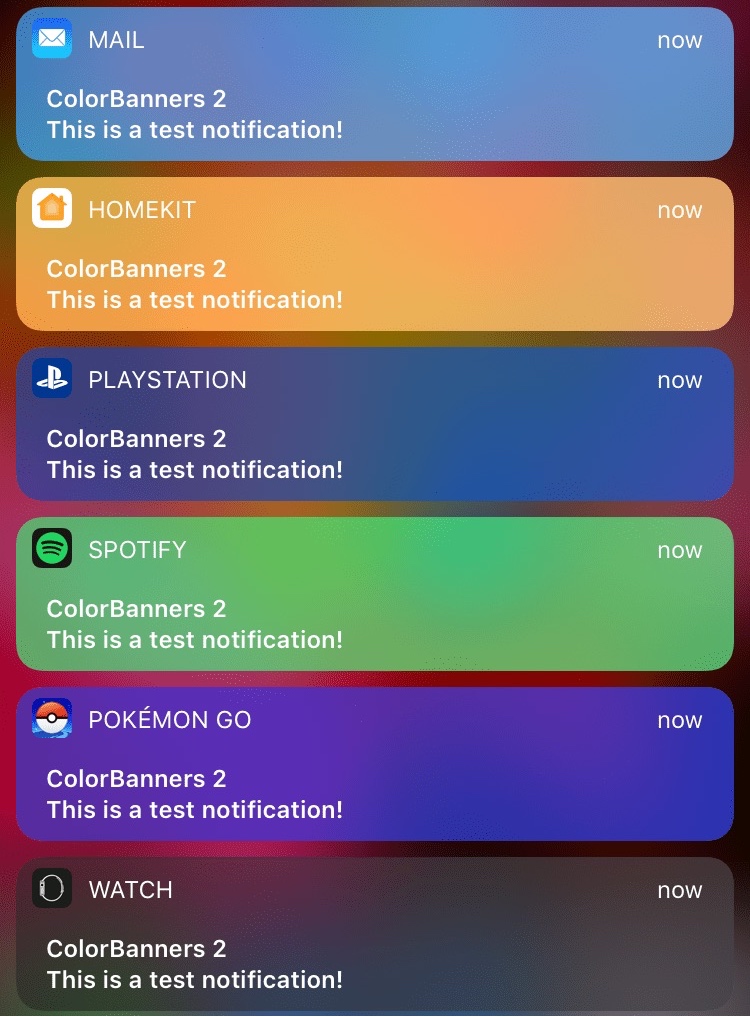
ColorBanners 2 adds a splash of color to your notification banners

When iOS 10 launched, there was quite a bit of gasping at the appearance of the new notification banner style throughout the operating system, including those that appear in apps, on the Lock screen, and in Notification Center.

Fortunately, a jailbreak tweak called ColorBanners 2 by David Goldman can help you to make your notifications a little easier to look at, as it lets you to colorize them in nearly any way you’d like.
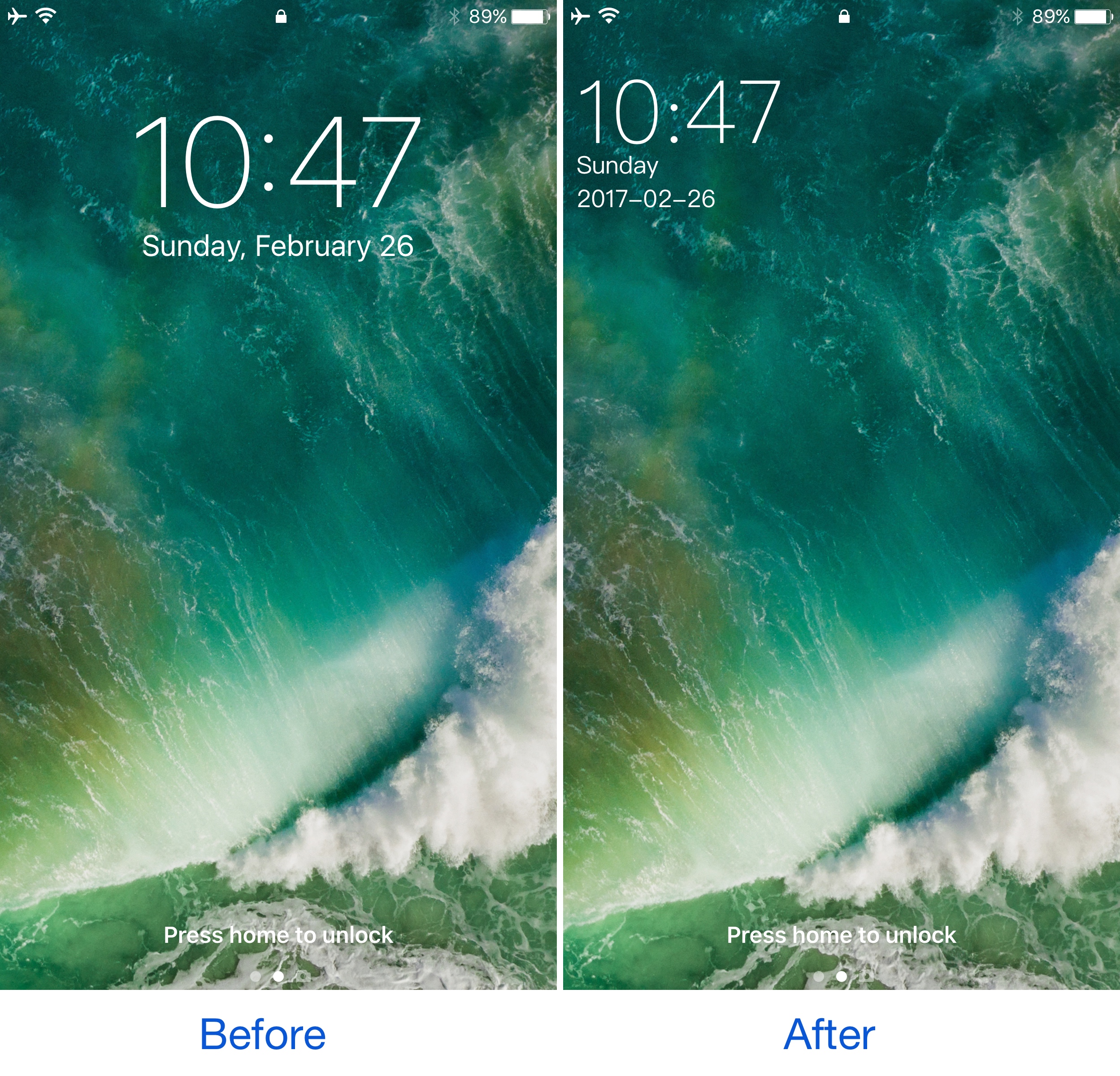
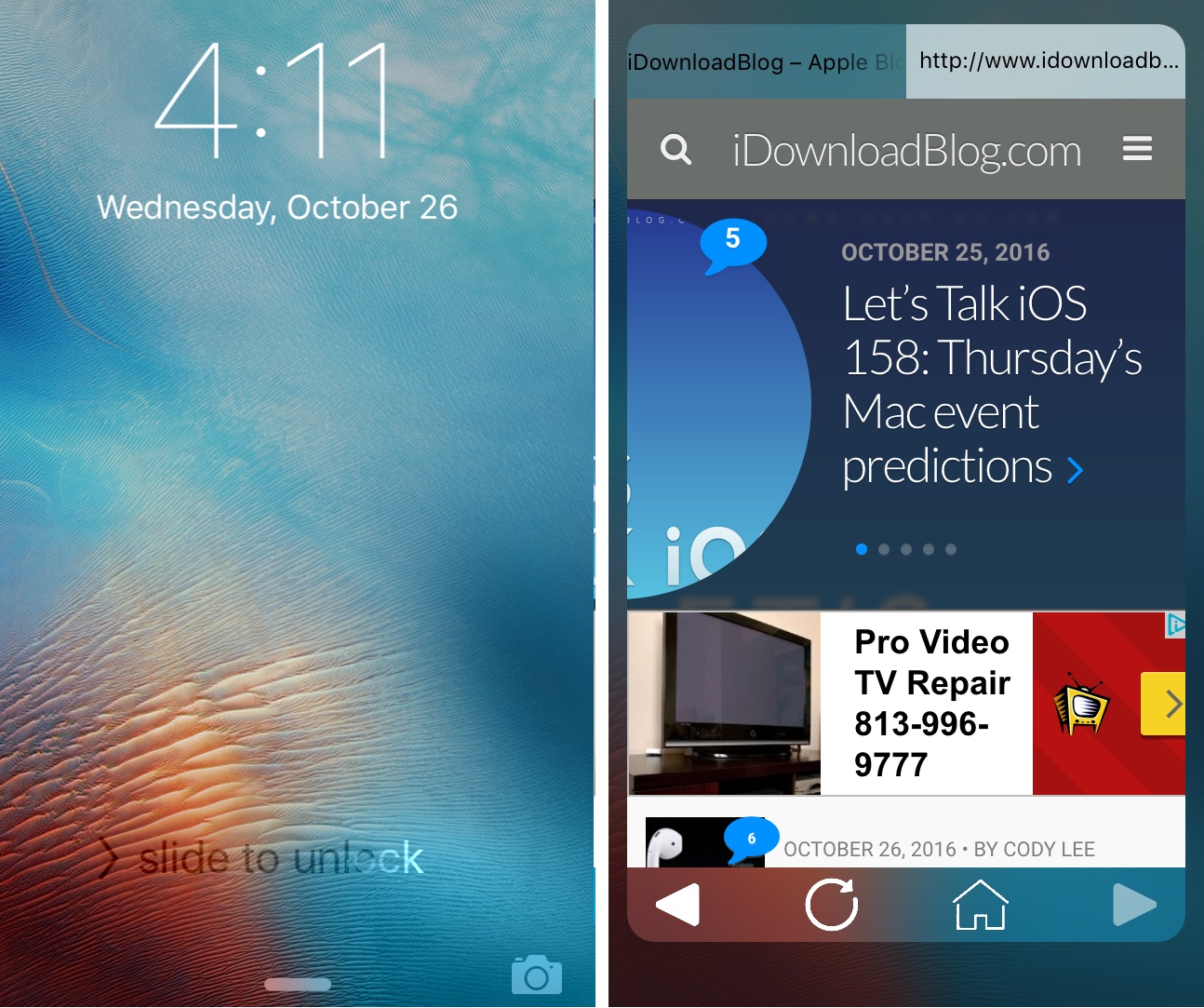
This tweak shrinks and relocates the Lock screen’s date and time indicator

A few years ago, a popular jailbreak tweak called SubtleLock rearranged some of the Lock screen’s information pieces to reduce their visual footprint and put more emphasis on the wallpaper you’ve chosen. Unfortunately, despite its popularity, it hasn’t been updated for iOS 10.

Despite the lacking support for those who have recently jailbroken iOS 10 with Yalu, users can now flock to an alternative: a jailbreak tweak called SimpleLSiOS10 by XCXiao. This tweak carries on the minimalist legacy SubtleLock started and never finished.

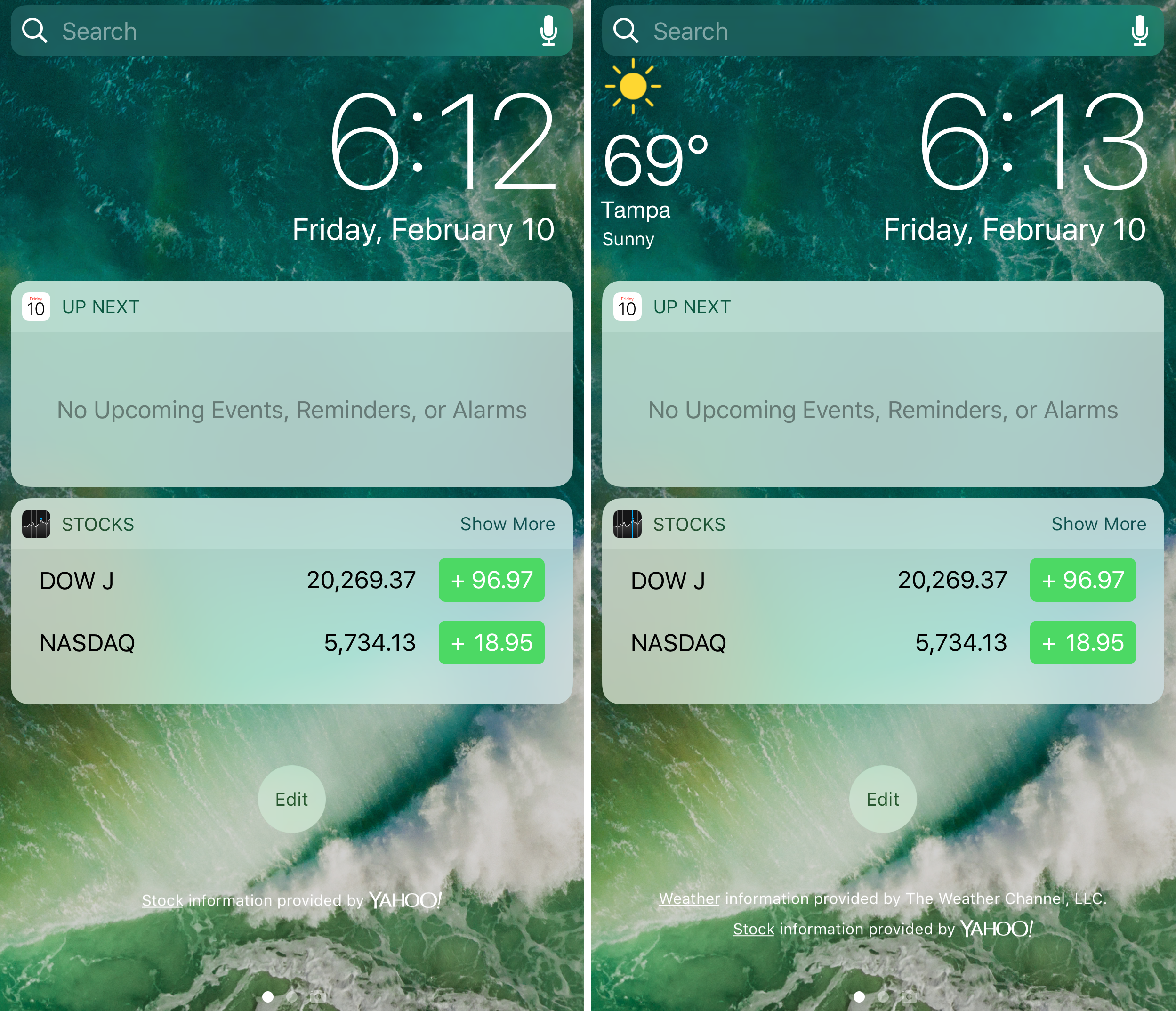
DisplayWeather 10 puts weather info at the top of the Notification Center and Lock screen widget pages

While the Lock screen and Notification Center have each become much more functional and informative in some of the latest versions iOS, it’s still possible to improve on them, and jailbreak developers are taking note of this.

A new free jailbreak tweak called DisplayWeather 10 by pxcex puts your weather information to the left of the date information in each of these interfaces, letting you dedicate the space that would normally be taken up by the weather widget to other widgets instead.

TapticPasscodeButtons adds haptic feedback to your passcode buttons

Lots of people are fans of haptic feedback, and now that most of the latest iPhones have that sleek taptic engine instead of a clunky vibration motor, those haptic responses are even better to feel than ever.

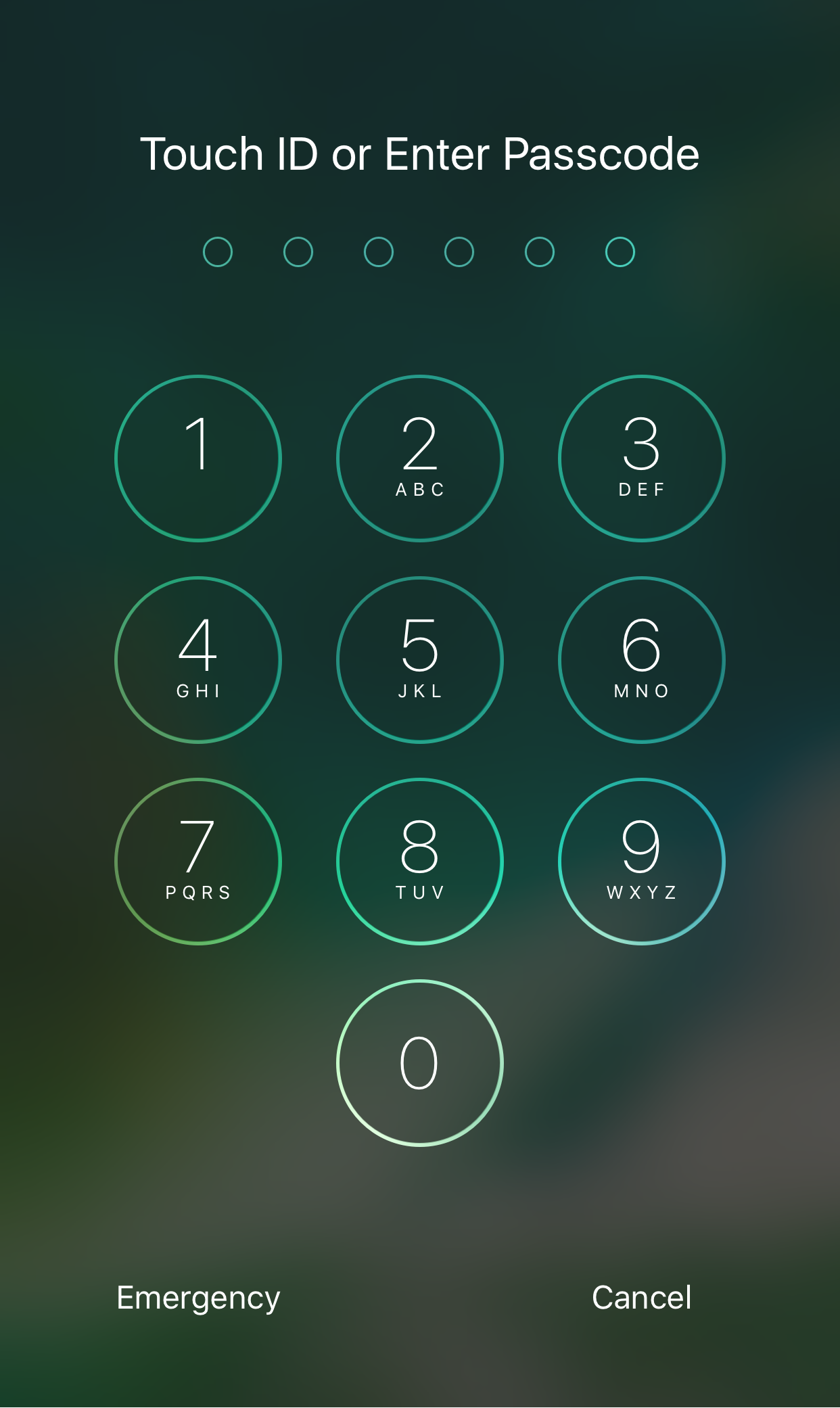
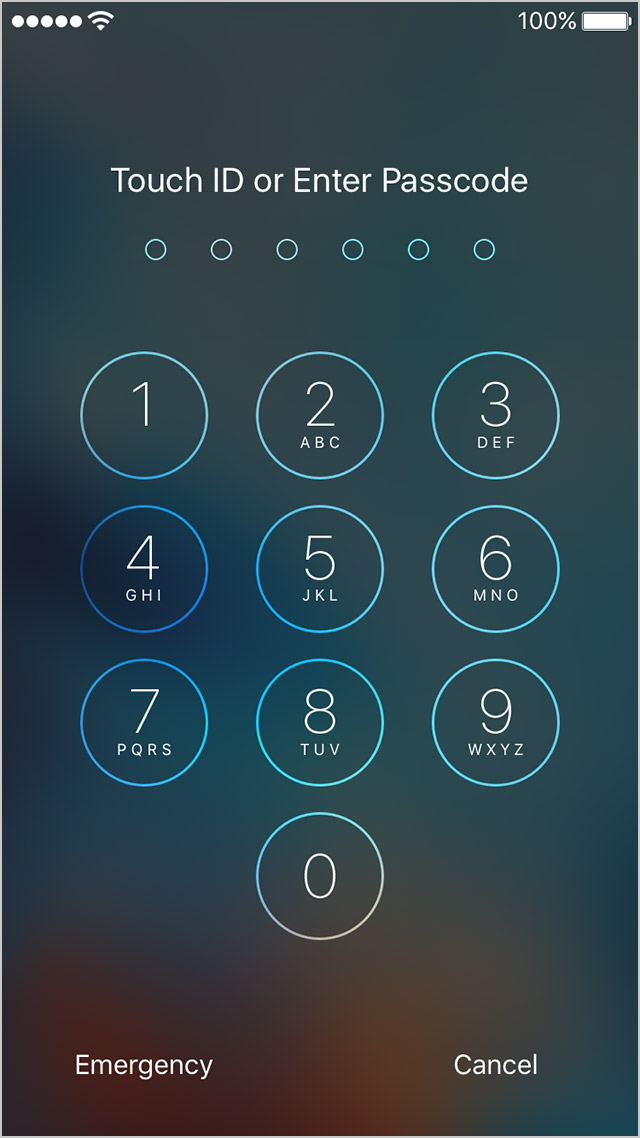
A new free jailbreak tweak called TapticPasscodeButtons brings that satisfying haptic feedback to the passcode buttons on your Lock screen, and it taps into the power of the taptic engine we previously mentioned in order to do it.

LargeCCKnobs brings iOS 10-style slider knobs to your iOS 9 device

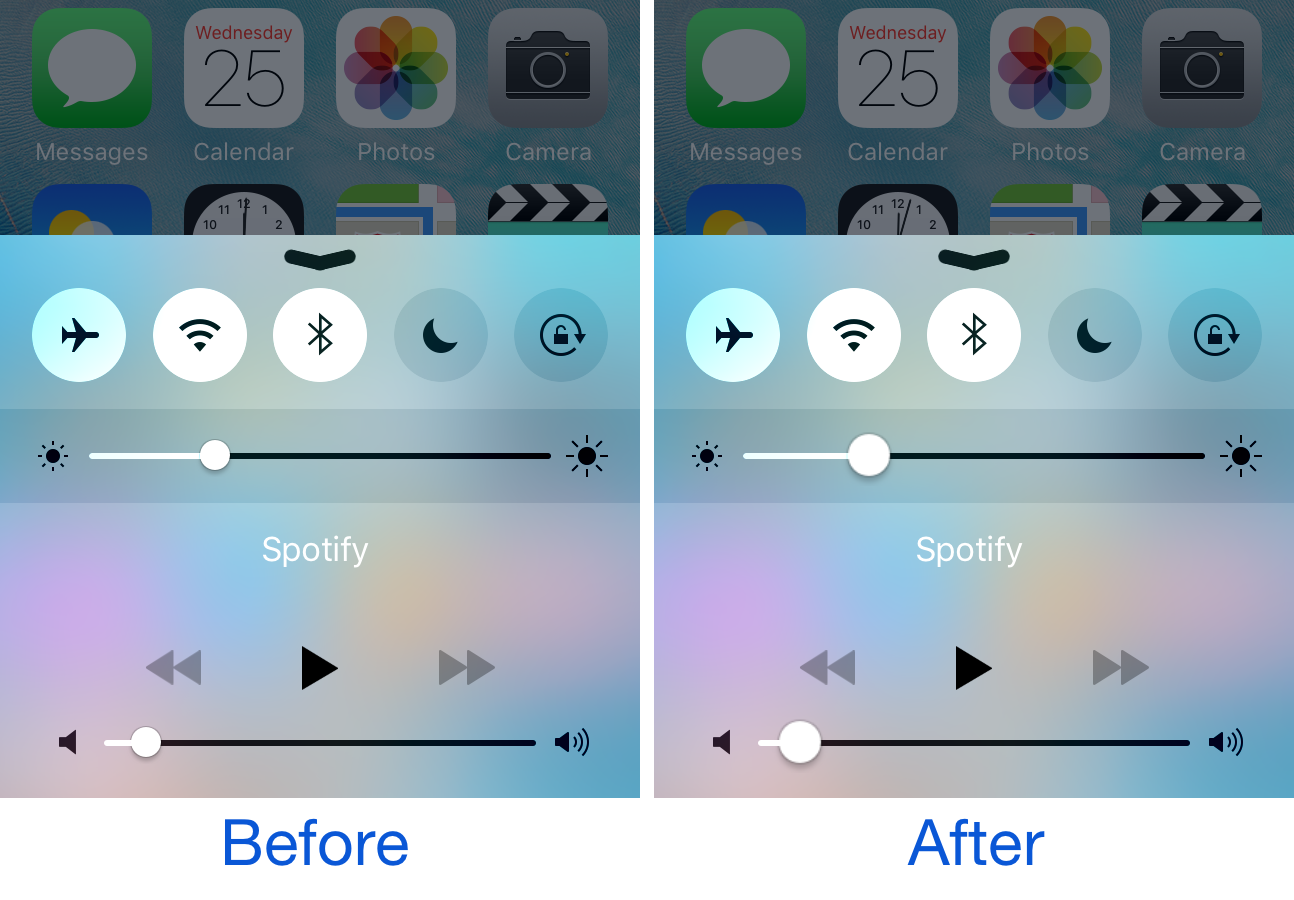
One of the things Apple changed from iOS 9 to iOS 10 is the size of the knobs that appear on the adjustment bars for volume level and song scrubber. The latter has larger knobs, which make grabbing onto them a little easier than in earlier versions of iOS.

If you’re jailbroken on iOS 9, and you want the same characteristics from iOS 10 to fall in your lap, then you’ll find a new free jailbreak tweak called LargeCCKnobs quite useful.

LockLaunchApp brings up to six app shortcuts to your Lock screen

We’ve all got those special apps on our iPhones that we use more than the others, and a jailbreak tweak called LockLaunchApp intends to make accessing them easier.

As the name suggests, it will put an app launcher on your iPhone’s Lock screen that can support up to six of your favorite apps, and best of all, you can customize the appearance of the launcher too.

NoLockGestures disables most swipe gestures on the Lock screen

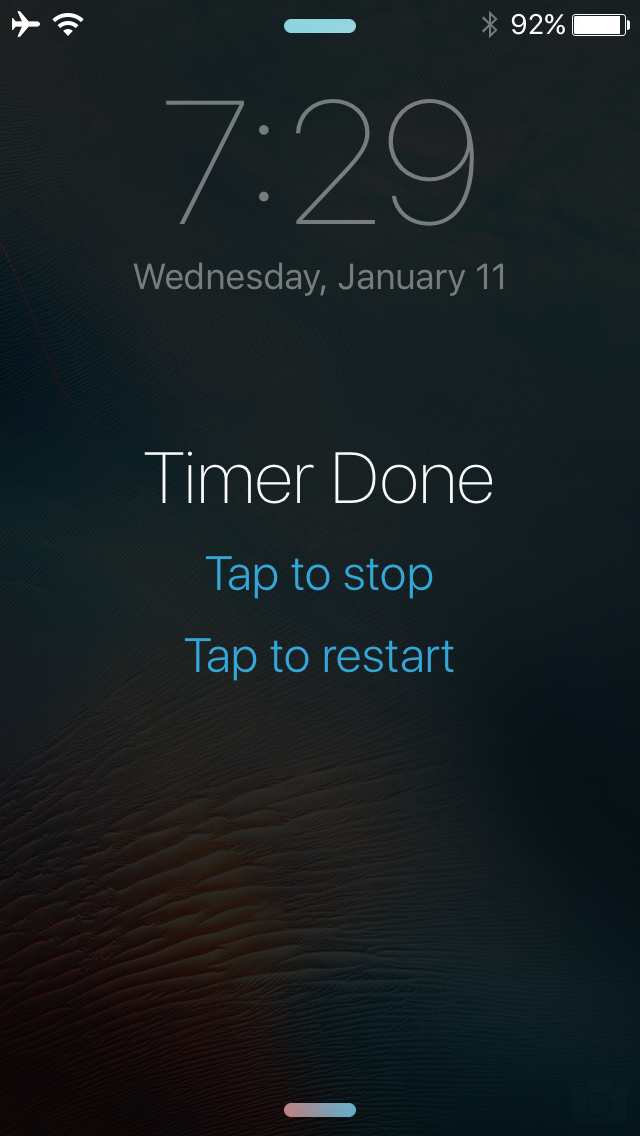
There are all kinds of swipe gestures you can access on the Lock screen, such as opening Control Center or Notification Center and even using the camera grabber to quickly take a point-and-shoot photo.

While some people like these little shortcuts, not everyone wants them there all the time, so a new free jailbreak tweak called NoLockGestures lets you easily disable all these swipe gestures on demand.