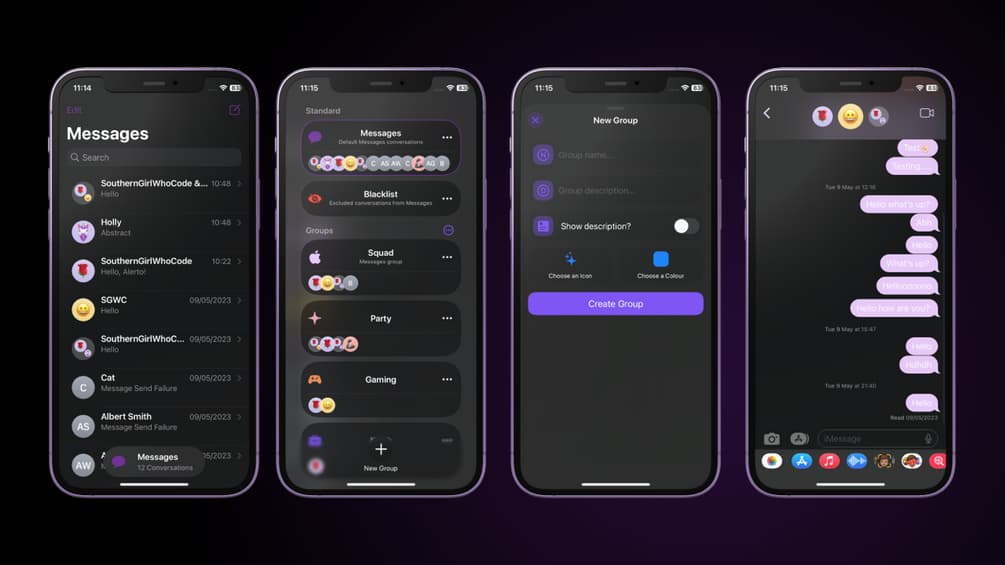
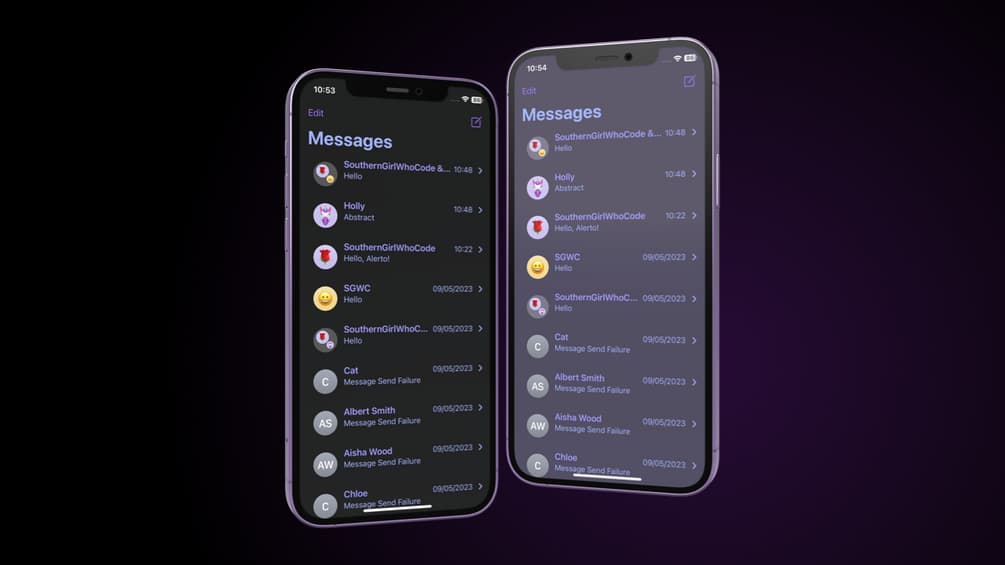
When you get a notification on your iPhone, you will receive a banner with a preview of the contents of your notification either at the top of your screen or on the Lock Screen.
Check out the most comprehensive jailbreaking coverage on the internet, including the latest news, apps, tweaks, and detailed tutorials about everything jailbreak.
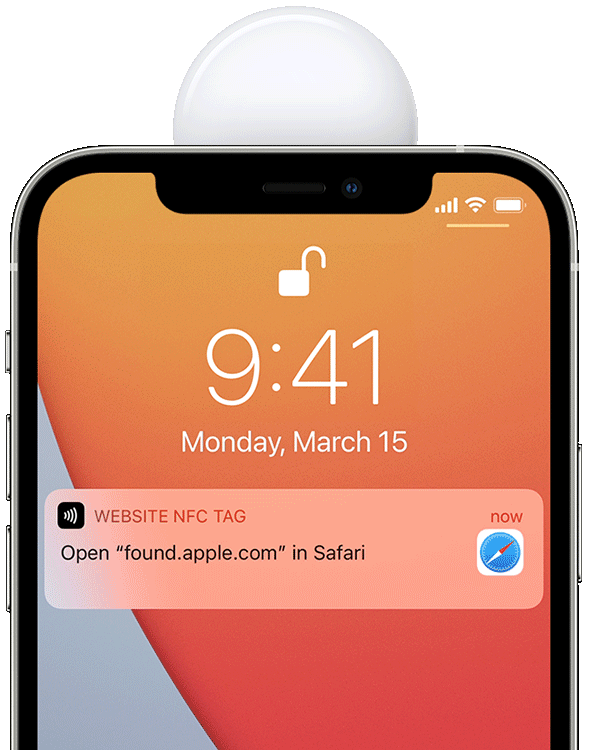
When you get a notification on your iPhone, you will receive a banner with a preview of the contents of your notification either at the top of your screen or on the Lock Screen.
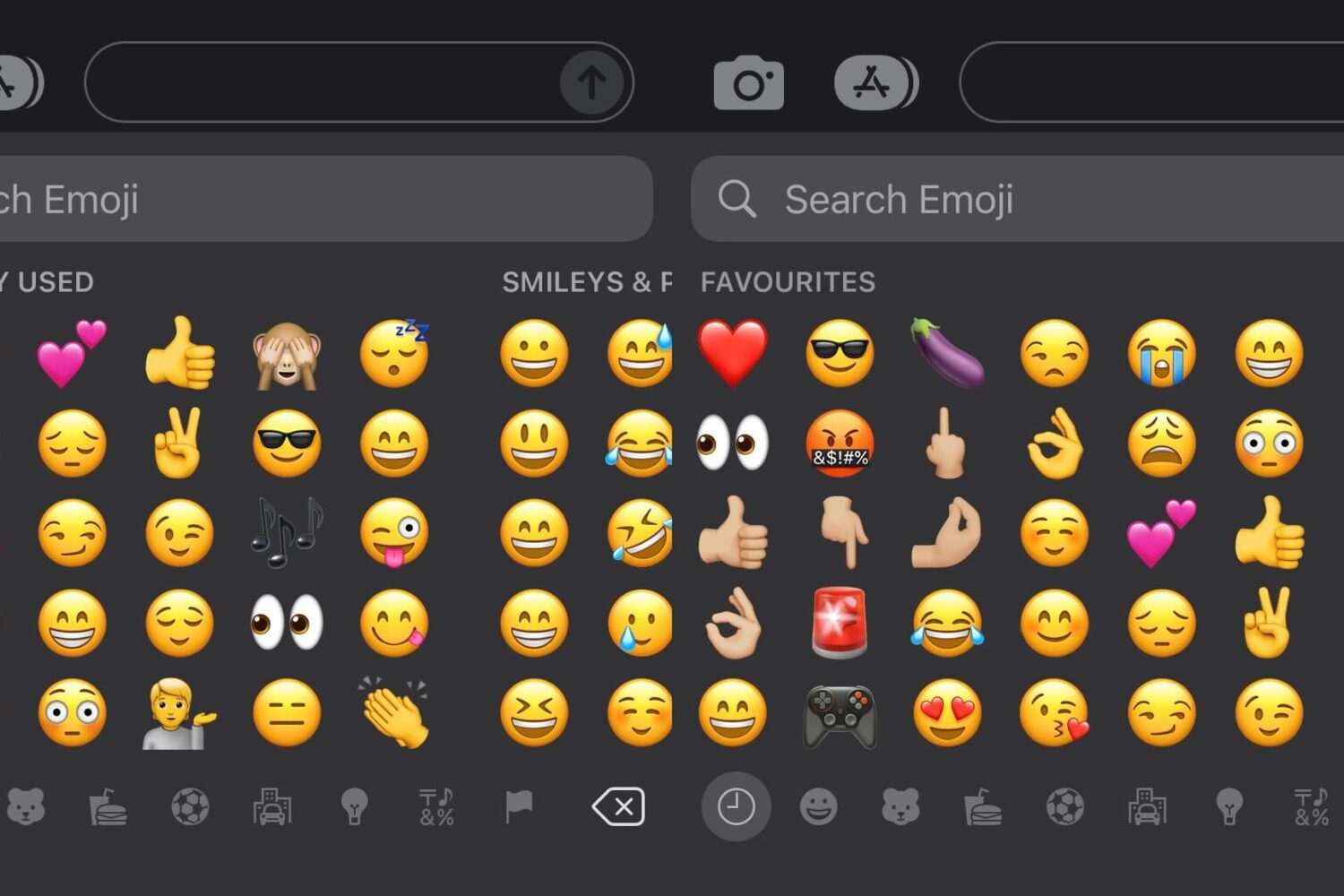
Emojis are a fun way to express yourself in text messages or on social media, but when you go to input the Emoji you want, you might find yourself being presented with suggested Emojis in the ‘Favorites’ section of the Emoji keyboardthat you don’t really want to use.
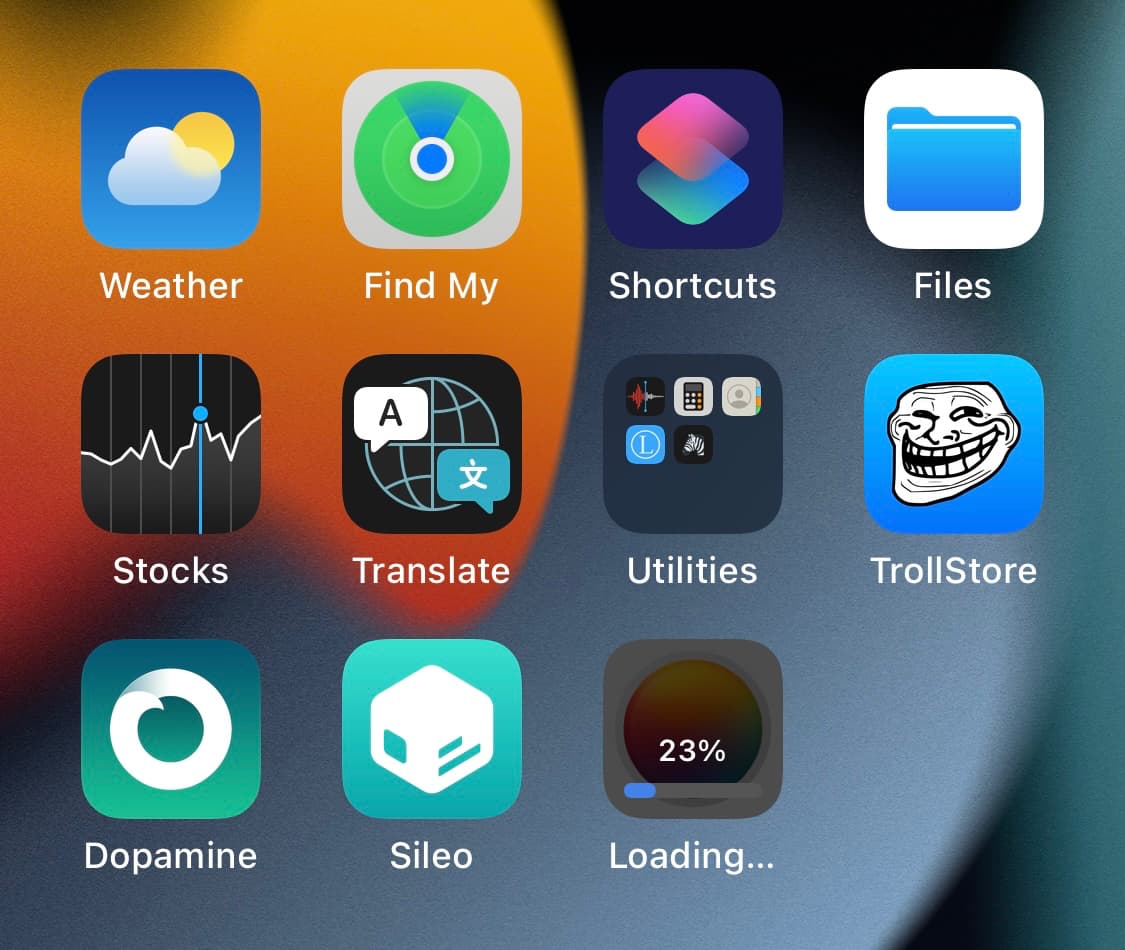
When you download apps from the App Store, you’re going to see a pie graph-style progress indicator that depicts the stage of the app’s download and install completion in real time.
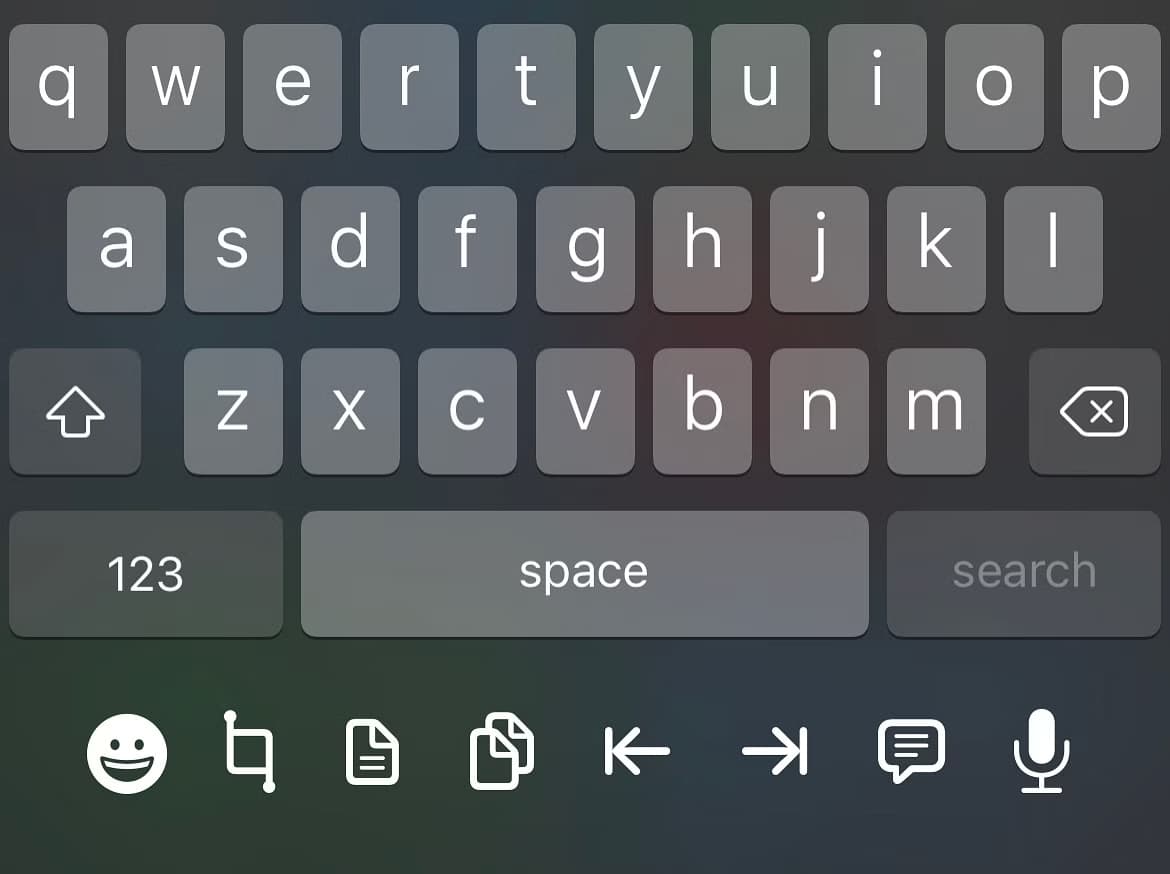
Anyone who does a substantial amount of typing on their iPhone could probably benefit from the likes of a newly released jailbreak tweak called UnderDock by iOS developer p2kdev, as it makes better use of the blank space under the keyboard on notched iPhones by providing handy workflow-enhancing shortcuts there.
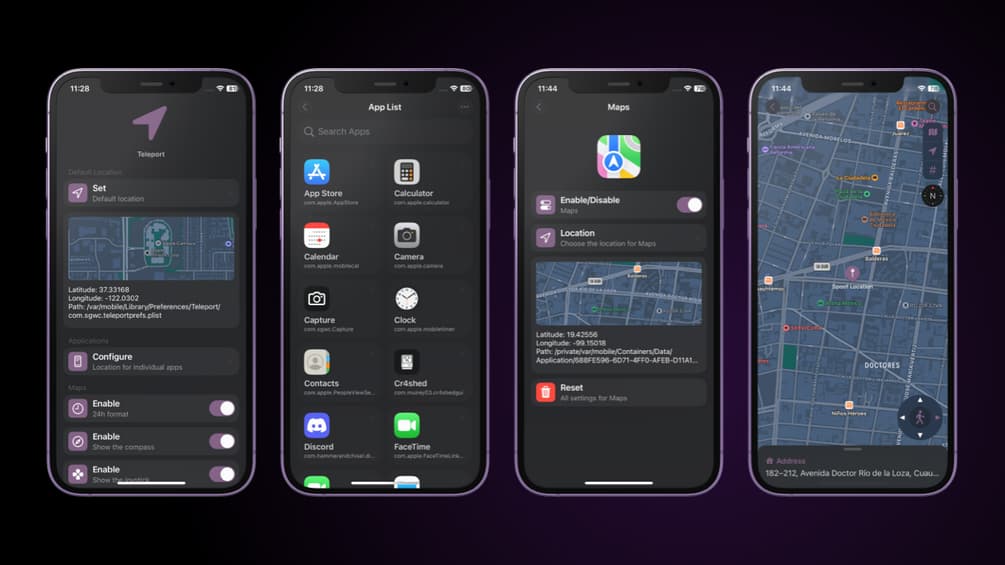
Almost everyone can relate to a situation where they might have wanted to spoof their iPhone’s true GPS location. After all, doing so can get you around certain app restrictions and unlock capabilities that aren’t available in your region or provide an advantage in certain location-based games.
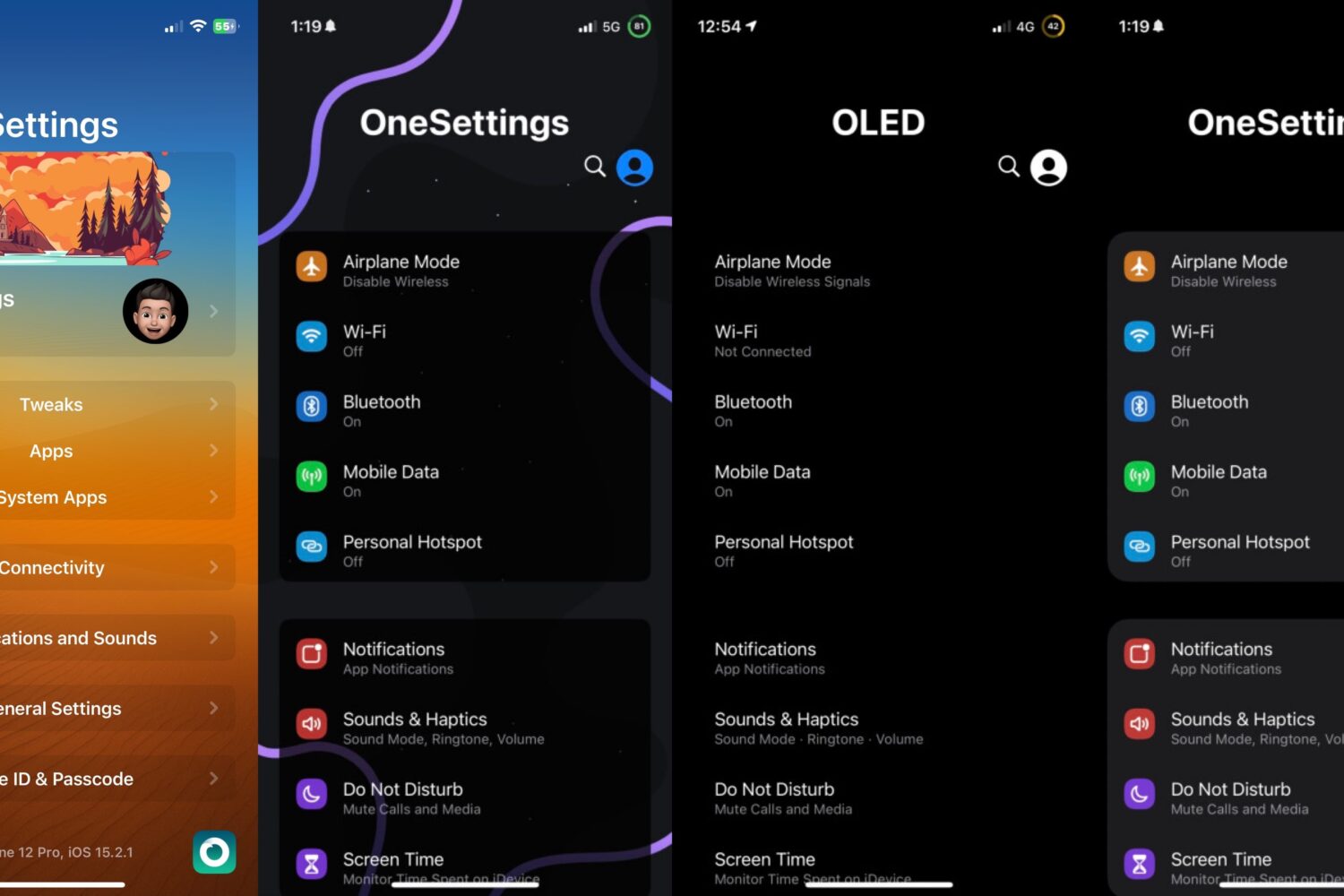
Just a couple of years ago, we showed you a jailbreak tweak called OneSettings by iOS developer Nightwind that could mimic the Settings layout of Samsung’s OneUI on the iPhone.
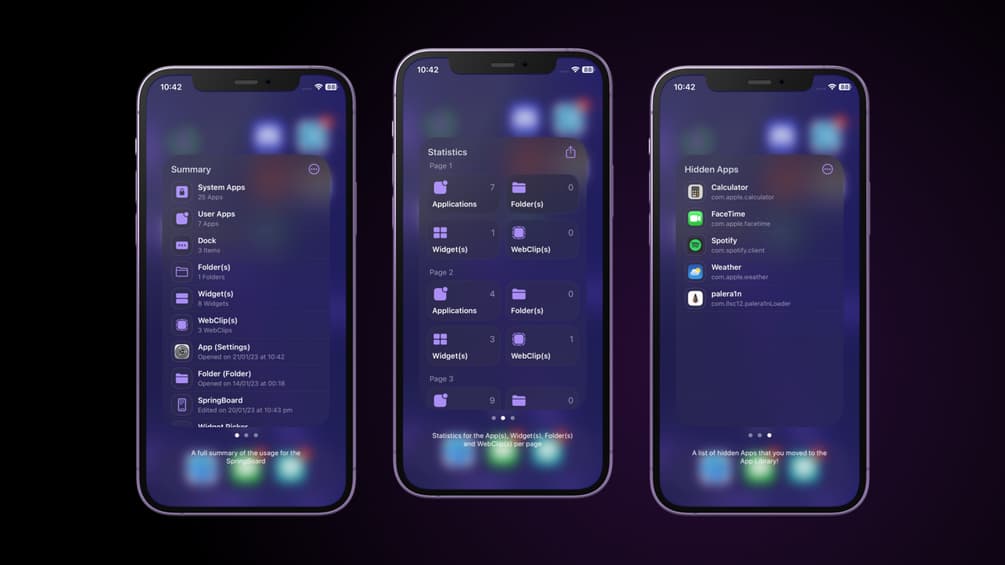
If you’re of the curious variety who likes to know more about how they use their device, then you might take an interest in a new jailbreak tweak called Statix by iOS developer SouthernGirlWhoCode.
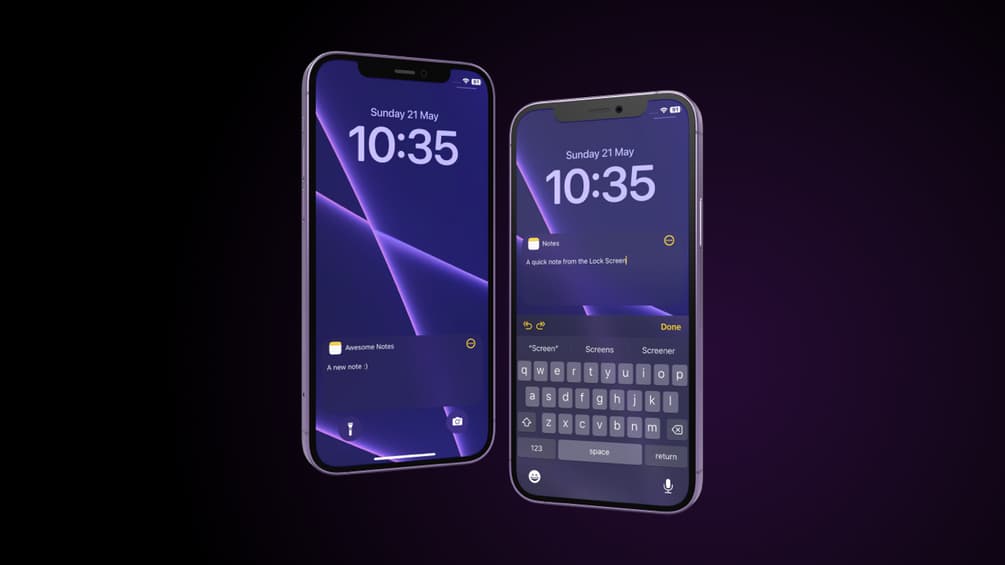
We’ve all been in one of those situations where it would have been so helpful if we could have just jotted something down in a jiffy, but when it comes to making a note, life comes at us fast and often doesn’t wait for us to authenticate ourselves via biometrics or passcode, find the Notes app on our Home Screen, launch it, and then compose a new note.
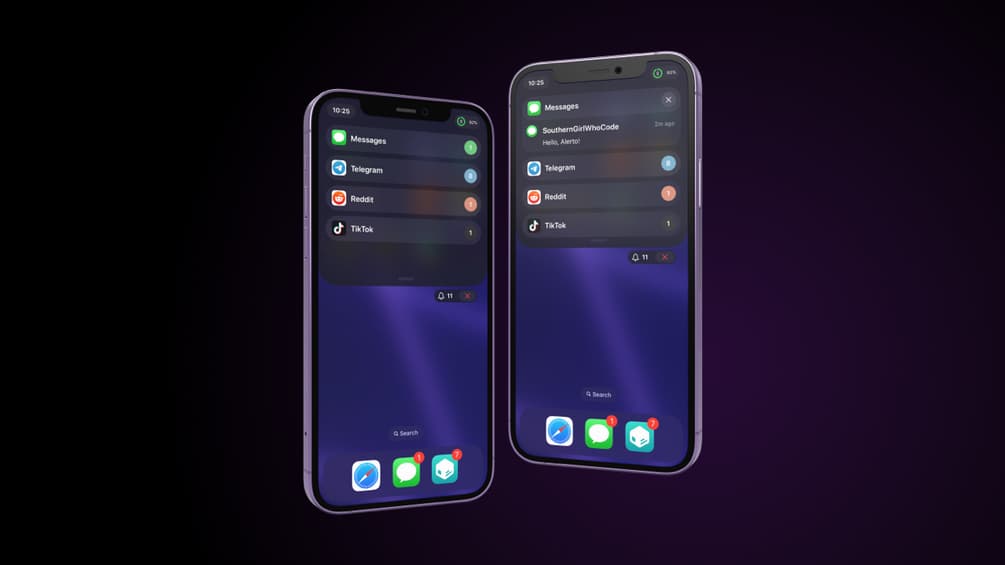
Newer iterations of iOS have placed additional emphasis on the Lock Screen’s user experience, bringing with it a complete redesign with new features that are intended to lend more user configurability. But other parts of the user interface have been neglected, with Notification Center being a prime example of that.
If you’ve been looking for a place to catch up on all the latest changes in the iPhone and iPad jailbreak community lately, then you’ve found it!