Jailbreak

Check out the most comprehensive jailbreaking coverage on the internet, including the latest news, apps, tweaks, and detailed tutorials about everything jailbreak.

Saurik brings AFC2 support to iOS 8

For those of you who prefer to manage iOS's file system via USB, we have some good news for you. Saurik recently pushed an AFC packaged called Apple File Conduit 2 to jailbroken iOS 8 users. The package, which is downloadable from Cydia right now, allows users to browse the entire iOS root file system when your device is connected to your computer via USB.

HomeScreen Settings 7 lets you preview various settings from the Home screen

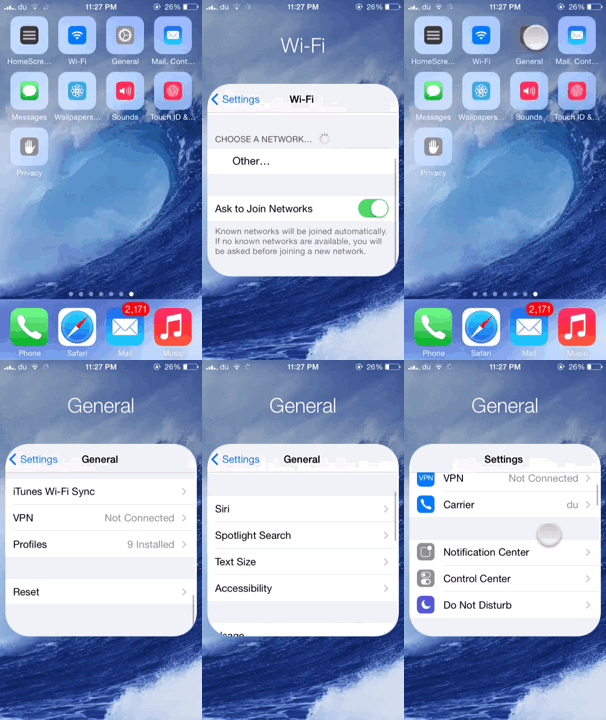
We've seen tweaks that provide quick access to various settings by making use of Activator gestures, however HomeScreen Settings 7 is a brand new jailbreak tweak by popular jailbreak developer Elias Limneos that offers a unique functionality to quickly access some of your settings directly from the Home screen.

HomeScreen Settings 7 allows users to add any settings to the Home screen and directly access them from there without opening the Settings app. The settings appear as icons on your Home screen which look quite similar to the folder icon. Tapping on any one of them displays a small folder-like settings page which you can interact with.

LockSpeed adds your favorite contacts to your Lock screen

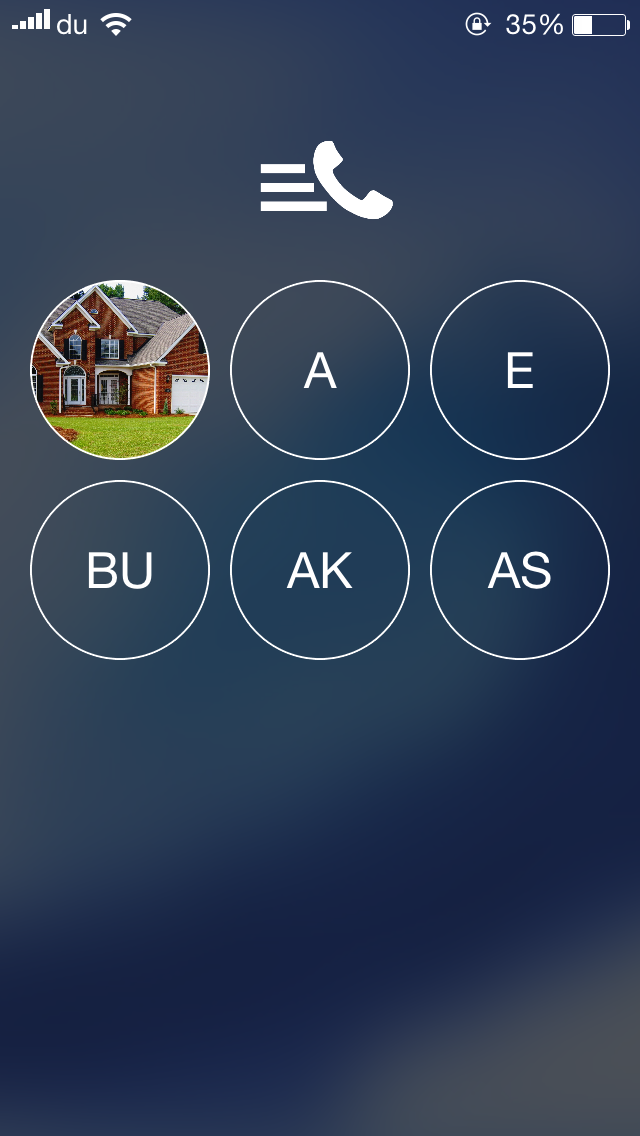
One of the useful features of the Phone app is the 'Favorites' section which I frequently us  to quickly make calls to some of my contacts. LockSpeed is a new jailbreak tweak that goes a step further and allows you to quickly reach your favorite contacts directly from the Lock screen without even unlocking your device.

Developed by Alexandru Laurus, LockSpeed adds the first 9 favorite contacts from the Phone app to the Lock screen on a separate page which can be accessed by swiping the screen from right to left. Doing so displays a new page with the all the favorite contacts added, which are presented by a circular icon with initials or picture if the contact already has one.

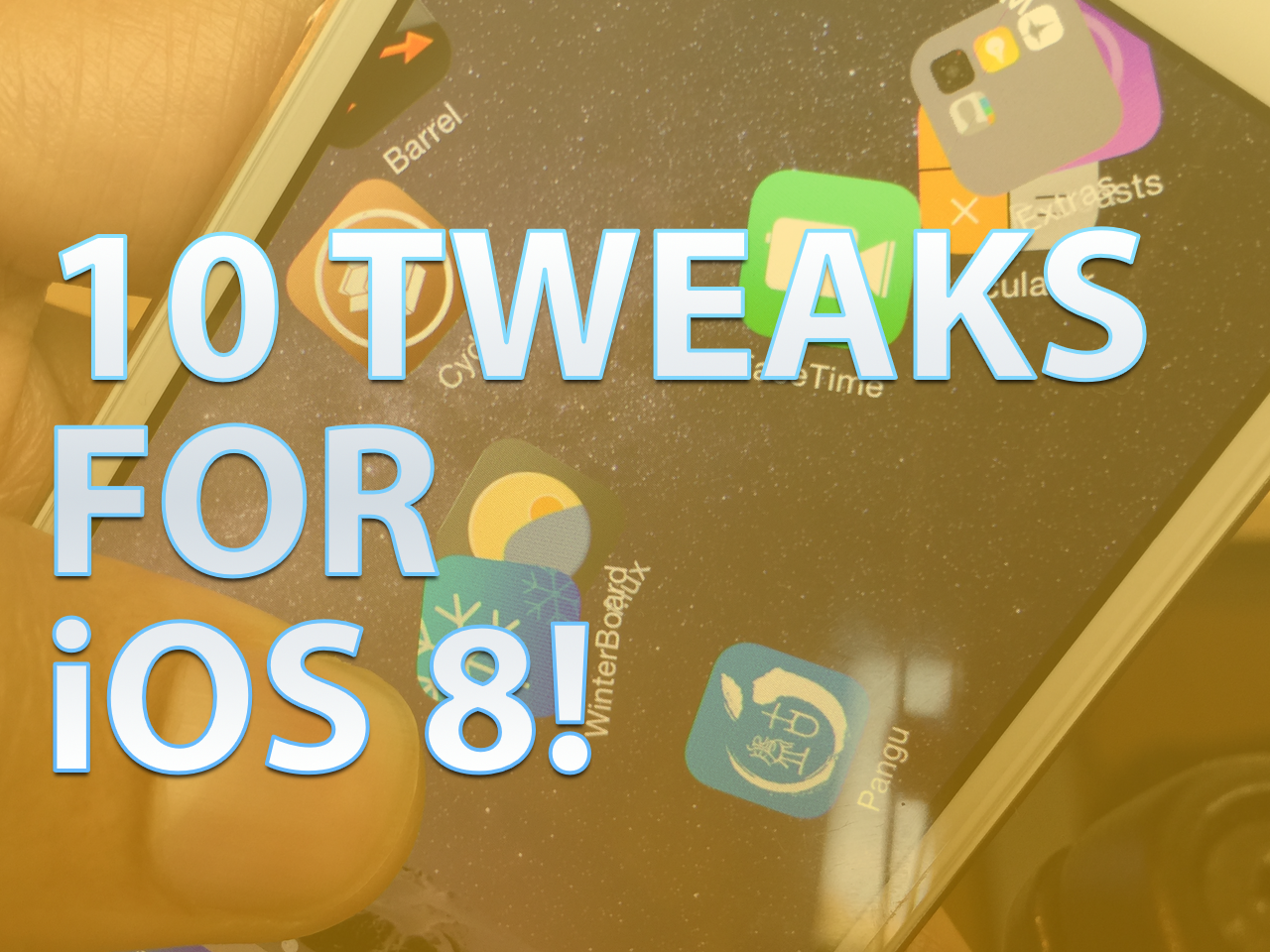
10 great jailbreak tweaks that work on iOS 8 right now [video]

Now that Cydia Substrate has been updated, many jailbreak developers are rushing to update their apps and tweaks for iOS 8. But did you know that many jailbreak tweaks, although they've not been officially updated, already work with iOS 8?

Inside, we break down 10 jailbreak releases that already play relatively nice with iOS 8, even though they may not have been officially updated. Check out our list, and add your own favorite tweaks in the comments to share with other readers. Full video after the break.

List of jailbreak tweaks compatible with iOS 8


Although we're overjoyed at the release of a jailbreak so quickly after the arrival of iOS 8, there are still a number of tweaks that are currently incompatible with iOS 8. Even now that Cydia and Cydia Substrate have been updated, many tweaks still are inducing Safe Mode when installed on devices running the latest firmware, and developers will have to release updates for quite a few of their jailbreak tweaks before they become usable.

How to jailbreak iOS 8.x with Pangu on Mac OS X using a virtual machine

Although you never can tell with these sorts of things, it doesn't look like we'll be seeing an OS X version of Pangu in the immediate future. Although I'm sure that the Pangu guys are working feverishly on an OS X version of the jailbreak tool for iOS 8.x, it likely lags behind other priorities, such as translation, embedding Cydia, etc.

With that in mind, what options exist for those of us in Mac-only households? You could, of course, visit a friend who owns a Windows machine. Or, you can do what I always do, and install Pangu and jailbreak using a Windows virtual machine on OS X. In fact, you may be surprised (or not), but I don't own a Windows machine, and haven't in years. But I'm always able to jailbreak on day one due to my Windows virtual machines.

In this tutorial, I'll tell you how to set up and install a virtual machine for free in order to jailbreak iOS 8.1 with Pangu on your Mac.

Cydia Substrate updated to 0.9.5013 to support iOS 8

Good news, fellow jailbreakers. Saurik has just pushed an update to Cydia Substrate to lend it iOS 8 compatibility. This means that tweaks that rely on Cydia Substrate to run (most of them should) can now be updated to work with iOS 8 as well.

Cydia Substrate has always been a big part of the puzzle that needed to be there for this iOS 8 jailbreak to really gain steam as far as jailbreak apps and tweaks are concerned. If you're already jailbroken and have Cydia installed, then Cydia Substrate 0.9.5013 should appear as an update in Cydia.

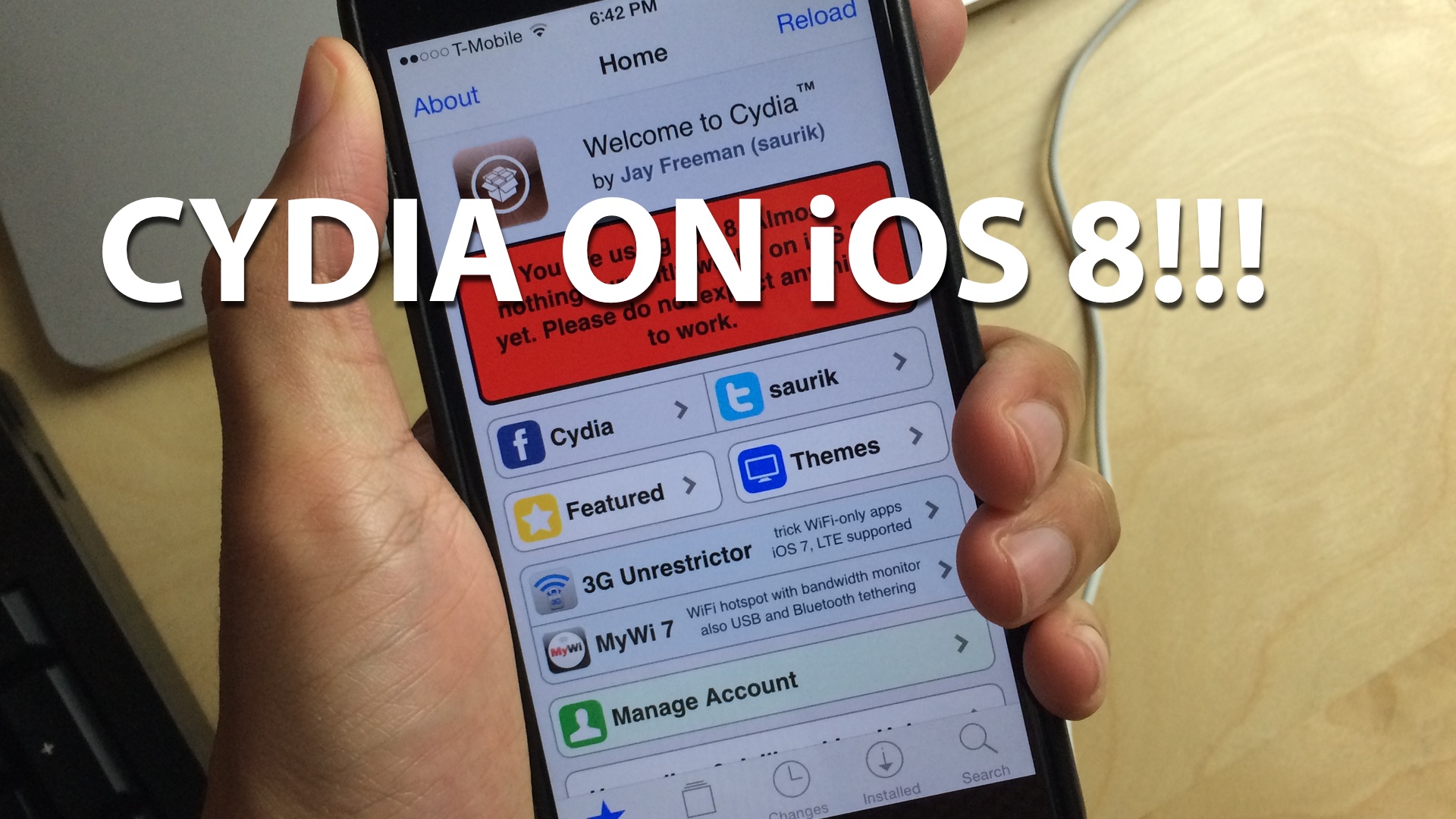
How to install Cydia on iOS 8 [video]

As you know, the Pangu jailbreak came out this morning and enabled the ability to jailbreak iOS 8-8.1. Unfortunately, the jailbreak wasn't bundled with Cydia, so it's not much use to the general jailbreak users by itself.

Thankfully, Saurik quickly compiled a working version of Cydia for iOS 8, which is pretty easy to install if you follow our 8 steps. We show you how in this hands-on video walkthrough.

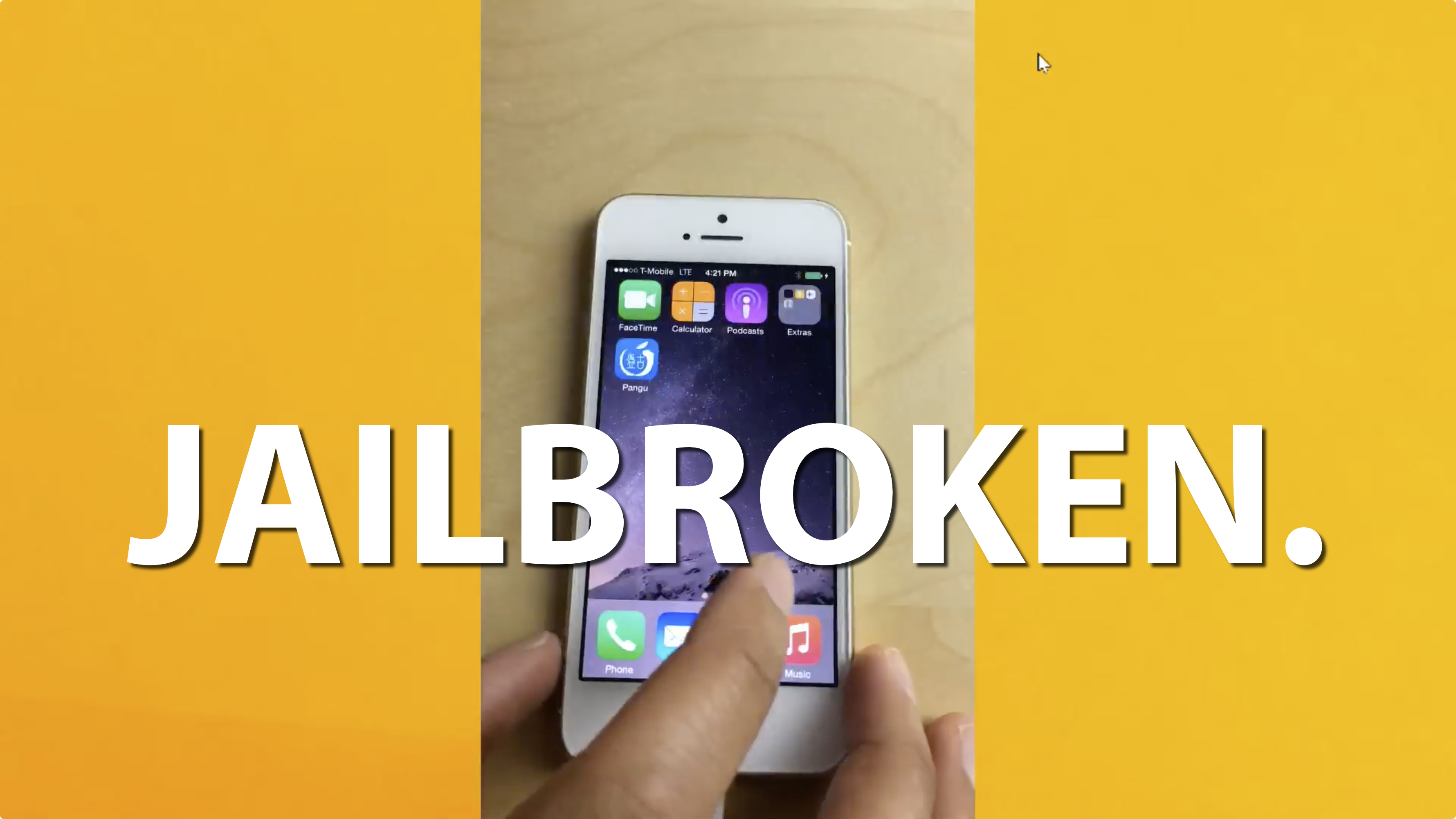
How to jailbreak iOS 8.1 with Pangu 1.0.1 [video]

Pangu for iOS 8 caught us all by surprise, but it shouldn't be a shock that the talented Chinese jailbreak team pulled off a jailbreak in such a short period of time since iOS 8's release. While the Pangu tool for iOS 8 isn't exactly ideal as far as a consumer jailbreak goes—it doesn't come bundled with Cydia, it's in Chinese, and it's Windows only—it's certainly better than nothing.

In this video tutorial, we will show you how to jailbreak iOS 8.1 using Pangu 1.0.1 with a Windows machine. It's an extremely easy and simple process, as long as you follow the steps exactly. This tool can jailbreak the iPhone 5s, iPhone 6, iPhone 6 Plus, and any other device capable of running iOS 8.x. Check out our full video tutorial for the details.

Saurik releases updated version of Cydia for iOS 8 to be installed manually

In a move that caught us by surprise, the Pangu Team released the jailbreak tool for iOS 8 today, although it doesn't install Cydia, but rather provides SSH access so that developers can update their tweaks and make them compatible with iOS 8.

Earlier we reported that Saurik has already started working on updating Cydia to make it compatible with iOS 8 and 8.1. The good news is that he has now released the updated version of Cydia compatible with iOS 8 and comes in the form of a .deb file. You can now download the file from his website, and install it manually on your device.

Pangu v1.0.1 brings bug fixes to this limited iOS 8 jailbreak

The Pangu Team has released an update  to their iOS 8 jailbreak tool which was released out of the blue earlier today. Although no clear changelog is available, Pangu v1.0.1 brings a few bug fixes, including one that might have caused users who successfully jailbroke their device with the initial version to lose their photos.

Although promising, Pangu v1.0.1 is still more of a tool for developers rather than end users. As we noted earlier today, the current version of Pangu doesn't install Cydia, which hasn't been updated to bring compatibility for iOS 8. It simply allows developers to test out their tweaks and update them for iOS 8.

Pangu jailbreak for iOS 8 – iOS 8.1 released

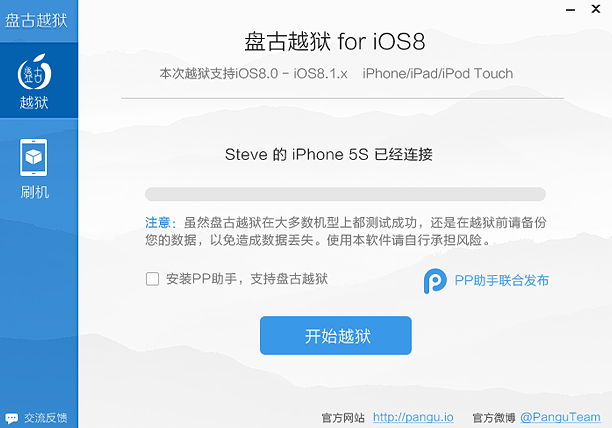
The Pangu team has released a jailbreak for iOS 8 - iOS 8.1 devices today, just about 35 days after the launch of Apple's latest mobile operating system. The download link for Pangu for iOS 8 was briefly available on the official Pangu website before being pulled a few minutes later.

Although this is great news for jailbreakers, it does come with a few strings attached that make this initial iOS 8 jailbreak release somewhat useless for the time being.