Jailbreak

Check out the most comprehensive jailbreaking coverage on the internet, including the latest news, apps, tweaks, and detailed tutorials about everything jailbreak.

8 tweaks to take for a spin this weekend

Another week down, and another new batch of tweaks for you to check out. Indeed, there are less tweaks this week to check out than before, but there are definitely some goodies among this week's releases. Be sure to check them out, and let us know what you think about the following list of Cydia releases...

How to give Control Center a cleaner look using CClean

CClean, pronounced "clean", is a jailbreak tweak that aims to tidy up the Control Center in iOS. The tweak began as a way to remove distracting backgrounds from the brightness slider and the AirDrop/AirPlay sections, but it evolved into an overall Control Center cleaning tool.

This free release allows you to remove backgrounds from a variety of different Control Center assets, and features the ability to hide any section of Control Center. If you're looking for a way to give your Control Center a minimalistic look, then CClean is a tweak worth checking out.

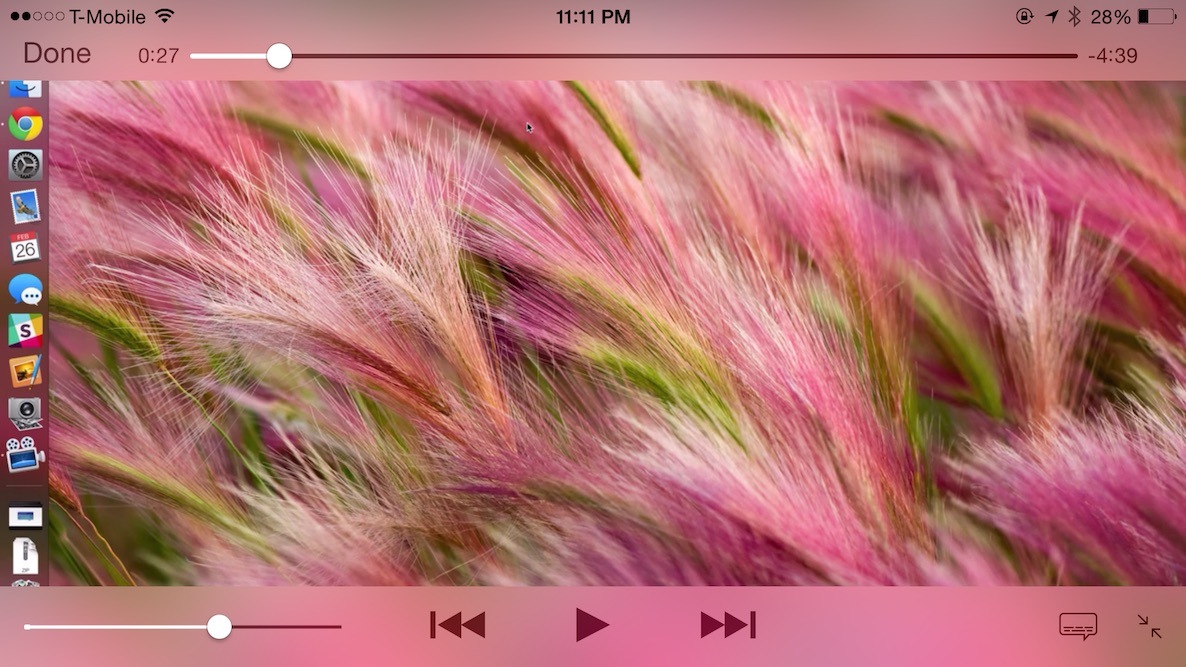
How to force your iPhone to landscape mode while watching videos

Have you ever tried to watch a video with the rotation lock enabled? If you want to watch that video in landscape, it can make for a frustrating experience.

It means having to open Control Center, disabling rotation lock, and then rotating your device so that the video goes into landscape mode. And then, when you're finished with the video, you have to re-enable the rotation lock if you want it back on.

Instead of going through all of that rigamarole, wouldn't it be better if iOS took care of all of that for you on the fly? It will, if you have AutoRotateVideos installed—a new jailbreak tweak that can make watching videos on your iPhone a more pleasant experience.

Upcoming ‘iOS Blocks’ tweak aims to change the way you interact with apps on iOS

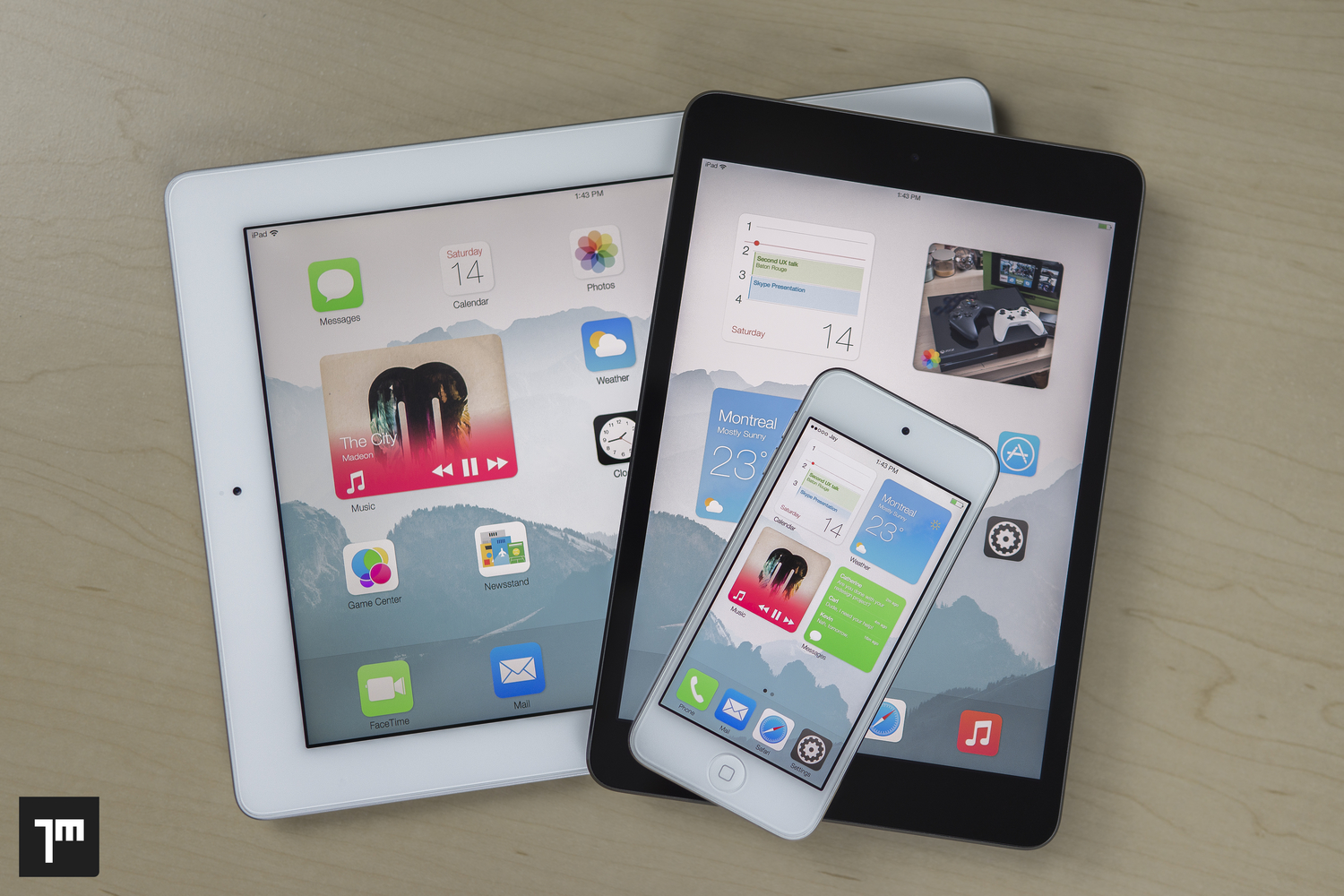
Last year, we posted information on a research paper and iOS concept called iOS Blocks. Jay Machalani (@technofou), the brains behind the concept, suggests that an interface that combines Windows Phone's live tiles and Android's widgets, would be a best-of-both-worlds-scenario for iOS users.

iOS Blocks would essentially allow users to have proper widgets on the iOS Home screen, but the concept is put together in a way that make it totally seamless and transparent to users who prefer to use iOS like they always have. The widgets would mix the uniformity and standardization enjoyed by Windows live tiles with the interaction of Android's widget system. It's a smart idea with hours of research and presentation. I highly recommend that you read the original post on Machalani's blog.

Obviously, Apple didn't bring any sort of Home screen widget system to iOS 8, but it did give us Notification Center widgets. As if it needs to be said, Notification Center widgets are a far cry from iOS Blocks—a feature that would add significant depth to the iOS Home screen experience.

So after a year, what's been made of this project and its corresponding research? Well, I have some good news: It's being developed into a real working tweak, according to this post on reddit by someone closely associated with the project.
iOS 8.2 beta 2 is no longer being signed

Bad news for would-be jailbreakers of iOS 8.2 beta 1 or beta 2—both firmwares are no longer being signed. There seems to be conflicting reports going around about whether or not Apple has killed access to beta 1, beta 2, or both beta firmwares, but I can personally confirm that Apple has shut down access to both.

Why is this significant? It's significant because iOS 8.2 beta 1 and beta 2 were the only firmwares available that allowed users to jailbreak using PP Jailbreak on Mac or TaiG on Windows.

TagExplorer: edit metdadata tags for media directly on your iPhone

If you've ever had the desire to edit the metadata tags for the media content on your iPhone, then TagExplorer is a brand new $2.99 jailbreak app that you'll want to, ahem...explore. It brings metadata editing capability to the iPhone, and allows users to edit the tags for music, podcasts, videos, and more. It even lets users locally edit tags for music downloaded from iTunes match.

Let’s Talk Jailbreak 96: Controversy

Episode 96: We discuss the recent controversy over our jailbreak tweak coverage, why we don't often review themes, how to jailbreak iOS 8.2 beta, and discuss a whole host of new jailbreak tweaks like Profluence, StickerMe, and Stratos.

Subscribe via RSS

How to jailbreak iOS 8.2 beta 2 with TaiG for Windows

A few days ago, we posted our Mac jailbreak tutorial for iOS 8.2 beta 1 and 2. That tutorial used the PP Jailbreak tool for the Mac. For Windows users, things are slightly different. Windows users get to use the TaiG tool. At the end of the day, both tools are geared towards the same goal—allowing you to easily jailbreak iOS 8.2 beta 1 and 2.

How to fix the “Can’t find Apple driver” issue with TaiG for Windows

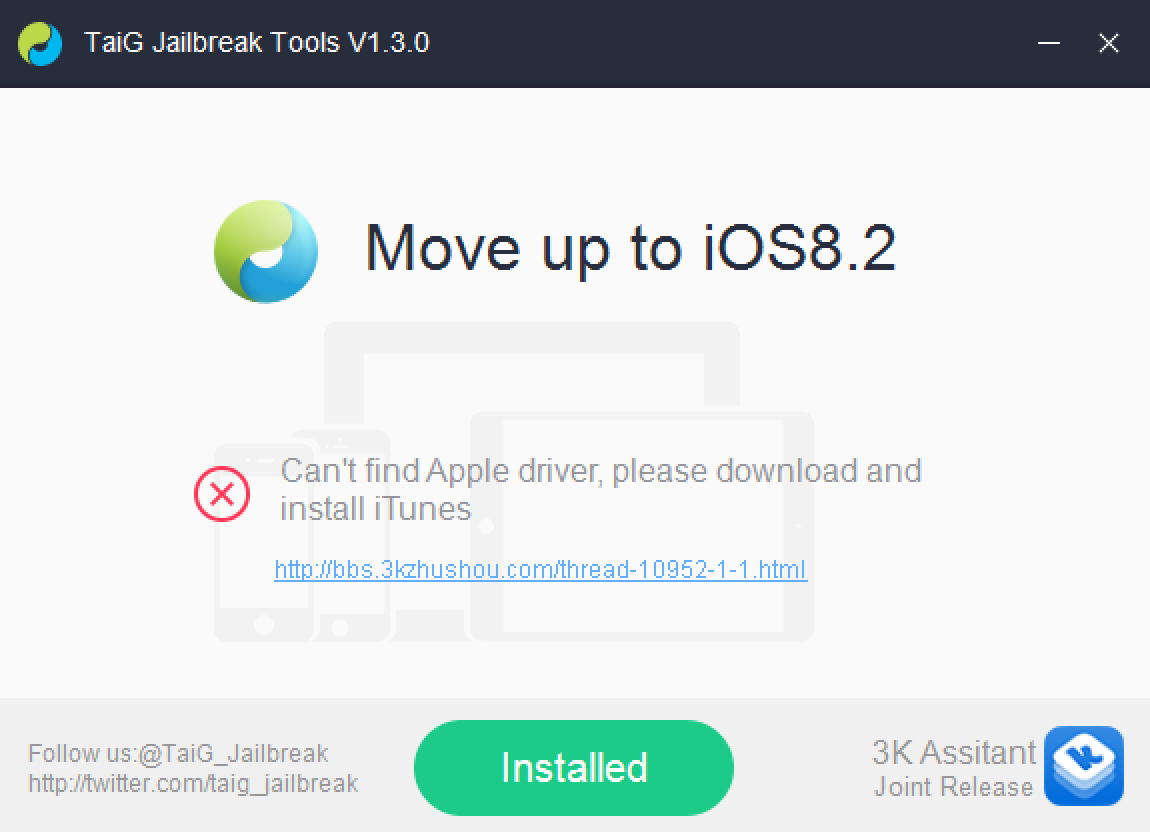
If you've been trying to jailbreak iOS 8.2 beta 1 or 2 with TaiG 1.3.0 over the last couple of days, you may have encountered an issue. An error that says: "Can't find Apple driver, please download and install iTunes" has been causing all sorts of problems for would be jailbreakers.

iTunes may indeed already be installed, but it's the latest version of iTunes for 64-bit Windows machines that's causing the error to begin with. Perhaps you've tried to downgrade your copy of iTunes unsuccessfully. Or maybe you've just given up on trying to jailbreak your iPhone on a Windows machine. Well, don't give up just yet, because we have a solution inside.