Jailbreak Apps

How to enable Lock screen wallpaper even when your device is charging

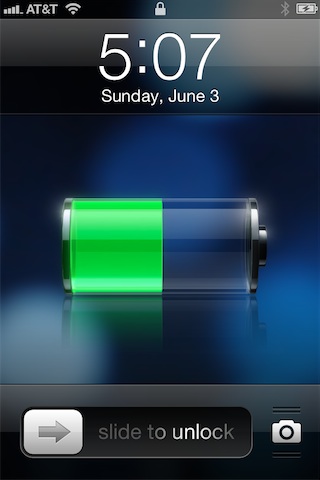
ChargingBackground is a tweak that lends the ability to view wallpaper on the Lock screen even while your iOS device is charging. For some reason Apple throws up a black background whenever the device is charging, eliminating your wallpaper. ChargingBackground allows you to reclaim your device's background while it's plugged into a power source.

I'm pretty sure this tweak isn't the first on the block to do this, but sadly, the original tweak's name escapes me at the moment. Nonetheless, ChargingBackground is free, and it works. Check out our video demonstration inside...
This tweak lets you lock your device by swiping to the Spotlight page

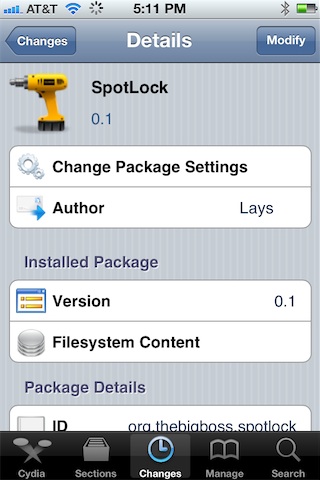
SpotLock is a new jailbreak tweak that allows you to lock your iPhone simply by swiping over to the place where Spotlight search normally resides. Granted, this tweak will totally eliminate the ability to use Spotlight search, but I believe the popular consensus is that many of you don't use Spotlight to begin with.

Of course, a quick press of the sleep button at the top of your iPhone is the quickest way to secure your iPhone from a software perspective, but SpotLock is an interesting way to break the monotony and switch things up a bit...

Jukebox now available on Cydia

[tube]http://www.youtube.com/watch?v=auCwQQpr-Mw[/tube]

Jukebox — the Dashboard X and Notification Center compatible music widget — is now available for download on Cydia. As you no doubt saw in our walkthrough, Jukebox is an awesome music widget that can be used to directly manipulate your Music app from the convenience of your Home screen.

One of my complaints with Jukebox was that it currently only supports the stock Music app, but the good news is that support for 3rd party music apps like Pandora and Spotify is in the works. Check out our full coverage of the tweak, and be sure to head over to Cydia's BigBoss repo where it can be had for $0.99.

How to make iPad banner notifications span the full width of the screen

Would you like to make your iPad's banner notifications span the entire width of the iPad's screen? Now you can, courtesy of a new jailbreak tweak entitled NCPad.

NCPad features no options or settings to configure, simply install it, and it begins working immediately. It won't expand the entire Notification Center width as its name might suggest, but it will increase the width of banner notifications, which in turn allows you to read more of the contents of the notification.

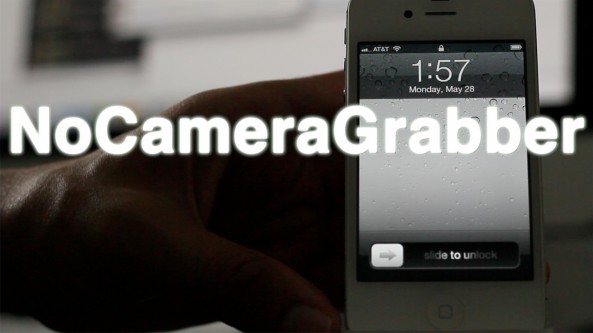
NoCameraGrabber eliminates Lock screen camera shortcuts

I've never been particularly fond of the new Lock screen camera "grabber" feature on iOS 5.1 and above, and frankly, I never find myself using it. In fact, I never used the camera shortcut that appeared with a double press of the Home button on firmware below iOS 5.1. Call me crazy, but I'm just not a big fan of using the camera directly from the Lock screen.

NoCameraGrabber is a jailbreak tweak designed with people like me in mind. It completely removed the camera grabber feature from your iPhone's Lock screen, and it doesn't even bring up the camera button with a double press of the Home button. NoCameraGrabber is a great way to completely eliminate camera shortcut functionality from the Lock screen. Take a look at our video preview for more info...

How to change your app icon labels from white to black, no WinterBoard required

Some jailbreak tweaks are immediately labeled as being worthless, and Black Icon Labels is one such tweak. I understand that there are a few users out there who will find this tweak handy, but most will probably claim otherwise.

Black Icon Labels changes the color of your app icon labels from white to black, and nothing more. If there's one good thing that I can tell you about this tweak, it is that it doesn't require WinterBoard to make the change. If you have a light colored wallpaper set on your iPhone's Home screen, then Black Icon Labels might be something you want to check for...

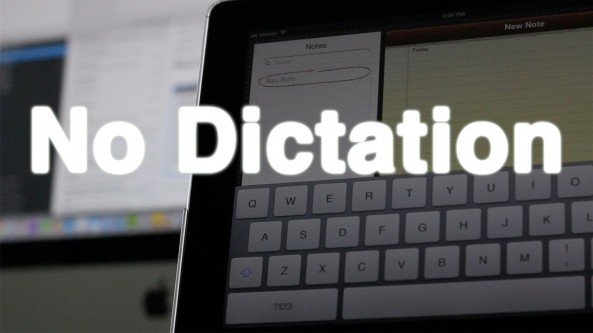
NoDictation removes dictation while keeping Siri enabled

Do you rarely use dictation on your iPhone? Would you prefer if there was a way to completely get rid of the dictation button without totally getting rid of Siri? Well, if you're jailbroken, now you can.

Introducing: NoDictation — a simple jailbreak tweak that removes the dictation button on the iPhone keyboard once installed. The nice thing about NoDictation is that you can disable dictation on your iPhone, without having to totally disable Siri.

Take a look at our video walkthrough of NoDictation for more information on how it operates...

An easy way to seamlessly play Safari videos in the background

Web Background Video Playback is a relatively new tweak by iOS developer Steven Troughton-Smith. The aim of the tweak is to allow video content to continue playing in Safari while it is running in the background. This is especially helpful when you're listening to video content, and seeing the video isn't necessary; for example, when watching a music video, podcast, etc.

This tweak is also handy in the cases where you wish to send a quick tweet or text message, but don't want to completely interrupt the video playback. I've noticed that it even plays nice with video that's streaming to a television via AirPlay.

Take a look at our video demonstration of Web Background Video Playback for more details...

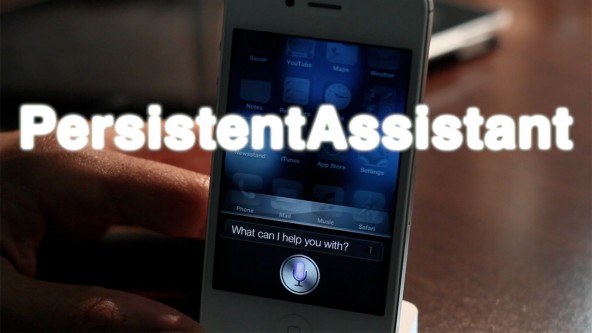
This jailbreak tweak allows you to have a more engaging Siri conversation

Are your Siri conversations feeling a bit like a dead end? Are you looking for a more conversational personal assistant? If that's the case, then PersistentAssistant is a jailbreak tweak you need to investigate. PersistentAssistant forces Siri to continuously listen for new queries until your close the Siri window, making for a more engaging conversation.

PersistentAssistant is especially useful if you're in a situation where you can't use your hands to continuously re-invoke Siri — for example, when driving. Check out our video walkthrough inside to see how it works...

PaperLock adds yet another mod to your iPhone’s Home screen

PaperLock, like Unfold, and Unlockize before it, adds another "slide to unlock" modification to your iPhone's Lock screen. PaperLock — as its name not so subtly implies — is a tweak that lends a paper-like "page turning" look to your iPhone, similar to what you see when you turn a page in iBooks.

Out of the box, PaperLock comes with three high quality themes: paper, plastic, and bandage. It should be noted that the graphics where designed by renowned iOS theme designer Surenix; hence, when I say high quality, you can believe it. How does it match up with other Lock screen mods? Check inside for the details.

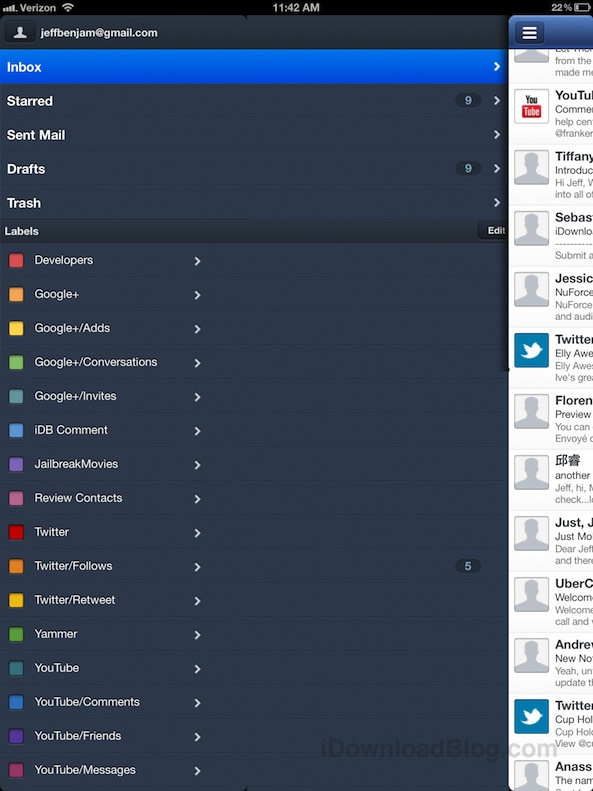
Sparrow for iPad in the works, compliments of the jailbreak community [updated]

Push Notifications are one thing, but support for the iPad is a whole 'nother area where Sparrow is lacking for iOS. As of now, the popular 3rd party email client is iPhone-only, making it difficult for users who have both devices to fully commit to using it.

But as usual, a jailbreak developer is making serious headway on bringing native-like iPad support to Sparrow via a handy tweak. SparrowPlus may already be familiar to a lot of you, it's the same tweak that allows you to make Sparrow your iPhone's default mail client, along with Push Notifications.

Now the developer behind SparrowPlus is working on an update to bring improved Sparrow support to the iPad. It's not perfect, but as you'll see from our hands-on video, it certainly shows some promise...

This tweak produces pint-sized banner notifications

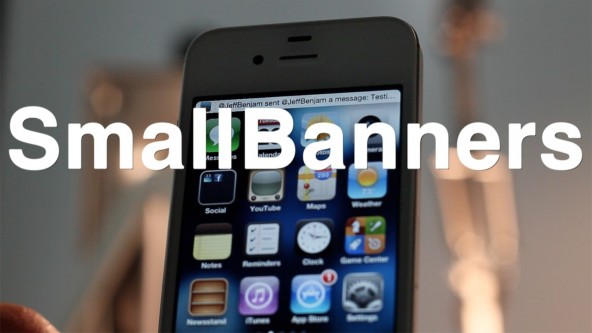
Are you finding that your iPhone's banner notifications are a bit on the large side? If so, then do we have the perfect jailbreak tweak to fit your needs. SmallBanners is a tweak that performs one function, and does so fairly well — it reduces the size of your iPhone's banner notifications.

Personally I think the stock size of the banner notifications is perfect, but I realize that there are probably a few of you out there that don't. If you fit that description, then head inside and check out our video walkthrough for SmallBanners.