Jailbreak Apps

How to Hide Your iPhone Photos and SMS

Those of you who don't have anything to hide won't care much about this, but if you have secrets to keep hidden from others, then the new jailbreak application HideEmAll might be the right tool for you.

The app description sells it as an app to keep you out of trouble. I like to look at HideEmAll as a way to protect some of your information from curious people, rather than hiding dirty pictures from your wife. I guess you can use it for both...

How Fast is Your iPhone? Test It with This New App

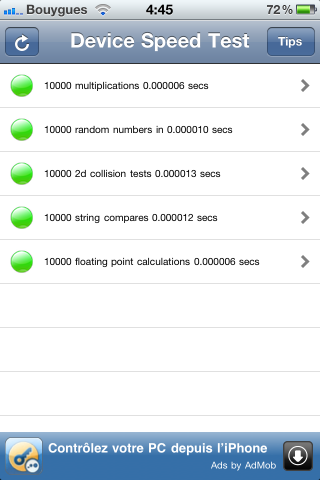
Who's slower? You, or your iPhone? There is now a quick and easy way to find out with Device Speed Test, a new jailbreak application available for free in Cydia.

After installing the application, simply open it and the app will launch a few processes in the background to measure the speed of your device. It will then return green lights if everything is fine, or red lights for slower areas...

How to Change Your iPhone System Font

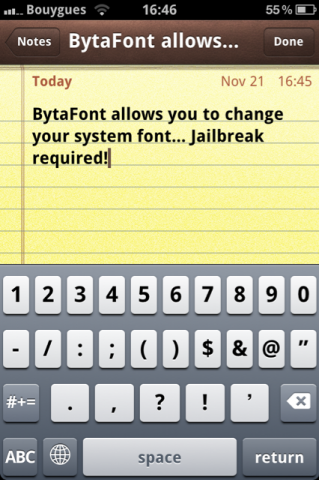
Up until now, if you wanted to change the default font on your iPhone, your only option was to use FontSwap, which unfortunately wasn't updated to work on iOS 4. Another alternative was to manually change the iPhone font via SSH, but that wasn't very straightforward.

Enters BytaFont, a new jailbreak application that allows you to easily change the font on your iPhone, system wide...

Jailbreak App Adds Screen Brightness Controls to Your iPhone App Switcher

App Switcher Brightness is a new jailbreak application - or rather a tweak - that adds a brightness slider to your iPhone app switcher. If you find yourself constantly changing the brightness of your iPhone screen, then App Switcher Brightness will most likely be a right fit for you.

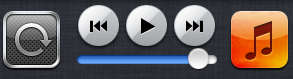
Instead of having to go to Settings > Brightness, you can simply double press the home button to launch the app switcher, flick to the right to have your iPod controls appear, and your brightness control is there...

Tip: How to Quickly Respring your iPhone

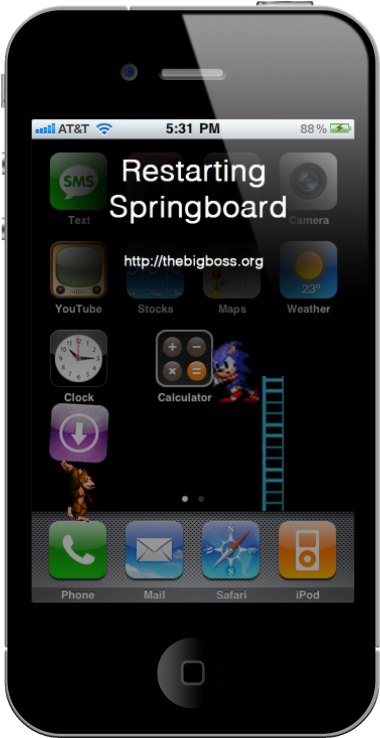
Many of us jailbreakers know how frustrating it can be to debug the modifications we make to iOS. When installing an app in Cydia, if the app requires it, Cydia gives you a prompt to restart your springboard.

There are two types of restarts you can have on your iPhone: a hardware restart and a software restart. A hardware restart takes considerably longer, and it is when you see the Apple boot logo (or your own, modded logo). A simple software restart usually does the trick for installing new packages on your iPhone, and it also helps with ironing out the bugs you may be experiencing...

Wi-Fi Sync: iTunes Compatibility and 2.0 Hype

The developer of the popular Cydia app Wi-Fi Sync has confirmed that the current desktop versions are completely compatible with iTunes 10.1. Some are holding off due to the hopeful release of an untethered jailbreak, now that iOS 4.2.1 is right around the corner.

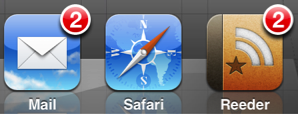
No Badges Removes Your iPhone Apps Badges

Do you hate badges so much that you wish they were gone forever? That sounds a little extreme, but if that's what you're into, then there is now a new mod on Cydia that will do exactly what you're looking for.

In the same way No Folder Badges removed badges from your iPhone folders, No Badges, a new jailbreak tweak by Chpwn will remove the badges from your homescreen apps. That's all the app does and from what I can tell it does it well...

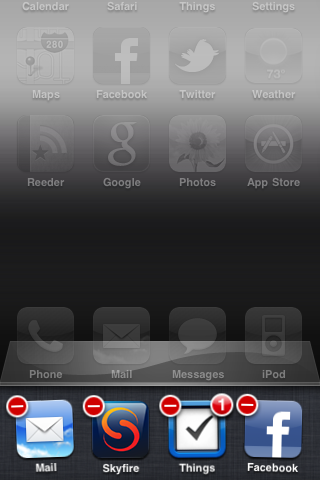
Cleaning Up Your iPhone App Management with MultiCleaner

Do you hate how your iPhone leaves app icons in the multitasking bar even though they aren't running anymore? How about when you have to go through that tedious process to exit an app; click the home button twice, tap and hold an icon in the multitasking bar, wait for it to jiggle, and then click that tiny red delete button to quit.

Luckily, there are other people that feel the same way. MultiCleaner is a jailbreak app that relieves the cumbersomeness of managing your multitasking apps. In fact, the app's tagline is quite simple, "Because iOS 4 multitasking sucks..."

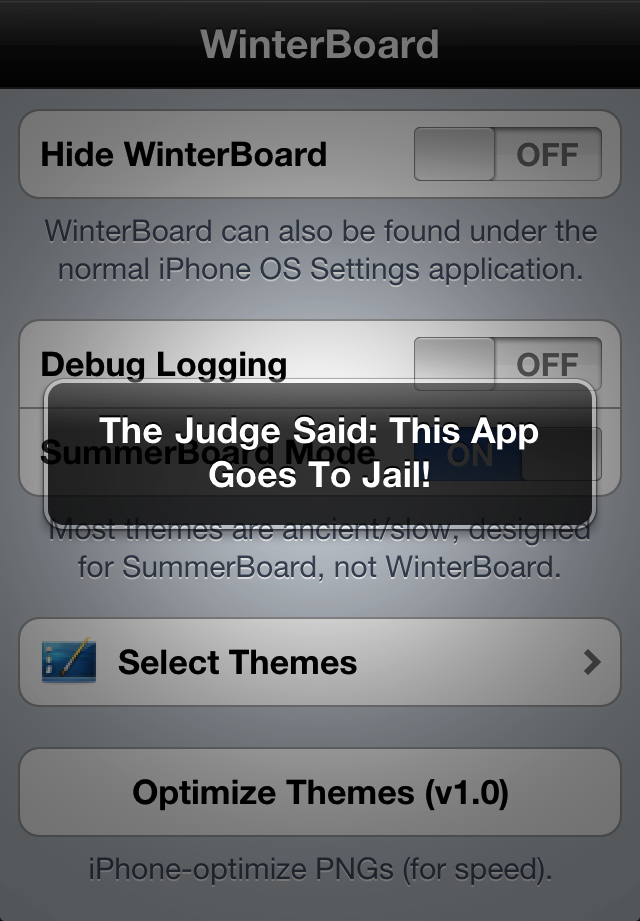
IncarcerApp “Locks Up” Current App, Disables Home Button

So your 10 year old nephew wants to look through your iPhone photos, but you're afraid to hand over the phone completely, lest he starts tapping away, deleting emails, sending prank text messages, and wreaking havoc on your homescreen. It'd be nice if you could limit him to the Photos app, right? There's a jailbreak app that'll let you do just that!

IncarcerApp for jailbroken iPhones will allow you to "lock up" the current app, leaving it fully functional but disabling the home button. With a quick gesture chosen by you through Activator, you can hand over your iPhone with no worries of them exiting the app and playing around elsewhere on the phone.

It's a simple but useful tweak if you have curious friends, family, or kids eager to play with an app or watch YouTube without you having to worry about sensitive data elsewhere on your phone.

Once you download the app in Cydia, you'll find there's some flexible options to choose from to make full use of the app...

New Jailbreak Tweak Brings Panoramic Wallpaper Scrolling to Your iPhone

Here is an interesting tweak for jailbroken iPhones. Parallax is a new jailbreak app that allows you to add a panoramic widescreen wallpaper to your iPhone springboard. Once set up, you can flick through the panoramic image simply by scrolling left and right.

Simply select a widescreen wallpaper from Settings or Photos, and watch your background scroll behind your icons! The wallpaper scroll speed is configurable from Settings.

Watch the video below to Parallax it in action...

FaceTime Coming to iPhone 3GS

The same guys who recently brought us the FaceTime Haktivator app for jailbroken iPhones are back at it, this time with an app called FaceIt-3GS, which lets you have FaceTime on a jailbroken iPhone 3GS.

FaceIt-3GS is still in development as the developers are working the bugs out was just released in Cydia and the video below shows it working well. As you can see, it's not possible yet to use the camera of the iPhone 3GS but I assume it's just a matter of time until they figure out how to plug it in...

First Look: Safari GridTab Tweak for iPhone

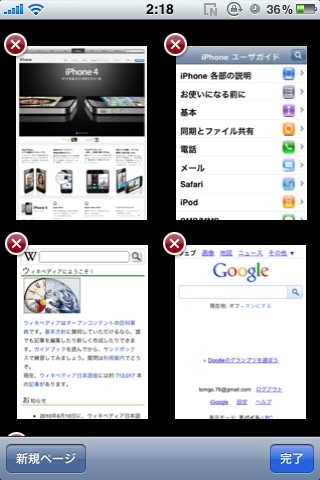
The developer behind BrowserChanger and Action Menu Voice is working on a new app called Safari GridTab, which basically shows your opened Safari tabs in a grid.

It looks like it's much easier to navigate through the tabs this way. Safari GridTab is still in development but it will hopefully be released soon...