Jailbreak Apps & Tweaks

These are the latest jailbreak apps and tweaks available for your iPhone or iPad. We save you time by highlighting only the best tweaks.

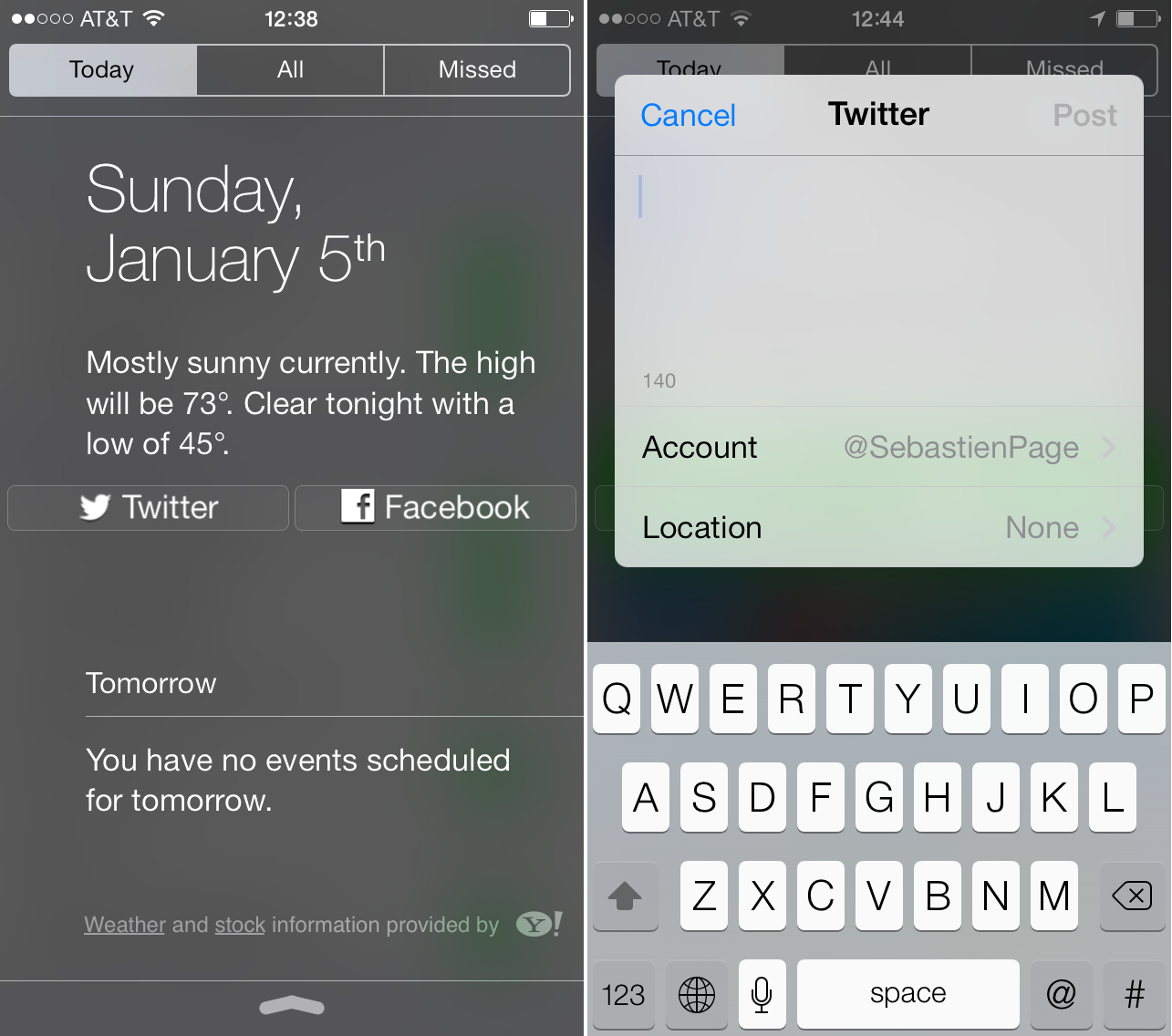
How to bring Twitter and Facebook share widgets back to Notification Center

Share widgets have been gone from the iPhone and iPad since the first beta release of iOS 7. Some thought that they would return with the official release of iOS 7, but as we were all able to verify, that was never the case.

Of course, share widgets have nothing to do in Notification Center in the first place. After all, the goal of Notification Center is to notify you, not to provide ways to share to Twitter or Facebook. Still, that was a great loss for many users.

Jailbreakers rejoice, because today, you can easily bring back those share widgets thanks to a new jailbreak tweak called Share Widget for iOS 7...
How to map Control Center’s timer shortcut to the alarm clock

I don't know about you, but I rarely use the timer found in the stock Clock app. I know Sebastien has mentioned that he uses the timer from time to time while cooking, but he's one of the few I know who do.

The Control Center panel in iOS 7 features a shortcut to the timer section of the stock Clock app. Personally, I think it would have been more beneficial to link that shortcut to the alarm clock section of the Clock app. If there's one area of the stock Clock app that I frequent on a daily basis, it's the alarm clock section.

Jailbroken iOS 7 users can now reassign the timer shortcut to the alarm clock. Take a look inside at our video walkthrough to see how...

BytaFont 2 is out with support for iOS 7, A7 devices

Adding to our list of popular jailbreak tweaks that have been updated for iOS 7 this morning is BytaFont. The developers announced yesterday that BytaFont 2 is now available in Cydia with support for iOS 7 and A7 devices.

This is great news for folks who like to really customize the UI on their iPhone or iPad, as BytaFont allows you to change the default font in iOS. Unfortunately, it doesn't look like any of the old fonts are compatible with BF 2...

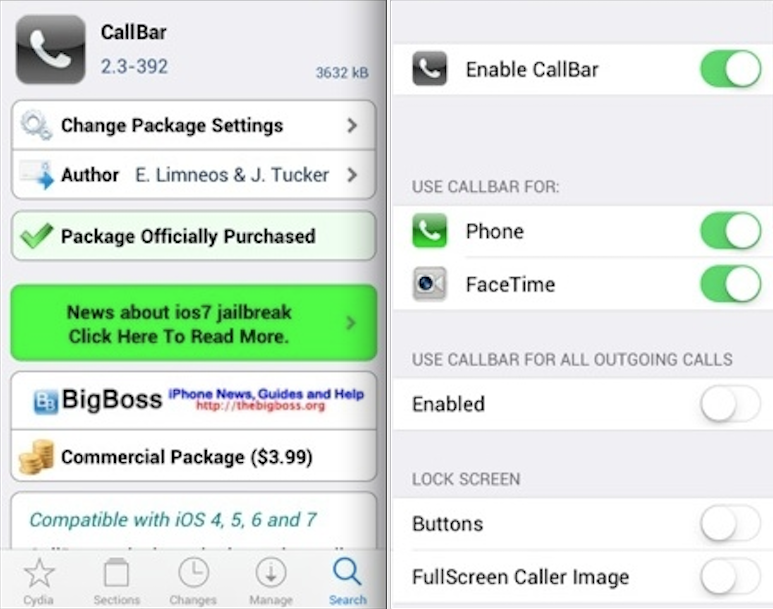
CallBar updated with basic iOS 7, ARM64 support

Since MobileSubstrate was updated to work with iOS 7 and the A7 processor, we've seen a number of major jailbreak tweaks updated to support the new OS and newer devices. And today we're adding another one to the list.

Developer Elias Limneos announced yesterday that he had submitted an update for his popular CallBar tweak to Cydia that features 'basic support' for both iOS 7 and A7 devices. And it looks like the update is now available...

BioProtect: Protect individual apps with Touch ID

Hot on the heels of another Touch ID enabled jailbreak tweak comes BioProtect—a tweak exclusively dedicated to protecting individual apps with Touch ID. Unlike the previous tweak we covered, AppLocker, BioProtect's entire goal is solely based on securing individual apps by means of Touch ID.

The singular focus is immediately noticeable while using BioProtect. Its graphics, design, and preferences are all orientated towards the single goal. This makes BioProtect the best choice for those of you who are only interested in Touch ID-based app security. Have a look at our full video walkthrough, which breaks down the tweak, inside.

AppLocker: Secure individual apps with Touch ID

A beta build of a new jailbreak tweak with a highly anticipated premise landed in my email inbox late this afternoon, and it's marvelous. AppLocker is a jailbreak tweak that has existed for quite some time, but its beta build was just recently updated to include Touch ID support for locking individual apps.

After trying the Touch ID implementation on my jailbroken iPhone 5s, I can happily report that it works just as well as I imagined. Unlocking is brisk, and seamless. The Touch ID support works with the fingerprints that you already have assigned during the Touch ID initial setup, so there's not a lot of cumbersome configuration to be had with AppLocker.

But enough talking. You have to see how AppLocker works for yourself. Check out  our exclusive hands-on video after the break.

Jailbreak tool ‘p0sixspwn’ released for Windows

p0sixspwn, the jailbreak tool for iOS devices running iOS 6.1.3 through iOS 6.1.5, has been updated for Windows users. Originally released exclusively for the Mac, p0sixspwn makes jailbreaking possible for those who wish to remain on older firmware, or for those who can't upgrade for whatever reason.

The jailbreak tool is the result of a collaboration between iH8sn0w, winocm, and SquiffyPwn. You can find the download links to the Windows version and the latest version for OS X inside.

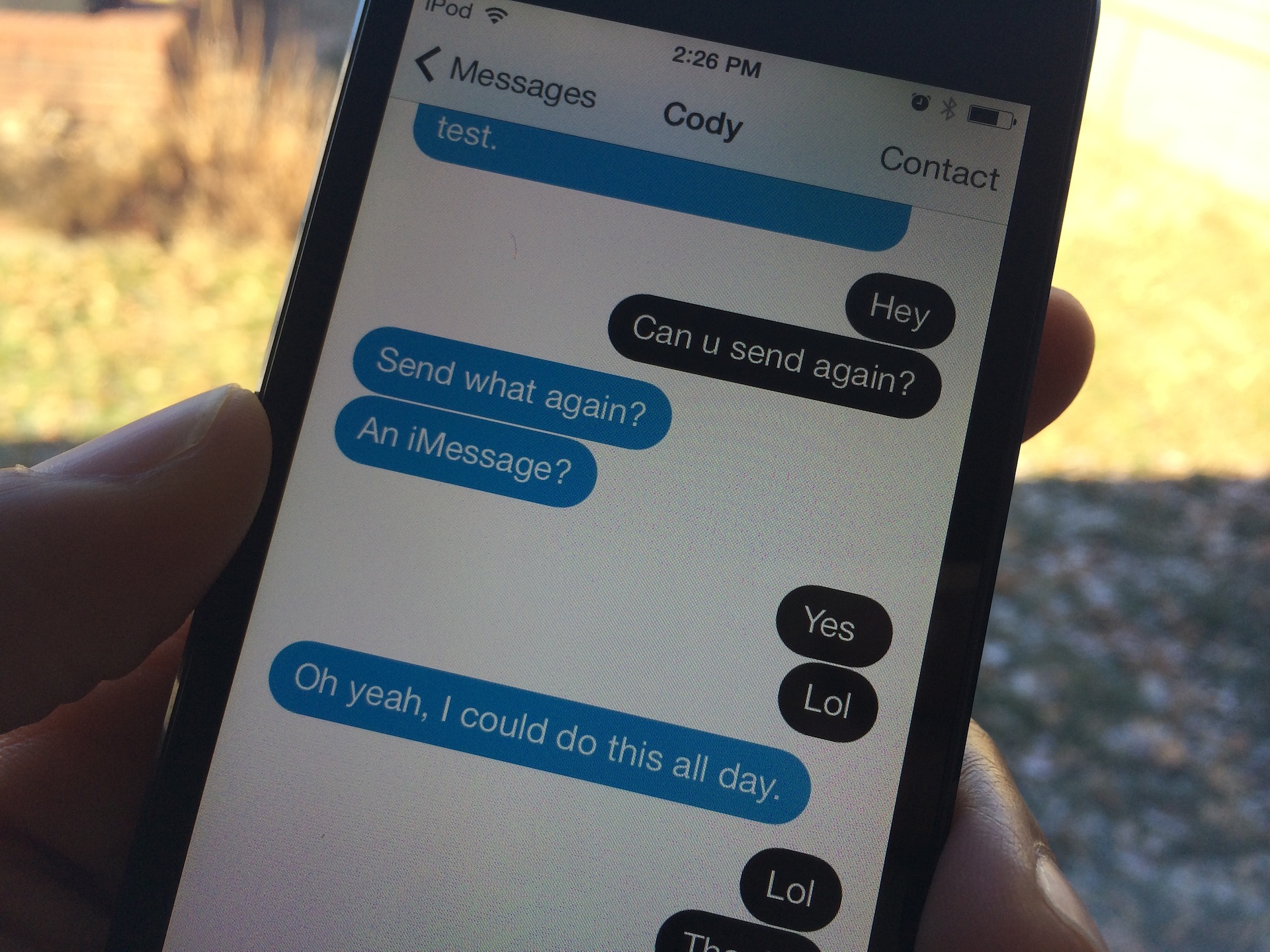
The best way to customize the look of iOS 7’s Messages app

Messages Customiser [sic] is a brand new jailbreak tweak that just hit Cydia's ModMyi repo, and it's one of the, if not the best way to customize the stock Message app's look on iOS 7. The most remarkable thing about Messages Customiser, besides the fact that it work great, is that its developer has made it available free of charge.

If you're looking for a way to customize the look and feel of the stock Messages app, and you don't want to break the bank in the process, then look no further my friends. Check past the break for the full video demonstration.

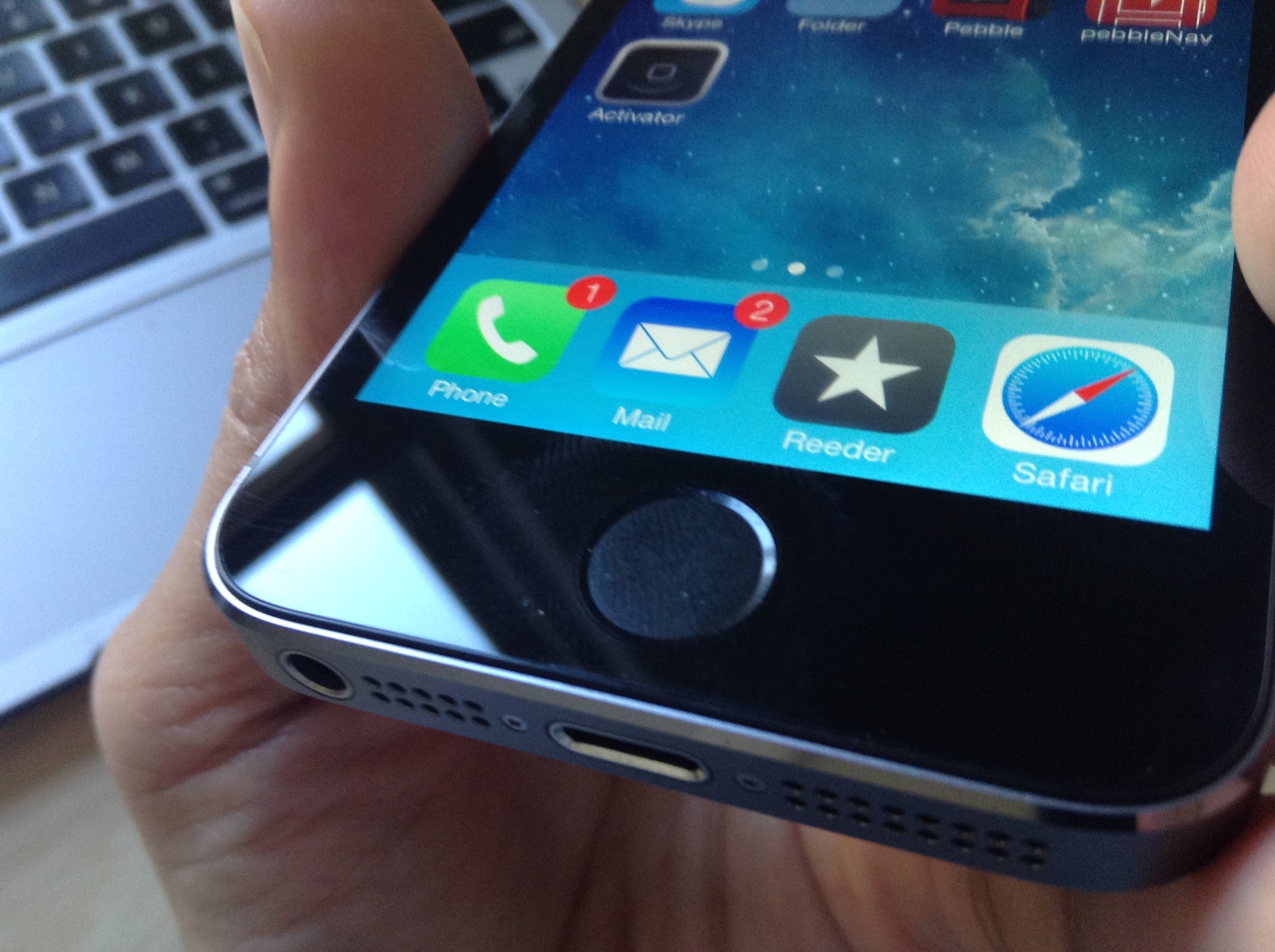
How to use Activator with Touch ID

A couple of days ago, we told you about Virtual Home–a brand new jailbreak tweak that allowed users to simulate a press of the Home button using Touch ID enabled hardware. Virtual Home was one of the first jailbreak tweaks that modified the behavior of the iPhone 5s' Touch ID sensor, and because of that, it proved to be very popular among jailbreakers.

Adding to the popularity of Touch ID tweaks is a recent update to Ryan Petrich's Activator—an absolute staple of a jailbreak tool that all users should have installed from day one. Petrich's latest 1.8.3 update brings support for a single press of the Touch ID sensor.

But Activator goes far beyond the scope of Virtual Home, because you can, in theory at least, assign any Activator action to a Touch ID gesture. Have a look inside to see how it works.

Fancy: an upcoming tweak that colorizes iOS 7

It's tweak paradise for jailbreakers right now; tons of tweaks and apps have been hitting the wire as of late, and there's no sign of it slowing down any time soon. You know that things have gotten back to normal when you start to see previews of tweaks—unreleased items that are teased as they're being worked on.

One of the first unreleased tweaks that I've gotten to play with is Fancy. Fancy is an upcoming jailbreak tweak that allows users to colorize certain prominent iOS 7 features. This means that you can colorize things like Notification Center, Control Center, banner notifications, Volume HUD, the dock, and more.

Fancy is one of those tweaks that may not seem very cool when hearing it described, but changes your mind completely after seeing it in action. For that reason, I urge you to have a look at our full video walkthrough that's been posted after the break.

TetherMe jailbreak tweak updated with iOS 7, ARM64 support

Good news this afternoon for jailbreakers: another popular tweak has been updated to support iOS 7 and A7 processors. That tweak is called TetherMe, and it allows you to—you guessed it—tether your cellular iOS device to a non-cellular device.

Though it's not mentioned nearly as often as MyWi, its functions are very similar and it's much less expensive. Users can choose to share their iPhone's Internet access with other devices over USB, Bluetooth, or via your standard Wi-Fi hotspot...

Assistant Unrestrictor: use Voice Control when Siri is unavailable

I don't use Siri nearly as much as I used to, so maybe I'm in the minority when I state that I rarely have problems with Siri not working; I simply don't use it enough to encounter any problems. But for those of you who use Siri day in and day out, you're more likely to experience the issues that Assistant Unrestrictor—a new jailbreak tweak available on Cydia's BigBoss repo—tries to solve.

Assistant Unrestrictor is a tweak that forces the old-school Voice Control to come into play in the instances where Siri is unavailable. For example, when Siri is down due to the lack of a network connection, Voice Control can step in and handle some of the light load. Obviously, Voice Control is nowhere near as robust as Siri, but for light duty, it's adequate in a pinch. Have a look at our full video walkthrough inside to see how it works.