Jailbreak Apps & Tweaks

These are the latest jailbreak apps and tweaks available for your iPhone or iPad. We save you time by highlighting only the best tweaks.

How to add Alt+Tab functionality to your iPhone

Flipflop is a jailbreak tweak that brings Alt+Tab-esque functionality to iOS by means of a handy Activator action. The tweak can be assigned to any available Activator gesture, but the developer hints that the Home button is best suited as the means of which to activate the tweak.

If you're looking to be able to quickly switch back and forth between two apps, then Flipflop is a jailbreak release that will give you such functionality. Take a gander at our video walkthrough past the jump.
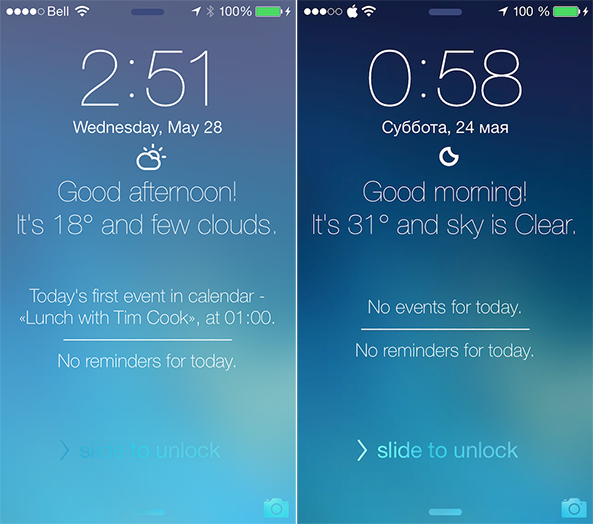
TodayLock adds a daily overview to the Lock screen

I'm beginning to sound like a broken record. In the last few months, I have covered an endless amount of Lock screen extensions, ranging from LockInfo7 and LockScreen Informer to Convergance and Forecast. In the most recent Let's Talk Jailbreak podcast episode, our own Jeff Benjamin was very vocal about LockScreen Informer in particular, noting that it had several features but not the most impressive design.

TodayLock is a new jailbreak tweak that is quite the opposite. It has a very beautiful and simplistic design, but does not deliver all of the functionality that LockScreen Informer does. Instead, it focuses on three main items: events, reminders and weather. For some people, that might be all they need. If you consider yourself to be one of those people, read ahead to find out how this extension works… 

FlipCam: a quicker way to switch between the front and rear-facing camera

FlipCam is an extremely simple jailbreak tweak that does one thing and one thing only. FlipCam allows you to quickly switch between the front-facing camera and rear-facing camera using a long press on the camera viewfinder.

At times I find that the button used to switch between views is in a difficult to reach spot, because it's located in the upper right-hand corner of the Camera app interface. FlipCam makes it easy to switch between each camera view, because the viewfinder is always within reach. Take a glance at our video walkthrough after the break for more information.

StatusPeek: replace the Notification Center grabber with the status bar

StatusPeek is an interesting new Cydia release that does something pretty cool. It allows you to replace the little grabber icon—the thing that appears when invoking Notification Center while in a full-screen app—with something useful: the status bar.

In essence, StatusPeek allows you to quickly look at the contents of the stock status bar—the bar the normally resides at the top of the screen, which contains the time, signal strength, etc.—while within a full-screen application.

In a default state, full-screen apps remove the status bar to allow for more screen real estate, so having the status bar more easily at ones disposal makes perfect sense. Check out our video walkthrough inside to see how StatusPeek works.

How to make the stock Camera app more minimal

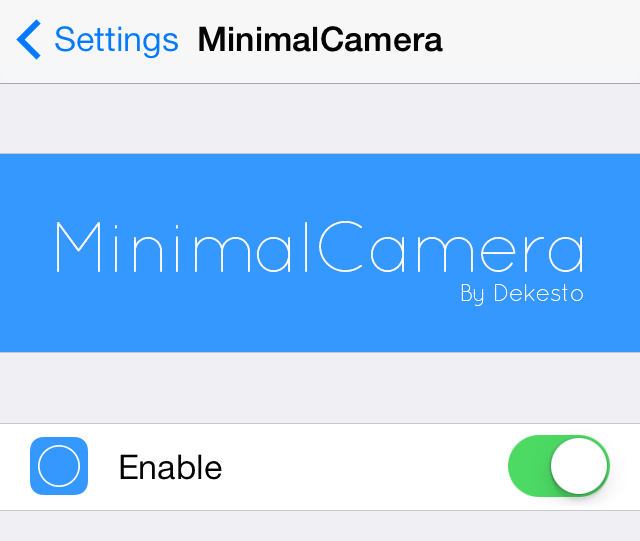
MinimalCamera is a new jailbreak tweak that allows you to remove the UI elements from the stock Camera app's viewfinder. It works in all modes, including photo mode and video modes.

This tweak provides users with a simple and distraction free canvas for composing new shots. Have a look at our video walkthrough after the break to catch a glimpse of MinimalCamera in action.

OkSiri: always-on voice recognition for Siri

One of my favorite things about Android is the "OK Google" command that allows you to perform quick voice searches on a whim. Now iPhone users can (sort of) join in on the fun.

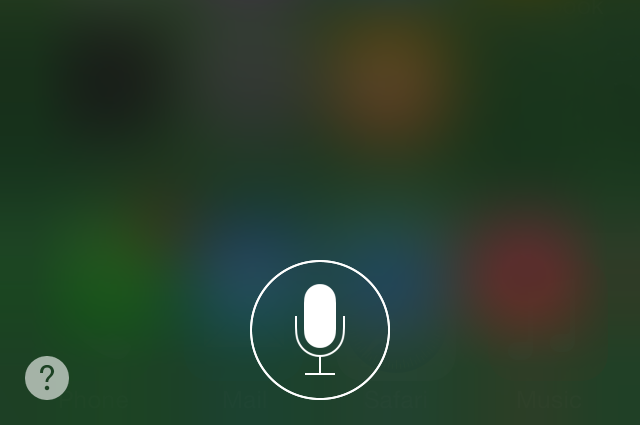
OkSiri is a brand new jailbreak tweak that brings always-on voice recognition to iOS 7 devices. Have a look at our video walkthrough inside for a demonstration of how it works.

Complete Me Not: remove the ‘Complete My Album’ button from the stock Music app

The Complete My Album button in the stock Music app is found for incomplete albums that you purchased via iTunes. For example, if you download one or two popular songs from an artist, Apple will try to up-sell you (for lack of a better word) the rest of the album using a convenient button.

I wrote all about the Complete My Album feature in our ultimate Music App guide, so I recommend you check that out to learn more. But if you already know how Complete My Album works, then you know why Complete Me Not would be a handy tweak to have at your disposal. Take a look at our video walkthrough after the break for all of the details.

How to make iOS do a barrel roll

If you're my age (32) then you're probably very familiar with where the "Do a Barrel Roll" meme originated. It was from Star Fox 64, a game for the Nintendo 64. In it, one of the protagonists instructs you to "Do a Barrel" roll, which allowed you to miraculously dodge hails of bullets.

The phrase has since been eternalized by means of the Internet, and even Google got in on the fun with a hidden feature built into its search. iPhone users can now make iOS do a barrel roll as well. It's possible by means of a recently developed tweak by Ryan Petrich.

The tweak, which is appropriately entitled BarrelRoll, allows you to make your iPhone do a Barrel Roll on command. Have a look at our video walkthrough for the full scoop.

‘Volume Mixer’ brings granular control to iOS’ audio categories

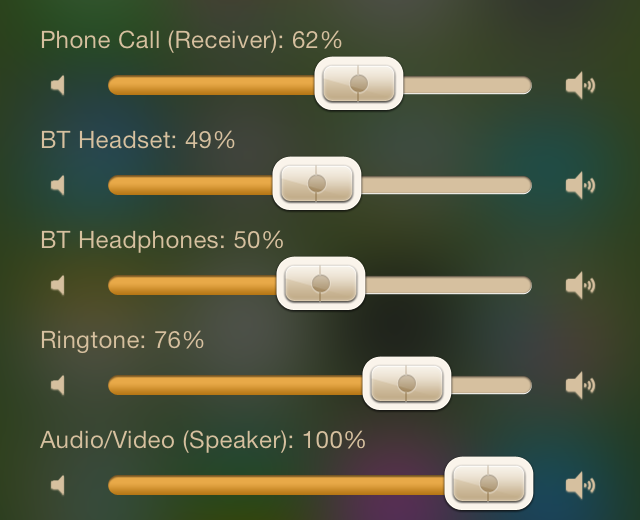
Volume Mixer is a jailbreak tweak that resides in Notification Center. It allows you to independently control the different audio categories in iOS at any time.

If you've ever used an Android device, then you may be familiar with the concept of controlling different volume entities like Bluetooth, Ringtones, AV, Headsets, Phone, etc. You can control those entities individually without actually being within a respective active audio session.

Have a look at our full video walkthrough after the break to see Volume Mixer in action.

‘AlbumSnapper’ is now available on Cydia

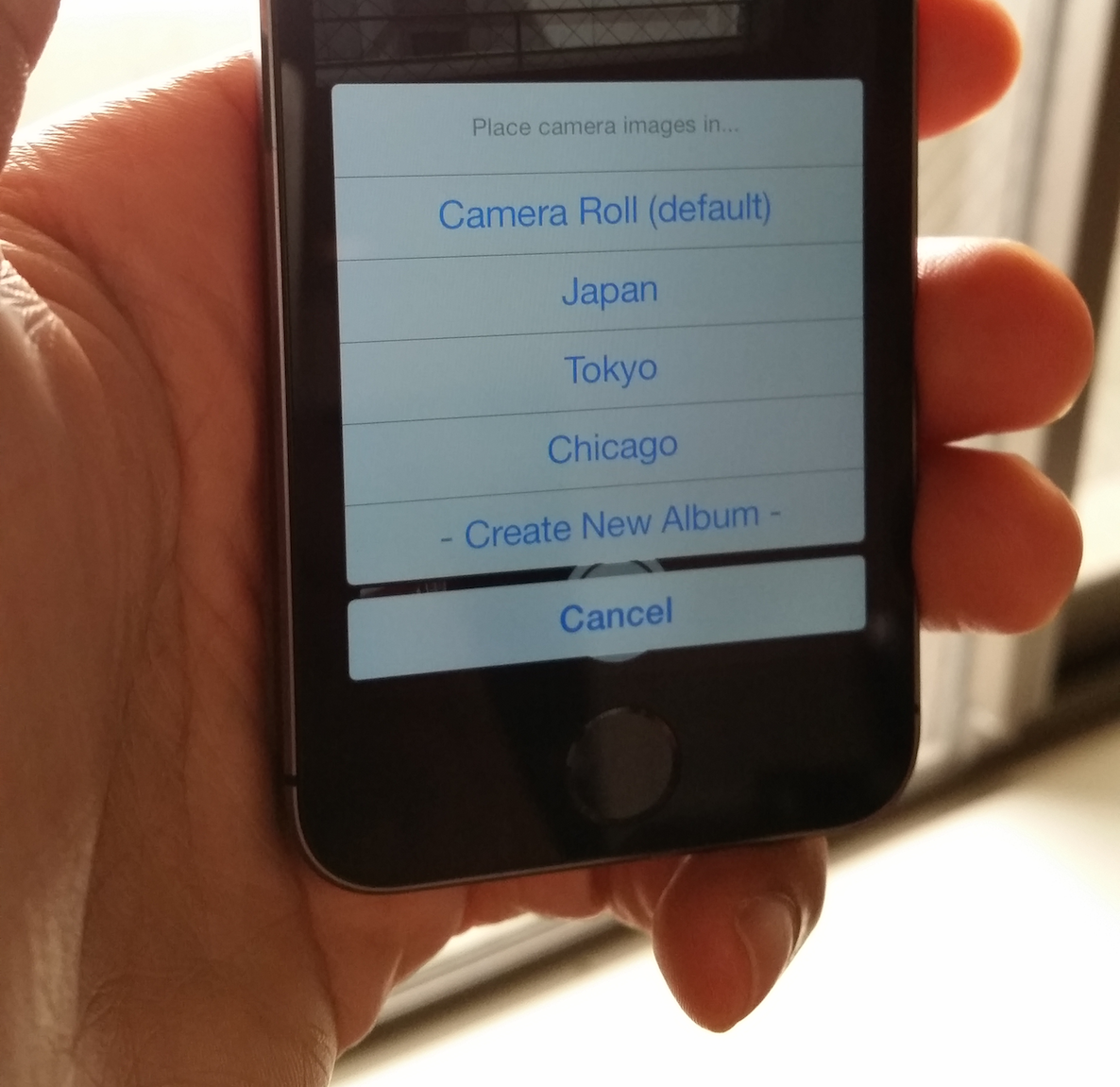
AlbumSnapper—the awesome new jailbreak tweak that allows you to create and assign photos to albums on the fly—is now available for download on Cydia. The tweak, which is available for $0.99, was reviewed a few weeks ago and was met with a positive response.

To use AlbumSnapper, just tap the Album button that appears next to the front facing camera button inside of the stock Camera app. Doing so will invoke a sheet that allows you to select a designated album for the photos that you snap. Have a look at our full video walkthrough of the tweak after the jump.

Let’s Talk Jailbreak 58: Time zones

Episode 58: Jeff, Cody, and Sebastien return to talk about all things jailbreak. Topics of discussion include the iOS 7.1.1 jailbreak, AltKeyboard 2, ActiveBoard, Apex 2, LockInfo7, TypeRead, and LockScreen Informer.

InCaseOf adds emergency info to the Lock screen

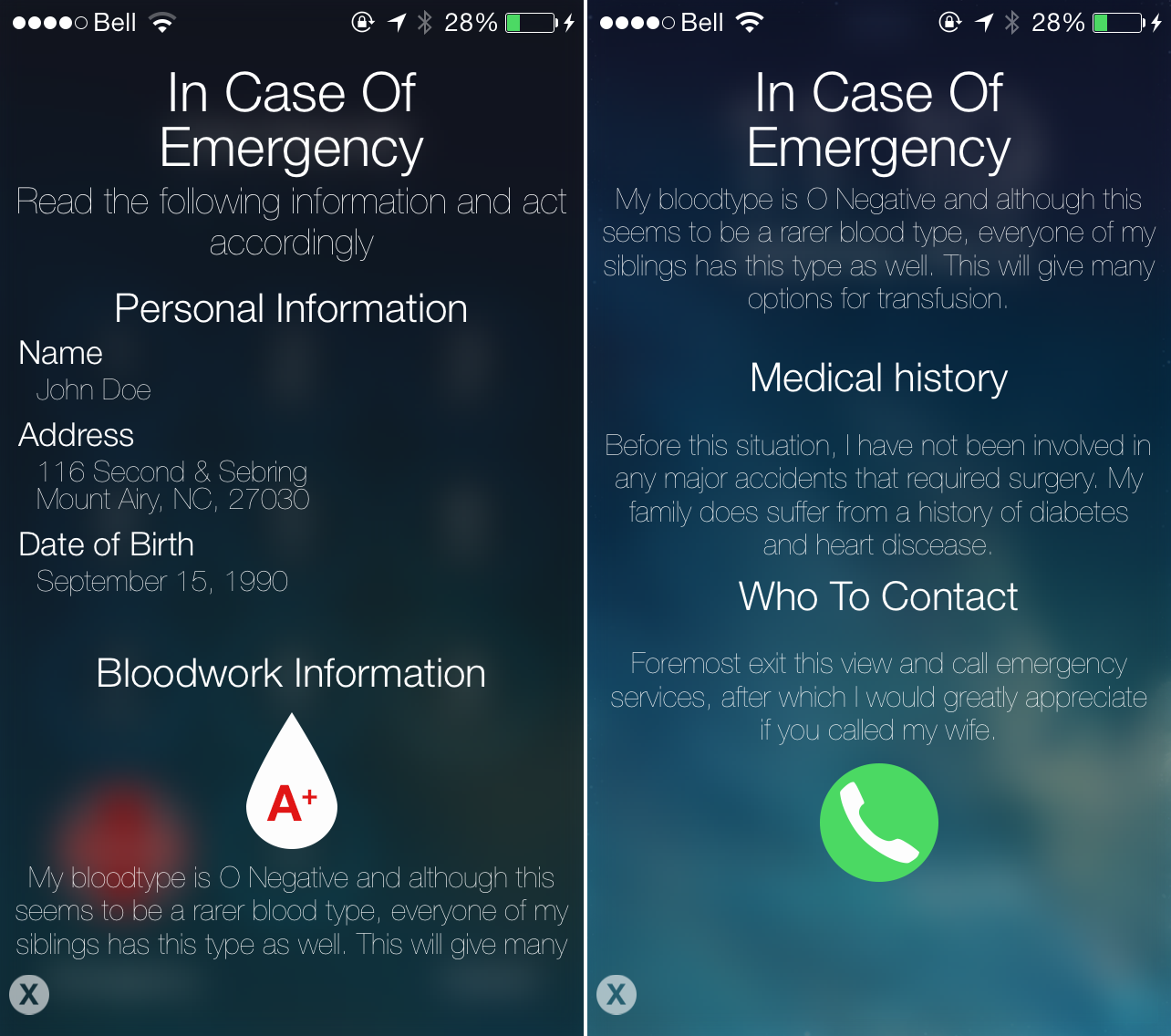
While we obviously do not wish it upon anyone, you never know when you might find yourself in a medical emergency. You also never know where you might be at the time, or who you will be with. That is why a new jailbreak tweak called InCaseOf is more important than you might think. InCaseOf adds important emergency information to the Lock screen, so that first responders and others can gain a better understanding of your health situation. Take a look at how it works…