Jailbreak Apps & Tweaks

These are the latest jailbreak apps and tweaks available for your iPhone or iPad. We save you time by highlighting only the best tweaks.

Zebra v1.0.3 released with speed and reliability improvements, bug fixes

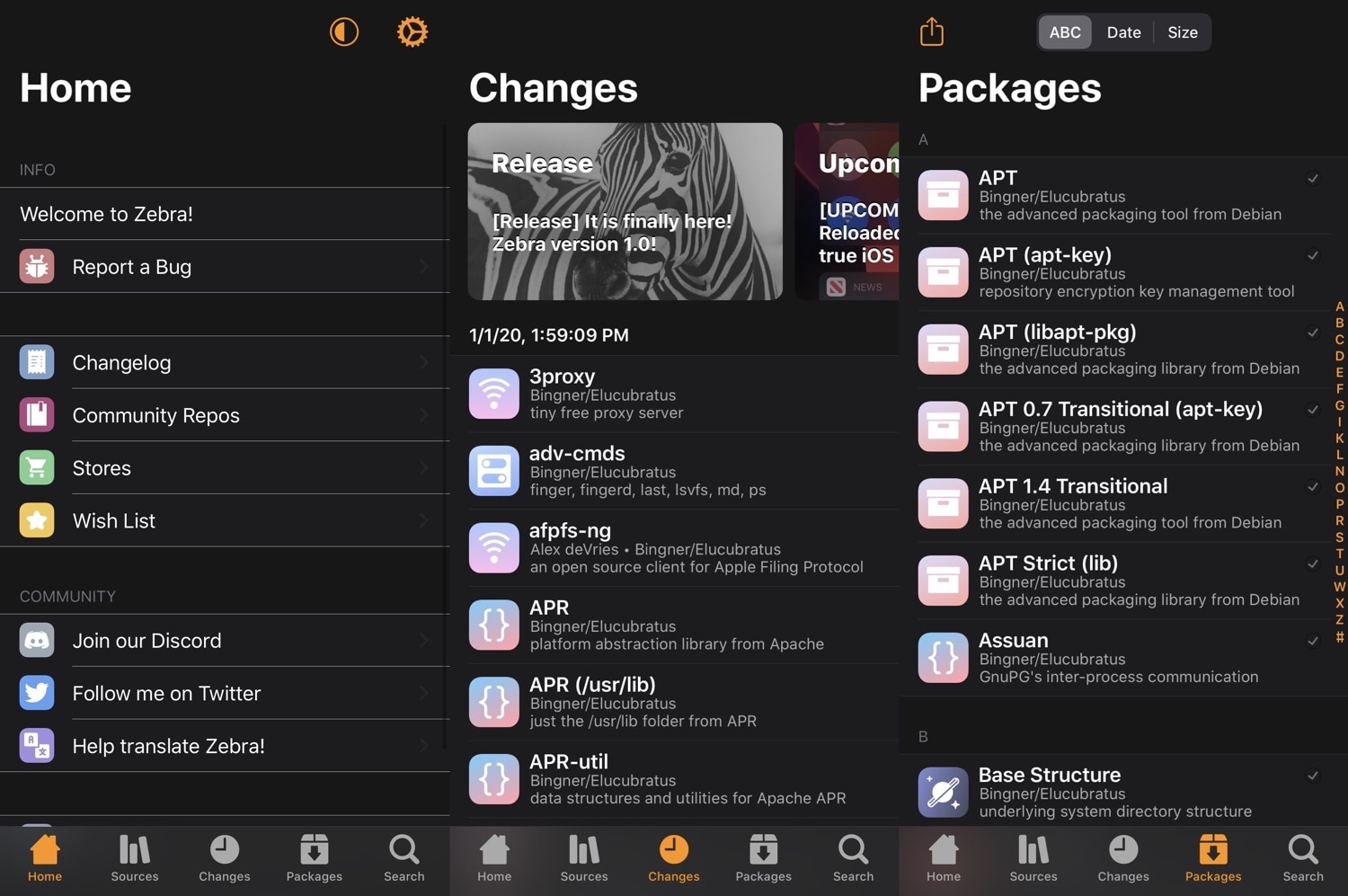
If you’ve been tinkering with the new Zebra package manager on your jailbroken iOS device ever since it was officially released to the public on New Year’s Day, then you should know that there’s a new update out as of Sunday morning that you won’t want to miss.

Zebra version 1.0.3 is now available, and unlike the tiny update released just a couple of days ago, this one is jam-packed with a plethora of bug fixes and improvements that should make it more reliable in daily use.
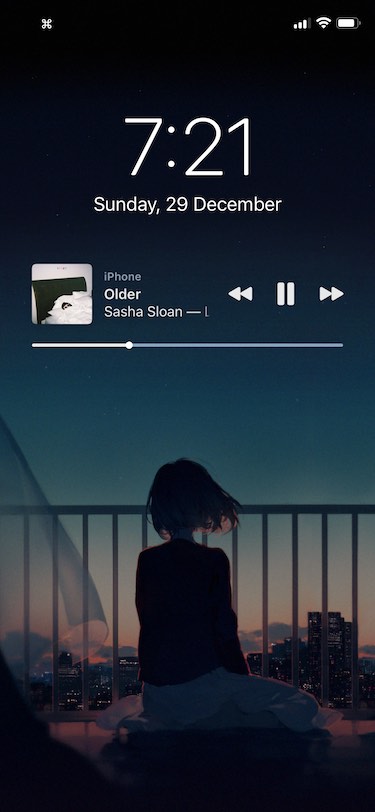
Colorize your pwned iPhone’s Messages app with Courier

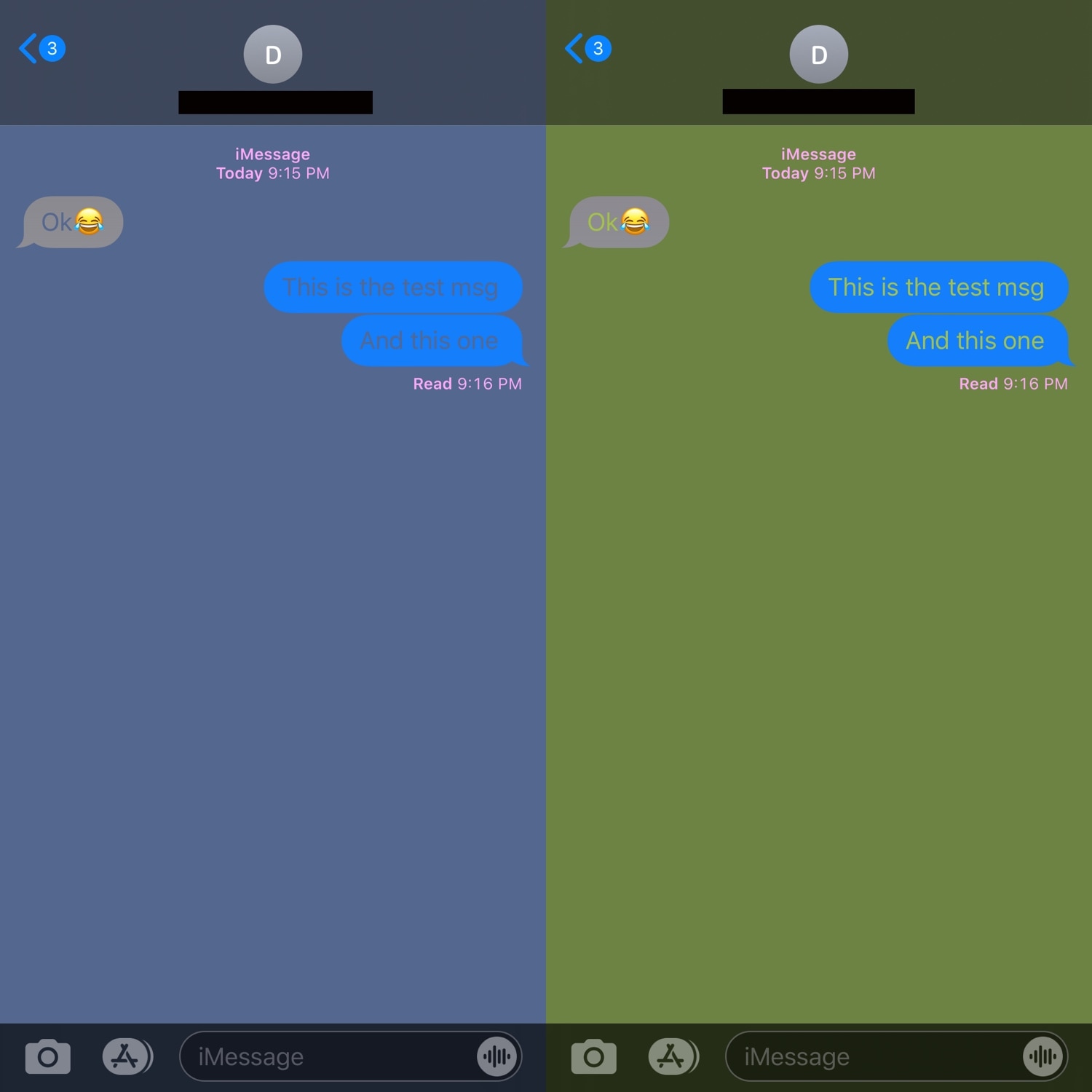
One of the interfaces iPhone users spend most of their time in is the Messages app, and with that in mind, it doesn’t come as much of a surprise that jailbreak tweak developers are creating ways to make customizing the Messages app possible.

With the launch of a new tweak called Courier by iOS developer Sirius24, you can colorize several elements of the Messages app’s user interface just about any way you want. Some examples of the tweak at work are depicted in the screenshot samples above.

Zebra v1.0.2 update addresses issue with upgrading Cydia Substrate

Following the official public debut of the Zebra package manager on New Year’s Day, the project received its first update yesterday with a generous handful of bug fixes and improvements. But a subsequent update released early Friday morning brought Zebra up to version 1.0.2.

Zebra v1.0.2 isn’t as significant of an update as v1.0.1 was, but it’s something that checkra1n and unc0ver users will want to install if they’ve decided to try the young package manager.

Customize various SpringBoard elements for free with Artemis

If you’re one to enjoy all-in-one jailbreak tweaks that incorporate a plethora of options for customizing your pwned handsets, then we genuinely believe you’re going to love a new and free release called Artemis by iOS developer Joey GM.

Artemis isn’t quite as thorough as some of the staple tweaks like Springtomize that we’ve all come to know and love, but the fact that it costs absolutely nothing and offers a substantial number of some attention-grabbing customization features is sure to help it stand out from the crowd, especially for those looking to enhance their iOS experience without breaking the bank.

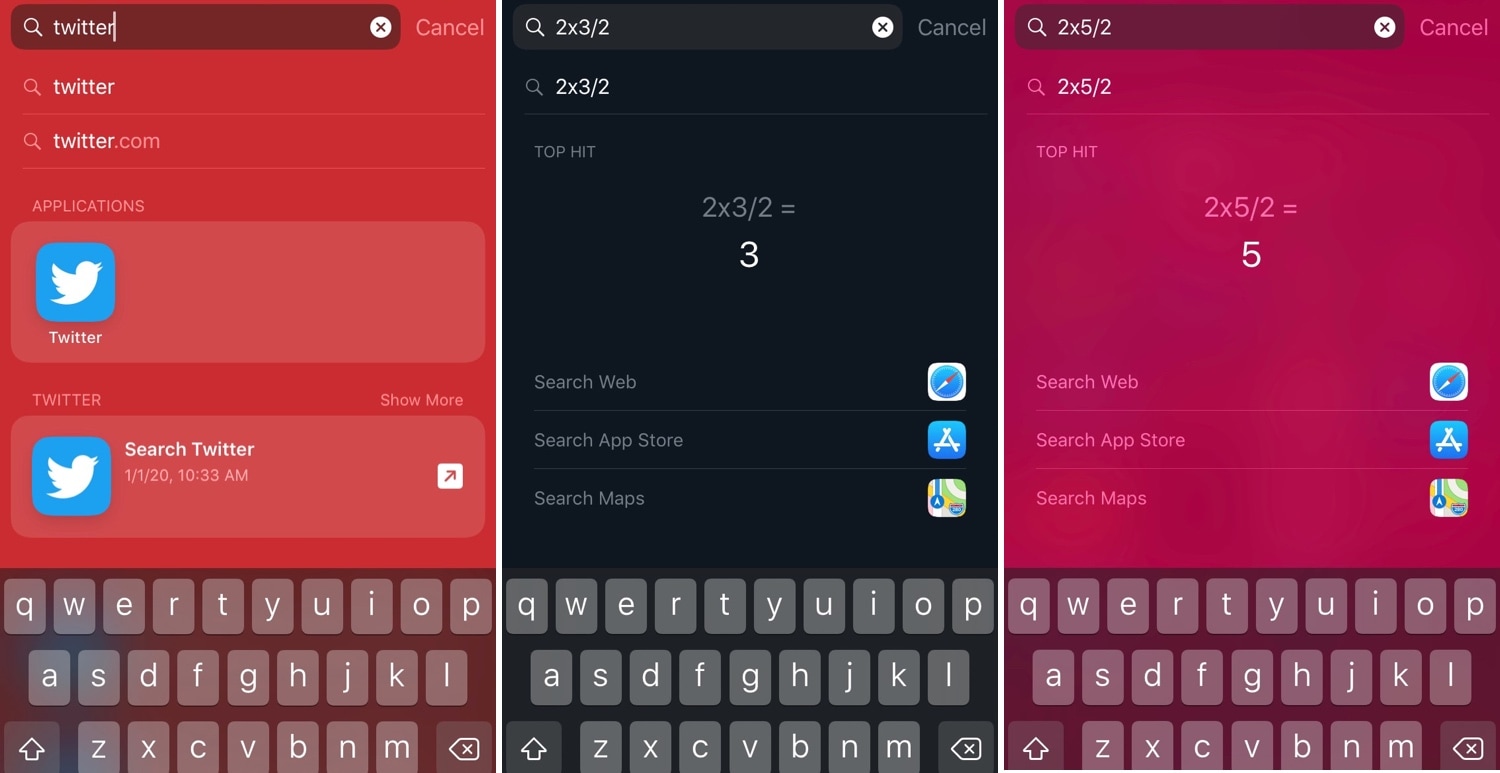
Spotlightizer lets you personalize iOS’ Spotlight interface

I very seldom use my iPhone’s Spotlight interface for anything now that I can just use Siri to command almost anything I need. Nevertheless, the former still comes in handy when you want to find an app or perform basic math without using your voice.

Niche uses aside, Apple doesn’t provide any way of customizing the Spotlight user interface on a stock device, but jailbreakers can now take advantage of a newly released jailbreak tweak dubbed Spotlightizer by iOS developer 1di4r to bypass this seemingly unnecessary restriction.

Zebra package manager updated to v1.0.1 with bug fixes and improvements

The jailbreak community kicked off the new year yesterday with the first official public release of the Zebra package manager, an alternative to defaults like Cydia and Sileo that are traditionally pre-installed by jailbreak tools in order for users to install and manage jailbreak tweaks and extensions.

Today, however, Zebra received its first formal update to version 1.0.1 with a generous handful of bug fixes and improvements.

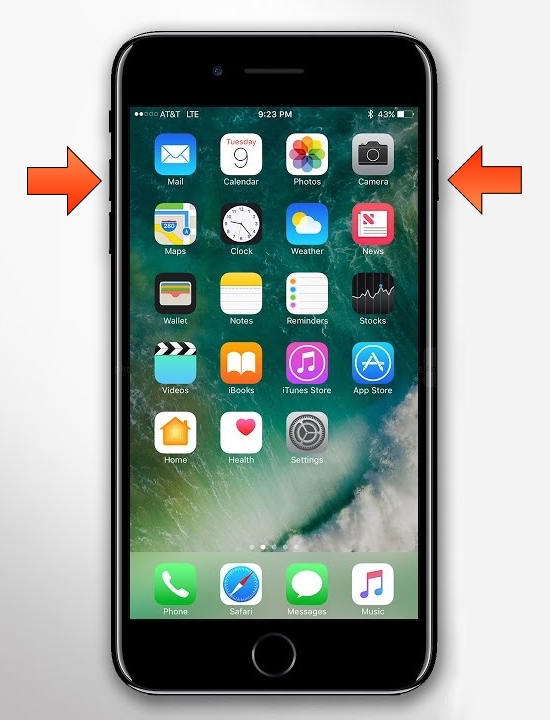
Get the iPhone X screenshot gesture on older iPhones with this tweak

The removal of the Home button from Apple’s notched handset lineup compelled the company to adopt a new button sequence for snapping screenshots on those devices. I’ve gotten accustomed to the new button sequence since adopting notched iPhones as my daily drivers since the iPhone X debuted, and I’ve found it somewhat challenging to remember to use the old screenshot button sequence on Home button-equipped devices.

If you’re like me and wish Apple would simply update iOS to make the screenshot button sequence the same across all devices for consistency’s sake, then you might appreciate a newly released and free jailbreak tweak dubbed Shot Pro by iOS developer Arablag, as that’s exactly what this add-on does for older handsets.

How to install Zebra on your jailbroken device

The Zebra package manager for jailbroken handsets is officially out of beta as of today, and if you have any intention of installing it on your device(s), then you might be pleased to learn that it’s a fairly straightforward process with no strings attached.

In this tutorial, we’ll show you the steps necessary to install the all-new Zebra package manager on any jailbroken device running iOS 9 through 13.

Zebra package manager officially debuts for jailbroken iOS 9-13 devices

Cydia has enjoyed its throne as the king of package managers on jailbroken handsets for more than a decade, but are we quickly entering a day and age where the tried and true Cydia will pass on the torch to something new?

One might be inclined to think so; especially now that Zebra, a popular third-party alternative to Cydia, is kicking off the new year in 2020 with an official public release. Zebra has been in beta testing for quite some time, but as of Wednesday afternoon, the package manager is no longer in beta, and it should be safe enough for the general public to go ahead and try on their own.

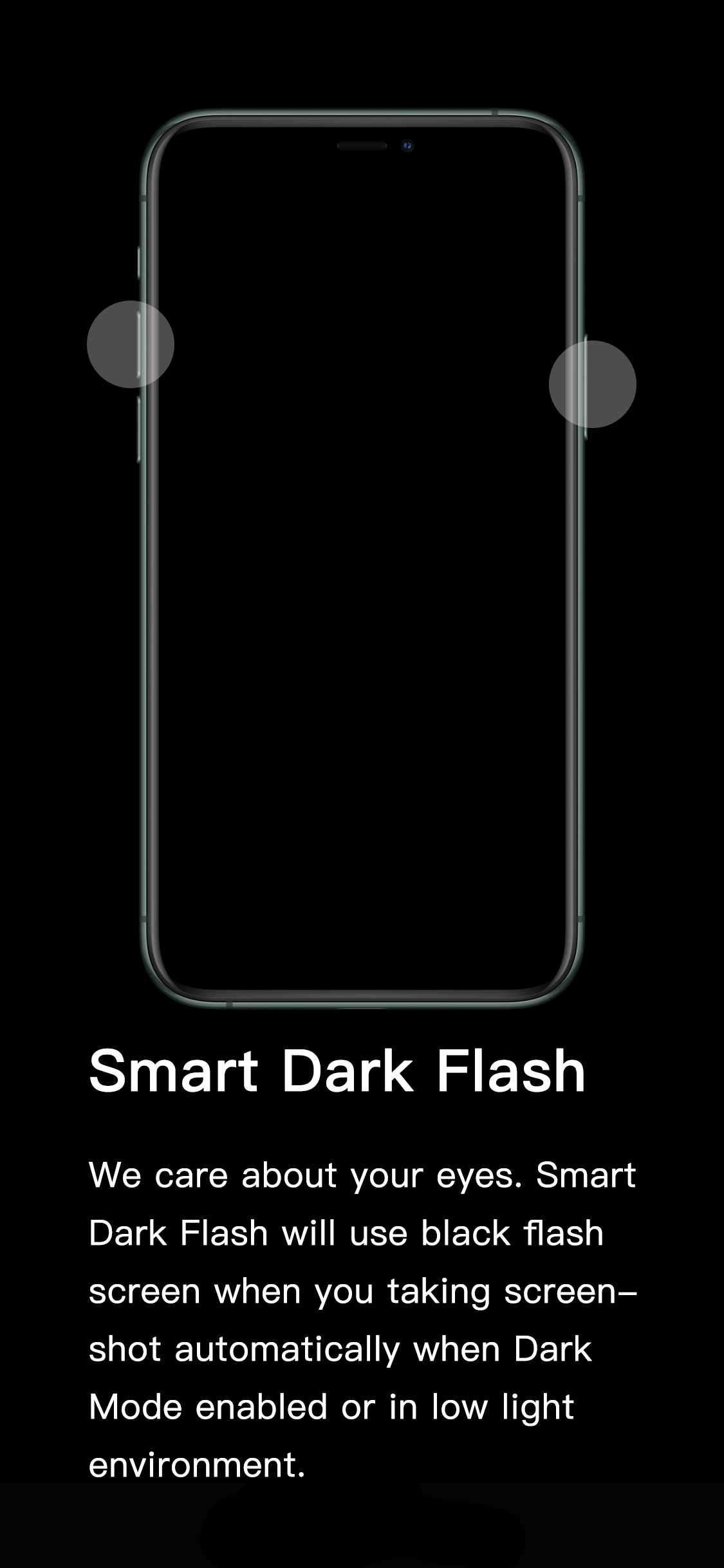
This tweak darkens the iPhone’s screenshot flash in dark environments

If you’ve ever wanted to show someone something from the display of your device without being in physical contact with them, then you might choose to capture a screenshot and send the resulting image to that person of choice. All iPhones and iPads support screenshot-taking, and if you’re familiar with the process, you should already know that iOS generates a bright white flash when the screenshot button sequence is invoked to simulate a camera flash.

It’s a nice touch to make the screenshot experience seem more realistic, but if you’re ever in a dark environment, such as peering at your phone while in bed, the bright white flash can be tear-jerkingly blinding. That’s why iOS developer XCXiao has released a new jailbreak tweak dubbed Smart Dark Flash.

Tint various aspects of the iOS UI with Accent

One of the subtle treats Apple provides to macOS users is the ability to set a custom accent color. This is the color that appears when selecting options in Menus, be it from the Menu Bar or when alt-clicking on items in Finder.

It’s clear that users have taken a liking to this minuscule customization-centric olive branch extended by Apple. That said, wouldn’t it make sense to have similar options in iOS? If you agree with that notion, then you might take a liking to a newly released jailbreak tweak called Accent by iOS developer Ivan Cristina.