iPod Touch

Google Photos gains revamped search with emoji support, customizable movies and more

After introducing smarter albums with text, maps and locations back in March, the search giant Google today issued a refresh to its mobile Photos application on the App Store. Now available as a free download for the iPhone, iPod touch and iPad, Google Photos version 1.10 packs in a redesigned search experience with support for emoji search (it really works) and Spotlight integration, better movies with the ability to add your own music to them and other perks.

On the web, Google Photos has gained a handy overlay with keyboard shortcuts and new features when uploading images to the service.

Users around the world are reporting search problems with App Store and Mac App Store

We are tracking multiple reports on Reddit, Twitter and other social media this morning that describe problems with the search feature on the App Store and Mac App Store, with some of the well-known apps not being surfaced in users' search results.

The issue appears to be widespread, but you wouldn't be able to tell that from looking at Apple's System Status webpage, which at the time of this writing had not acknowledged any such issues with App Stores.

Overhauled Apple Music to integrate lyrics, offer a new Browse section and more

9to5Mac's Mark Gurman has added some color to Bloomberg's report this morning which described an upcoming overhaul of Apple Music in broad strokes. According to Gurman's sources, the new-look Apple Music section within the stock Music app will be part of the overall iOS 10 refresh and include, among other things, lyrics integration.

The end-to-end overhaul includes ditching the colorful look in favor of a simpler, black and white design which emphasizes text. For example, the appearance of the albums view will no longer change based on the color of a particular album’s art.

A more intuitive Apple Music to launch at WWDC next month

Since its debut, Apple Music has received its fair share of criticism as fans complained about various issues, from the confusing, complicated user interface to a number of design inconsistencies. Thankfully, your prayers haven't gone unnoticed by the powers that be at 1 Infinite Loop, California.

As reported by Bloomberg, Apple is set to show off at WWDC next month a “more intuitive” version of Apple Music that should be easier to use.

How to view recent Safari history on iPhone and iPad

On any given day, I browse the web a lot—be it catching up on the news, doing research on future stories or skimming through my favorites to learn what's the latest. And more often than not do I find myself struggling to make my way back to an article I stumbled upon a few hours ago.

Locating a specific item in browsing history can feel like finding a needle in the haystack, especially if you're on the go.

Yes, I could just tap Safari's back button multiple times or swipe to go back a single webpage at a time until I found the webpage I was looking for, but that's a time-consuming process which unnecessarily wastes my iPhone's cellular data.

As you'll discover in this tutorial, Safari provides a very handy, though not immediately obvious shortcut which allows you to quickly jump to any previously visited webpage.

Apple seeds new betas of iOS, tvOS and OS X

Apple on Tuesday seeded brand new betas of the iOS, tvOS and OS X operating systems to members of the Apple Developer Program. iOS 9.3.2 beta 4 (build 13F68), tvOS 9.2.1 beta 4 (build 13Y772) and OS X El Capitan 10.11.5 beta 4 are all available for download on devices running earlier betas. Standalone installers can be downloaded through Apple's Dev Center for developers and are also available for public testing for members of the Apple Beta Software Program.

Airplane Enhancer+ takes iPhone battery preservation to the extreme

Airplane Mode icon.

Airplane Mode is a feature built into your iOS devices that makes your devices airplane friendly by disabling all the wireless radios that could be a nuisance to on-board plane equipment, but it can also be used to increase your battery life.

Since the wireless radios are put to rest when your device's Airplane Mode option is enabled, you'll burn through less battery on a single charge with the feature turned on, and this is basically the idea behind a new jailbreak tweak dubbed Airplane Enhancer+.

Deal: Alto’s Adventure is 66 percent off today only

Alto's Adventure, an endless snowboarding odyssey, is currently available at a deep 66 percent discount as part of a Spring sale developer Snowman has been having since five days ago. The game is currently available for just 99 cents on the App Store, down from its usual asking price of $2.99 a pop. Alto's Adventure is a universal app so that's 99 cents to play this remarkable well executed triple-A on your iPhone, iPod touch, iPad and Apple TV.

I have confirmed with Snowman that the discount will be up for at least another 24 hours so now's the perfect chance to grab this premium game if you haven't already.

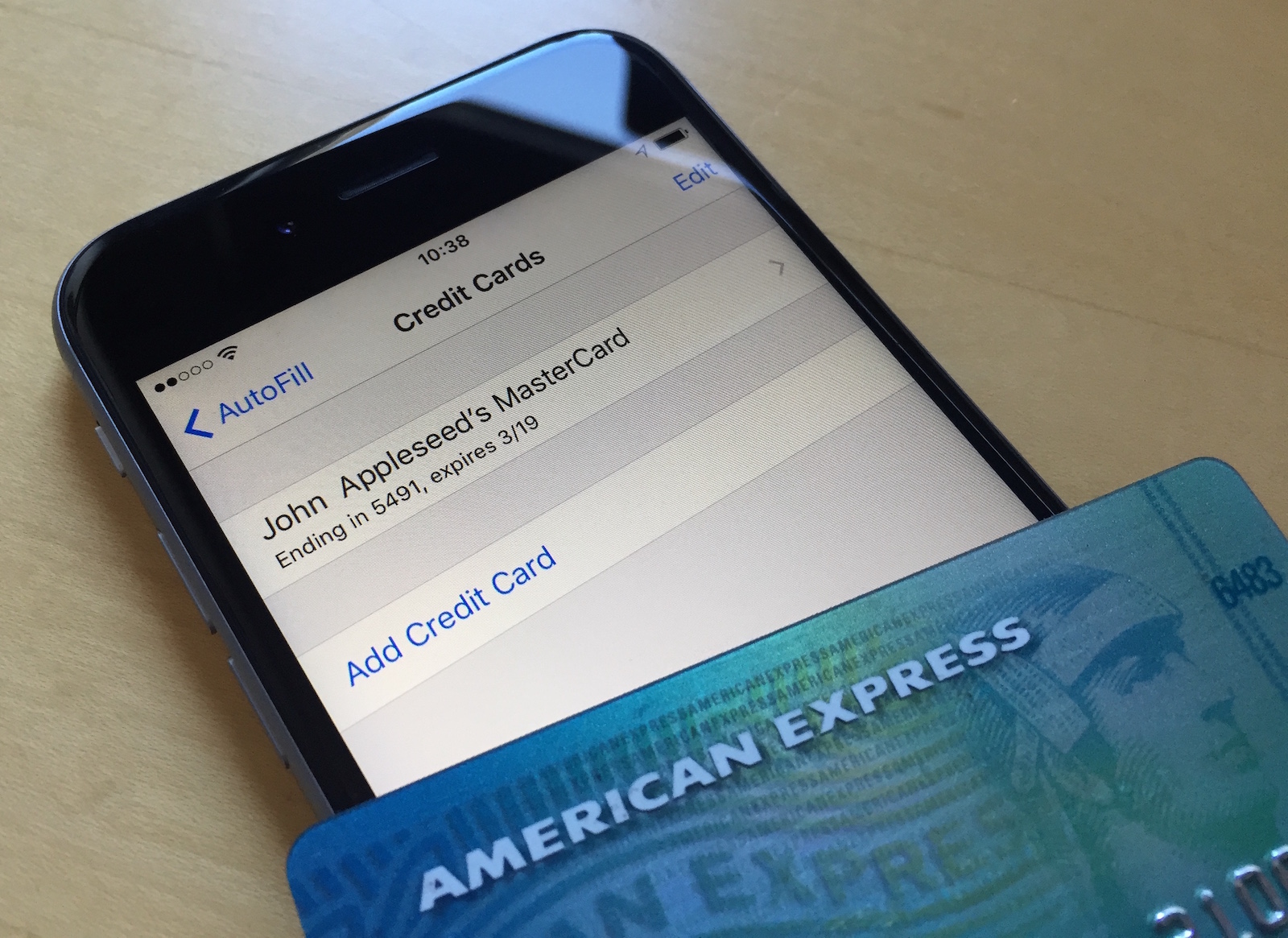
Changing your Apple ID credit card info directly from your iPhone

Your Apple ID is used whenever you want to make purchases from one of Apple's online digital content stores. This includes the App Store, Books Store, and iTunes Store.

From time to time, you may switch credit card providers, get a new credit card number, or opt to use a different payment method than the one you're already using.

It's easy to change your Apple ID payment information right from your iPhone, iPod touch, or iPad and in this tutorial, our aim is to teach you how.

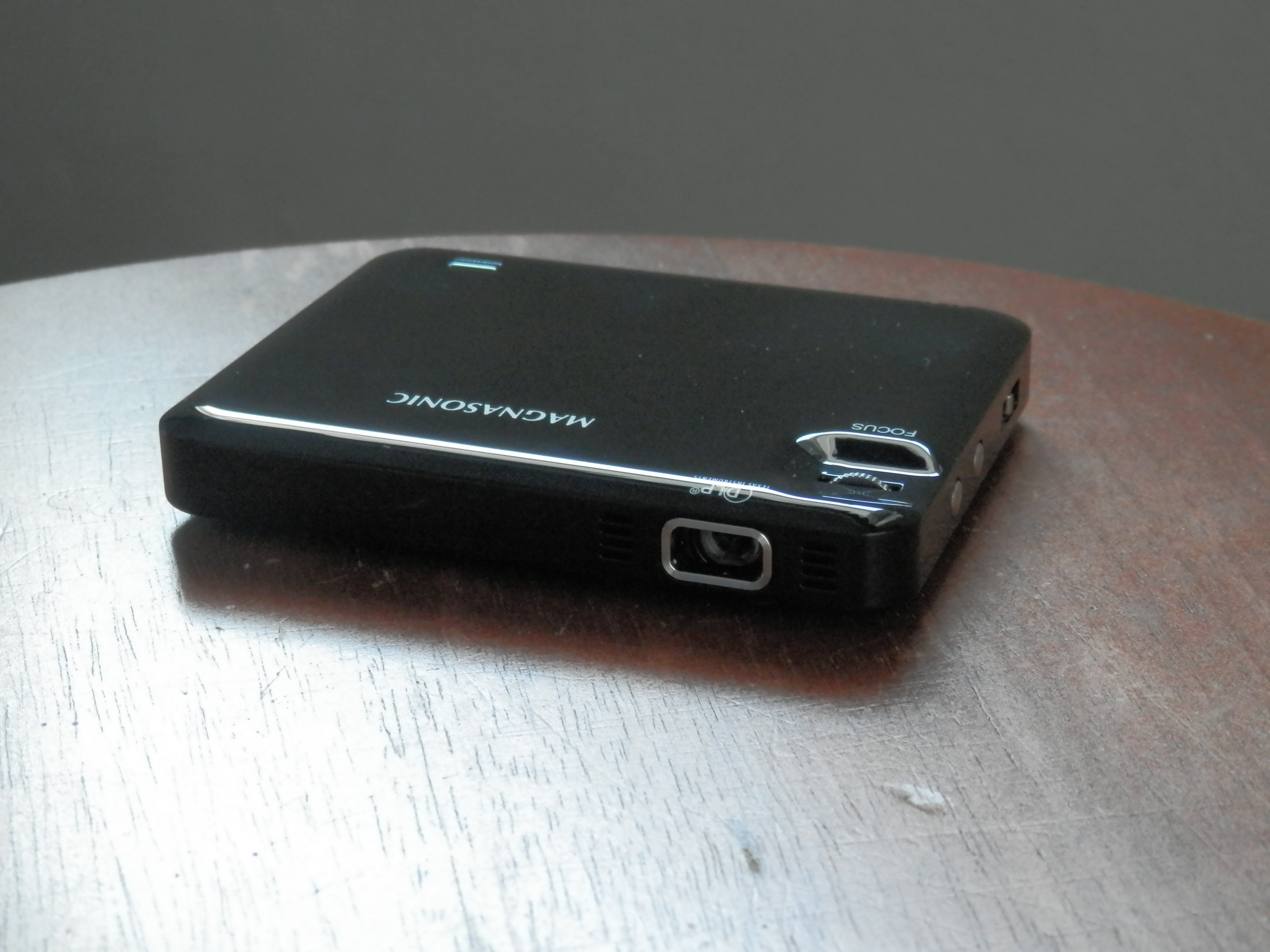
Magnasonic’s pocket-sized LED Pico projector lets you take the big screen anywhere

Magnasonic's new LED Pico Projector is just what you need if you're an on-the-go business person, want to watch movies on your wall, or need a quick way to show off a presentation at work or in class. But the uses don't stop there.

I first saw these little portable LED projectors emerging on the market just a couple of years ago, and I've been itching to try one ever since, but the technology is really coming around to being practical for use and the prices are just starting to become more affordable.

In this review, we'll show you how Magnasonic's new LED Pico Projector works and walk you through all of its features.

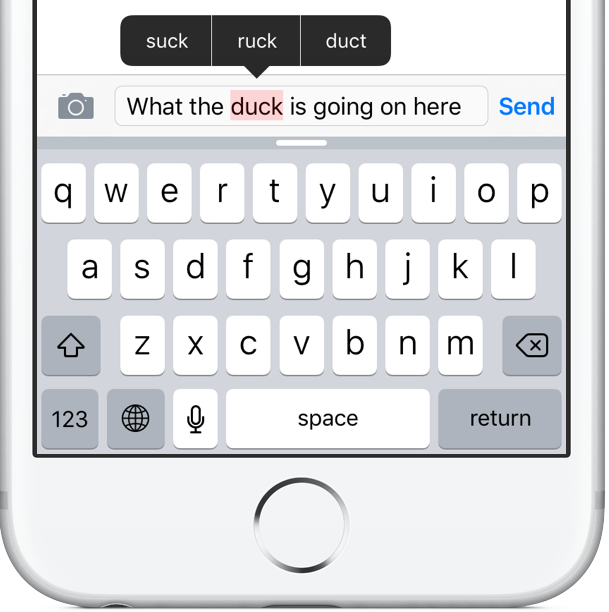
Apple’s vision of a streamlined clarification process for when Auto-Correction makes mistakes

There probably isn't a single iPhone user on this planet that hasn't experienced the “joys” of the Auto-Correction feature interfering with their messaging. Auto-Correction mistakes often produce hilarious miscommunications (there's a website for that).

Whether or not you're a heavy typist, you'll appreciate that Apple's been researching ways to improve Auto-Correction, according to a patent application that surfaced yesterday in the United States Patent and Trademark Office's (USPTO) database.

Cryptically titled “Device, method and graphical user interface for visible and interactive corrected content,” it envisions highlighting auto-corrected words in an iMessage for the recipient and a built-in Messages feature for streamlining the process of clarifying what the sender meant.

Tip: find tons of messages you didn’t know existed inside Messenger’s secret folder

What if I told you that you most likely have tons of messages you didn't even know existed, stowed away in a little-known folder on Facebook?

While messages from your Facebook friends and Messenger contacts are delivered straight to your inbox, the system filters out those it deems spam and tucks them away into a hidden vault.

Some of those filtered messages could be from a distant family member trying to re-connect with you. Others might be vitally important. If you suspect Facebook is hiding messages you should've been aware of, this tutorial will teach you how to access a treasure trove of messages that you never knew you had.