iPod Touch

Hands-on video walkthrough: Everything new in iOS and iPadOS 13.5
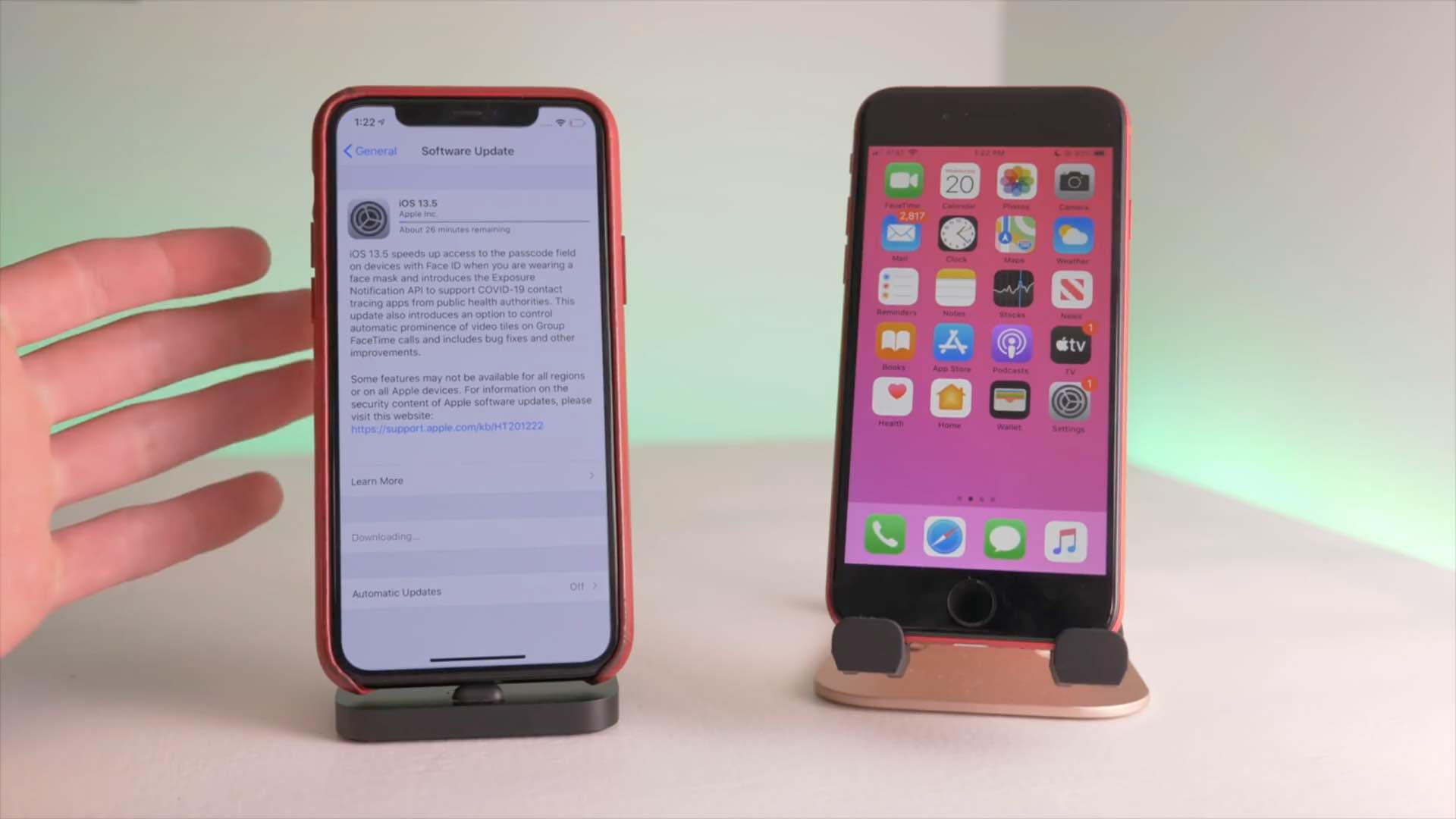
Apple yesterday released the iOS 13.5 software for the iPhone and iPod touch alongside iPadOS 13.5 for the iPad. The updates bring out several new features including coronavirus exposure logging, Apple Music sharing and APIs for developers to create privacy-first COVID-19 apps, as well as Face ID and group FaceTime improvements. To help you make the most out of these new software updates, we've tasked our videographer Harris Craycraft with putting together a little hands-on video walkthrough detailing all the changes in iOS and iPadOS 13.5.

How to use all the new iPhone and iPad features in iOS and iPadOS 13.5

Apple on May 20, 2020 released iOS 13.5 for the iPhone and iPod touch devices and the iPadOS 13.5 update for compatible iPads. With those updates come several new features worth mentioning, including a new COVID-19 exposure notification system, Face ID improvements for mask wearers, disabling moving faces in FaceTime, Apple Music sharing to Instagram and Facebook Stories and more. Follow along with our quick tutorial explaining how to use everything new in iOS and iPadOS 13.5.

How to disable COVID-19 exposure notification and logging on your iPhone

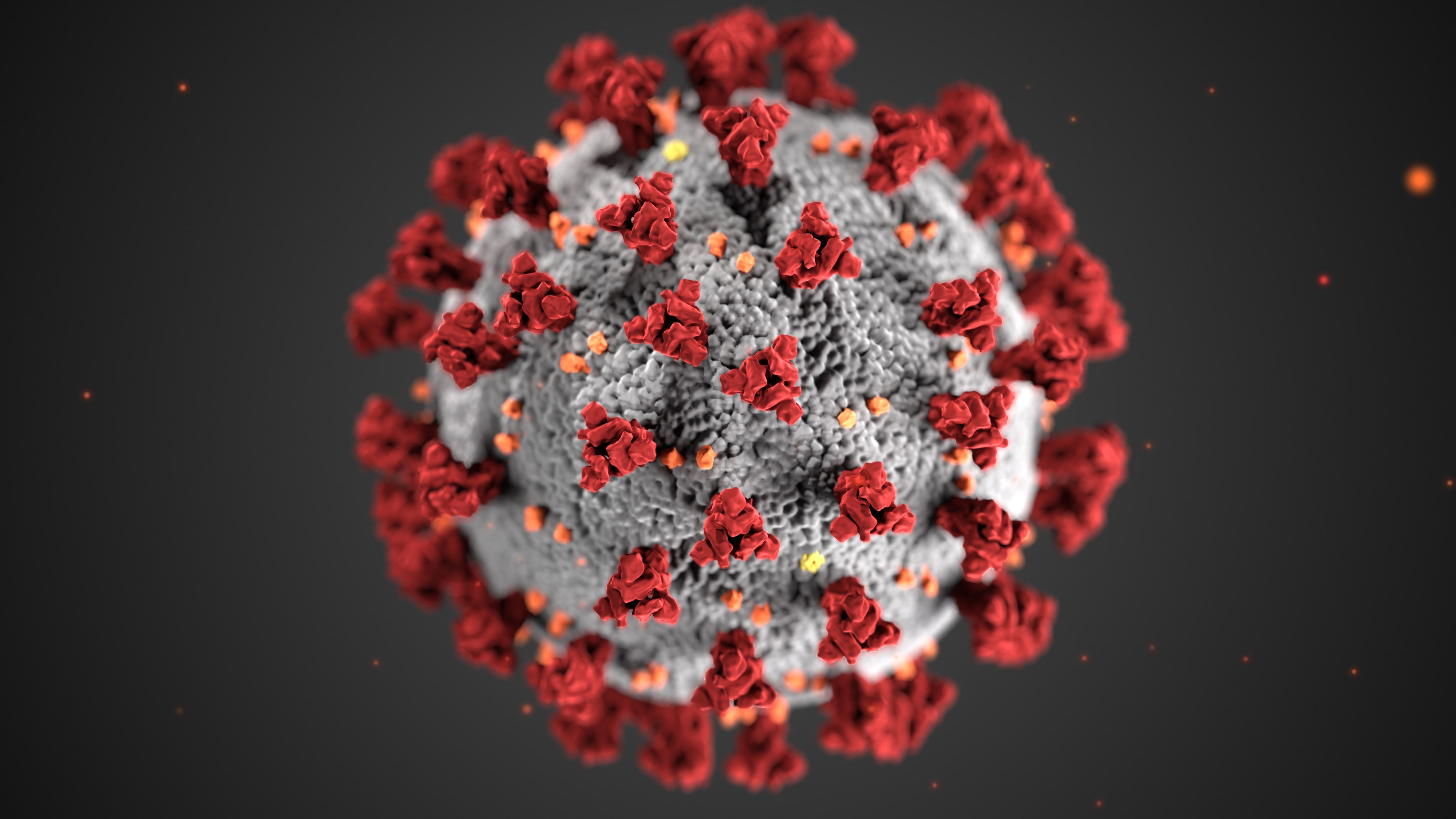
The COVID-19 exposure notification in iOS 13.5 informs you whether you may have contracted the coronavirus by coming into contact with someone who's been diagnosed with COVID-19. This secure, private contact-tracing technology works in tandem with apps from public health authority developers that are installed on your device. If you'd rather opt-out, however, follow along with our step-by-step tutorial that teaches you how to disable the COVID-19 exposure notification at the system level to stop exposure logging and contact-tracing via Bluetooth.

Word and PowerPoint gain Split View, trackpad support coming to Office for iOS by the fall

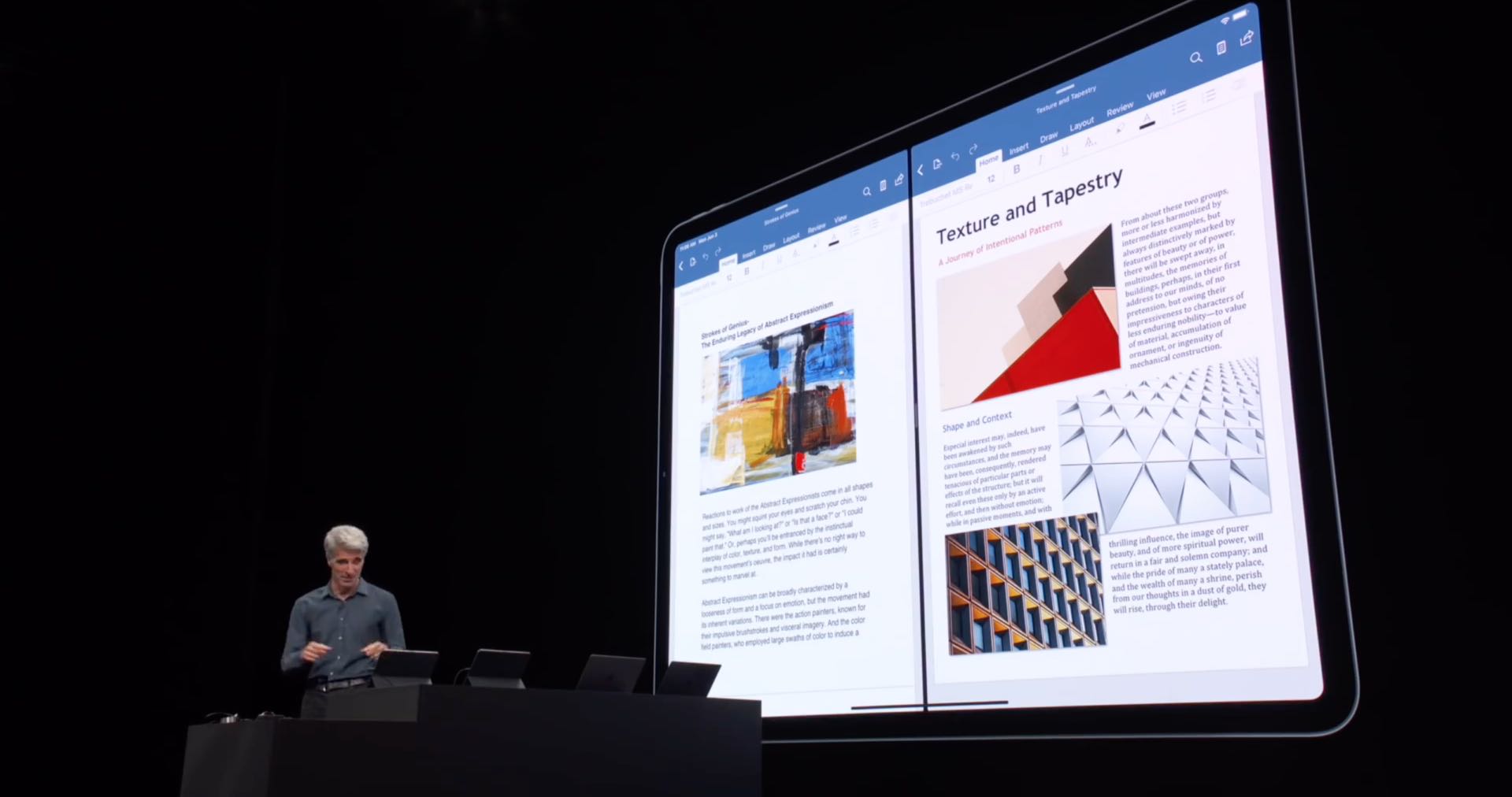
Keeping true to its promise, Microsoft yesterday updated its Word and PowerPoint productivity apps on the App Store with the ability to open two documents in a side-by-side view on iPad via Split View multitasking support. The Excel app did not pick up Split View support at post time, however. Microsoft has also acknowledged that it's working on implementing iPadOS trackpad support for the Office suite, but don't expect to be taking advantage of it before the fall.

If you’re having issues with Personal Hotspot on your iPhone or iPad, you’re not alone

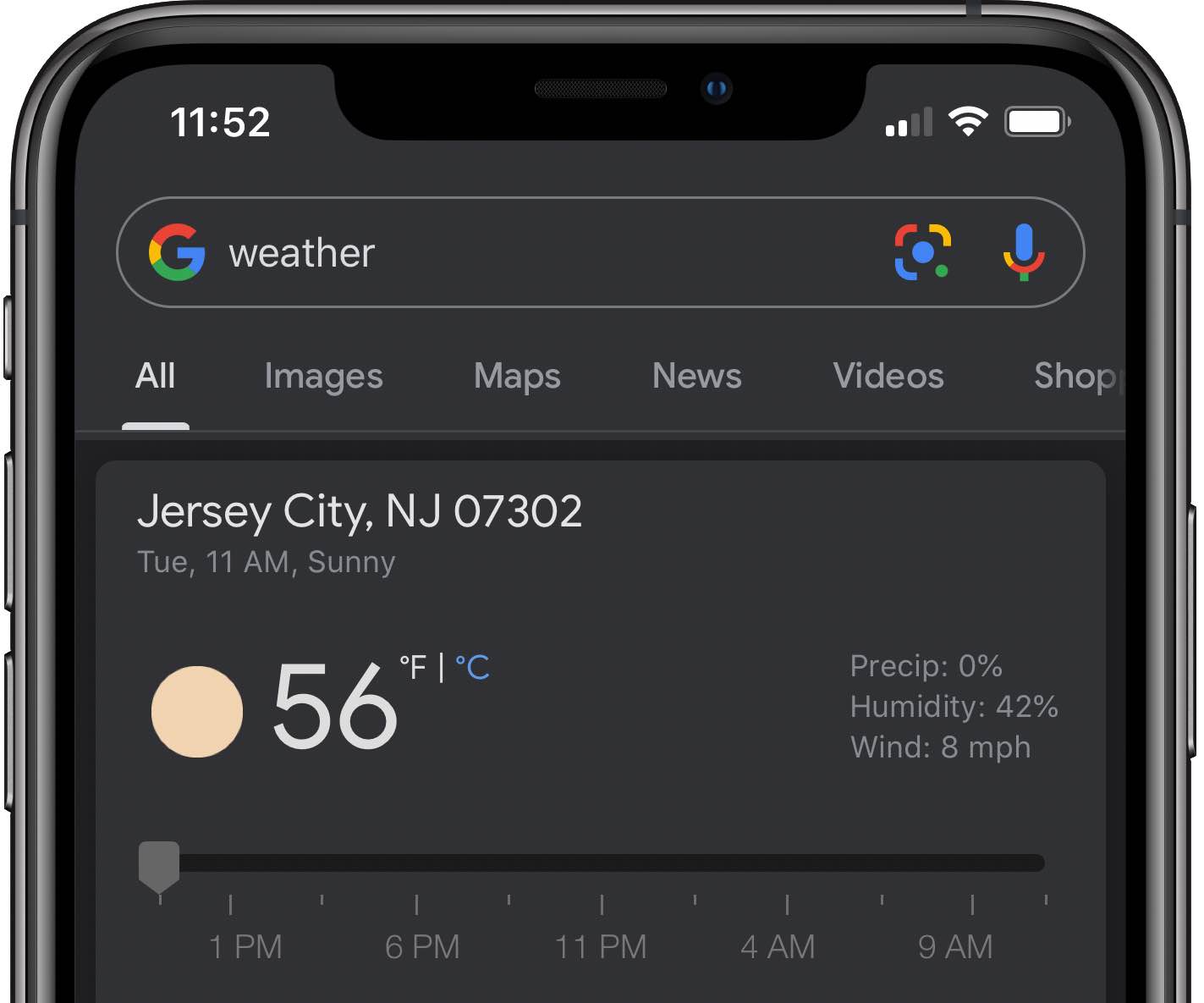
In this day and age of self-isolation amid coronavirus lockdowns, I've been having lots of issues with my broadband Internet connection (as have a lot of other people) now that many of us are working from home. Network congestion interferes with my work, so when this crisis began escalating I figured I should try using my iPhone's cellular network instead.

LPMPad ports native Low Power Mode to jailbroken iPads & iPod touches

Low Power Mode.

If your iPhone’s battery level ever ventures into the danger zone, then Apple has graciously provided you with a Low Power Mode option that you can toggle in a pinch to take full advantage of every last precious drop of juice you have left. But for whatever reason, this same toggle isn’t available on iPads or iPod touches – what a shame!

While it remains to be seen if Apple will ever bring Low Power Mode to the iPad or iPod touch platforms, the good news is that jailbreakers won’t have to wait. A newly released and free jailbreak tweak dubbed LPMPad by iOS developer iCraze ports Low Power Mode to these devices in such a way that it feels just as native as it would on the iPhone.