iPhone

Stay up-to-date on the latest iPhone news and learn new tips and tricks with our comprehensive tutorials. From software updates to new features, we’ve got you covered.

iOS 10 preview: Siri comes to (some) apps & powers smarter QuickType keyboard suggestions

Siri has gained new features in iOS 10. Not only does she power smarter QuickType keyboard suggestions and lets you control HomeKit-compatible accessories using your voice, but Apple now officially supports third-party integration with SiriKit for developers.

In opening up Siri to apps, Apple's taken the same controlled approach like with iOS multitasking by only permitting certain app types.

In this iOS 10 preview, we're going to take a closer look at an improved QuickType keyboard with added Siri intelligence, explain specific app types that can take advantage of Siri and look into the technologies that make all of this possible. 

New iPhone 7 rumor: dual-SIM trays, headphone jack not going anywhere, 256GB model

Apple's next-generation handset may include dual-SIM trays allowing it to be used with multiple carriers more easily, if photos of alleged iPhone 7 components posted on Chinese microblogging service Weibo are anything to go by.

The ability to use two SIM cards at the same time, a first for iPhone, would let users send and receive cellular phone calls and text messages from two phone numbers, via two carriers. The iPhone 7 may also keep the headphone jack and include a 256-gigabyte model, a leakster said.

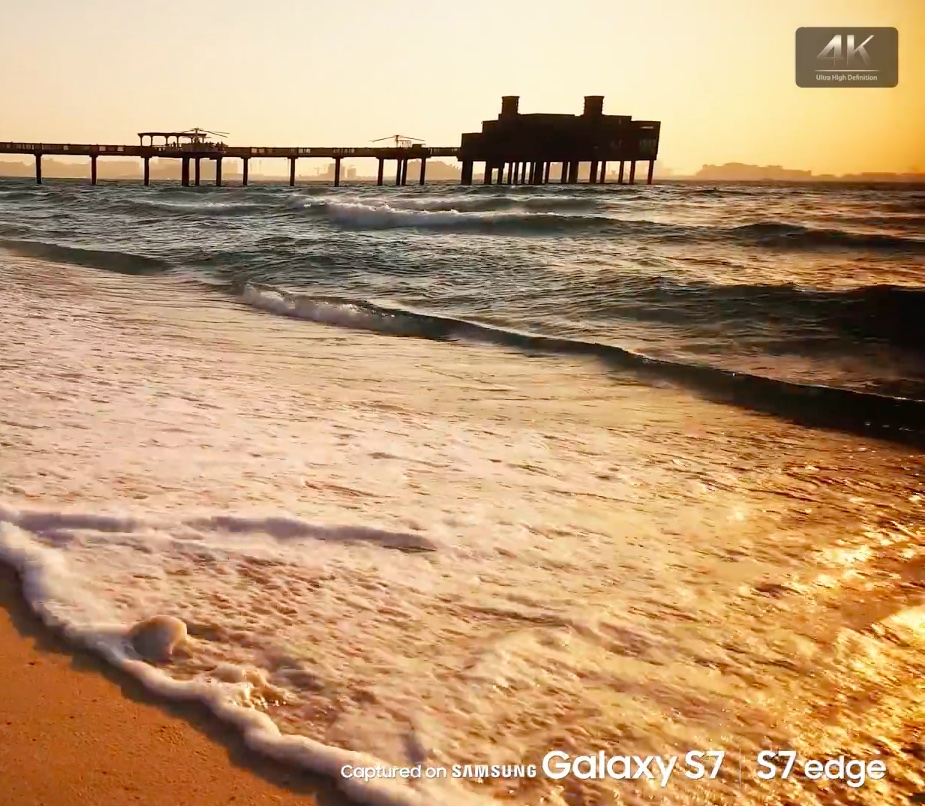
Here comes “Captured on Galaxy S7” ad

You don't need to be an advertising expert to figure out that the latest campaign for Samsung's Galaxy S7 and Galaxy S7 Edge bears striking resemblance to “Shot on iPhone,” one of Apple’s most successful ad campaigns which has won many awards since its debut nearly two years ago.

As CNET reported this morning, Samsung started airing a brand new commercial for its new Galaxies.

Titled “Captured on Samsung Galaxy S7”, the video was conceived to show off 4K video capture capabilities of the phone.

iOS 10’s elusive Dark Mode shown in Settings app

Five days ago, iDownloadBlog's own Andrew O'Hara first wrote about jailbreak developer Andy Wiik's discovery of Dark Mode resources buried deep within iOS 10's Messages app.

During the weekend, Wiik shared a few new screenshots showing a dark mode for the Settings app, running in iOS Simulator, strongly suggesting that these Dark Mode resources may not have been left within iOS 10 code by accident.

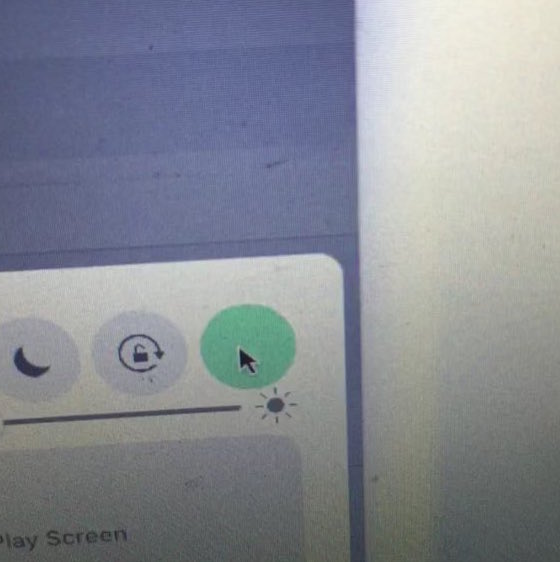
Resources discovered in iOS 10 suggest cellular data toggle possibly coming to Control Center

iOS 10 has a lot going on. There are a lot of enhancements that we've covered so far, and many more we haven't. New features aside, many people have been digging through iOS 10 beta in search for unannounced features, or upcoming devices.

Thanks to iOS developer Andrew Wiik, we have another idea of what might be coming in a future iOS 10 beta: the sought-after cellular data toggle in Control Center.

Modern Atlas, Lemon, VUE and other apps to check out this weekend

Whew! What a long week. Apple held its annual WWDC keynote on Monday, where it unveiled new versions of iOS, macOS, tvOS and watchOS, and we spent the rest of the week following up on those announcements. But now it's time for the weekend, and we plan on kicking back and relaxing with some of our favorite new apps and games, which we've listed for you below.

iOS 10 tidbit: managing app downloads in progress with 3D Touch

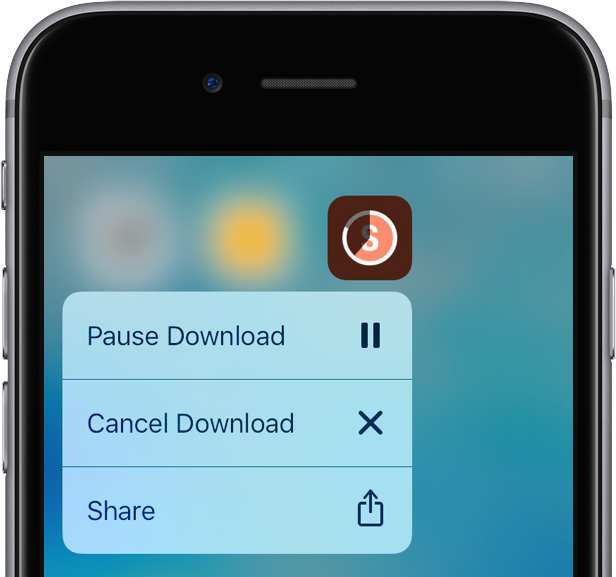
Pausing an in-progress App Store download has always been a cinch on iOS: you just tap the icon of the app being downloaded on your Home screen in order to pause the download, and then tap it again to resume it.

But cancelling the download is a trickier affair: you must tap the icon's X sign in jiggle mode. The problem is, entering iOS's signature jiggle mode often interferes with 3D Touch.

Thankfully, iOS 10 comes to the rescue with all-new 3D Touch shortcuts for managing downloads in progress.

iOS 10 tidbit: getting to Spotlight from any app, in an instant

Since installing iOS 10 Preview on my iPhone 6s I've been discovering these little gems that, in my personal opinion, will make this particular revision to Apple's mobile OS the most worthwhile upgrade yet.

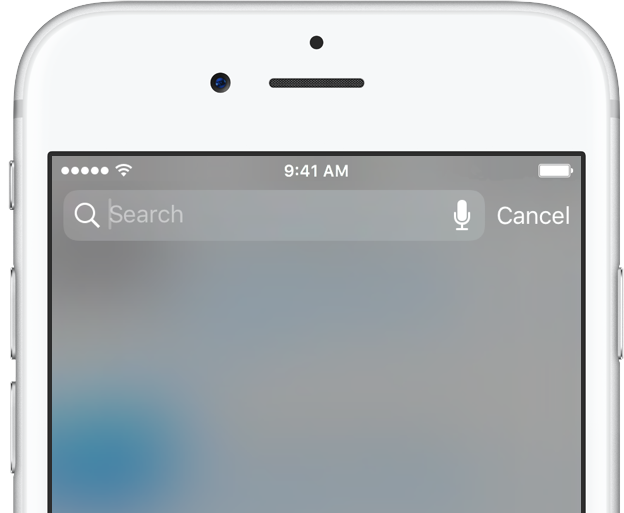
Aside from major new headlining features, it's the little things that make our hearts sing. One of such subtle refinements is the ability to quickly get to Spotlight Search from any app.

iOS 10 tidbit: unsubscribe from mailing lists from the Mail app

Lately, I feel like all I get is spam email. This is very frustrating and I've taken to using apps like Unroll.Me that make it easy to unsubscribe from the bevy of email lists I've somehow wound up on. That being said, it appears Apple has baked the ability to unsubscribe from mailing lists straight from the native Mail app in iOS 10.

Apple’s free app of the week: TextGrabber

Apple on Thursday updated its App of the Week promotion with the productivity app TextGrabber. This means that for the next 7 days, you’ll be able to download the popular OCR translation app for free on both iPhone and iPad—a solid savings of $5.

For those of you who are unfamiliar with TextGrabber, it easily and quickly scans, translates and saves your chosen text or QR-codes from virtually any printed material. All you have to do is take a picture, and TG handles the rest.

No, widgets haven’t been removed from iOS 10’s Notification Center

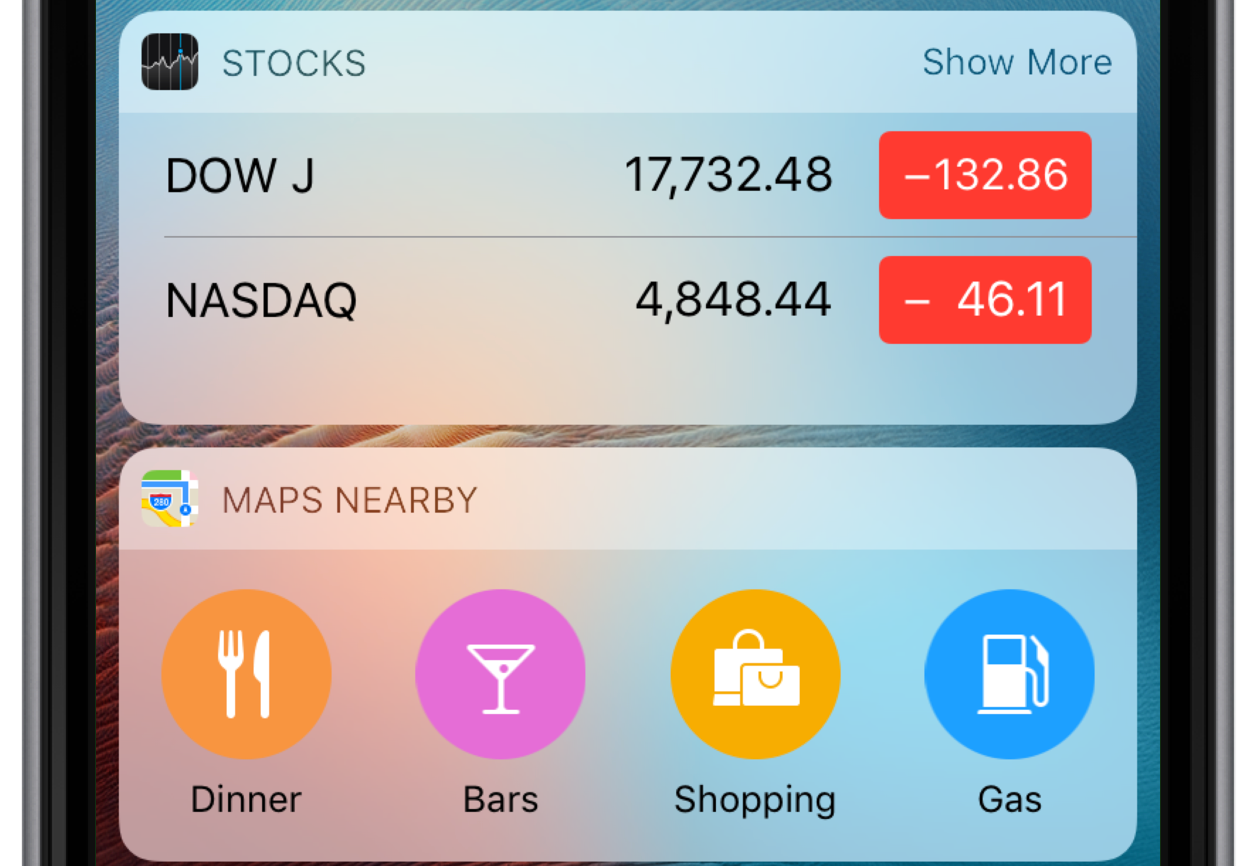
Widgets are a big deal in iOS 10. In addition to having new capabilities such as increased support for 3D Touch and the ability to play—and even stream—video inline, they now have a dedicated side panel on the Lock screen. Now, some people have voiced concerns about widgets having been removed entirely from the Notification Center on iOS 10.

Luckily, that's not entirely true.