iPhone

Stay up-to-date on the latest iPhone news and learn new tips and tricks with our comprehensive tutorials. From software updates to new features, we’ve got you covered.

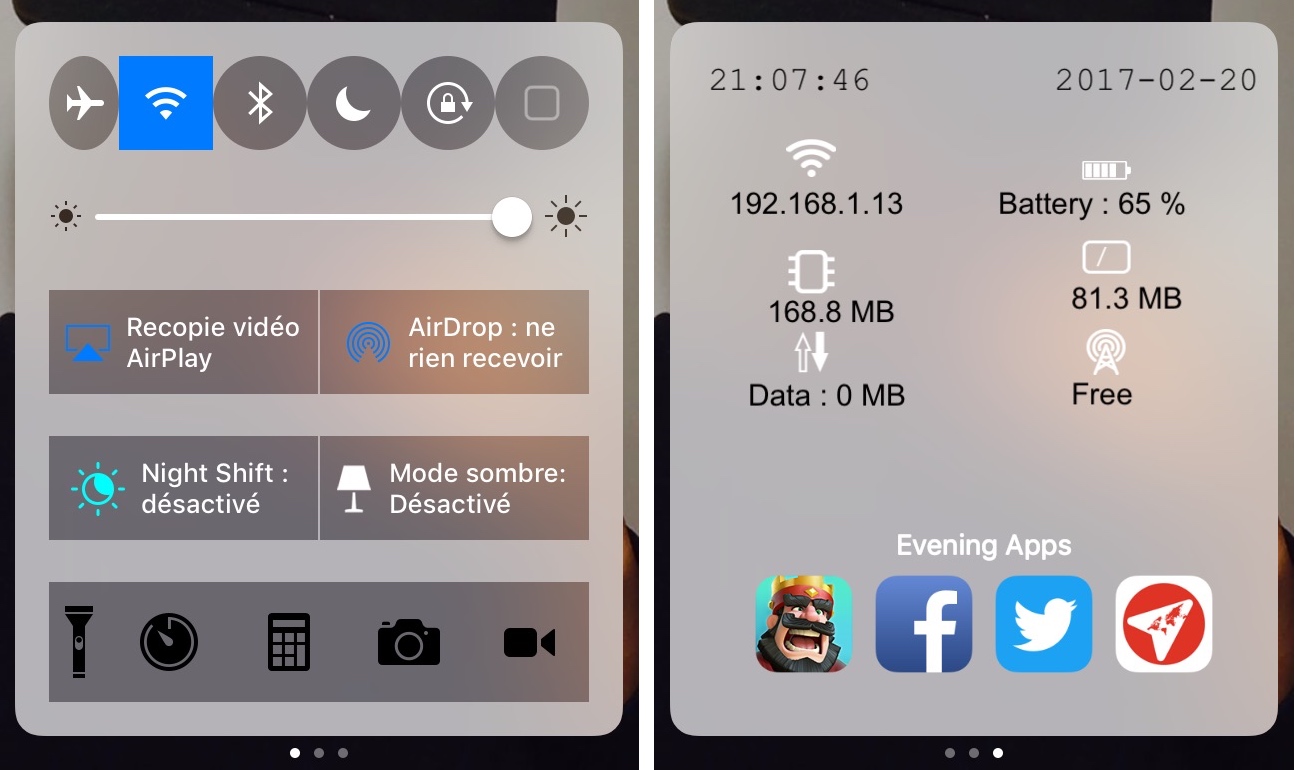
CCWallCustomizer lets you change your Control Center background

With a new free jailbreak tweak called CCWallCustomizer by iKilledAppl3, you can change the background of your Control Center interface on iOS 10.

The tweak can use any image you choose from your Photo Library as the source for your background. You can easily save any image you want from the web or snap your own pictures with the Camera to be used.

PerfectFit automatically resizes ‘outdated’ apps to support newer iPhone resolutions

Every so often you might come across an app you need from the App Store where the developer hasn’t even bothered to update the interface for the latest iPhone resolutions. In most cases, this means they’re still designed to work on the iPhone 4s resolution or earlier, and this leaves unsightly black bars at the top and bottom of the app.

As frustrating as this is, Apple still allows the apps to run (not for much longer), but they just won’t look as nice. A new free jailbreak tweak called PerfectFit by Tony Kraft can force these apps to run at a much more native-feeling resolution so they look better too.

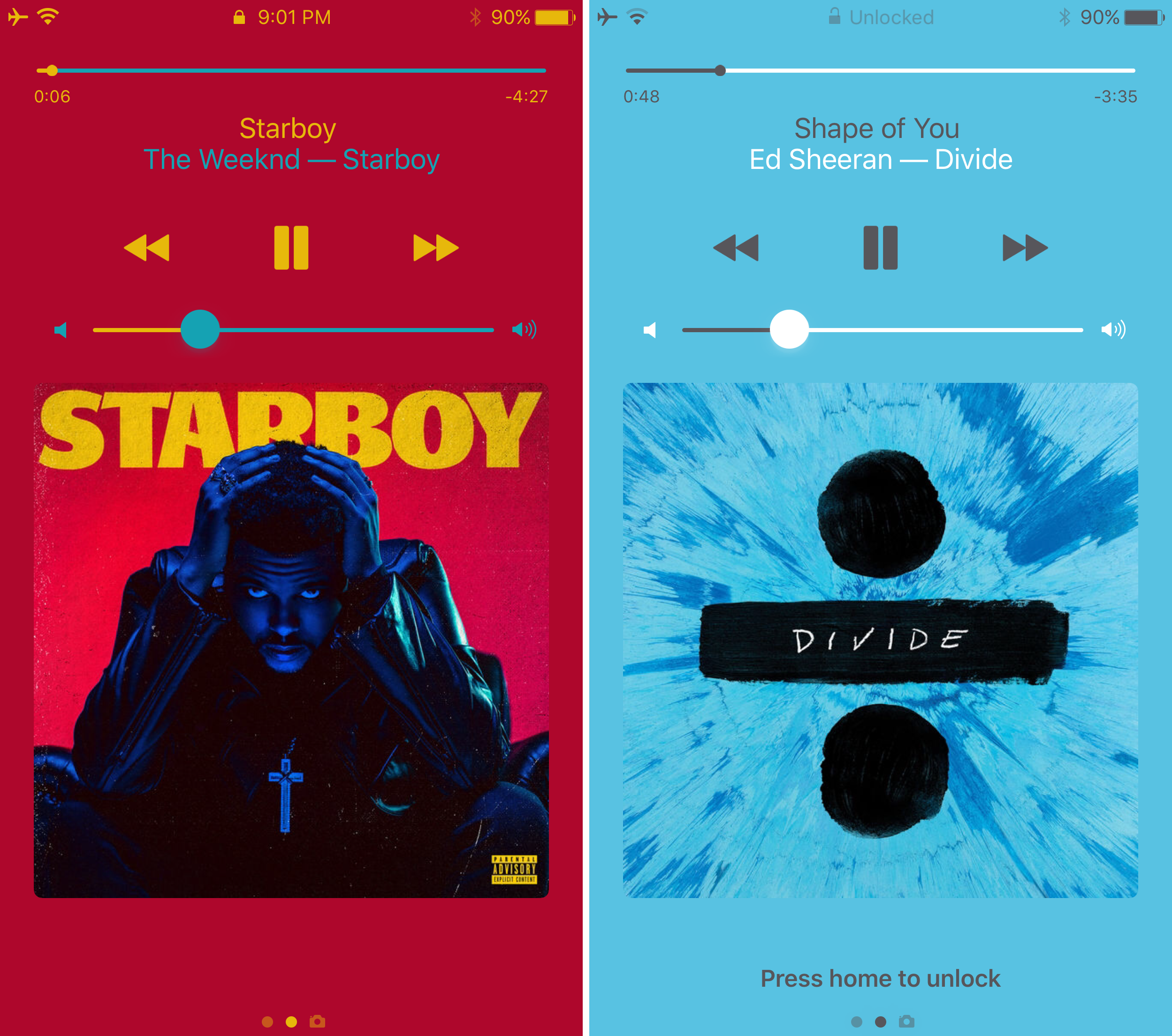
Sonus is a highly customizable volume HUD replacement for iPhone and iPad

The volume HUD in iOS has always left a lot to be desired; it pops up in the center of the screen and then seemingly lingers for an eternity, all while getting in the way of everything, whether you’re watching videos, looking at photos, browsing the web, or doing anything else while trying to change your device’s volume level.

A new jailbreak tweak called Sonus by ubik is just one of many attempts to make the volume HUD better in iOS, and unlike much of the competition out there, it has a lot of options that you can take advantage of to deck out the tweak and make it look and feel the way you want it to.

TranslucentMessages makes the iOS 10 Messages app translucent with stunning blur effects

Your iPhone is a tool of communication, so you might spend a lot of your time lurking in the Messages app. As you know, it's just as dull as almost every other stock app on your device; plain and white. Since you spend so much time in the app, why not give it a makeover that could make you enjoy using it even more?

That's where a new free jailbreak tweak called TranslucentMessages by Ayden Panhuyzen comes in handy, as it takes what is otherwise a boring UI and gives it some fancy translucent visuals.

This tweak will let you force cellular network connections when launching certain apps

When you’re constantly around Wi-Fi networks that block access to certain sites and apps, such as those in educational institutions, you might need to use cellular data to bypass these blocks. The only problem is, you typically have to go through the trouble of turning Wi-Fi off manually, which can be a pain.

That’s the idea behind a new free jailbreak tweak called NoWifiWhenRunThisPlz by HiDan, which lets you configure the apps you want to force cellular usage on, rather than Wi-Fi, when launched.

NoClose prevents you from accidentally force-quitting apps that are currently playing media

Sometimes when force-quitting apps from your App Switcher, you end up closing an app that’s playing media in the background by accident. This forces you to re-open the app and re-play the song you were just listening to from the beginning... all over again.

If you do this quite often, then you probably have App Switcher OCD and are clearing your App Switcher more often than you need to, but that’s beside the point; a new free jailbreak tweak called NoClose by Skylerk99 can help prevent you from accidentally force-quitting apps that are playing media in the background by prompting you beforehand.

Check out stealth case for iPhone prototypes Apple uses to prevent leaks

More than six years ago, an Apple engineer mistakenly left an iPhone 4 prototype on a bar stool in a nice German beer garden in Redwood City, California. The rest, as they say, is history.

The random dude who originally found it didn't really have a clue he'd gotten hold of Apple's biggest secret at the time as the prototype device was cleverly disguised as an ordinary iPhone 3GS.

Australian leakster Sonny Dickson gave MacRumors a closer look at a special stealth case Apple uses to prevent leaks and conceal handset prototypes during transport between its Cupertino headquarters and manufacturing partners in China.

Google’s dedicated search app gains filters for local results, Gboard & enhanced AMP support

Google's dedicated search app was updated this morning on App Store with a trio of nice-to-haves. For starters, you can now easily filter your local search results for museums, coffee shops, restaurants and other places of interest. With an expanded support for Google's Accelerated Mobile Pages (AMP), more webpages will now load instantly within the app. AMP-optimized webpages are denoted on search results with a lightning bolt icon. Lastly, you can now use Google's gesture-driven Gboard keyboard in the mobile search app.

iPhone 8 concept imagines rumored “function area” replacing Touch ID and Home button

KGI Securities analyst Ming-Chi Kuo, along with other analysts, told clients that iPhone 8 would most likely feature a 5.8-inch OLED screen with an active display area of 5.1 inches.

It's now becoming clear that Apple's upcoming handset will probably adopt an almost bezel-less full-screen front face design by ditching the physical Home and Touch ID button.

Its function would be supplanted by a set of dynamic virtual controls sitting in a new “function area” at the bottom of the display. That, in turn, would allow for a range of time-saving shortcuts without degrading the experience, as evidenced in a batch of nicely done renderings created by a MacRumors Forum member “deuxani”.

Pokémon GO gains 80+ new creatures and a bunch of new features in latest update

Pokémon GO developer Niantic Labs announced two days ago that an upcoming update would bring over eighty new Pokémon and other new features to the popular augmented reality game. Yesterday, the developer said that the new Pokémon GO 1.27.2 update containing those perks began rolling out.

It's a staggered release so you might need to wait a little bit longer if it's not live on your local App Store yet. Here's everything new in Pokémon GO 1.27.2 for iOS.

Watch Apple’s latest ads promoting Portrait mode on iPhone 7 Plus

Lately, Apple has been amping up its advertising efforts concerning its flagship dual-lens iPhone 7 Plus model, as part of its broader “Shot in iPhone” campaign. Following its “Creek” and “Soul Mate” ads earlier this month which showcased Portrait mode on iPhone 7 Plus and prior commercials highlighting the handset's enhanced low-light photography features, the company yesterday posted two new ads on its YouTube channel, titled “Boyfriend” and “Profile Picture”.